🌐 Good news — we've translated this article into other languages!
Or pick the one you like:

Utility Mobs Mod adds new golems and turrets to help you defend your base from monsters. It also introduces special utility blocks, like crafting tables and chests, that can walk and follow you around. These friendly mobs will even teleport to you if they get too far away, so you always have your important tools nearby.

Utility Mobs Mod

Features:

Defensive Mobs

Build an army to protect your home with new golems and turrets.

  • New Golems: Includes Stone, Obsidian, Armor, and Scarecrow golems to fight for you.
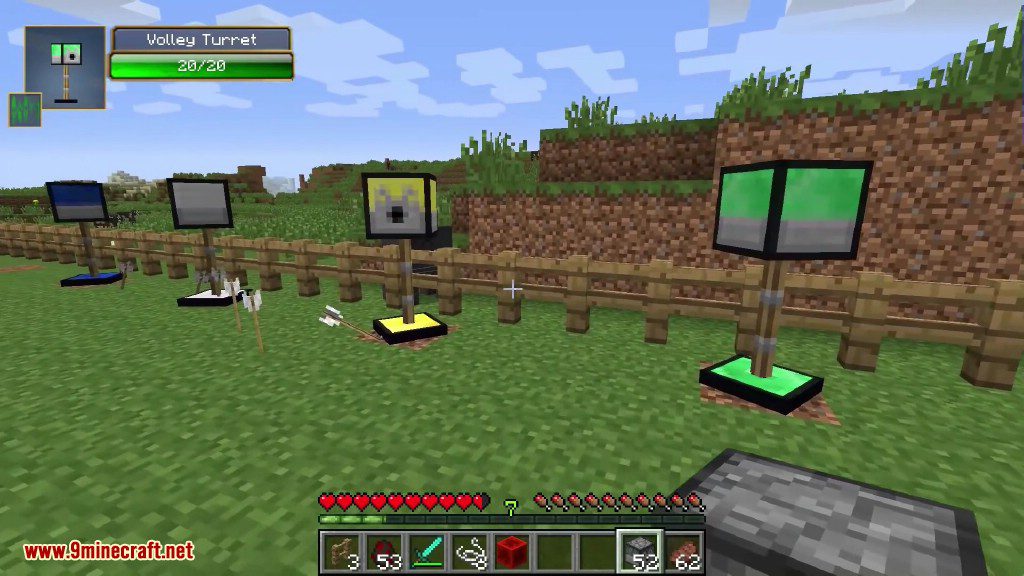
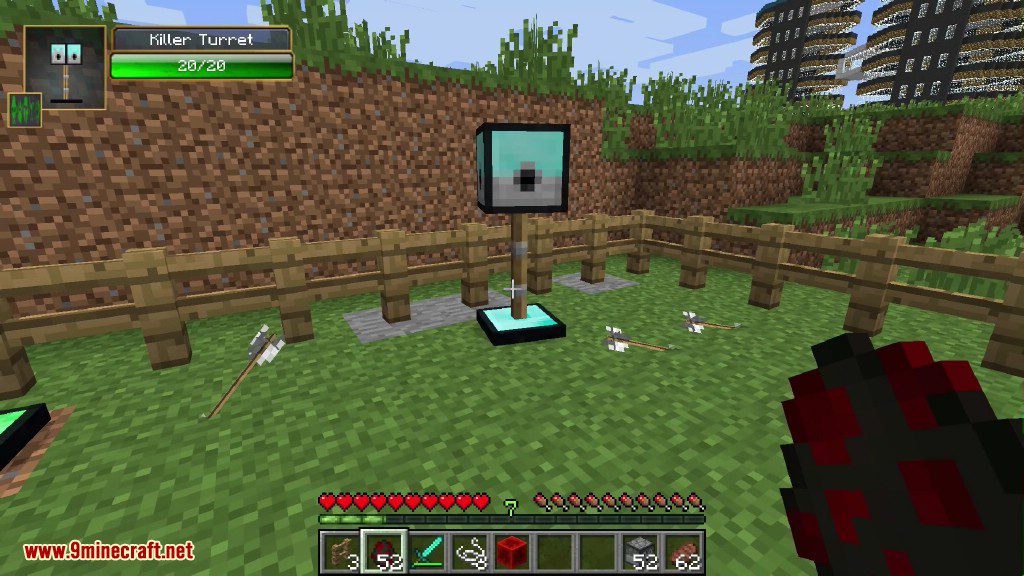
  • Automated Turrets: Place turrets that automatically shoot at enemies, such as the Stone Turret, Sniper Turret, and Gatling Turret.
  • Turret Upgrades: Improve your turrets by giving them items. For example, use a diamond for more damage, gunpowder for explosive shots, or a feather to make the turret pushable.

Mobile Utility Blocks

Bring your essential blocks with you wherever you go.

  • Walking Workbench: A crafting table that follows you.
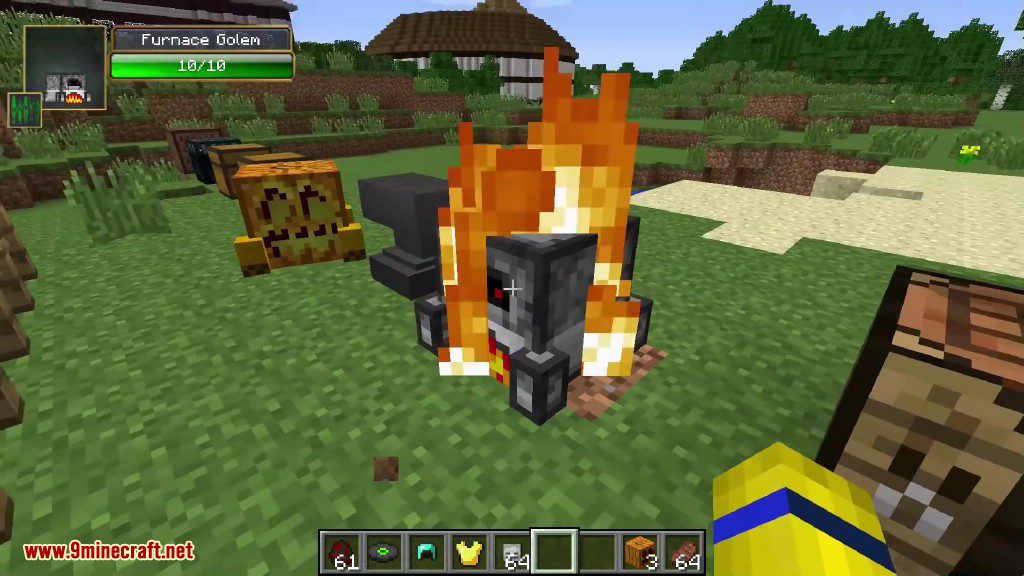
  • Furnace Golem: A mobile furnace for on-the-go smelting.
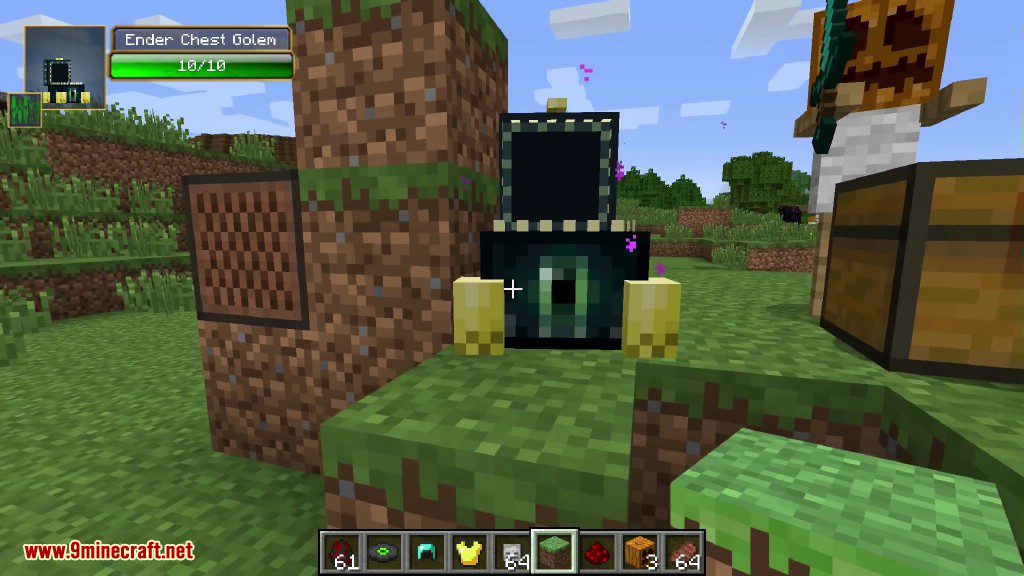
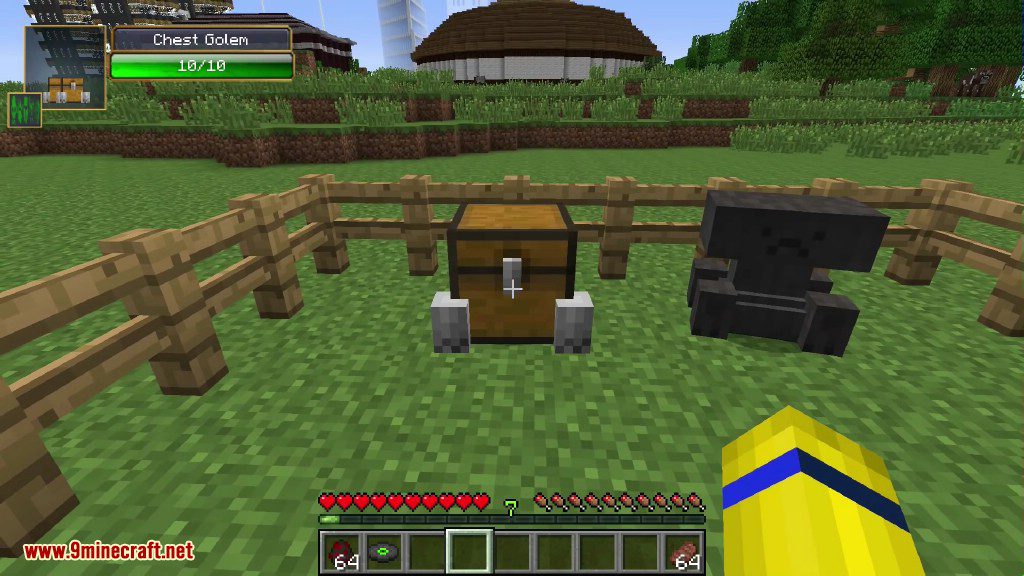
  • Chest Golems: Walking chests that carry your items for you. Normal, Trapped, and Ender Chest versions are available.
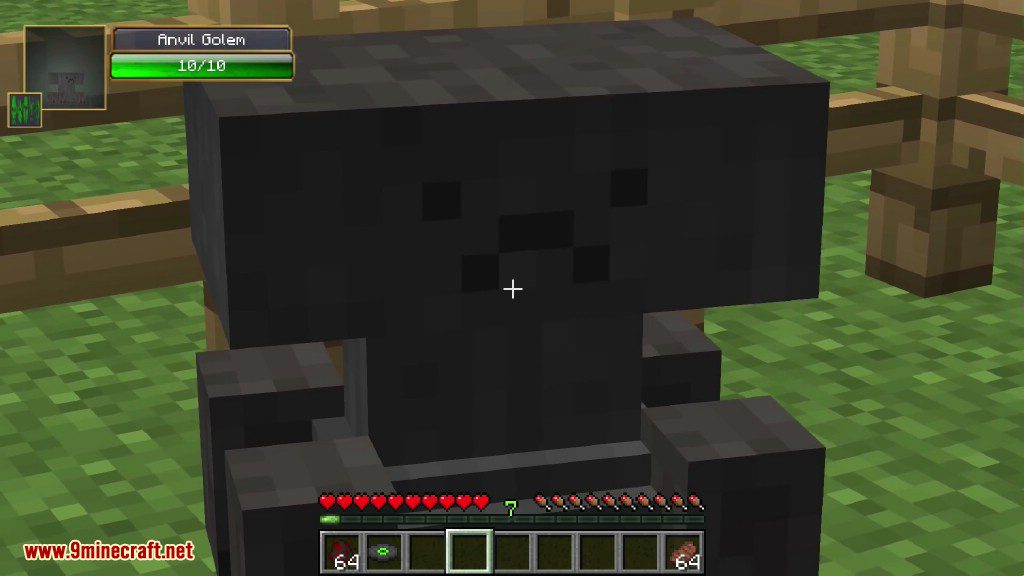
  • Anvil Golem: An anvil with legs that keeps up with your adventures.

Guides and Customization

This mod includes in-game books to help you learn everything.

  • Informative Manuals: Craft different manuals that show you all the building recipes for golems and turrets.
  • Targeting Books: Create special books to change what your turrets will attack.

How to Use:

  1. Build new golems and turrets by placing blocks in the world in specific shapes, similar to how you build an Iron Golem in vanilla Minecraft.
  2. Upgrade a turret by right-clicking it with an upgrade item, like a diamond or an ender pearl. You can swap upgrades anytime.
  3. To make a block golem sit or stand, sneak and right-click on it.
  4. To read a manual or targeting book, right-click on any block while holding the book.
  5. If you need to move a turret without an upgrade, you can dismantle it by right-clicking it with shears.

Configuration:

You can customize the mod using the properties file found in the ‘config’ folder. This allows you to make changes such as:

  • Disabling the building recipe for any golem or turret.
  • Making your new golems and turrets hostile towards you, which is great for testing your own defenses.

Screenshots:
Utility Mobs Mod Screenshots 1
A chest golem and an anvil golem standing inside a wooden fence
Utility Mobs Mod Screenshots 2
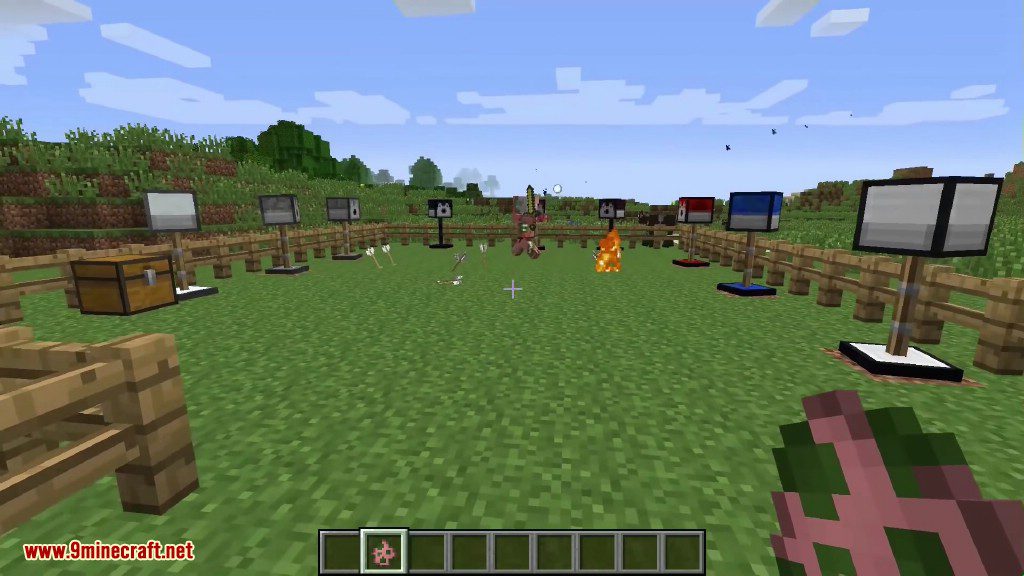
Various defensive turrets and golems are positioned within a wooden fenced enclosure
Utility Mobs Mod Screenshots 3
The Anvil Golem from Utility Mobs Mod has a health bar and face
Utility Mobs Mod Screenshots 4
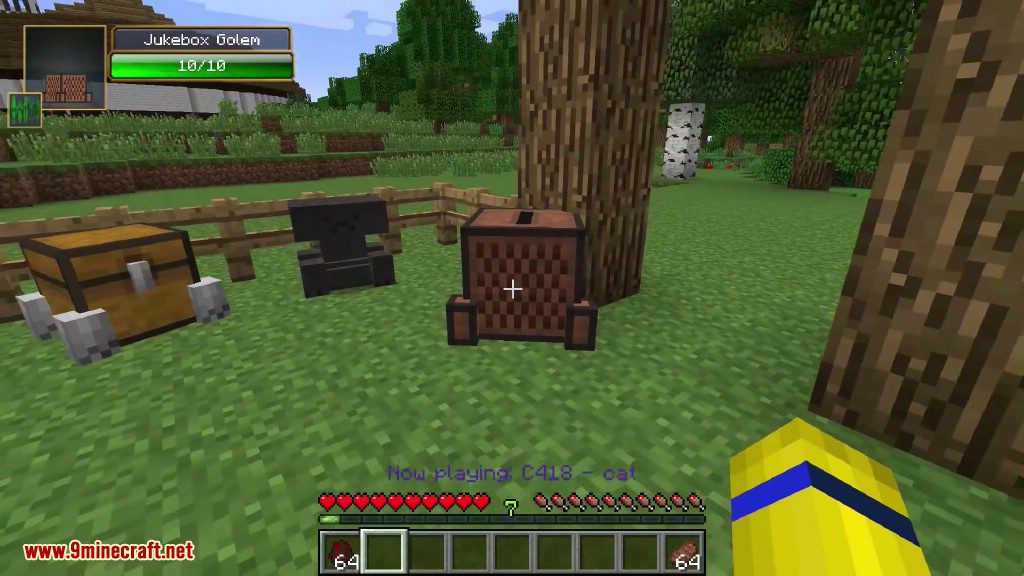
The player looks at a Jukebox Golem and a walking storage chest
Utility Mobs Mod Screenshots 5
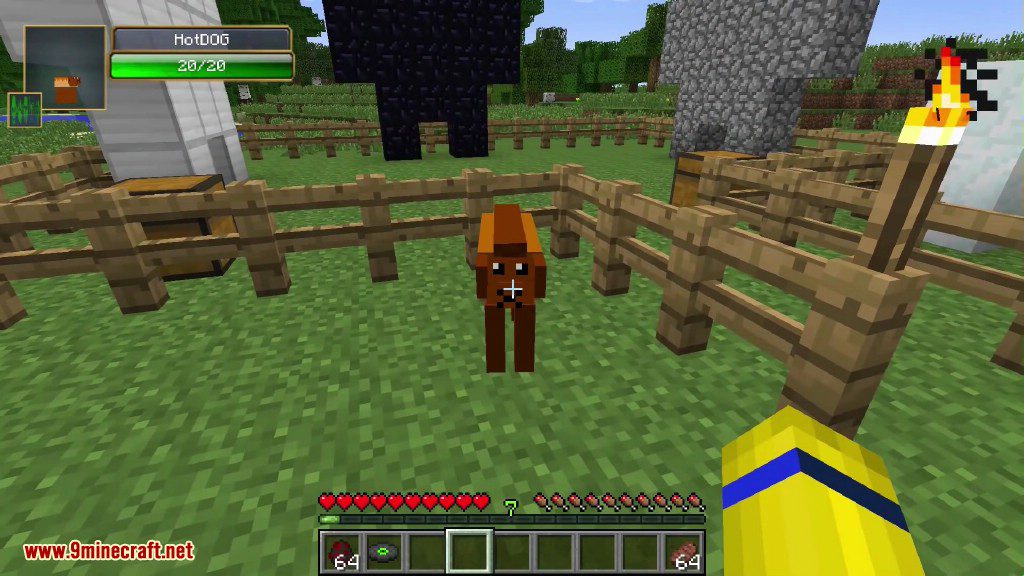
A small HotDOG mob stands in a pen with large stone golems
Utility Mobs Mod Screenshots 6
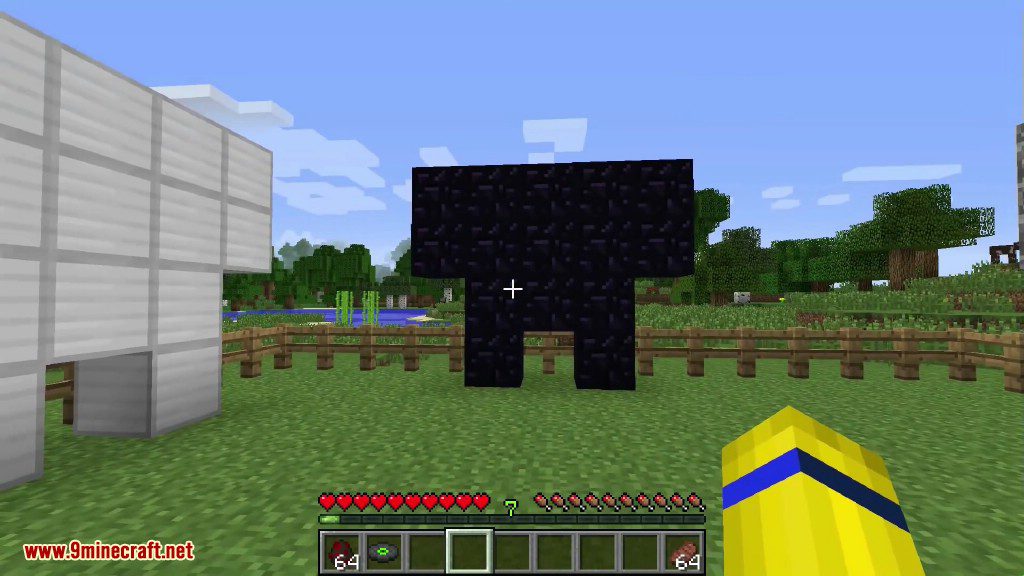
An obsidian golem structure built with dark blocks in a grassy field
Utility Mobs Mod Screenshots 7
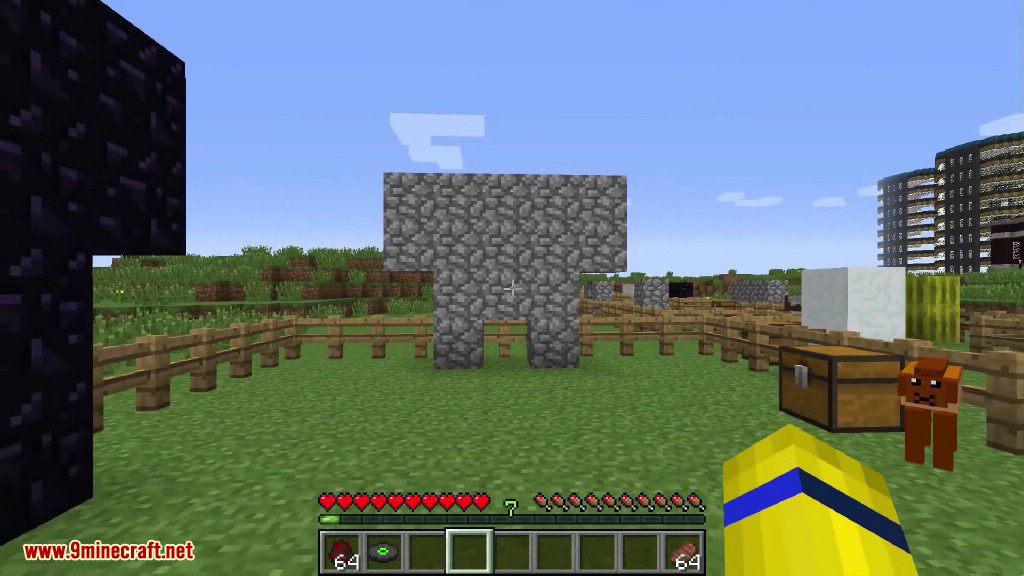
A stone golem structure built with cobblestone blocks in a grassy field
Utility Mobs Mod Screenshots 8
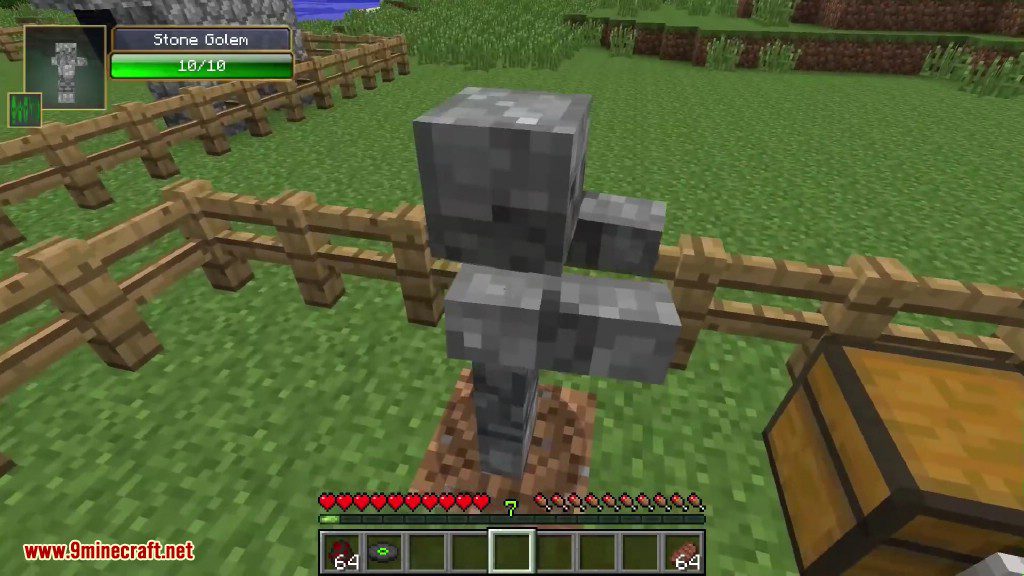
A small Stone Golem from the Utility Mobs mod stands in a fence
Utility Mobs Mod Screenshots 9
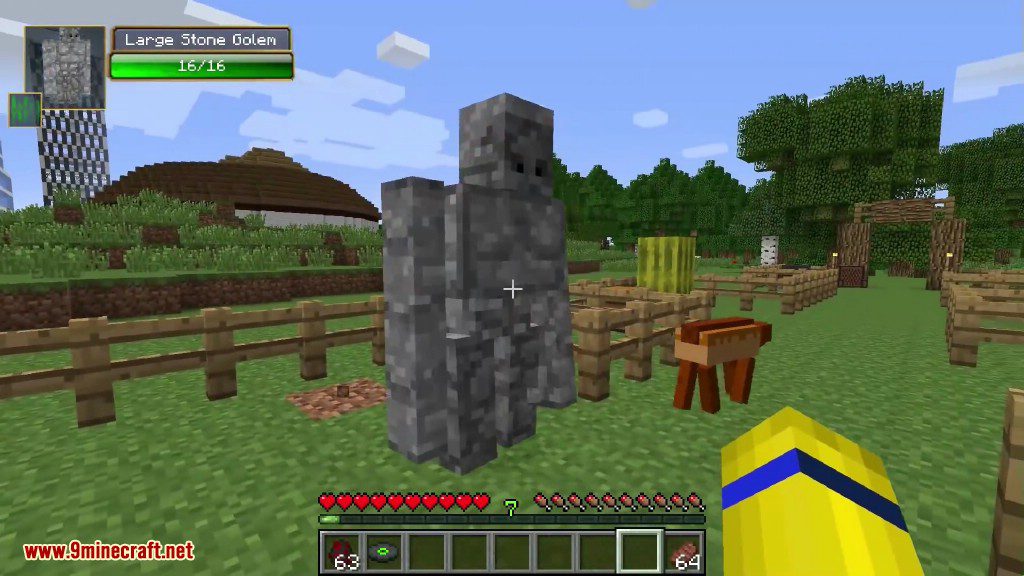
A Large Stone Golem stands in a grassy field next to wooden fences
Utility Mobs Mod Screenshots 10
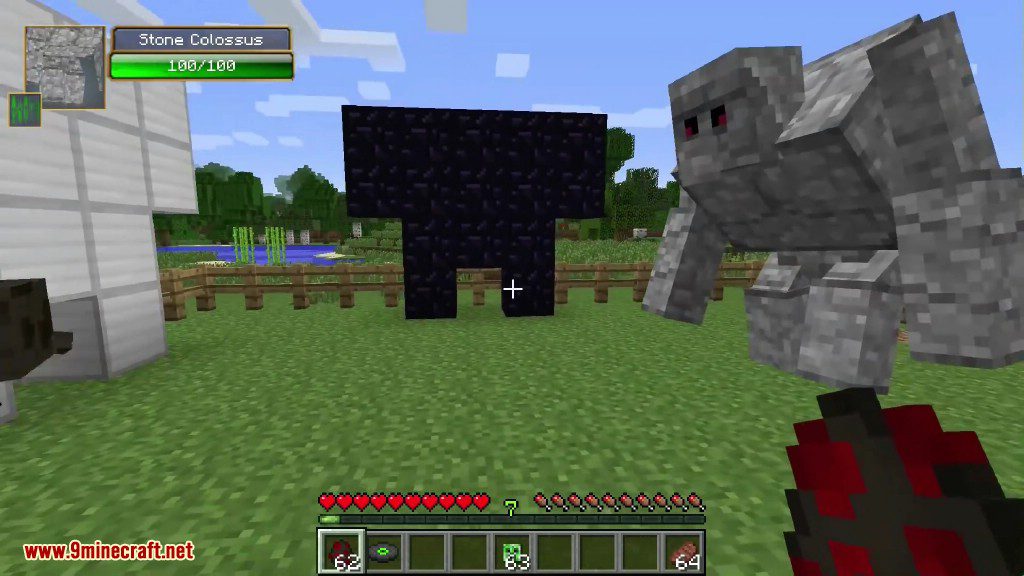
A massive stone colossus stands near an obsidian structure in a field
Utility Mobs Mod Screenshots 11
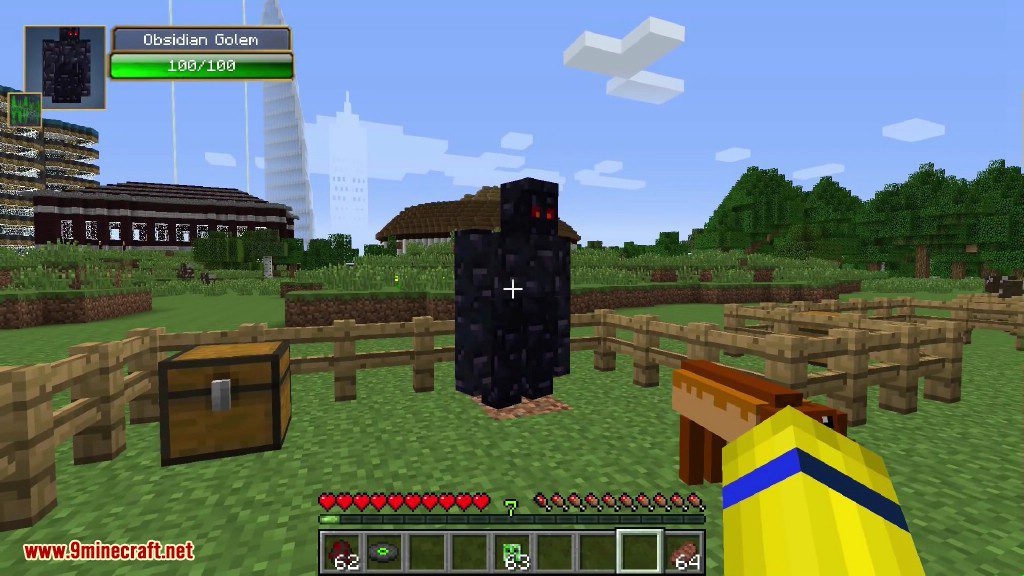
An obsidian golem stands near a chest inside a wooden fence area
Utility Mobs Mod Screenshots 12
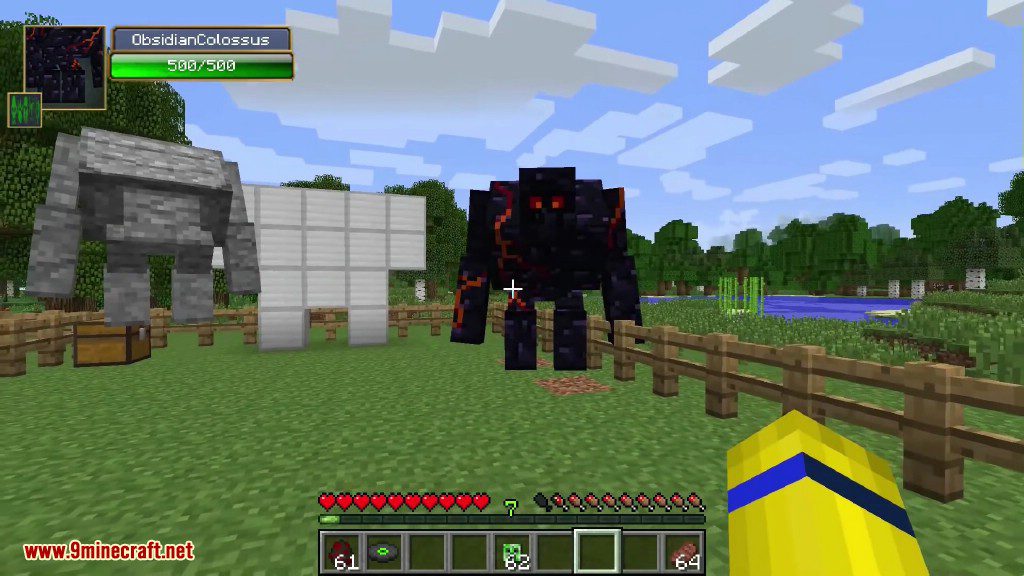
A player views a massive obsidian colossus and stone golems in Minecraft
Utility Mobs Mod Screenshots 13
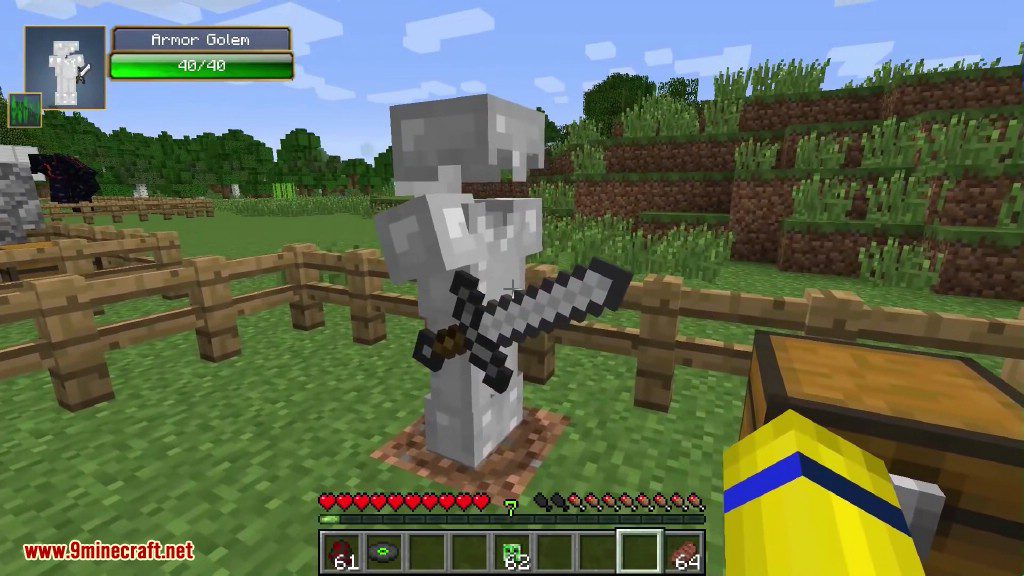
An armor golem holding a sword stands near a wooden fence in Minecraft
Utility Mobs Mod Screenshots 14
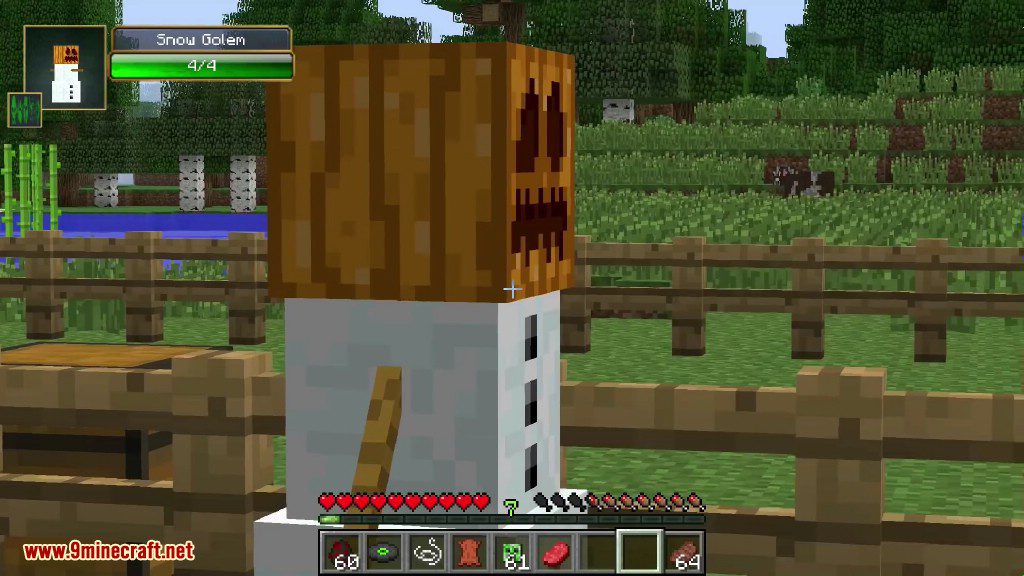
Snow Golem with a pumpkin head stands near a wooden fence area
Utility Mobs Mod Screenshots 15
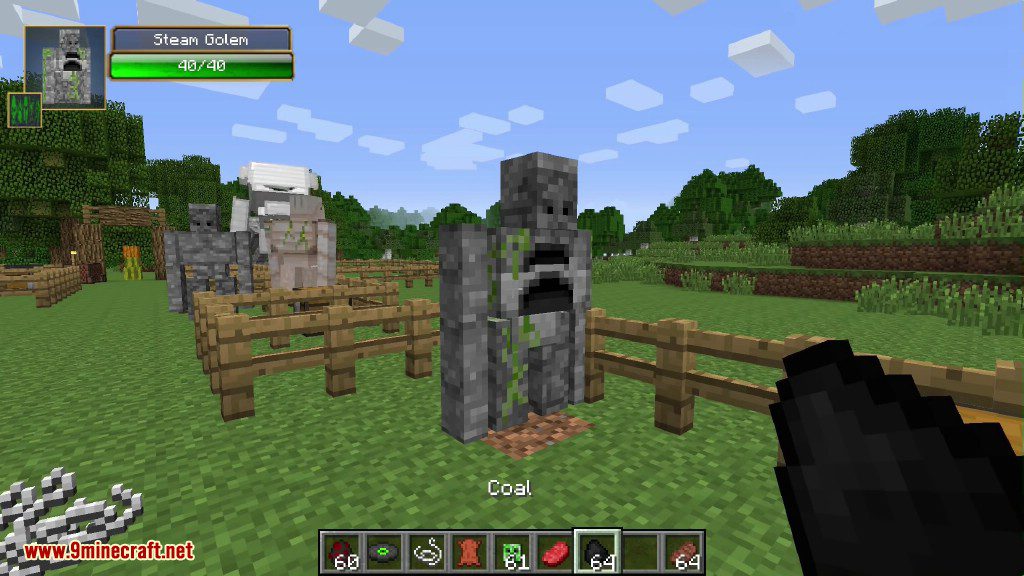
A Steam Golem from Utility Mobs stands near other golems and fences
Utility Mobs Mod Screenshots 16
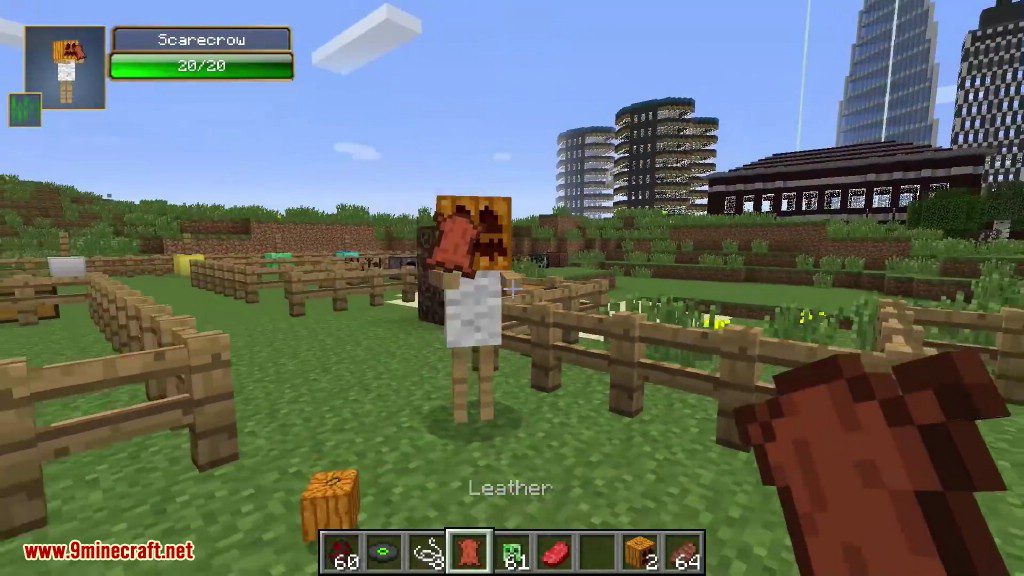
A scarecrow mob stands in a fenced area while the player holds leather
Utility Mobs Mod Screenshots 17
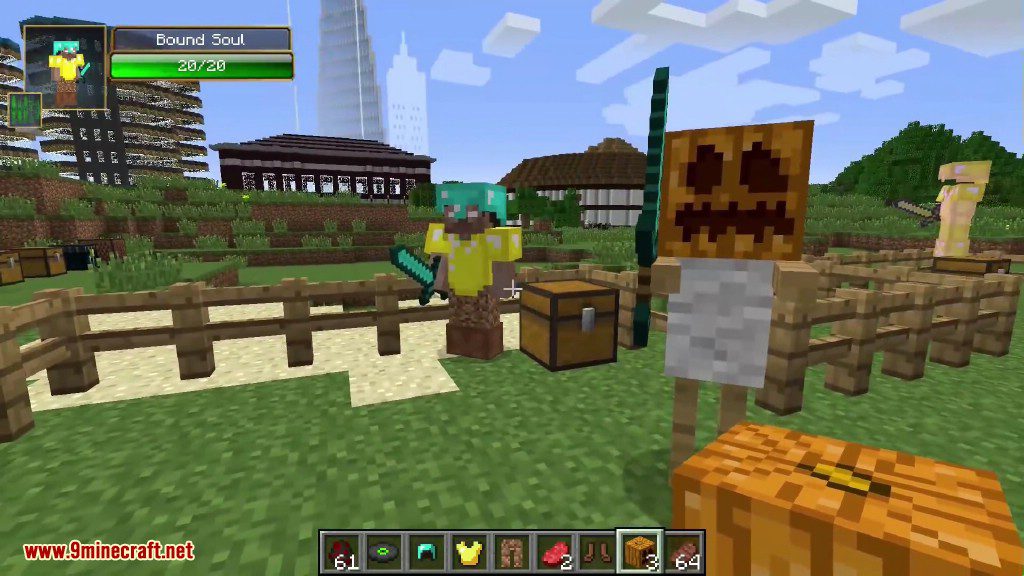
A bound soul mob stands on a chest while the player holds a sword
Utility Mobs Mod Screenshots 18
Armored bound soul and pumpkin headed scarecrow standing near a wooden chest
Utility Mobs Mod Screenshots 19
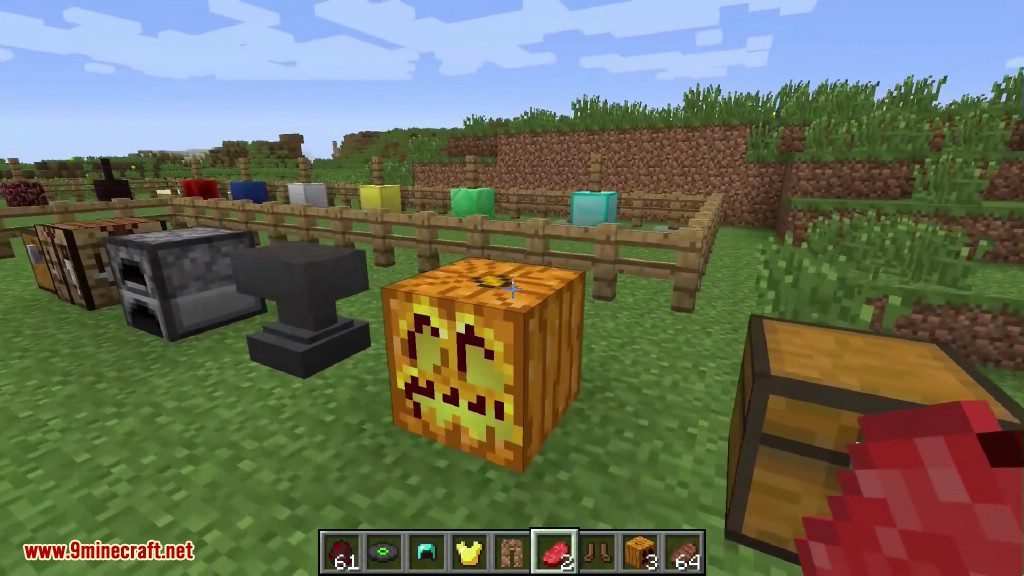
Crafting table furnace and anvil placed next to a pumpkin head block
Utility Mobs Mod Screenshots 20
A burning furnace golem stands on grass near an anvil and a pumpkin
Utility Mobs Mod Screenshots 21
An ender chest golem stands on a grass block next to a jukebox
Utility Mobs Mod Screenshots 22
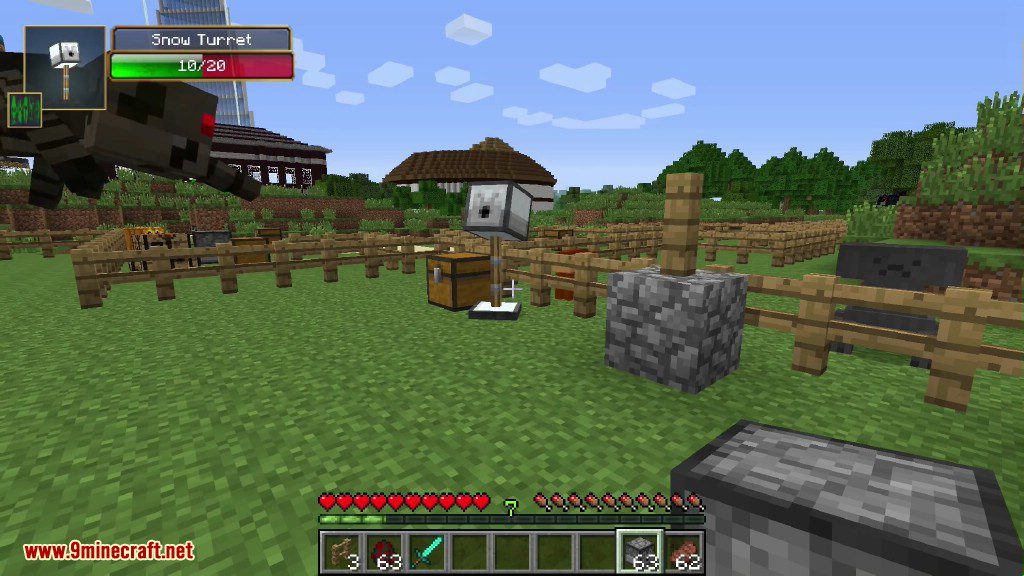
Snow turret from Utility Mobs mod guarding a fenced area from spiders
Utility Mobs Mod Screenshots 23
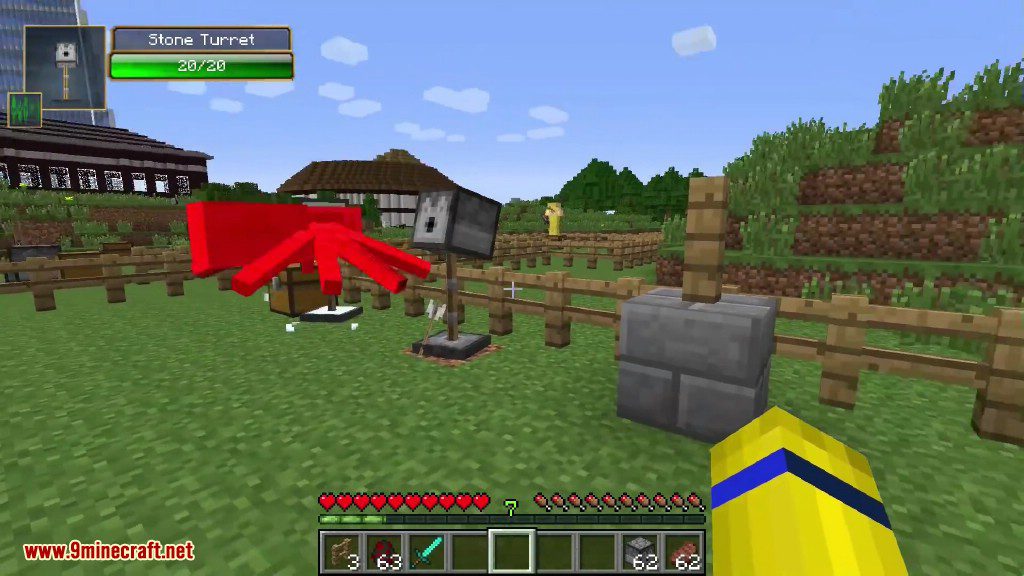
A stone turret attacks a red spider mob near a stone block
Utility Mobs Mod Screenshots 24
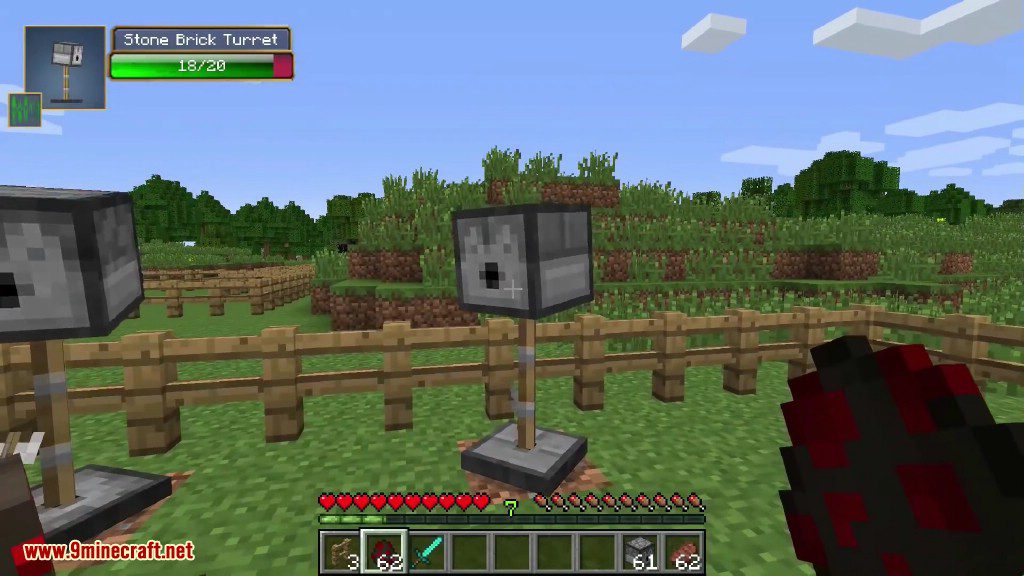
A stone brick turret from Utility Mobs mod stands in a grassy field
Utility Mobs Mod Screenshots 25
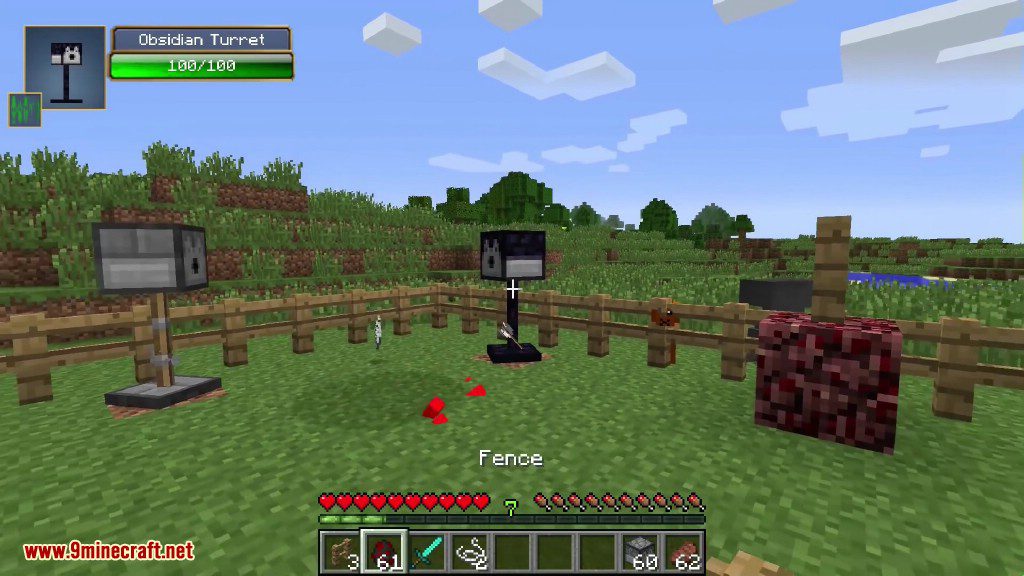
Obsidian and stone brick turrets are placed within a wooden fence enclosure
Utility Mobs Mod Screenshots 26
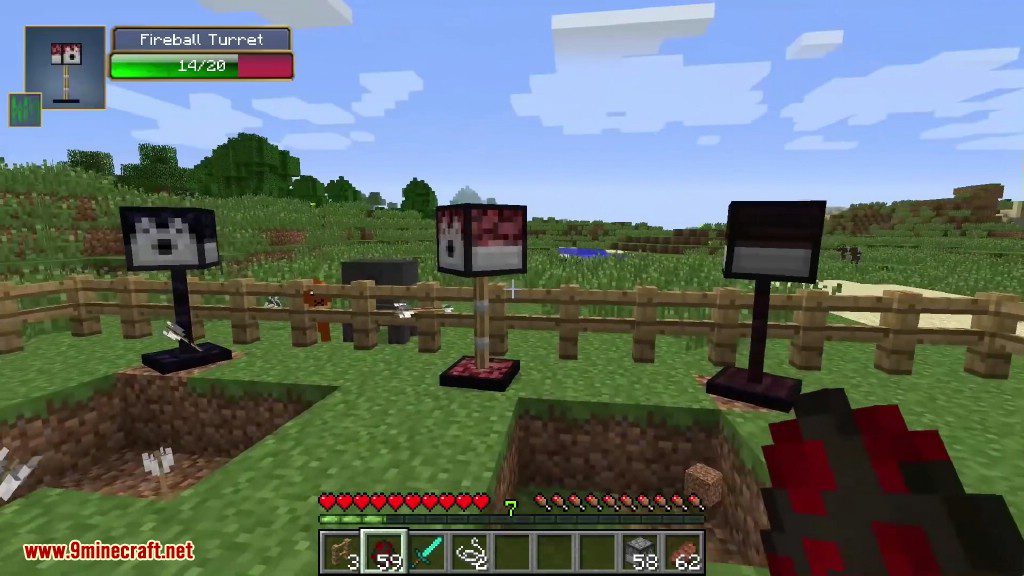
Three different defensive turrets are positioned behind a wooden fence in Minecraft
Utility Mobs Mod Screenshots 27
A close up view of a sniper turret from Utility Mobs mod
Utility Mobs Mod Screenshots 28
Various colorful turrets from Utility Mobs Mod standing behind a wooden fence
Utility Mobs Mod Screenshots 29
A Killer Turret stands inside a wooden fence with arrows on the ground

Utility Mobs Mod Download Links

For Minecraft 1.5.2

Download from Server 1

For Minecraft 1.6.4/1.6.2

Download from Server 1

For Minecraft 1.7.10

Download from Server 1Download from Server 2

Click to rate this post!
[Total: 1 Average: 4]