


Overview#
Mystcraft is a mod for Minecraft inspired by the computer games and lore of the Myst series. In Myst canon, special books can be written that allow travel to new worlds called Ages, with the destination world chosen according to the written contents of the book. Mystcraft brings this concept into Minecraft: players write Descriptive Books to generate brand-new dimensions, and Linking Books to travel between places.
The heart of the mod is Age writing. Rather than being handed a fixed set of dimensions, players collect Symbol Pages out in the world, bind them into a book in a deliberate order, and the game generates an Age that reflects those symbols: its terrain, biomes, weather, lighting, sky bodies, colors, world features, and special effects. Because the writing follows a grammar, the more detail an author provides, the more predictable the resulting world; vague descriptions are expanded randomly by the "universe."
Writing also carries a cost. Ages that contain contradictions, that lack required descriptive elements, or that try to grant the player too much advantage (such as an abundance of rare ores or easier mining) become unstable. Instability ranges from mild status-effect nuisances to environmental hazards and, at the extreme, worlds that slowly destroy themselves. Mastering Mystcraft is therefore about writing rich, internally consistent Ages while managing the balance of instability.
Ages#
An Age is a self-contained dimension generated from the symbols written into a Descriptive Book. When a Descriptive Book is used for the first time, its Age is created; subsequent uses by the same or other players return to that same world.
Ages are described by combining symbols across several required and optional categories. A complete, well-formed Age generally specifies:
- A biome distribution (exactly one is required) plus the biomes to place into it.
- A world landscape / terrain type and the block(s) that make up the ground and any seas.
- A weather pattern (exactly one is required).
- A lighting mode (exactly one is required).
- Celestial bodies — at least one sun, one moon, and a starfield (each may be a normal or a "dark"/absent version).
- Optional visuals (sky, fog, cloud, water, foliage and grass colors, rainbows, etc.).
- Optional world features and structures and optional effects.
If a required element is missing, the grammar fills it in for the author, often by injecting additional symbols. Those injected symbols are a common source of unexpected results and instability, so experienced writers aim to satisfy as much of the grammar as possible up front.
Writing and Grammar#
Mystcraft uses a grammar to interpret the symbols in a book, working much like words forming a sentence. Providing the words "red," "dog," and "ball" might be expanded by a sentence generator into "The red dog plays with the ball" — but other expansions are equally valid. In the same way, an incomplete Age description is parsed and then expanded randomly; the more detail the author writes, the fewer choices are left to chance.
Modifier pages come before the page they modify, mirroring adjectives before nouns: Red Color -> Sky Color is correct, while the reverse is not. Some symbols even modify other modifiers (for example, one Color page can blend with another, a Length with another Length, a Direction with another Direction).
A recommended Standard Age page order, from first to last, is roughly:
- Link Panel Page (the book's entry point).
- Terrain and world type — Biome pages -> Biome Distribution, then solid block -> fluid block (or No Seas) -> World Landscape.
- Weather page (or No Weather).
- Lighting page.
- Celestials — optional sunset colors, then Length/Direction/Phase -> Normal Sun, the same for the Moon, and Color -> Stars (or the Dark versions to omit a body).
- Visuals — color pages feeding Sky, Night Sky, Fog, Cloud, Water, Foliage and Grass color (or their Natural equivalents).
- World features and structures (large/medium/small features, lakes, mineshafts, strongholds, villages, dungeons, etc.).
- Effects (all optional).
A Clear Modifiers page can be placed at the end as a safety net: it consumes any leftover "dangling" modifier pages, generating a little instability per unused page but preventing them from being assigned unpredictably.
An Overworld-clone template, for example, chains Stone Block -> Water Block -> Standard World, a Native Biome Controller, Normal Lighting and Normal Weather, sunrise/sunset colored Sun, Moon and Stars, natural cloud/fog/sky/foliage/grass/water colors, a night-sky color, and the standard set of structures and lakes.
Symbols and Pages#
Symbols are the building blocks of Age writing. Each symbol arrives on a sheet of paper called a Page. Symbol Pages can be copied onto fresh paper or pages using a Writing Desk that has been supplied with ink.
Finding symbols. There are three main ways to discover new symbols:
- Villages with an Archivist — the Archivist's house contains a few pages.
- Exploring Ages — Ages spawn randomly generated cobblestone temples that hold several pages and sometimes Sealed Notebooks. This is the most common source.
- Dungeons — dungeon chests have a chance to contain symbol pages and sealed notebooks.
Symbols fall into broad categories:
- Biome Distributions — control how biomes are laid out; every Age needs exactly one. Options include Tiny, Small, Medium, Large and Huge distributions (each takes at least three biomes), Tiled and Grid-form (alternating biomes per chunk, at least two biomes), Single Biome (exactly one biome, infinite), and Native (zero biomes, Overworld-style layout).
- Biome Modifiers — one page per vanilla biome, plus compatible biomes added by other mods; they must be written before a biome controller or the Floating Islands feature.
- Celestials — Normal and Dark Suns, Moons and Stars, plus Ender Starfield and Twinkling Stars. A "Dark Sun" provides no daylight (undead will not burn). Normal suns/moons accept Direction, Length, Phase and Sunset Color.
- Lighting — Bright, Normal or Dark; exactly one required. Bright lighting acts like night vision (and adds instability); Dark lighting makes daylight too weak to burn undead.
- Weather — Normal, None, Slow, Fast, Eternal Weather, Eternal Rain, Eternal Snow, or Eternal Storm; exactly one required.
- Visuals — Boundless Sky, Sky/Night Sky/Fog/Cloud/Sunset colors, Foliage/Grass/Water colors, and Rainbows; these affect appearance only, not gameplay.
- World Landscape — Standard, Cave, Island, Flat, Void, and Amplified world generators (see Dimensions and World Types).
- Effects — world-wide phenomena such as Accelerated, Lightning, Meteors, Scorched Surface, and Spontaneous Explosions.
- Modifiers — Angle/Direction (North, East, South, West), Length (Zero, Half, Full, Double), Phase (Rising, Zenith, Setting, Nadir), Color, and Gradient pages that customize the symbols above.
Blending modifiers. Directions blend to a point halfway between them (North then West yields northwest). Lengths likewise average; for suns and moons, Half Length is roughly half a Minecraft day (~10 minutes), Full Length a full day (~20 minutes), and Double Length about 40 minutes. Phases blend forward through the cycle. Gradients let colors shift over time and can be synced to celestial motion by sharing Length pages.


Items, Blocks and Crafting Stations#
Mystcraft adds items and blocks primarily for writing and linking, plus a single new natural resource.
Crafting stations
| Station | Ingredients | Purpose |
|---|---|---|
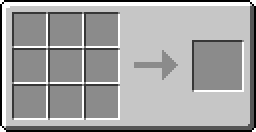
| Writing Table (Writing Desk) | Planks + Feather + Glass Bottle | Copies symbol pages and organizes folders/portfolios; occupies a 2x1x1 space. An optional Backboard (Planks + Item Frame) adds no extra function. |
| Ink Mixer | Planks + Glass Bottle + Stone | Makes Link Panel Pages from an Ink Vial and paper; can add special link Effects. |
| Book Binder | Planks + Iron Ingot | Binds a Link Panel Page and chosen pages with leather into a Descriptive Book. |
| Link Modifier | (creative-only tool) | Adds or removes special linking properties on Descriptive or Linking Books. |


Ink and pages
| Item | Ingredients / Notes |
|---|---|
| Ink Vial | Ink Sac + Glass Bottle; used in the Ink Mixer and Writing Desk. |
| Black Ink | The liquid form of ink, produced via other mods or clever Age writing, then bottled into vials. |
| Link Panel Page | Ink + Paper; the linking destination element of any book. |
| Symbol Page | Ink + Paper; must be copied from a collection in an inked Writing Desk. |


Books and folders
| Item | Ingredients / Notes |
|---|---|
| Descriptive Book | Leather + Link Panel Page + any Symbol Pages; generates a new Age when first used. |
| Linking Book | Leather + Link Panel Page; an Unlinked Link Book becomes a Linking Book when used, capturing the link location and facing direction. |
| Collation Folder | Leather + String; holds pages (searchable, alphabetized); can generate in dungeon and stronghold chests with 5-10 random symbol pages. |
| Symbol Portfolio | Leather + String; like a Collation Folder but stacks duplicate pages; never generates naturally. |
| Sealed Notebook | Cannot be crafted; found in dungeon chests or bought from Mystcraft villagers. When used, becomes a Collation Folder with an unusually large set of random symbols. |


Stands and displays
| Block | Ingredients / Notes |
|---|---|
| Book Stand | Planks + Stick; holds a book, protects it from damage, and lets it be used without removal. |
| Lectern | Planks + Stick; same role as a Book Stand. |
| Book Receptacle | Crafted from Mystcraft Crystal; placed on a portal frame to activate a Crystal Portal. |


Natural resource. The mod's only new resource is the Mystcraft Crystal, which spawns in large clusters in many Ages (and can be selected for with its own symbol). It is crafted into a Book Receptacle and used to build Age portals.

Linking and Travel#
Linking is Mystcraft's form of teleportation between Ages and other dimensions. A book is opened by using it in hand; clicking a Linking Panel inside the book initiates the link if possible.
Key dangers and rules:
- One-way links. Every link is one-directional, with no automatic return. Travelers should carry a Linking Book and leave additional books on stands (especially near spawn) to ensure a way back.
- Respawning. Players respawn in the Age they are currently in. Dying in an Age with no exit can strand the player, who must then find a Star Fissure or write a link to a new Age.
- Book fragility. When you link from a book in your inventory, the book drops to the ground and is left behind, where it can accumulate unrepairable damage; water and rain damage it faster. Placing the book in a Book Stand or Lectern protects it (though stands remain vulnerable to explosions) and lets it be used without falling.
- Disarm panels. A Disarm linking-panel effect, created in the Ink Mixer intentionally or accidentally, causes all held items (including Linking Books) to drop when used.
- Intra-linking. By default a link only works between two different dimensions; the Intra Linking panel effect allows a link to function within the dimension it leads to.
Crystal Portals. Built from Mystcraft Crystal blocks in almost any connected configuration with a Book Receptacle holding an Age Book or Linking Book. Portals follow the same rules as books but additionally allow entities other than the player to be transported.
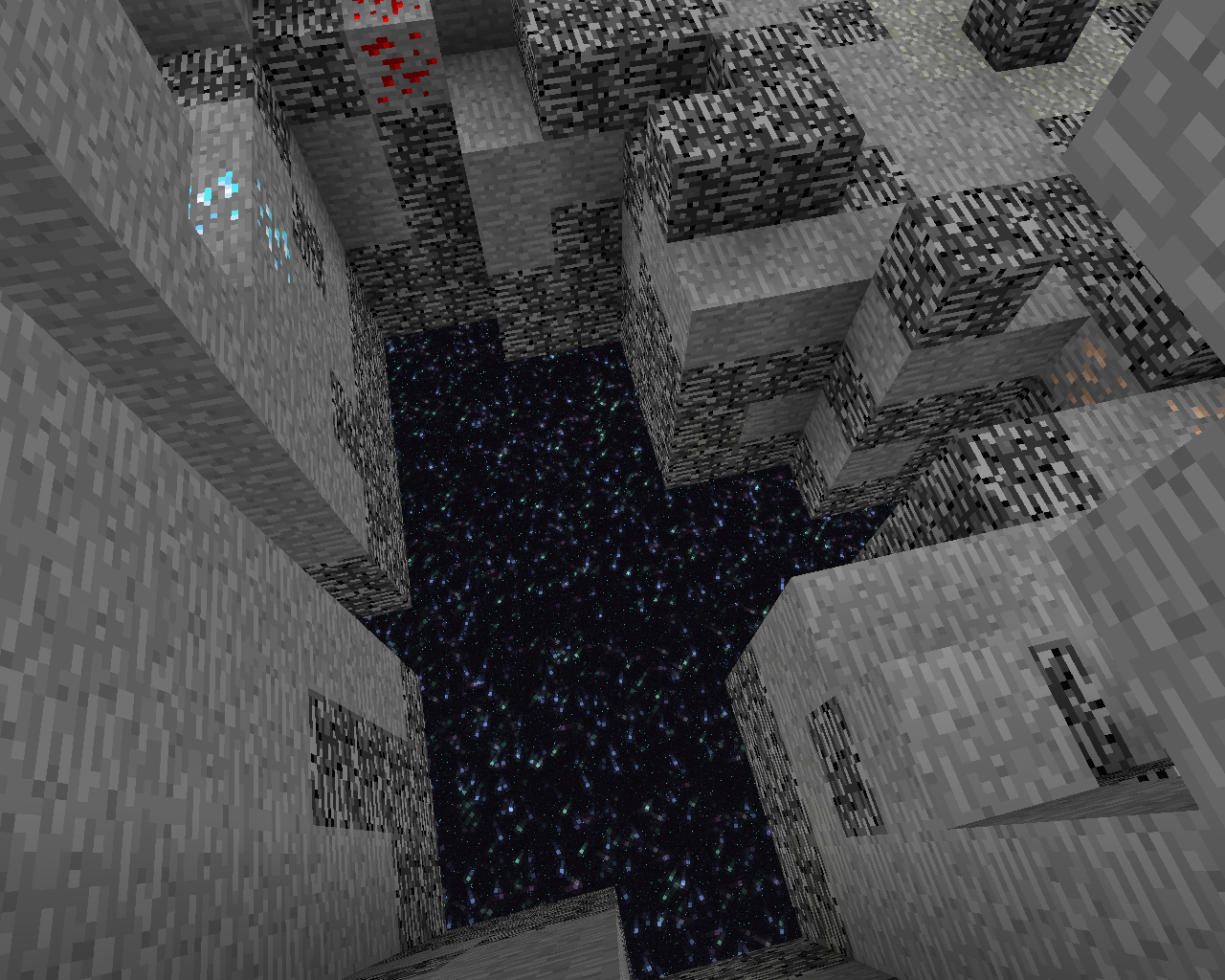
Star Fissures. A small world feature that can appear near an Age's initial spawn — a large tear running from the height limit down to bedrock. At the bedrock layer the fissure resembles an End portal and transports all entities to the Overworld spawn. Star Fissures are a vital escape route from an Age when no other method is available.
Dimensions and World Types#
The World Landscape symbol chosen for an Age determines which terrain generator builds it. Each Age is its own dimension.
| World Type | Behavior |
|---|---|
| Standard World | Uses the Overworld terrain generator. |
| Cave World | Uses the Nether terrain generator, but still creates a flat top layer where the Nether ceiling would be. It does not automatically include soul sand, gravel, or glowstone. |
| Island World | A single floating island (slightly smaller than the main End island), optionally surrounded by an infinite ocean of a chosen liquid, or floating in midair with "No Seas." |
| Flat World | A flat Age whose height equals the average height of its biomes; land below sea level is covered by the chosen sea material. |
| Void World | An empty Age except for a 5x5 spawn platform and any features used; accepts no terrain or sea block modifiers. Still can contain structures that do not need terrain. Extremely dangerous without a flight ability, but the ultimate blank canvas. |
| Amplified World | Uses the Overworld Amplified generator for a vastly exaggerated heightmap. |
Biome behavior can shift inside Ages. The Hell biome generates with a Stone base by default and does not impose the Nether's no-water/no-bed rules. Ocean and other aquatic biomes generate water only where they sit below Y 63. The Sky biome also defaults to a Stone base, and if the biome at coordinates 0,0 is Sky, the Ender Dragon may spawn. Mushroom Island biomes are topped with mycelium and block hostile mob spawns. Surface decoration and vegetation only generate when the world's base material is Stone.
Instability#
Instability represents the dangerous, destructive, or unpleasant qualities of an Age. In Myst lore the Art of writing was chiefly about avoiding contradictions that cause instability; Mystcraft turns that into a balance mechanic. Instability is generated by conflicting passages, by unsatisfied grammar (and the symbols it injects), by "clearing" dangling modifiers, and especially by an overabundance of rare resources or player advantages — dense ores, exposed diamond, easier mining via Bright Lighting, or faster farming via Accelerated all add instability through "greed." Conversely, symbols that make an Age more dangerous (Lightning, Scorched Surface, Spontaneous Explosions) add base stability, and duplicating an instability effect can reduce net instability.
Importantly, instability is recalculated as the world is explored (roughly every 100 chunks) based on the blocks actually present, so block-based instability is applied during play rather than baked in at world generation. Each effect can be individually disabled in the configuration.
Levels of severity:
- Status effects — the mildest tier. The Age inflicts potion-style debuffs on players (or buffs on mobs). The weakest forms only apply on the surface (exposed to the sky); stronger forms apply underground too. Possible statuses include Blindness, Hunger, Mining Fatigue, Nausea, Poison, Slowness, Weakness and Wither, plus Regeneration and Resistance applied to all mobs except players. Effects can stack to stronger levels. Glass does not block "surface" exposure, but leaf blocks do.
- Harmful environment — the middle tier. Random Explosions ignite blocks and damage or knock players off void/island worlds but generally cannot break stone. Scorched Surface sets exposed mobs and players on fire in roughly 5-second bursts. Charged causes random lightning strikes with all the usual effects (charged creepers, burning trees).
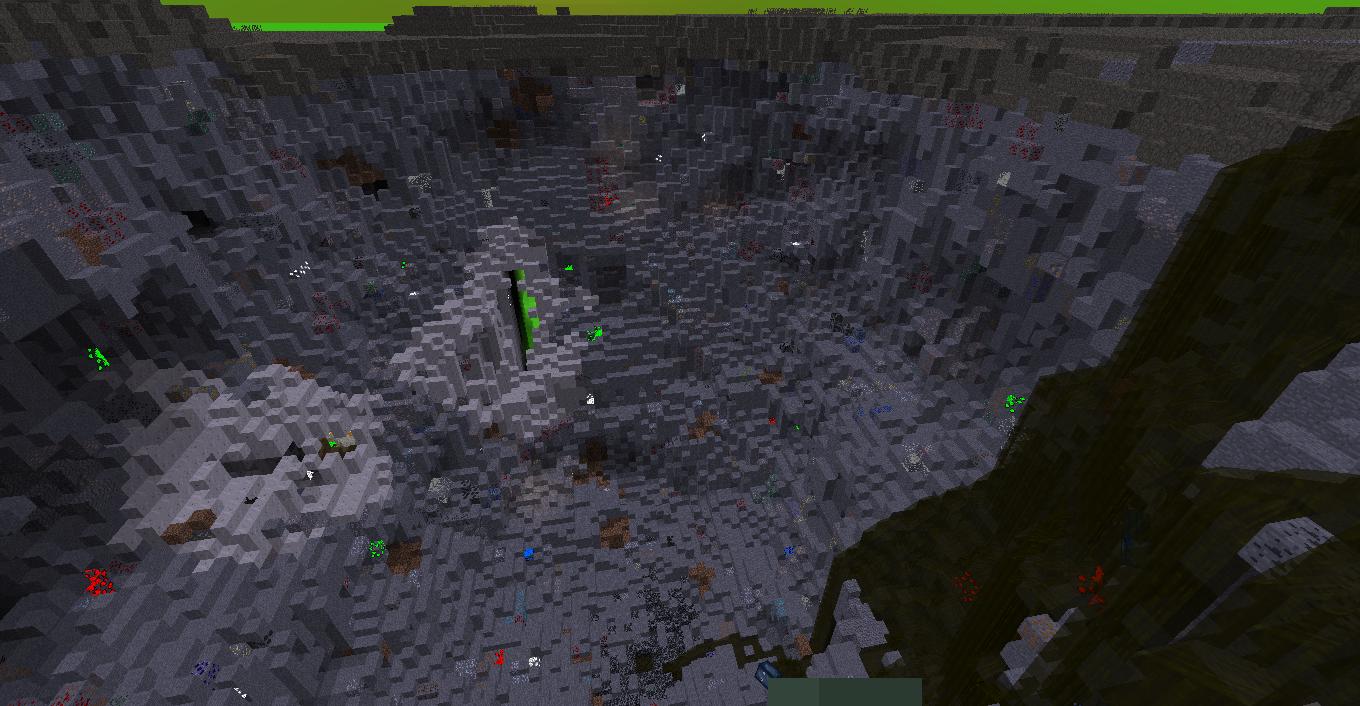
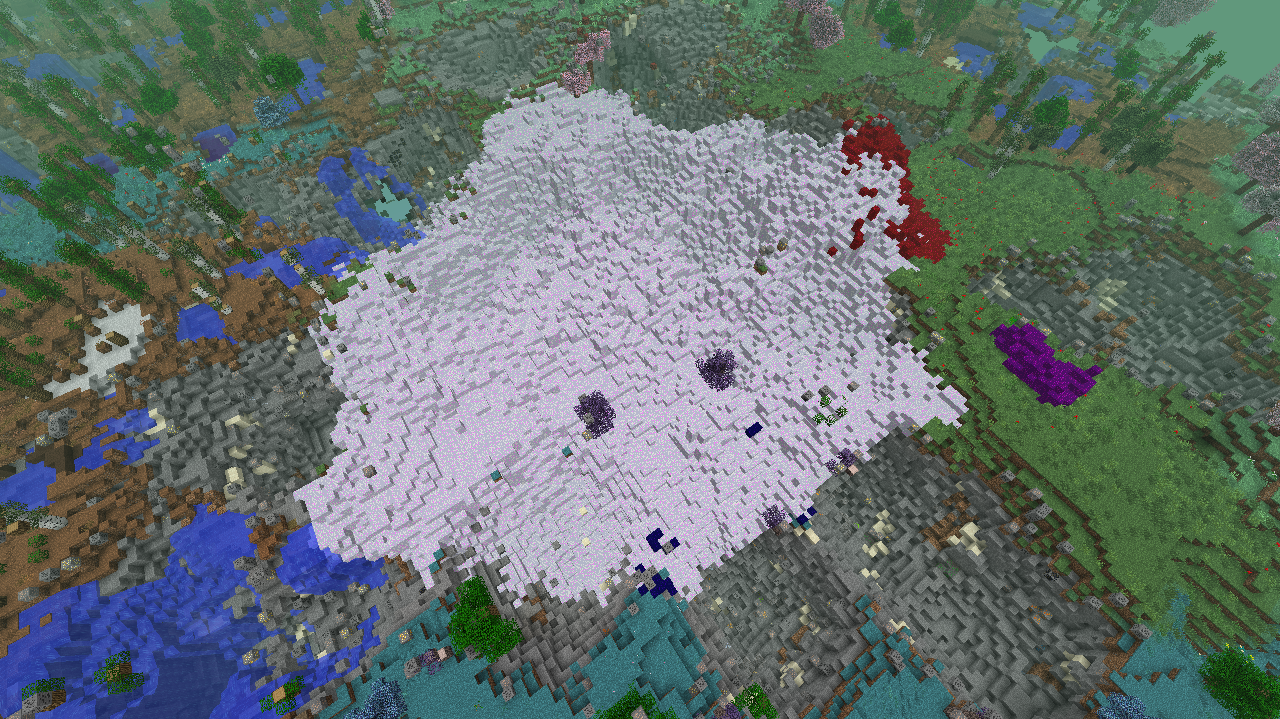
- World destroying — the most severe tier. Meteors fall and carve out large sections of the world, potentially destroying everything over time (sometimes leaving ores around craters). Decay Blocks come in Black, Blue, Red, Purple and White varieties that spread through an Age; for example, Black Decay collapses the ground, can merge and force blocks above to fall, and can be destroyed with TNT. Crumble causes runaway erosion. Decay blocks only spread in Ages that qualify for them, so they can safely decorate creative builds elsewhere.
Administrators can disable individual effects, disable all instability, or profile and tune it via the configuration file and admin commands.
