


Lockable Chests Data Pack 1.14.2, 1.14 (Keep Your Stuff Safe)
 8,017
8,017
 0
0
 June 11, 2019
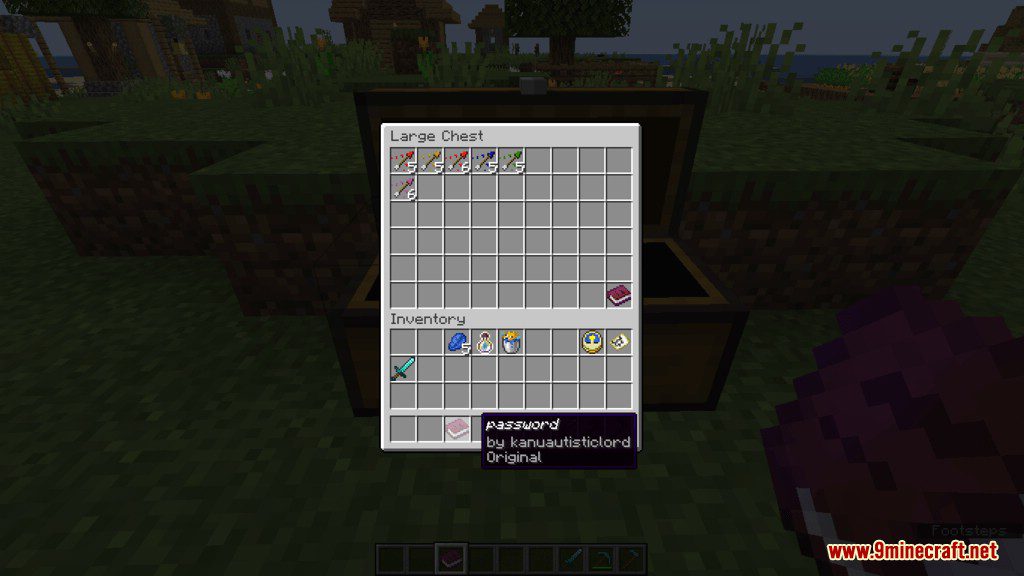
Lockable Chests Data Pack is exactly what it’s advertised as. This data pack lets you lock any chest in Minecraft vanilla survival mode and Creative Mode, a function that’s not available in Minecraft vanilla currently. So now, you can protect your belongings by putting them is a chest and lock them up.
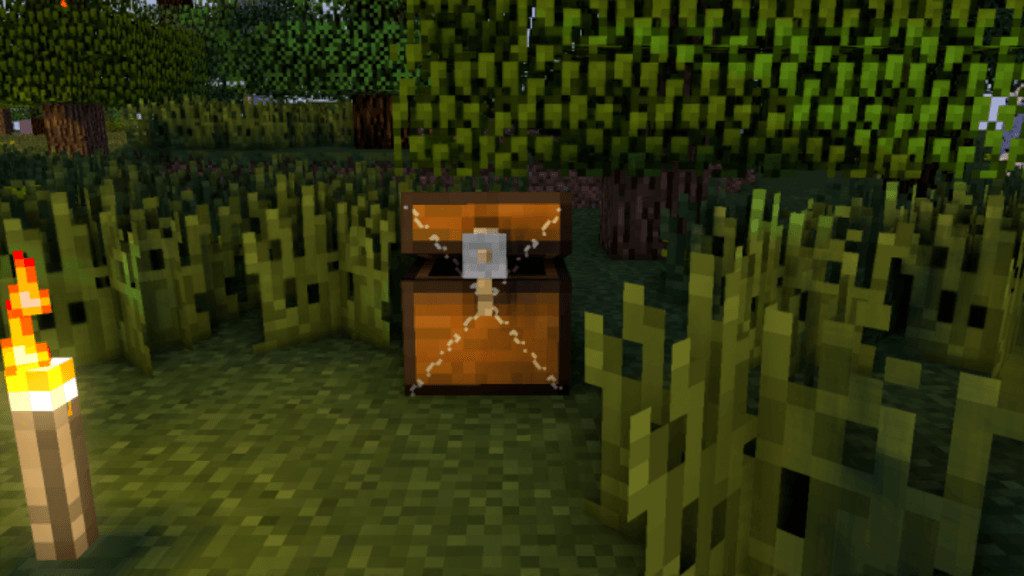
How to Use:
- Get 2 Writable Books, then type in the first-page #Lock# then on the second-page type your “chest password” then Hit Done (It’s necessary to click Done before signing).
- While holding (Shift + Right Click) at the chest, sign your Book.
- Then just place one of them in the last slot of your chest, the other signed book will act as a key to the chest.
- After this, the chest will be locked and can only be opened when you are holding the signed book.
- Players can’t break protected chests manually
- If a protected chest breaks, it will warn on chat, saying who’s the owner
Screenshots:
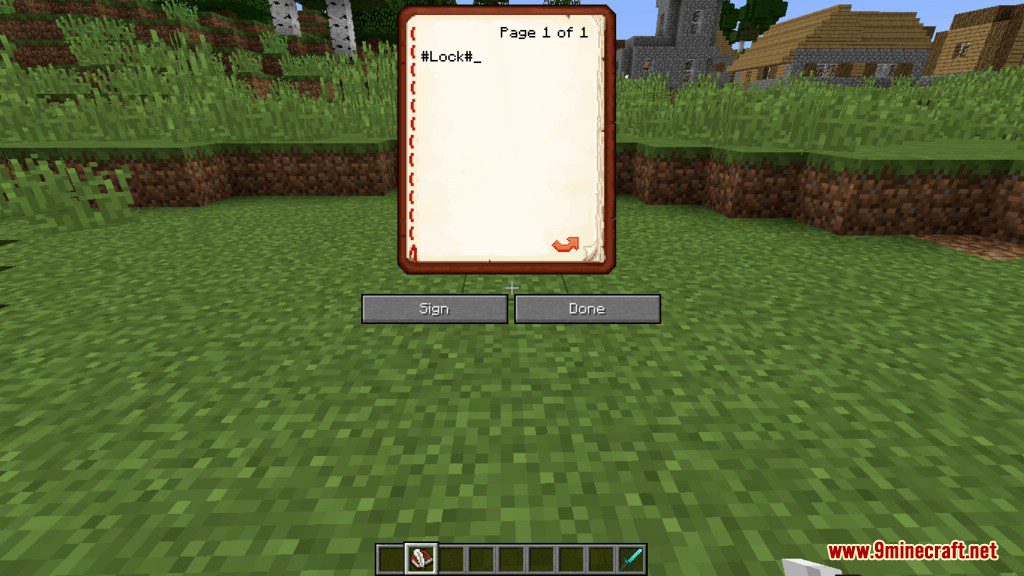
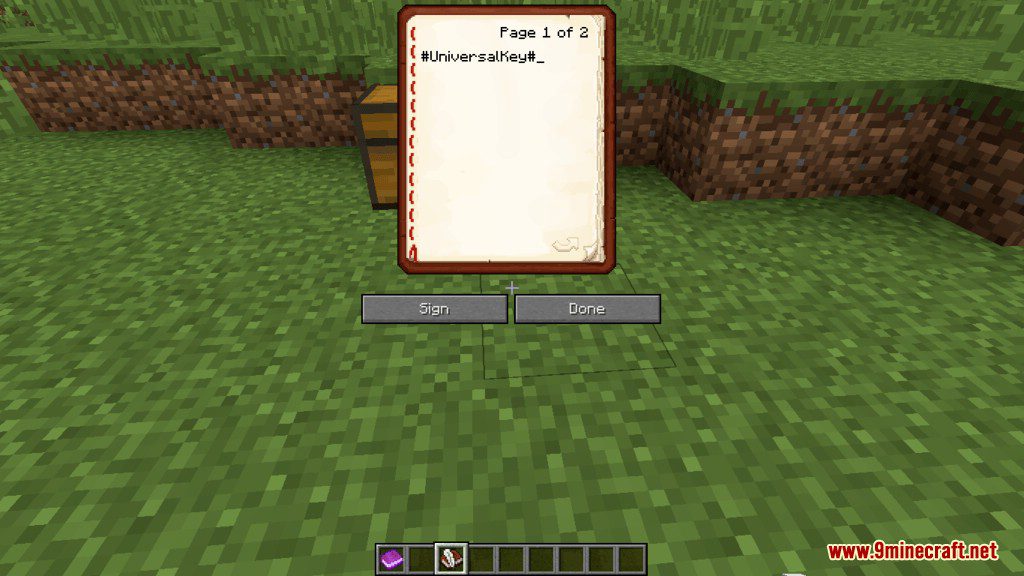
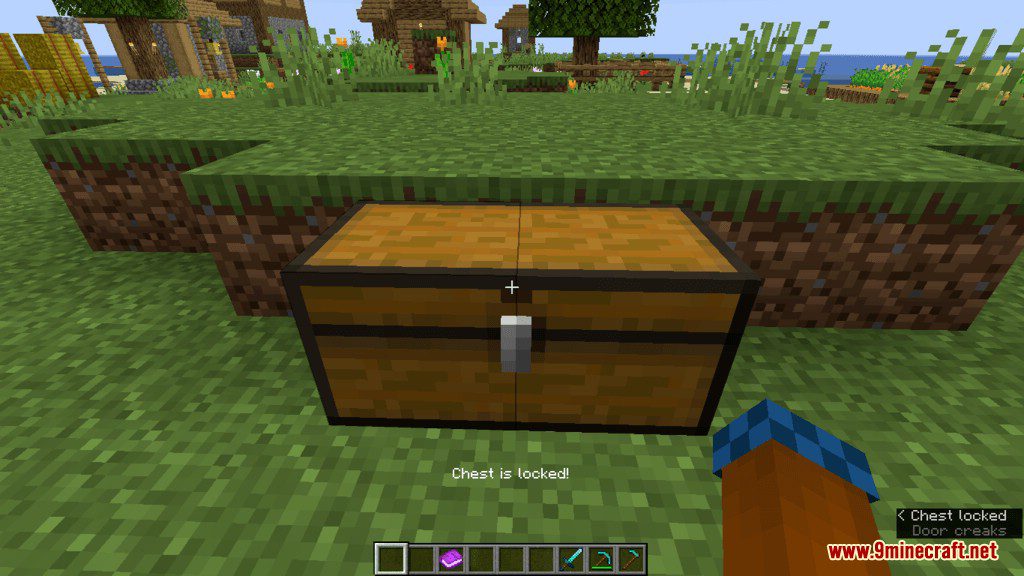
How to Install:
New to Minecraft? Follow our step-by-step guide to install Data Packs on your PC.View Guide
Lockable Chests Data Pack Download Links
For Minecraft 1.14.2
Click to rate this post!
[Total: 0 Average: 0]

This post has no comments yet. Be the first — your comment will appear here.