


9minecraft Xray Client (26.2, 1.20.1) – The #1 Ore Finder of 2026
 4,045
4,045
 1
1


🌐 Good news — we've translated this article into other languages!
Or pick the one you like:
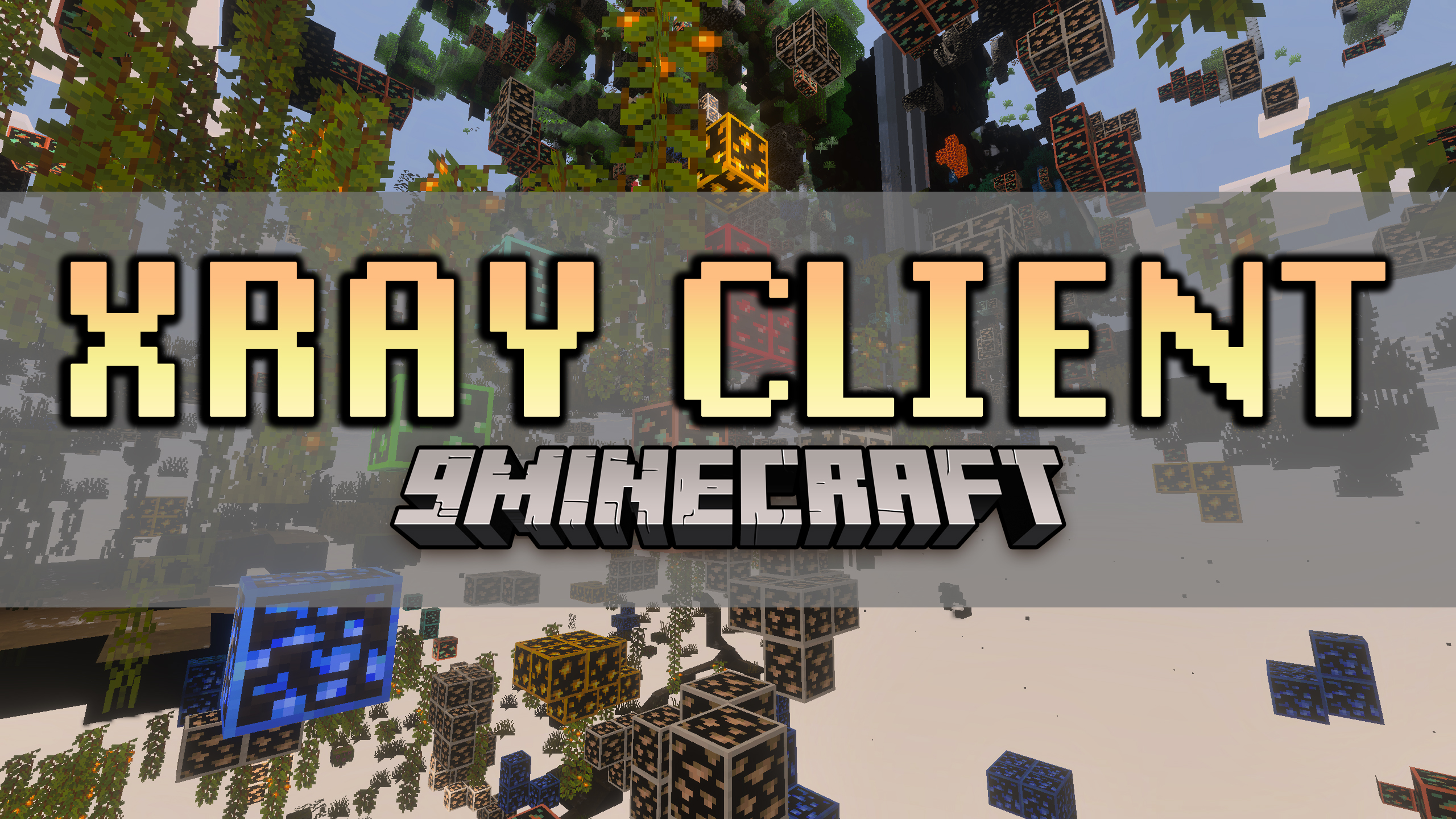
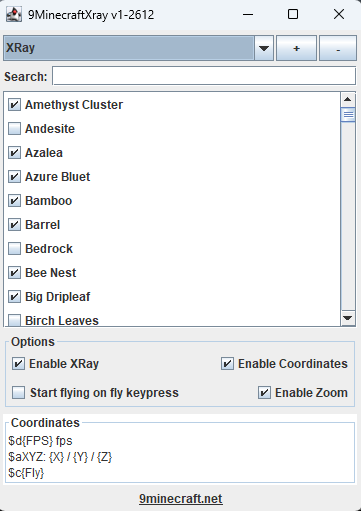
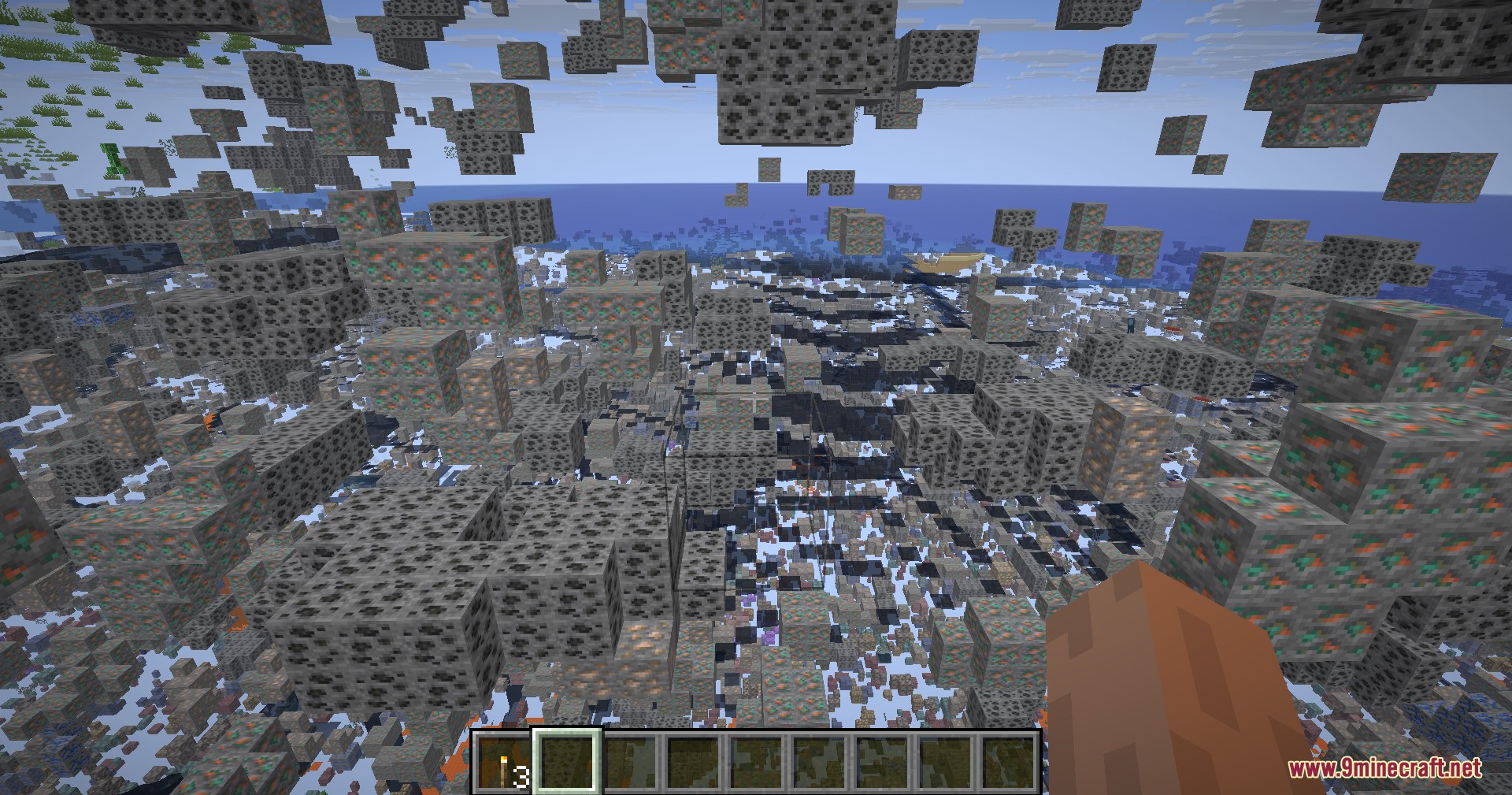
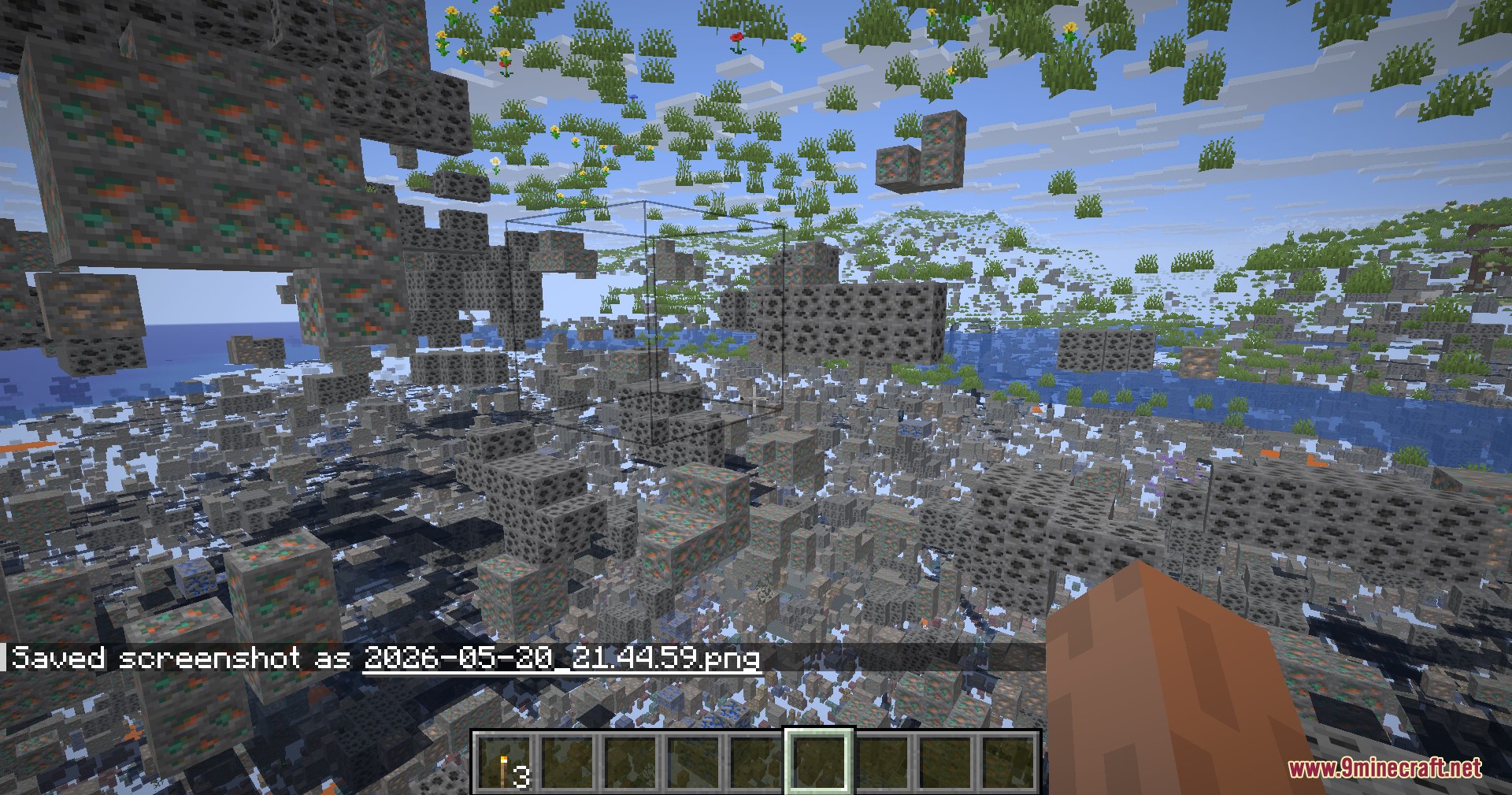
9minecraft Xray Client lets you see right through normal blocks like dirt and stone to find hidden ores, chests, and dungeons. It gives you a clear view of the underground world from the surface so you never miss valuable items. This client runs on its own without needing extra mod loaders, keeping your normal game files completely safe. You get a built-in menu to pick exactly which blocks you want to hide or show. It also includes helpful tools like flying, zooming, and bright lighting to make your mining trips much easier.
Features:
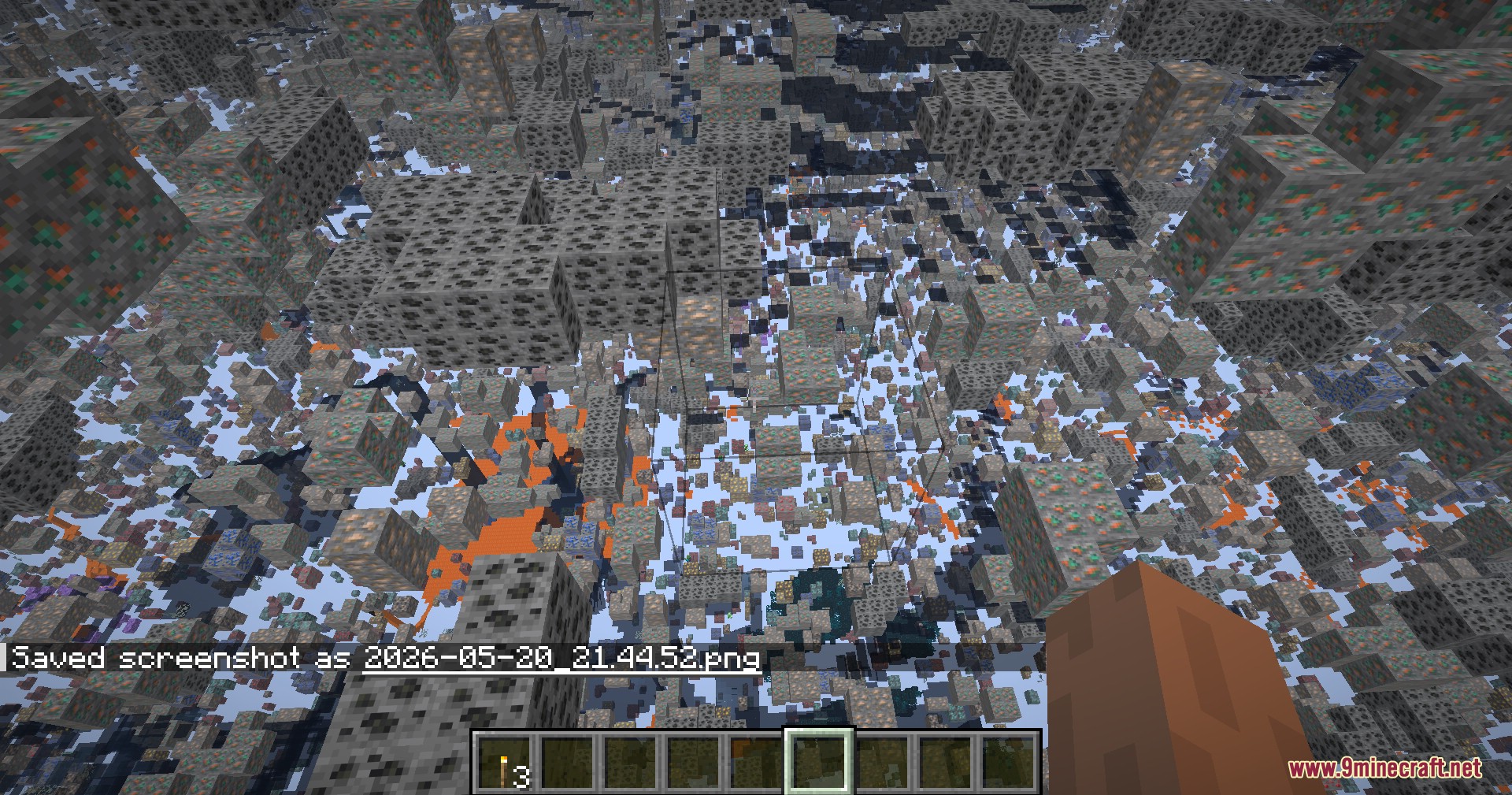
- X-Ray Vision: Hides common dirt and stone blocks so you can easily spot ores, spawners, and chests.
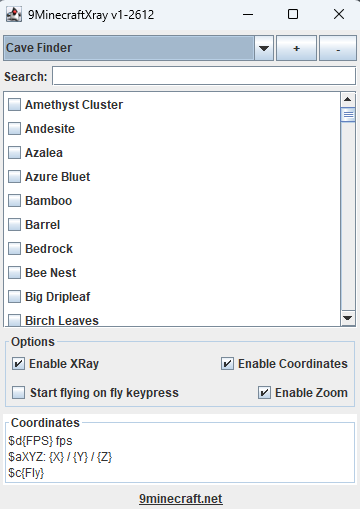
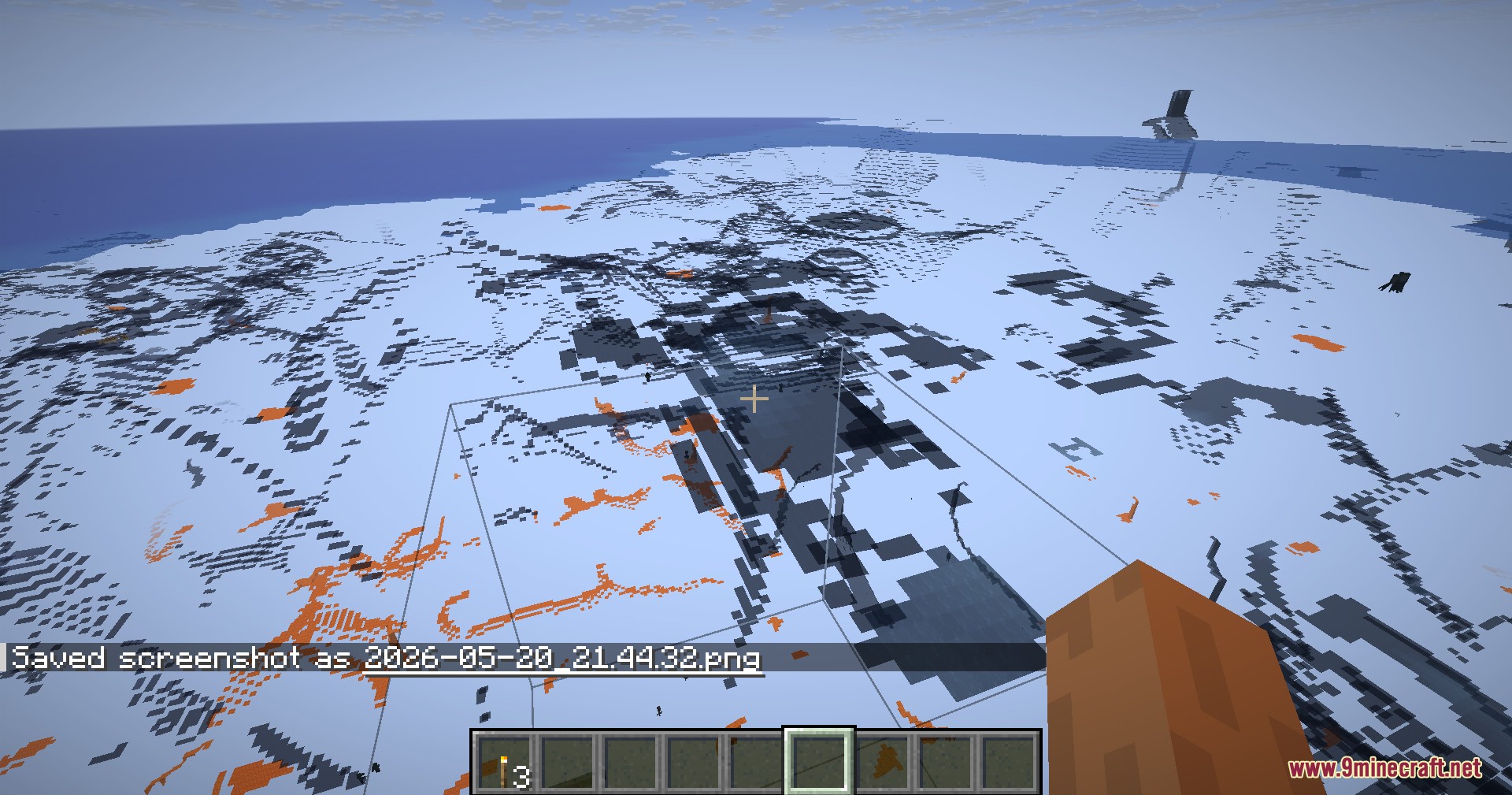
- Cave Finder: Flips the view to show dark caves, glowing lava pools, and hidden underground rooms.
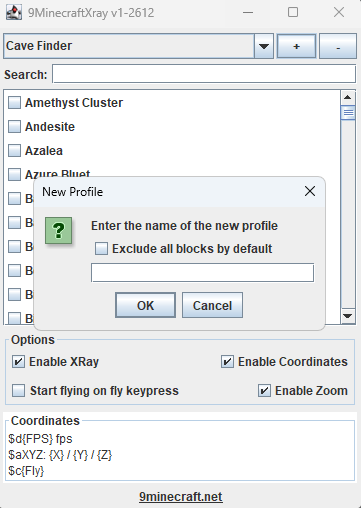
- Lets you create your own custom lists of blocks to find exactly what you need.
- Lights up the whole world to maximum brightness so you never need torches again.
- Gives you the ability to fly around the world with adjustable speeds.
- Protects your player from taking any fall damage while flying.
- Adds a zoom button that lets you look closely at blocks far away.
- Shows your exact coordinates, frames per second, and flying status on the screen.
- Lets you switch between different block views instantly using keyboard shortcuts.
- Installs safely in its own folder without changing your regular Minecraft game.
How to Use:
- Run the installer, enter your license key ⬇, choose your game version, and click install.
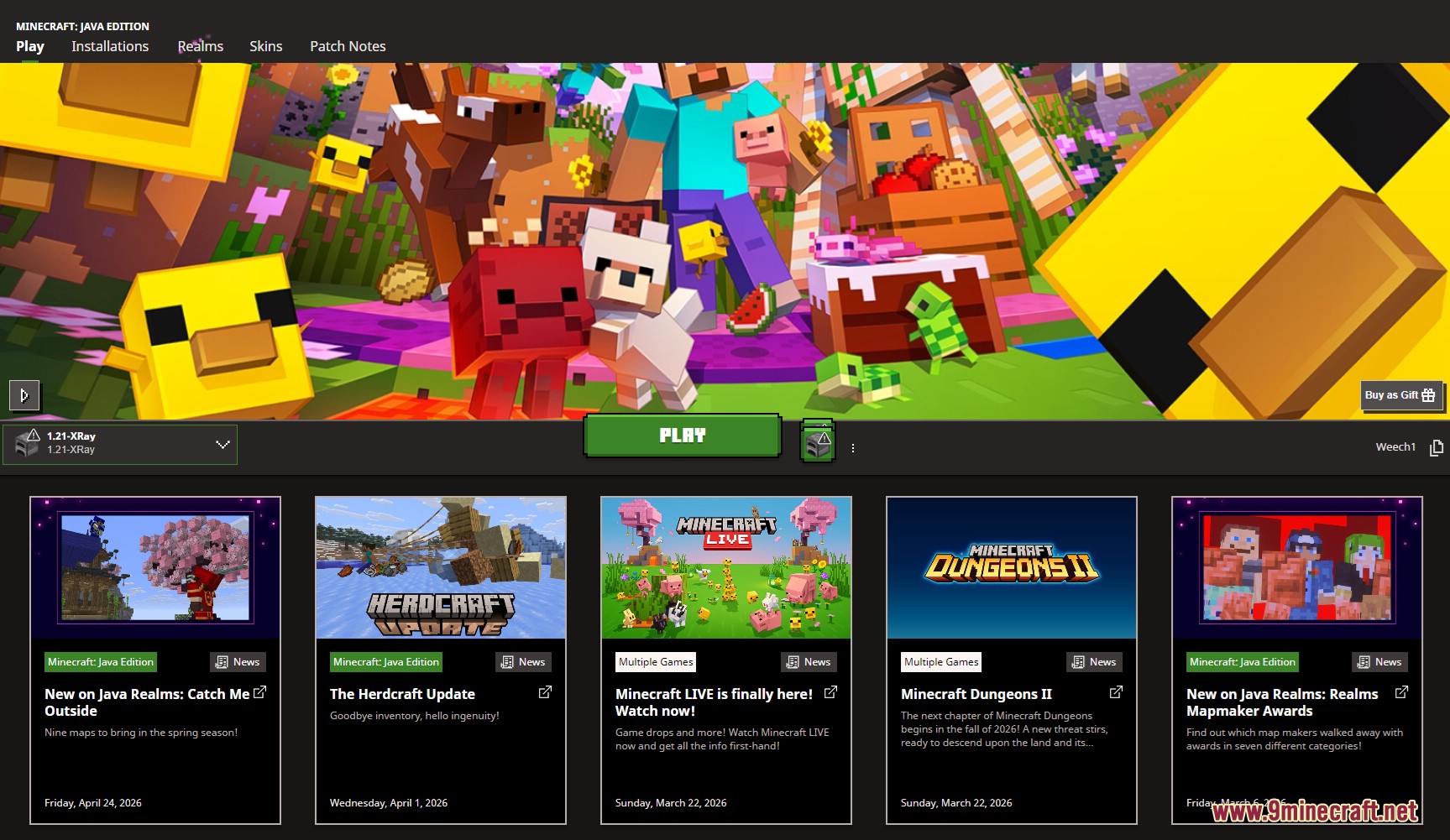
- Open your normal Minecraft launcher and pick the new XRay profile from the list.
- Press the X key in the game to turn the main x-ray view on or off.
- Press your Cave Finder key to switch the view and look for open caves and lava.
- Tap your Fullbright key to light up dark areas instantly.
- Press the Fly key to start flying, and press it again to land safely.
- Hold down the Zoom key when you need to see distant blocks clearly.
- Press M to open the main menu where you can change settings, pick blocks, and add new shortcuts.
Screenshots:
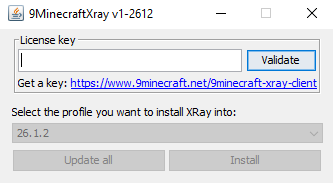
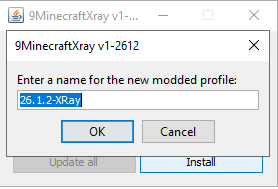
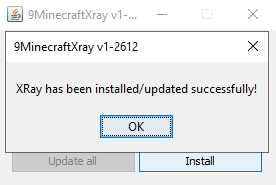
Generate Your License Key
Click the button to get a license key for 9Minecraft Xray Client. Click the key to copy, then paste it into the installer's License field and click Validate.
Your license key (click to copy):
Copied!
Press the button again to generate a different key if needed.


9minecraft Xray Client Download Links
For Minecraft 26.2
For Minecraft 26.1.2
For Minecraft 1.21.11
For Minecraft 1.21.10
For Minecraft 1.21.8
For Minecraft 1.21.5
For Minecraft 1.21.4
For Minecraft 1.21.1
For Minecraft 1.20.1
For Minecraft 1.19.2
For Minecraft 1.18.2
For Minecraft 1.16.5
For Minecraft 1.12.2
For Minecraft 1.8.9
Click to rate this post!
[Total: 9 Average: 3.8]

1 Comment
What do you think?
Your opinion means a lot - we'd love to hear from you.
You May Also Like











Just downloaded this and tried it out. it is perfect Thank you!