


My Totem Doll Texture Pack (26.x, 1.21) – MCPE/Bedrock
 661
661
 0
0
 August 18, 2025
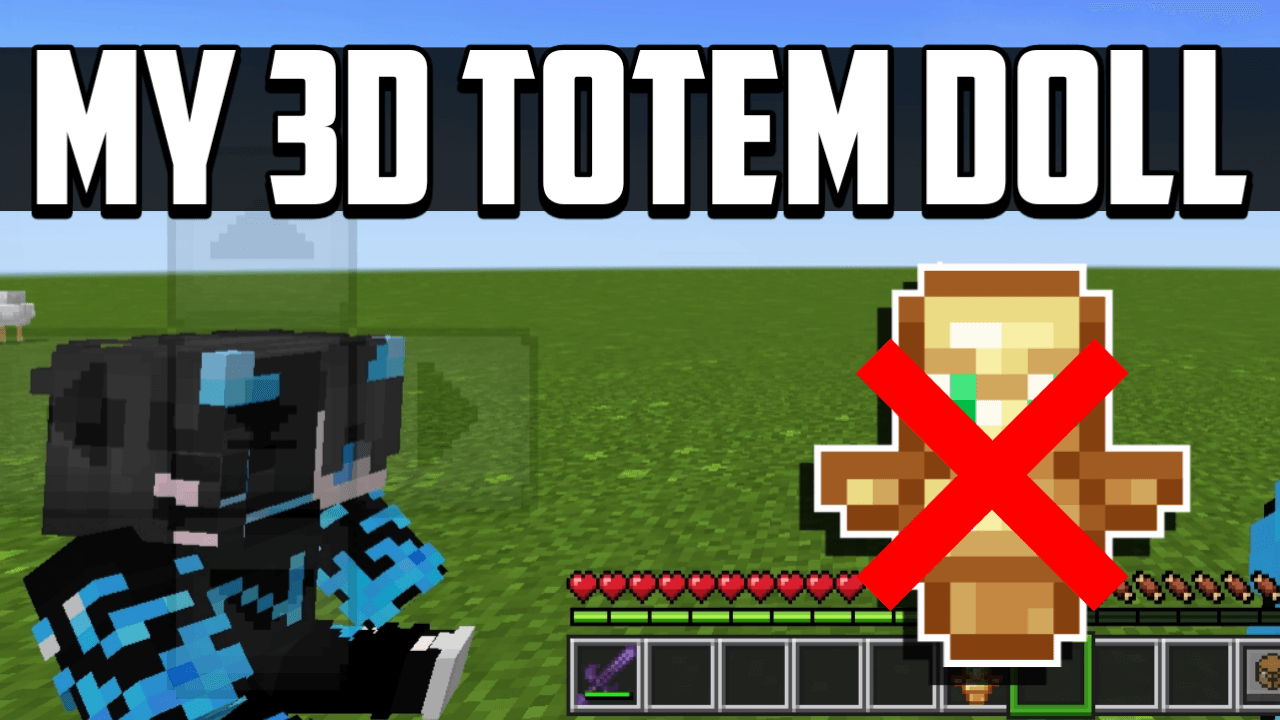
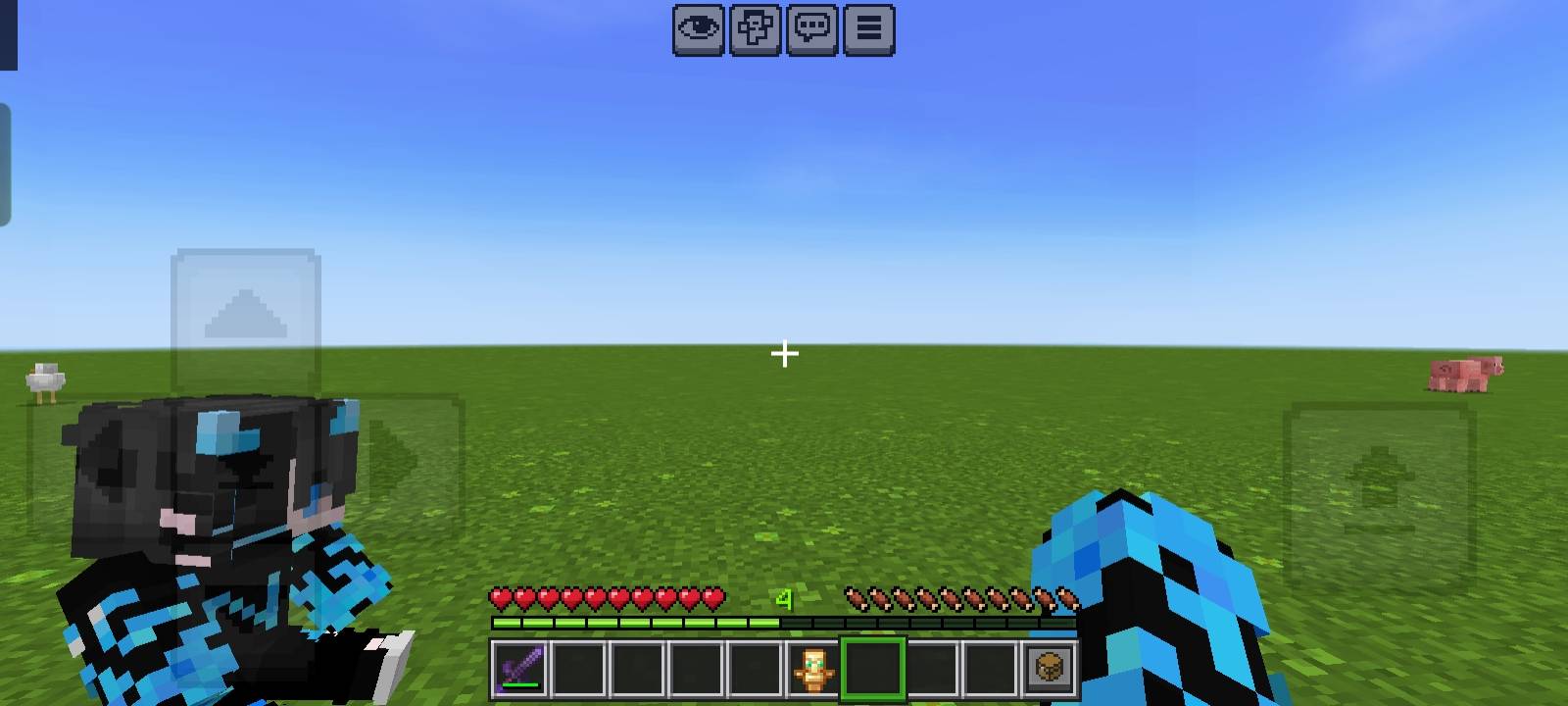
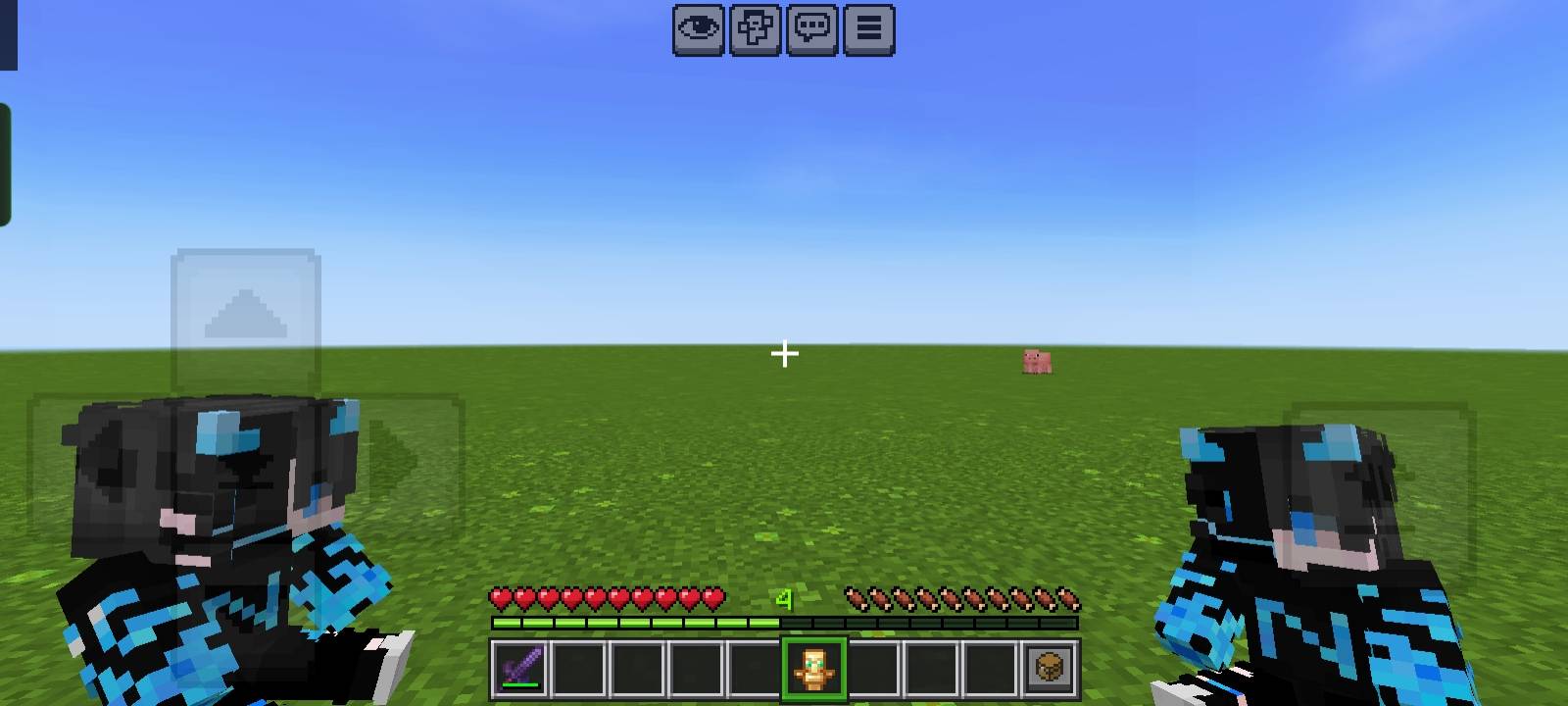
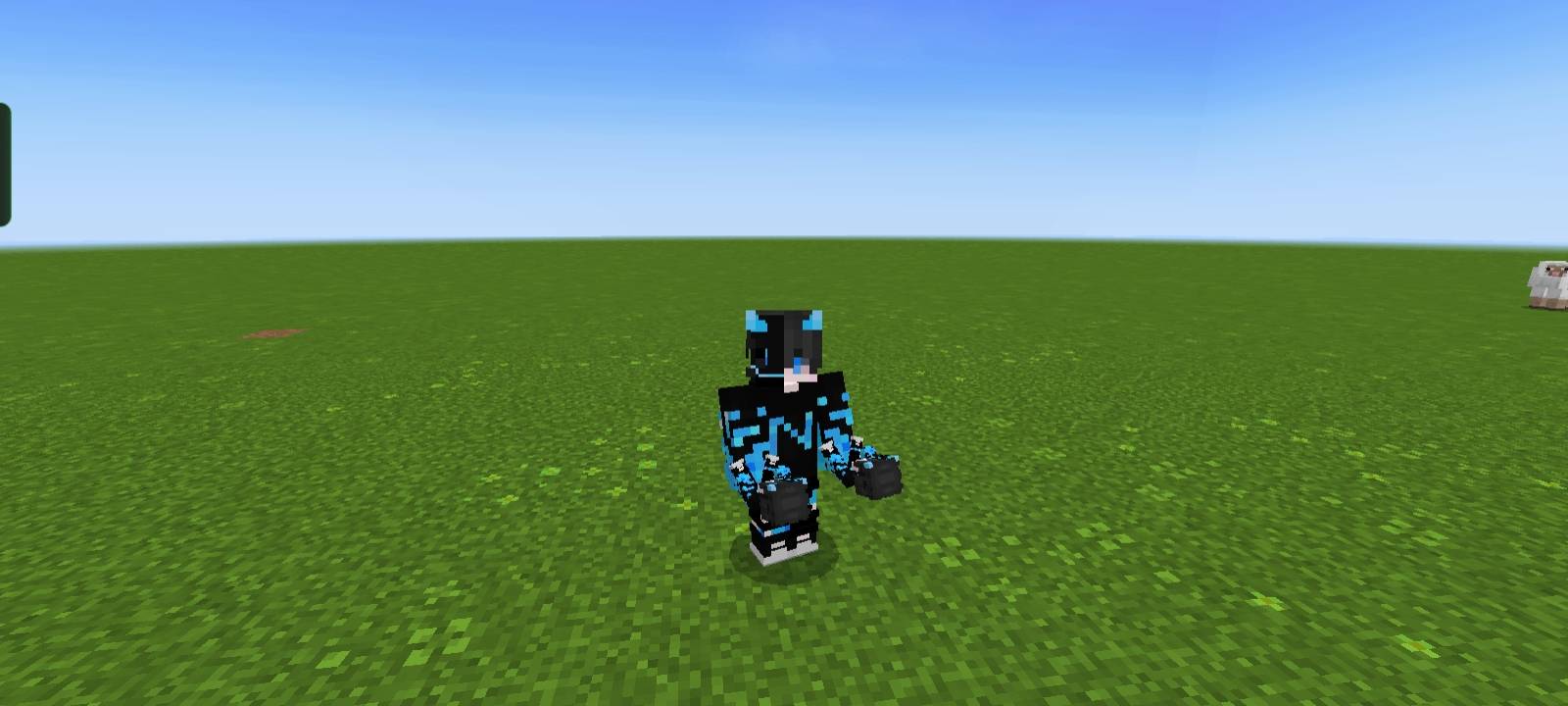
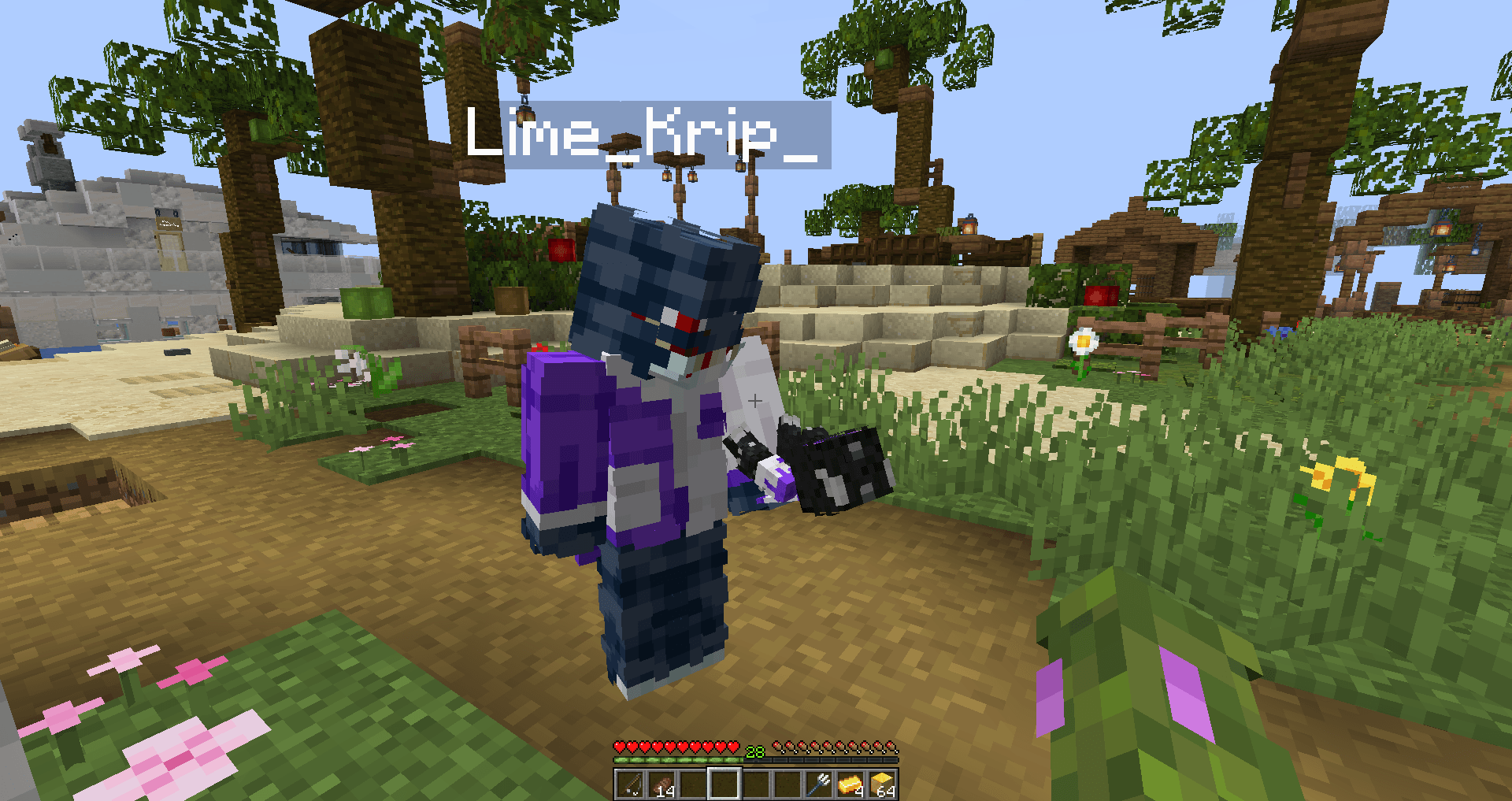
My Totem Doll Texture Pack changes the classic totem of undying by transforming it into a dynamic 3D Totem Doll that players can customize with their own unique skin.
Features:
How to add your custom skin:
- Download and extract the pack.
- Go to the folder: NeBux/Totem/
- Inside, you’ll find a file named skin.png.
- Replace this file with your Minecraft skin.
- After that, the Totem Doll will appear with your custom skin in-game!
Screenshots:
How to Install:
My Totem Doll Texture Pack Download Links
For Minecraft PE/Bedrock 1.21
mcpack: Download from server 1 – Download from server 2
Click to rate this post!
[Total: 6 Average: 4]
You May Also Like





This post has no comments yet. Be the first — your comment will appear here.