


Dark Theme Texture Pack (26.x, 1.21) – Dark Mode UI For Your Settings And Inventory Screens
 1
1
 0
0
 1 hour ago
 Itzriyo157
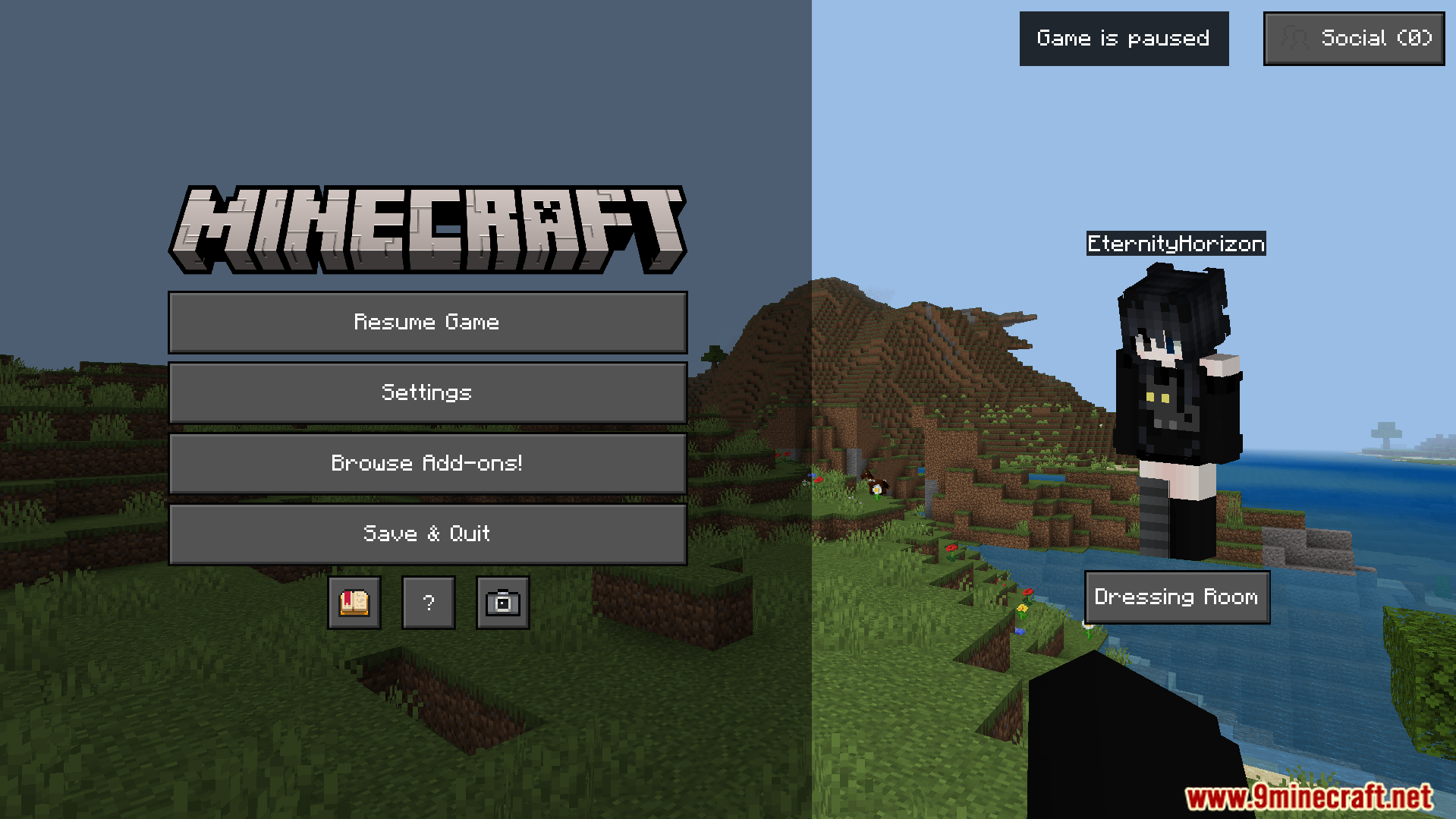
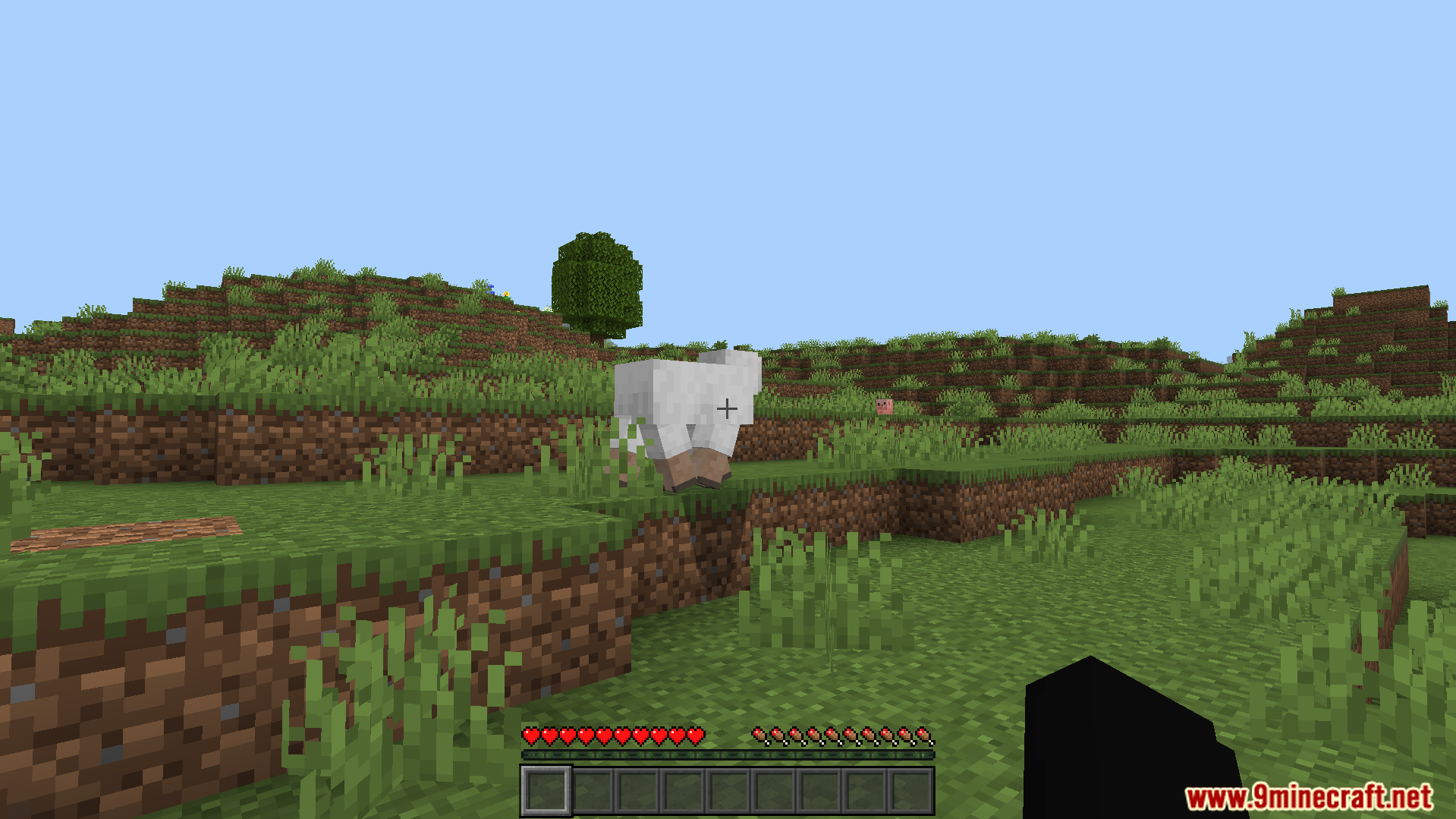
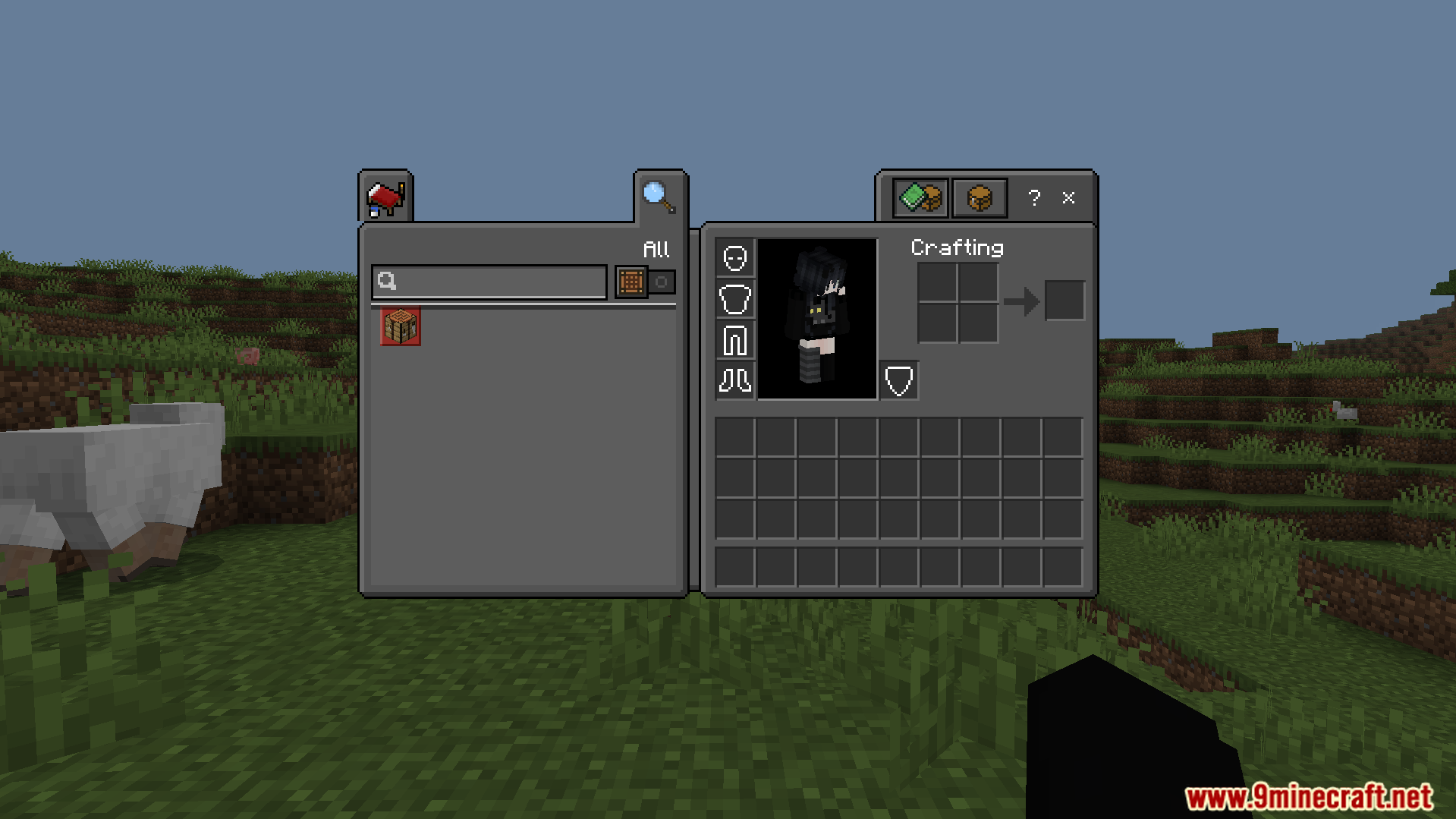
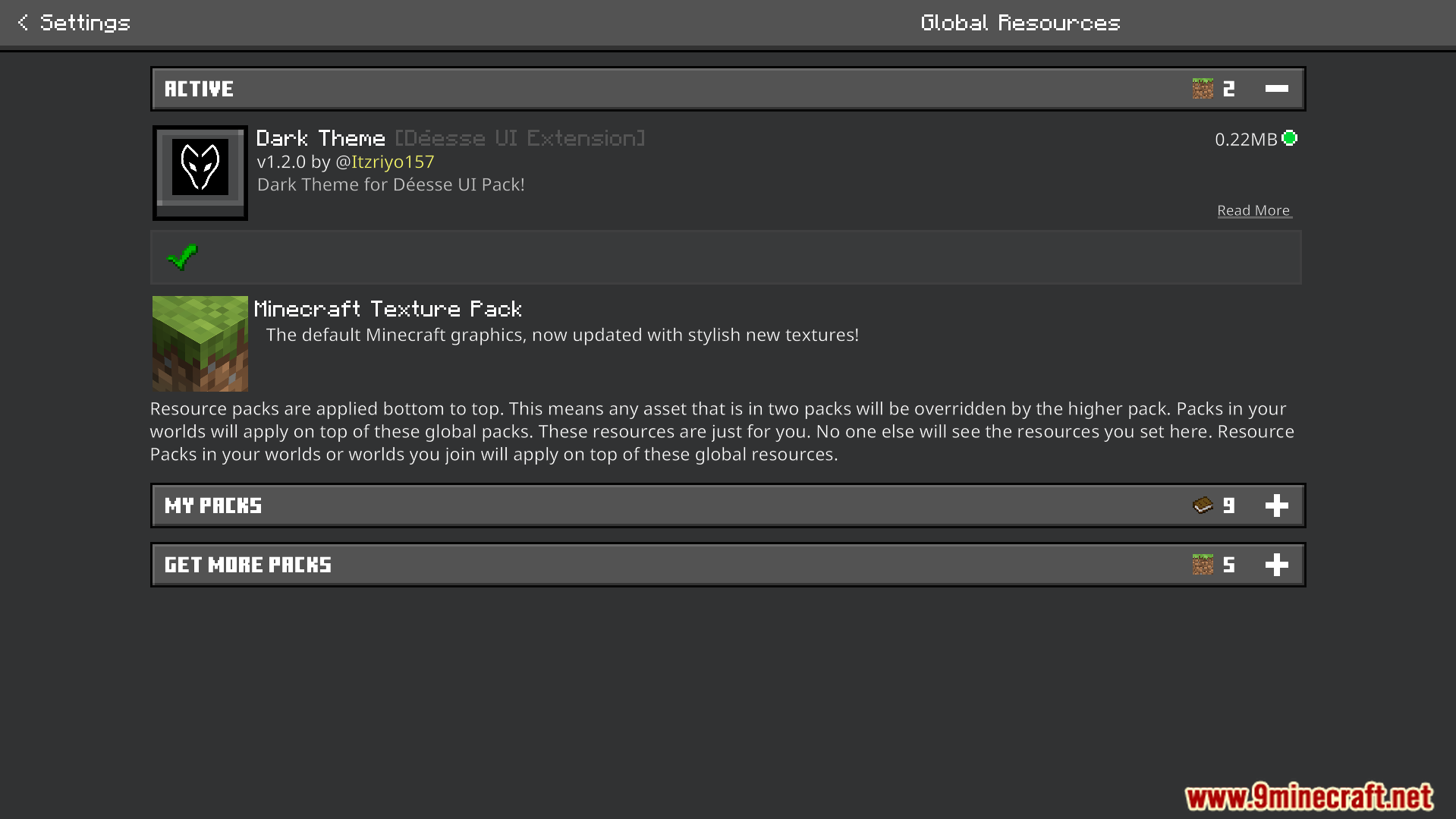
Dark Theme Texture Pack changes your game menus to a dark color style. This texture pack works as an extension for the Deesse UI pack to give your screens a new look. It allows you to pick between different dark mode options for your settings and inventory screens.
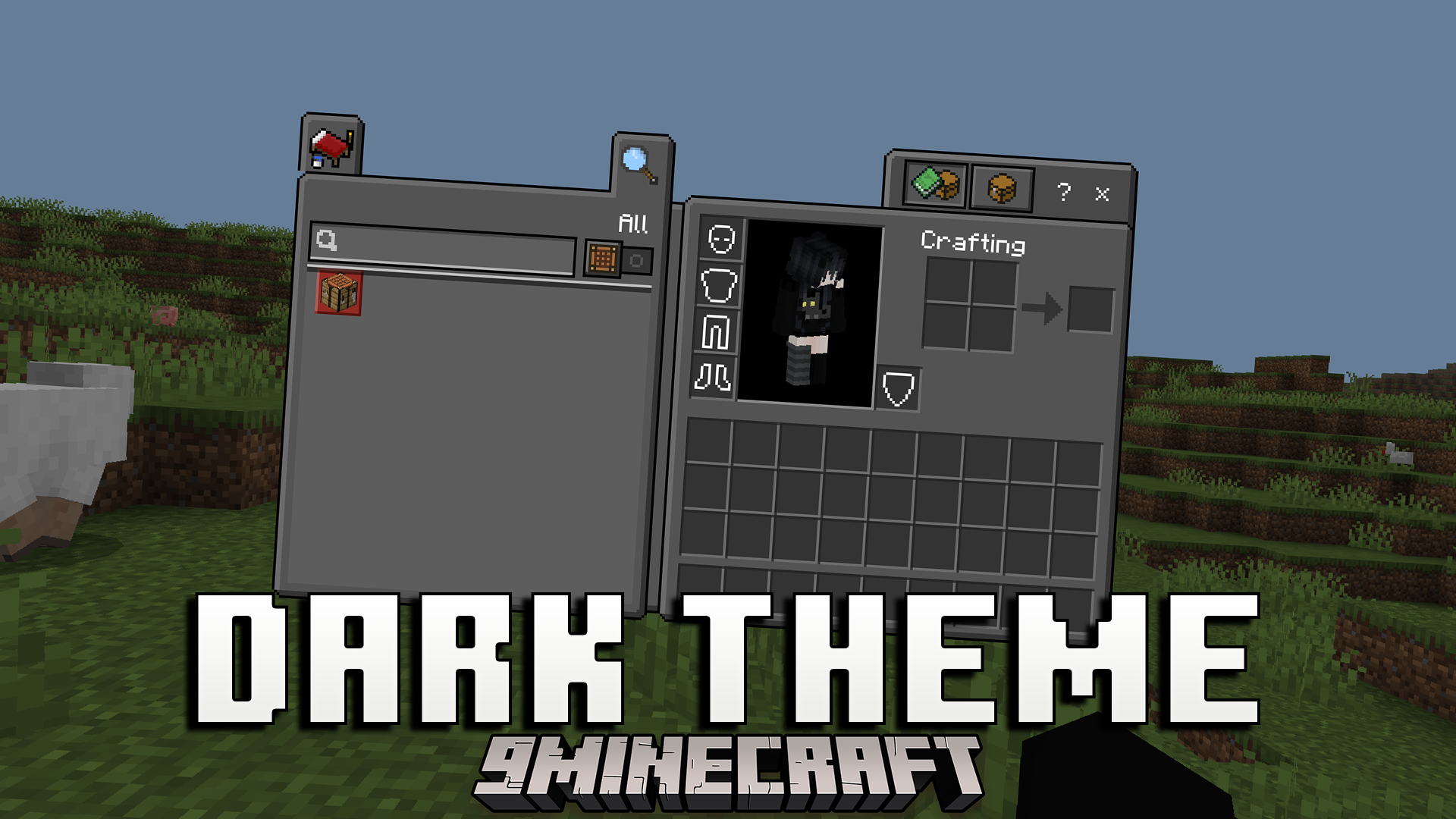
Features:
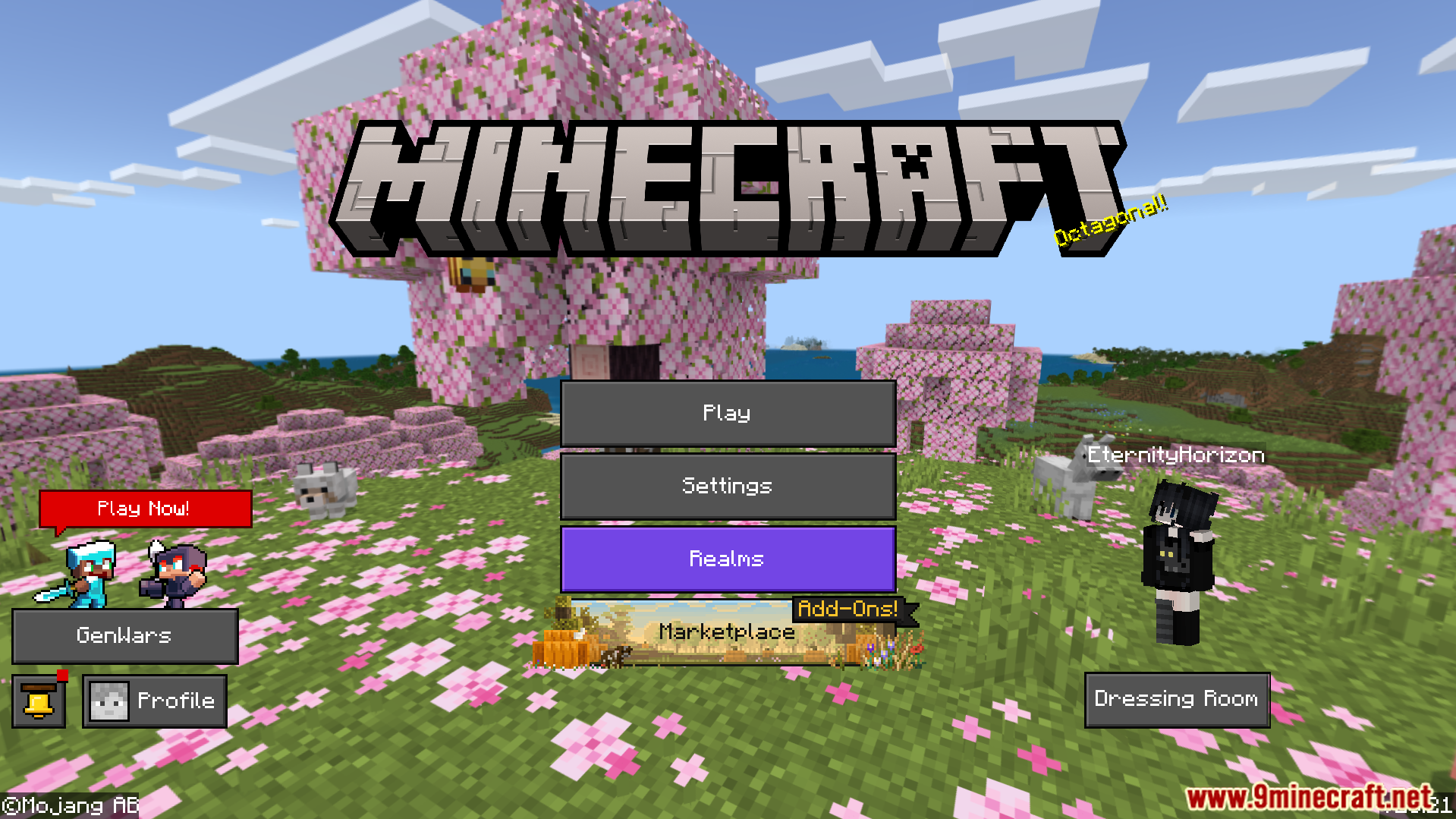
- Gives the main menu a dark background and custom buttons.
- Changes the settings menu to a dark color style.
- Includes a dark theme for your creative mode inventory.
- Updates the chest inventory screen with new utility buttons.
- Offers two different subpack choices for your game menus.
Configuration:
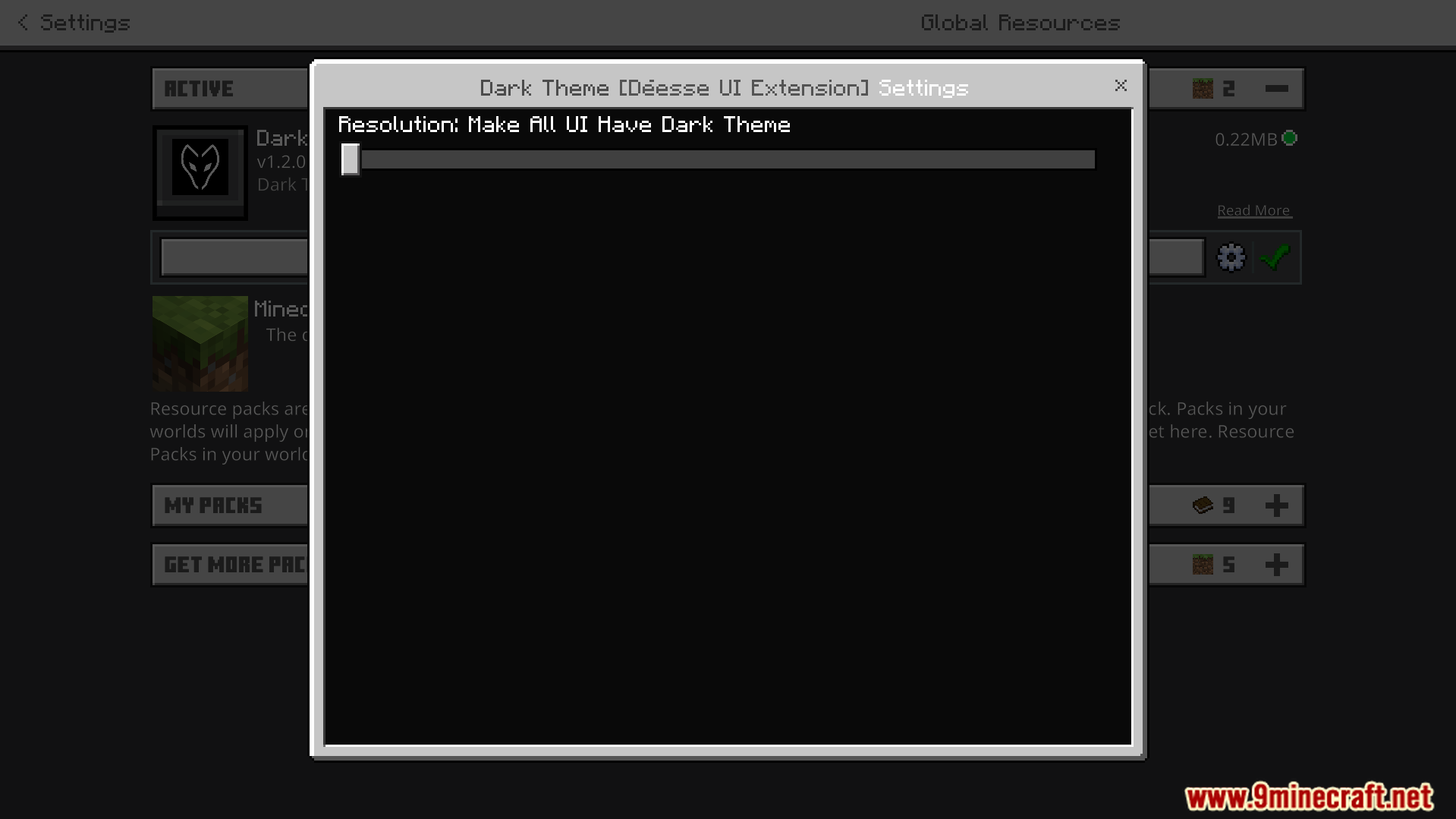
You can use the configuration slider to choose between two subpack options. The default mode only makes the custom screens dark. The second mode makes all vanilla and custom menus dark.
Screenshots:
How to Install:
Dark Theme Texture Pack Download Links
For MCPE/Bedrock 26.x, 1.21.x
For MCPE/Bedrock 1.21.x
Click to rate this post!
[Total: 0 Average: 0]
You May Also Like



This post has no comments yet. Be the first — your comment will appear here.