Minecraft's GUI is near-greyscale with all of its depth carried in brightness — the raised bevel, the sunken slot, the one-pixel dark edge. So this does not tint: each pixel's brightness picks a position along your gradient, which replaces the palette completely while keeping every bit of that shading. A tint would just make the original darker.
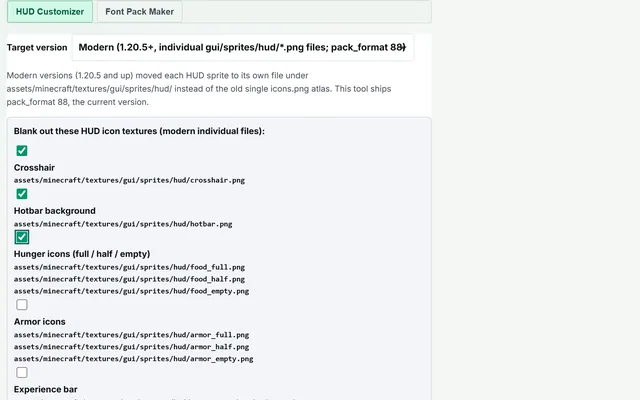
The pack targets Minecraft Java 1.21 and later. 1.21 split the HUD out of
two large sheets into individual sprite files, and a pack built from the new layout uses file
names an older version does not look for. That is a different set of images, not a different
pack_format number, so there is no version dropdown here that would quietly
produce a pack your target cannot use.
Drop the ZIP into .minecraft/resourcepacks and enable it in Options →
Resource Packs. Nothing is uploaded — the recolouring happens on a canvas in this tab
and the ZIP is written in the browser.