


Joystick Controlled Autocannon Schematic (1.21.x) – Compact Steel Cannon with Joystick Aiming

 0
0  21 hours ago
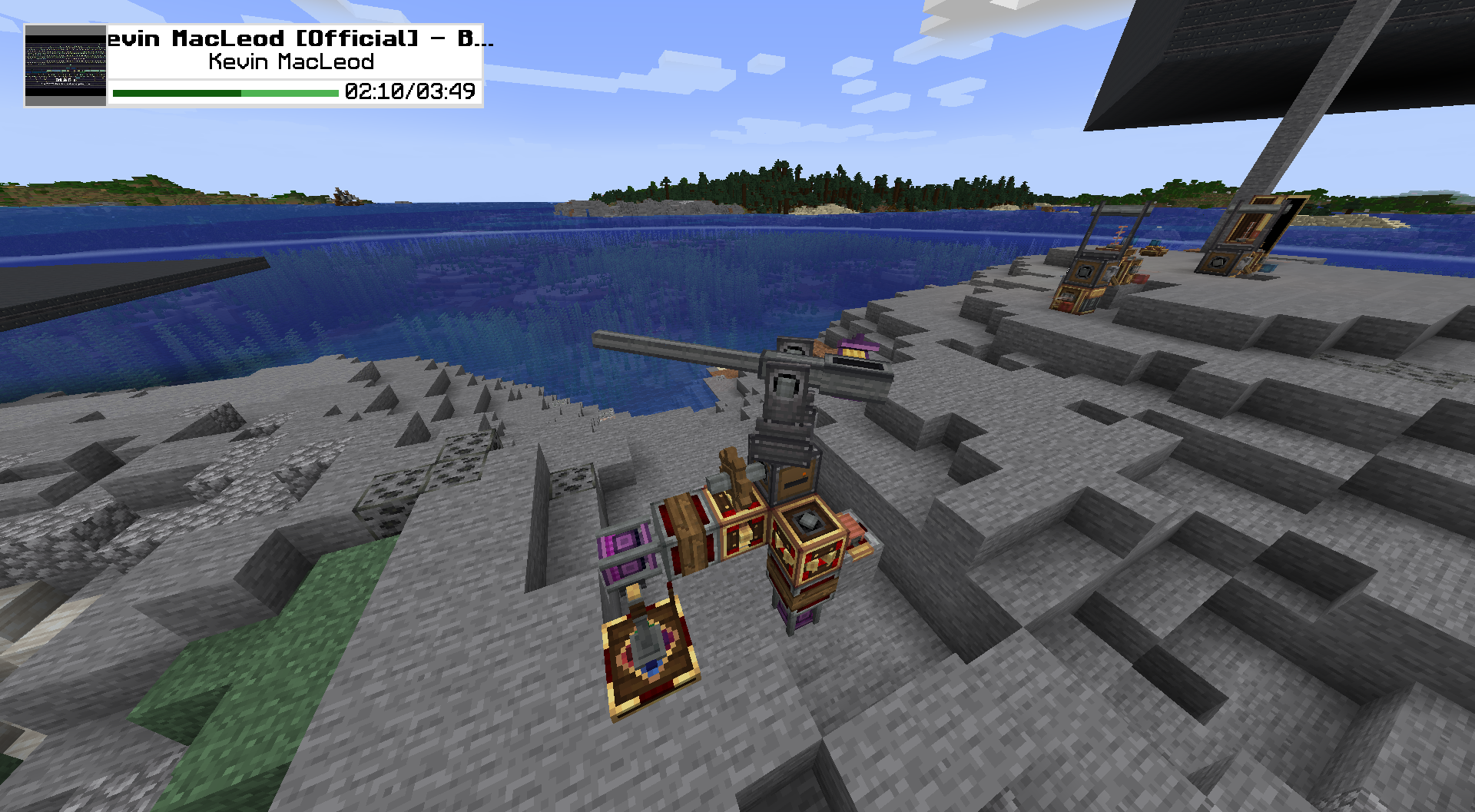
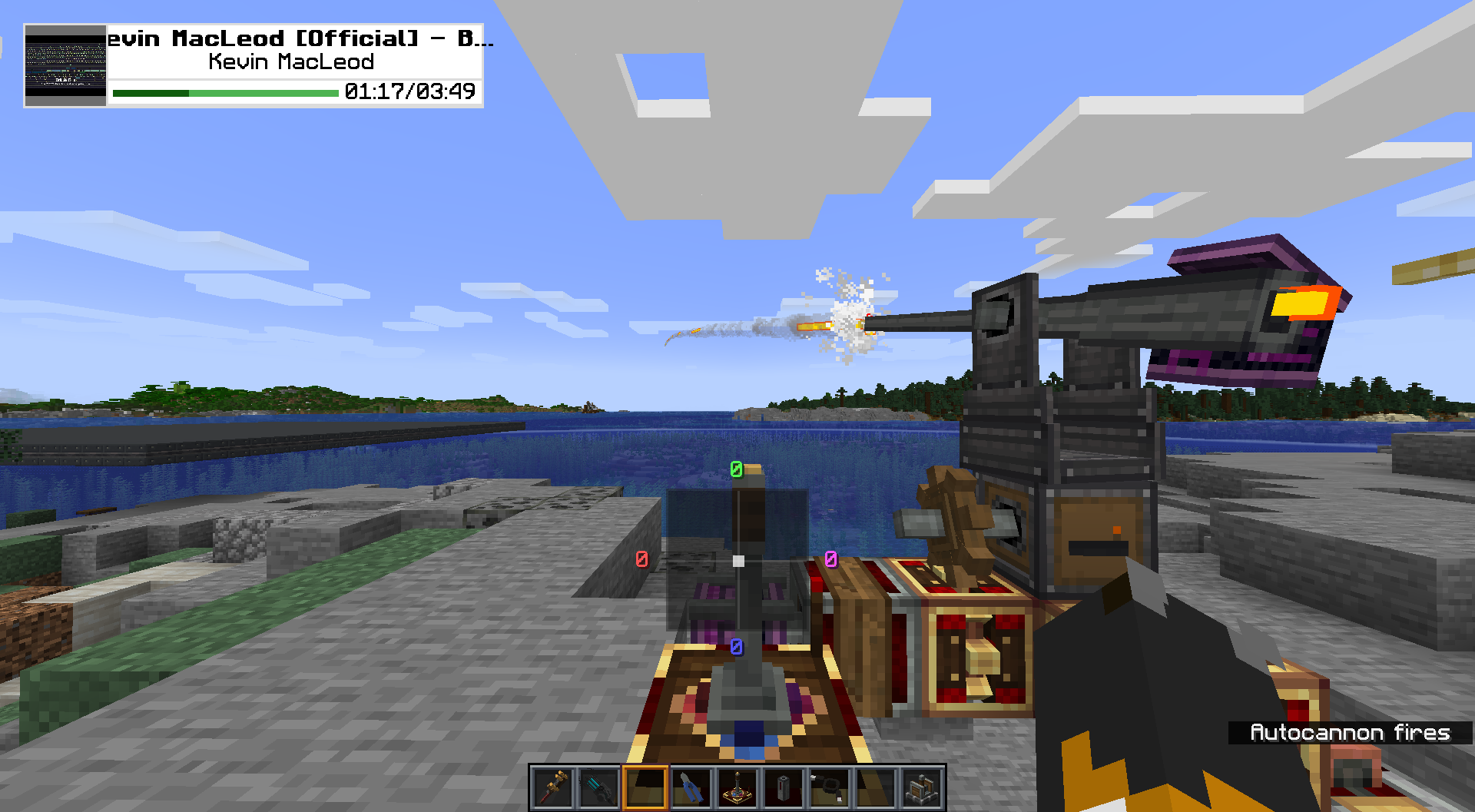
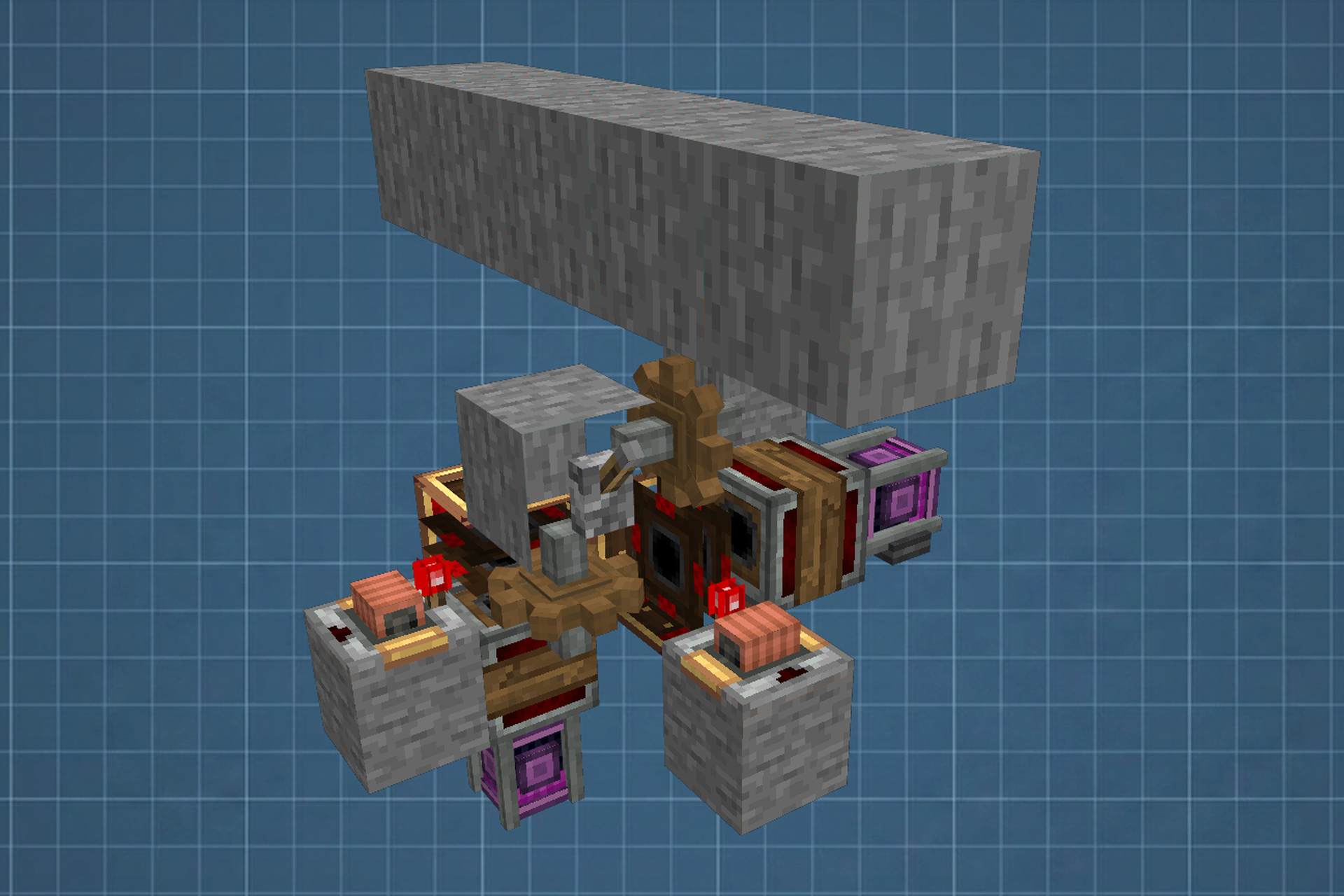
Joystick Controlled Autocannon Schematic gives you a compact steel weapon that works with joystick controls. This build uses a small setup of 21 blocks to create a working cannon you can aim and fire. You can easily change the main gun for a larger one if you want more power. It relies on a wire system to connect the controls to the moving parts.
3D Preview:
Features:
- Adds a fully built steel autocannon ready to place in your world.
- Takes up a small 5x6x6 block area so it fits in tight spaces.
- Lets you swap out the default gun for bigger cannons.
- Connects to a joystick block so you aim and shoot from one spot.
- Works with redstone links if you prefer wireless controls over cables.
Schematic Specs:
 Minecraft1.21.x
 Create Mod6.0.10
 Dimensions5×6×6
 Total Blocks21
 Top Blocks Used
Stone 3Steel Autocannon Barrel 3Creative Motor 2Gearshift 2Analog Transmission 2
How to Use:
- Place the schematic in your world and grab your wire tools.
- Connect the Forward and Back channels to the Redstone Inductor on the Pitch Controller.
- Link the Back Channel to the Gearshift.
- Connect the Left and Right channels to the Redstone Inductor on the Yaw Controller.
- Link the Right Channel to the Gearshift.
- Attach the Button Channel to the side of the Cannon Mount to control firing.
- Shift-right-click the joystick to open its menu and set up redstone links if you do not want to use wires.
🔧 Setup Notes:
- Connect Forward and Back channels to the Redstone Inductor on the Pitch Controller; Also link Back Channel to the Gearshift.
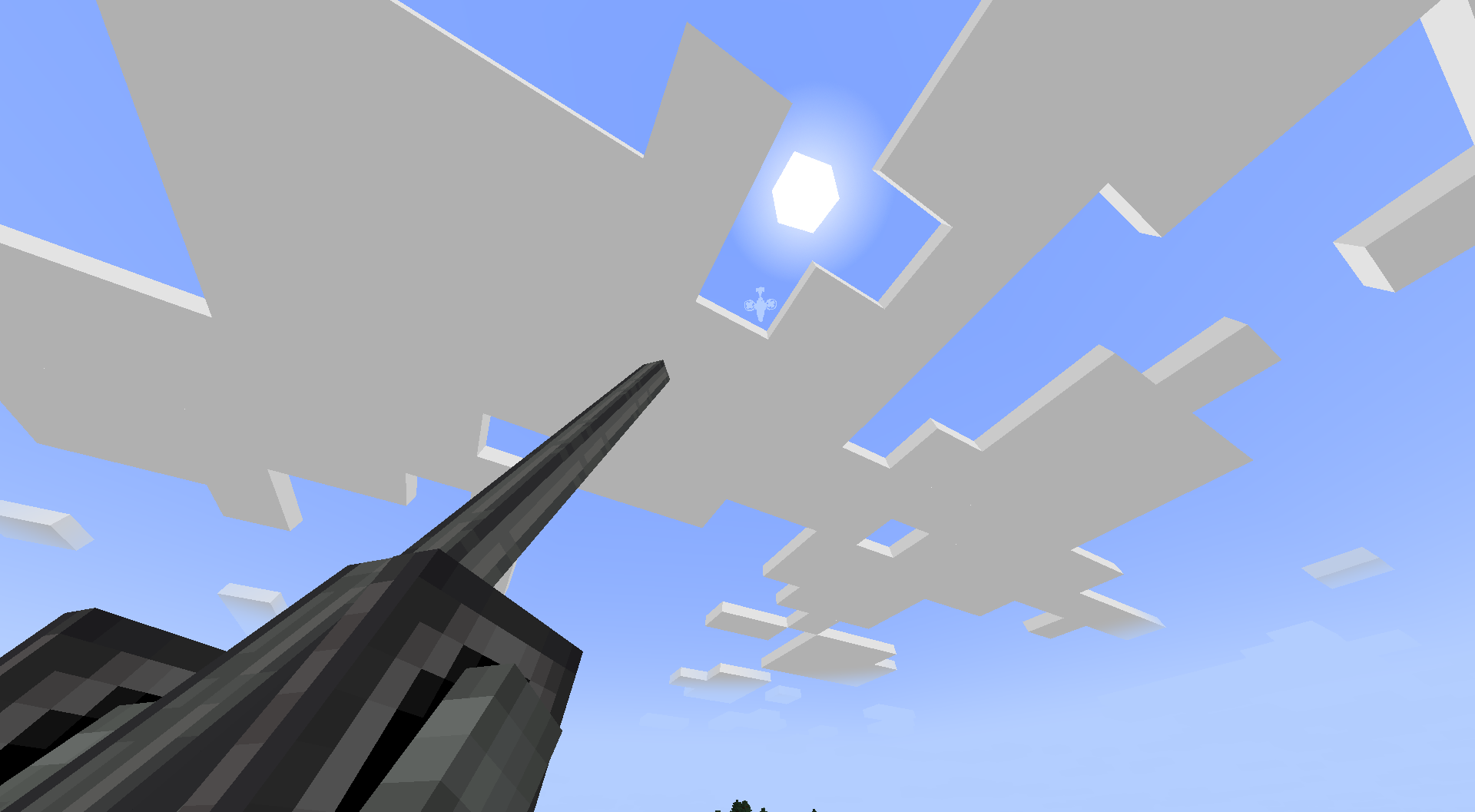
Screenshots:
Requirements:
Joystick Controlled Autocannon Schematic Download Links
For Minecraft 1.21.x
Click to rate this post!
[Total: 0 Average: 0]

This post has no comments yet. Be the first — your comment will appear here.