


Robot Walker Schematic (1.21.x) – Bipedal Mechanical Robot Build for Create

 0
0 

Robot Walker Schematic gives you a large mechanical machine that can walk on two legs. It uses parts from the Create mod and its addons to build a moving robot. You can control its legs to walk forward and turn around. The build is easy to customize, so you can paint it or change its parts to match your world. It comes as a small blueprint that you can paste right into your game.

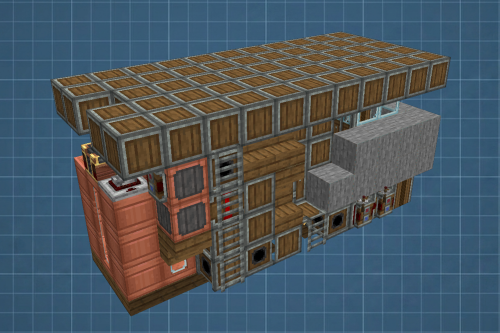
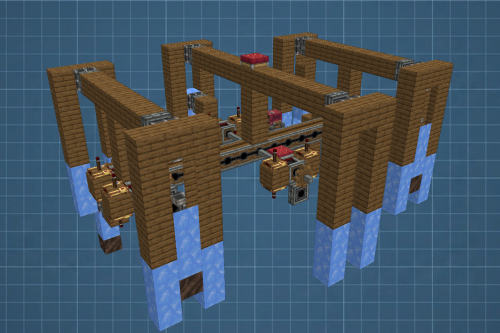
3D Preview:
Features:
- Bipedal Movement: Walks forward using basic controls and stops when you press the spacebar.
- Manual Steering: Lets you turn the robot by moving the left and right legs yourself.
- Leaves room for you to decorate and paint the outside armor however you like.
- Uses torsion springs for the joints so you can adjust the angles without breaking the machine.
- Requires you to make a few changes if you want to use it in regular survival mode.
- Contains 78 blocks in a compact space.
Schematic Specs:
 Minecraft1.21.x
 Create Mod6.0.10
 Dimensions10×12×5
 Total Blocks78
 Top Blocks Used
Redstone Link 14Andesite Casing 10Brass Universal Joint 8Torsion Spring 8Powered Latch 4
How to Use:
- Paste the blueprint into your world using the schematic tools.
- Reconnect the moving joints manually, as schematic files cannot save these specific links.
- Press W to make the robot walk forward.
- Press the Spacebar to stop moving.
- Use Q and E to turn the left leg, and A and D to turn the right leg.
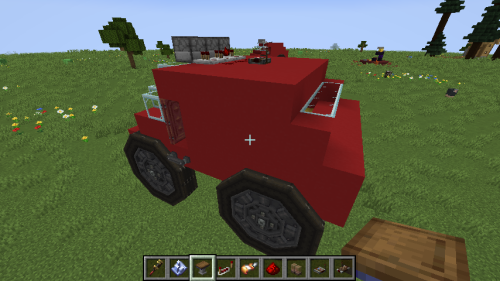
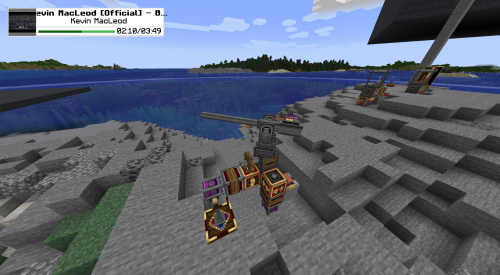
Screenshots:
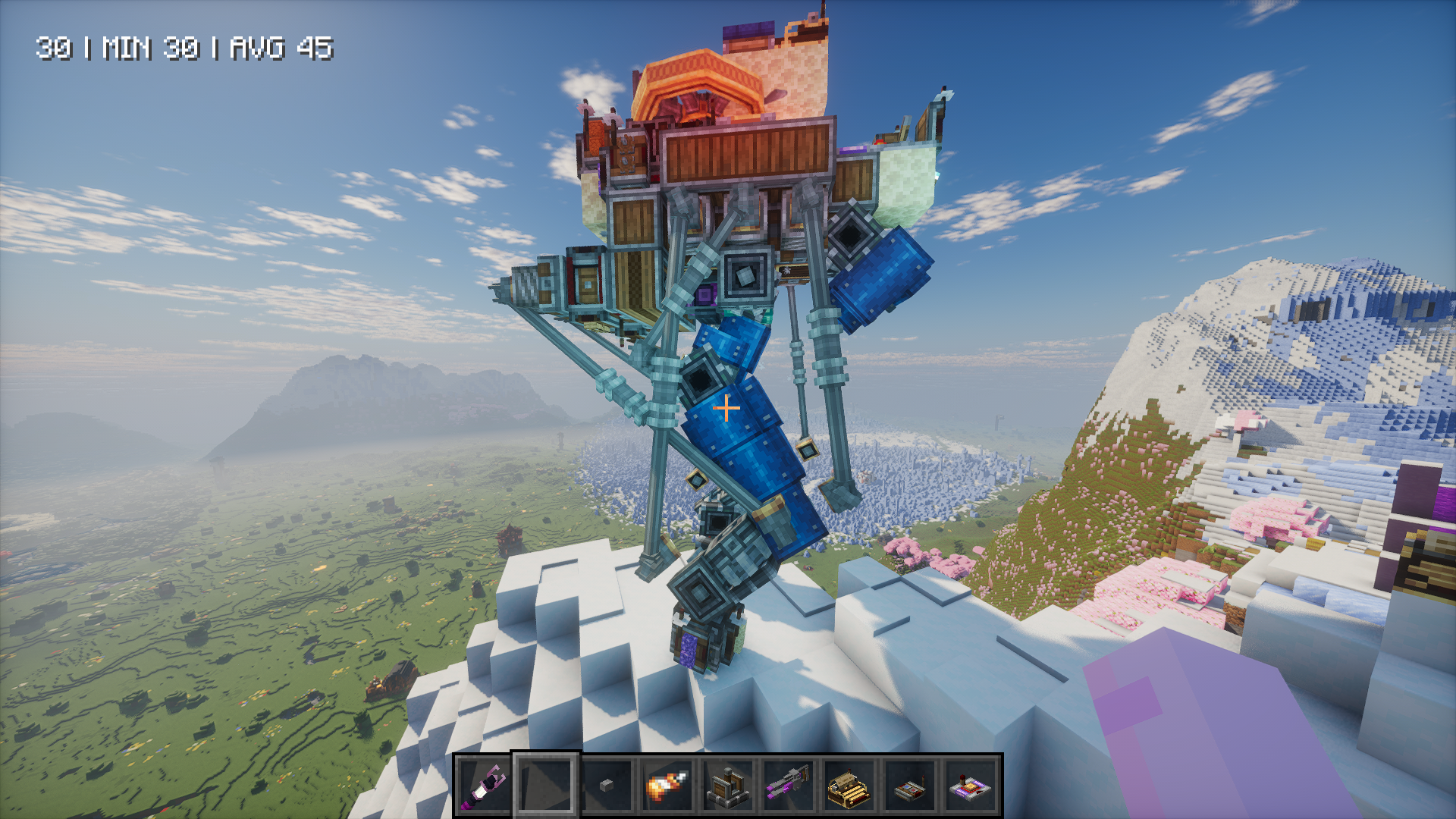
Requirements:
 Create Mod Required
Aeronautics Utility Objects Required
simulated Required
aeronautics Required

gyro Required
Robot Walker Schematic Download Links
For Minecraft 1.21.x
Click to rate this post!
[Total: 0 Average: 0]
You May Also Like









This post has no comments yet. Be the first — your comment will appear here.