


Bad Mobs 9minecraft Mod (26.2) – Stop Annoying Mobs From Spawning
 401
401
 0
0


🌐 Read this article in your language! Choose your preferred language below.
Or pick the one you like:
Bad Mobs 9minecraft Mod gives you complete control over which creatures can spawn in your world. It stops specific monsters or animals from appearing naturally, coming out of spawners, or being created by players. The mod works instantly and applies to every creature in the game, including those added by other content packs.
Features:
- Total Spawn Control: You decide exactly which monsters and animals are allowed to exist in your world.
- Cross-Mod Support: The system automatically detects and lists creatures added by other installed content packs.
- Removes blocked entities the exact moment they try to join the world so they never appear on your screen.
- Runs entirely on the server side, giving server admins full control over what spawns in multiplayer worlds.
- Keeps your builds safe by letting you ban specific destructive monsters like creepers while leaving the rest of the game normal.
Configuration:
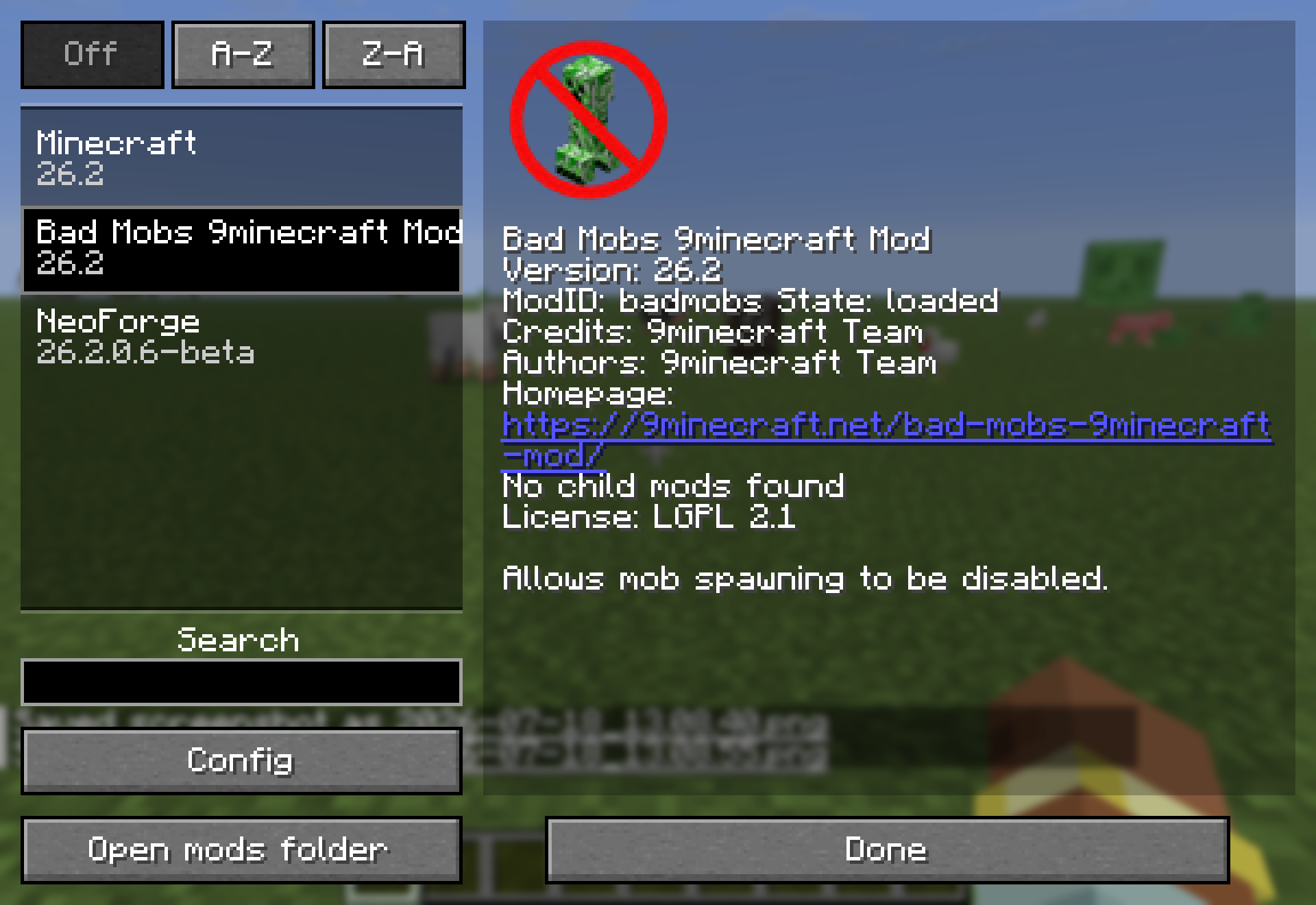
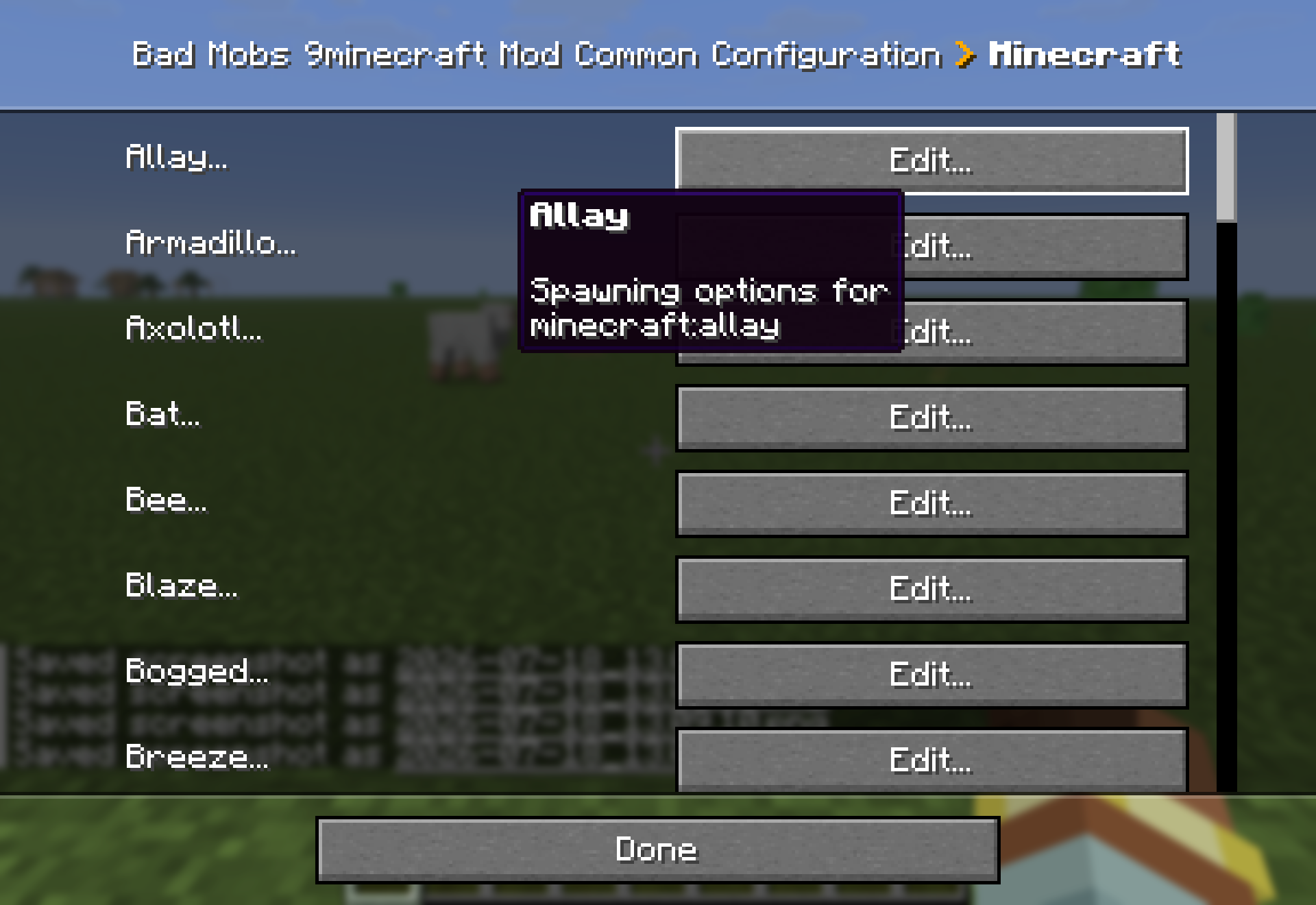
The mod generates a badmobs-common.toml file where every creature gets its own section. You can also edit these settings directly in the game using the Config button in your mods list. Changes apply immediately without restarting the game. Each entity has four toggle options:
allowNormalSpawning: Controls if the creature can appear naturally in the wild.allowSpawners: Decides if monster spawner blocks can create this creature.allowSpawnEggs: Determines if players can use spawn egg items to place the mob.allowConversions: Stops creatures from transforming, like a villager turning into a zombie.
How to Use:
- Open your game menu and click the mods list button.
- Find this mod in the list and click the Config button to open the settings screen.
- Scroll through the list to find the specific creature you want to block.
- Toggle the specific spawn options (like natural spawning or spawn eggs) off for that creature.
- Close the menu and return to your game; the changes take effect right away.
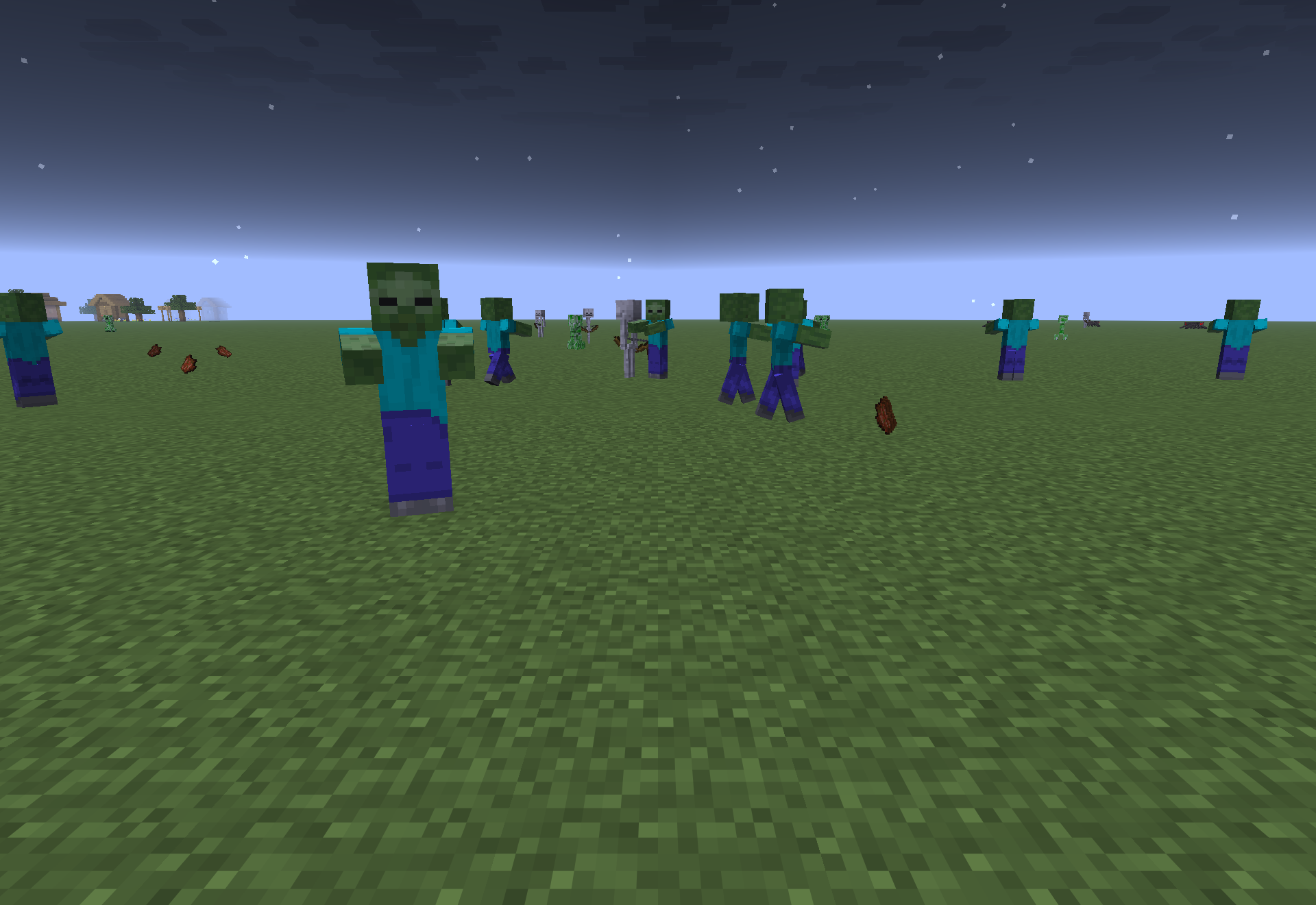
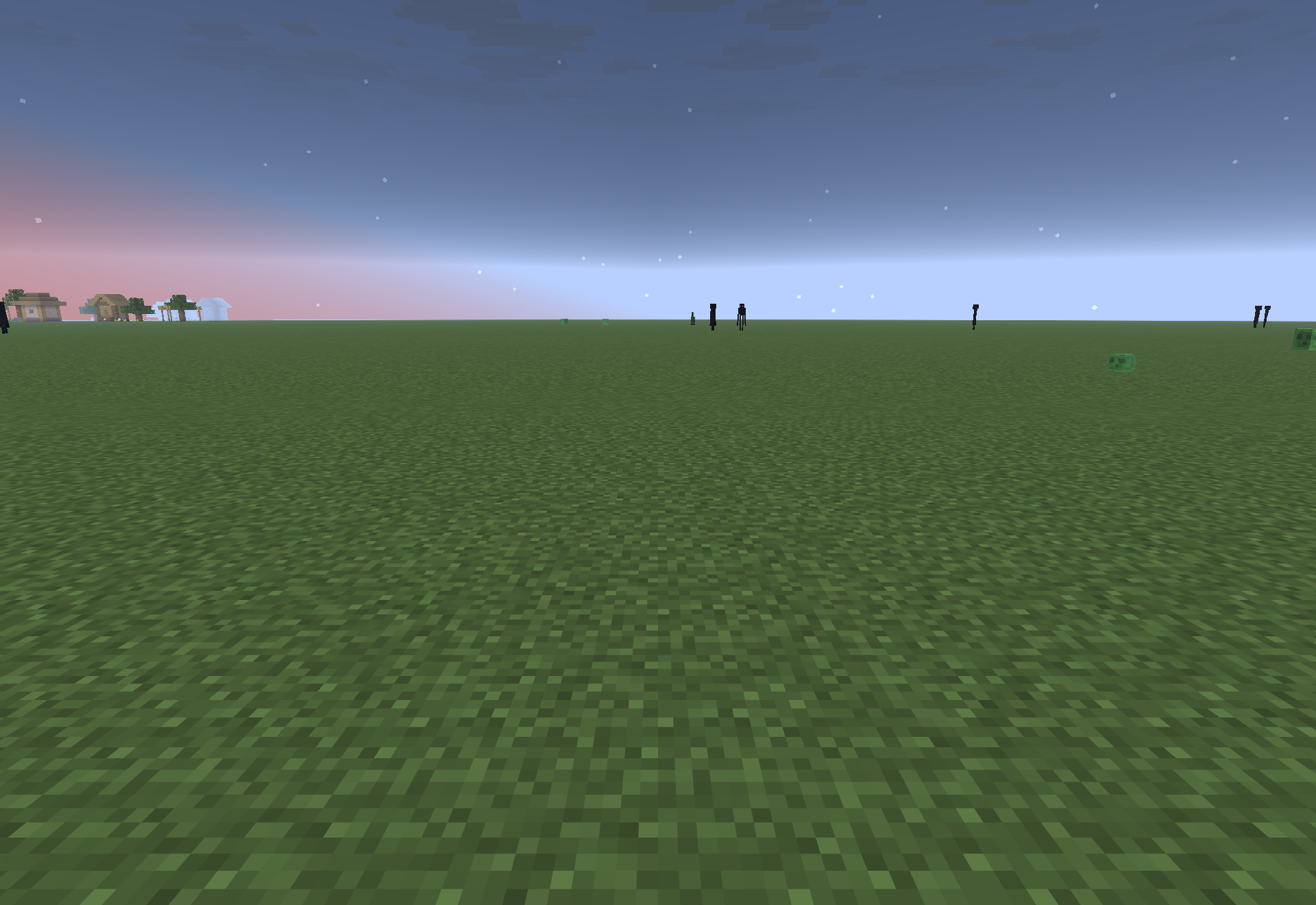
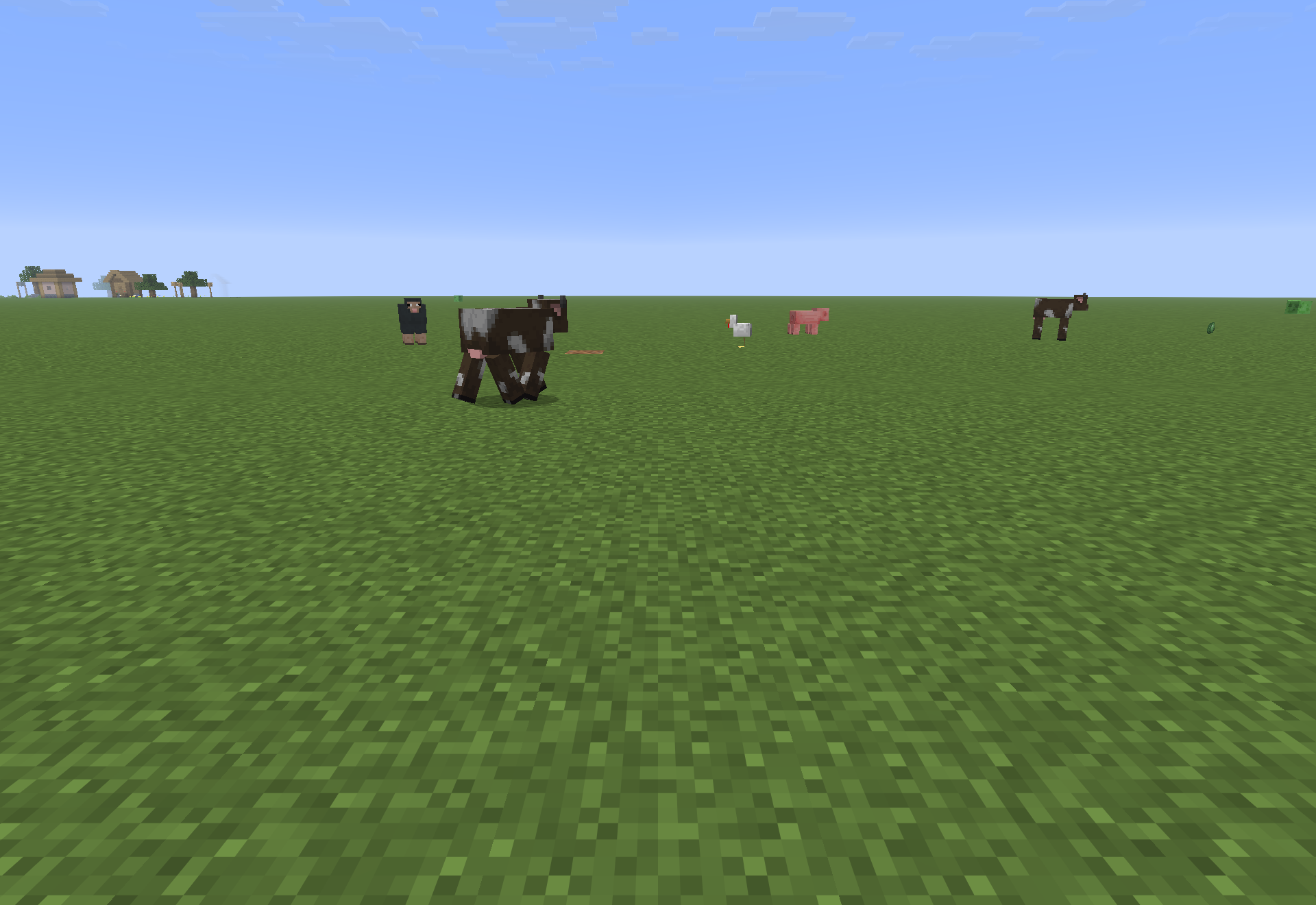
Screenshots:
How to Install:
New to Minecraft? Follow our step-by-step guide to install Mods on your PC.View Guide
Requirements:

Bad Mobs 9minecraft Mod Download Links
For Minecraft 26.2
Click to rate this post!
[Total: 0 Average: 0]
You May Also Like


This post has no comments yet. Be the first — your comment will appear here.