


Log Begone 9minecraft Mod (26.2) – Silence Annoying Server Console Spam
 105
105
 0
0


🌐 Read this article in your language! Choose your preferred language below.
Or pick the one you like:
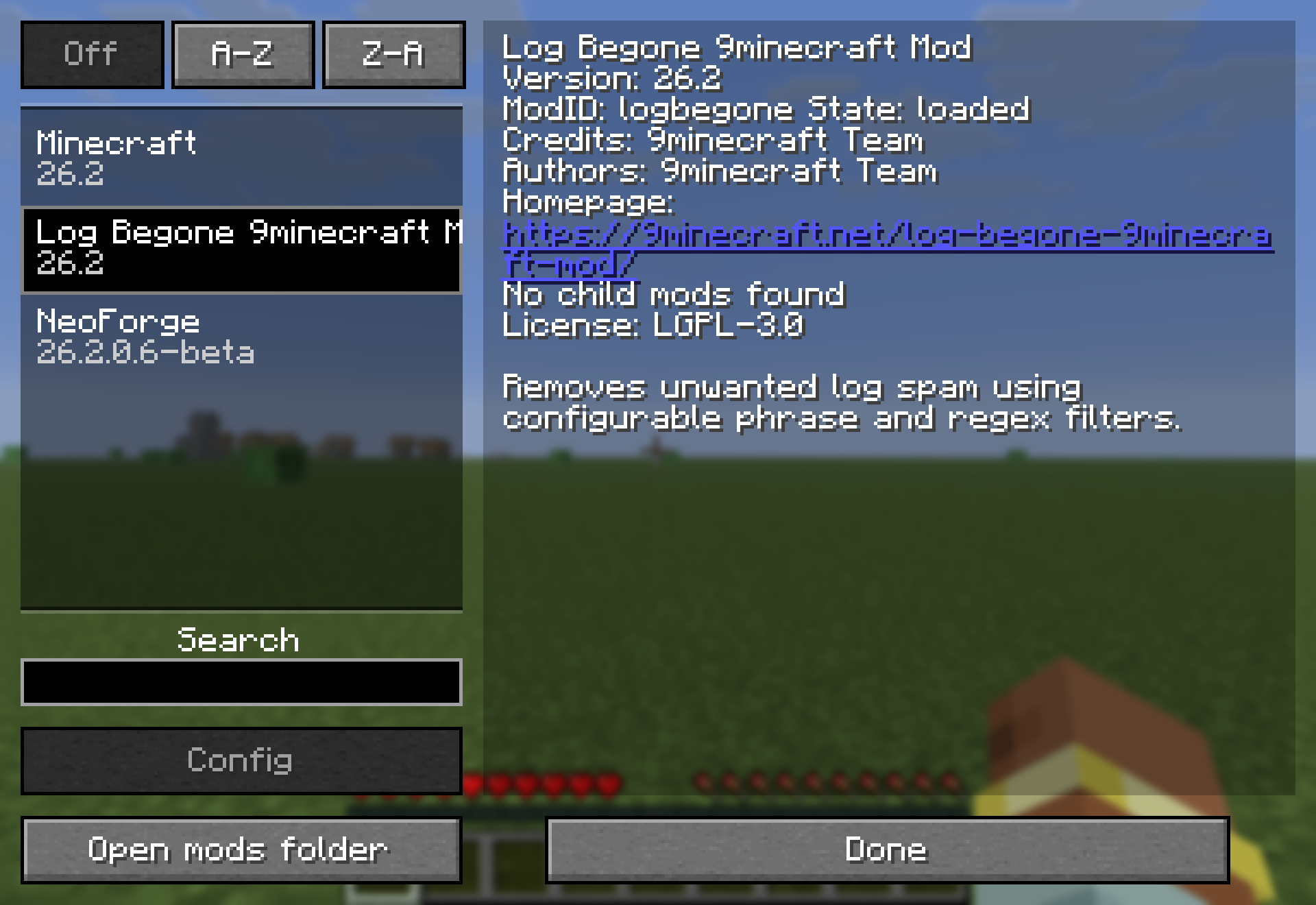
Log Begone 9minecraft Mod removes unwanted lines from your game and server logs. It acts as a filter that catches annoying text before it ever reaches your console window or log files. The mod works on both regular client games and dedicated servers. It helps server admins read their console easier by hiding connection spam or chatty messages from other installed mods.

Features:
- Total Silence: Stops matched text lines from showing up anywhere, including the console window and saved log files.
- Smart Defaults: Ships with basic filters already set up to hide common connection noises right out of the box.
- Works on both regular single-player games and dedicated multiplayer servers.
- Catches messages even if they print outside the normal logging system.
- Saves server admins time by making the console much easier to read without constant scrolling.
Configuration:
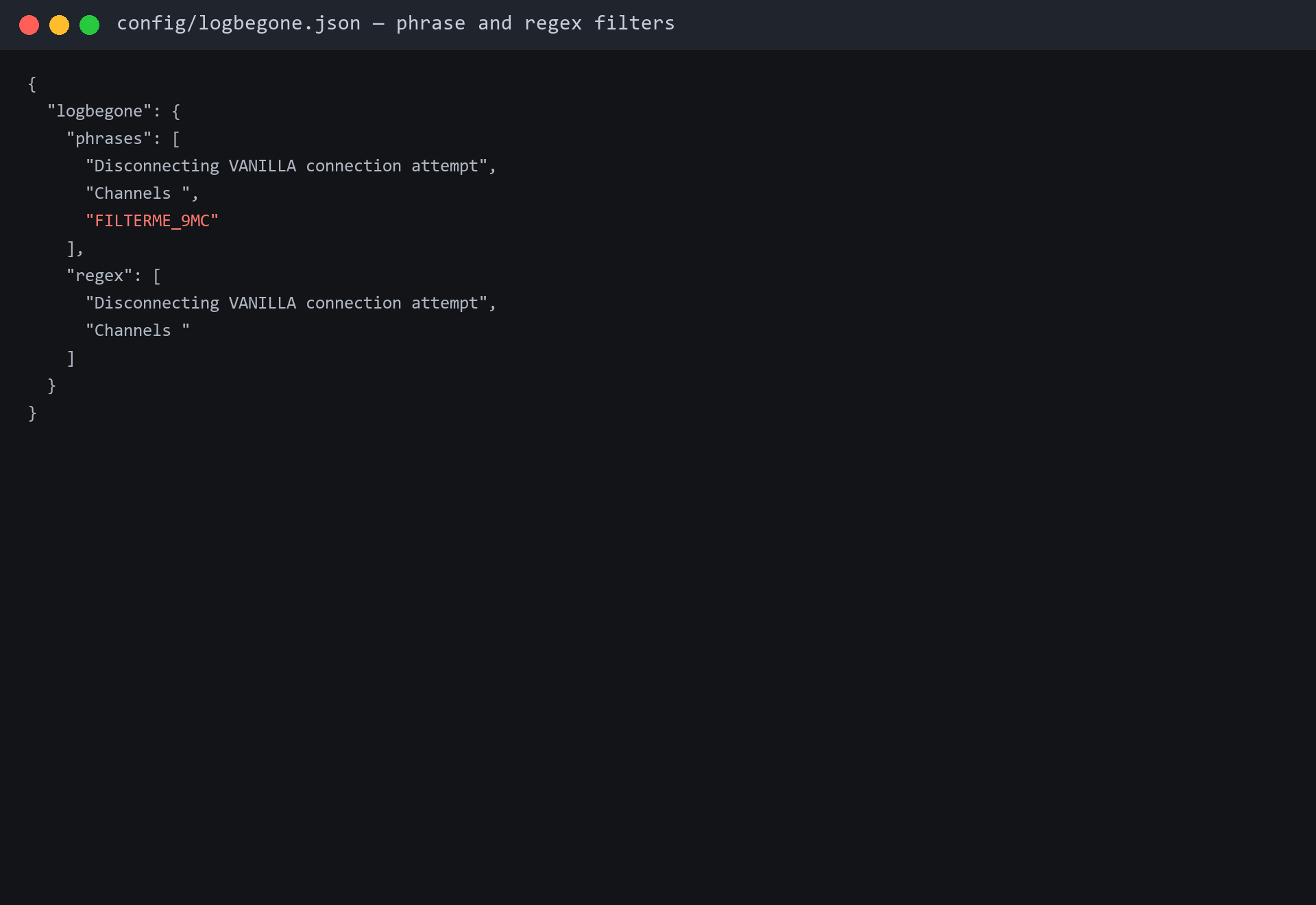
logbegone.json: The main file located in your config folder where you set up all your rules. It is read automatically when the game or server starts.phrases: A simple text list. If a log line contains any exact word or sentence from this list, it gets dropped.regex: An advanced list for regular expressions. Any log line that fully matches a pattern here is hidden.
How to Use:
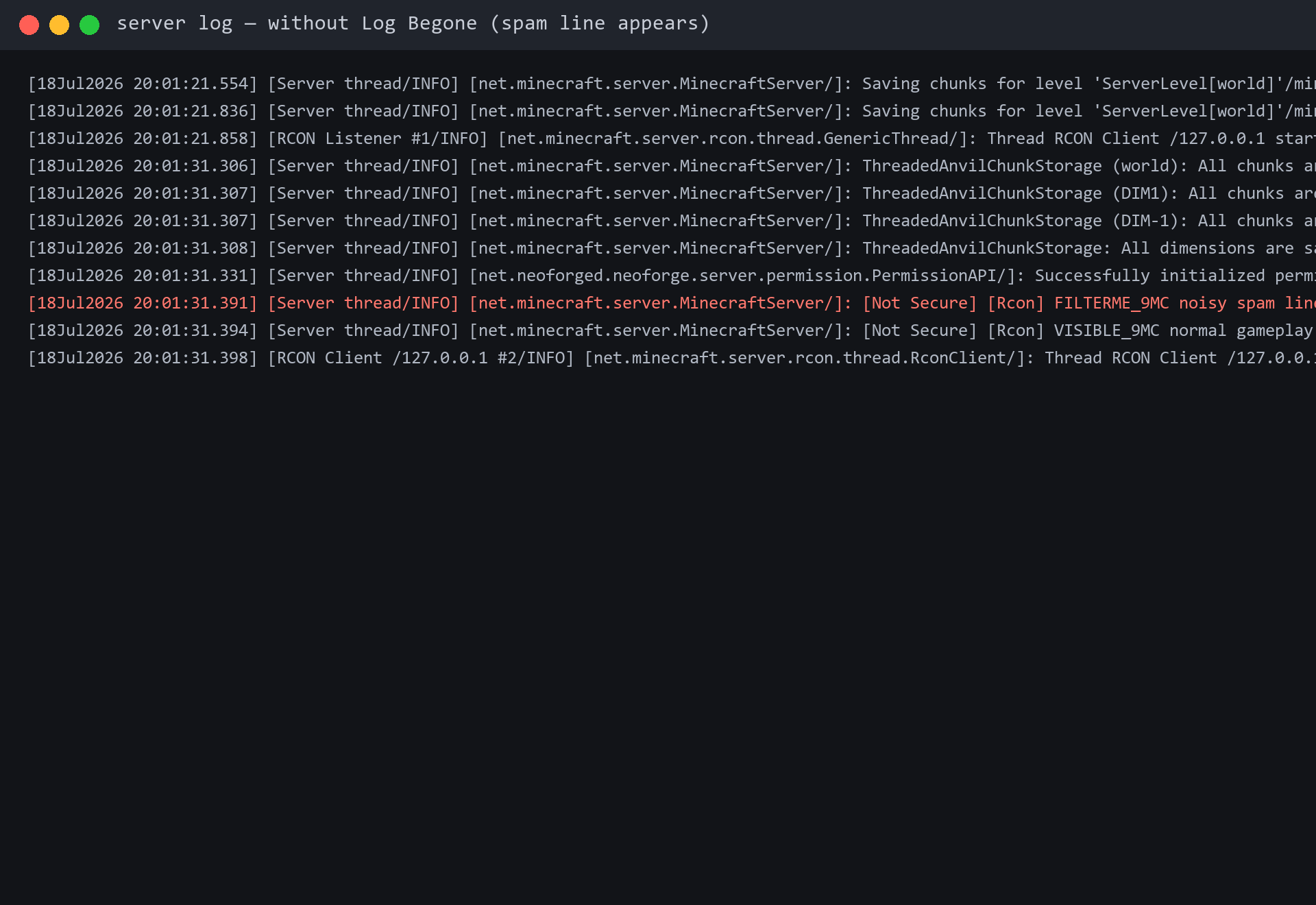
- Find an annoying or noisy text line in your server console or game log.
- Open the
logbegone.jsonfile inside your config folder using any basic text editor. - Copy a unique part of that noisy line and add it to the
phraseslist. - Restart your game or server to load the new filter list.
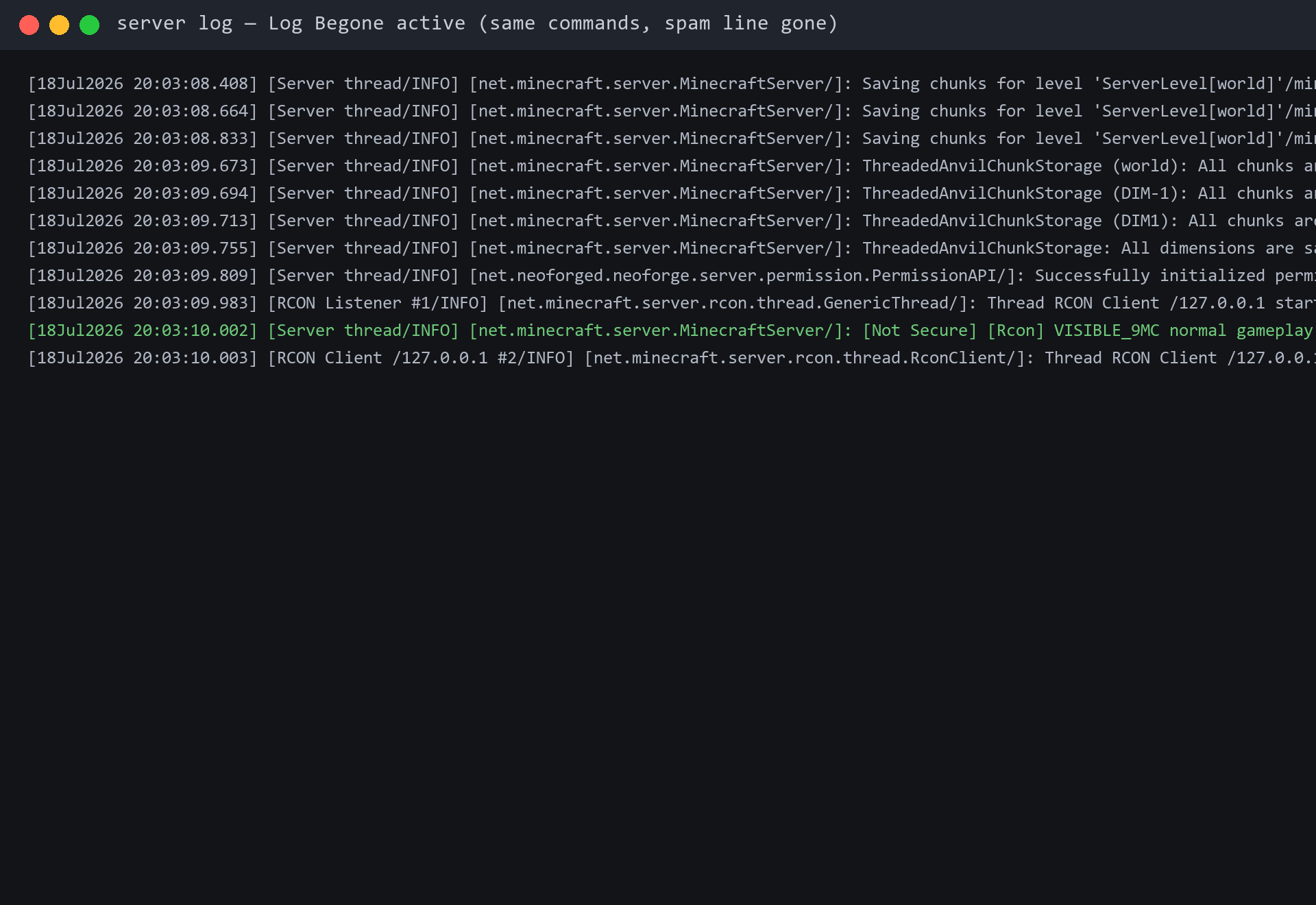
- Look at your console again to see that the annoying line is now completely gone.
Screenshots:
How to Install:
New to Minecraft? Follow our step-by-step guide to install Mods on your PC.View Guide



Log Begone 9minecraft Mod Download Links
For Minecraft 26.2
Click to rate this post!
[Total: 0 Average: 0]
You May Also Like


















This post has no comments yet. Be the first — your comment will appear here.