Overview#
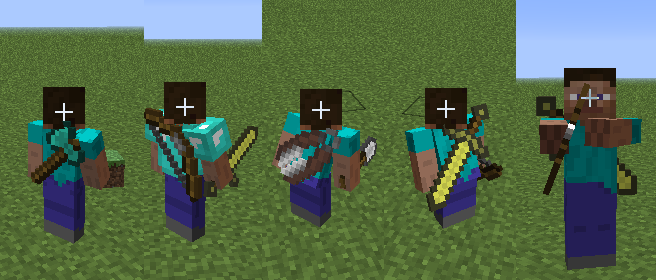
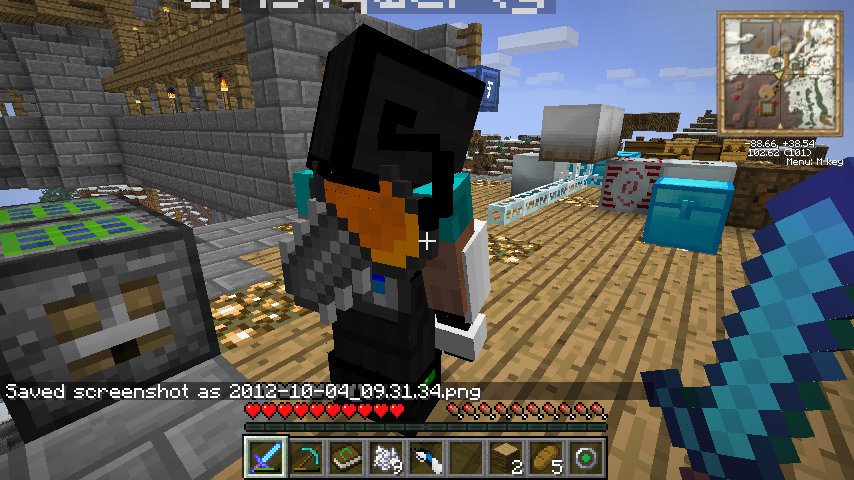
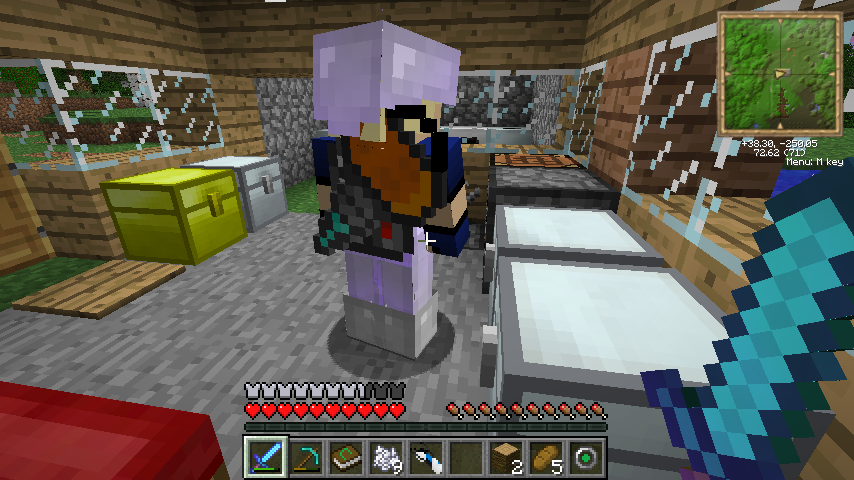
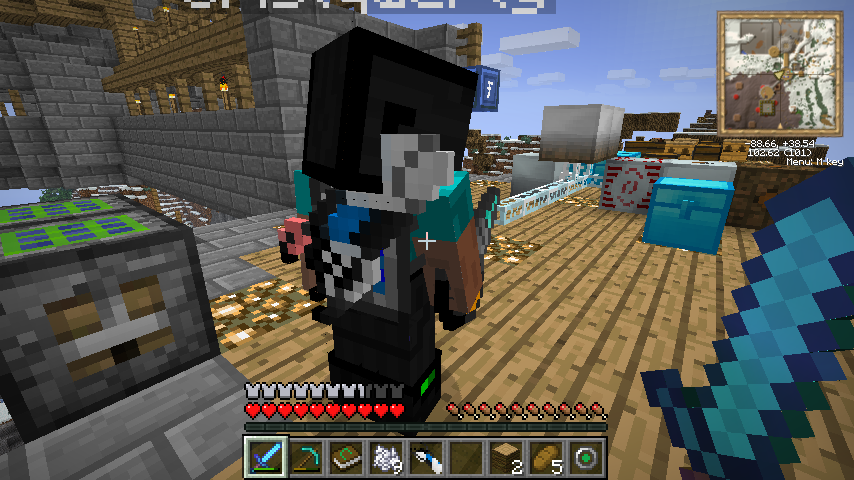
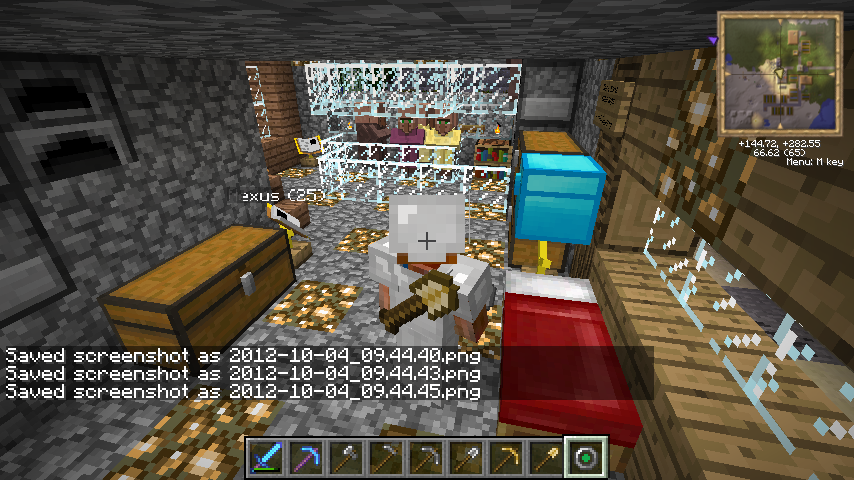
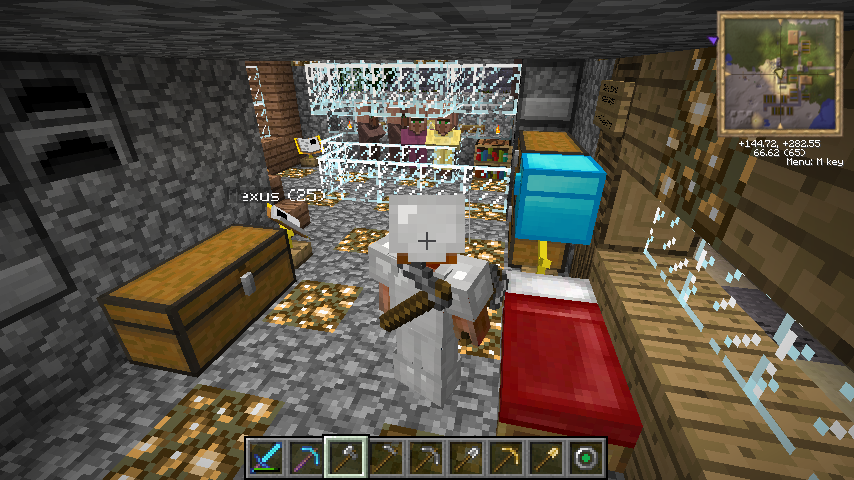
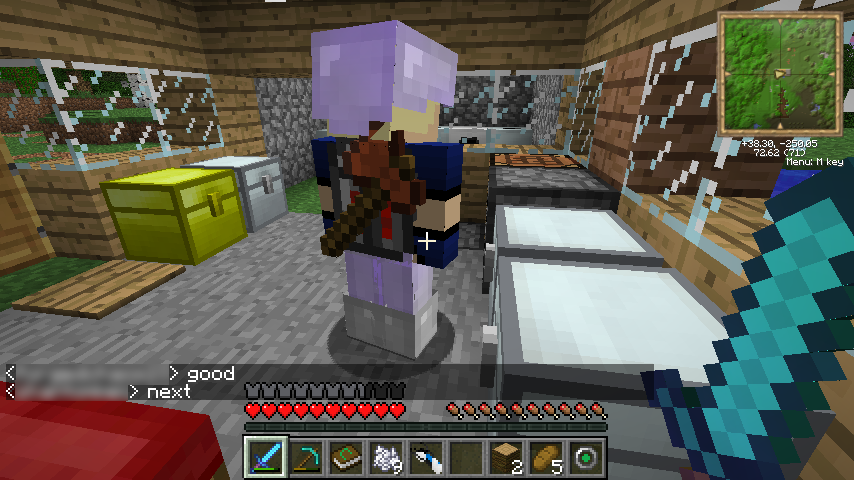
Back Tools is a purely aesthetic, client-side mod created by iChun that adds a visual layer of immersion to the player model. Inspired by multiplayer FPS games where unequipped weapons remain visible on the character, this mod ensures that the last tool or weapon you used is displayed on your back when you switch to a different item or an empty hand.
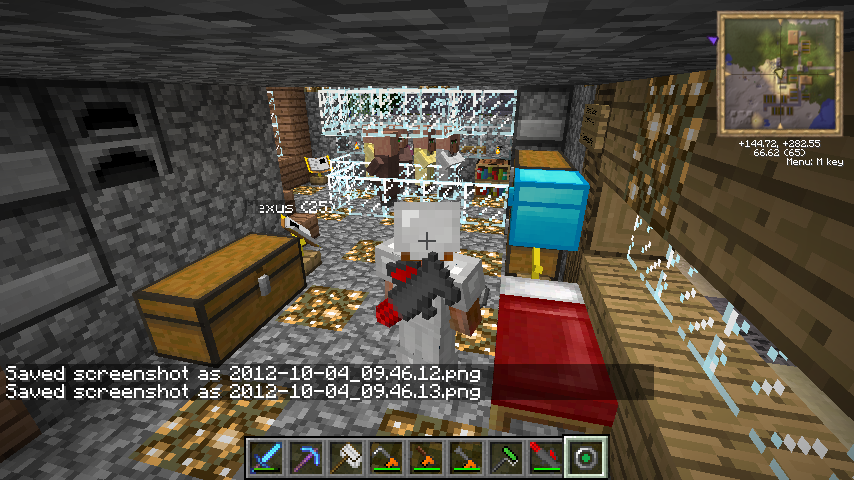
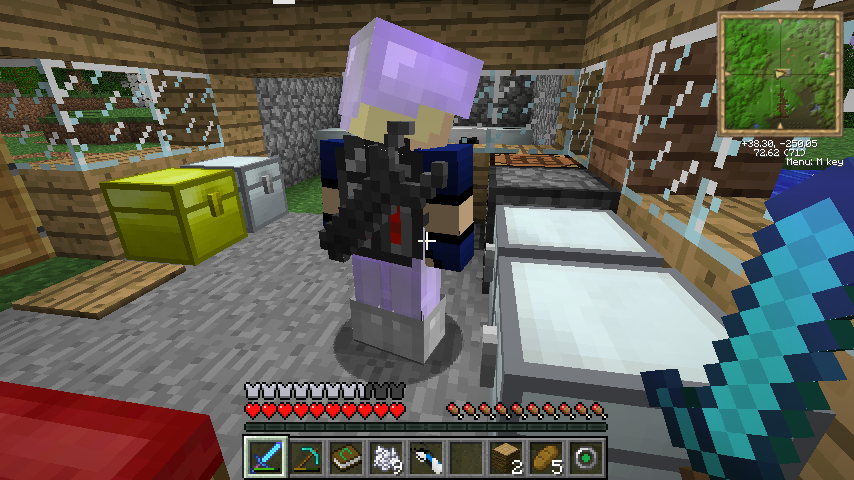
The mod is designed to be lightweight and non-intrusive, requiring no changes to server-side code. It automatically detects most tools from both vanilla Minecraft and other installed mods, rendering them in 3D on the player's back.
Core Mechanics#
The primary mechanic of Back Tools is the "Last Equipped" logic. The mod tracks the item stack currently held in the player's main hand. When the player switches to a new item, the mod checks if the previous item qualifies as a "tool" or "weapon."
How it Works
- Equip a Tool: Hold a sword, pickaxe, or bow in your main hand.
- Switch Items: Change to a torch, food item, or an empty slot.
- Visual Render: The tool you were just holding will now appear strapped to your back.
- Replacement: If you equip a different tool (e.g., switching from a sword to a pickaxe), the pickaxe will become the new item rendered on your back once you switch away from it.
Rendering Logic
- 3D Models: Items are rendered using their actual in-game models, including enchantments and custom textures from resource packs.
- Positioning: Tools are typically oriented diagonally across the player's back.
- Visibility: By default, the tool is hidden if the player is wearing a cape or cloak to prevent visual clipping and overlapping textures.
Supported Items#
Back Tools automatically supports all standard vanilla tools and weapons. It also uses a heuristic approach to identify modded items that extend the base Minecraft tool classes.
| Category | Supported Vanilla Items |
|---|---|
| Weapons | Swords (All tiers), Bows, Crossbows, Tridents |
| Mining Tools | Pickaxes (All tiers) |
| Woodcutting Tools | Axes (All tiers) |
| Digging Tools | Shovels (All tiers) |
| Farming Tools | Hoes (All tiers) |
| Utility Tools | Shears, Flint and Steel, Fishing Rods |
Modded Tool Support
The mod attempts to detect modded tools by checking if the item class is an instance of ItemSword, ItemTool, ItemBow, etc. Modders can further improve compatibility by sending an Inter-Mod Communications (IMC) message to Back Tools during the initialization phase.
Configuration#
Back Tools offers extensive configuration options via the backtools.cfg (Forge) or backtools.json5 (Fabric) file. Users can customize which items are displayed and how they appear.
General Settings
| Option | Default | Description |
|---|---|---|
renderBackTool |
true |
Enables or disables the rendering of tools on the back. |
renderOnBackIfCapeEquipped |
false |
If true, tools will render even if the player has a cape equipped. |
toolBlacklist |
Empty | A list of item IDs that should never be rendered on the back. |
enabledTools |
Empty | A whitelist; if populated, only items in this list will render. |
beltTools |
Empty | Items in this list will render on the player's belt instead of their back. |
Advanced Orientation
The toolOrientation setting allows users to define custom rotations for specific item classes. This is useful for modded items that may render at awkward angles by default. Format: [ClassPath]:[Degrees].
Compatibility & Known Issues#
Because Back Tools modifies the player's render model, it may conflict with other mods that overhaul player animations or models.
- Smart Moving: Known to be incompatible as it completely replaces the player model and animation set.
- MineLittlePony: Incompatible due to the significant changes made to the player's skeletal structure.
- Custom Capes: Some third-party cape mods may not be detected by the default "hide on cape" logic, potentially causing clipping.
- Server Installation: This mod is Clientside Only. Installing it on a server will have no effect, as the rendering is handled entirely by the individual player's game client.
Easter Eggs#
Helicopter Mode
A long-standing easter egg in iChun's mods, Helicopter Mode can be enabled in the configuration file. When active, the tools on your back will rapidly spin like helicopter rotors whenever you are in a state of flight (Creative mode), swimming, or using an Elytra.
Modder Integration#
Developers can interact with Back Tools using IMC Messages sent between the Init and PostInit phases.
- Blacklisting: Send a message with the key
"blacklist"and anItemStackvalue to prevent an item from rendering. - Manual Addition: Send a message with the key
"backtool"and anItemStackvalue to force an item to be recognized as a tool. The stack size of theItemStackcan be used to define the default orientation.
Gallery#