


Settings Spacing Fix Pack (26.x, 1.21) – UI Space Fix MCPE/Bedrock
 920
920
 0
0
 August 10, 2025
 9Minecraft Team
Settings Spacing Fix Pack is a fix file (.zip) to correct UI spacing issues in Minecraft’s settings menu (e.g., misaligned buttons or overlapping text after an update or mod). This commonly occurs in version 1.21+, especially when using Night Vision (as the mod alters rendering).
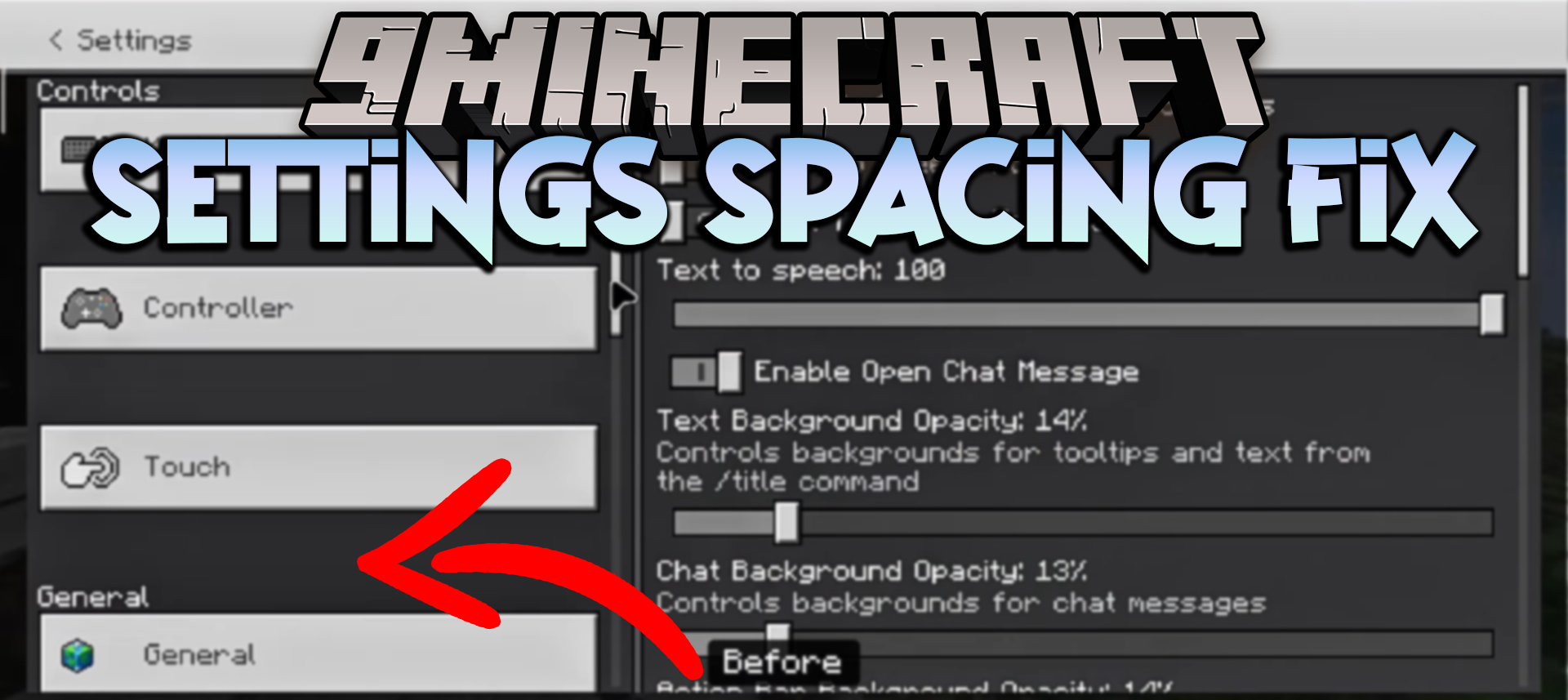
Screenshots:
Before
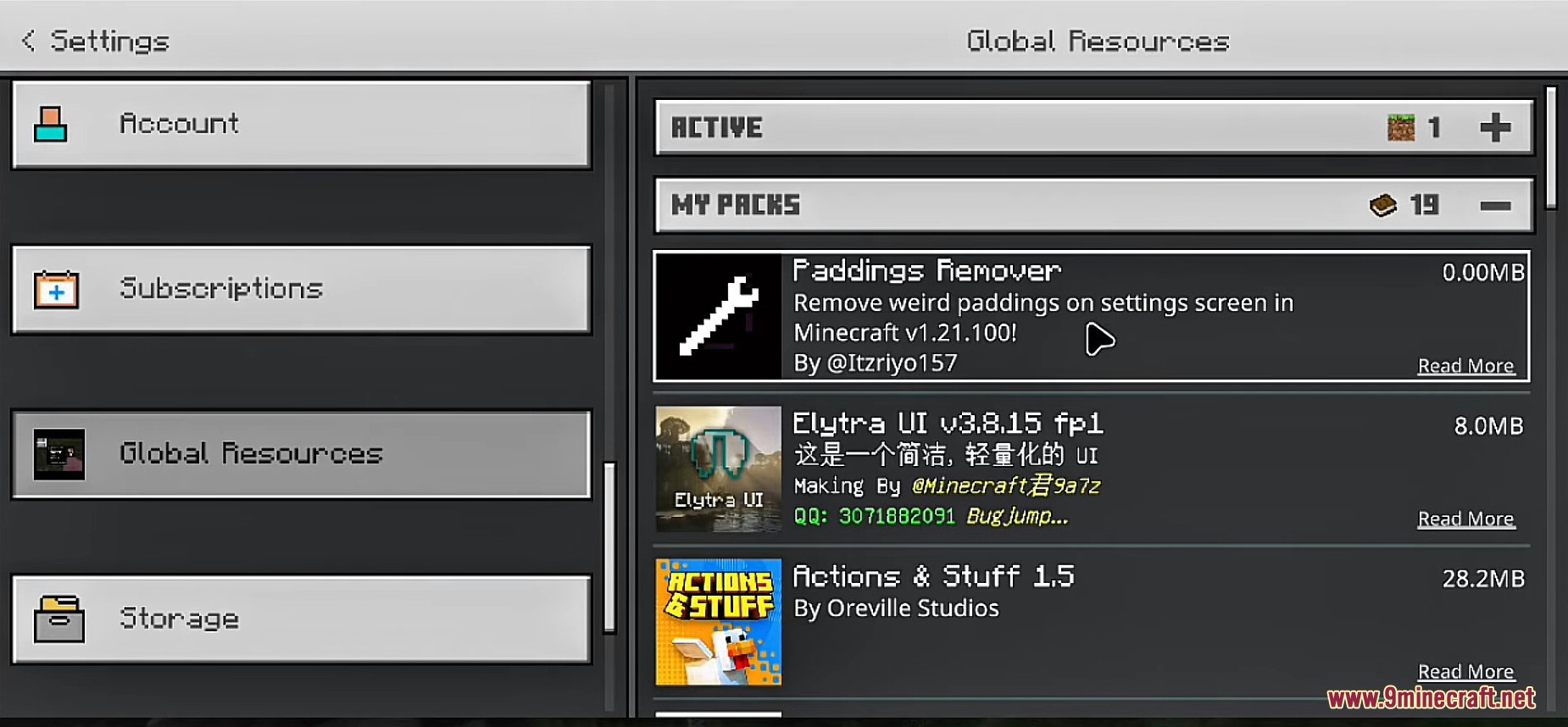
After
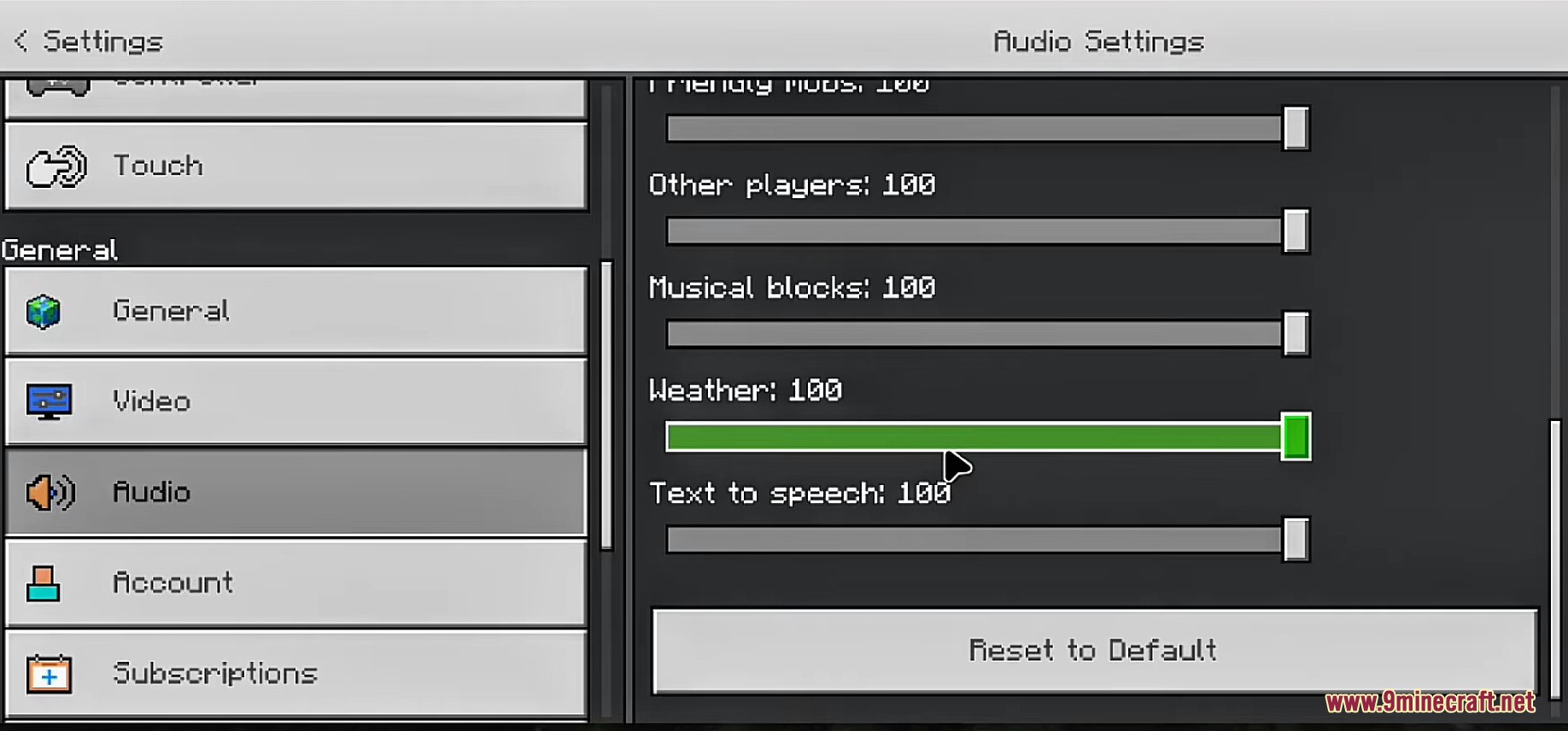
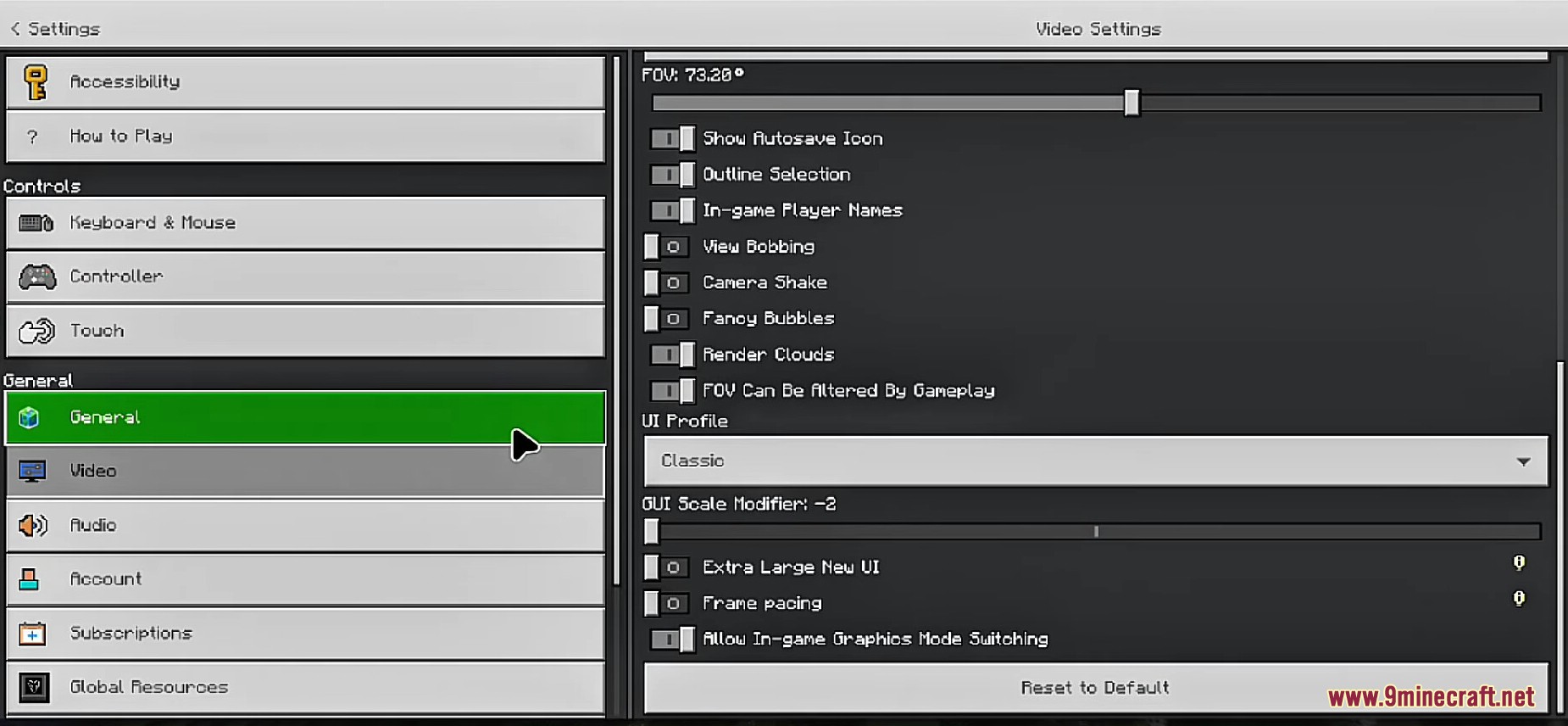
How to use:
- Download the file below.
- Extract and copy it to the Minecraft folder (games/com.mojang/resource_packs) or use MT Manager (or ZArchiver) to apply it.
- Go to Minecraft settings > Video > adjust GUI scale if needed. If it’s a patch, apply it via MT Manager (or ZArchiver).
How to Install:
New to Minecraft PE? Follow our step-by-step guide to install Mods/Addons on your Mobile.View Guide
Settings Spacing Fix Pack Download Links
For Minecraft PE/Bedrock 1.21
Zip: Download from Server 1 – Download from Server 2
mcpack: Download from Server 1 – Download from Server 2
Click to rate this post!
[Total: 5 Average: 3.4]
You May Also Like


This post has no comments yet. Be the first — your comment will appear here.