


Carry On Extend Mod (26.2, 1.20.1) – Coloca bloques y mobs a distancia

 0
0 

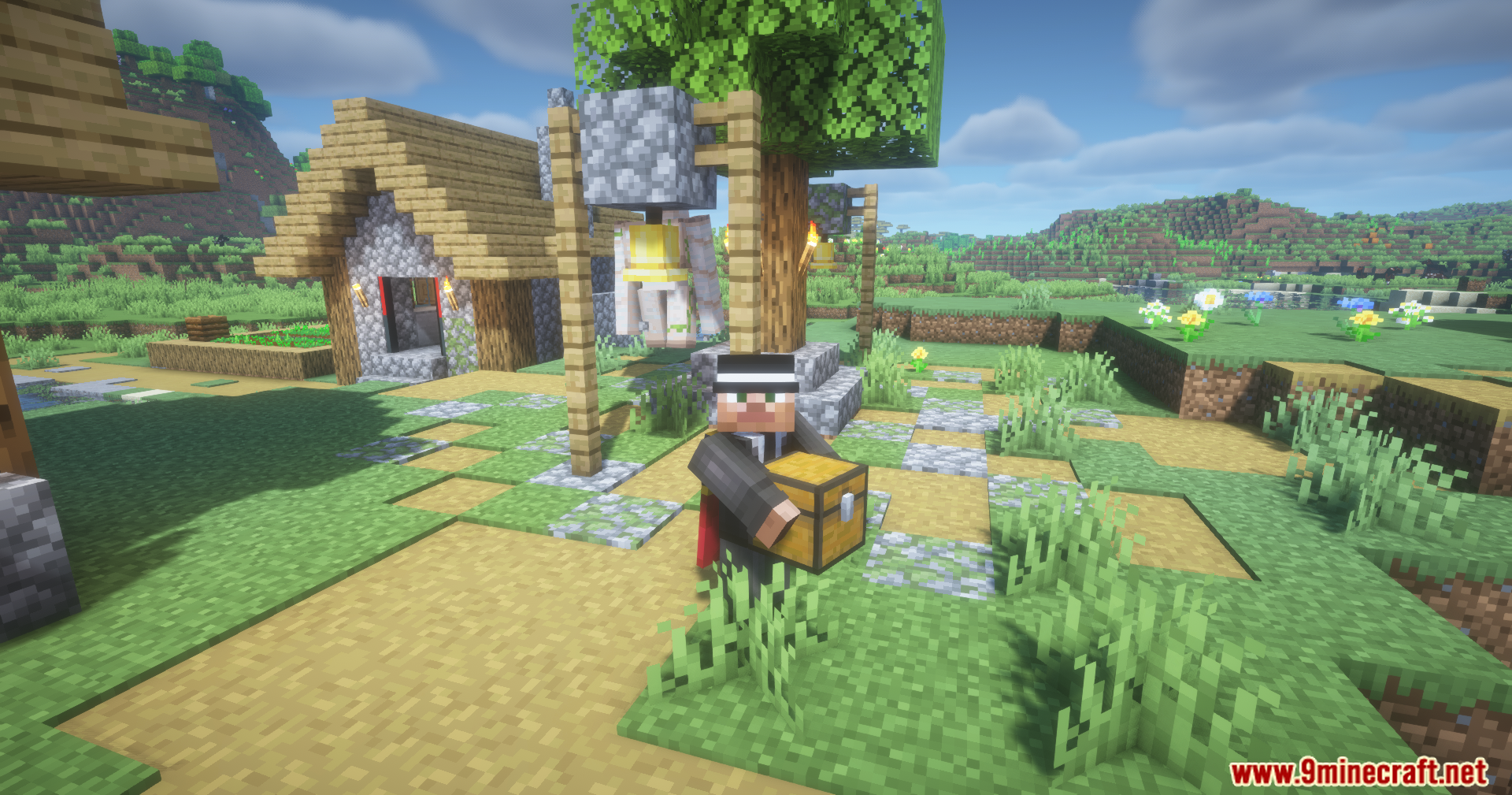
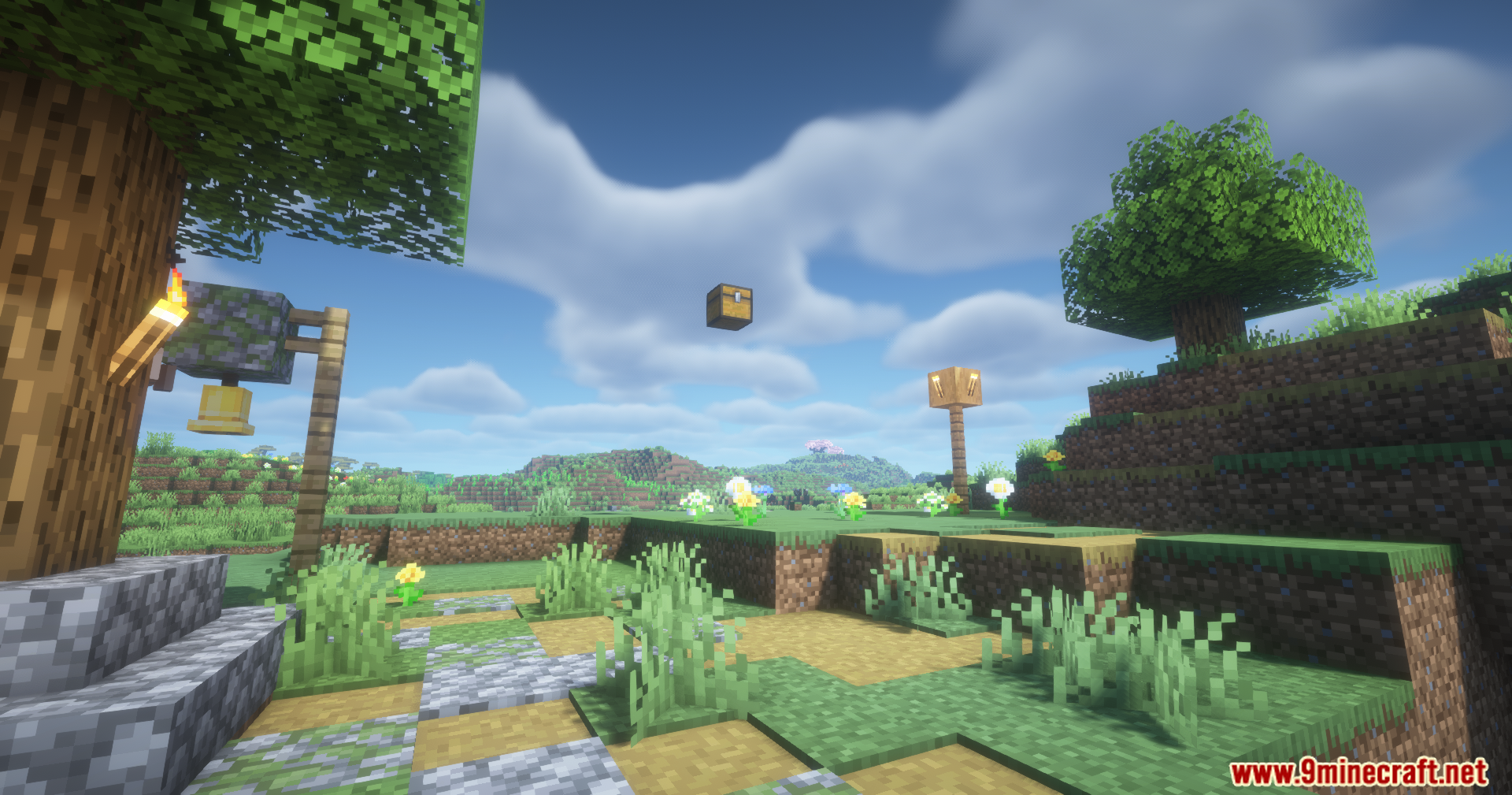
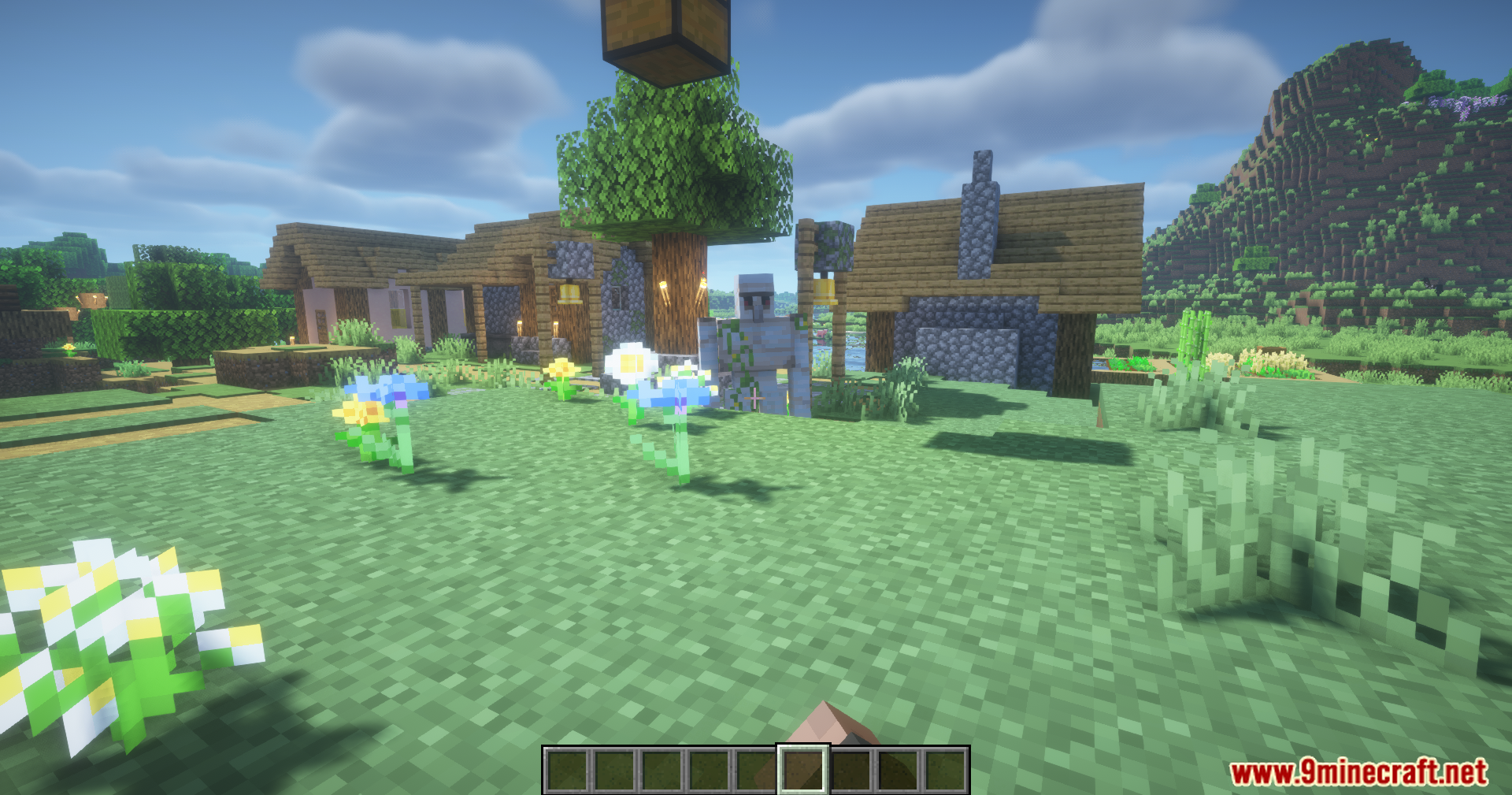
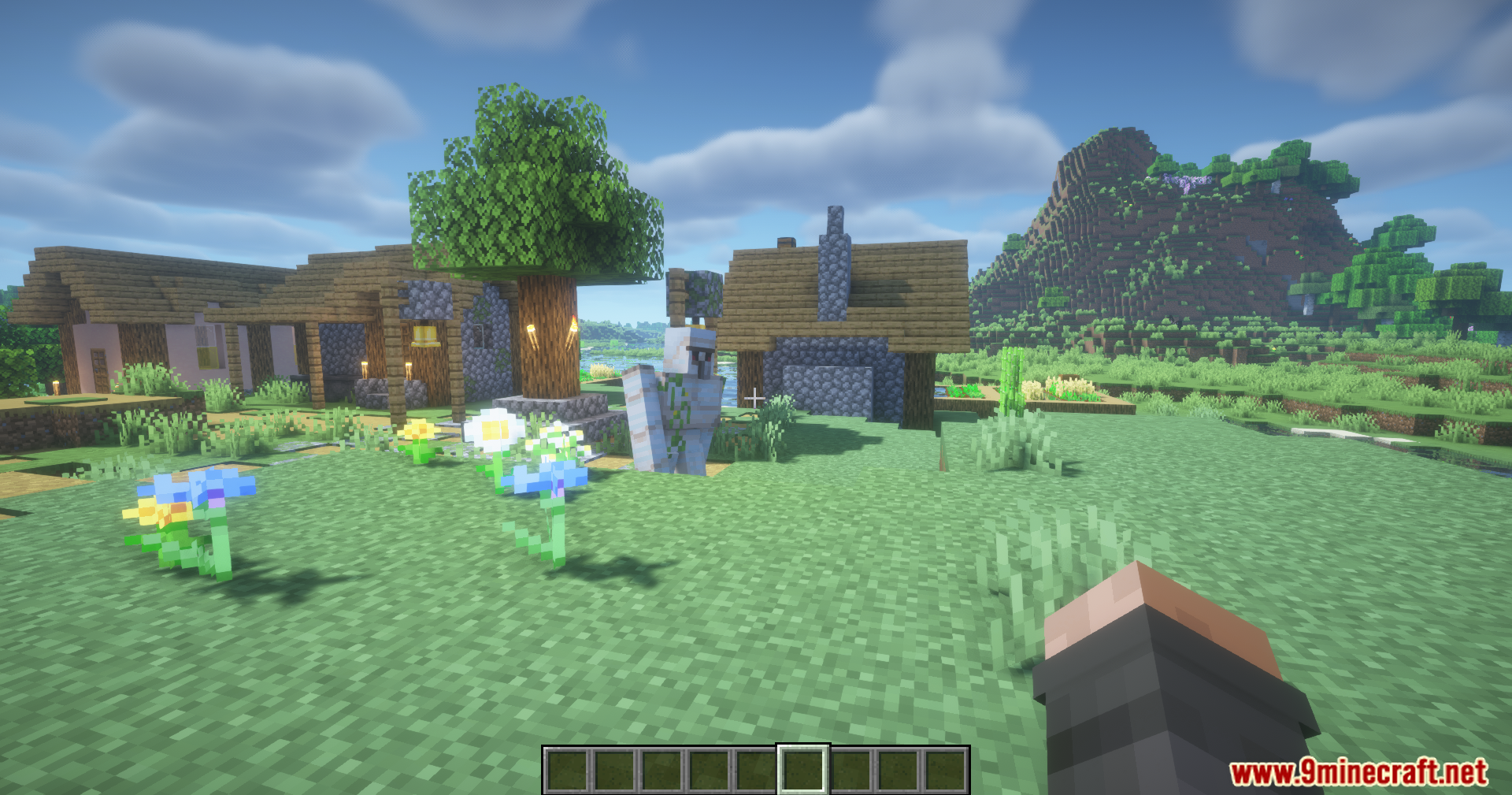
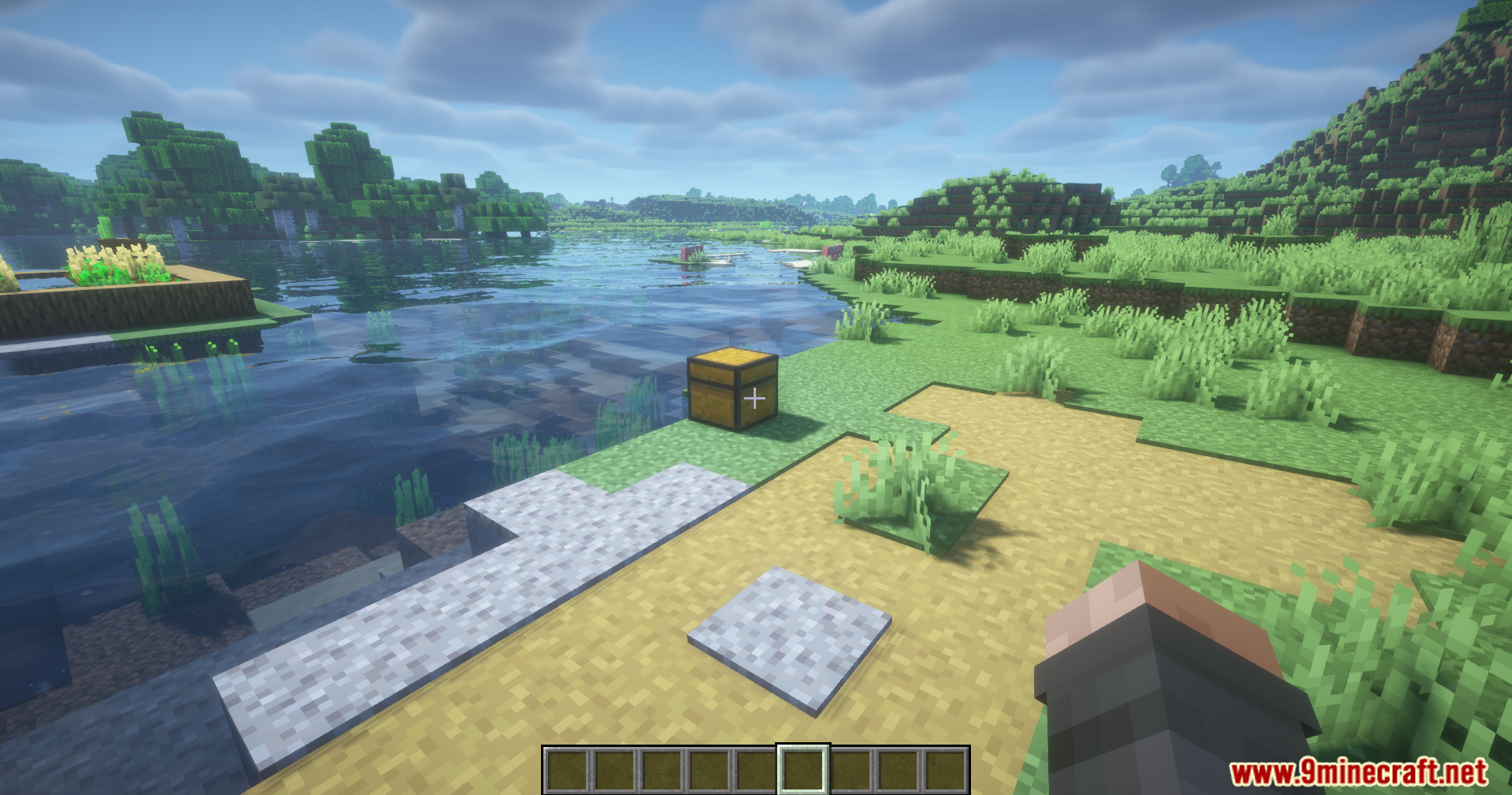
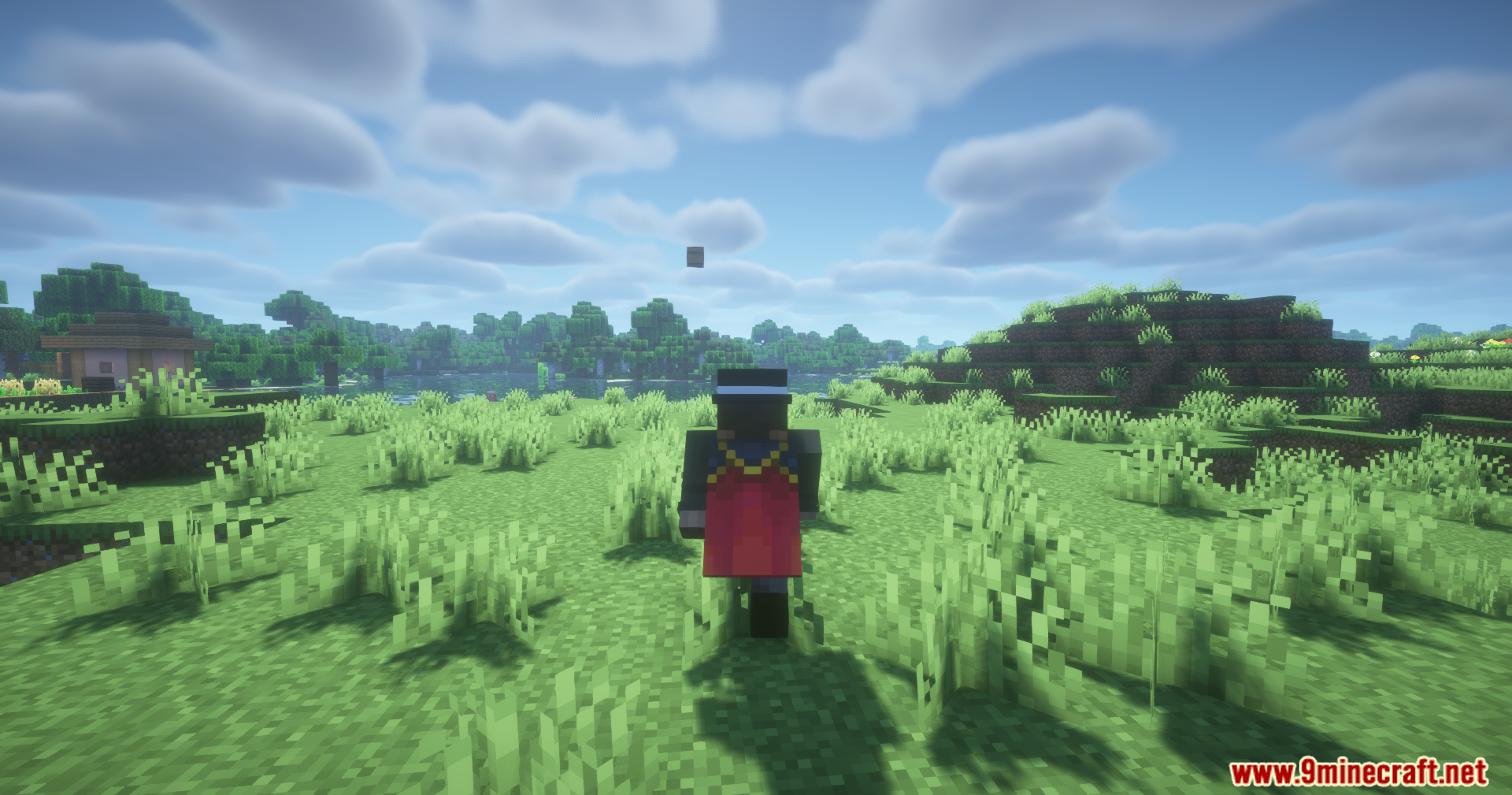
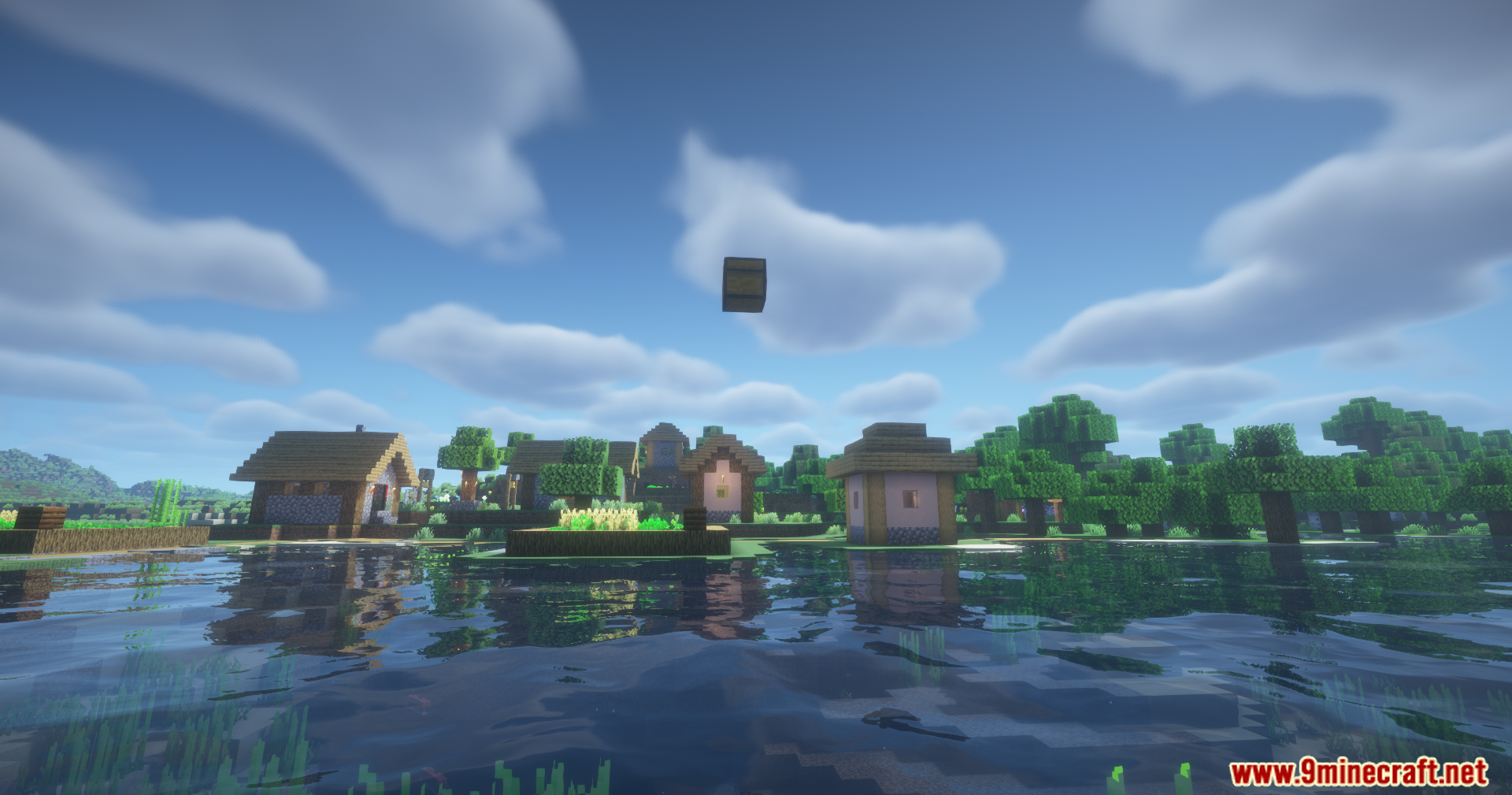
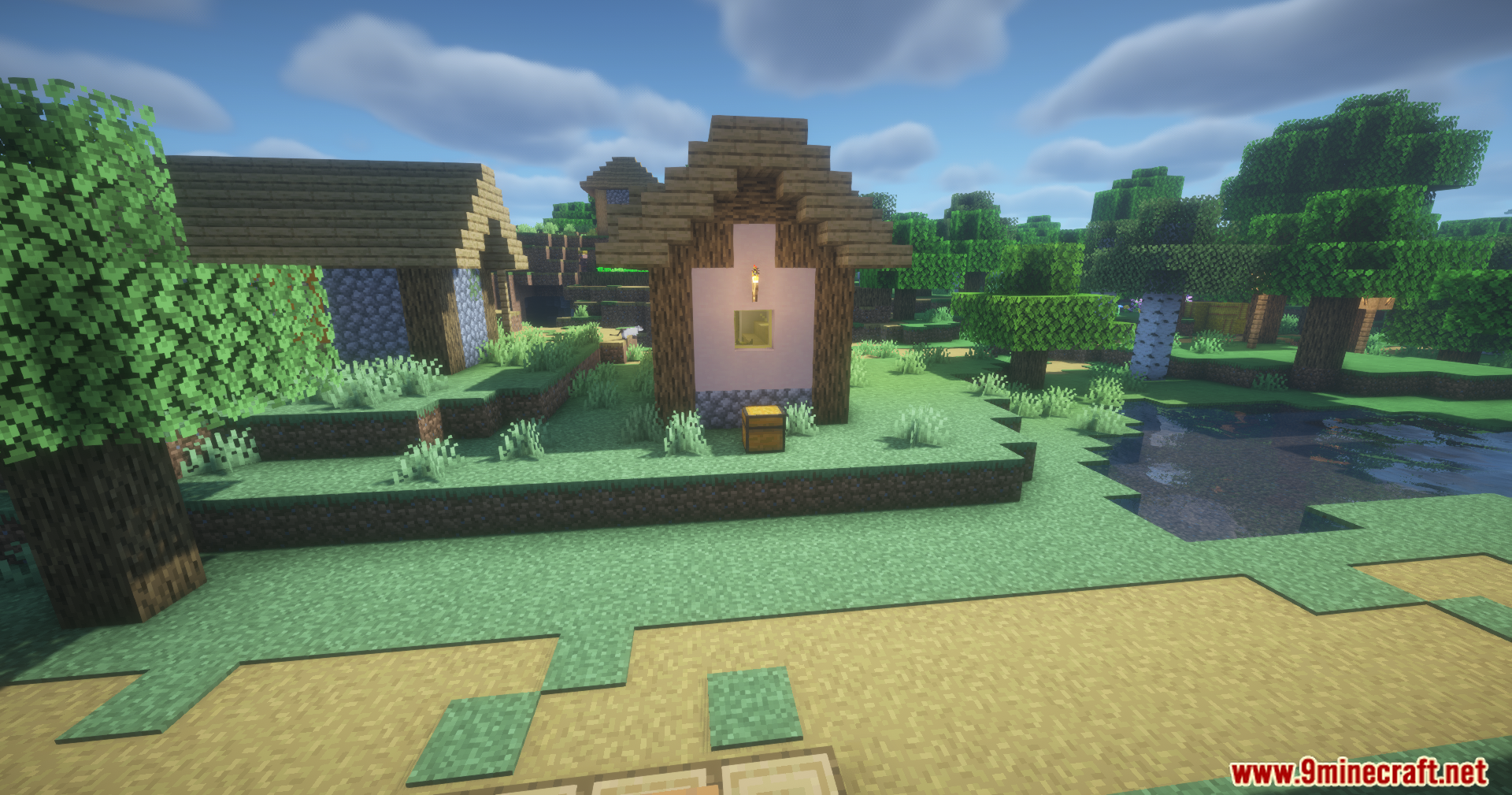
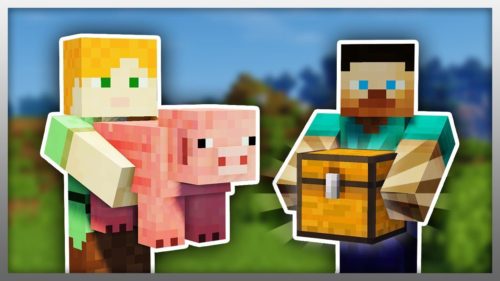
Carry On Extend Mod añade una función sencilla pero muy divertida al mod principal Carry On. Te permite lanzar cualquier bloque o mob que estés sujetando en ese momento. En lugar de tener que dejar los objetos con cuidado, ahora puedes simplemente lanzarlos a una corta distancia. Es ideal para mover cofres rápidamente o quitarte de en medio a esos mobs molestos.
Características:
- Permite lanzar bloques y mobs que estés sujetando.
- Mientras llevas un objeto, pulsa Shift + Q para lanzarlo lejos de ti.
Cómo se usa:
- Mientras llevas un bloque o un mob, pulsa las teclas Shift + Q a la vez.
- Esto lanzará el objeto de tus manos.
Configuración:
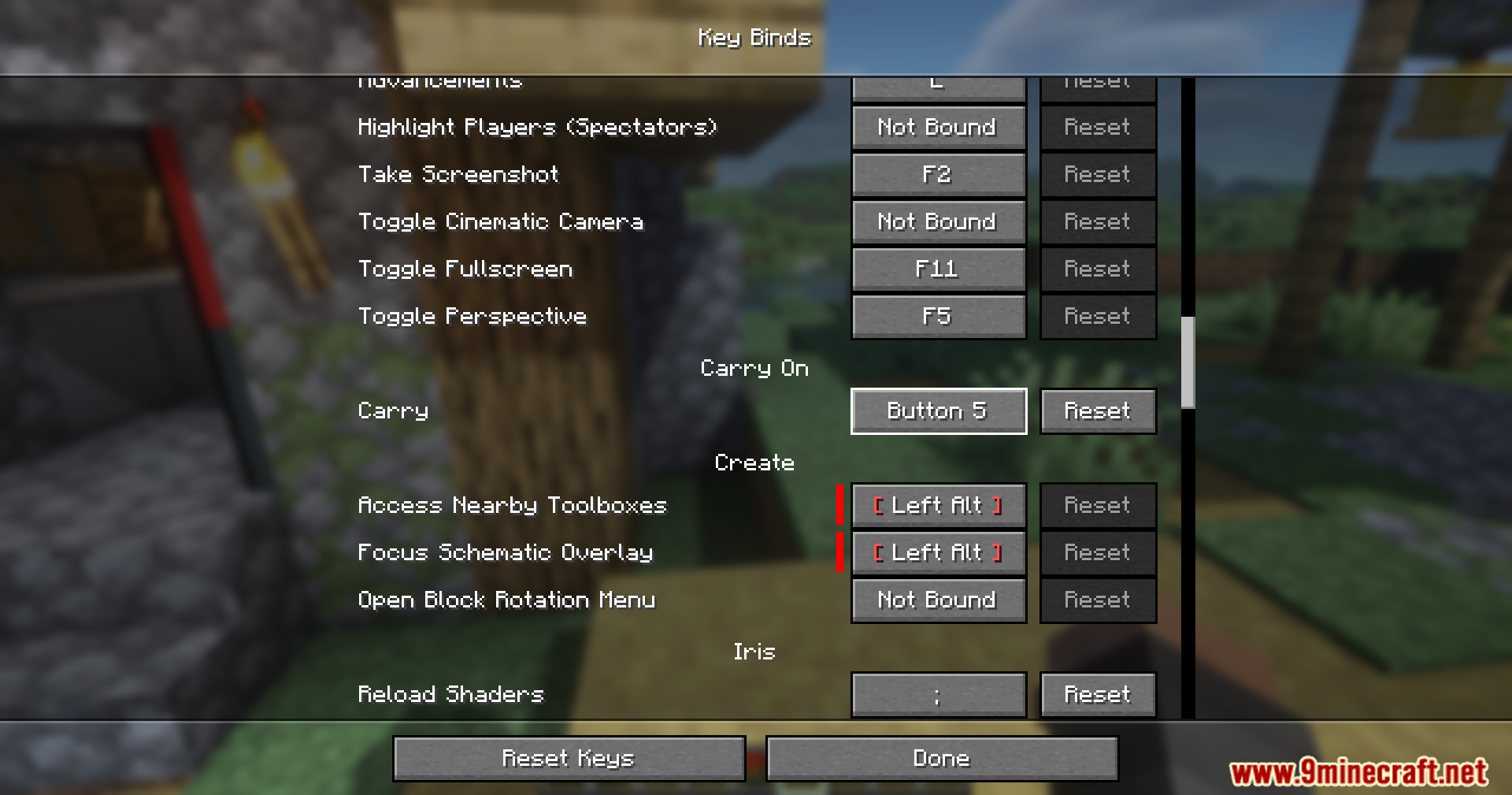
La tecla por defecto para lanzar un bloque o mob es Shift + Q. Esto se puede cambiar en el menú de asignación de teclas de Minecraft.
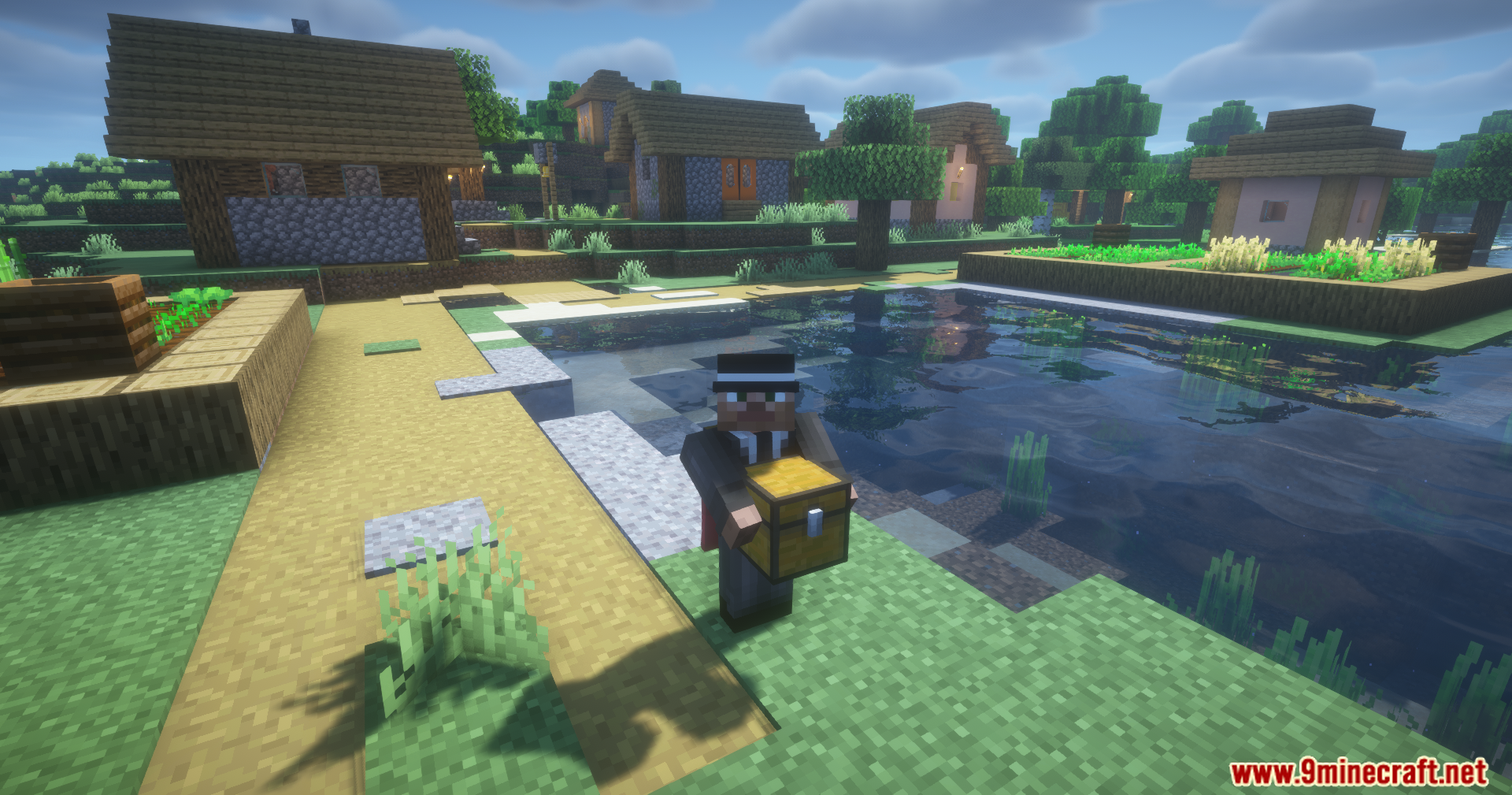
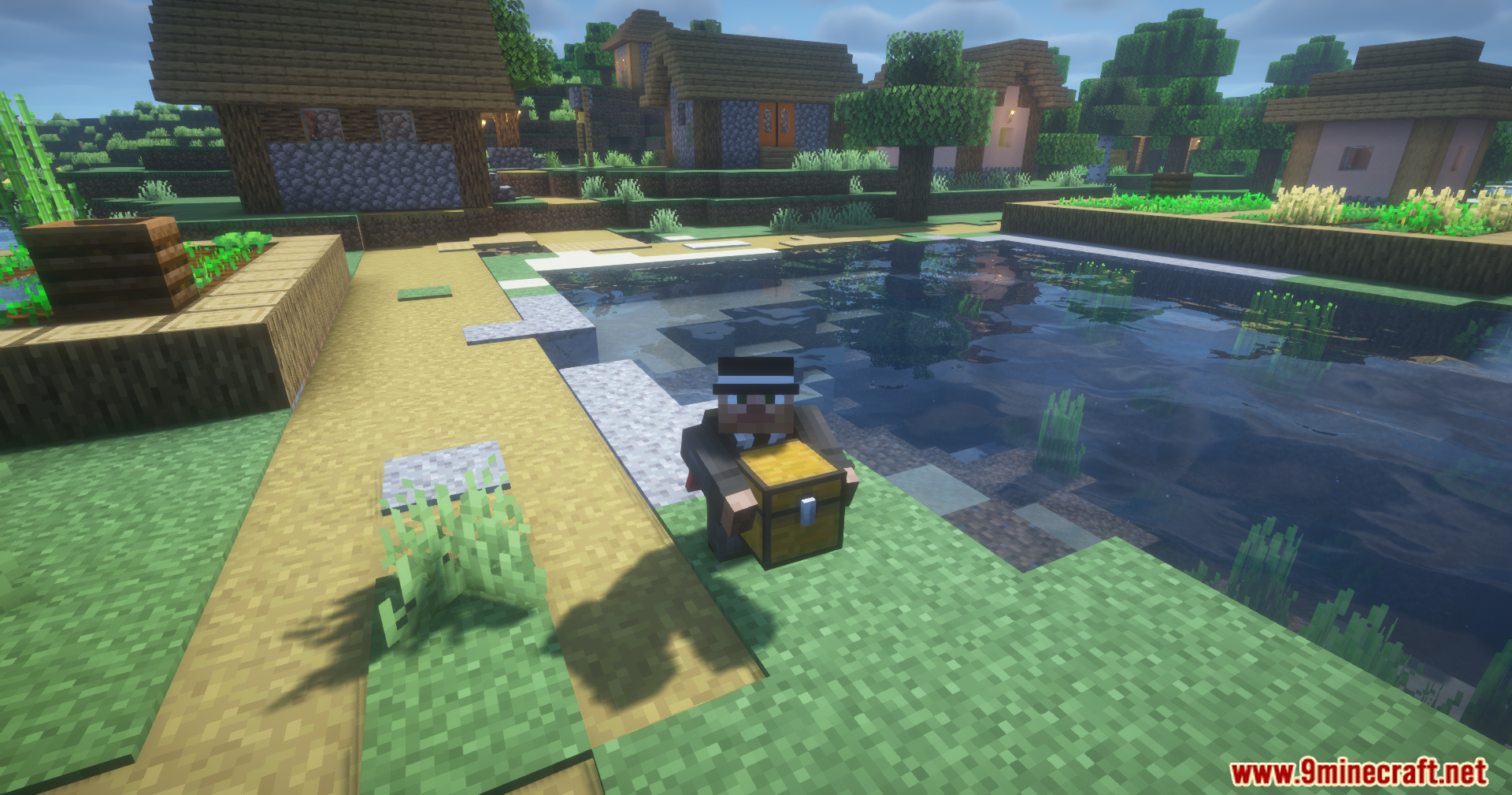
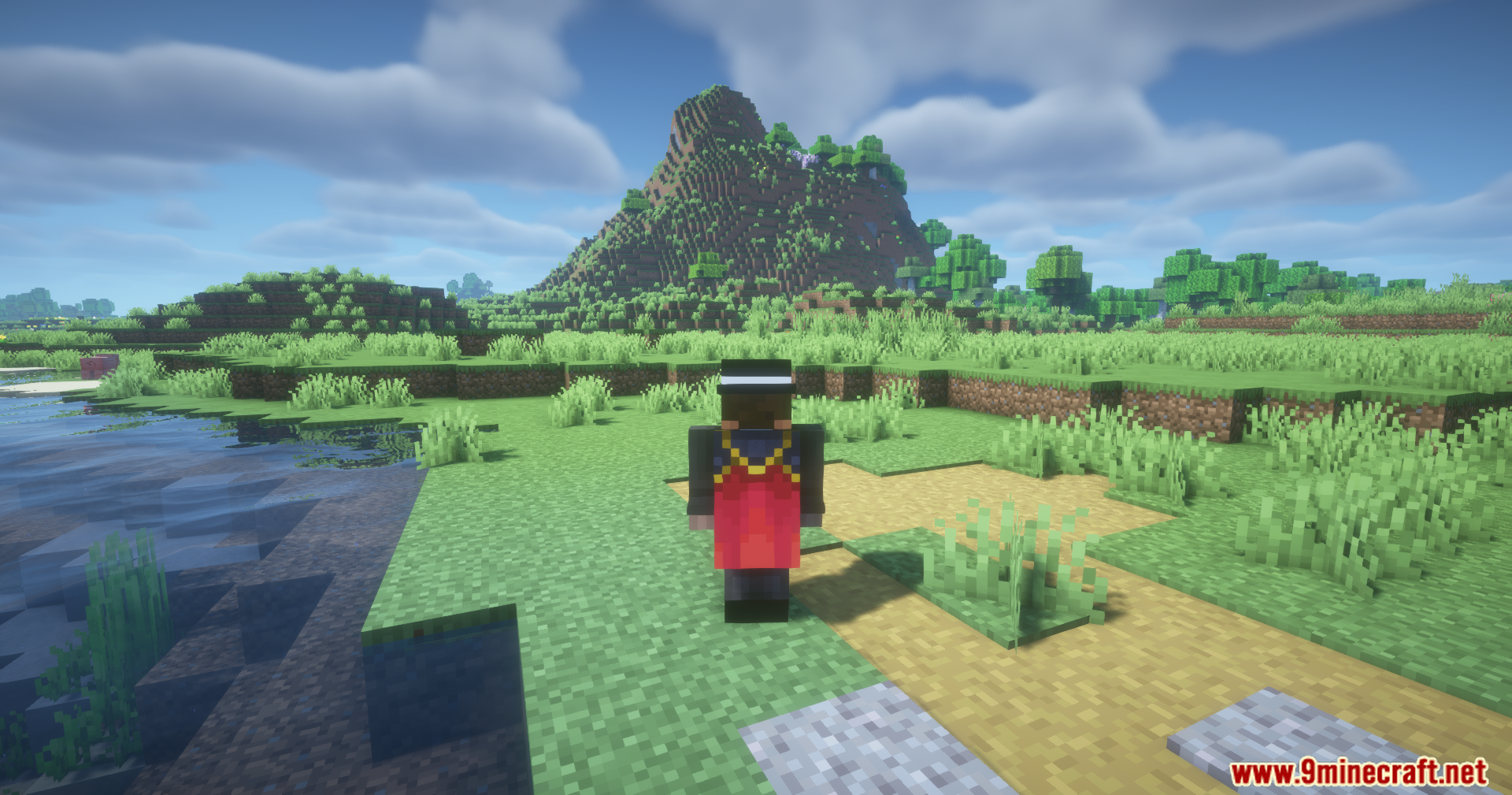
Capturas de pantalla:
Cómo instalar:
¿Eres nuevo en Minecraft? Sigue nuestra guía paso a paso para instalar Mods en tu PC.Ver guía
Requisitos:


Carry On Extend Mod Enlaces de descarga
Para Minecraft 1.21.11
Versión Fabric: Descargar del Servidor 1 – Descargar del Servidor 2
Versión NeoForge: Descargar del Servidor 1 – Descargar del Servidor 2
Para Minecraft 1.21.4
Versión NeoForge: Descargar del Servidor 1 – Descargar del Servidor 2
Para Minecraft 1.21.3
Versión NeoForge: Descargar del Servidor 1 – Descargar del Servidor 2
Para Minecraft 1.21.1, 1.21
Versión Fabric: Descargar del Servidor 1 – Descargar del Servidor 2
Versión NeoForge: Descargar del Servidor 1 – Descargar del Servidor 2
Para Minecraft 1.20.1, 1.20
Versión Forge: Descargar del Servidor 1 – Descargar del Servidor 2
Para Minecraft 26.2
Para Minecraft 26.1.2, 26.1.1, 26.1
Para Minecraft 1.21.11
Para Minecraft 1.21.4
Para Minecraft 1.21.3, 1.21.2
Para Minecraft 1.21.1, 1.21
Para Minecraft 1.20.1, 1.20
También te puede gustar

Esta publicación aún no tiene comentarios. Sé el primero: tu comentario aparecerá aquí.