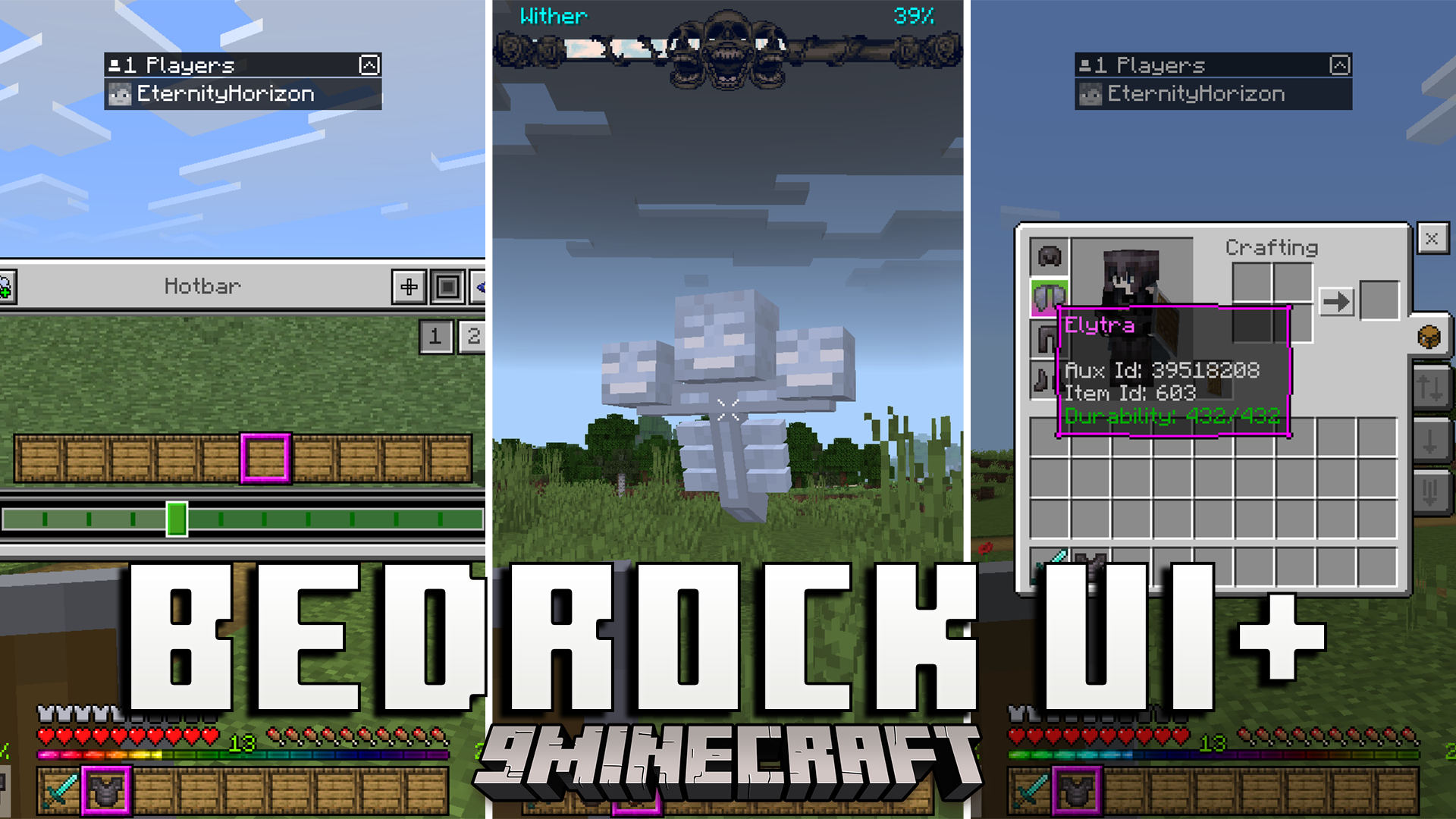
Bedrock UI Plus Texture Pack changes your game screens to give you more helpful information. It adds new displays for your tools, experience points, and finding ores underground. This pack lets you customize your crosshair and see your inventory without opening it.
Features:
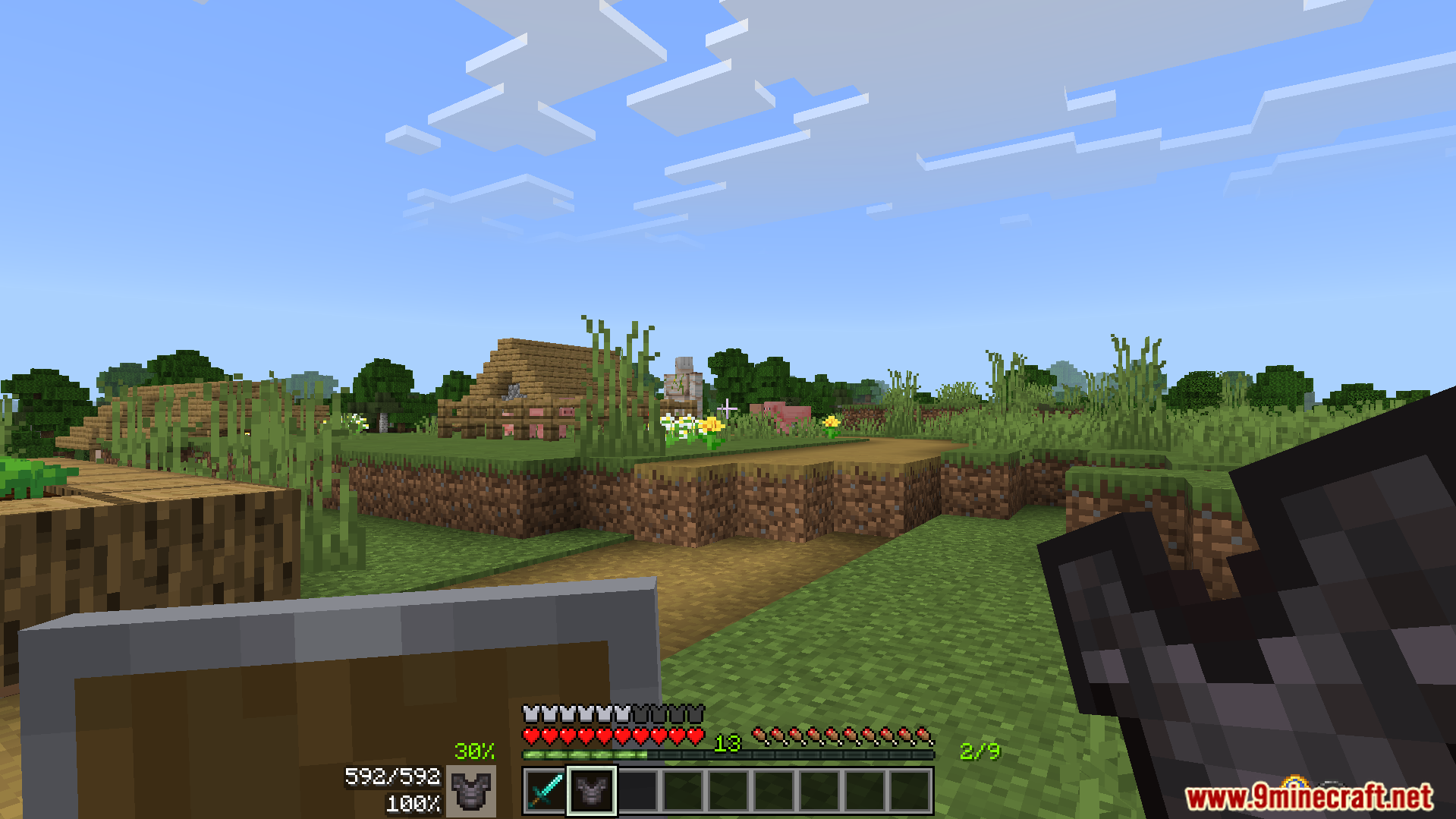
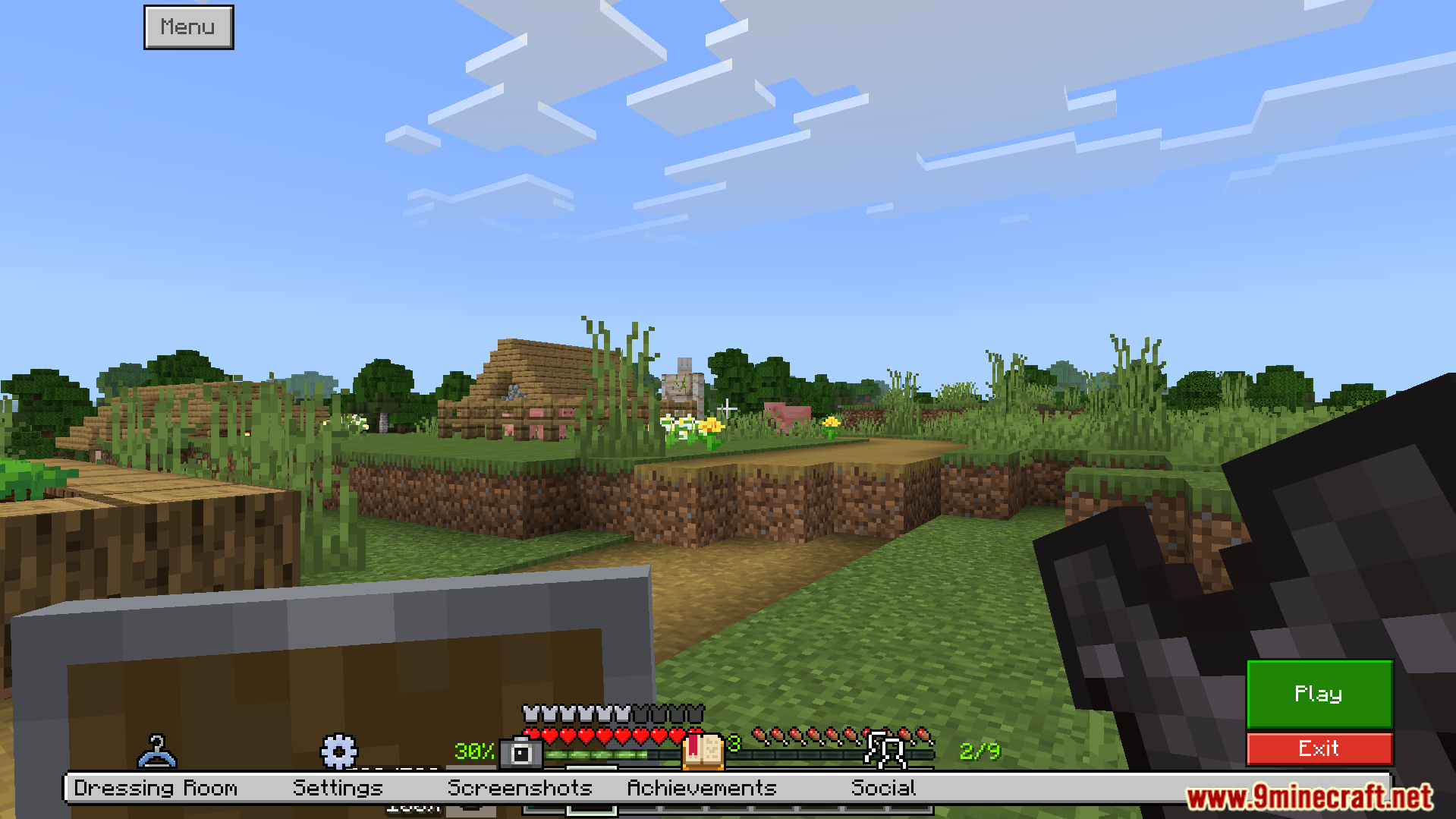
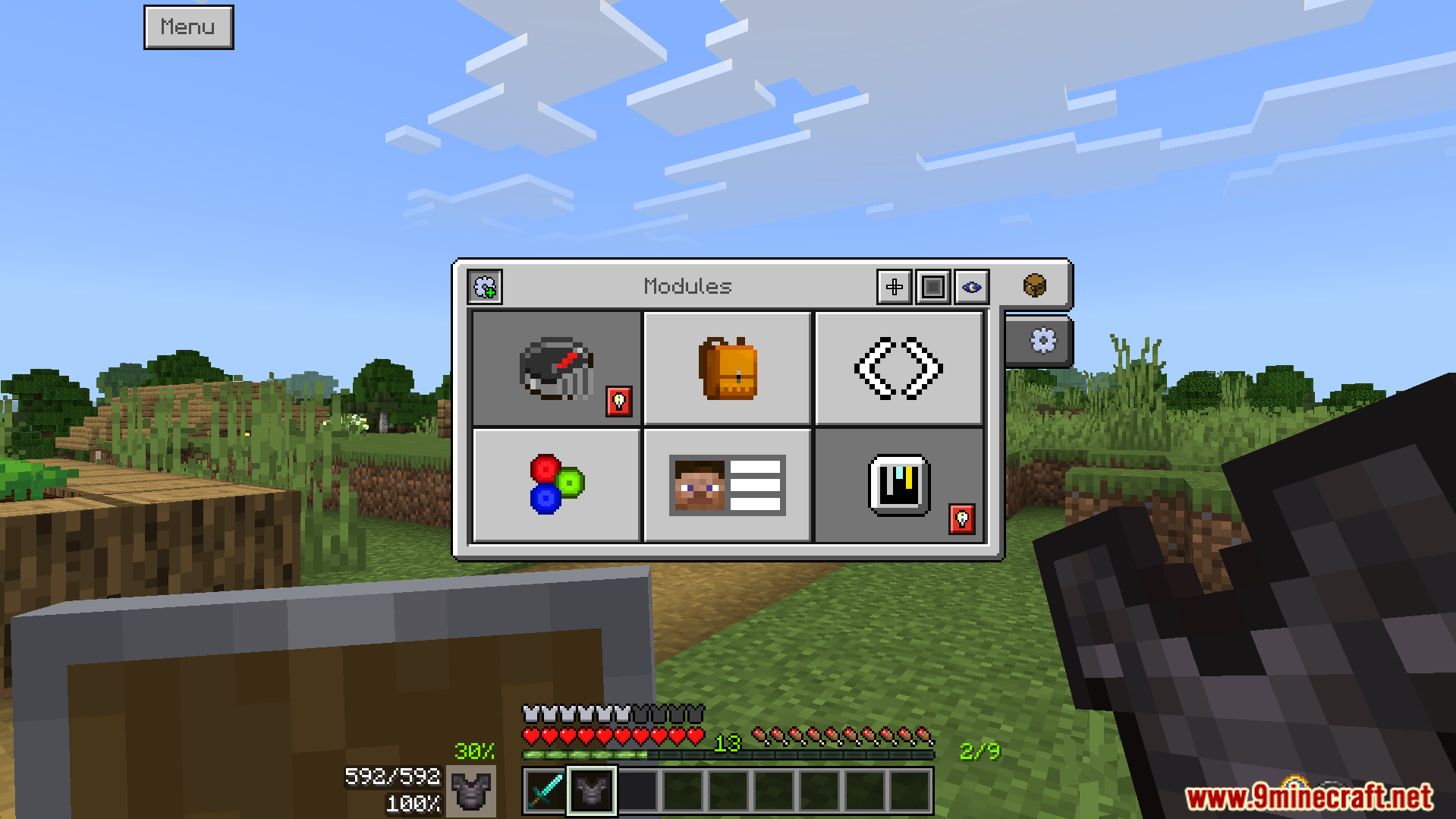
Shows your armor durability and warns you when it is low.
Adds a visual chart to help you find ores underground easily.
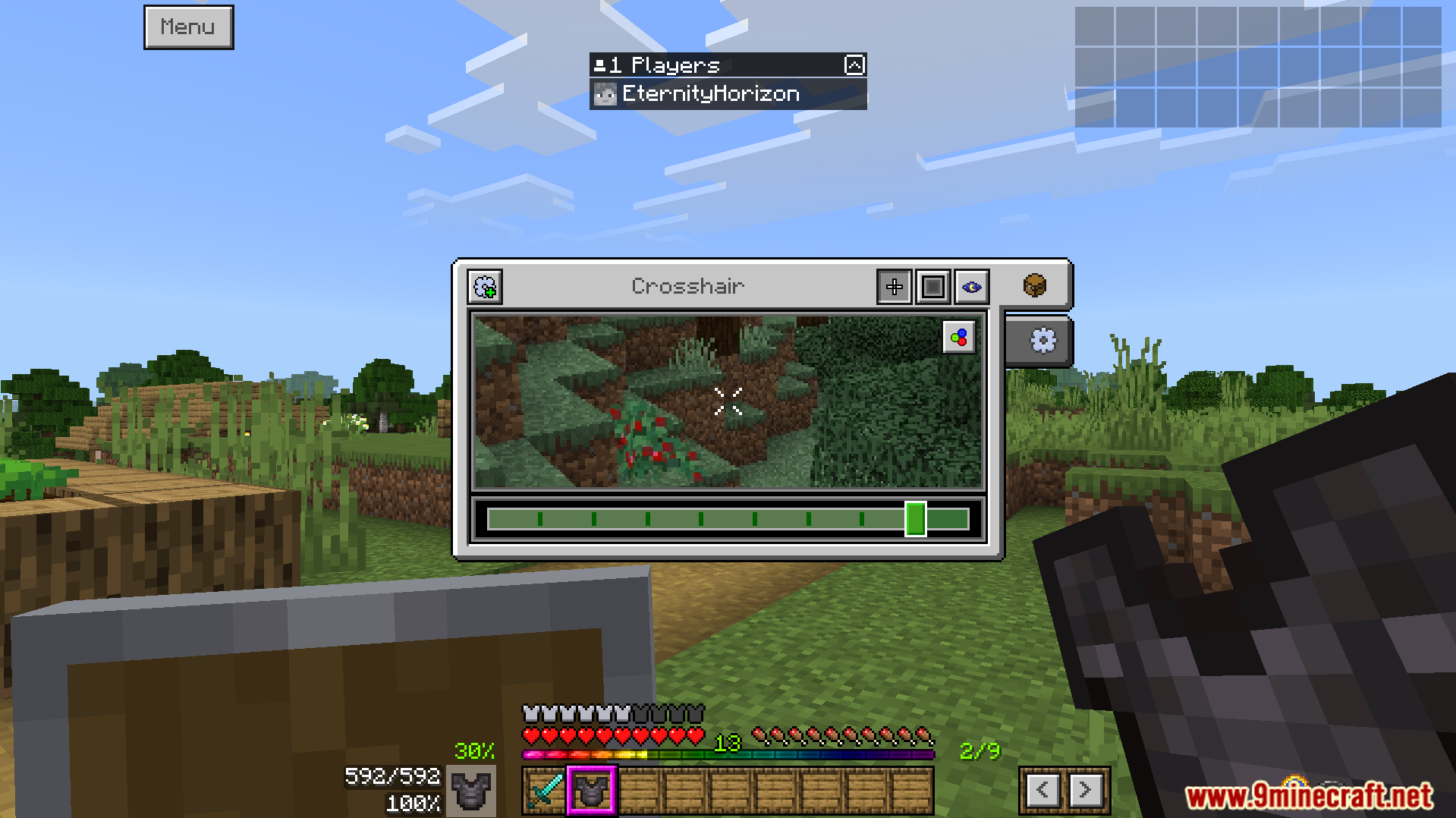
Lets you change your crosshair style and pick custom colors.
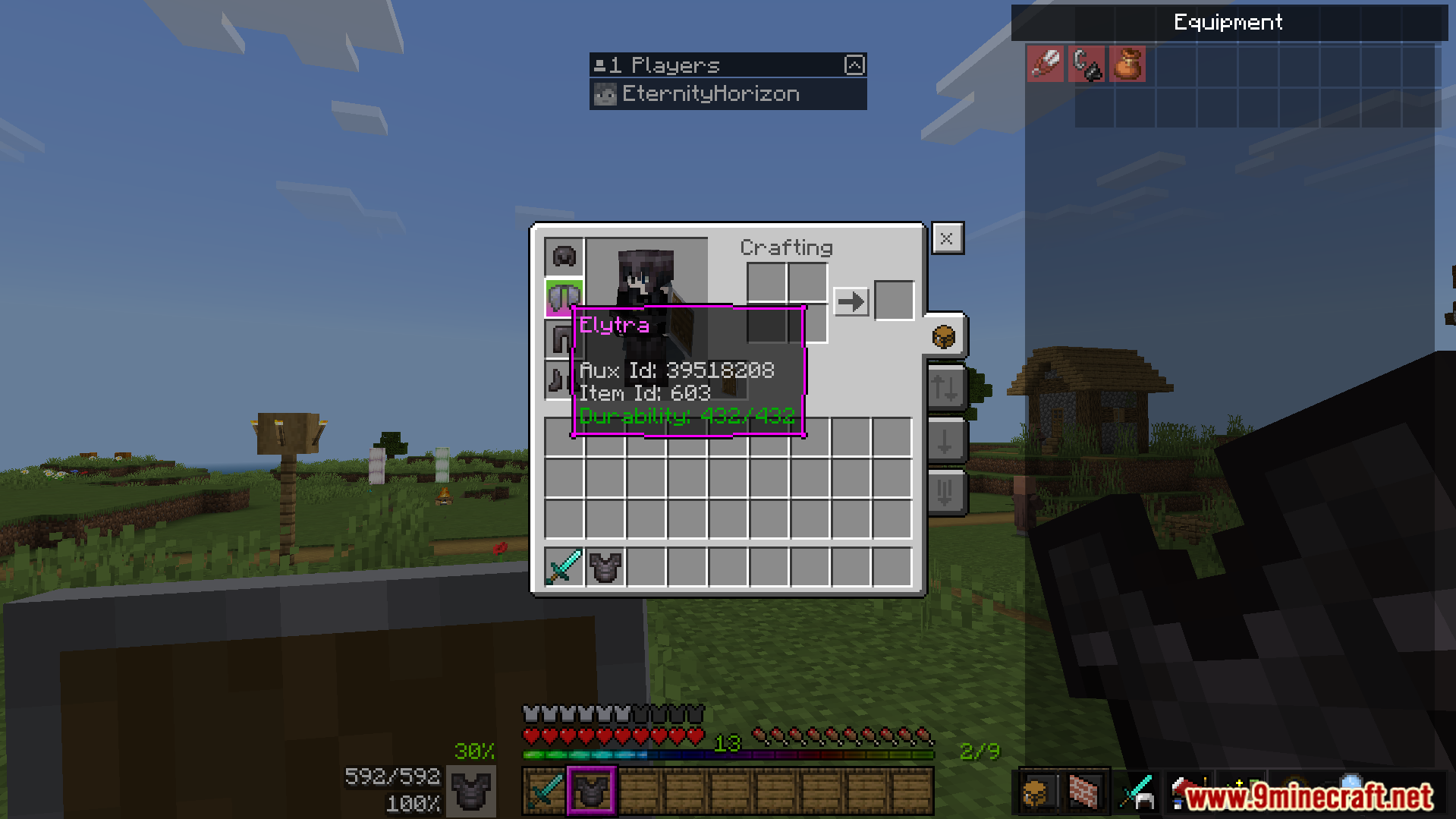
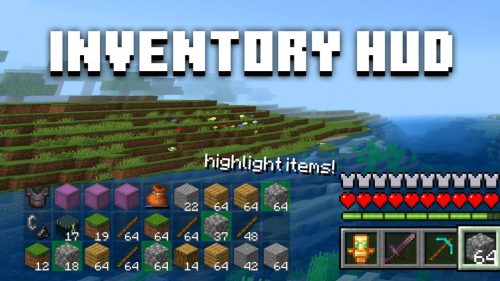
Displays your full inventory on the screen at all times.
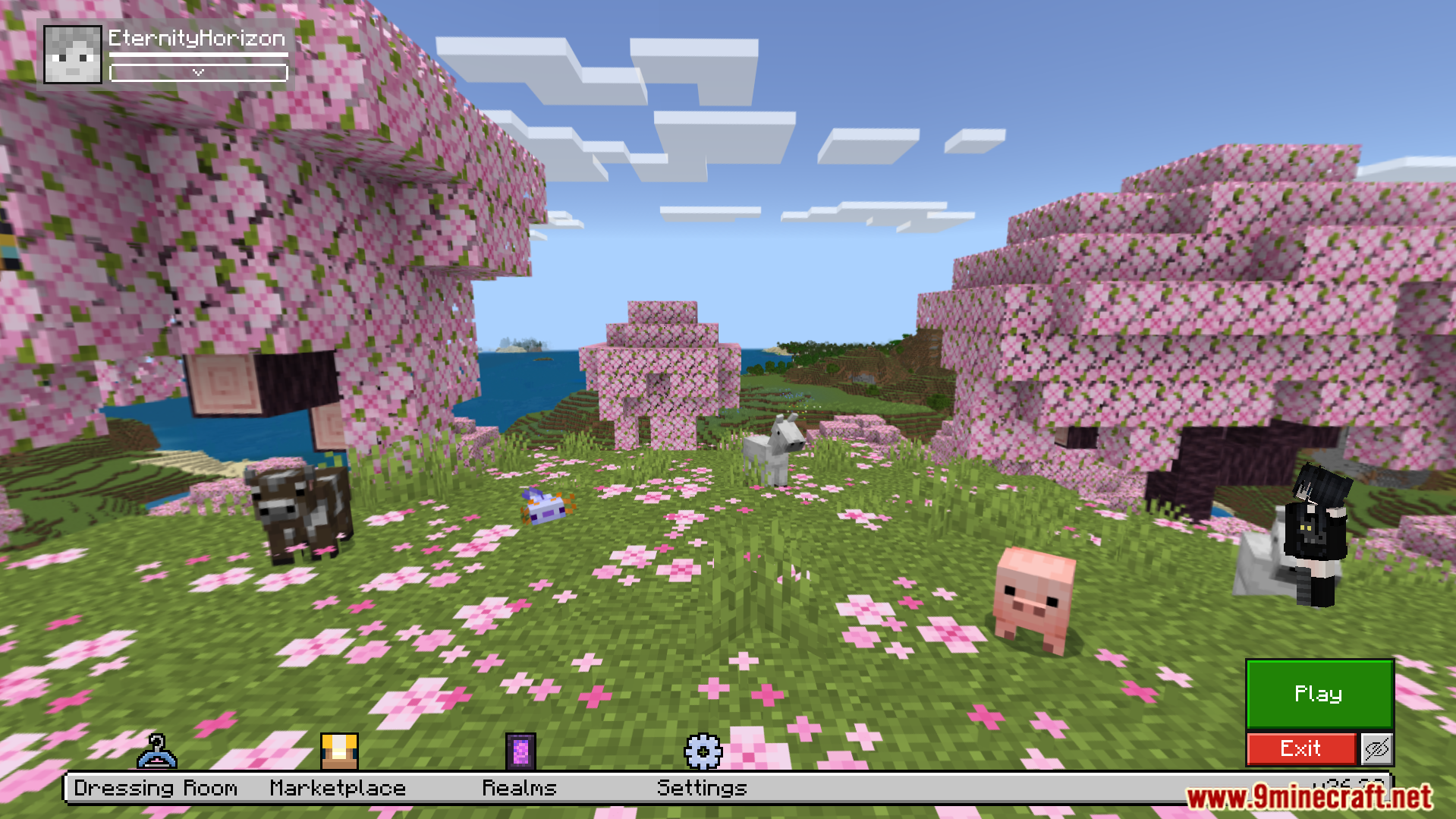
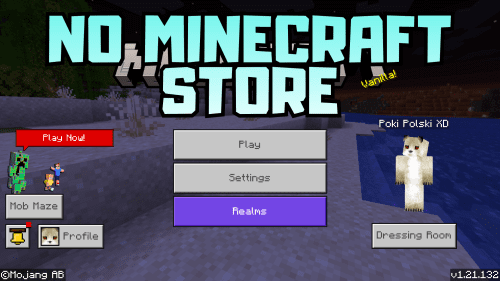
Moves the main menu buttons to make them easier to reach.
Screenshots:
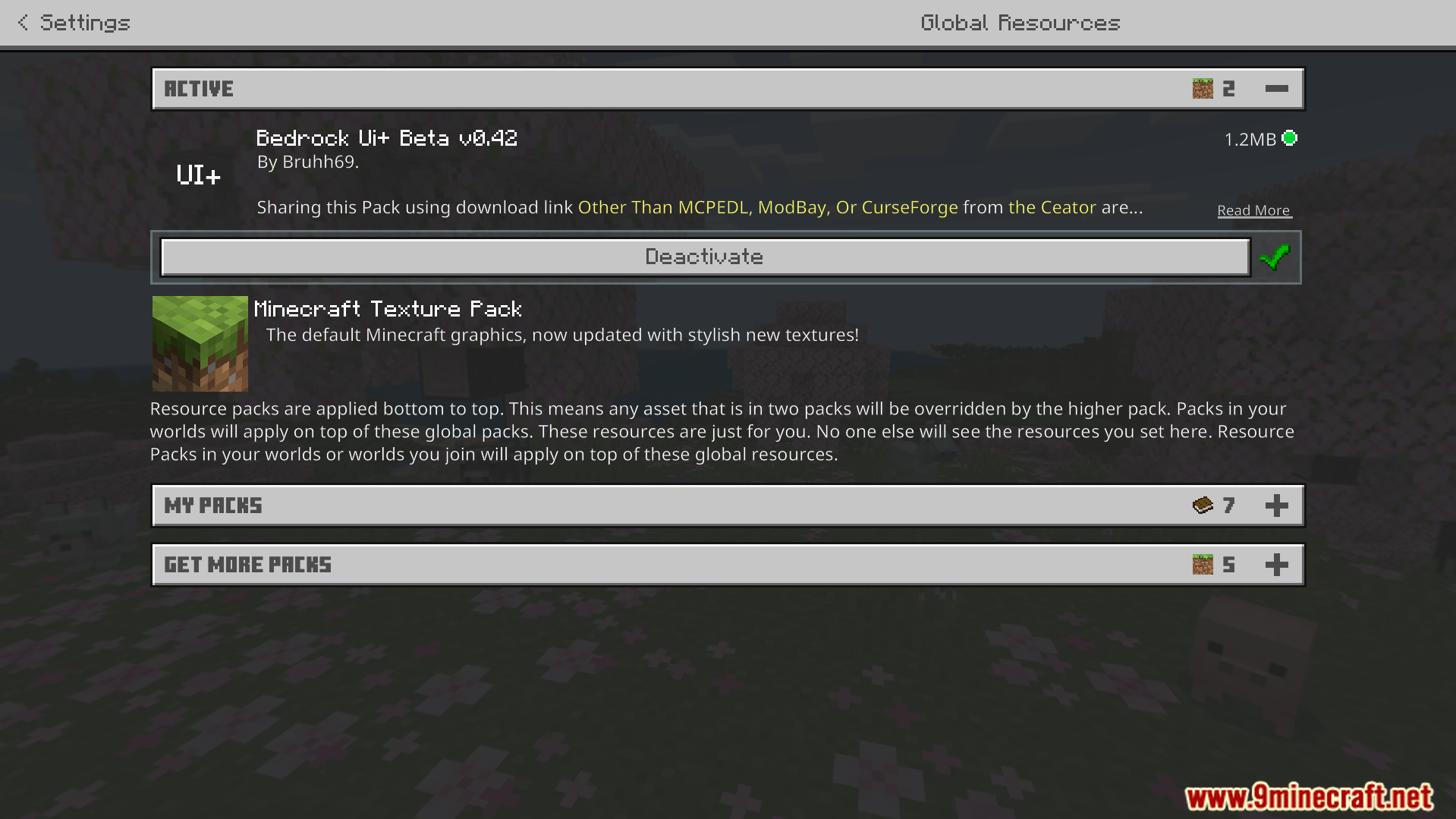
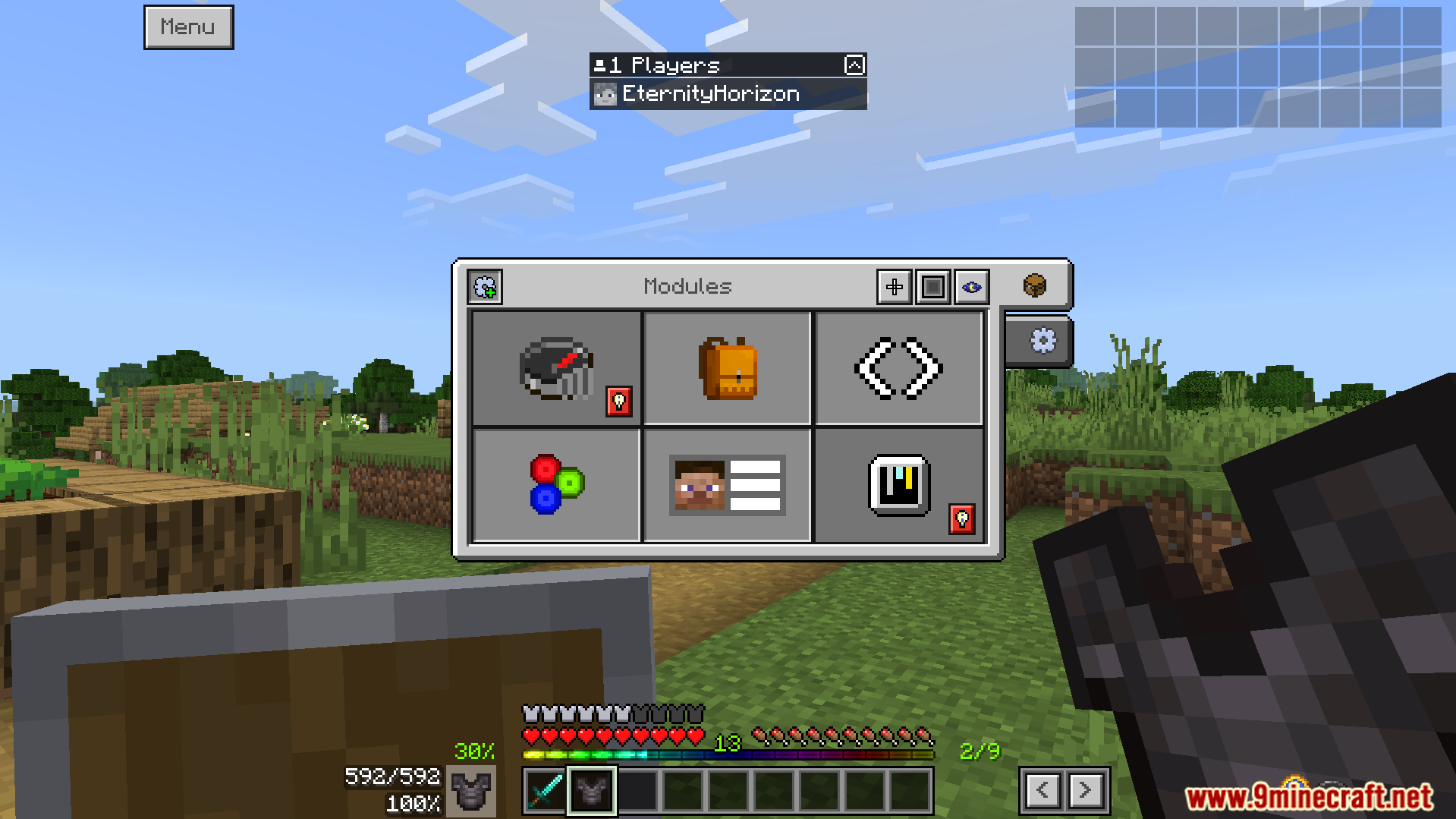
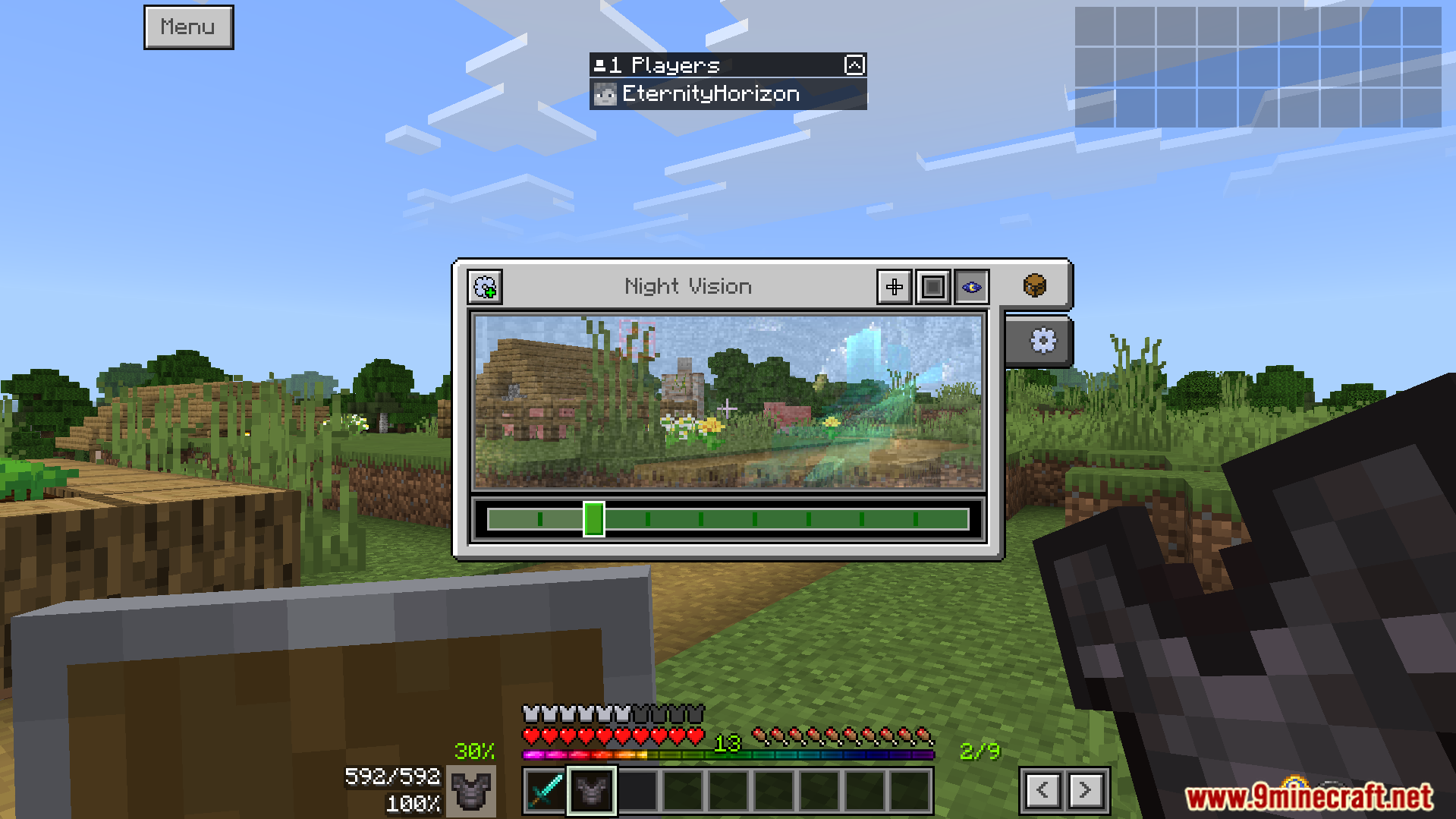
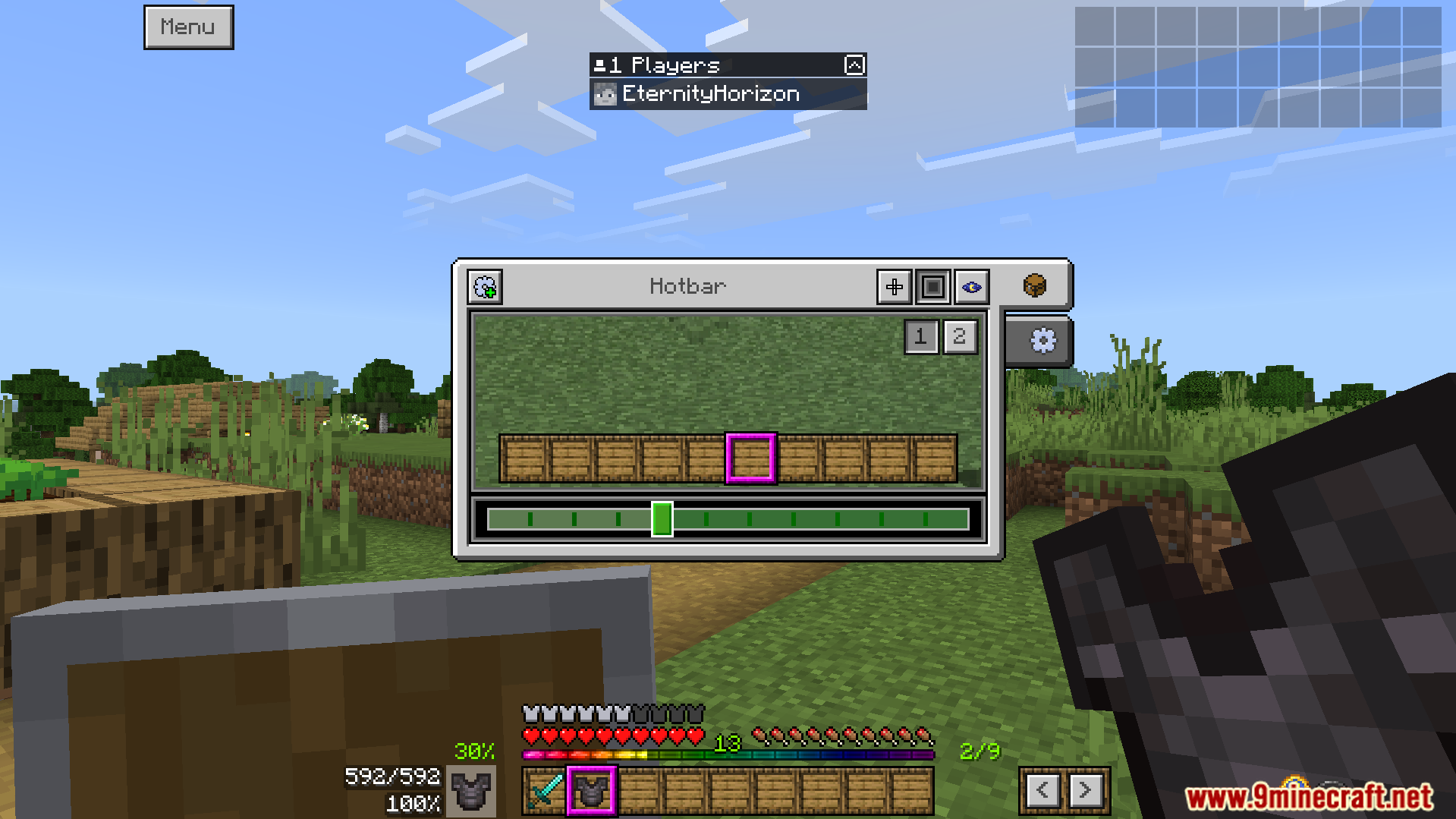
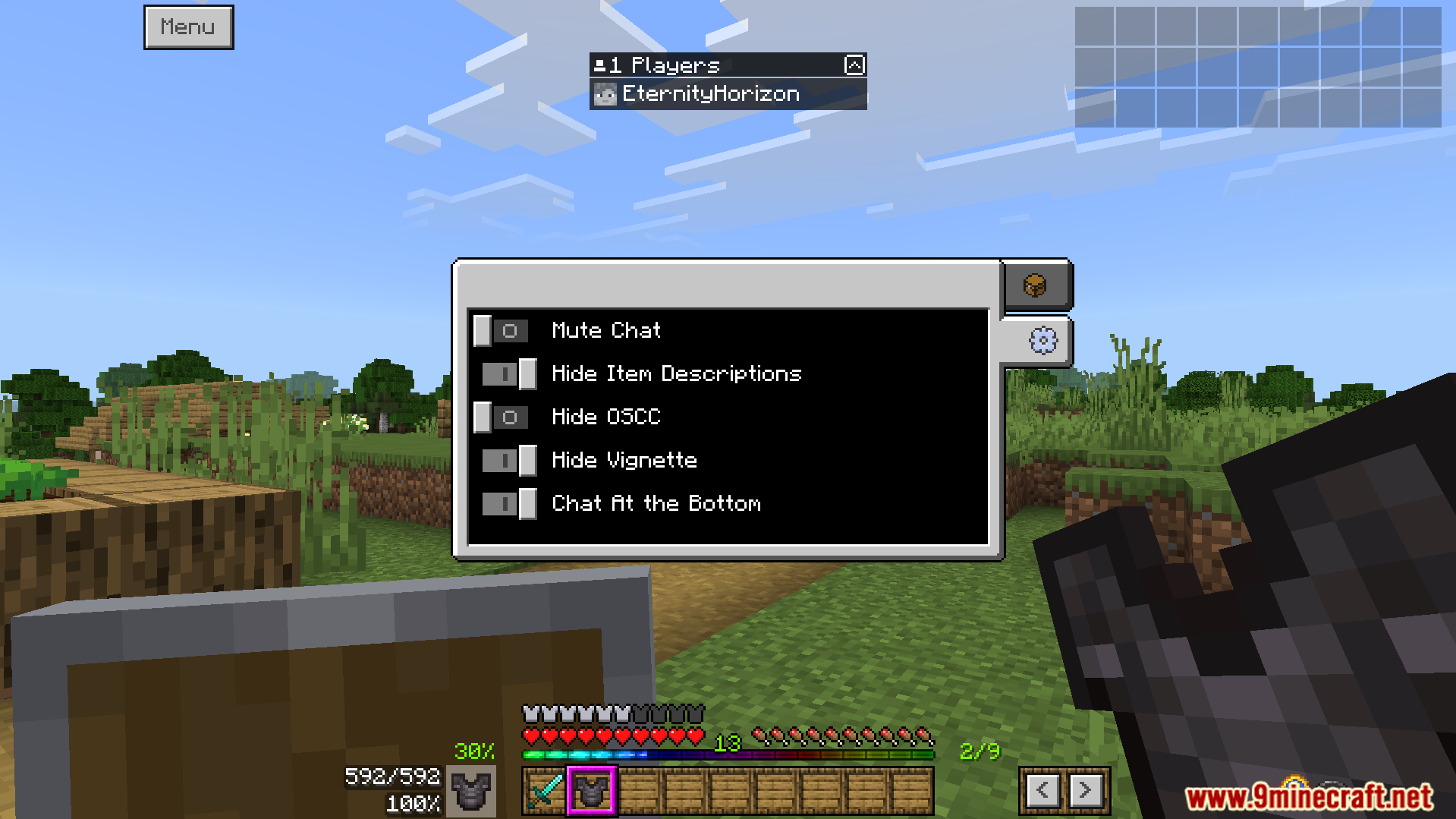
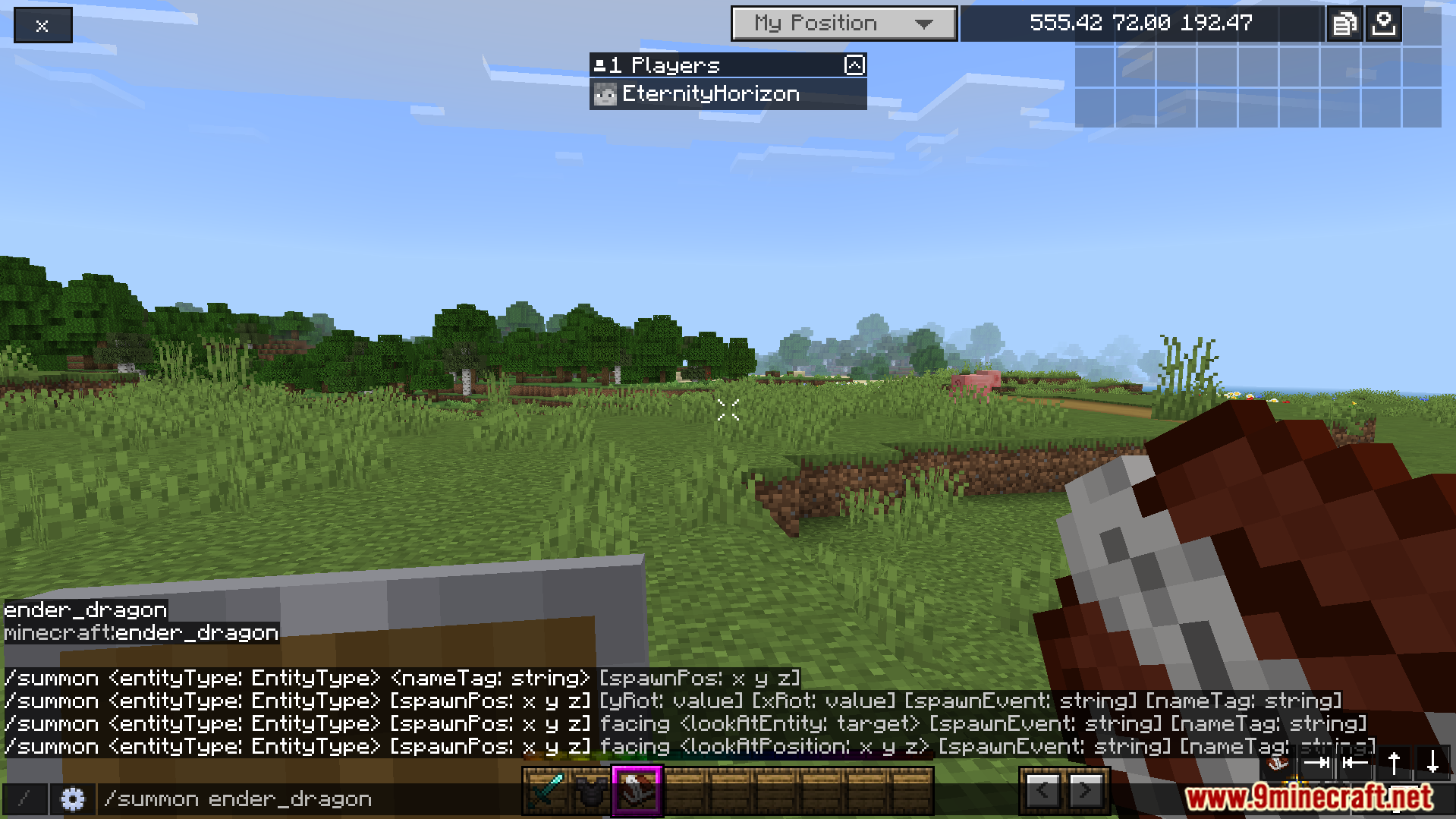
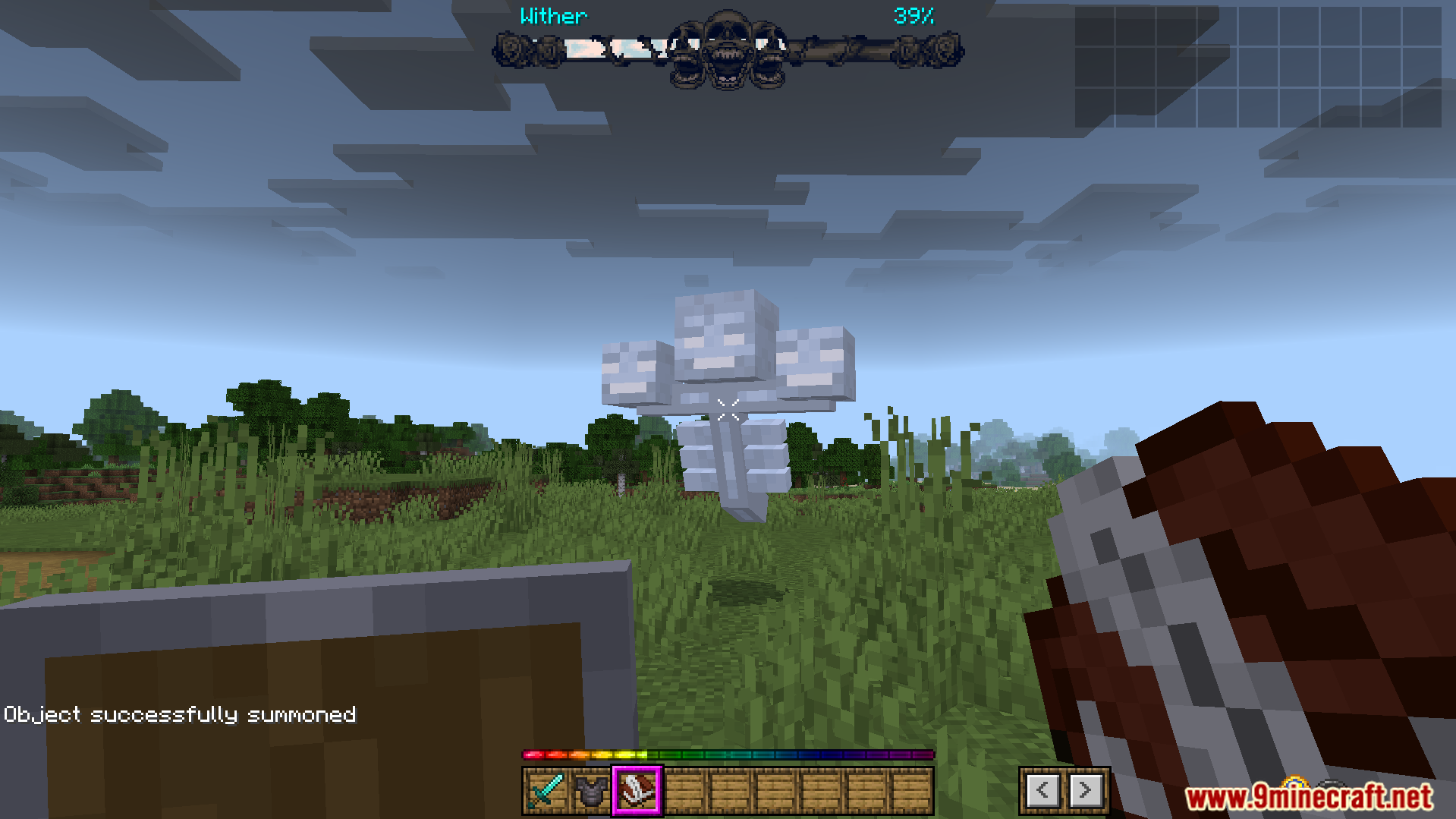
Activating the addon in the global resources menu to change screensThe main menu buttons are moved to make them easier to reachNew on screen display shows armor durability and other helpful informationThe main menu buttons are moved to the side for accessA new menu lets you customize features like the crosshair styleThe user interface shows helpful information like your armor durability percentageThe addon changes game screens to give you helpful informationThis pack displays your full inventory on the screen alwaysYou can change your crosshair style and pick custom colorsCustomize your game screen with new user interface settingsThe new interface shows helpful information like your armor durabilityAn example of the addon’s new user interface screensA player summons a dragon using the modified game screenThe addon displays a custom health bar for the dragonA custom boss health bar is shown for the Wither




 0
0  3 weeks ago






This post has no comments yet. Be the first — your comment will appear here.