


YEssential Plugin – Control Bedrock Server Economy, Teleports and Daily Rewards

 0
0  2 weeks ago
YEssential Plugin packs in dozens of useful tools to manage your Bedrock server and help players. It replaces many smaller add-ons by keeping everything in one place. You get menus to handle money, set up teleports, and manage server rules. The plugin also works well for keeping the world clean by removing extra dropped items automatically. It gives server owners full control while adding fun features like daily rewards and random teleports for the players.

Features:
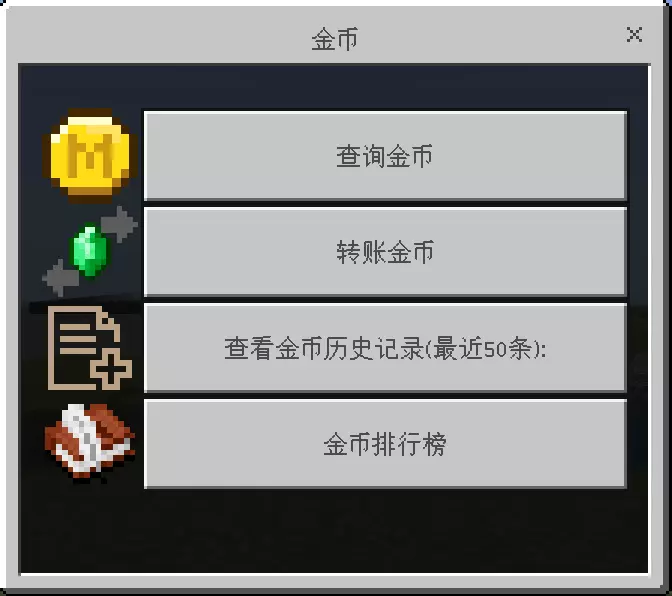
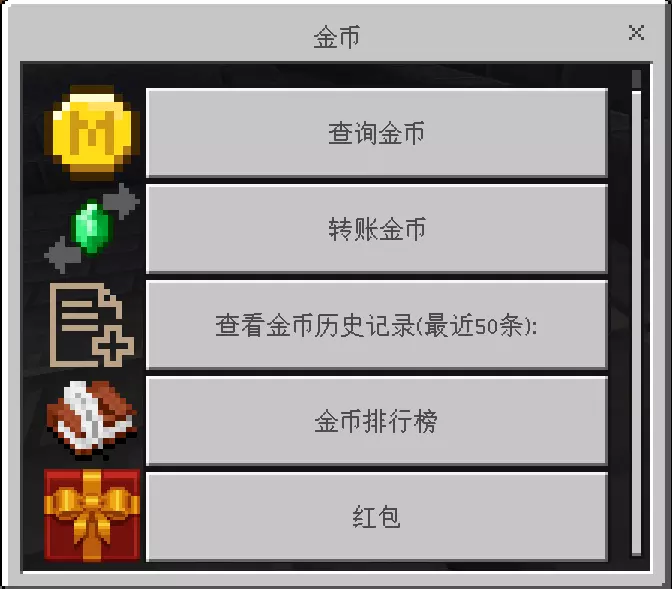
- Adds a complete money system where players can check their balance, send money, and view history using simple menus.
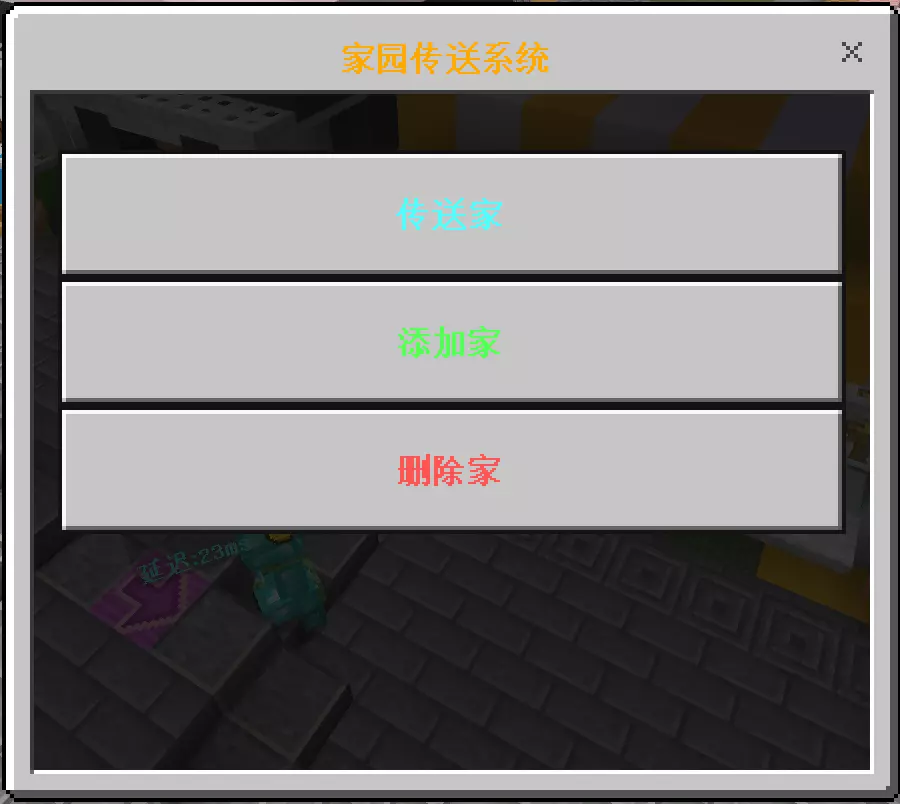
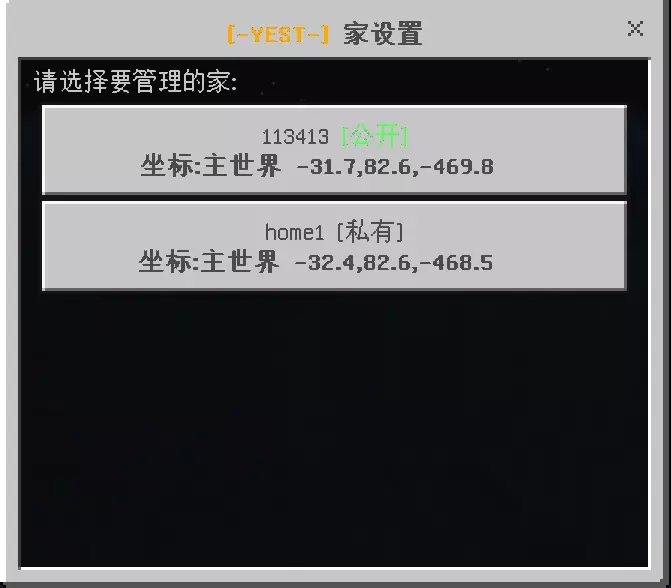
- Lets players set up homes and public warp points so they can travel across the map quickly.
- Includes a random teleport tool that drops players in a safe spot to start their survival adventure.
- Gives players a safe way to ask for teleports to their friends with accept and deny options.
- Cleans up dropped items and extra mobs automatically to keep the server running fast without lag.
- Allows admins to turn on maintenance mode to stop regular players from joining while making changes.
- Adds a daily sign-in reward system that gives players money or items for logging in every day.
- Lets players toggle their PVP status so they do not get attacked when they just want to build.
- Saves the spot where a player dies so they can easily travel back and find their lost items.
- Protects the server by blocking specific explosive blocks like TNT or beds in the Nether.
Money and Rewards:
- Players can send red packets to share money with everyone currently playing on the server.
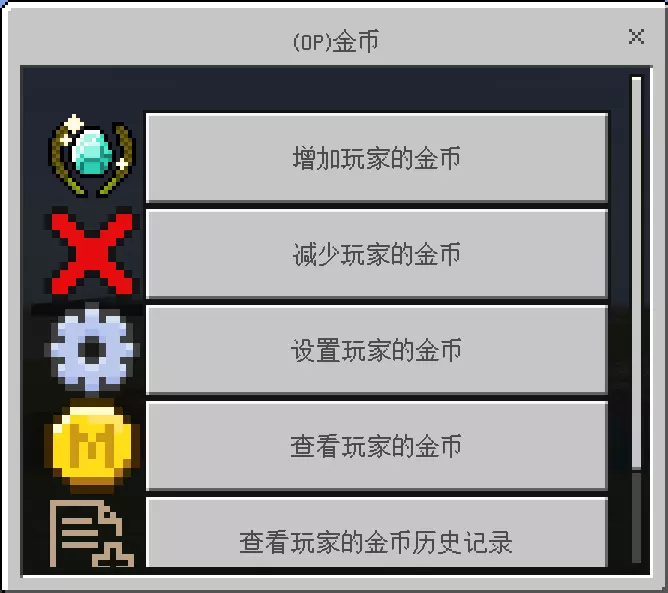
- Admins can easily add or remove money from anyone using a simple screen.
- The daily sign-in board tracks streaks and gives better rewards for playing multiple days in a row.
Server Tools:
- You can set up custom announcements that pop up when someone joins the game.
- The plugin automatically turns on keep inventory if you want it active for your world.
- Admins can use a spectator mode command to fly around and check on players safely.
Commands:
/homeOpens the menu to manage and travel to your saved houses./tpaSends a request to travel to another player./rtpSends you to a random, safe location in the world./pvpTurns your player-versus-player fighting on or off./moneyguiOpens the main screen to check your wallet and send money./cleanForces the server to clear dropped items right away./signOpens the daily reward menu to claim your prize.
How to Use:
- Join the server and type
/moneyguiin the chat to see your starting balance. - Walk to a spot you want to save, type
/home, and click the add button in the menu. - Use
/signevery day when you log in to build up your streak and get items. - If your game feels slow, ask an admin to type
/cleanto remove extra items on the ground. - Type
/pvpto turn off fighting if you want to build your house in peace.
Screenshots:
YEssential Plugin Download Links
Click to rate this post!
[Total: 0 Average: 0]

This post has no comments yet. Be the first — your comment will appear here.