🌐 You're reading this article in 中文. Want to switch?
Or pick the one you like:

Open Parties and Claims PvP Support Mod 为 Open Parties and Claims 模组增加了 PvP 控制功能。这款插件通过自动禁用队友间的战斗来防止意外误伤。它还为每位玩家提供了一个个人指令,用于开启或关闭自己的 PvP 状态。

功能特点:

  • 自动禁用同一队伍成员之间的 PvP。
  • 允许玩家使用指令切换个人的 PvP 设置。
  • 只有当两名队员都开启了 PvP 时,他们才能互相造成伤害。
  • 允许在配置文件中更改默认的 PvP 设置。
  • 如果不需要,可以在配置中完全禁用个人 PvP 切换功能。

指令:

  • /opacpvp – 切换你个人的队伍 PvP 设置。

模组截图:

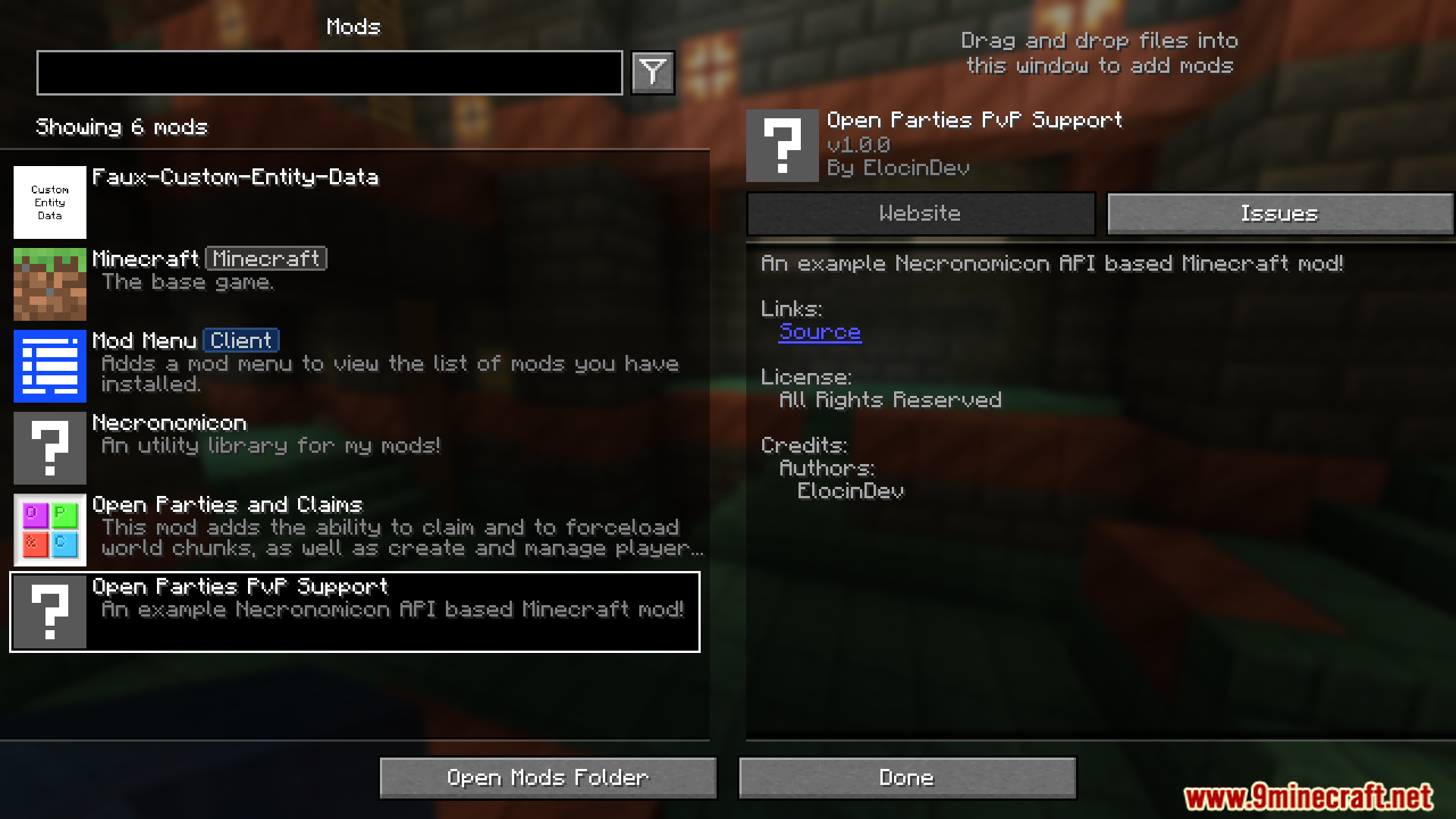
Minecraft mod menu displaying Open Parties PvP Support information
显示 Open Parties PvP Support 信息的 Minecraft 模组菜单
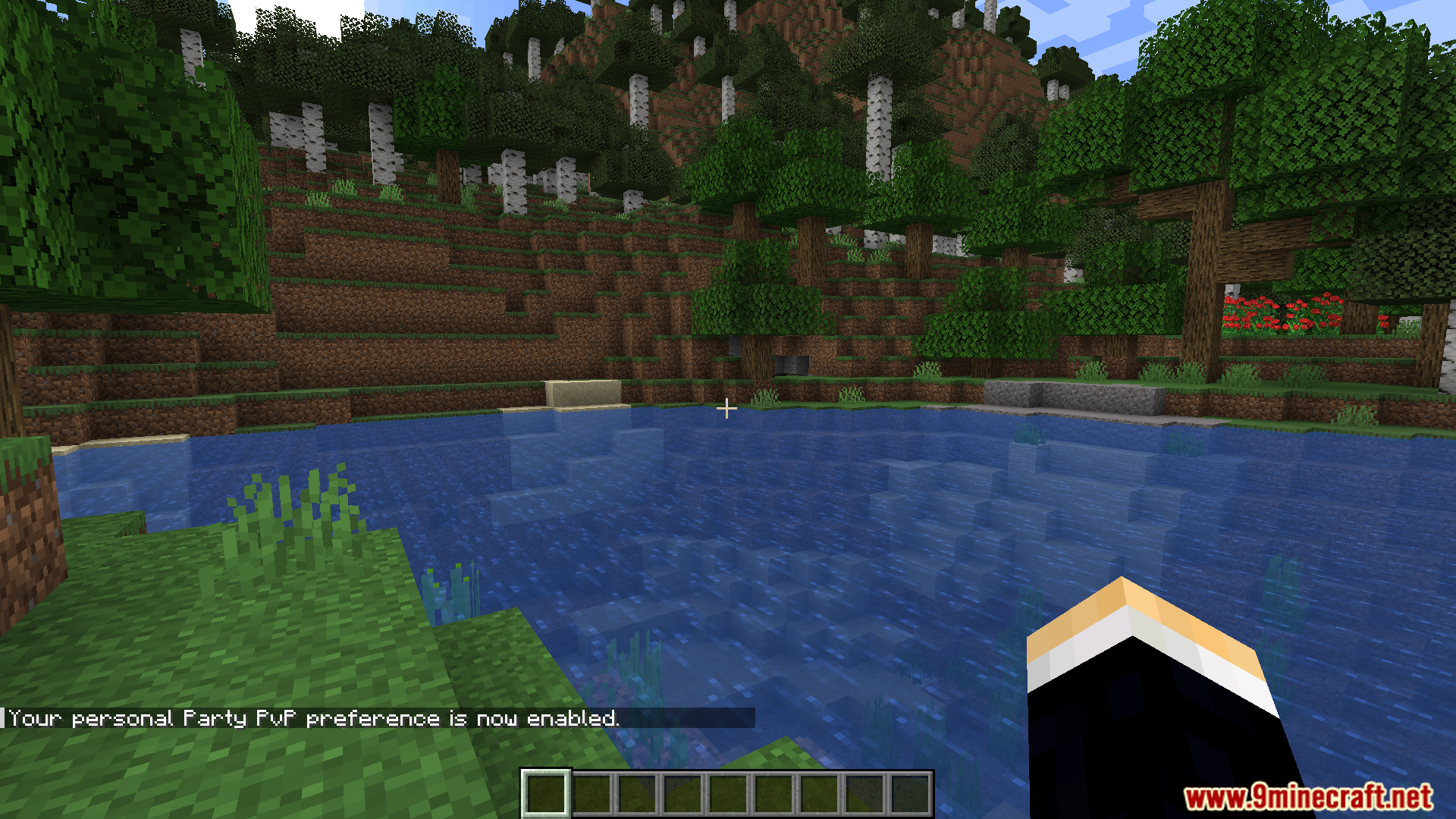
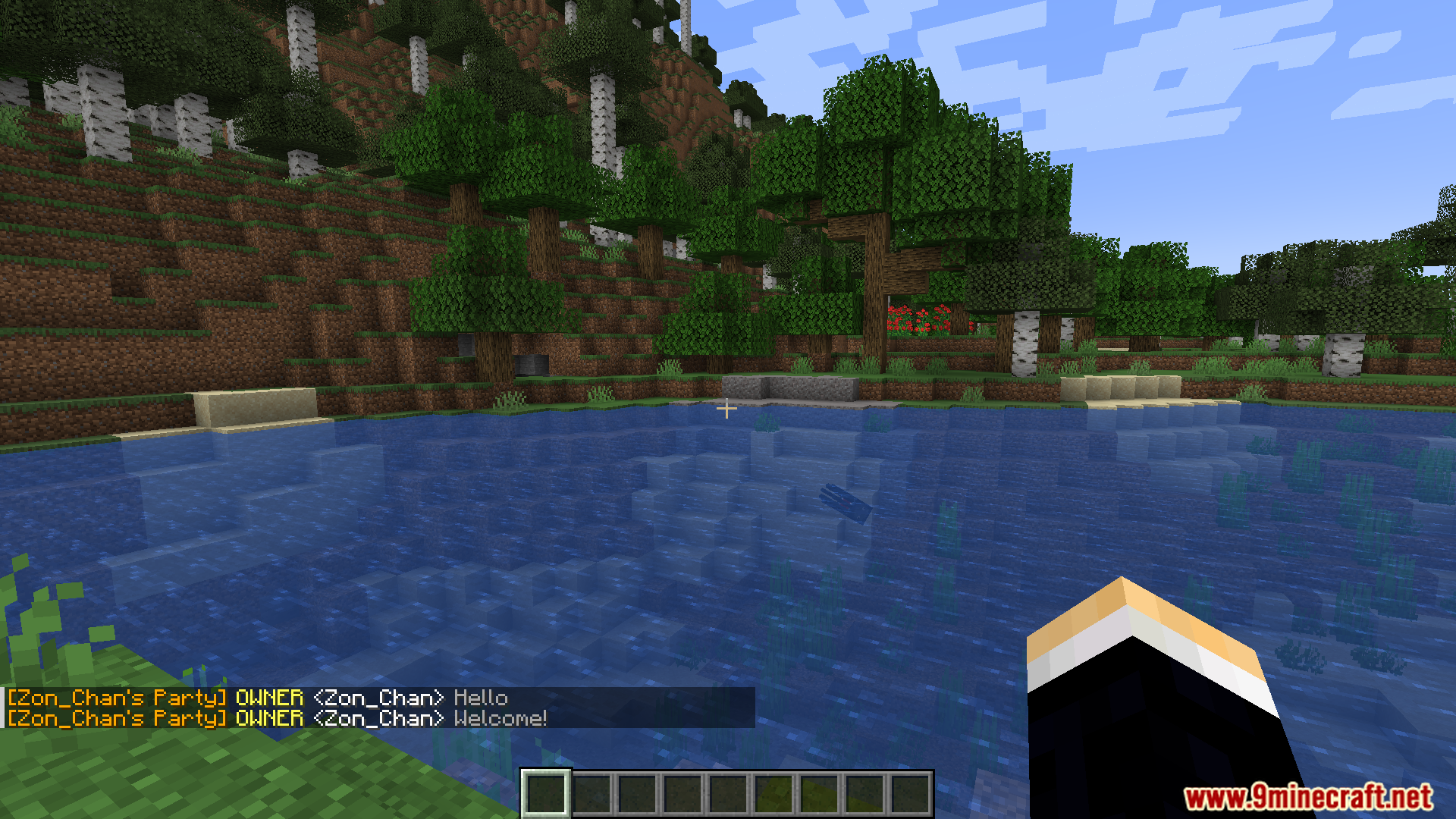
Chat message confirming that personal Party PvP preference is enabled
确认个人队伍 PvP 偏好已启用的聊天消息
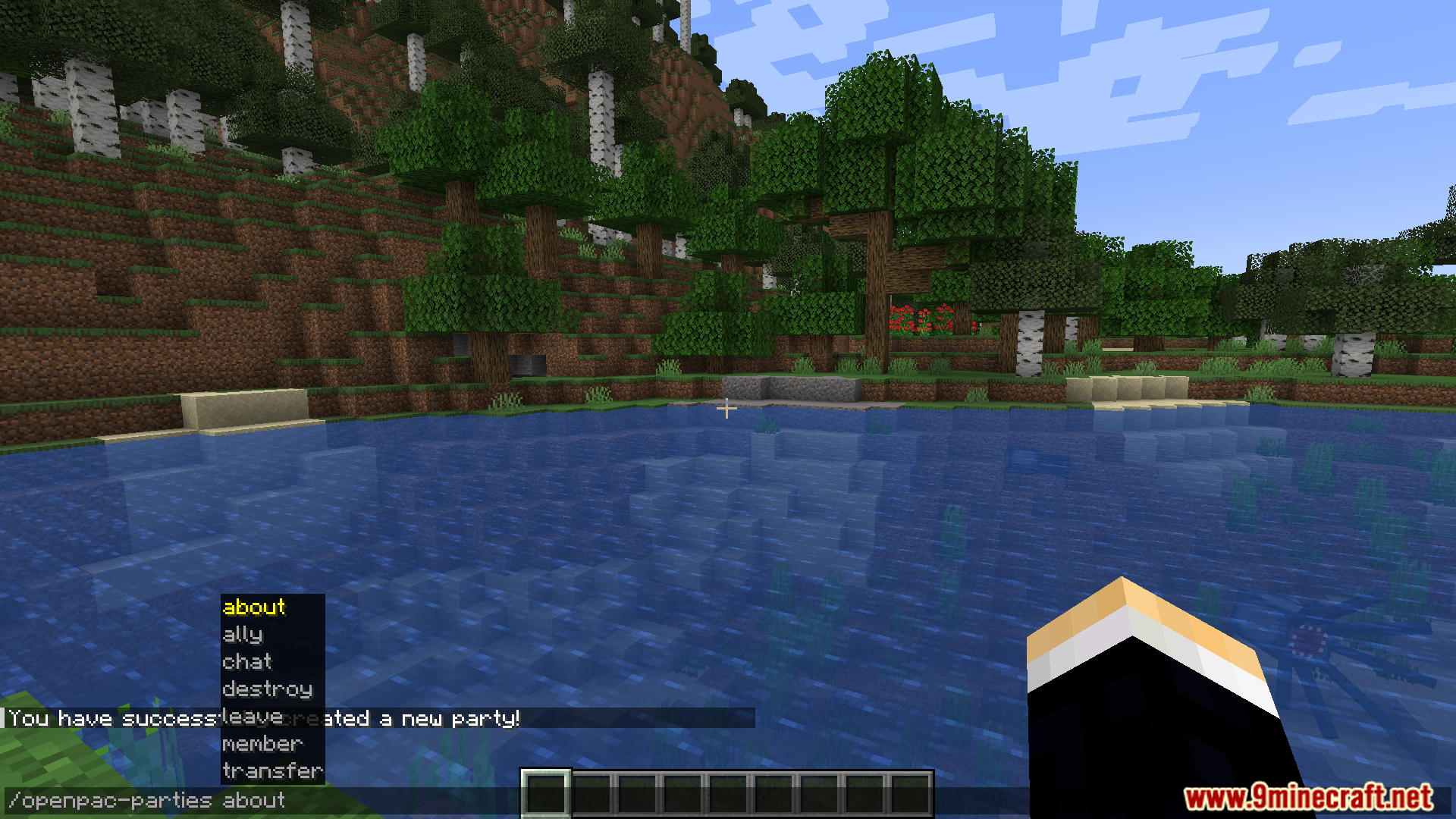
Player typing a command to manage parties in Minecraft
玩家正在输入管理队伍的指令
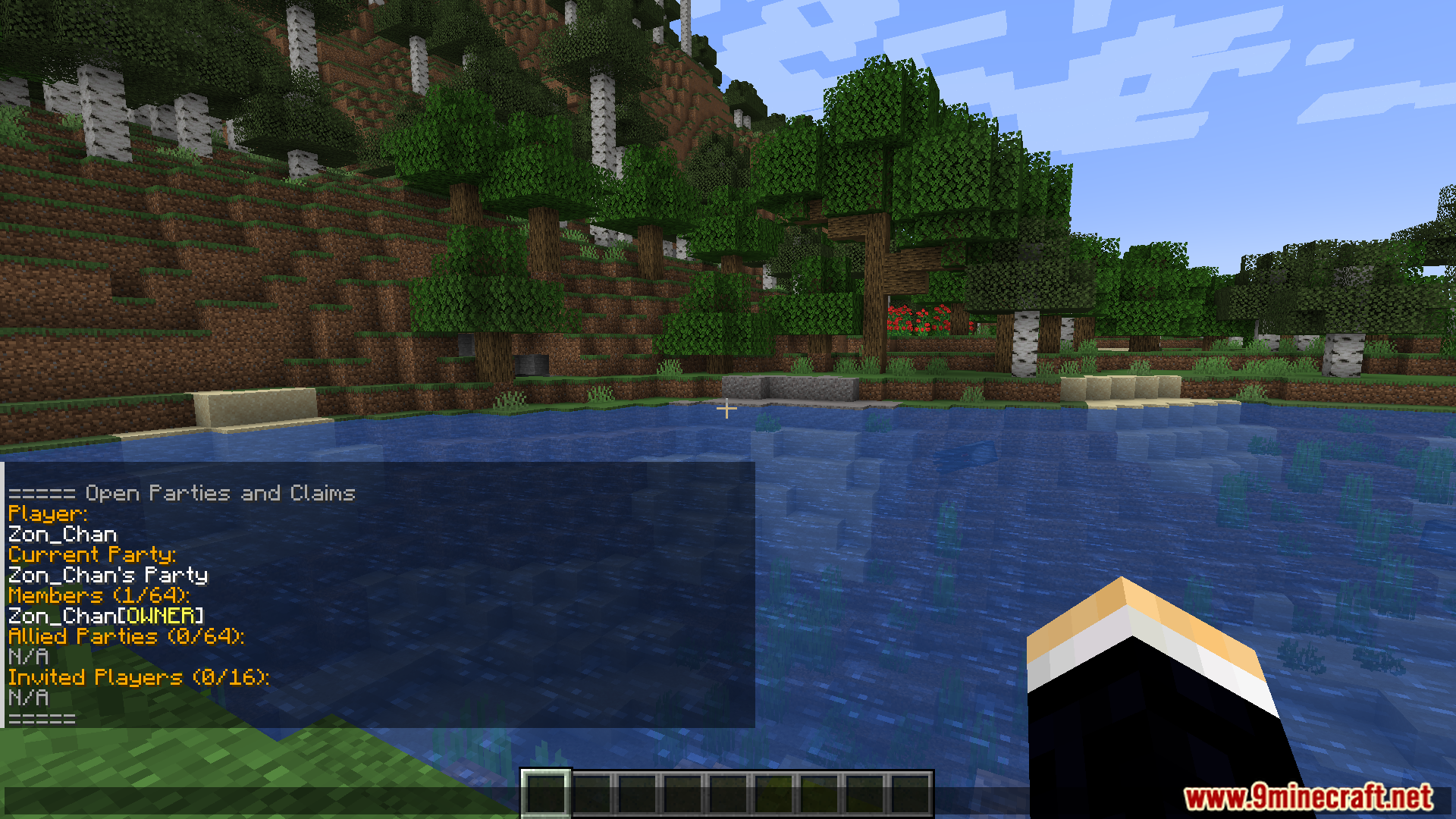
Viewing party information and member list in Open Parties and Claims
在 Open Parties and Claims 中查看队伍信息和成员列表
Party chat messages shown in Open Parties and Claims PvP Support
Open Parties and Claims PvP Support 中显示的队伍聊天消息
Command interface for managing party options in the Minecraft mod
管理队伍选项的指令界面
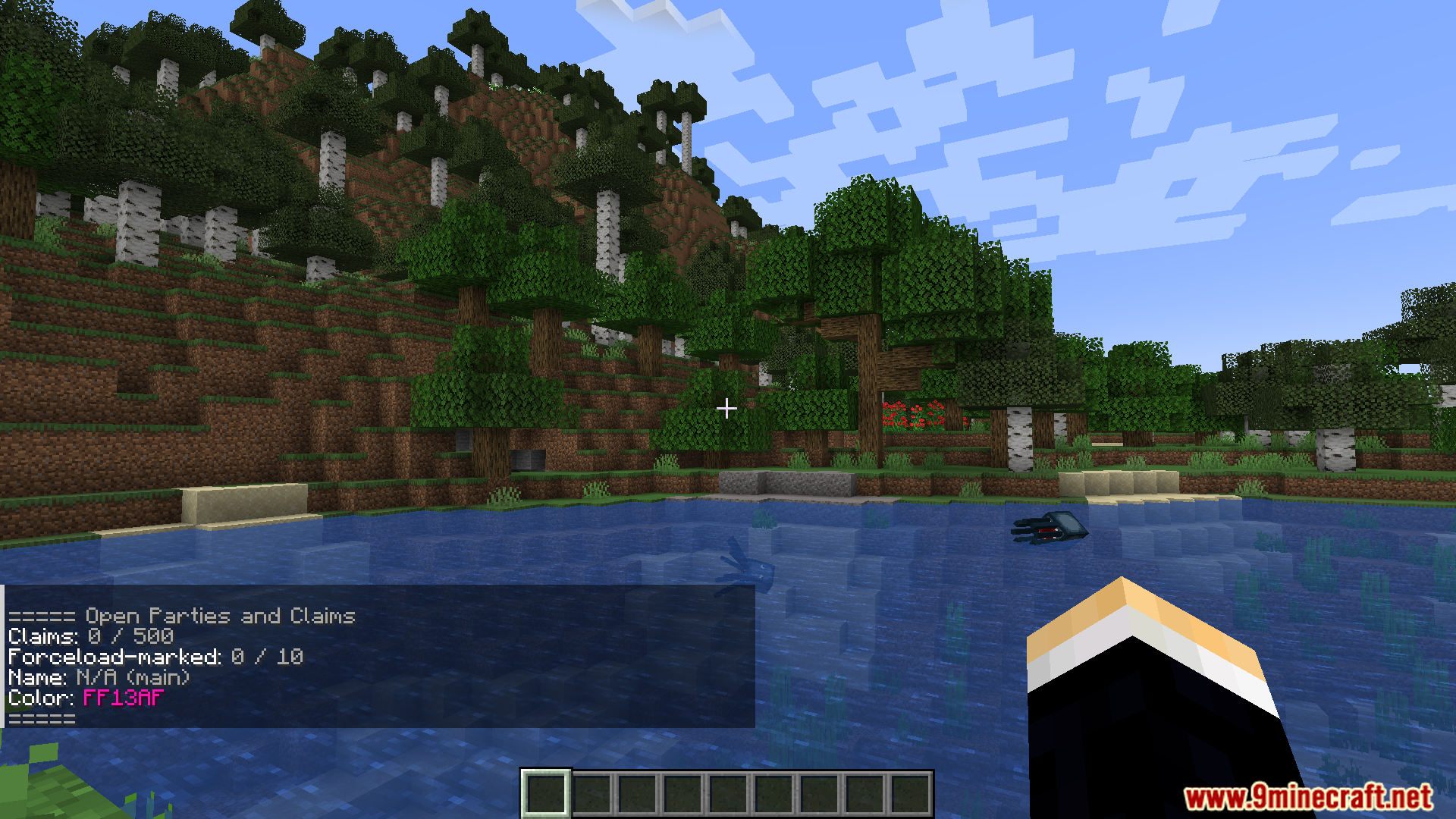
Open Parties and Claims PvP Support Mod showing claim statistics
Open Parties and Claims PvP Support 模组显示的领地统计数据
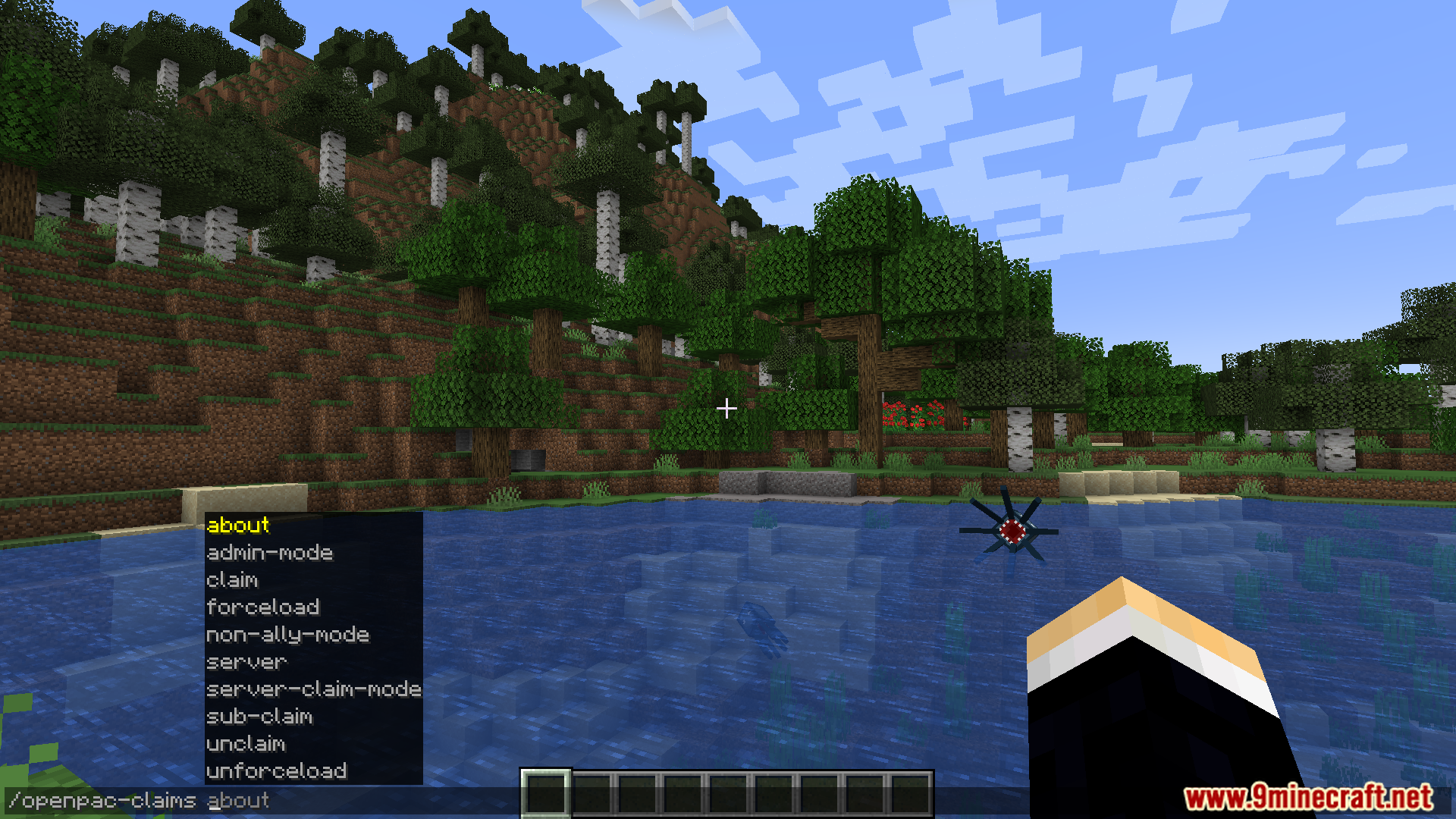
Accessing a list of commands for managing land claims
访问管理领地声明的指令列表
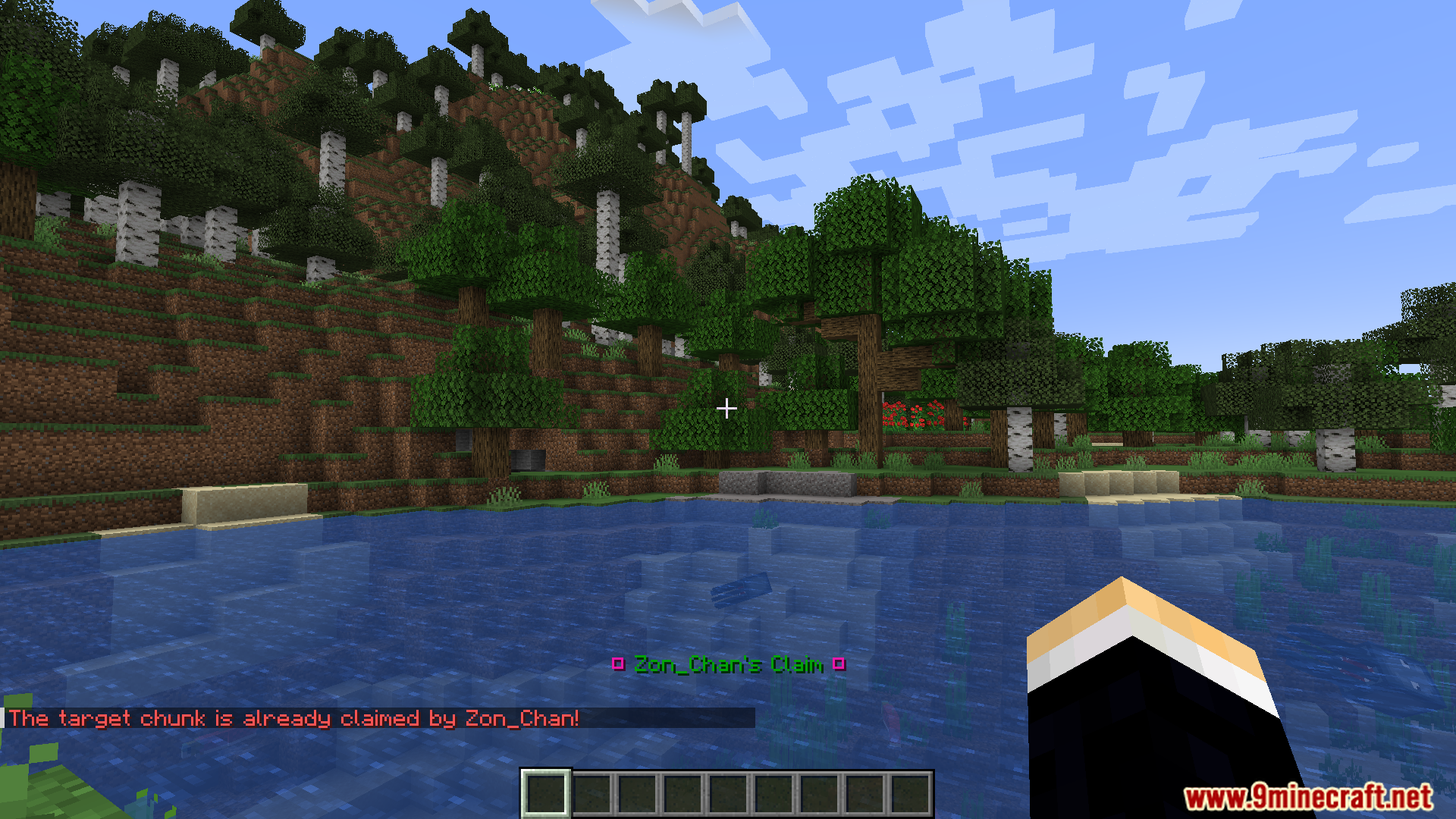
Open Parties and Claims mod showing a message for claimed territory
Open Parties and Claims 模组显示的已占领地消息
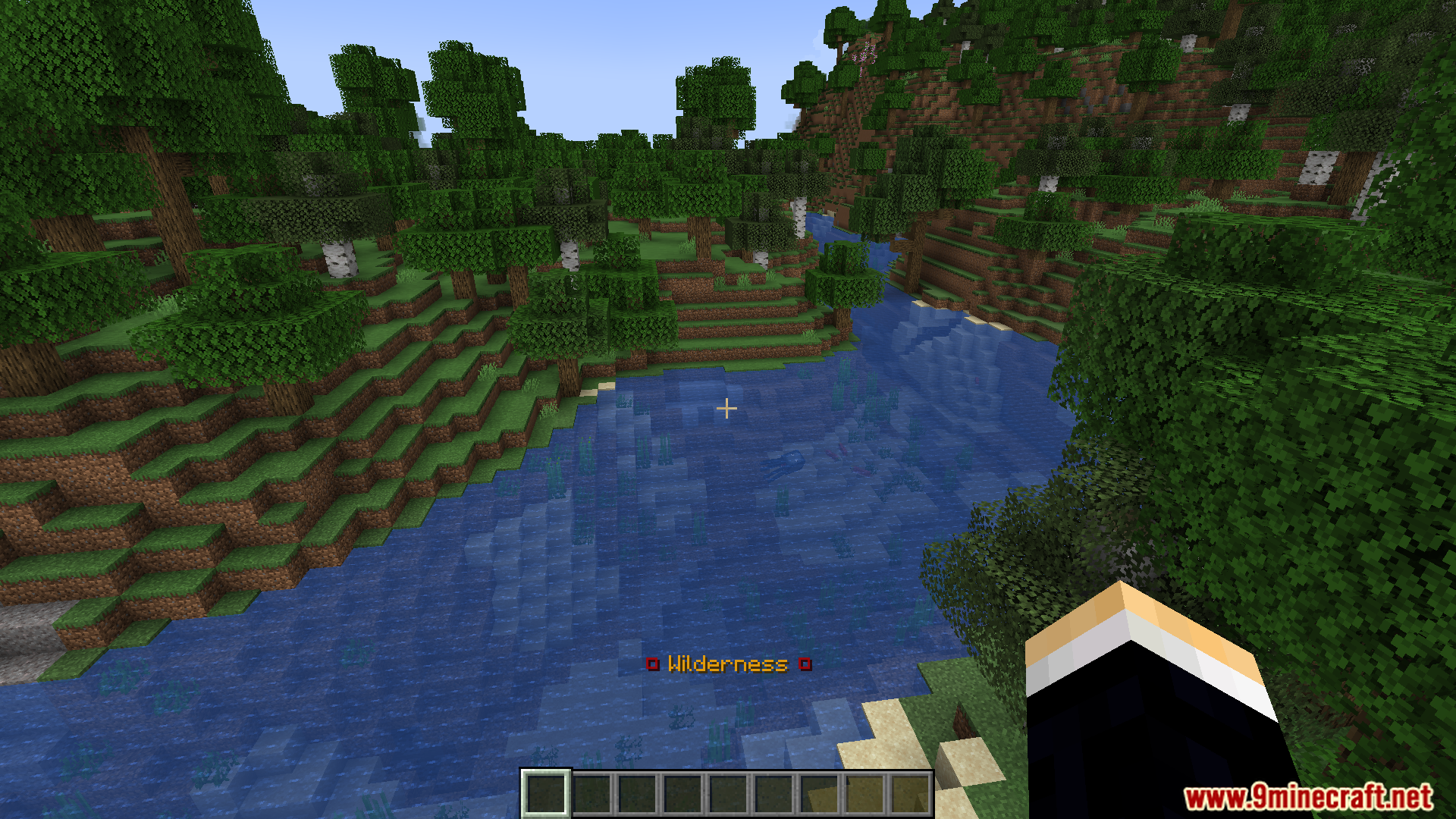
A player standing in an unclaimed area labeled as Wilderness
玩家站在标记为“荒野”的未占领区域
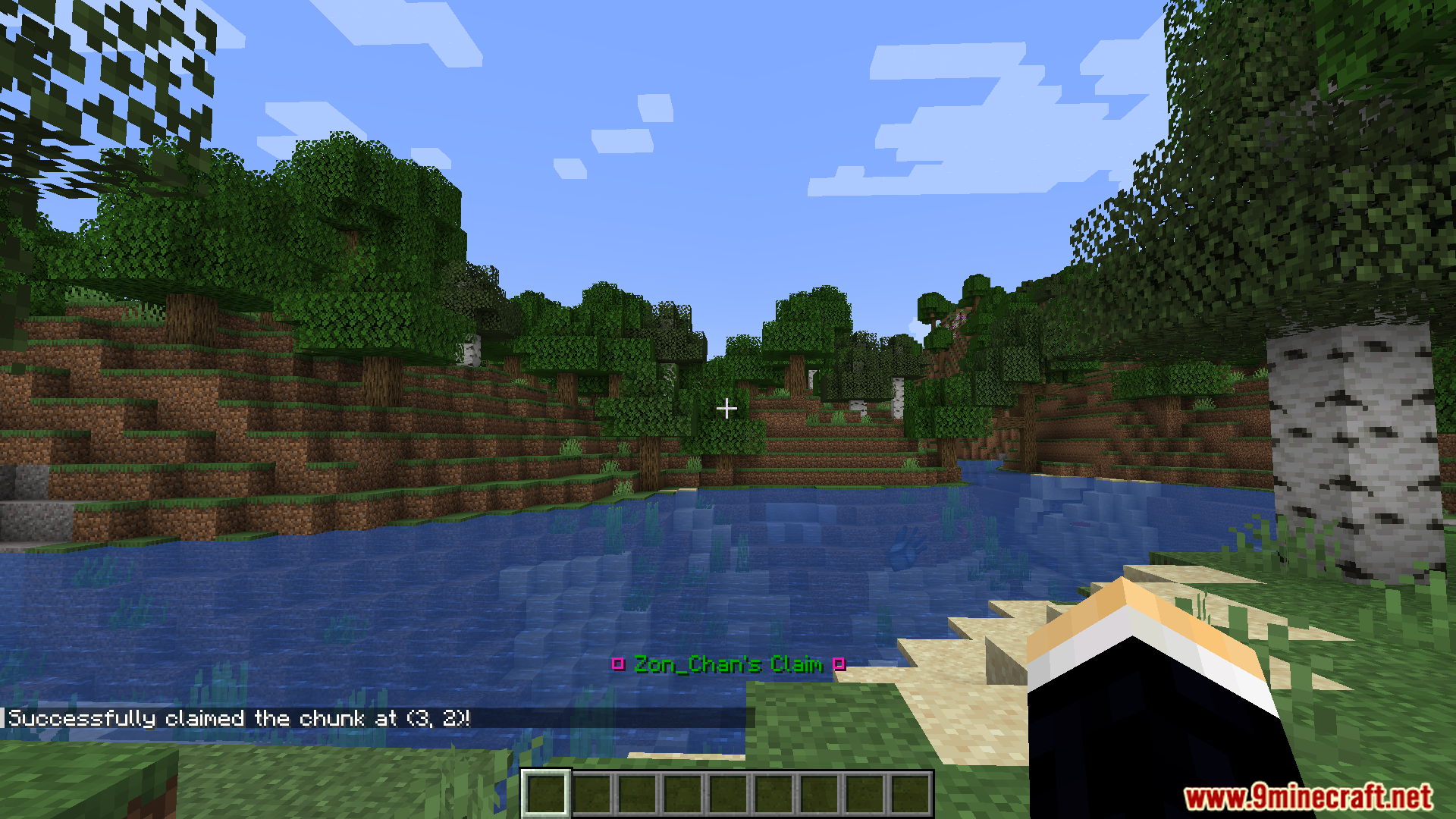
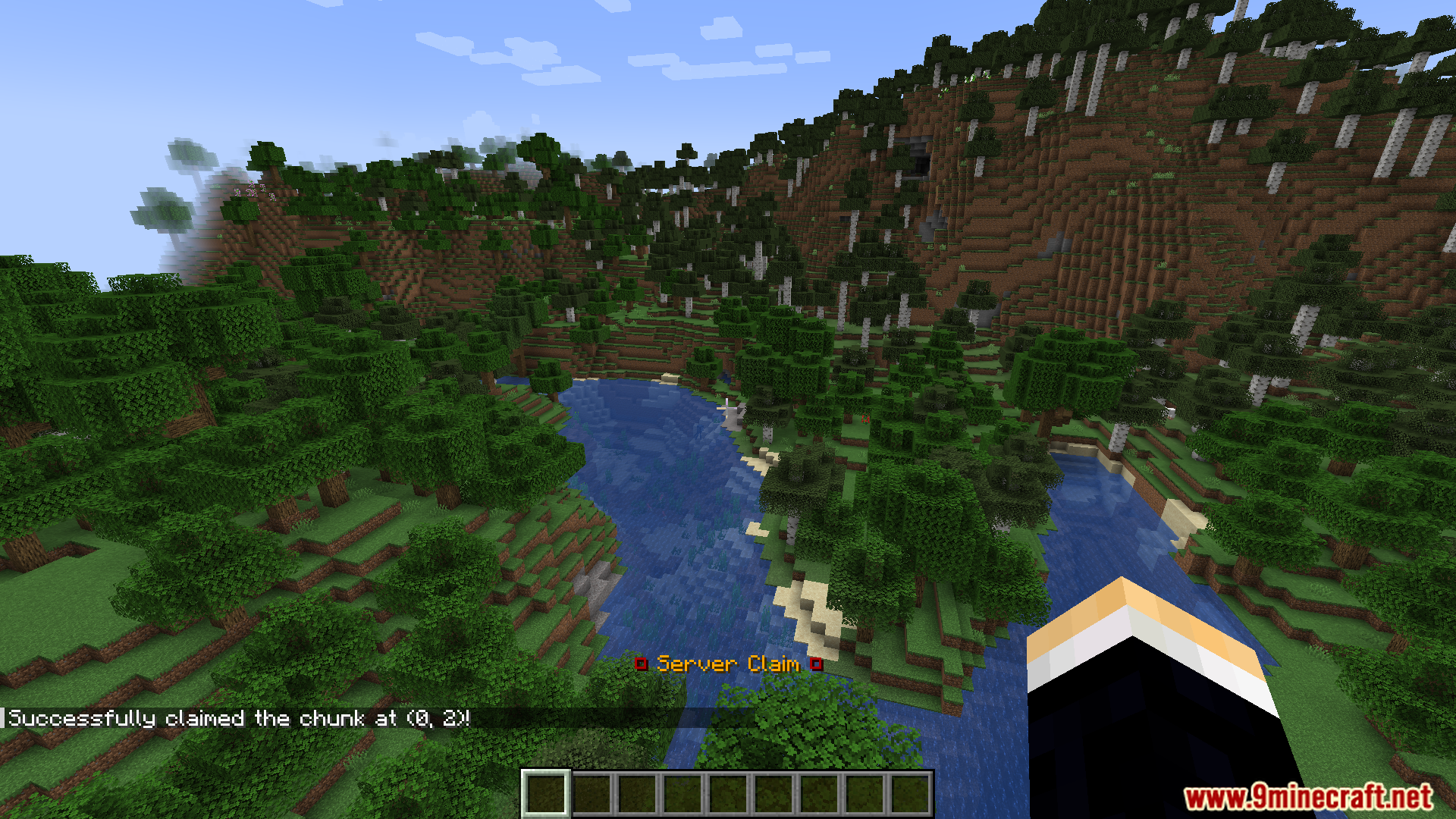
Player successfully claims a chunk using Open Parties and Claims mod
玩家使用 Open Parties and Claims 模组成功占领了一个区块
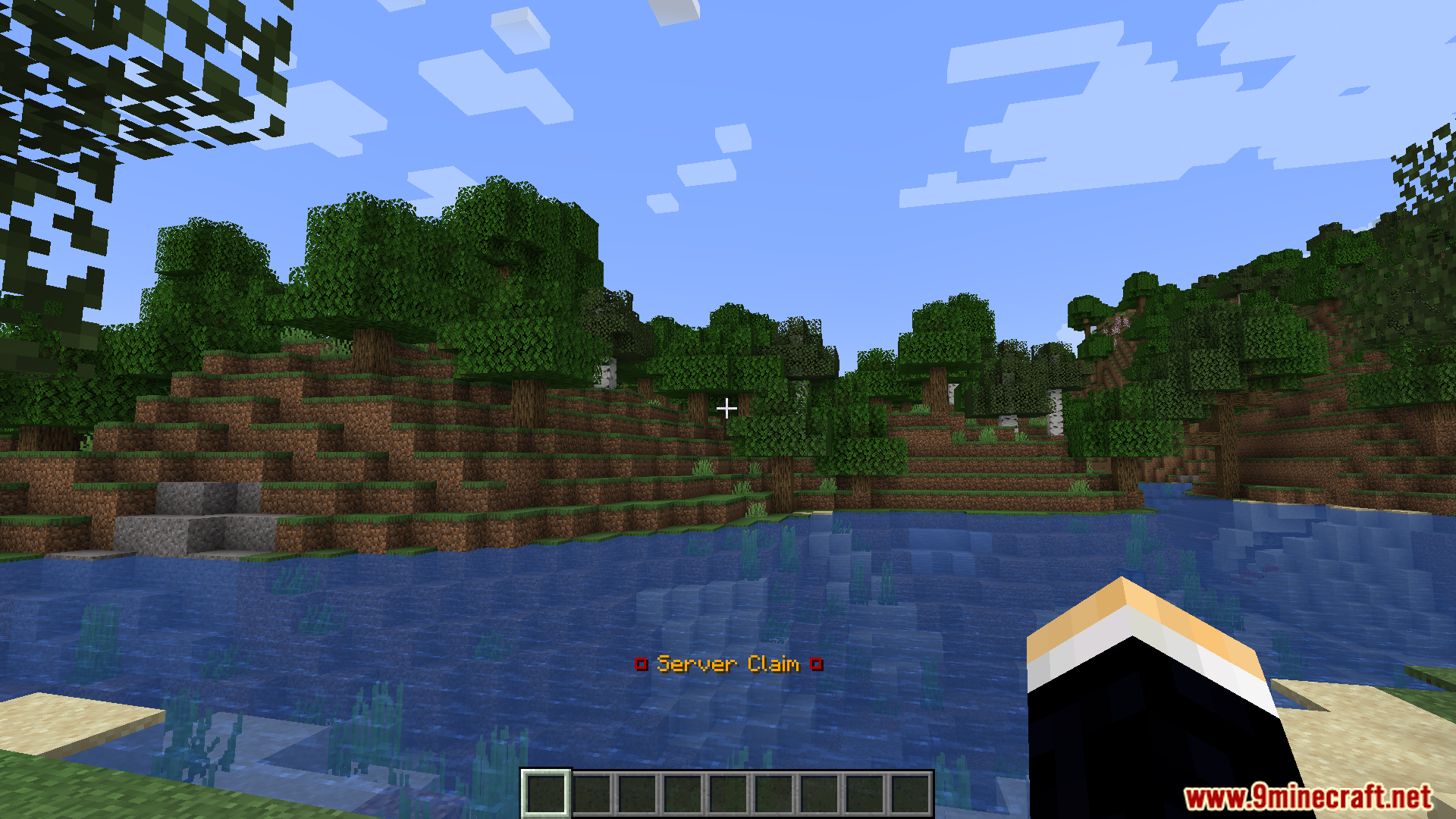
A server claim label displayed over a lake in Minecraft
显示在湖泊上方的服务器领地标签
Floating text displays a claimed chunk in Open Parties and Claims
悬浮文本显示 Open Parties and Claims 中的已占领区块
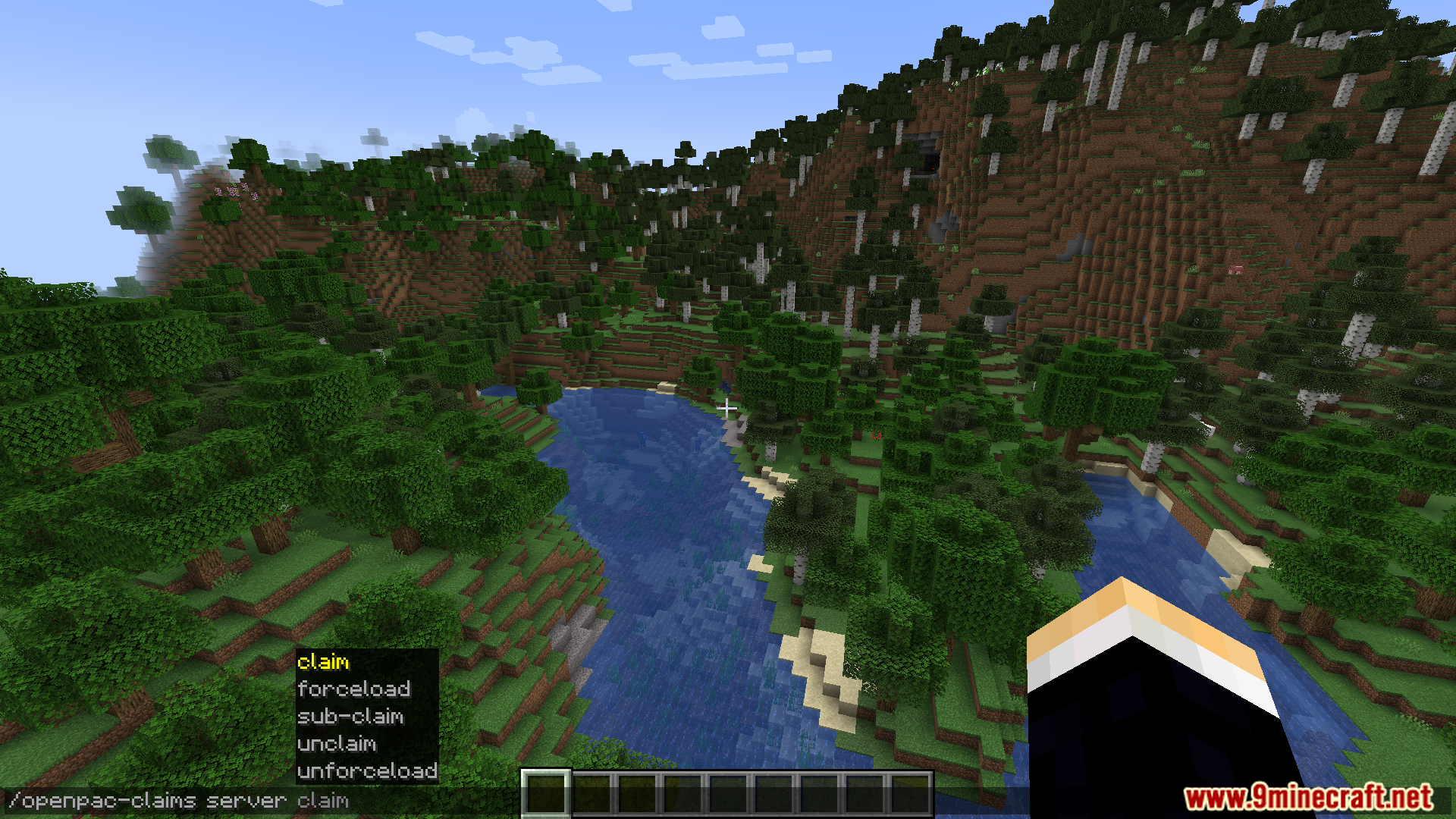
Using command suggestions to manage land claims in a scenic forest
在森林中使用指令建议管理领地声明
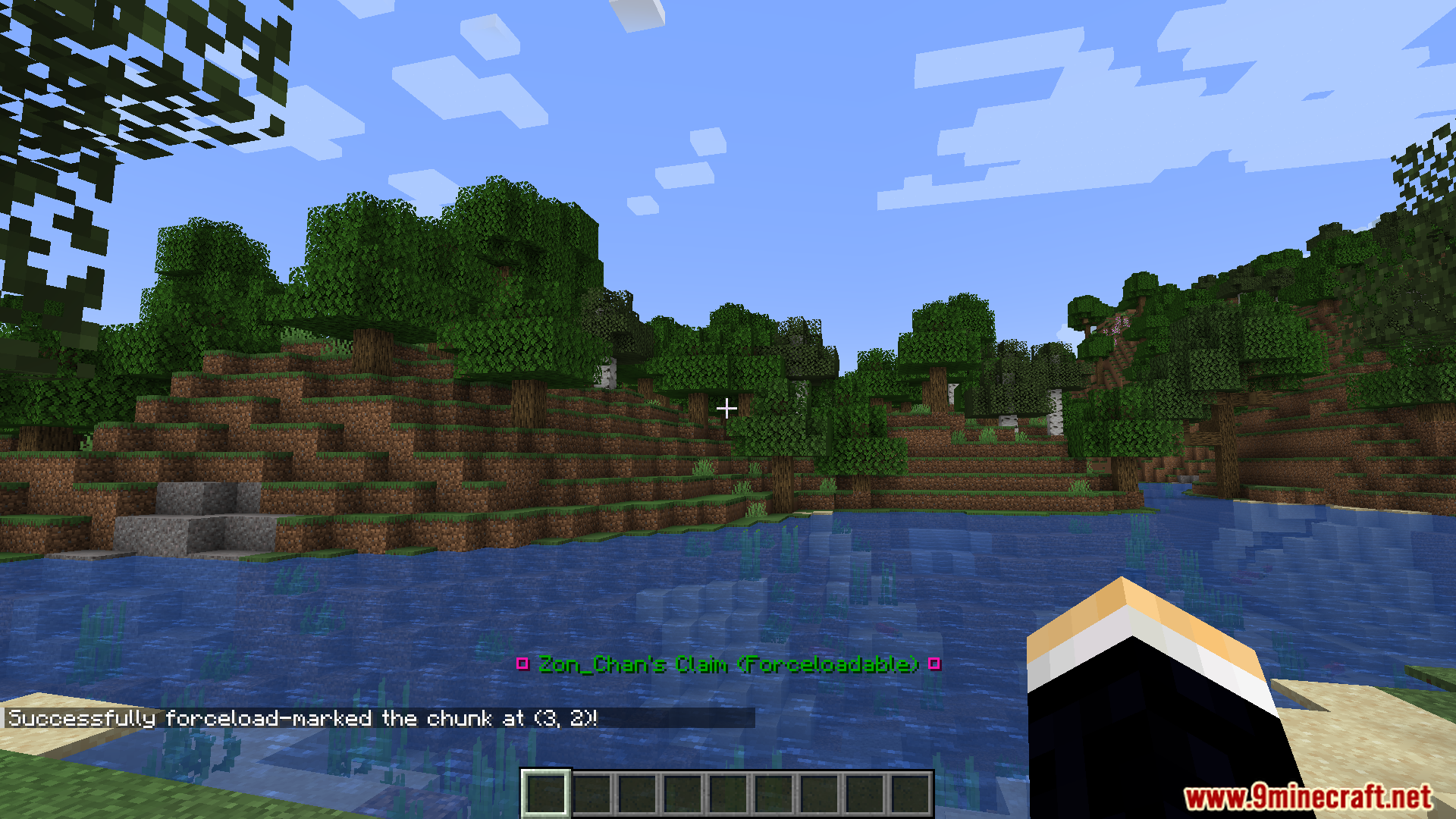
Successfully claiming a chunk in Open Parties and Claims PvP Support
在 Open Parties and Claims PvP Support 中成功占领区块

Open Parties and Claims PvP Support Mod 下载链接

适用于 Minecraft 1.21.1, 1.21

Fabric/Quilt 版本:从服务器 1 下载从服务器 2 下载

NeoForge 版本:从服务器 1 下载从服务器 2 下载

适用于 Minecraft 1.20.1, 1.20

Forge 版本:从服务器 1 下载从服务器 2 下载

Fabric 版本:从服务器 1 下载从服务器 2 下载

Click to rate this post!
[Total: 2 Average: 5]