


Screenshot Taker Texture Pack (1.21, 1.20) – No Behavior Pack

 0
0 

Capturing screenshots on certain devices, especially low-end ones, can be complicated. Screenshot Taker Texture Pack is especially true for people with low-end PCs, where taking screenshots through the Xbox bar can be slow and frustrating. That’s why the idea of Minecraft having its own built-in screenshot function is attractive. I’m excited to share a solution: a tailored resource pack. This pack lets you take screenshots within the game without the previous delays. It’s a fast and smooth way to capture moments and improve your gaming experience. Simply add this lightweight resource pack to enjoy seamless in-game screenshots without lag. It’s perfect for gamers who want top performance. Just activate it in the global resources settings-it adds a screenshot button to the pause screen.
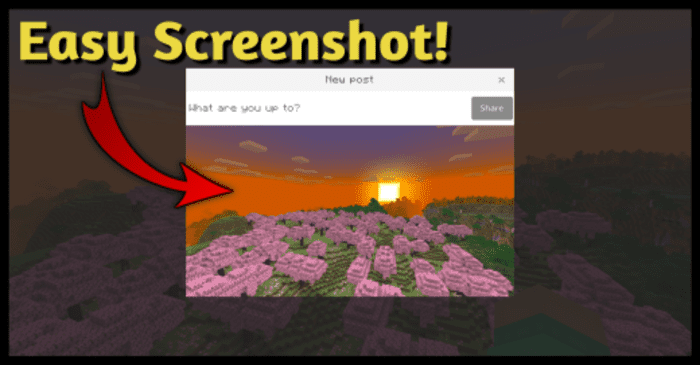
Features:
- This is a resource pack (no behavior pack) that you can enable in global resources. It gives a screenshot button on the pause screen:
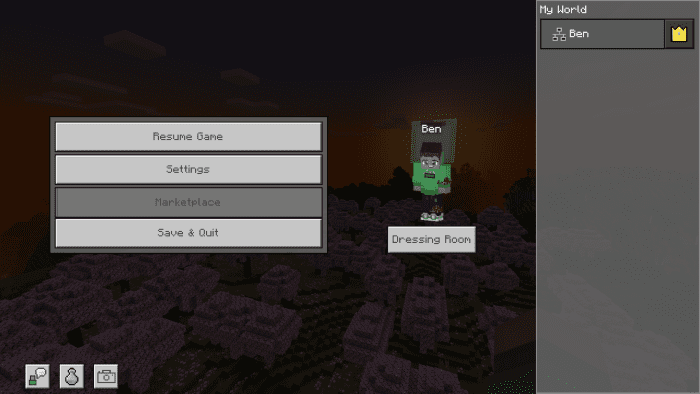
- Take a screenshot just click on the button and done! Simple right?
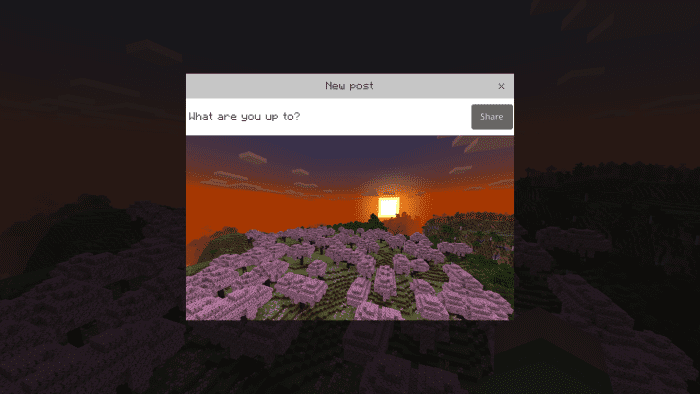
- The process is the same on bedrock and pocket edition.
Saved screen shots location:
On Windows:
- Press Win+R and the run command will be opened. once opened type %appdata% and enter.
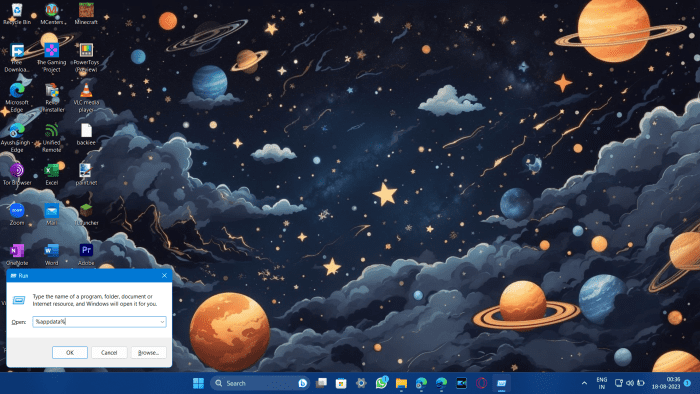
- Then go to this location C:\Users\your-pc-name\AppData\Local\Packages\Microsoft.MinecraftUWP_8wekyb3d8bbwe\LocalState\games\com.mojang\Screenshots and you will find your all screenshots there.
On Android:
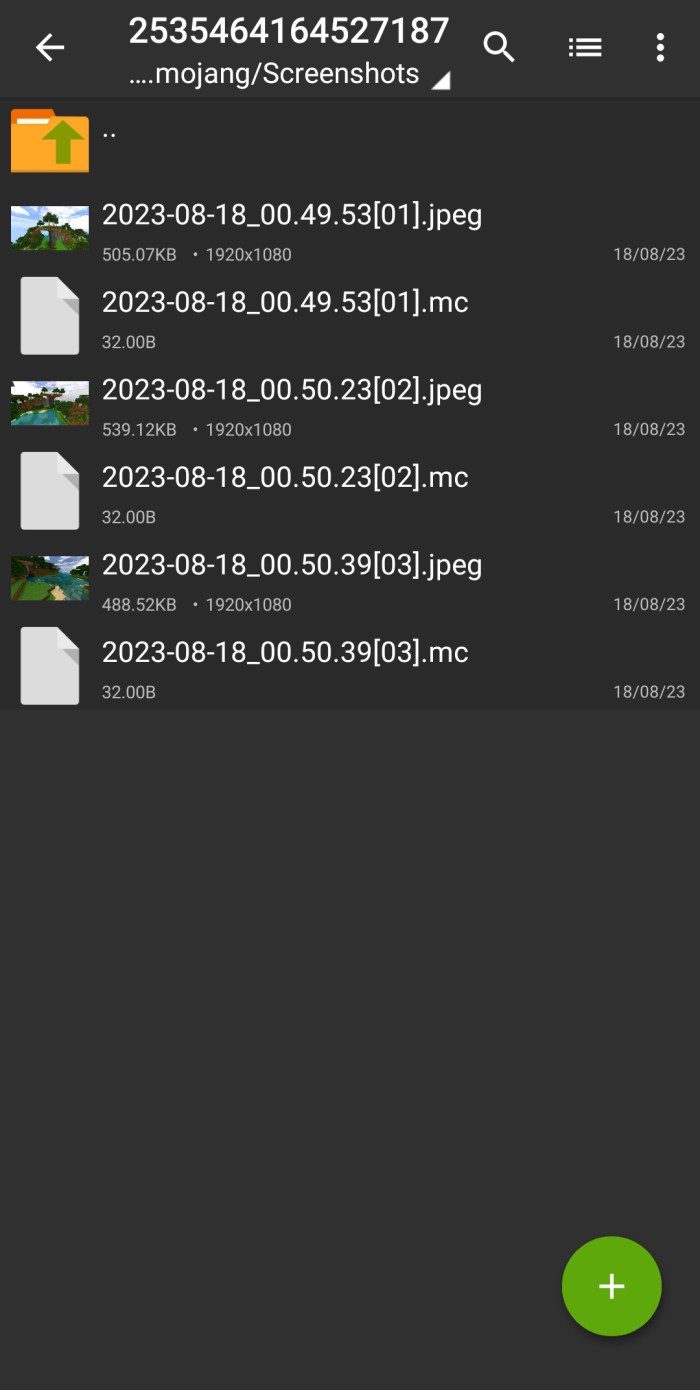
- Open File Manager (Zarchiver recommended) And go to this location: Android\data\com.mojang.minecraft.pe\files\games\com.mojang\Screenshots
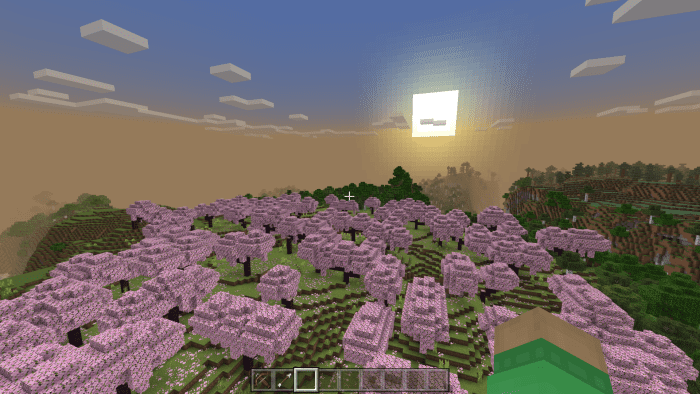
Screenshots preview:
How to Install:
Screenshot Taker Texture Pack Download Links
For Minecraft 1.21, 1.20
Screenshot Taker Texture Pack Download Links
You May Also Like

This post has no comments yet. Be the first — your comment will appear here.