


Lucky Block 9minecraft Mod (26.2, 26.1.2) – Risk Deadly Traps for Rare Treasure
 1,471
1,471
 1
1


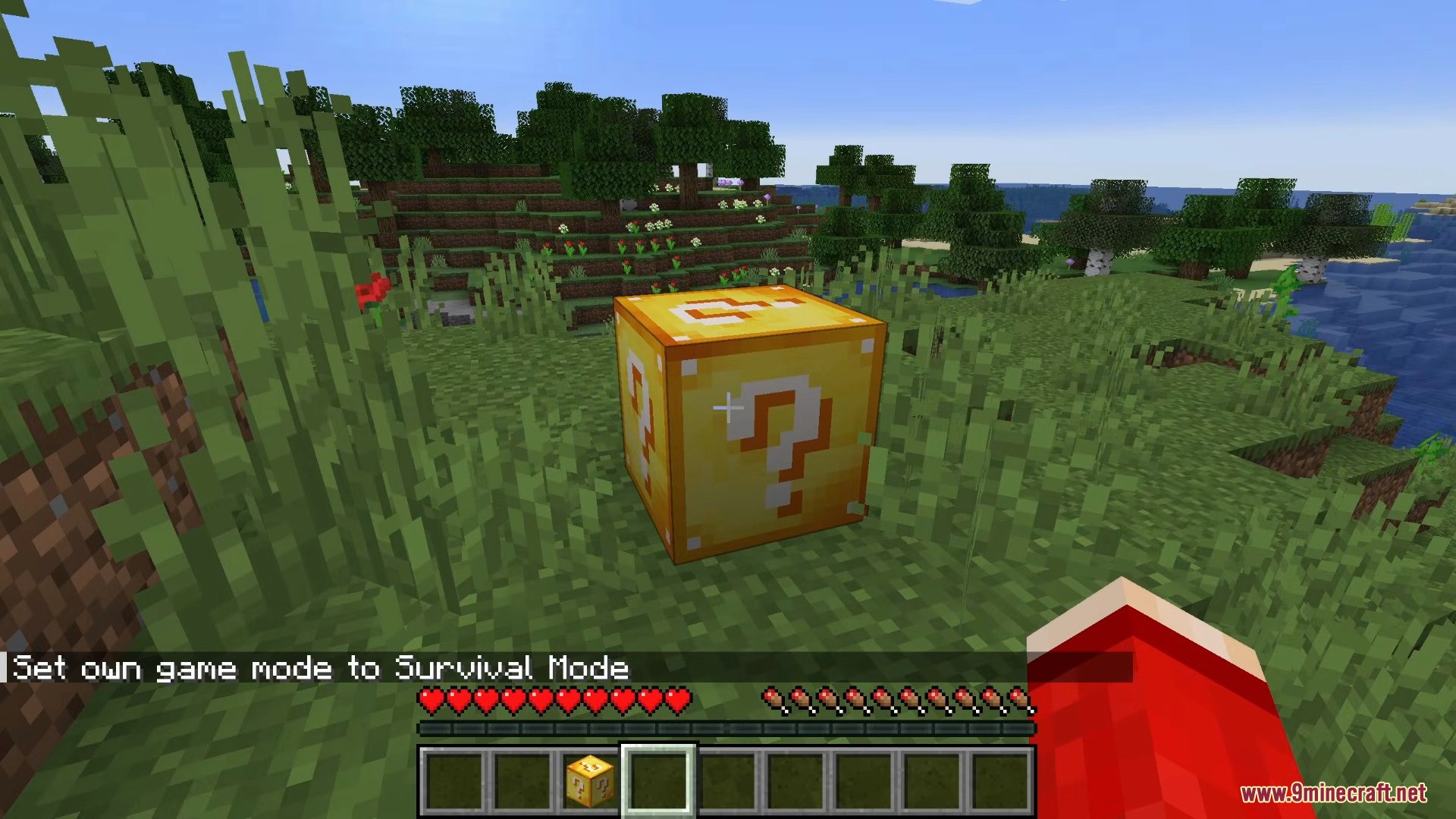
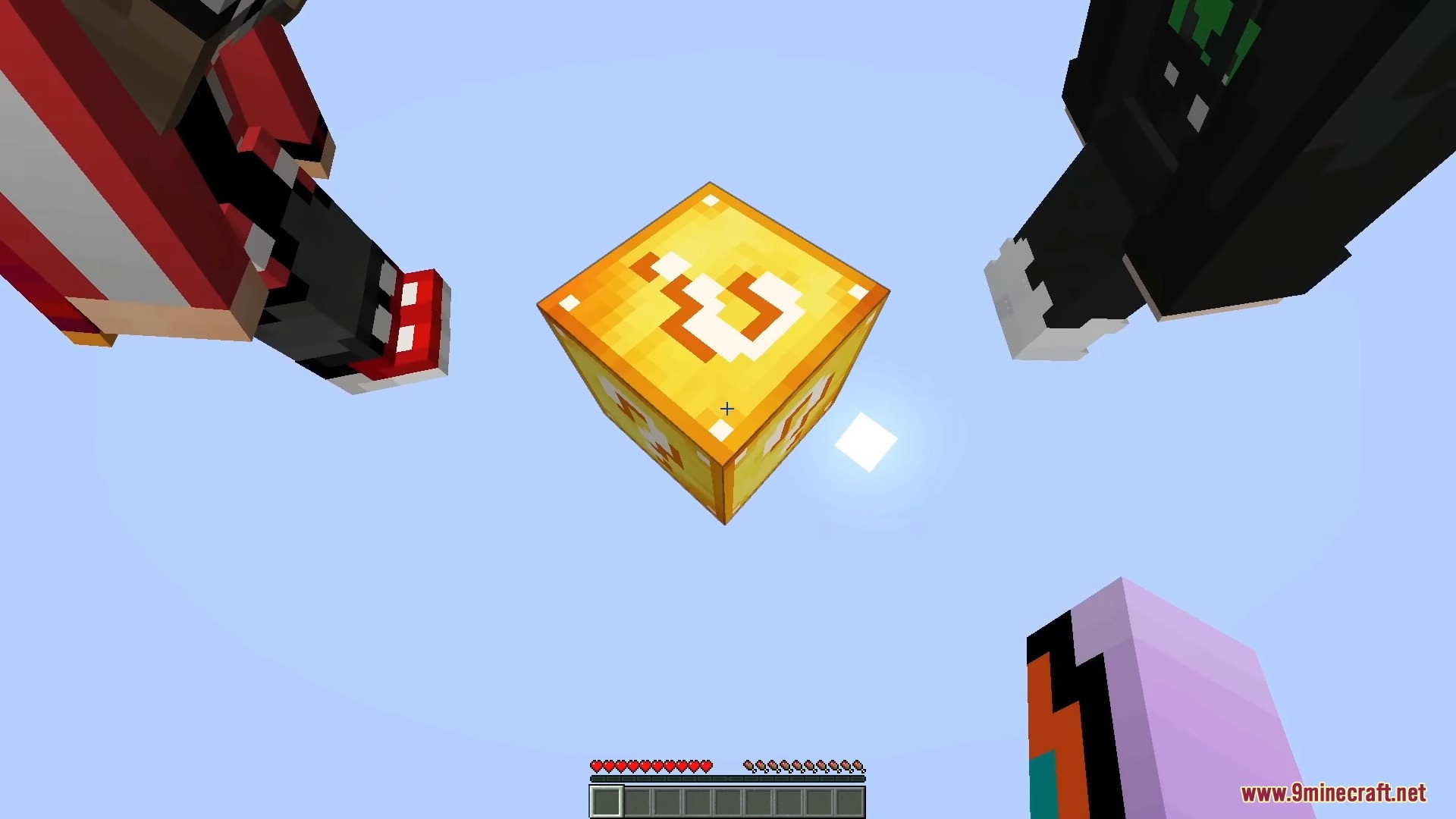
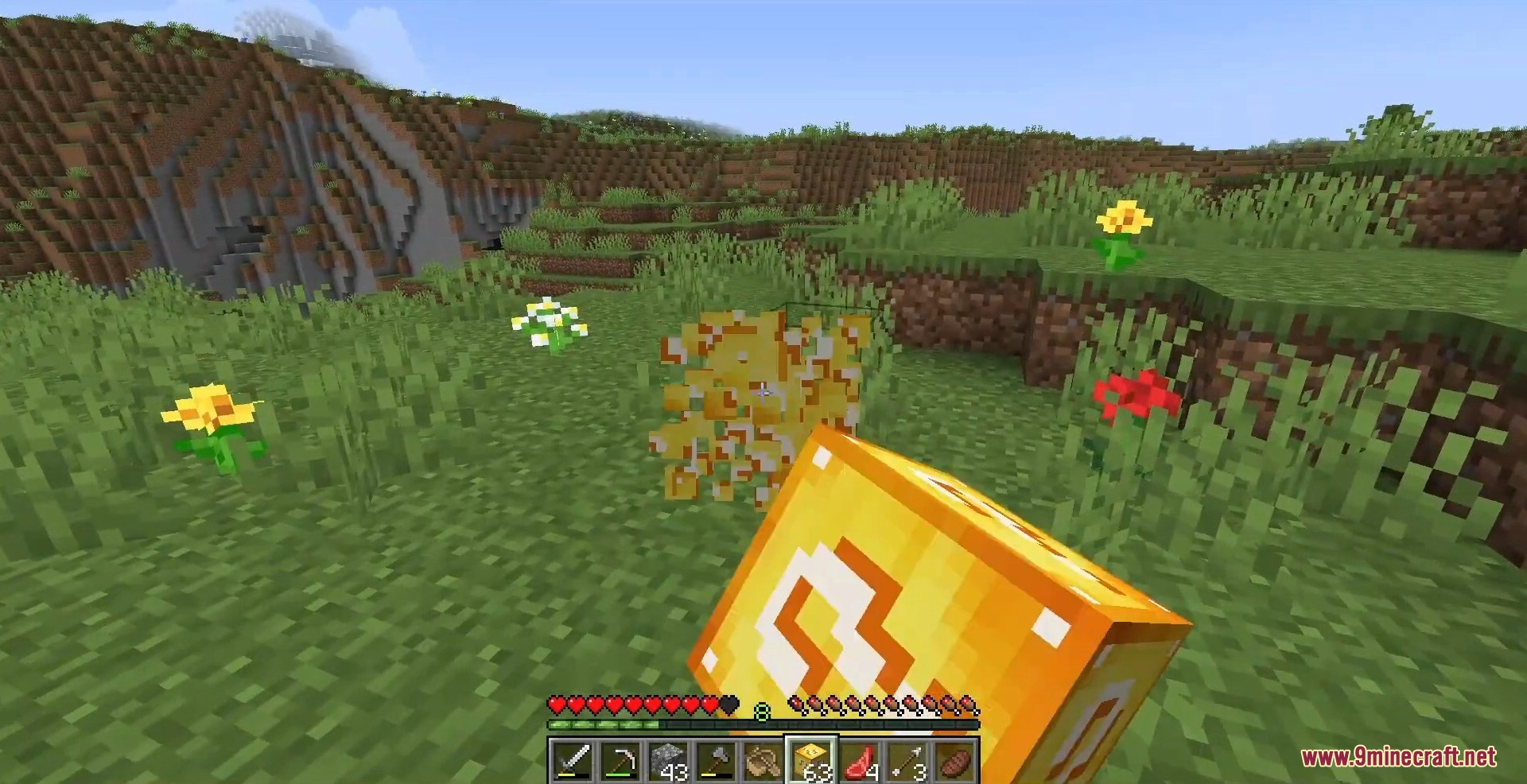
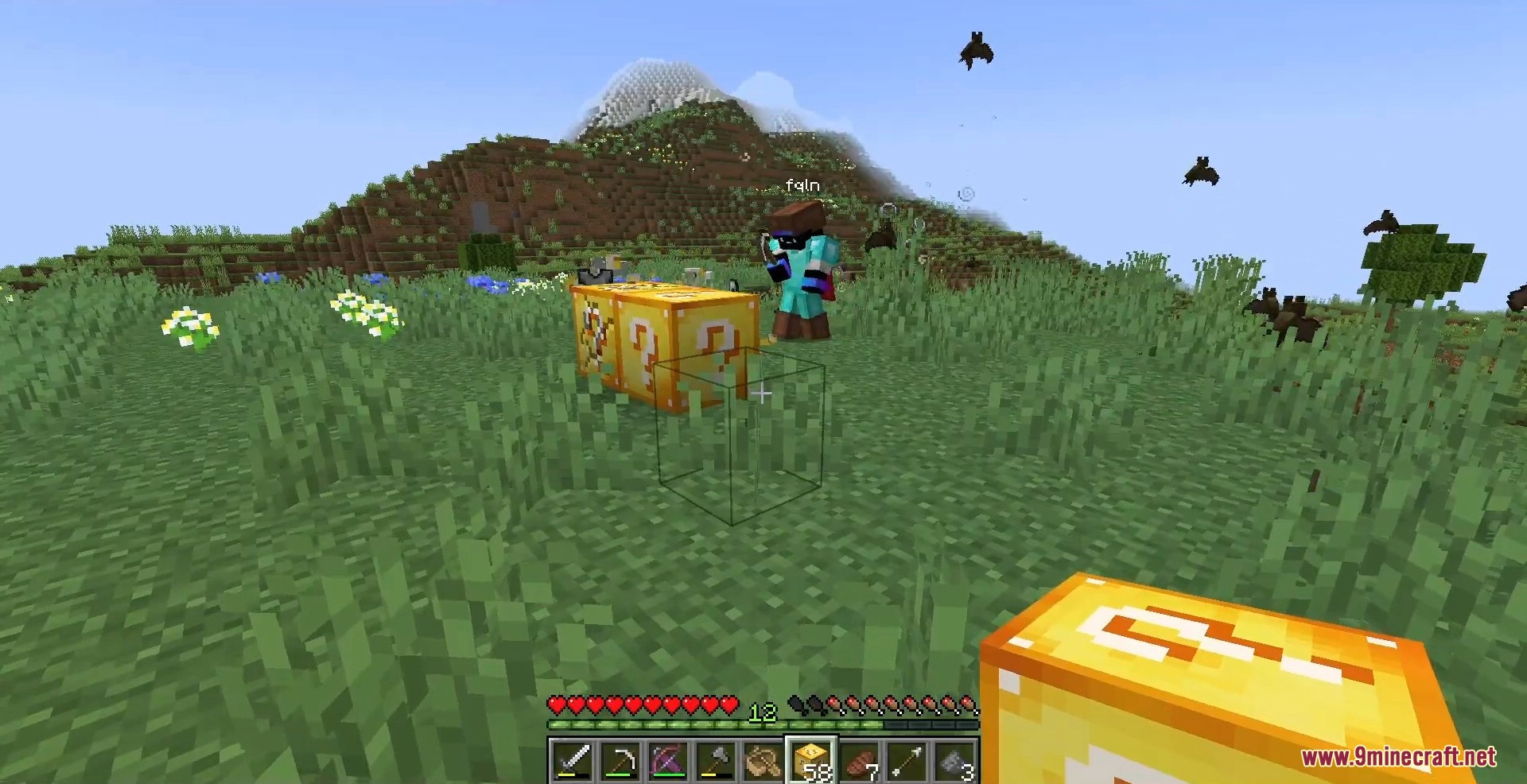
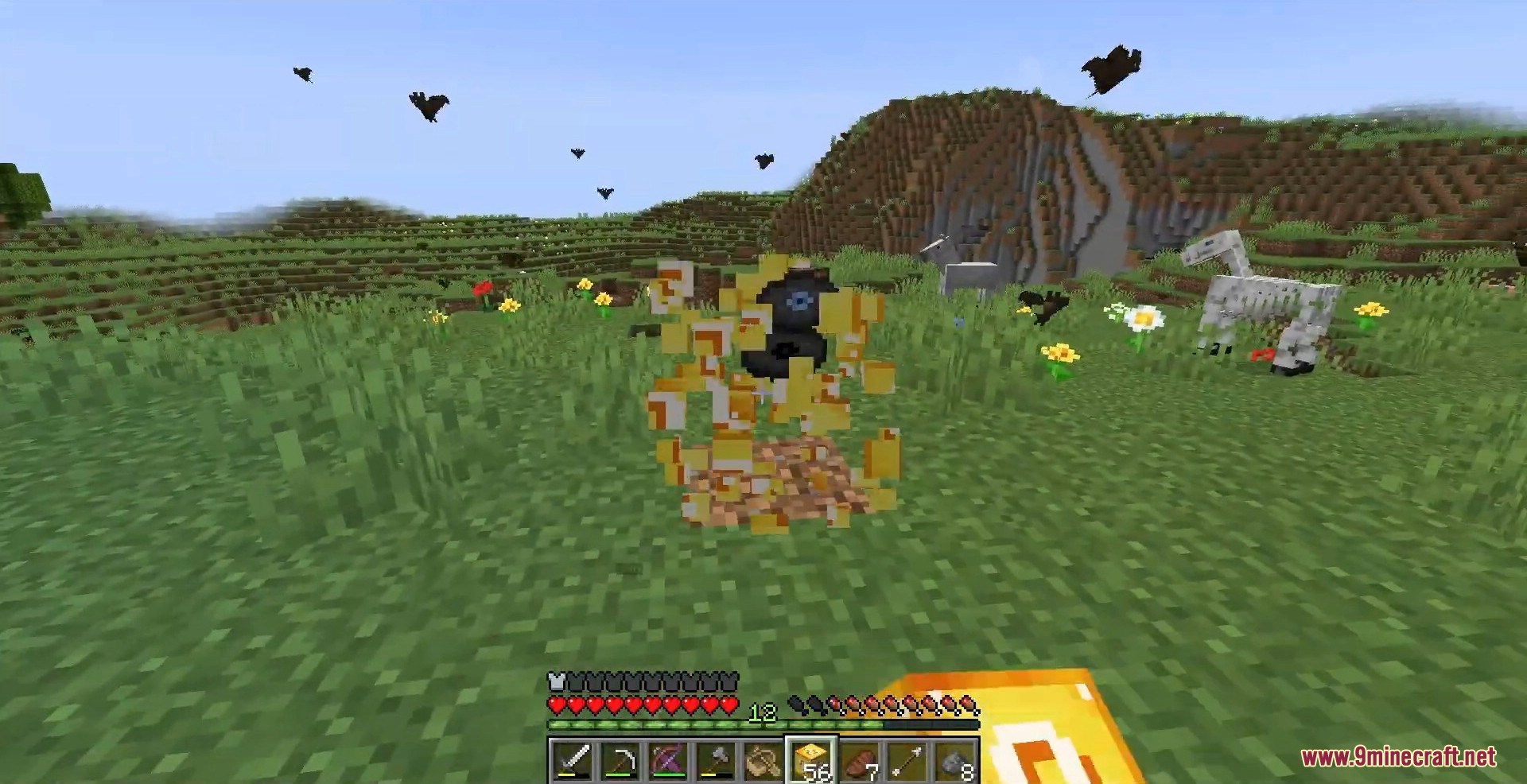
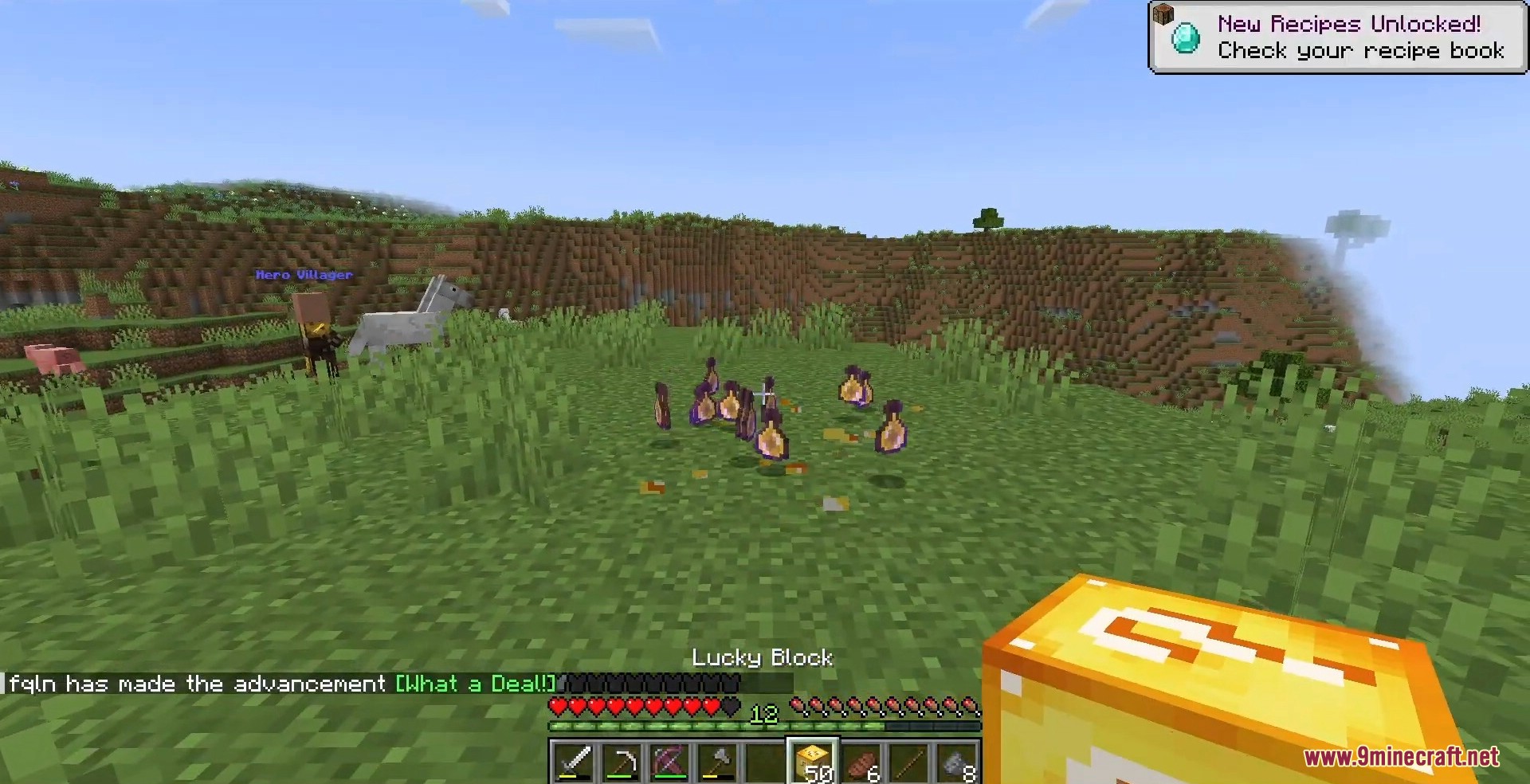
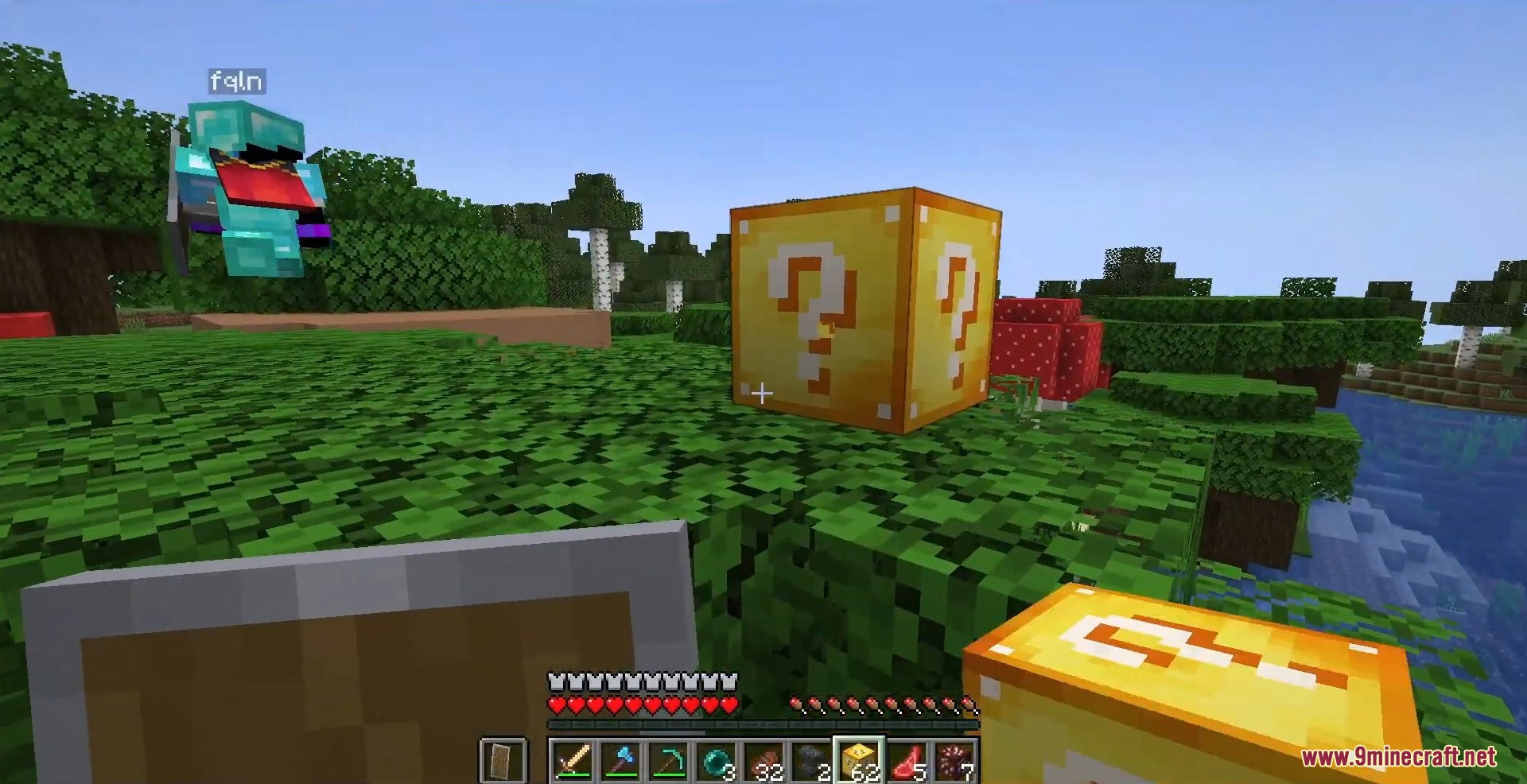
Lucky Block 9minecraft Mod drops a single golden block into your world that turns every mine into a gamble – break it and you might be showered with diamonds and enchanted gear, or ambushed by a swarm of mobs and a wall of TNT. One block holds hundreds of possible outcomes, from hidden treasure vaults and full towers to wishing wells, friendly animals, and devastating traps, so no two breaks ever feel the same.

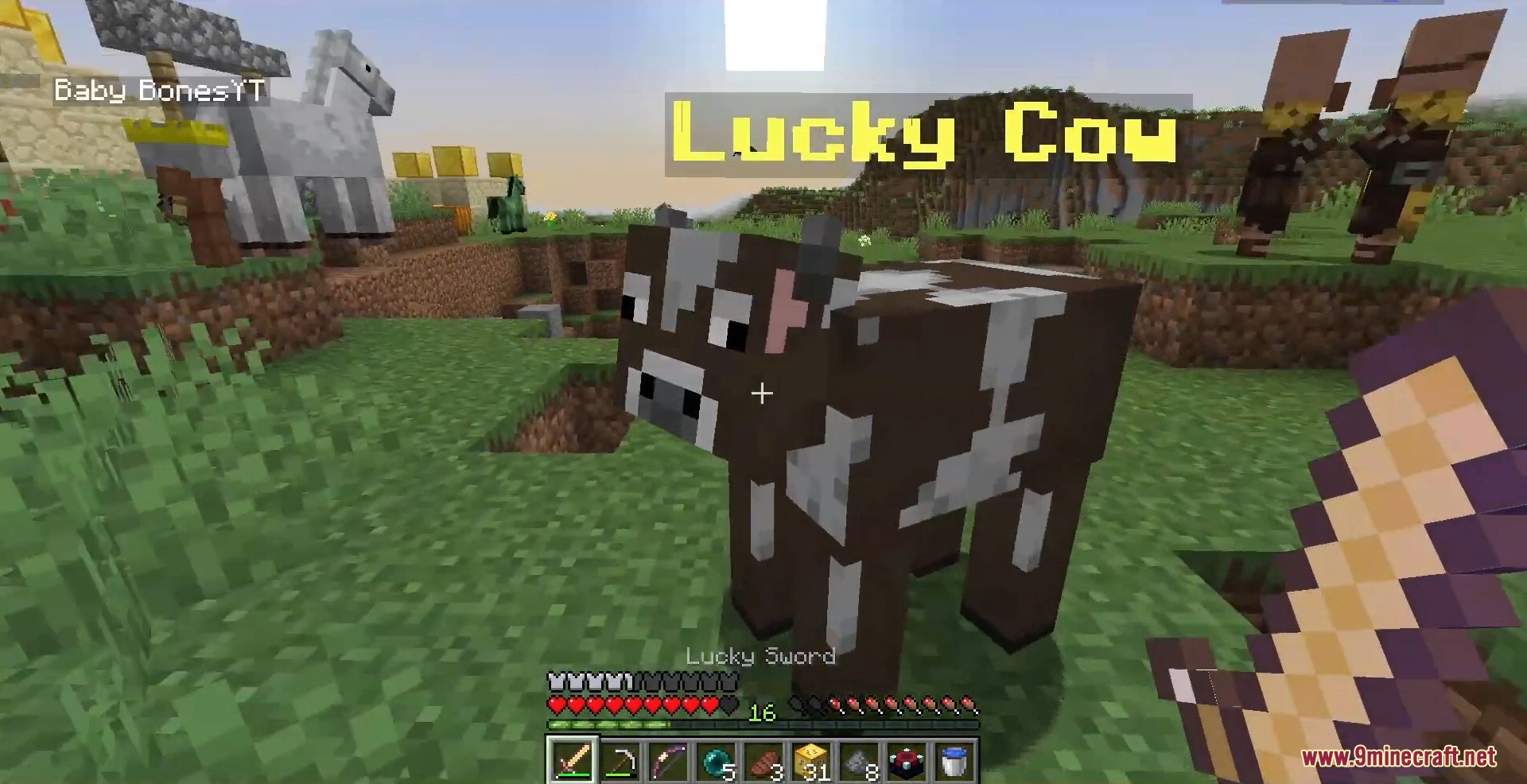
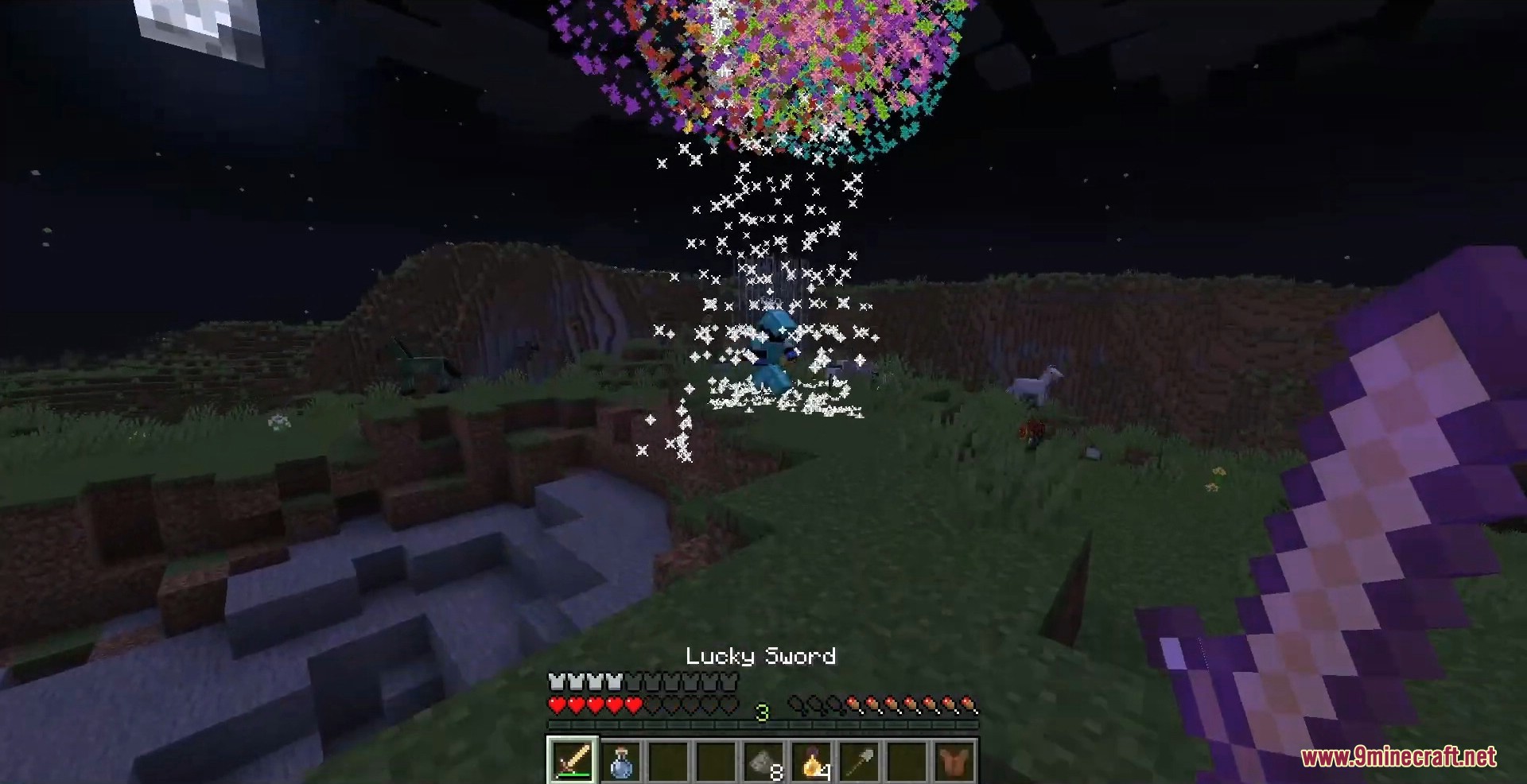
Craft a Lucky Block with a dropped item surrounded by gold ingots, then place it down and mine it to roll the dice. Surround the recipe with extra gold to raise the luck and tip the odds toward better rewards, or use a lapis block to push your luck into dangerous territory. Beyond the block itself you also get a Lucky Sword, a Lucky Bow, and a Lucky Potion, each firing off its own random effect every time you swing, shoot, or throw.
Features:
- Hundreds of random outcomes packed into a single craftable block.
- Adjustable luck – add gold to improve drops or lapis to make them riskier.
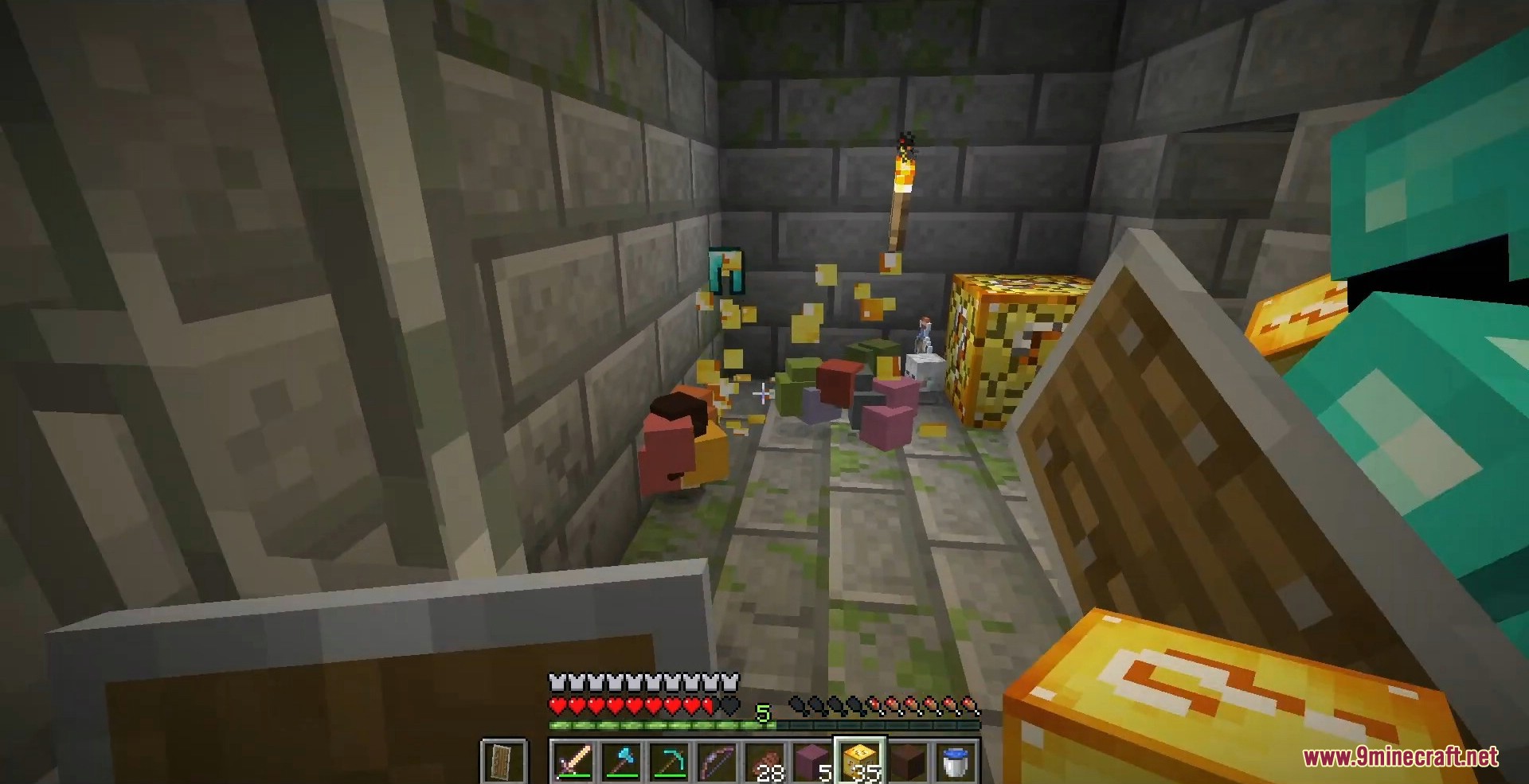
- Rewards range from treasure, gear, and enchanted items to mobs, traps, and explosions.
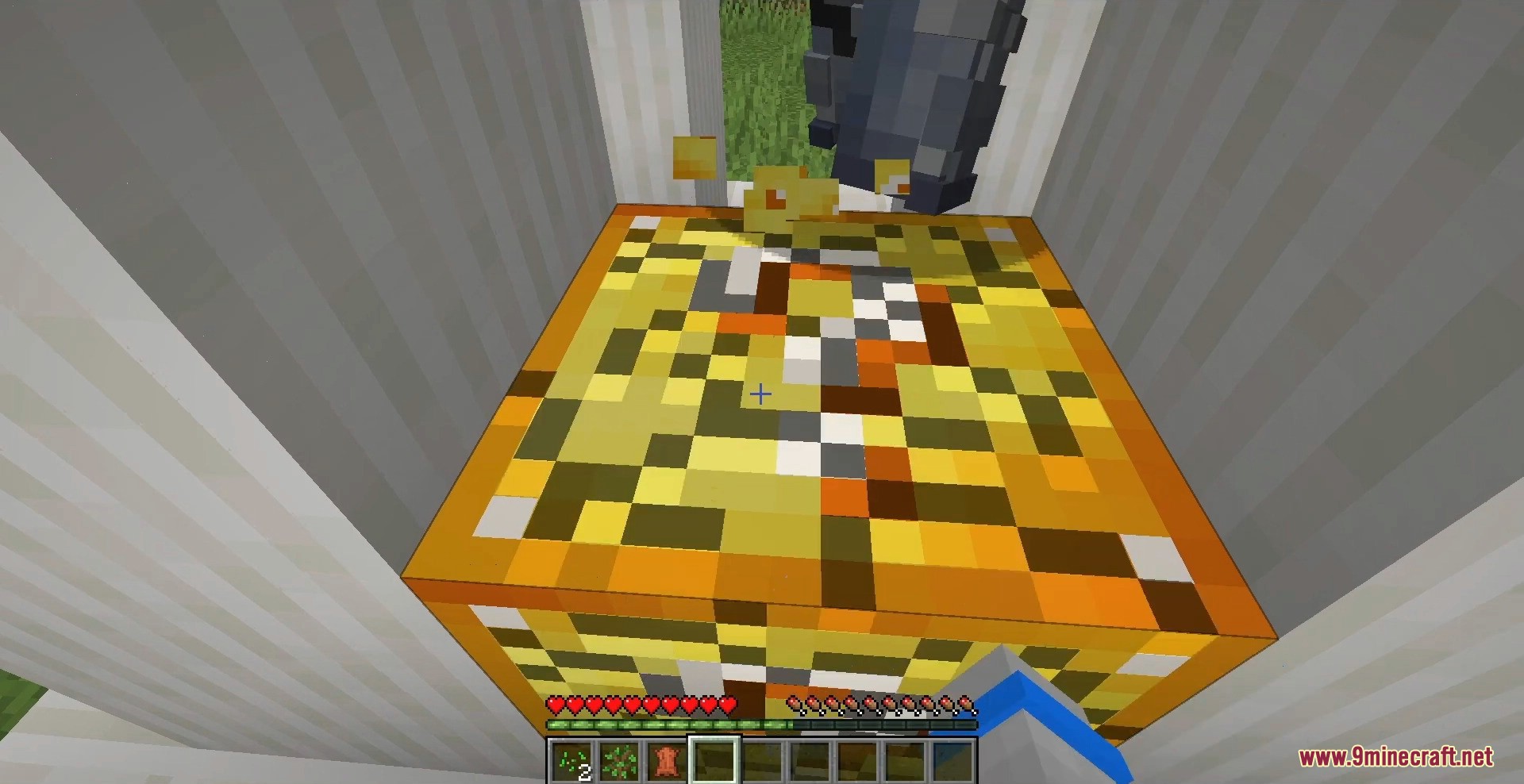
- Spawns full structures such as towers, wells, dungeons, and hidden vaults.
- Bonus Lucky Sword, Lucky Bow, and Lucky Potion, each with its own surprise effects.
- Lucky Blocks can also generate naturally while you explore the world.
- Fully addon-compatible – load community drop packs or build your own custom Lucky Block.
How to Use:
- Craft a Lucky Block by placing a dropped item in the center with gold ingots around it.
- Place the block anywhere, then break it to trigger a random outcome.
- Add more gold ingots to the recipe to increase luck, or use lapis to lower it.
- Try the Lucky Sword, Lucky Bow, and Lucky Potion for random combat and brewing effects.
- Stand back after breaking – some rolls spawn hostile mobs or explosives.
Screenshots:
Creating Custom Addons:
The mod is built around an open addon system, so you can add brand-new Lucky Blocks and your own custom drops without writing any Java code – everything is defined in plain text files. Addons are loaded at startup from the game folder, so anyone can install or share them.
1. Addon location. Create a folder for your addon inside the game directory at .minecraft/addons/lucky/your-addon-name/. Each subfolder there is treated as a separate addon and loaded automatically.
2. Register your block (plugin_init.txt). Add a plugin_init.txt file to define the IDs your addon adds. Leave out any line you do not need:
block_id=my_lucky_block
sword_id=my_lucky_sword
bow_id=my_lucky_bow
potion_id=my_lucky_potion
3. Define the drops (drops.txt). Each line is one possible outcome. The basic format is ID=item,property=value@luck=N, where @luck runs from -2 (nasty) to 2 (rare). Lines starting with / are comments. Examples:
/ a guaranteed handful of diamonds
ID=diamond,amount=#rand(3,7)

/ pick ONE of these tools at random
group(ID=iron_pickaxe;ID=iron_axe;ID=iron_sword)@luck=1

/ summon a hostile mob
type=entity,ID=zombie,amount=2@luck=-1

/ an unlucky explosion
type=explosion,radius=4,fire=true@luck=-2

/ drop a structure from the structures folder
type=structure,ID=tower,pos=#pPos
Useful helpers include #rand(min,max) for random numbers, group(...) to pick one option, group:#rand(n,m):(...) to pick several, type=entity to summon mobs (with optional NBTTag=(...)), type=structure to place builds, and type=explosion for traps.
4. Optional files. Drop these alongside drops.txt to expand your addon:
sword_drops.txt,bow_drops.txt,potion_drops.txt– outcomes for the matching items.natural_gen.txt– lets your block generate naturally in the world.luck_crafting.txt– sets which ingredients raise or lower luck.structures.txtplus astructures/folder – register schematic builds for structure drops.properties.txt– block options such asdoDropsOnRightClick=false.assets/anddata/– textures, models, language entries, and recipes for your custom block.pack.mcmeta– a standard resource-pack descriptor so your assets load.
An example addon is bundled inside the mod as a reference – copy its folder structure, swap in your own drops, and your custom Lucky Block will appear in the creative menu the next time you launch the game.
How to Install:
New to Minecraft? Follow our step-by-step guide to install Mods on your PC.View Guide


Lucky Block 9minecraft Mod Download Links
For Minecraft 26.2
For Minecraft 26.1.2, 26.1.1, 26.1

1 Comment
What do you think?
Your opinion means a lot - we'd love to hear from you.
You May Also Like






Jenny