
Reterraforged Mod (26.3, 26.2) – The Best Terrain Generation
 435,765
 4
4


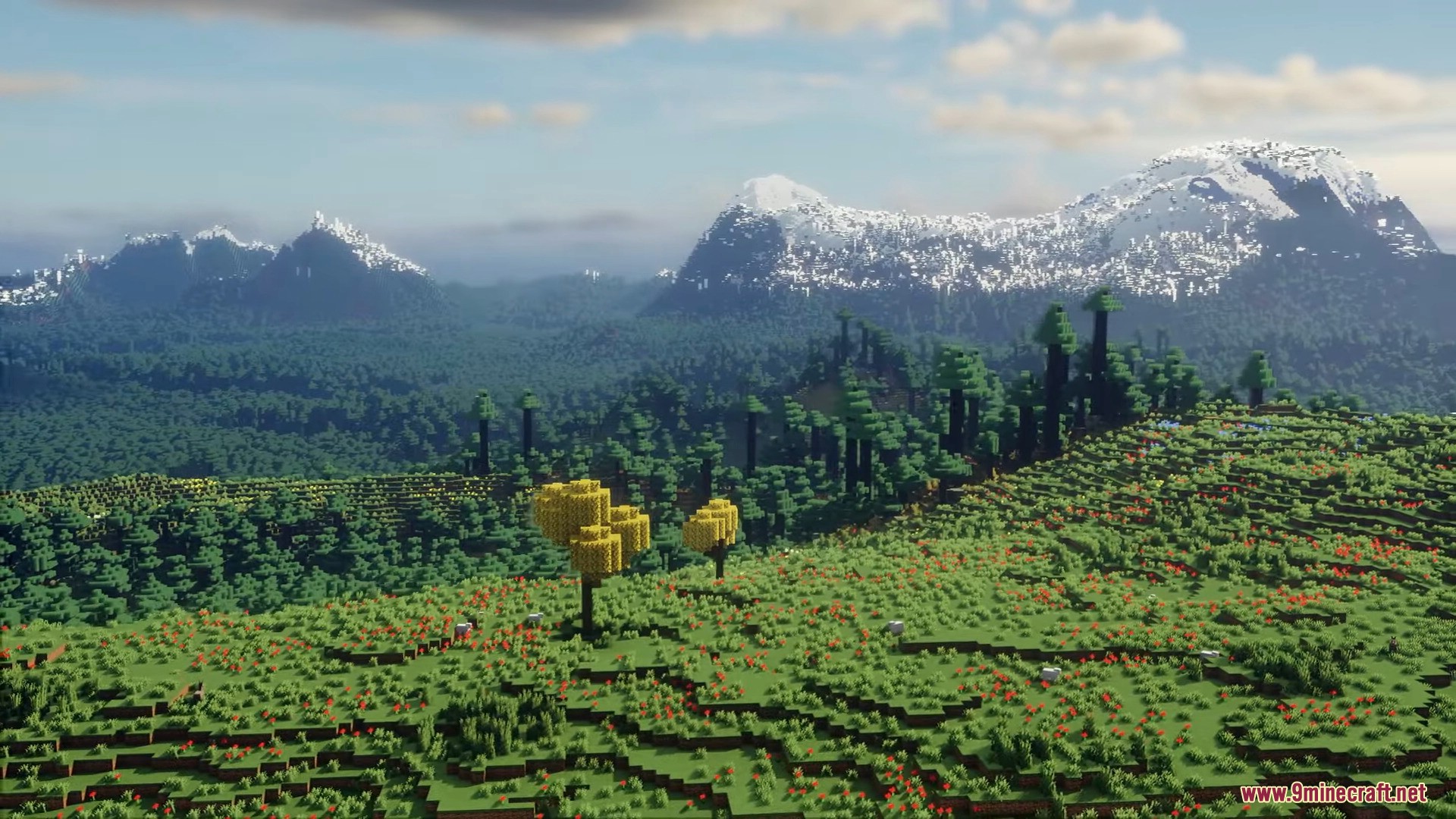
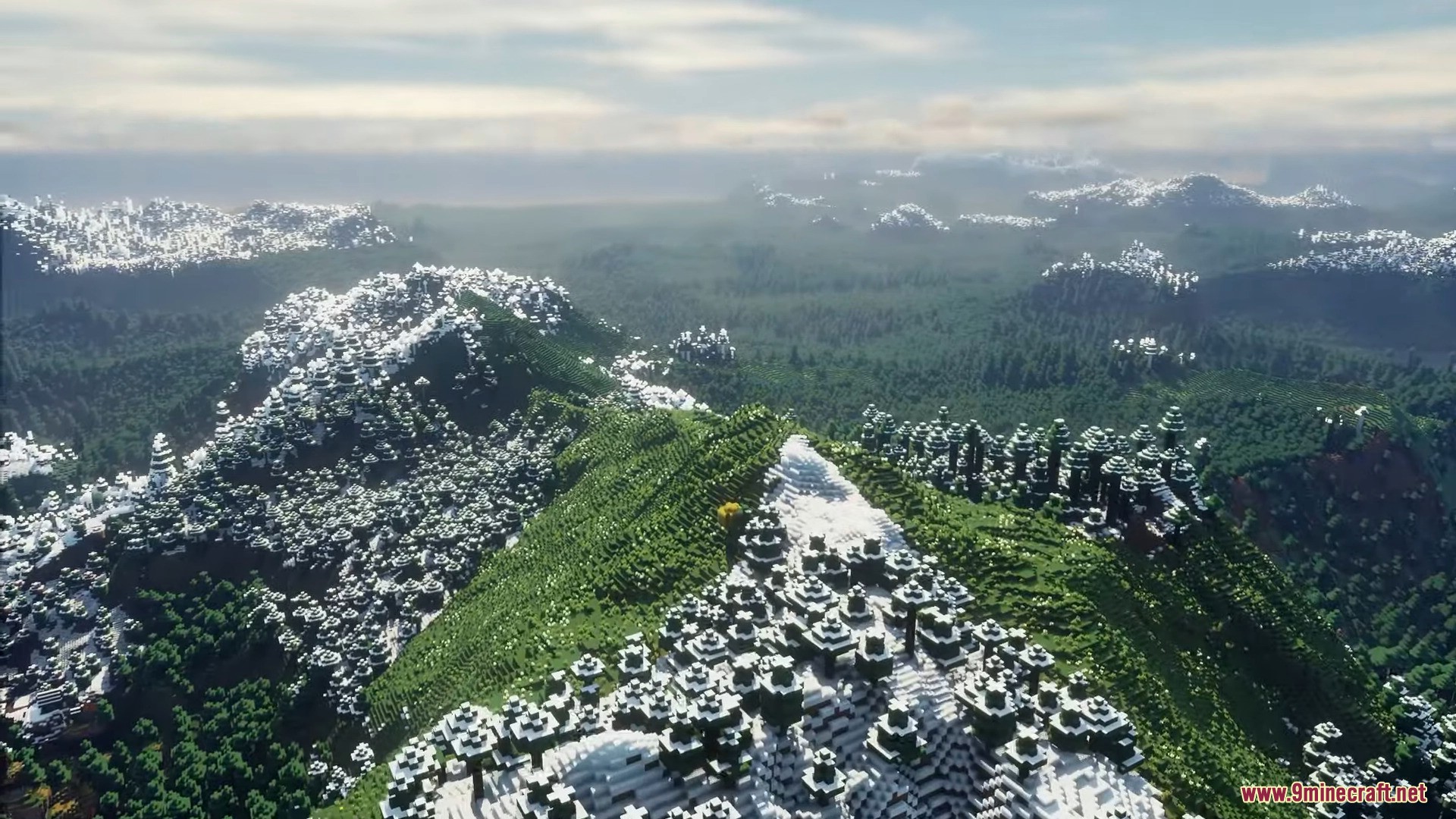
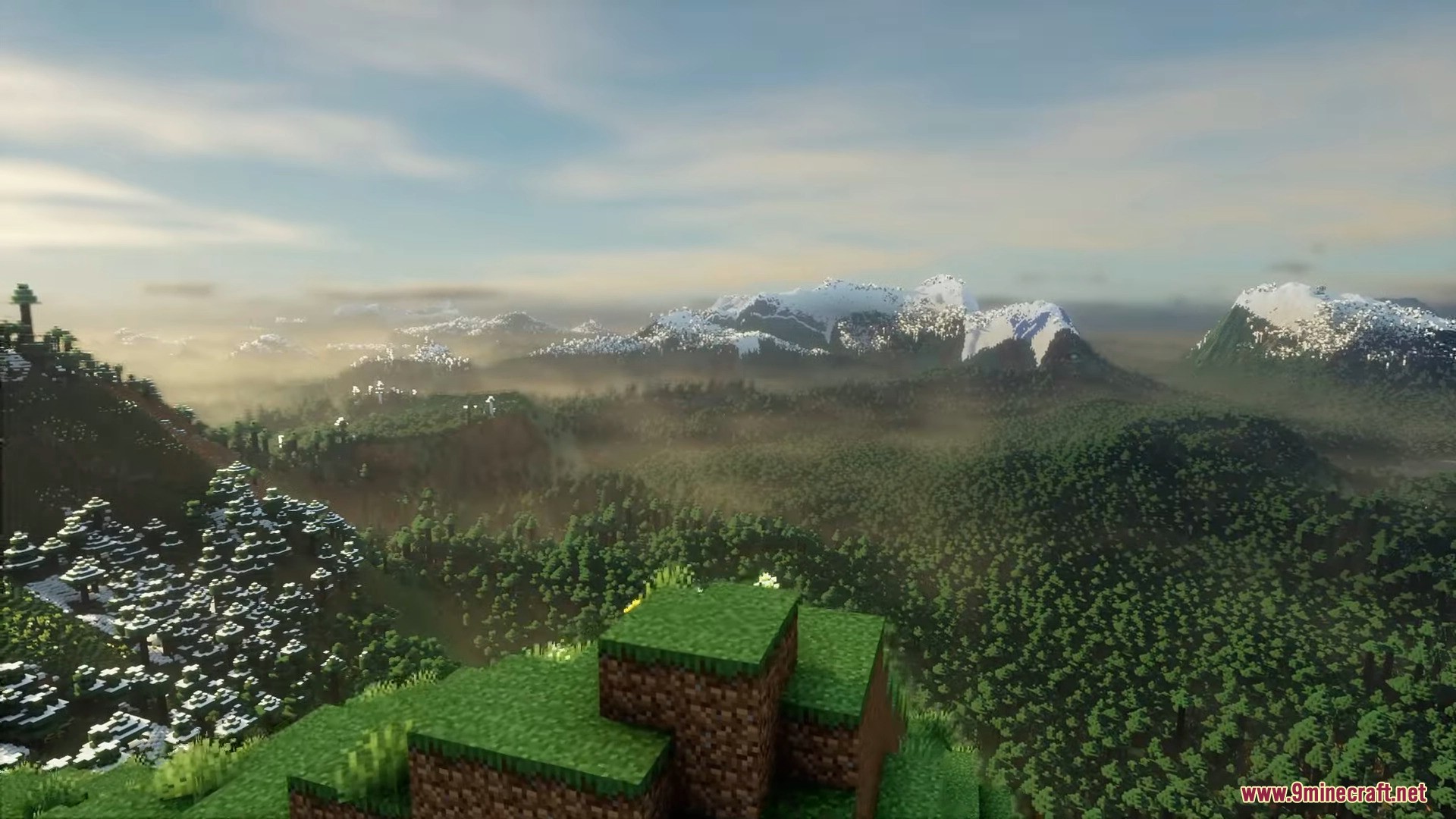
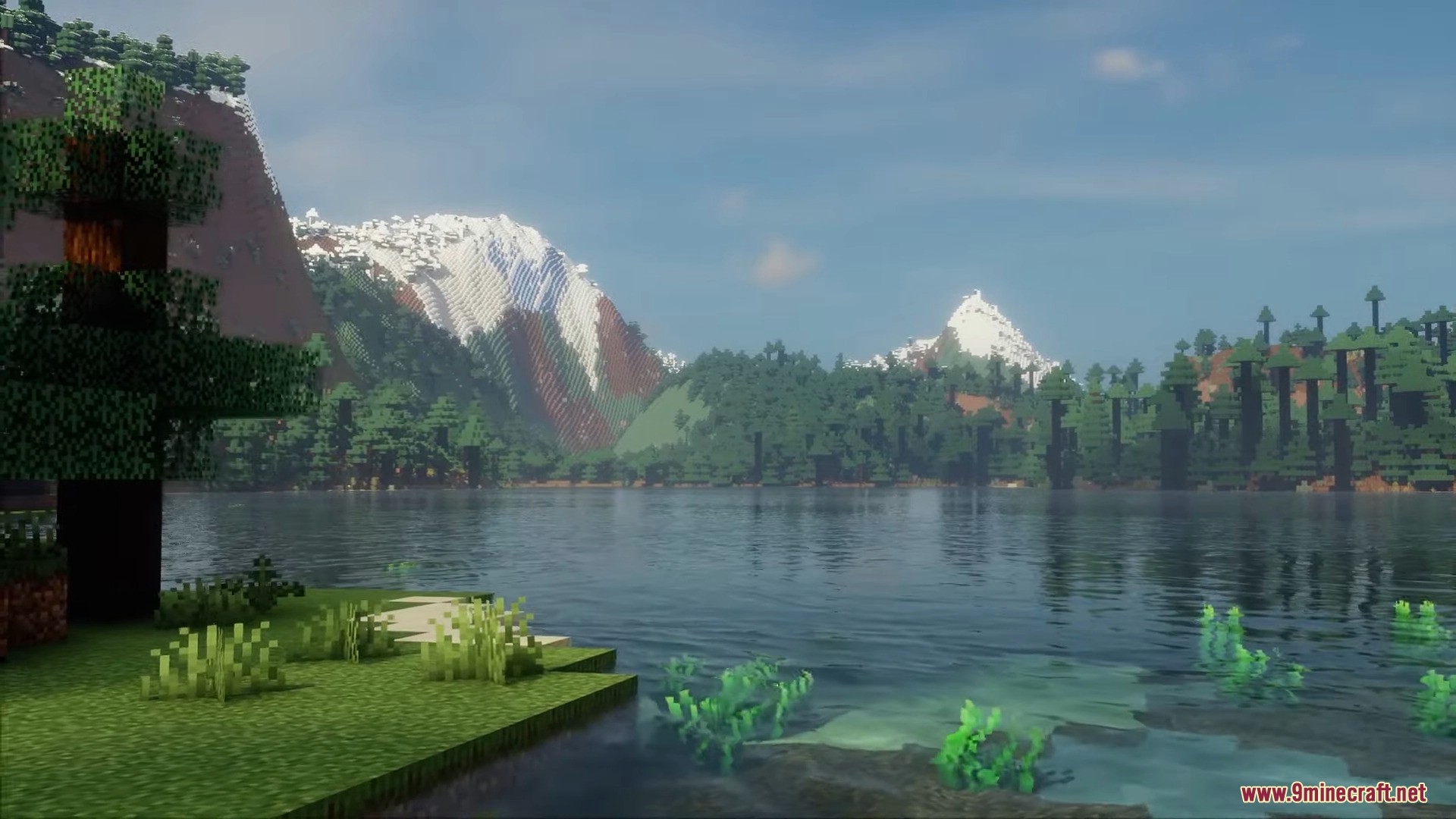
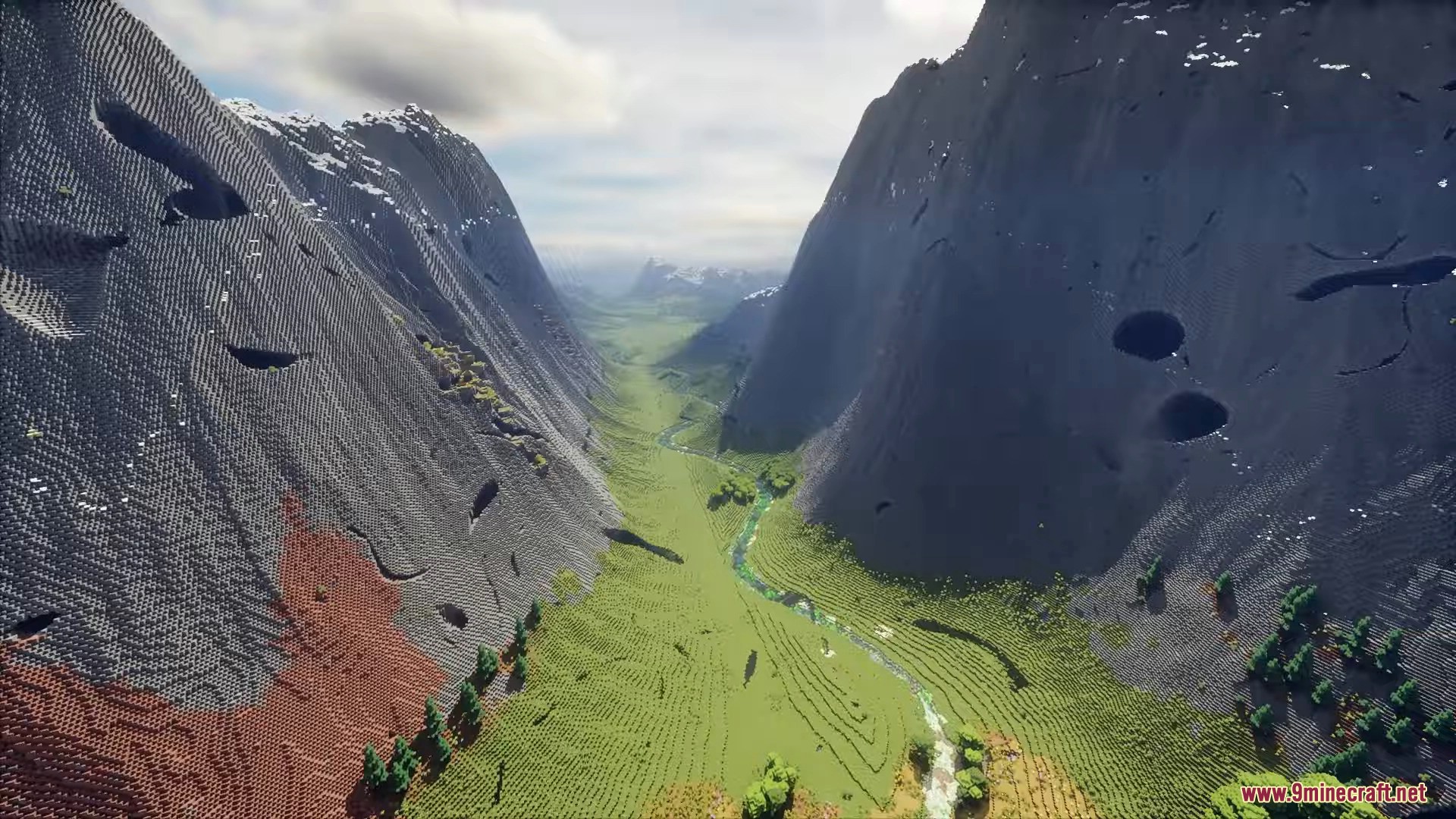
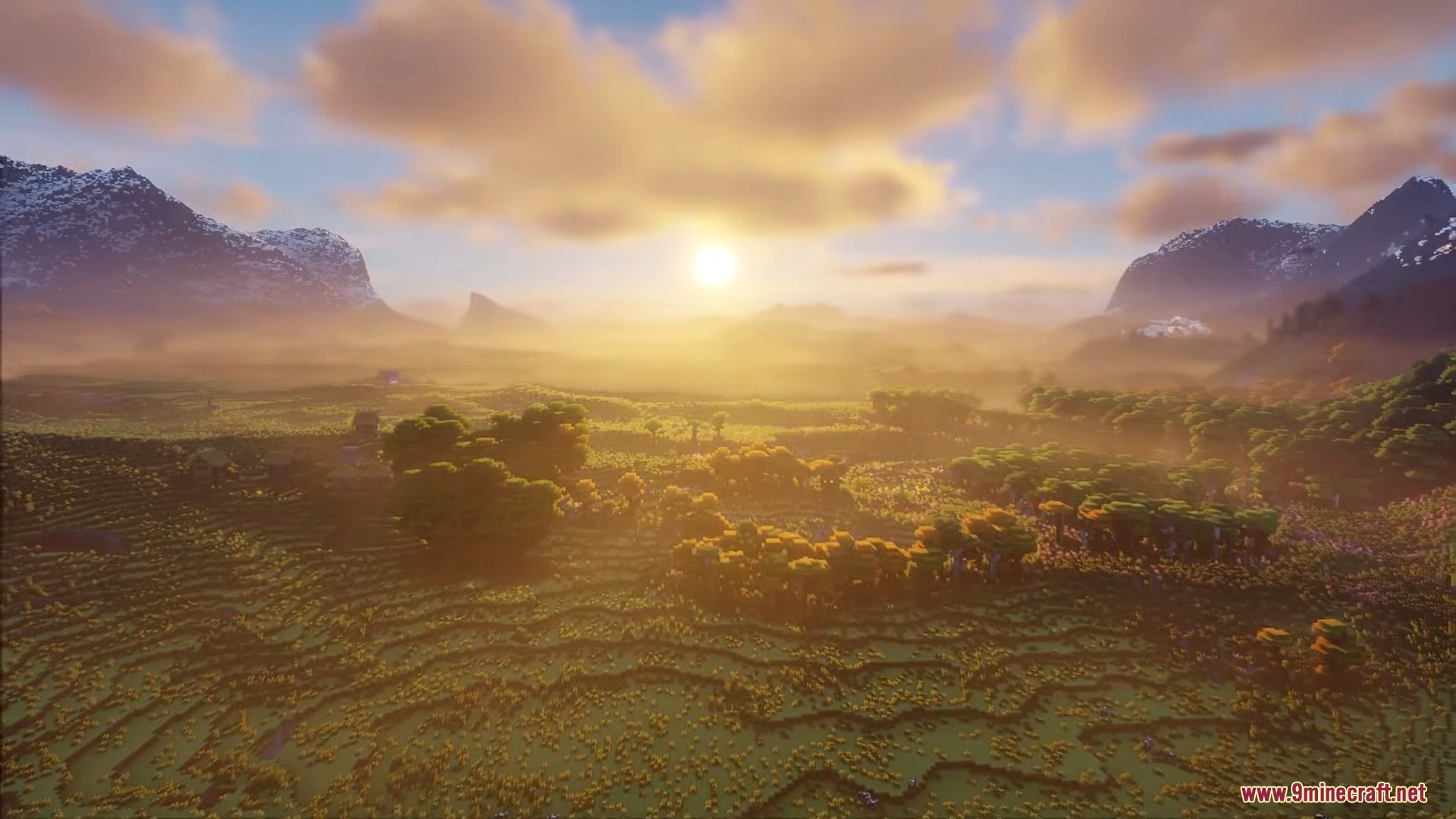
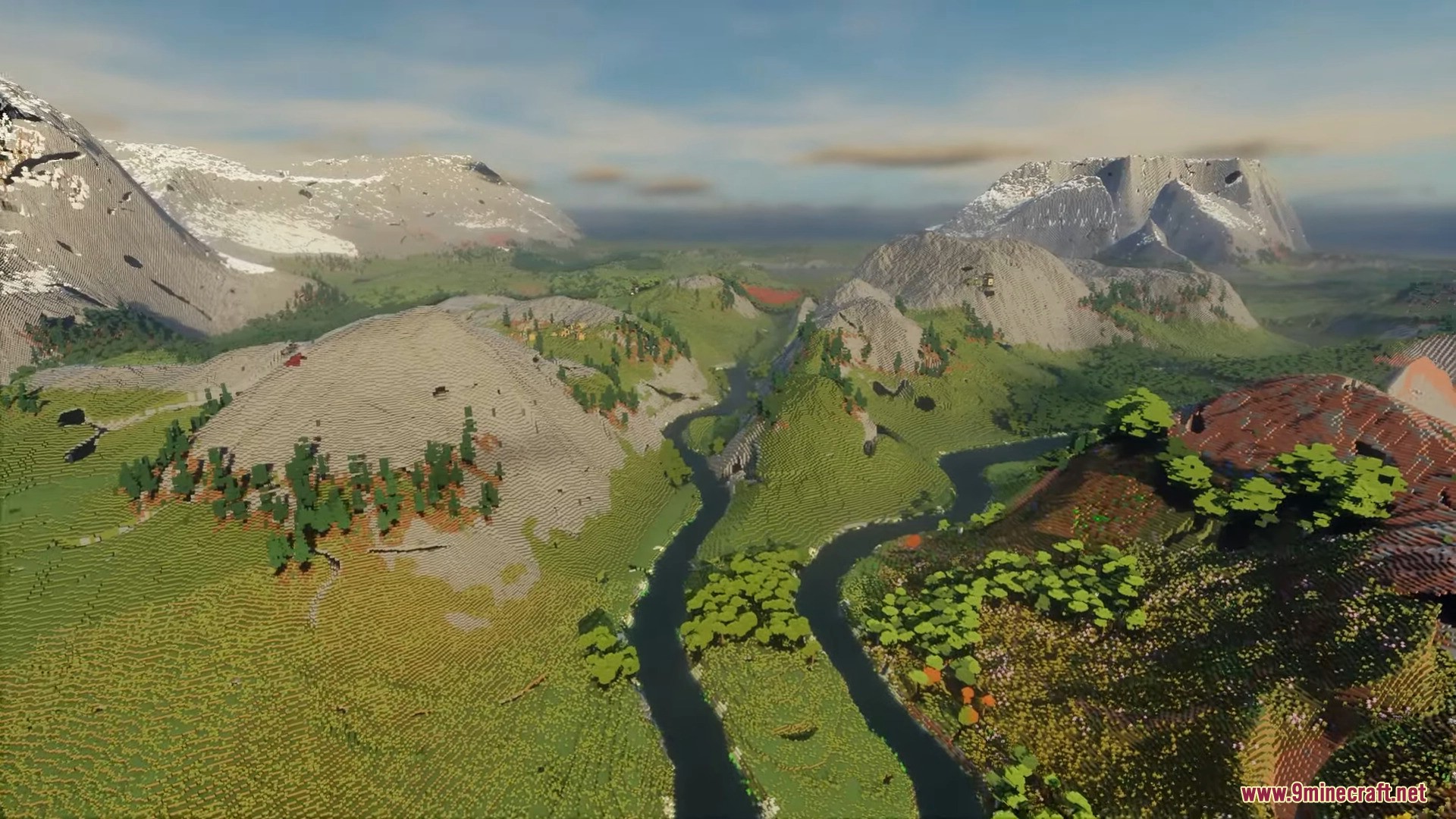
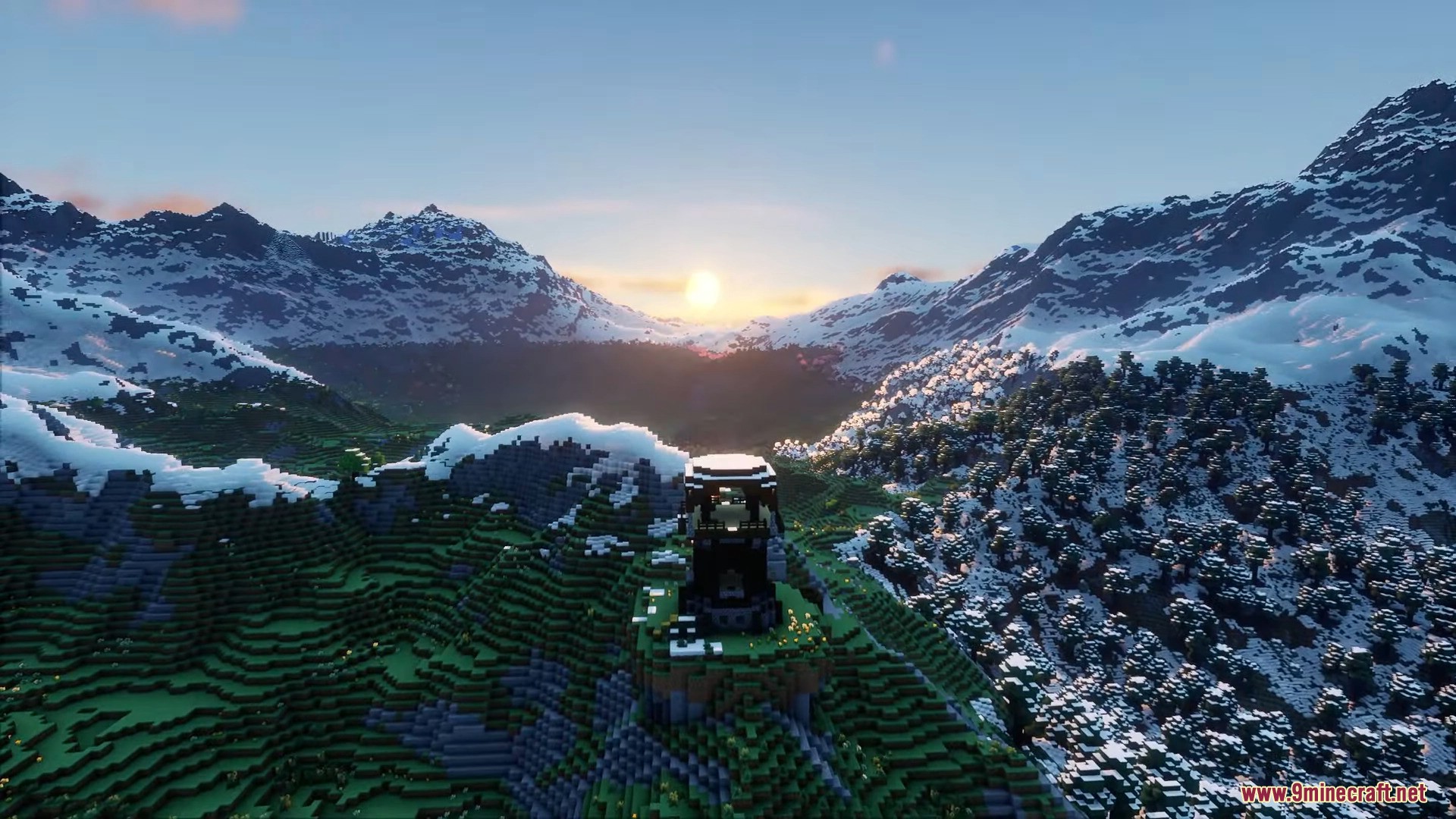
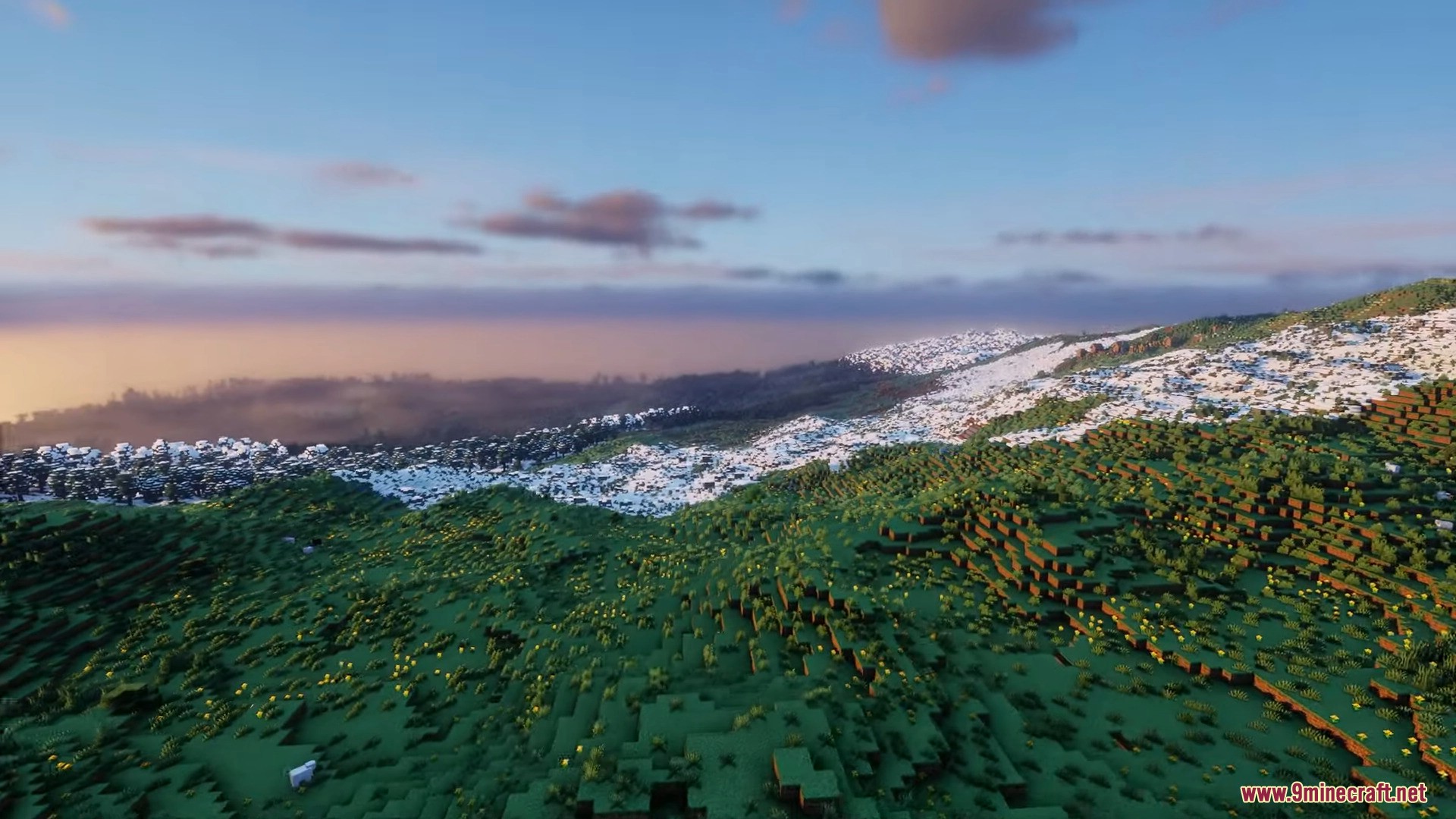
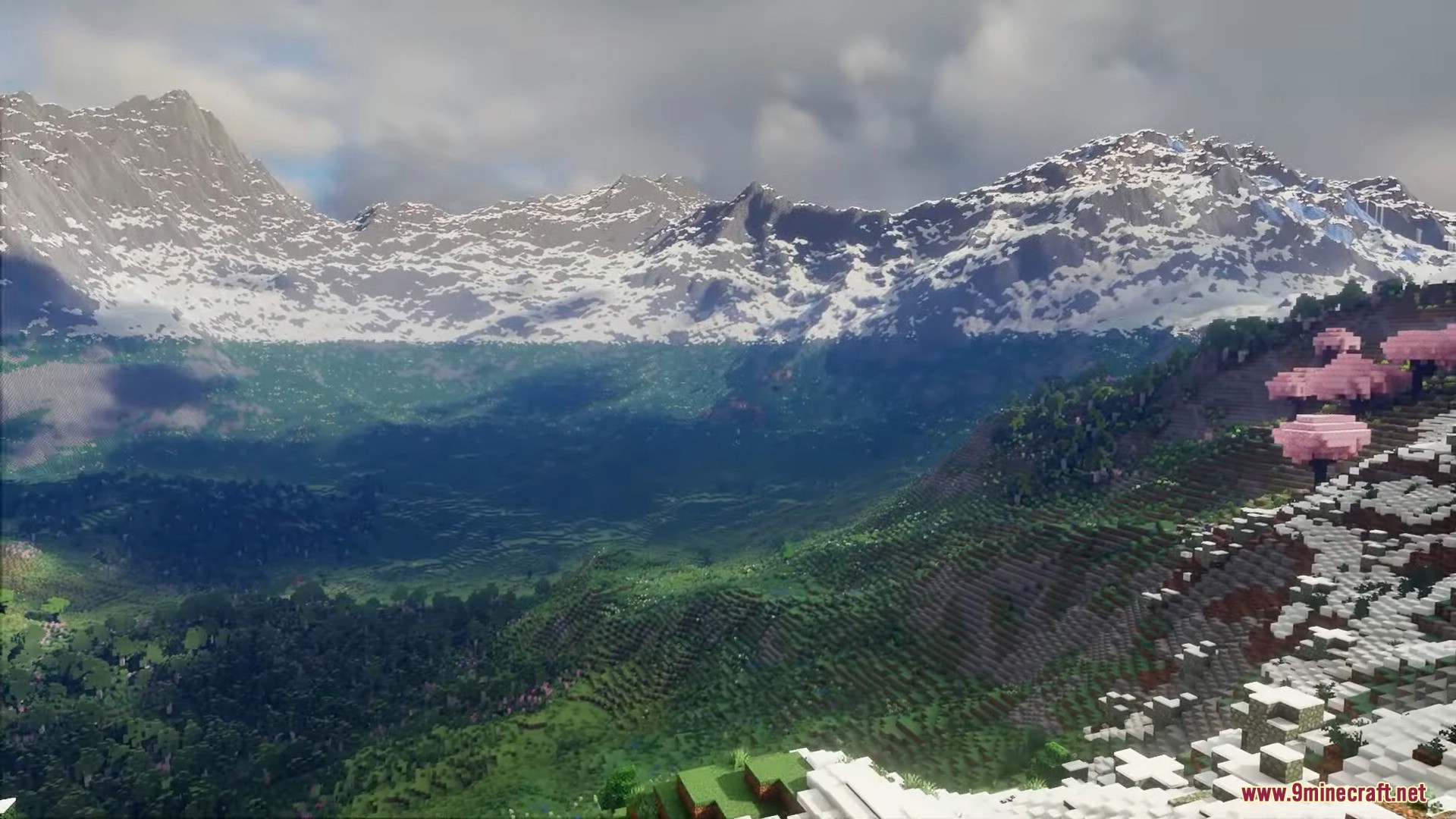
Reterraforged Mod is a mod with the goal of creating a new realistic terrain generator for Minecraft. While there are many mods that generate terrains, such as Biome O’Plenty, Terra 1-1, and Terrestria, TerraForged stands out by aiming to make Minecraft landscapes more realistic and immersive. The objective is to entice players to explore the newly generated world, and to achieve this, several enhancements have been made. These include improved rivers, erosion effects, and new decorations waiting to be discovered. Below, you’ll find some examples of the generated landscapes. TerraForged enhances the Minecraft experience by offering custom terrain shapes, simulated erosion, better rivers, and a plethora of configuration options. Players can adjust the terrain generation to their liking, creating unique and captivating worlds to explore and build in.

Features:
World Generation
- Realistic Terrain: The Reterraforged mod creates natural-looking worlds instead of standard blocky hills.
- Brings the classic TerraForged terrain system to newer versions of the game.
- Uses simulated erosion so mountains and cliffs look like real rocks shaped by weather.
- Adds winding rivers that flow smoothly through different areas.
Nature and Places
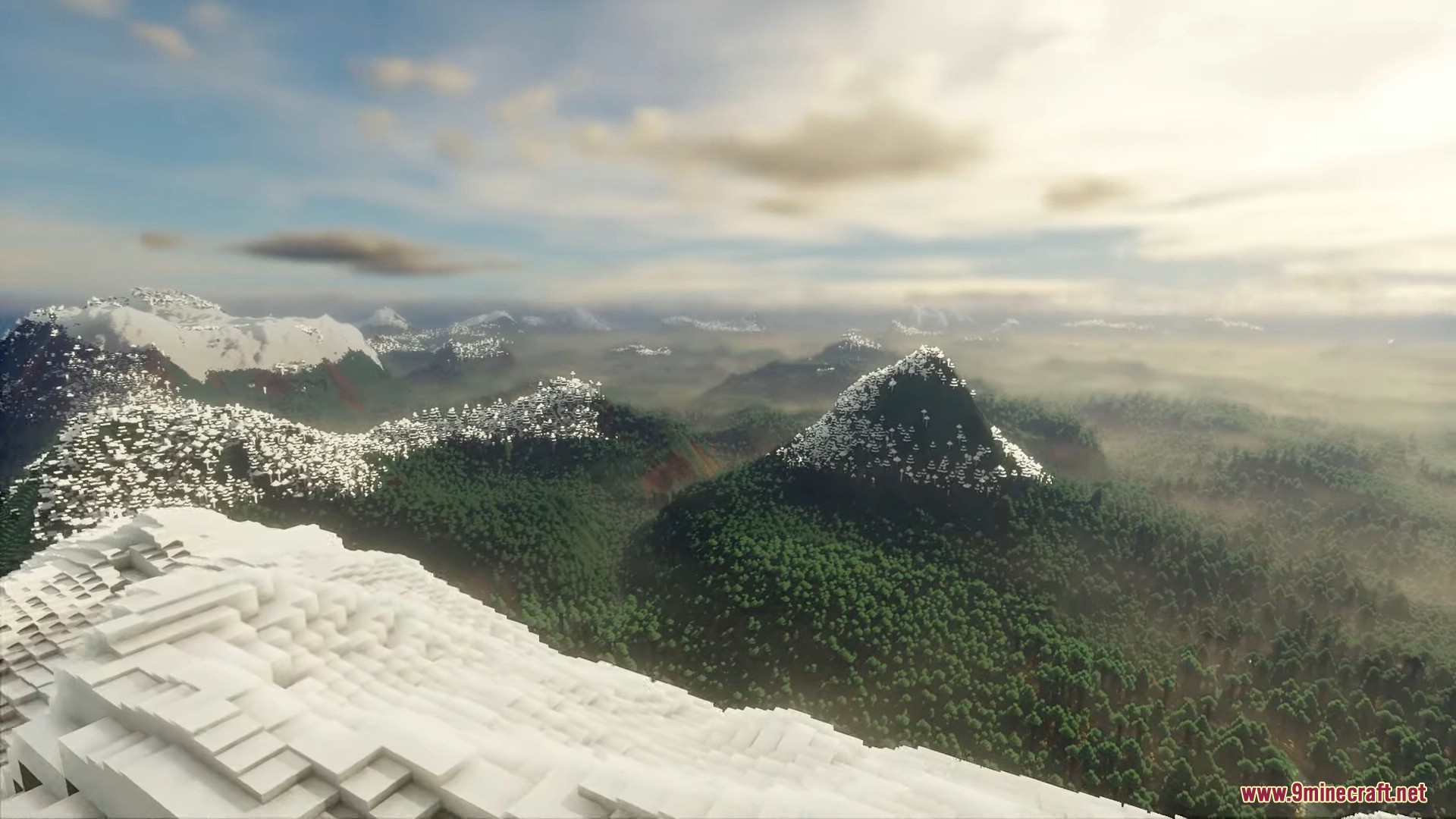
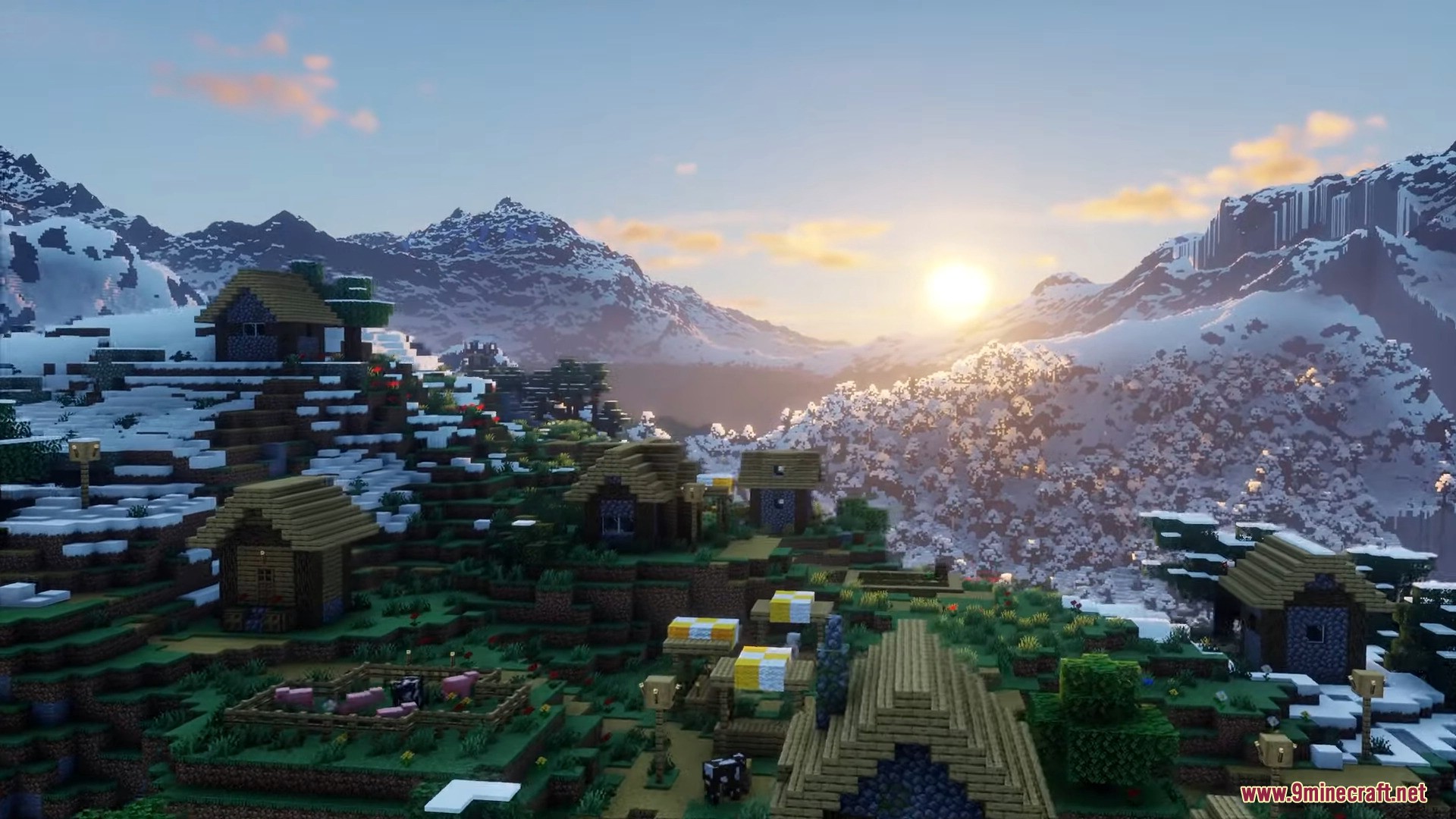
- Generates massive snow-capped mountains that tower over the map.
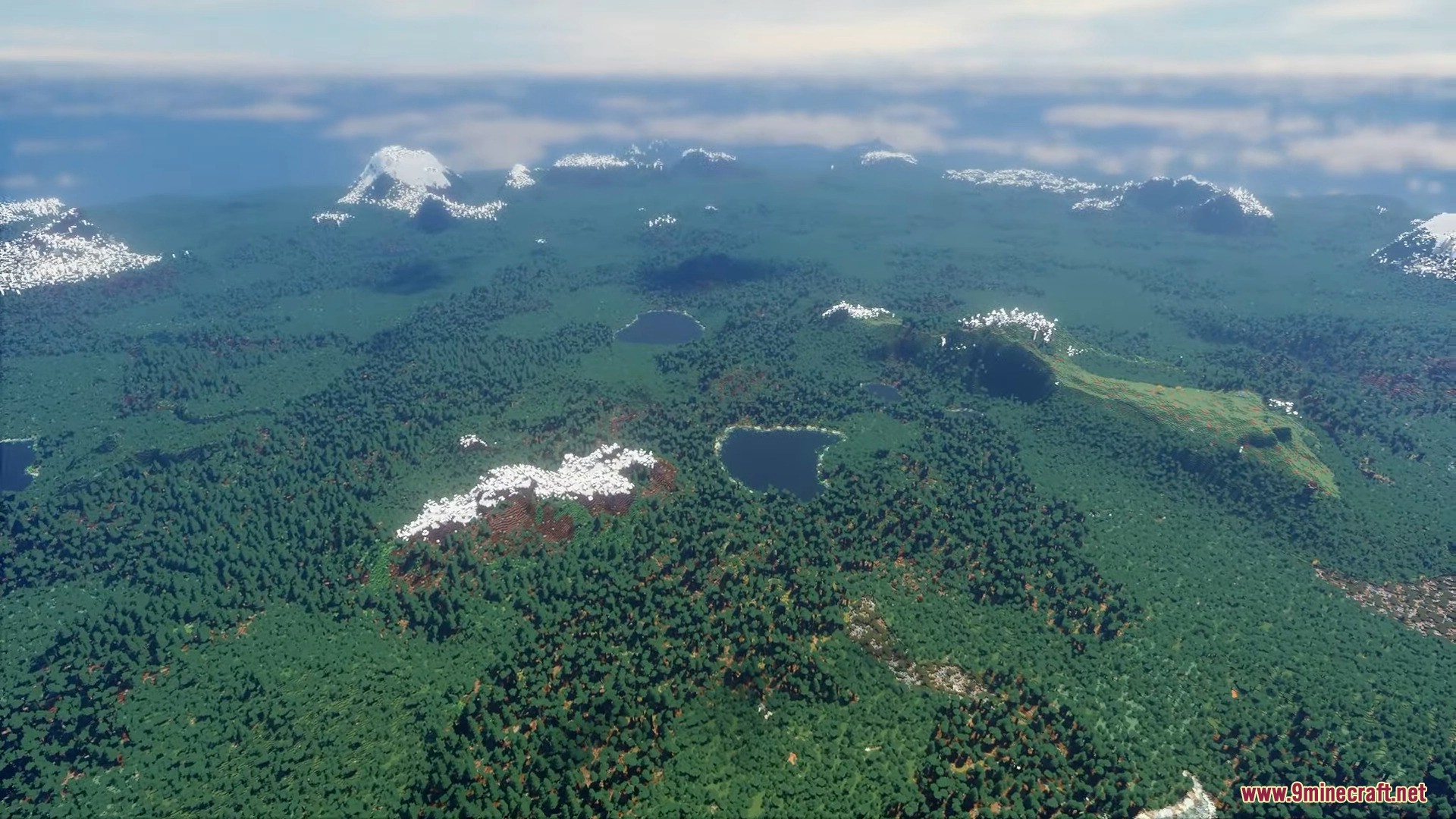
- Builds deep green valleys and terraced hills for you to walk through.
- Places dense forests, fields of flowers, and cherry blossom trees naturally across the ground.
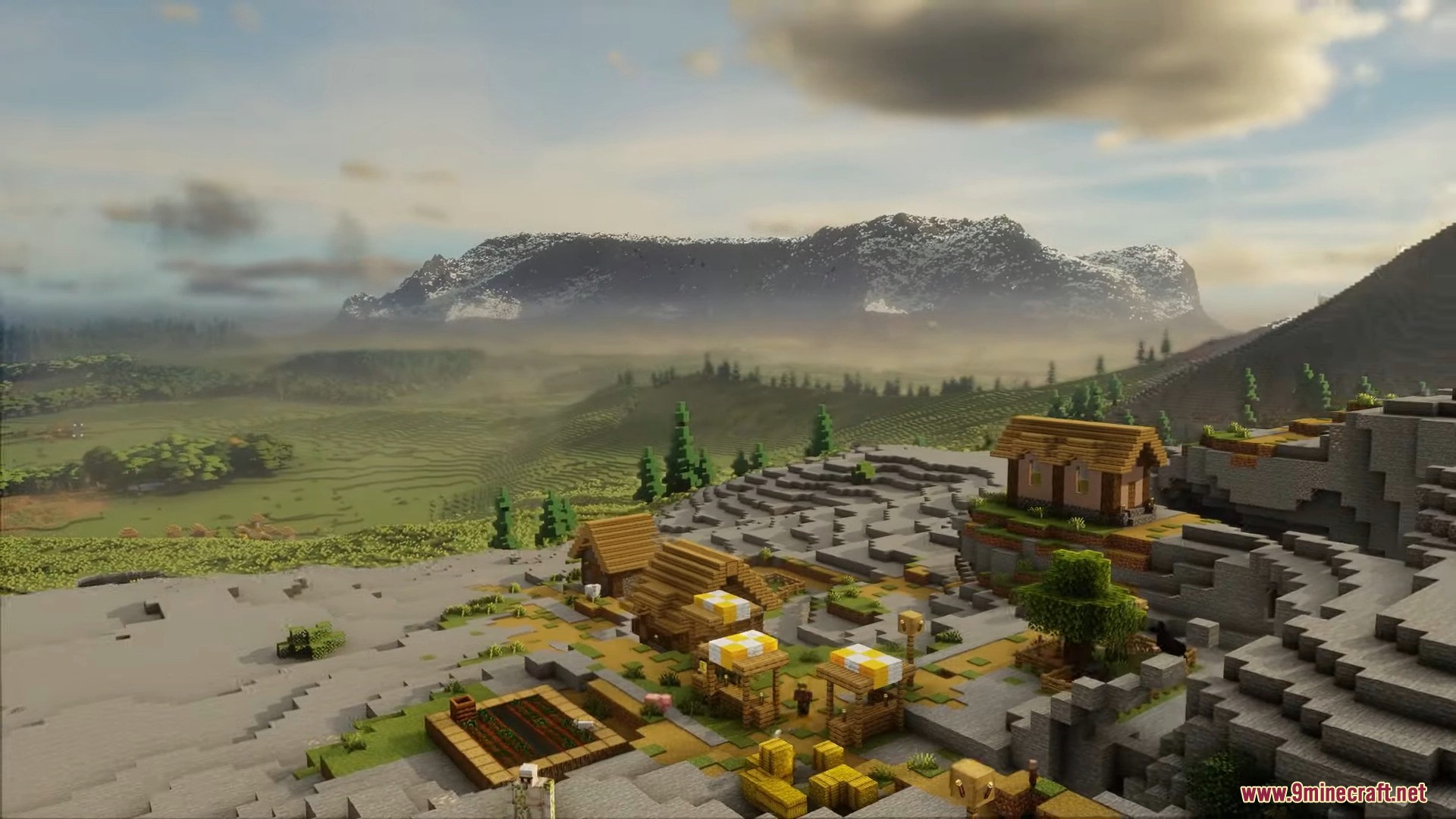
- Spawns villages on rocky hillsides and mountains so they fit right into the world.
How to use:
- Go to Singleplayer → Create New World → World tab, then set the World Type to Default, click Customize, and in the Presets & Defaults screen pick a ReTerraForged preset: TerraForged – Default, Beautiful, Huge Biomes, Lite, or Vanilla-ish.
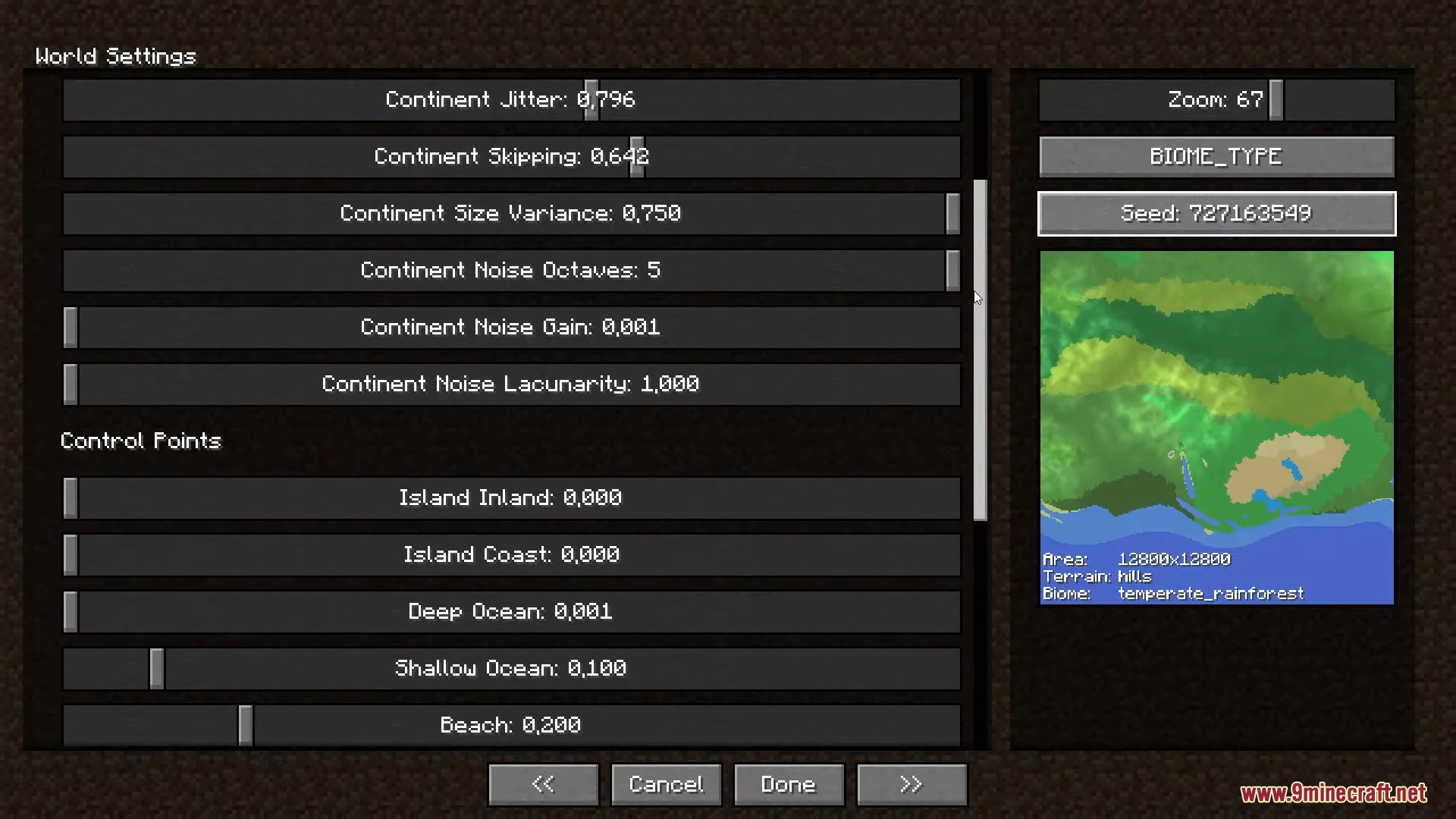
- (Optional) On the Customize pages, fine-tune the terrain – continents, surface & erosion, rivers, climate, caves and more – using the live preview map on the right.
- Click Done, then Create New World and explore the realistic, large-scale terrain.
Configuration:
- Change how the land looks before you make a new world.
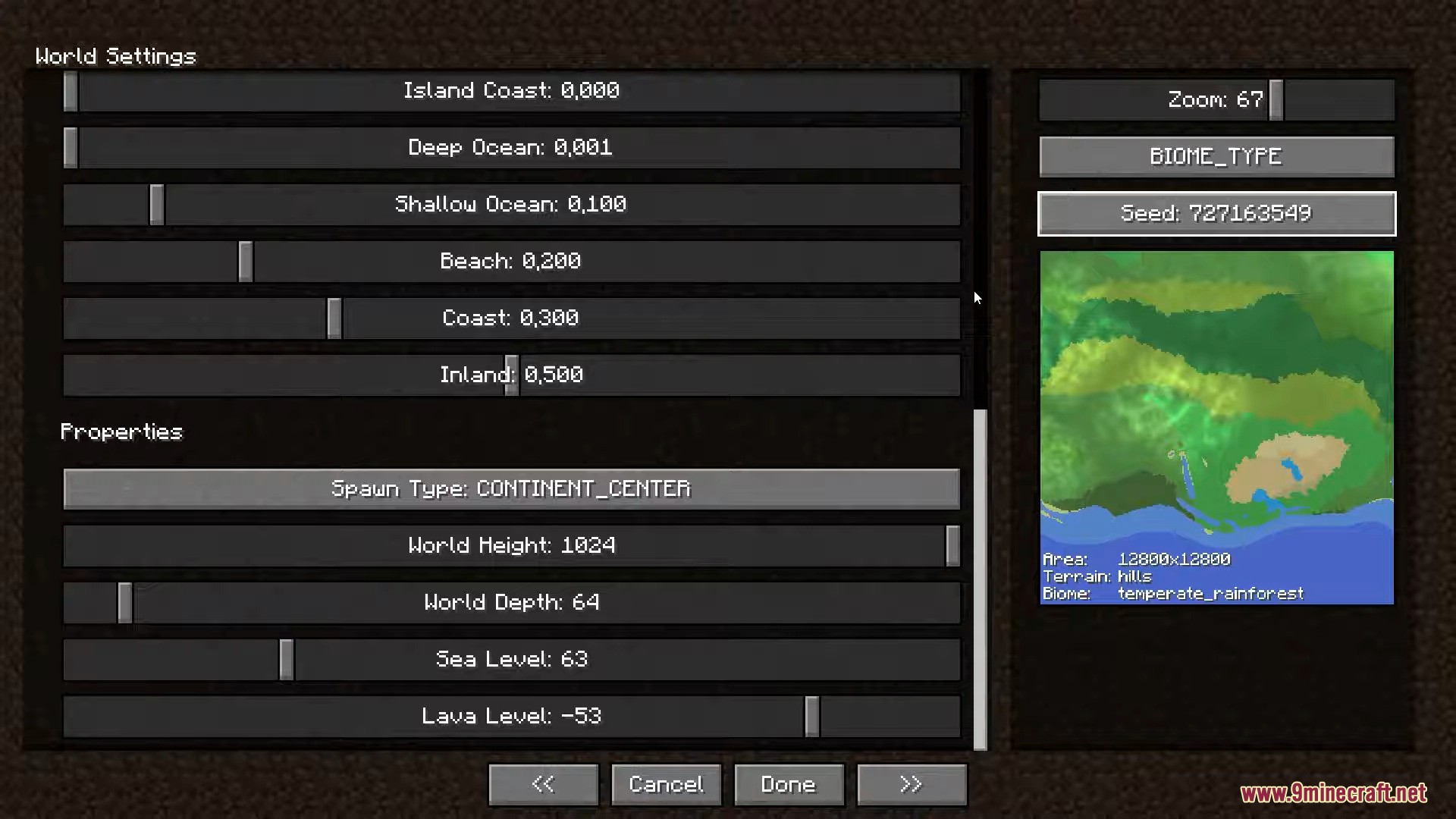
- Use sliders in the menu to shape continents and set control points.
- Look at the map preview to see your changes before you start playing.
- Adjust basic world settings, like the sea level.
Screenshots:
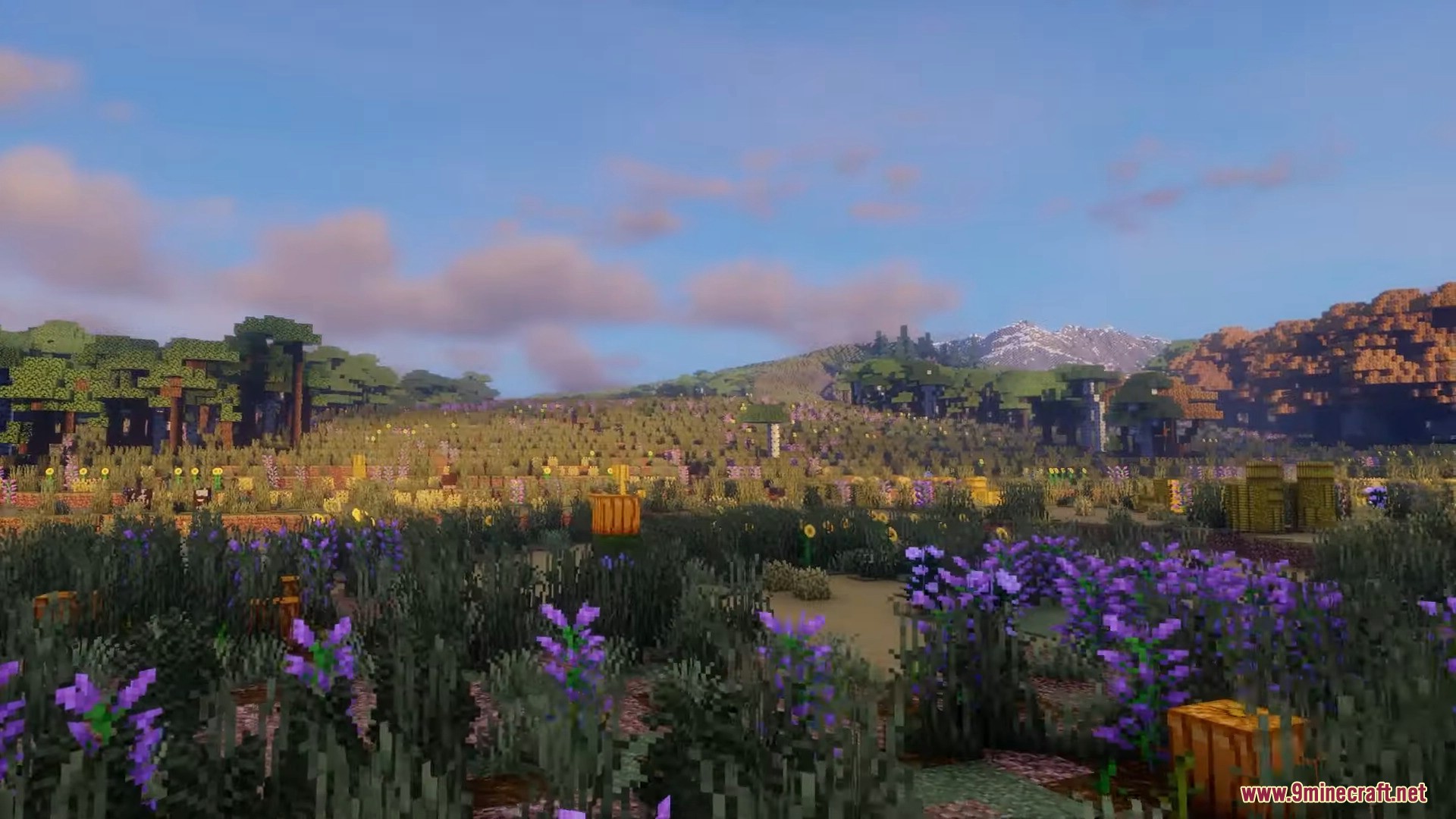
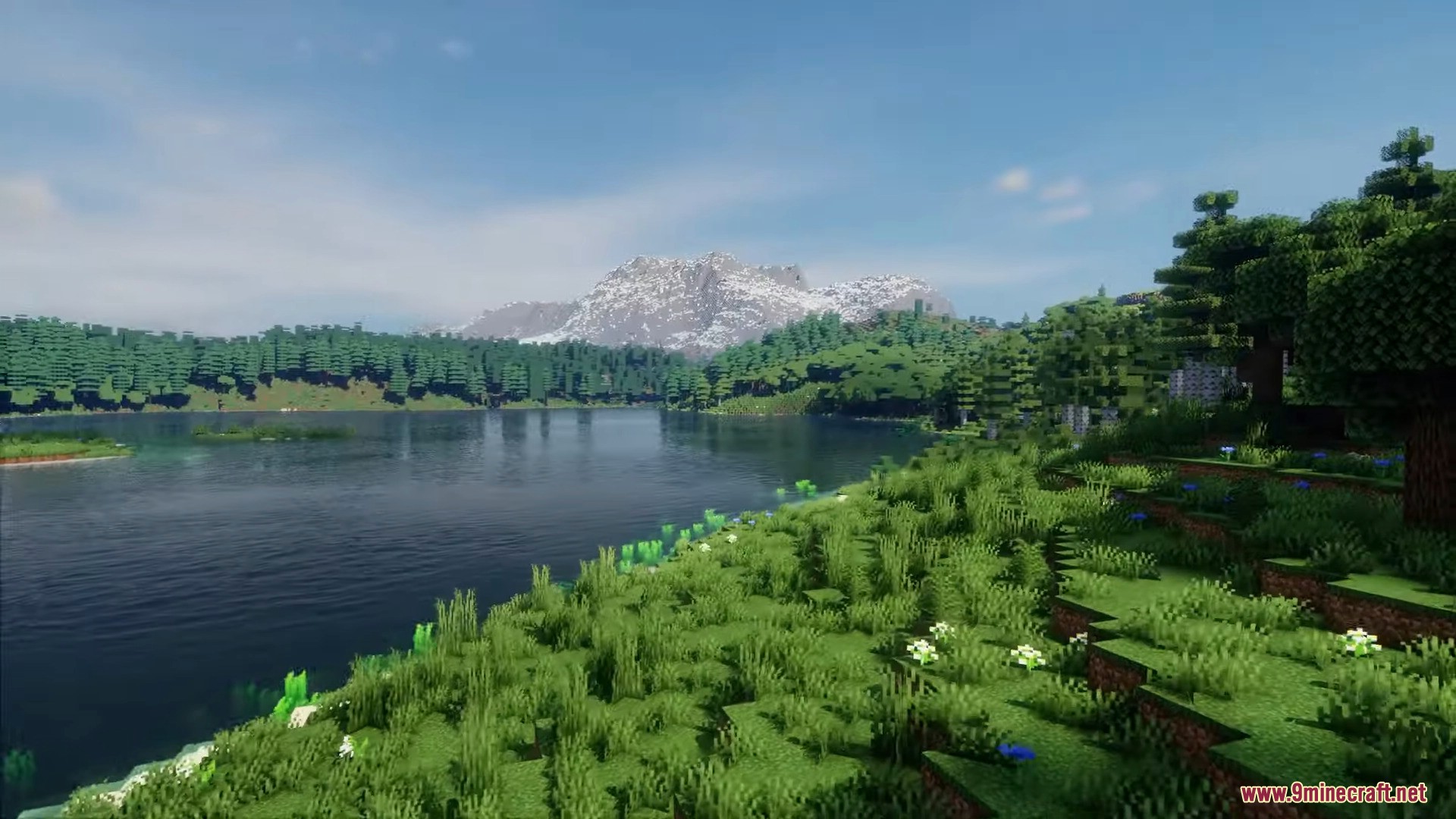
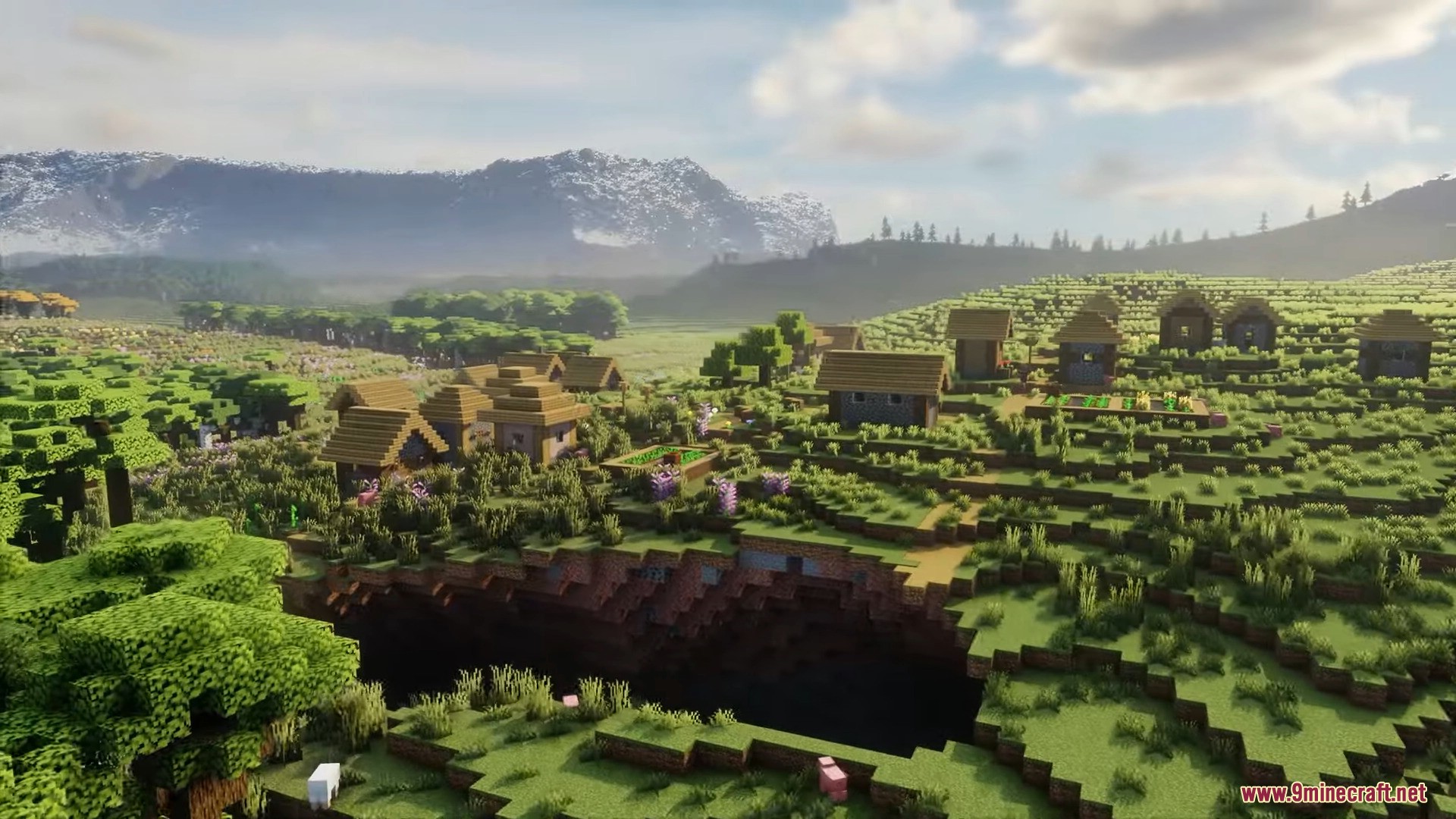
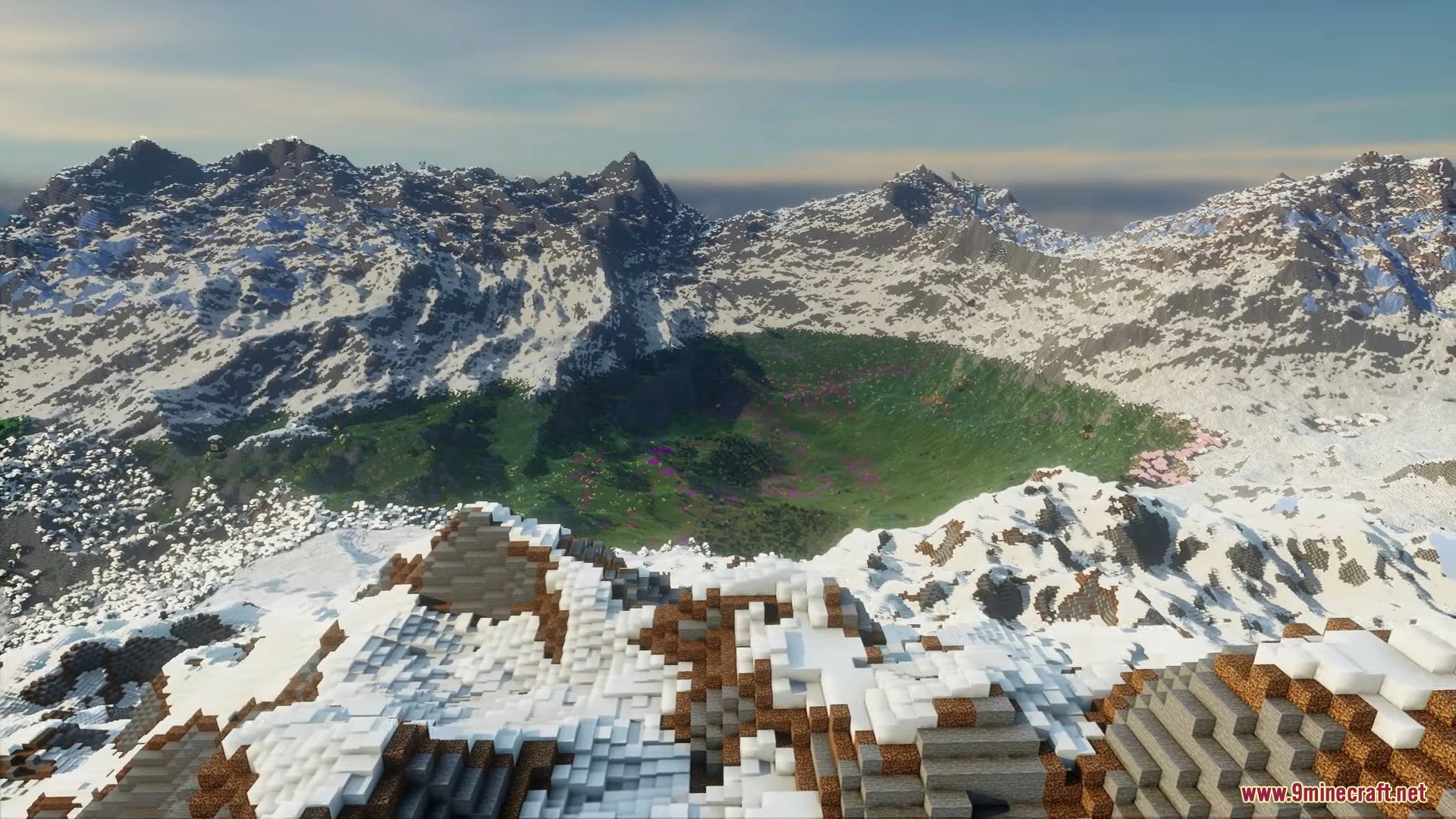
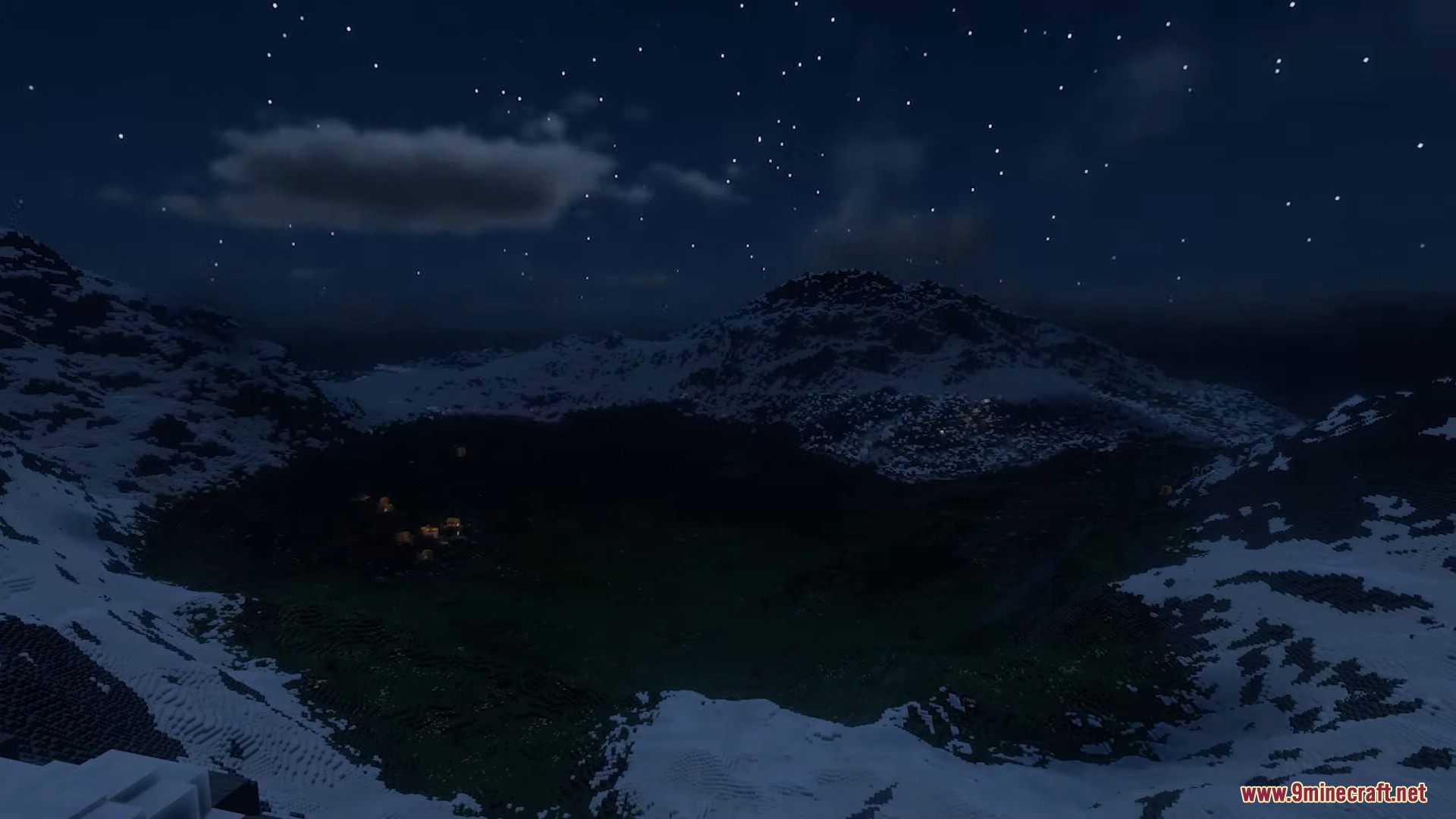
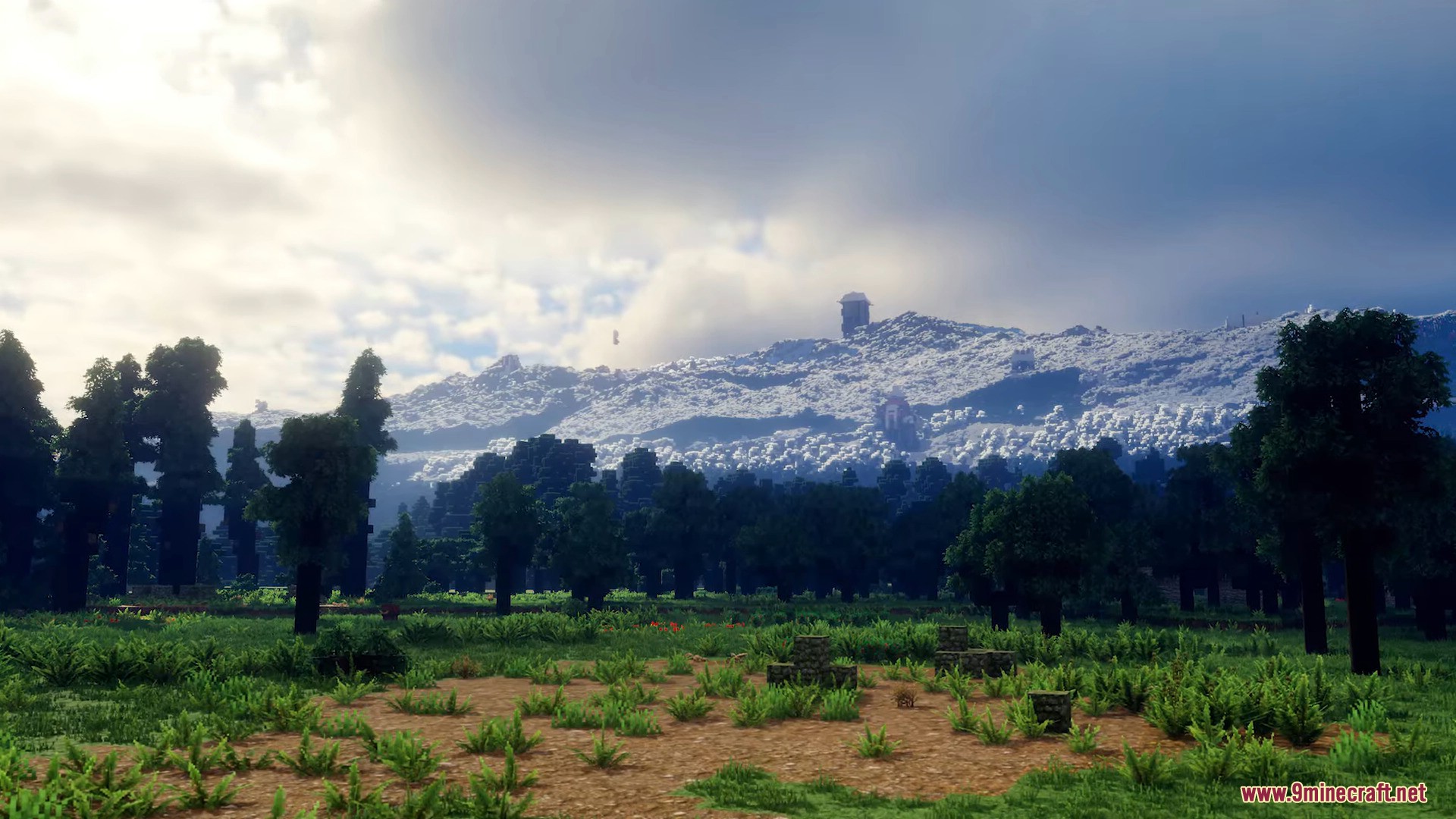
How to Install:
New to Minecraft? Follow our step-by-step guide to install Mods on your PC.View Guide
Requirements:



Reterraforged Mod Download Links
Sign in to unlock this download
Inside: 26.3 26.2 26.1.2 26.1.1 26.1 1.21.11
Choose one way to sign in
Free · takes a few seconds · you come straight back to this page

4 Comments
What do you think?
Your opinion means a lot - we'd love to hear from you.
You May Also Like
Picked for this page
 Only Hammers Mod (26.3, 1.20.1) – Faster Mining, Larger Mining Area
 Name Tag Tweaks Mod (26.3, 1.20.1) – Craftable & Retrievable NameTag
 Pig Pen Cipher Mod (26.3, 1.20.1) – New Minecraft Font
 Happy Go Lucky Mod (26.3, 1.20.1) – Random Adventures Await
 Undead Nights Mod (26.3, 1.20.1) – Prepare For Horde Nights
 LootBag Patches Mod (1.21.1, 1.20.1) – A Patched Version of Lootbags Mod
 Kelp Fertilizer Mod (26.3, 1.20.1) – Kelp Works Like Bone Meal
 Super Simple Home Mod (1.21.11, 1.20.6) – Simple Home Teleportation Commands
 Shadow Mounts Mod (26.3, 1.20.1) – Adds the Shadow Saddle
 Super Simple Voice Radio Mod (1.21.11, 1.20.1) – Simple Handheld Radio
 Mythic Lib Mod (1.21.11, 1.20.1) – Support Mythic Mods With This Handy Library
 Partial Hearts Mod (26.2, 1.20.1) – Shows Exact Fractional Player Health
Most viewed in Mods over the last 7 days
 Ala Industrial Mod (26.3) – Run Electric Power Grids and Automated Factories
 PleasureCraft Mod (26.3, 1.21.1) – Jenny Mod Remake for Fabric
 Jennycraft Mod (26.3, 1.20.1) – Virtual Girlfriend in Minecraft
 Fapcraft Mod (26.3, 1.12.2) – Comprehensive and Detailed Content
 Jenny Mod (Fapcraft) Official Complete Guide – How to use, Tutorial
 BangCraft Mod (1.20.1) – Jenny, Ellie and Elliot
 Fabric Loader (26.3, 1.20.1) – Fabric Installer for All Minecraft Versions
 The Shooting Star Demo Mod (26.3, 1.20.1) – Vaporize Terrain From Orbit
 OptiFine HD (26.3, 1.20.1) – Run Faster, FPS Boost, Shaders Support
 Baritone 9minecraft Client Mod (26.3, 26.1.2) – Mine and Build Bases Hands-Free
 Meteor Client Mod (26.3, 1.20.1) – Xray, HUD, Fly
 Aristois Client Mod (1.21.4, 1.20.1) – World Class Minecraft Utility
More from Mods
 THE SLOPSTROSITY Mod (1.21.1) – Battle a Ridiculous Slime Boss
 Decoween Mod (1.21.1, 1.20.1) – Transform Ordinary Survival Bases
 Simply Light 9minecraft Mod (26.3) – Decorate Builds Without Torches
 Alex’s Caves Continued Mod (26.3, 1.20.1) – Conquer Six Massive Underground
 Anvil Uses Mod (26.3, 1.20.1) – Track Item Anvil Usage
 Animal Info Mod (26.3, 1.21.11) – Quick Stats For Your Animals
 Timber Tales Dynamic Tree System Mod (26.3, 1.20.1) – Watch Entire Trees Topple
 Gabou’s Libs Mod (26.3, 1.20.1) – Keep Custom Weather and Survival Mods Stable
 /Sit Mod (26.3, 1.21.1) – Make The Player Sit Down
 Arcane Redstone Dial Mod (26.3, 1.20.1) – Trigger Commands and Shortcuts
 The Graveyard Mod (26.3, 1.20.1) – Cemeteries in Minecraft
 Enhanced Overlay Mod (26.3, 1.21.11) – Remove Screen Clutter

fuck!!!fuck!!!fuck!!!fuck!!!fuck!!!fuck!!!fuck!!!fuck!!!Clicking download does nothing; it’s full of ads. fuck!!!fuck!!!fuck!!!fuck!!!fuck!!!fuck!!!fuck!!!fuck!!!
Sorry about that – there was a real bug and it is fixed.
An advert overlay was swallowing the first taps, so the download button needed three presses before anything happened. That was corrected on 6 October; every click starts the download now. We checked this page again today and the link serves the file.
If it still does nothing for you, tell us which browser and device you are on and we will look again.
Hello Bro make Animal Life Add-on Автор от Pathway Studios Please Please
mirai shader download