


Re-Console Modpack (26.2, 1.20.1) – Bring Classic Console Menus and Controllers to Minecraft
 90
90
 0
0

🌐 Good news — we've translated this article into other languages!
Or pick the one you like:
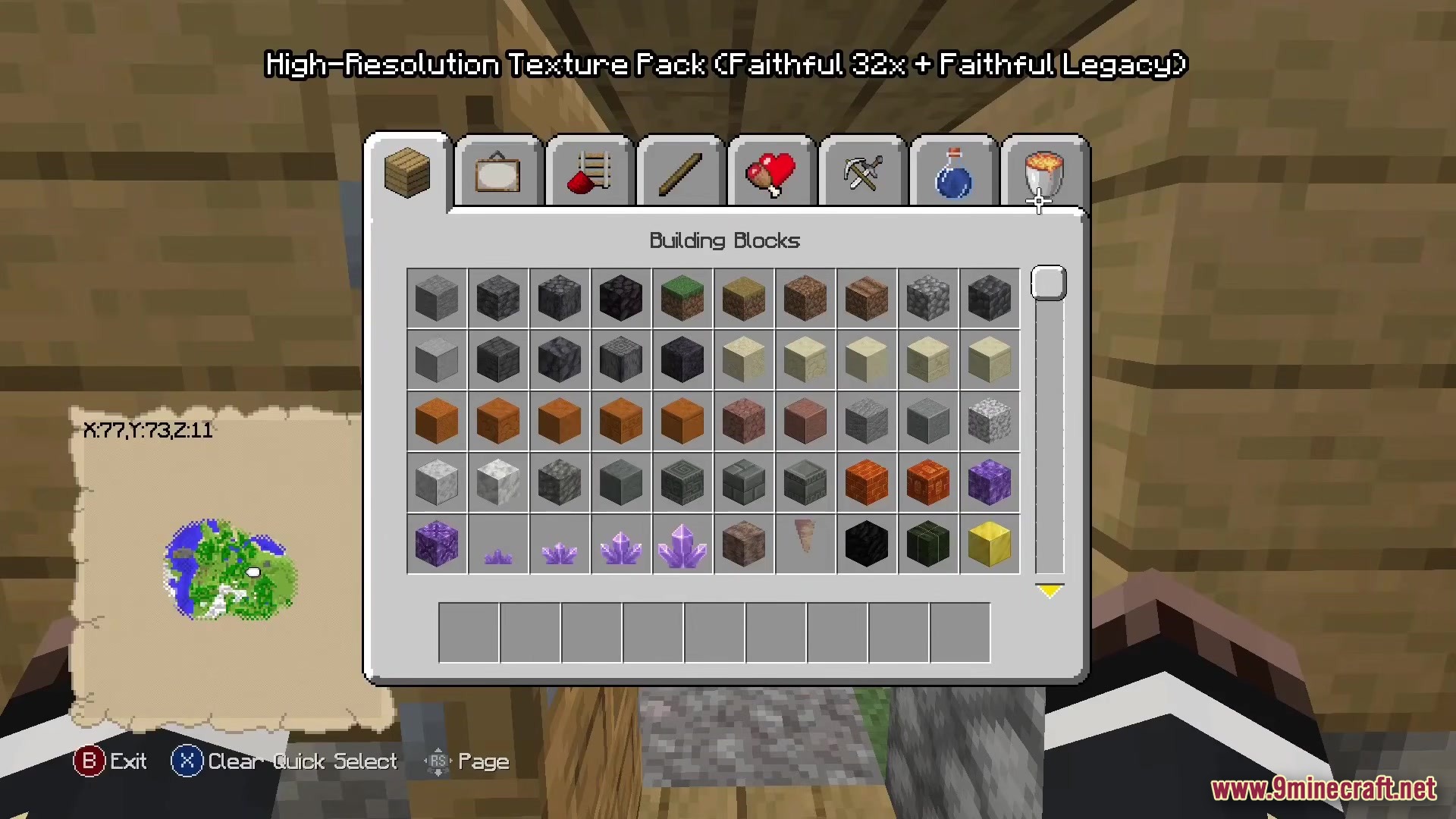
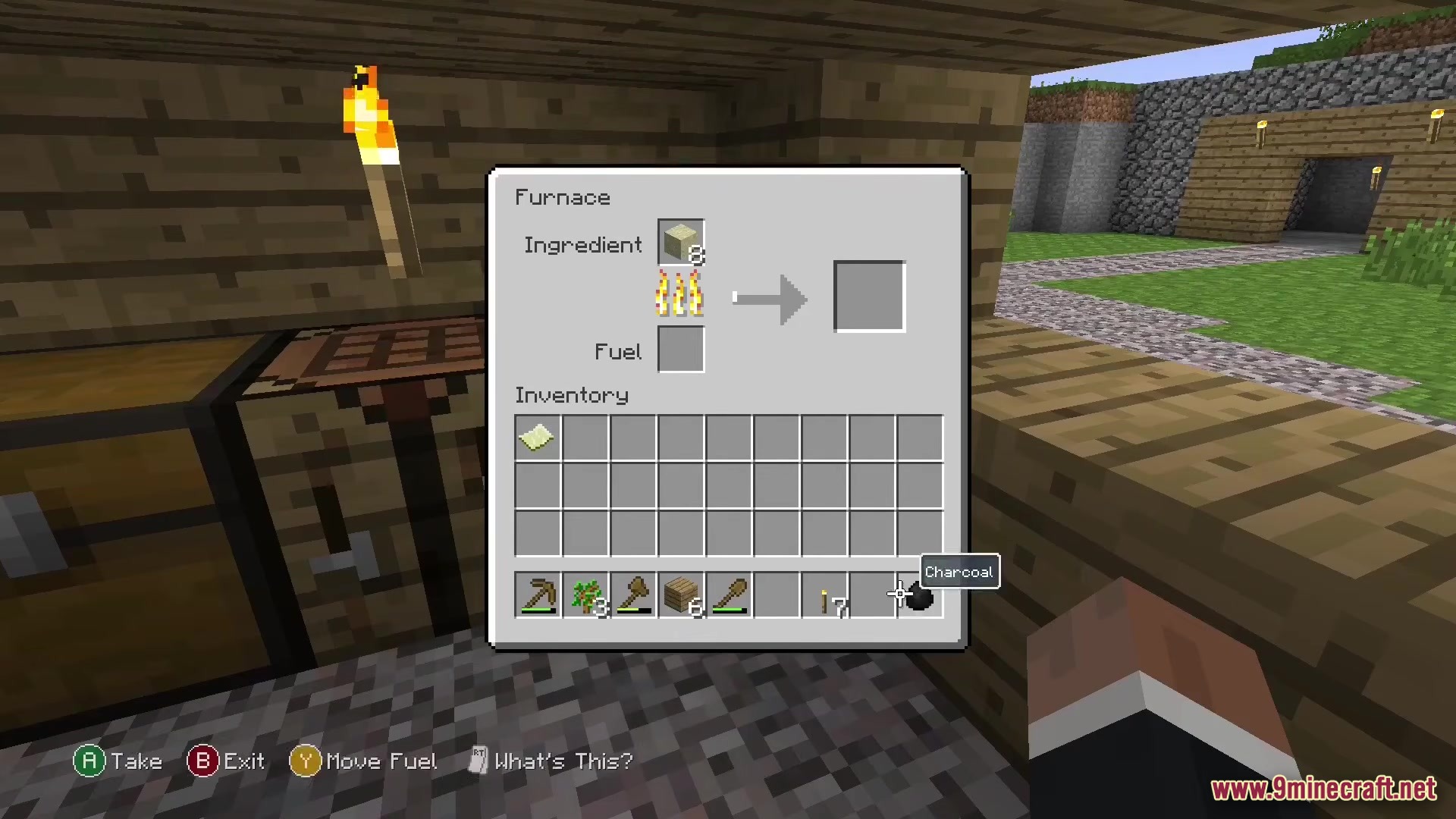
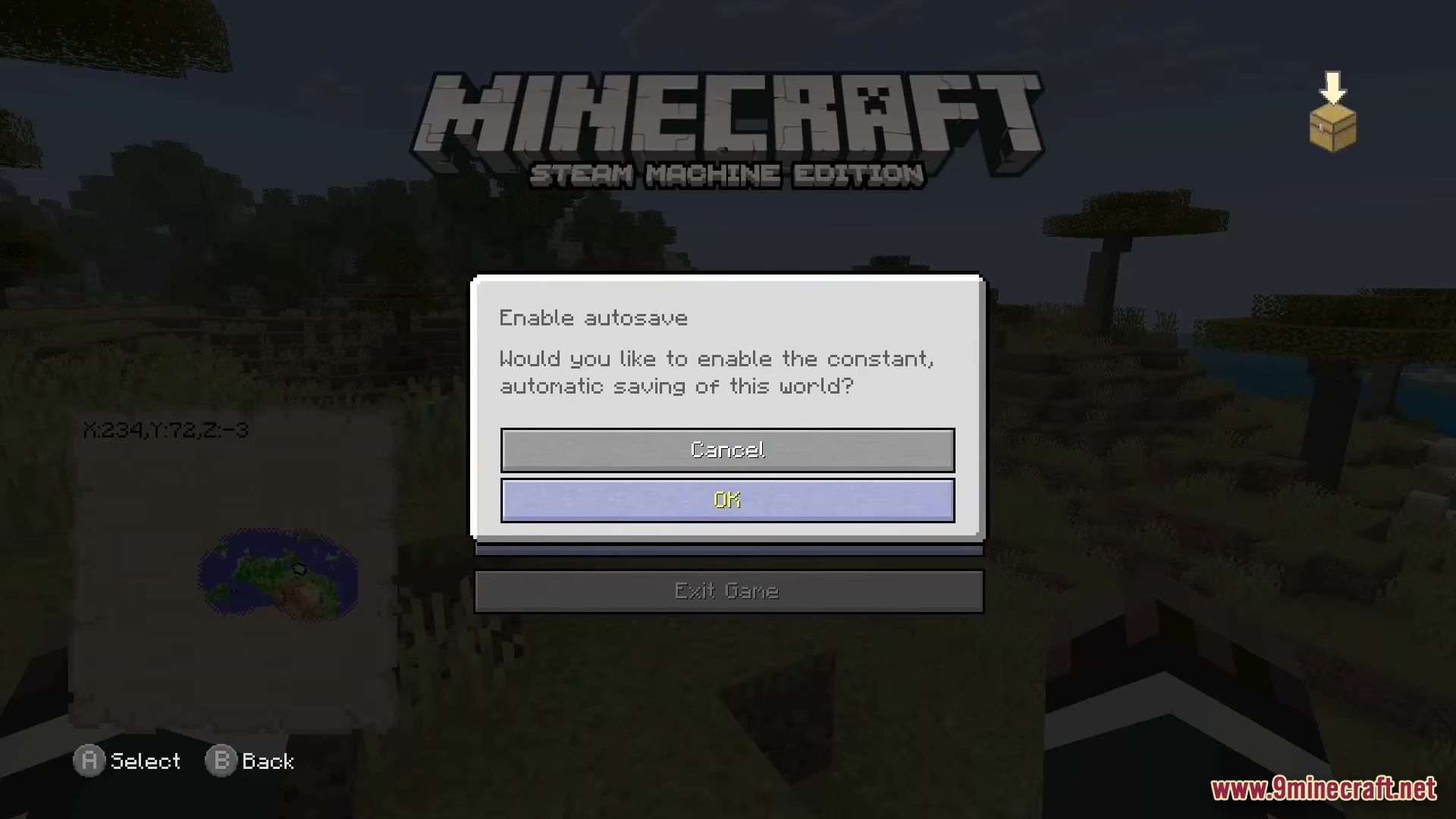
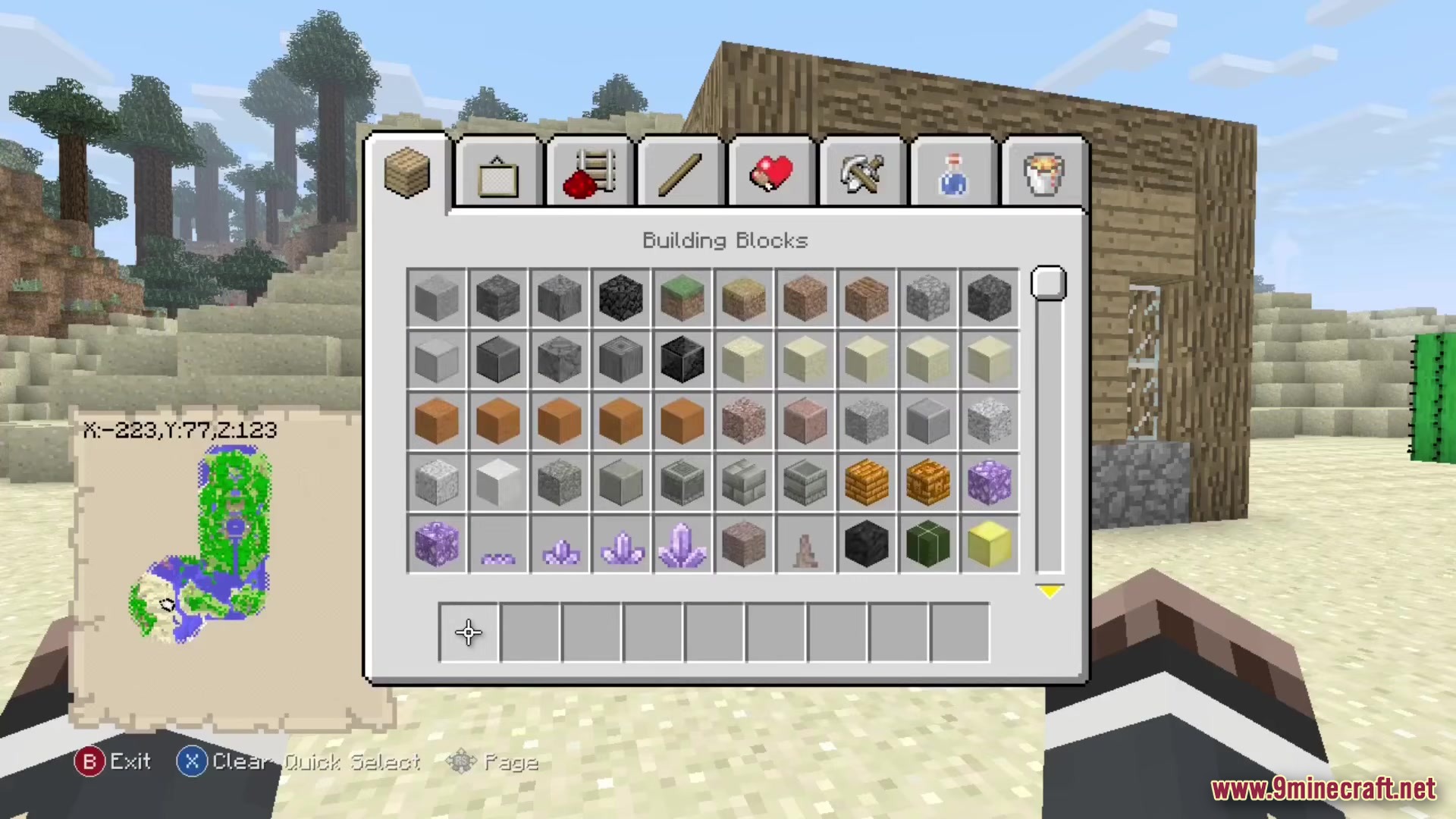
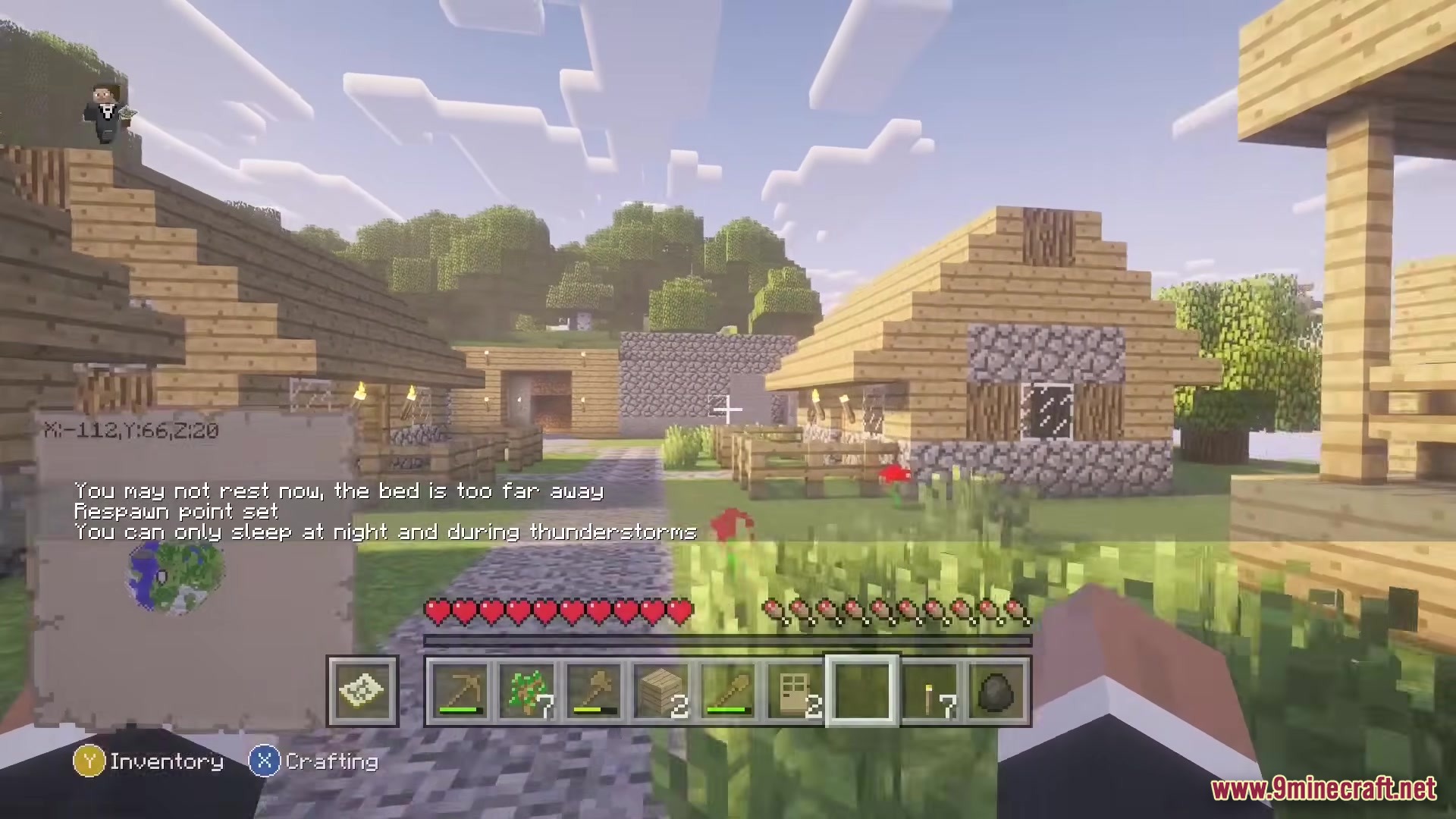
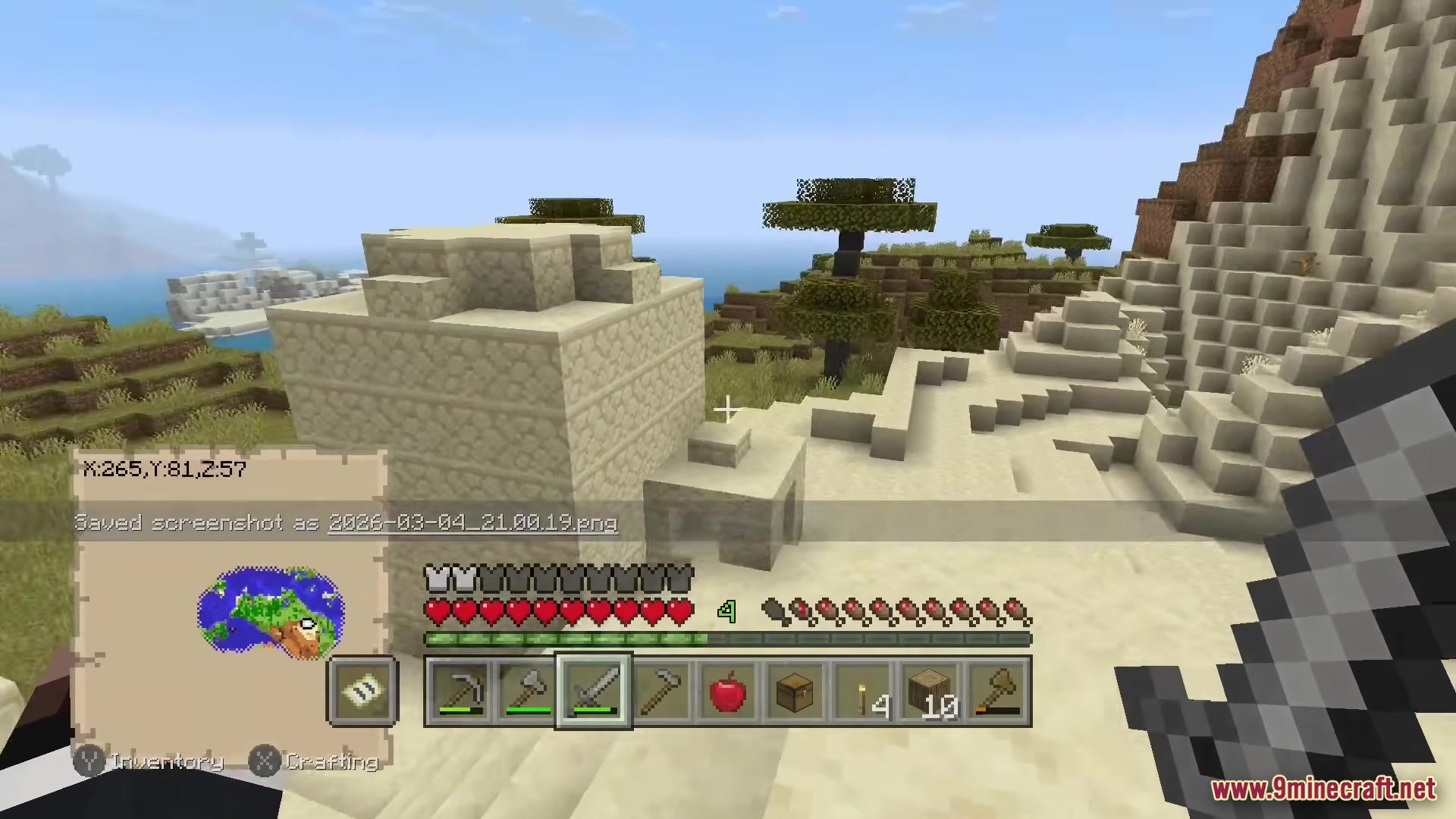
Re-Console Modpack brings the classic console style back to modern Minecraft. It adds the old menus, crafting screens, and controller support you remember from older consoles. You get to play with the classic textures while keeping all the new blocks and items from recent game updates. The pack also includes fun mini-games like Glide and lets you play in limited worlds.
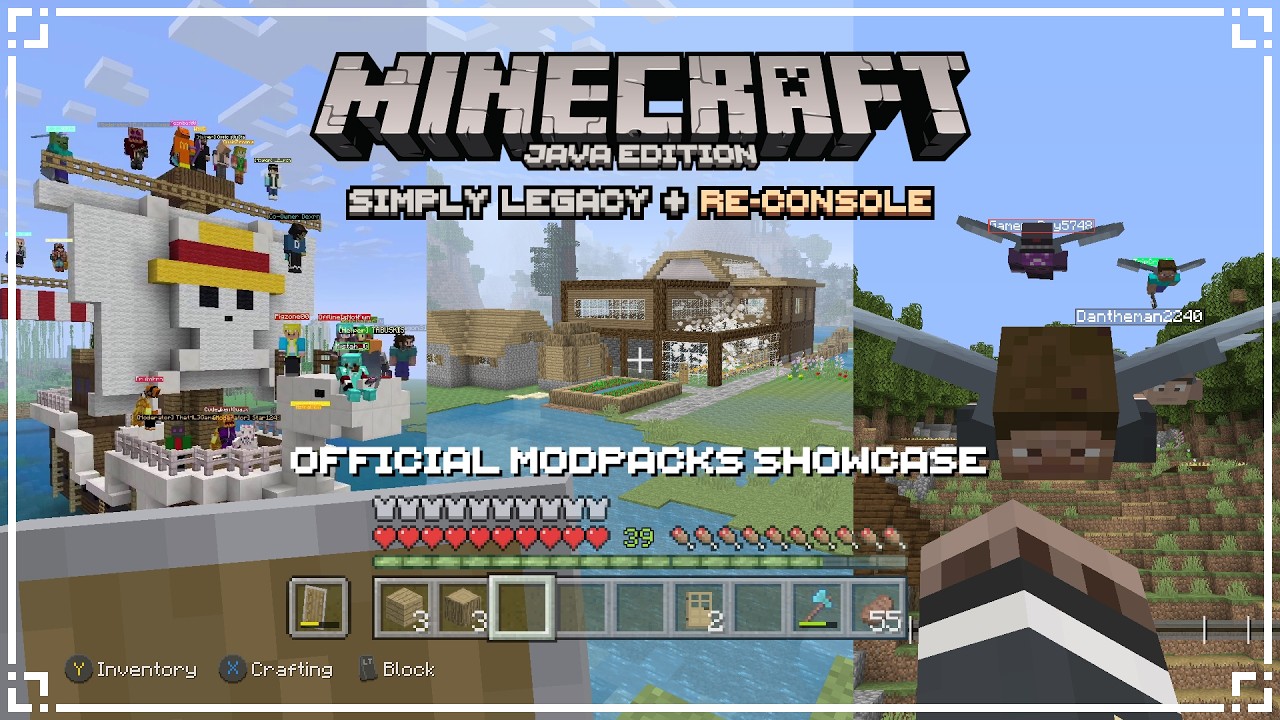
Features:
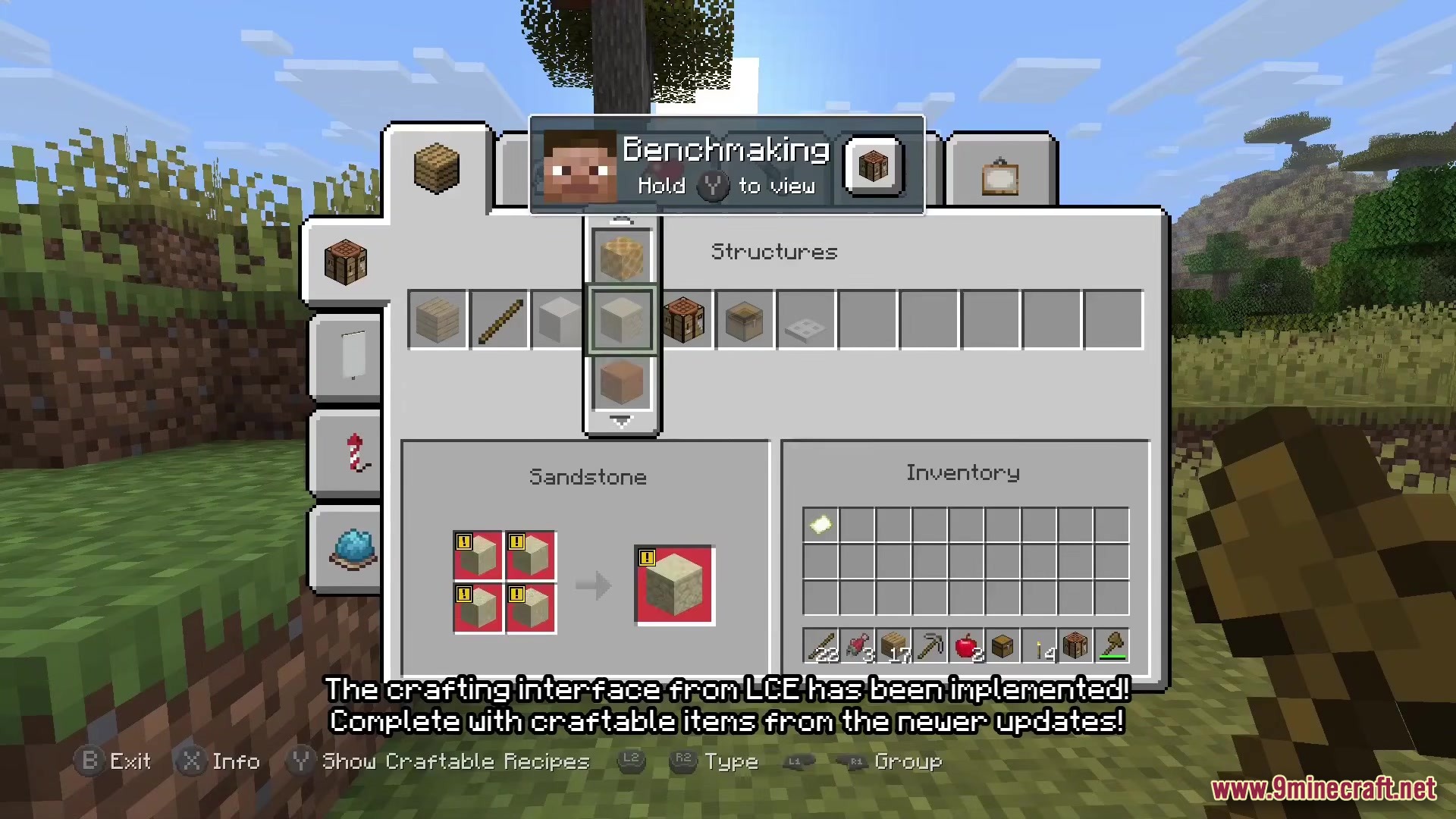
- Classic Menus: Changes the crafting screen, settings, and inventory to look exactly like the old console games.
- Controller Ready: Lets you plug in a controller and play right away without needing extra setup.
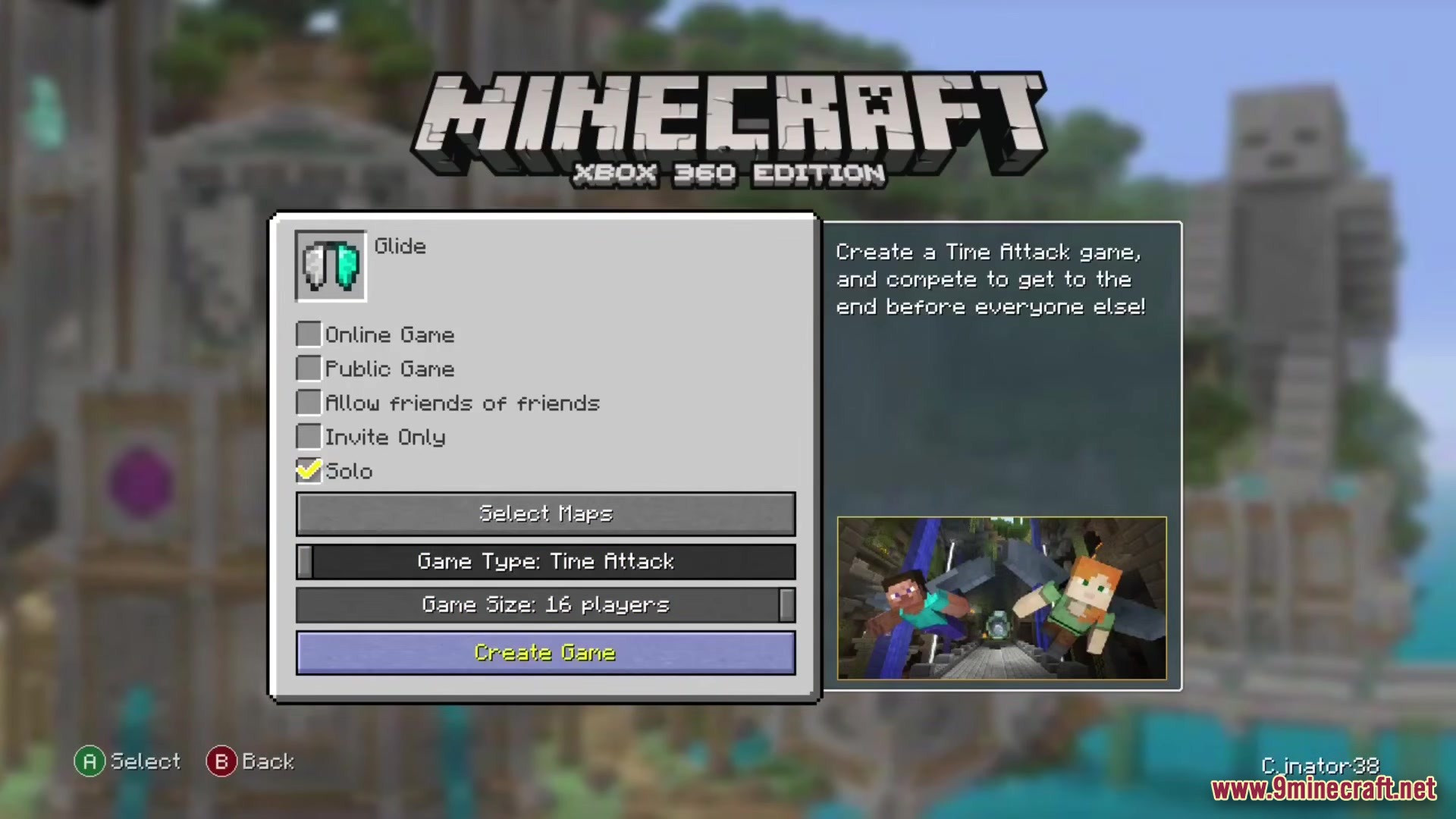
- Adds classic mini-games like Glide and Fistfight for you to play with friends.
- Brings back mash-up worlds and skin packs from the older console days.
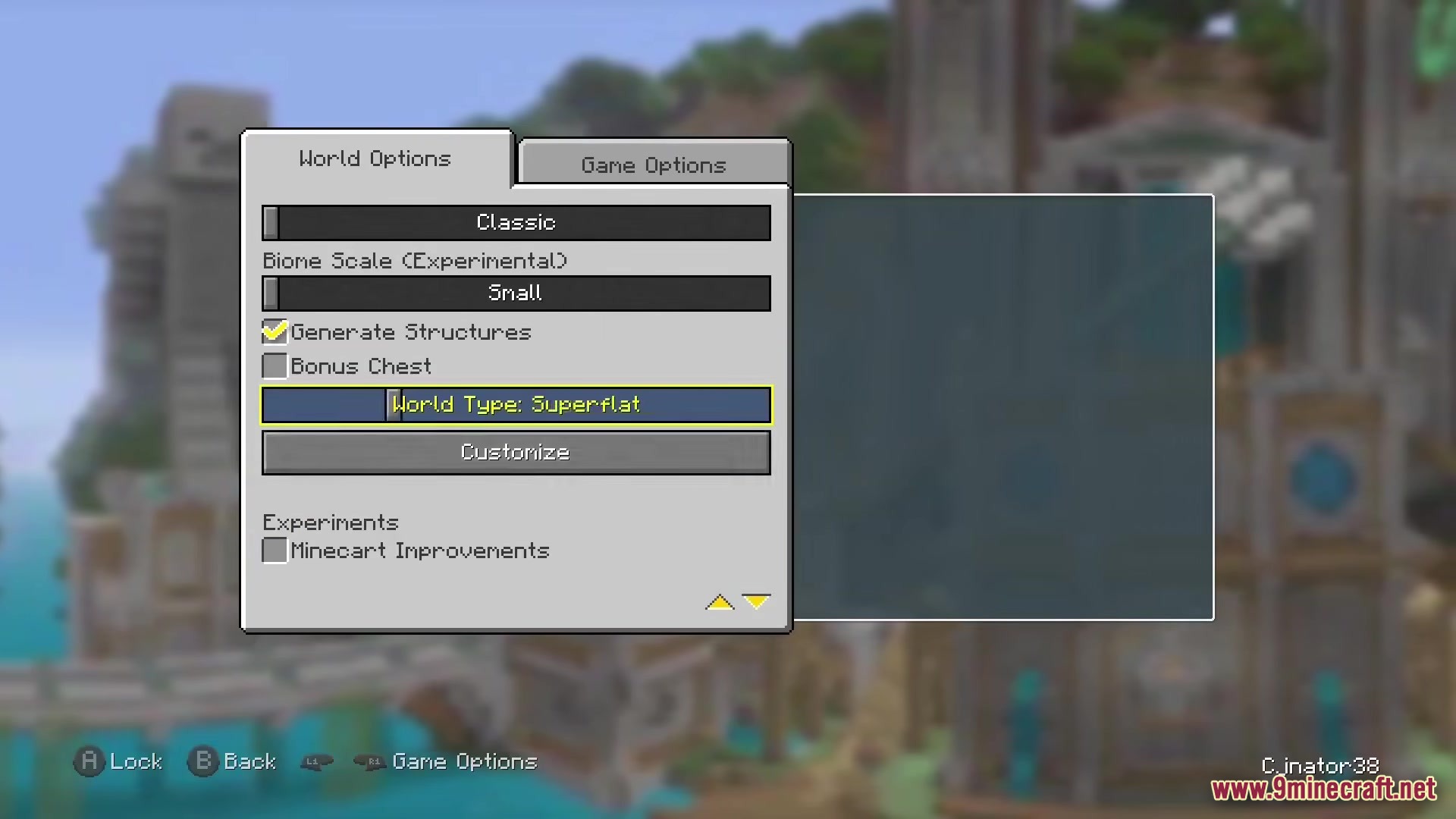
- Includes limited world sizes if you want a smaller map to explore.
- Gives you better graphics options like moving lights, zooming, and nice-looking grass.
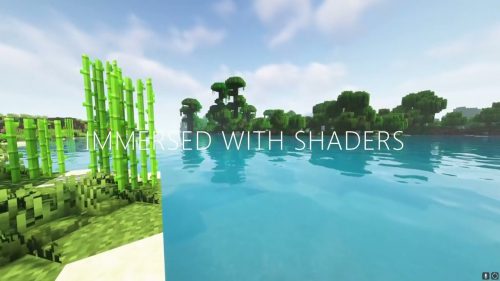
- Packs in shaders to make your world look bright and colorful.
- Lets you build faster with bedrock-style bridging where you place blocks in front of you.
- Allows you to host worlds easily so your friends can join you online.
How to Play:
- Connect your favorite controller before you start the game.
- Open the world creation menu to choose between normal maps or classic limited worlds.
- Use the shoulder buttons on your controller to move through the new crafting tabs.
- Select the mini-games option from the main menu to jump into a round of Glide.
Screenshots:
How to Install:
New to Minecraft? Follow our step-by-step guide to install Modpacks on your PC.View Guide
Re-Console Modpack Download Links
For Minecraft 26.2
For Minecraft 26.1.2
For Minecraft 1.21.10
For Minecraft 1.21.8
For Minecraft 1.21.5
For Minecraft 1.21.4
For Minecraft 1.21.1
For Minecraft 1.20.1
Click to rate this post!
[Total: 1 Average: 5]
You May Also Like









This post has no comments yet. Be the first — your comment will appear here.