
Re-Console Modpack (26.2, 1.20.1) – Bring Classic Console Menus and Controllers to Minecraft
 247
 0

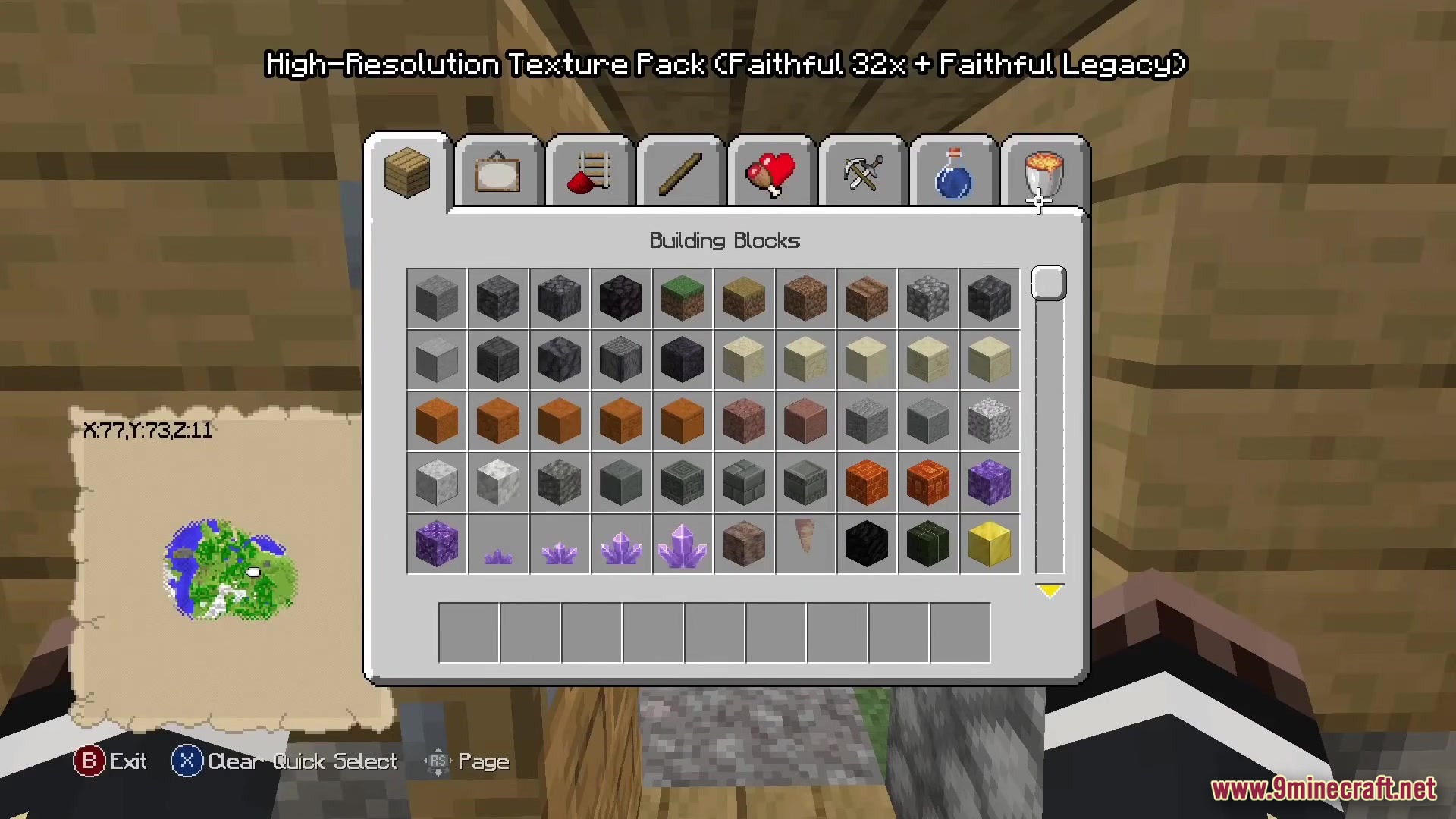
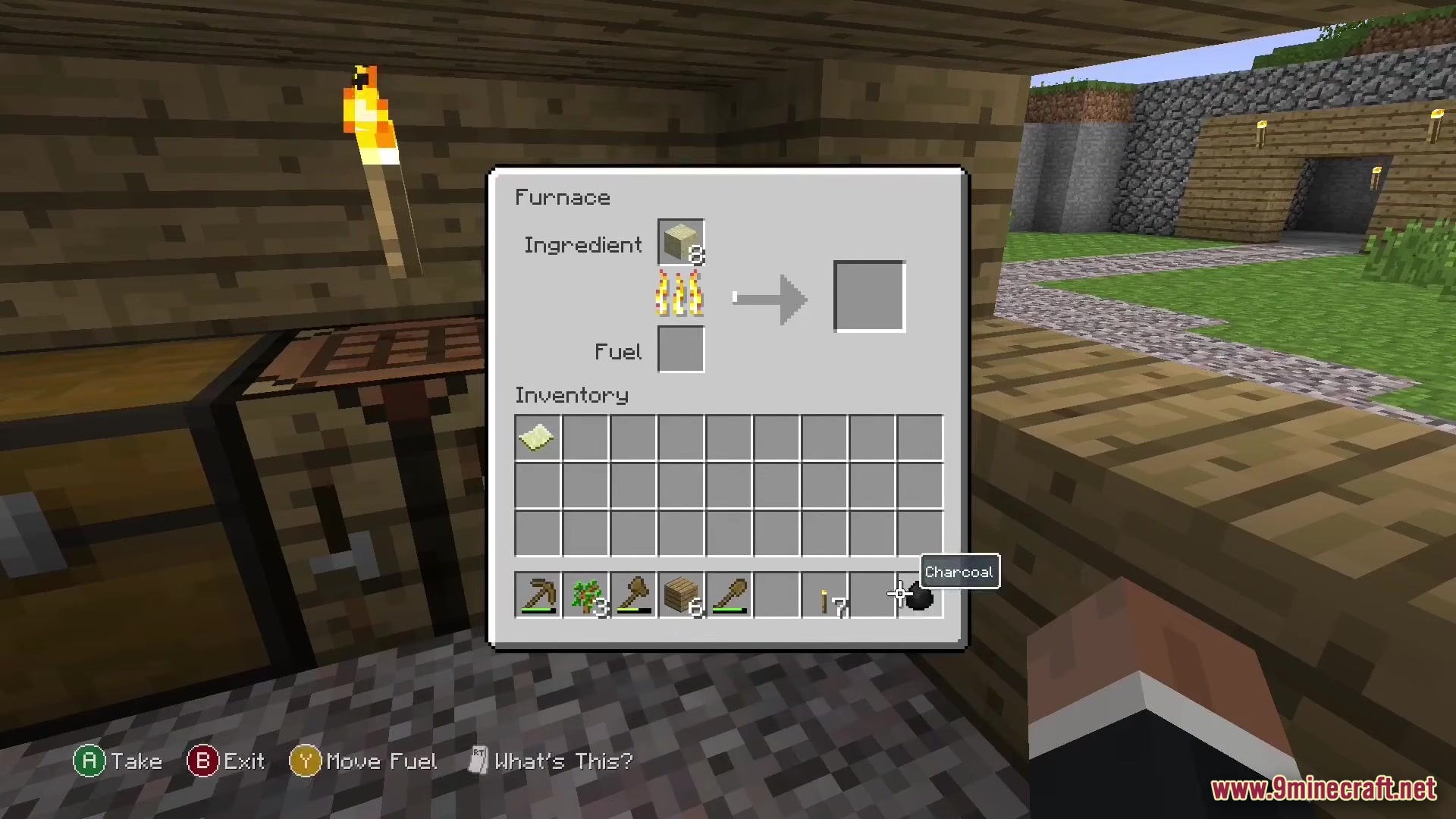
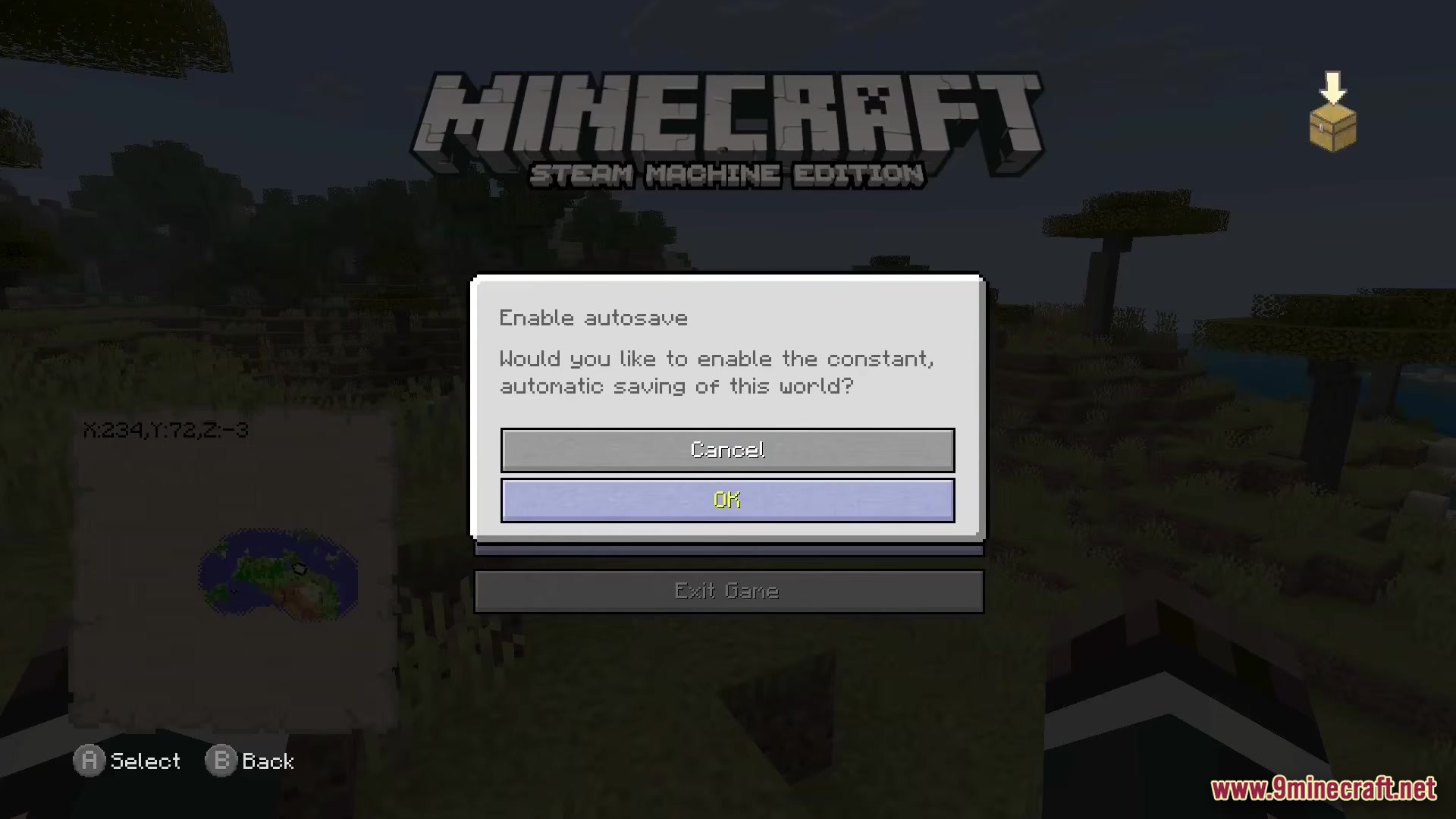
Re-Console Modpack brings the classic console style back to modern Minecraft. It adds the old menus, crafting screens, and controller support you remember from older consoles. You get to play with the classic textures while keeping all the new blocks and items from recent game updates. The pack also includes fun mini-games like Glide and lets you play in limited worlds.
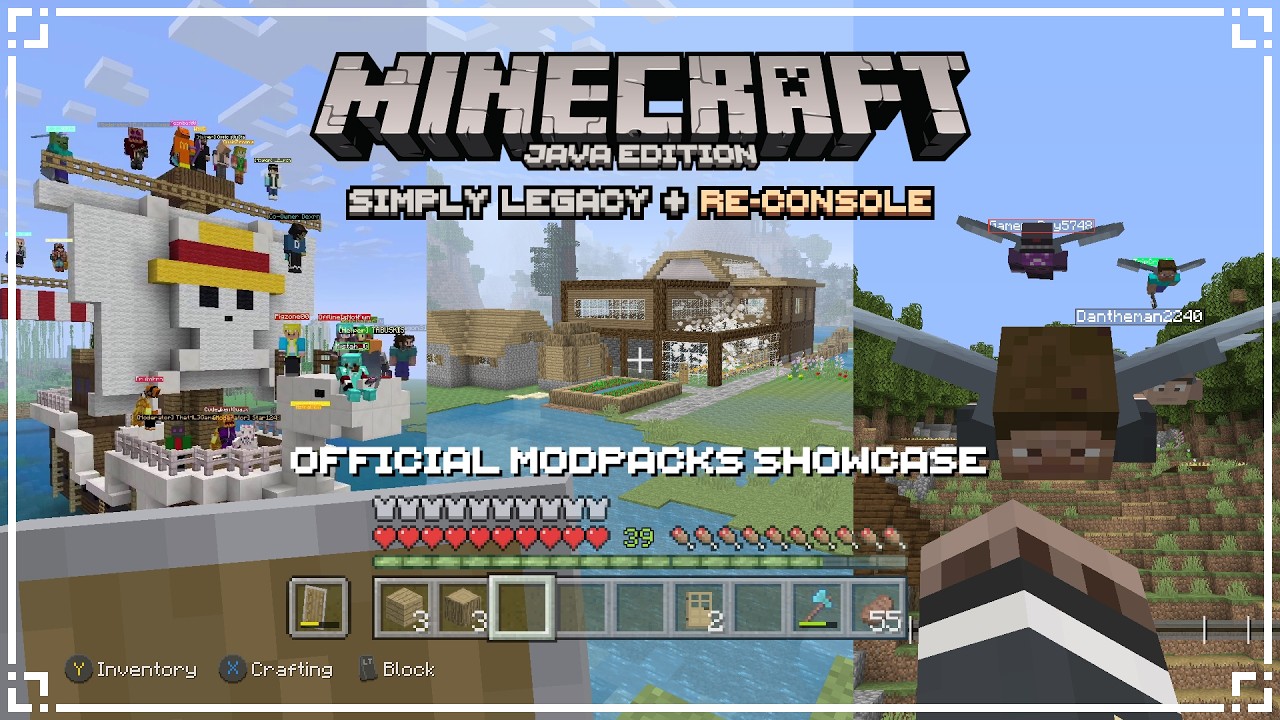
Features:
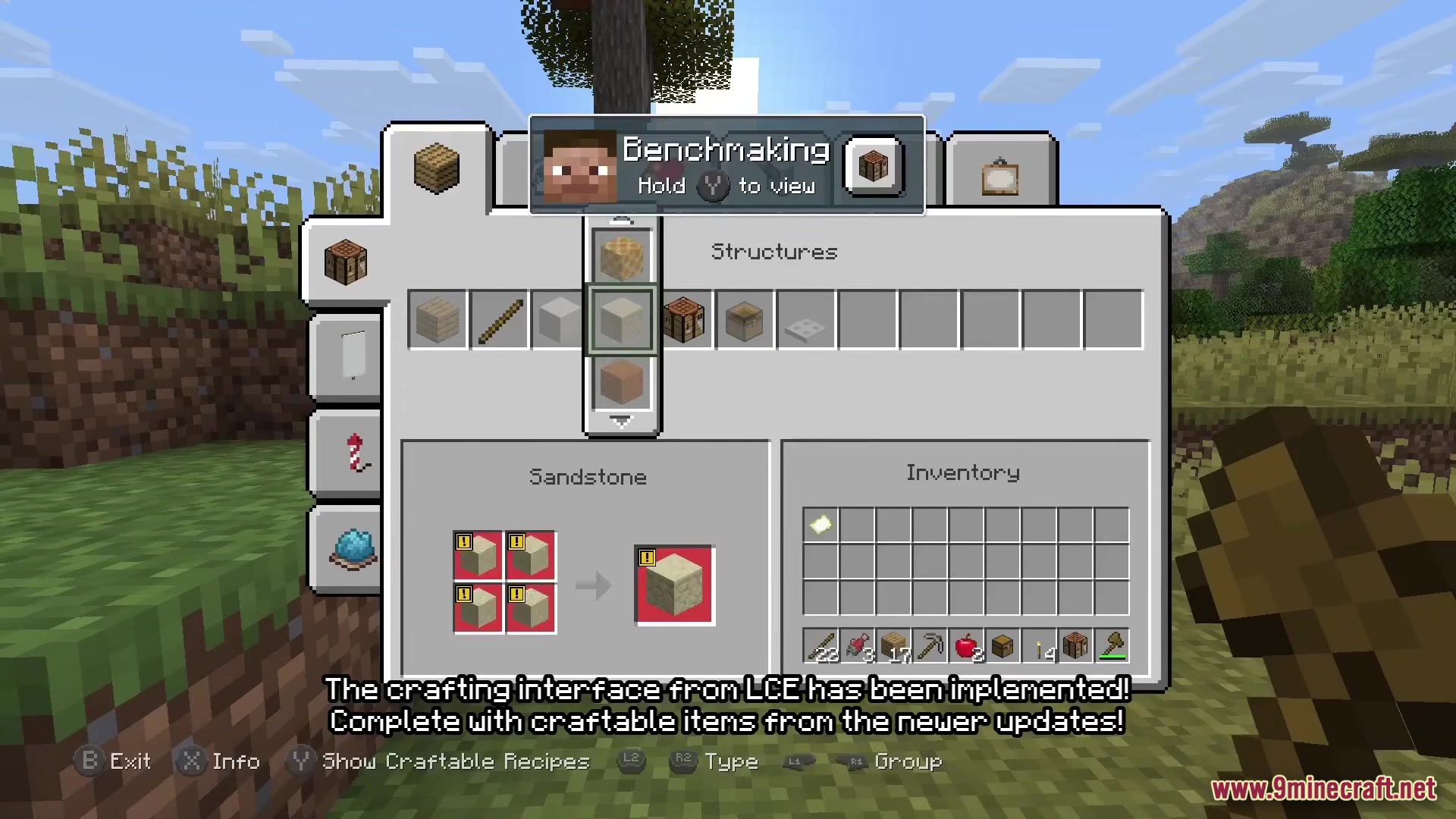
- Classic Menus: Changes the crafting screen, settings, and inventory to look exactly like the old console games.
- Controller Ready: Lets you plug in a controller and play right away without needing extra setup.
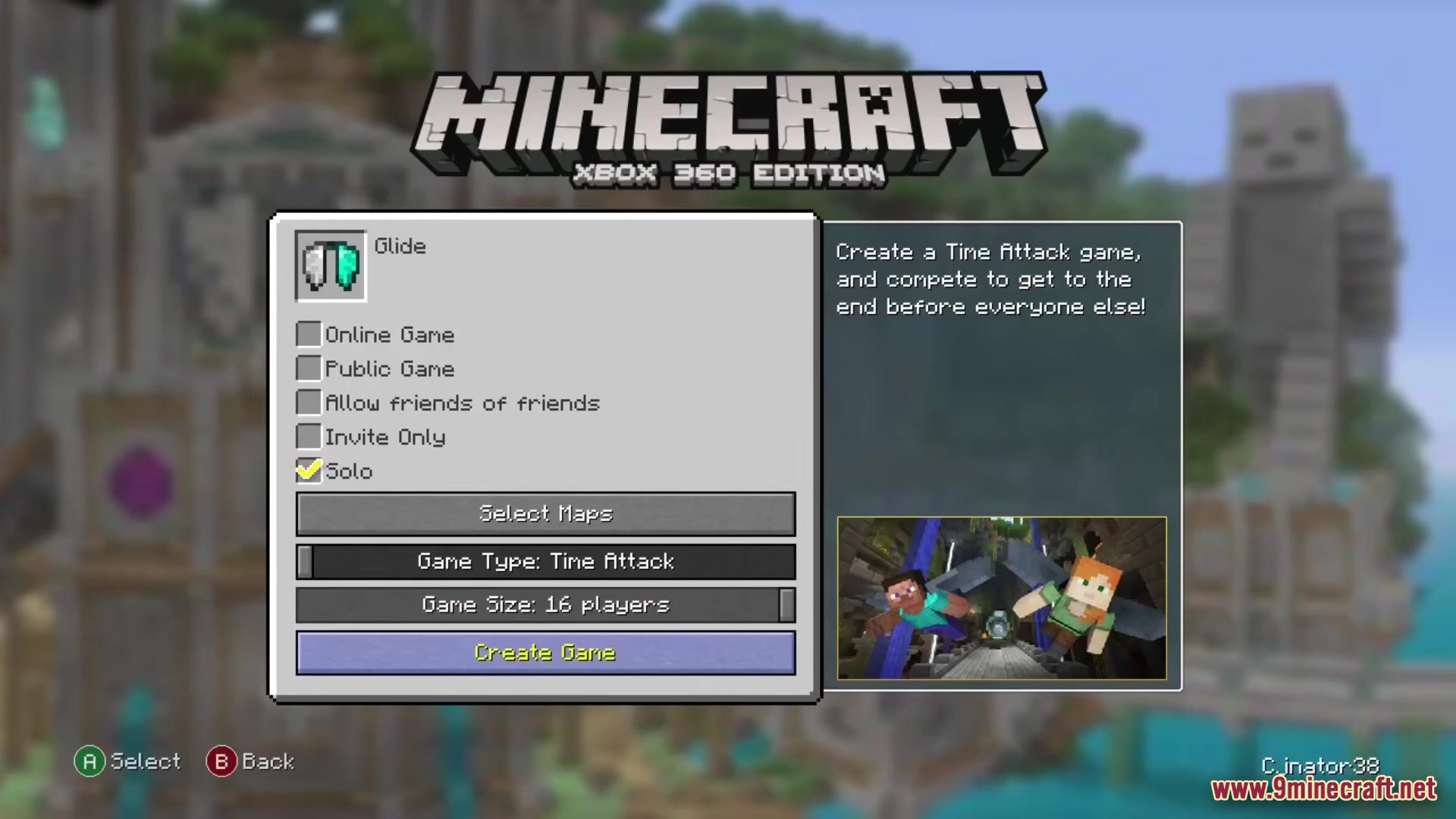
- Adds classic mini-games like Glide and Fistfight for you to play with friends.
- Brings back mash-up worlds and skin packs from the older console days.
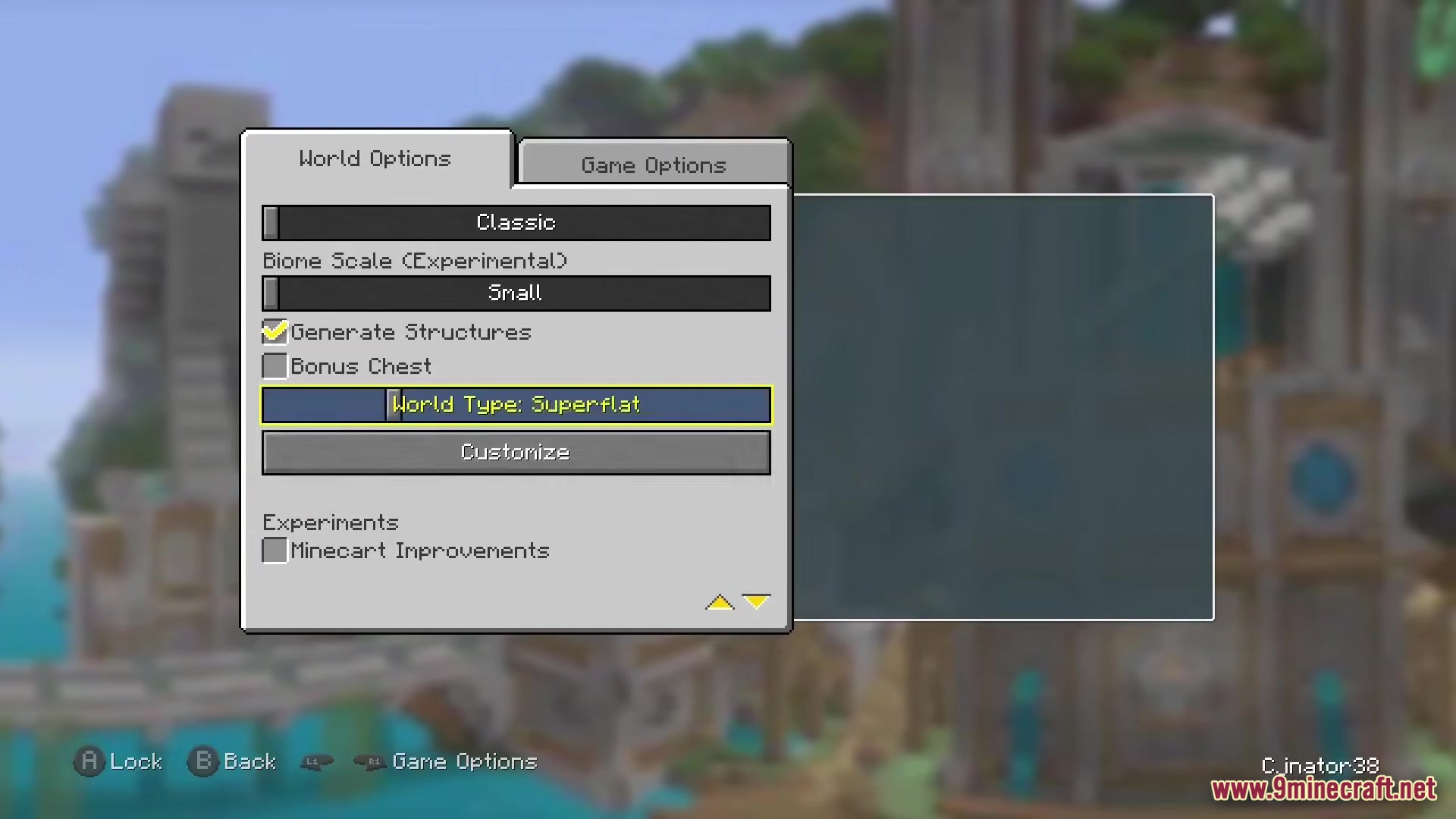
- Includes limited world sizes if you want a smaller map to explore.
- Gives you better graphics options like moving lights, zooming, and nice-looking grass.
- Packs in shaders to make your world look bright and colorful.
- Lets you build faster with bedrock-style bridging where you place blocks in front of you.
- Allows you to host worlds easily so your friends can join you online.
How to Play:
- Connect your favorite controller before you start the game.
- Open the world creation menu to choose between normal maps or classic limited worlds.
- Use the shoulder buttons on your controller to move through the new crafting tabs.
- Select the mini-games option from the main menu to jump into a round of Glide.
Screenshots:
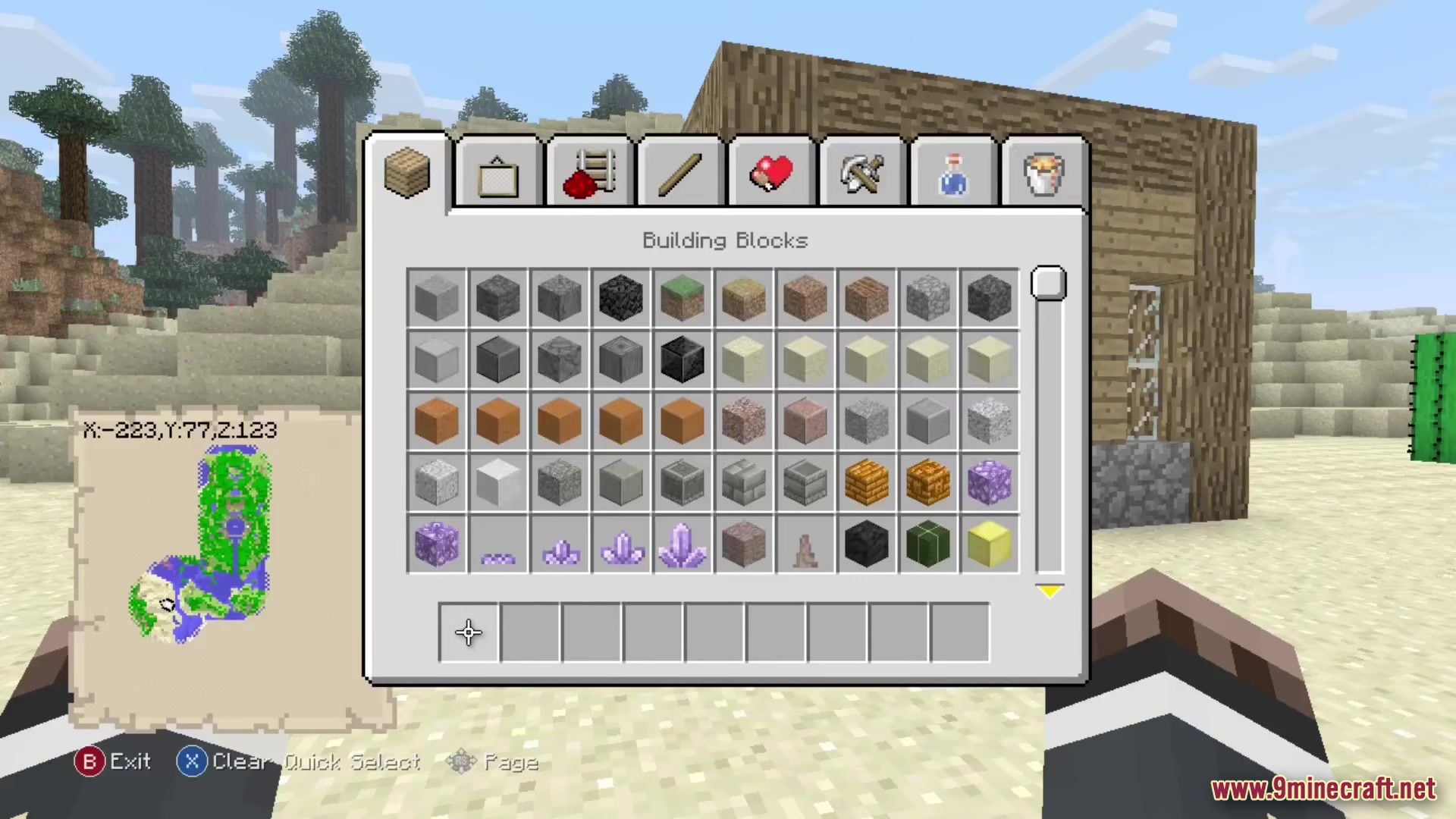
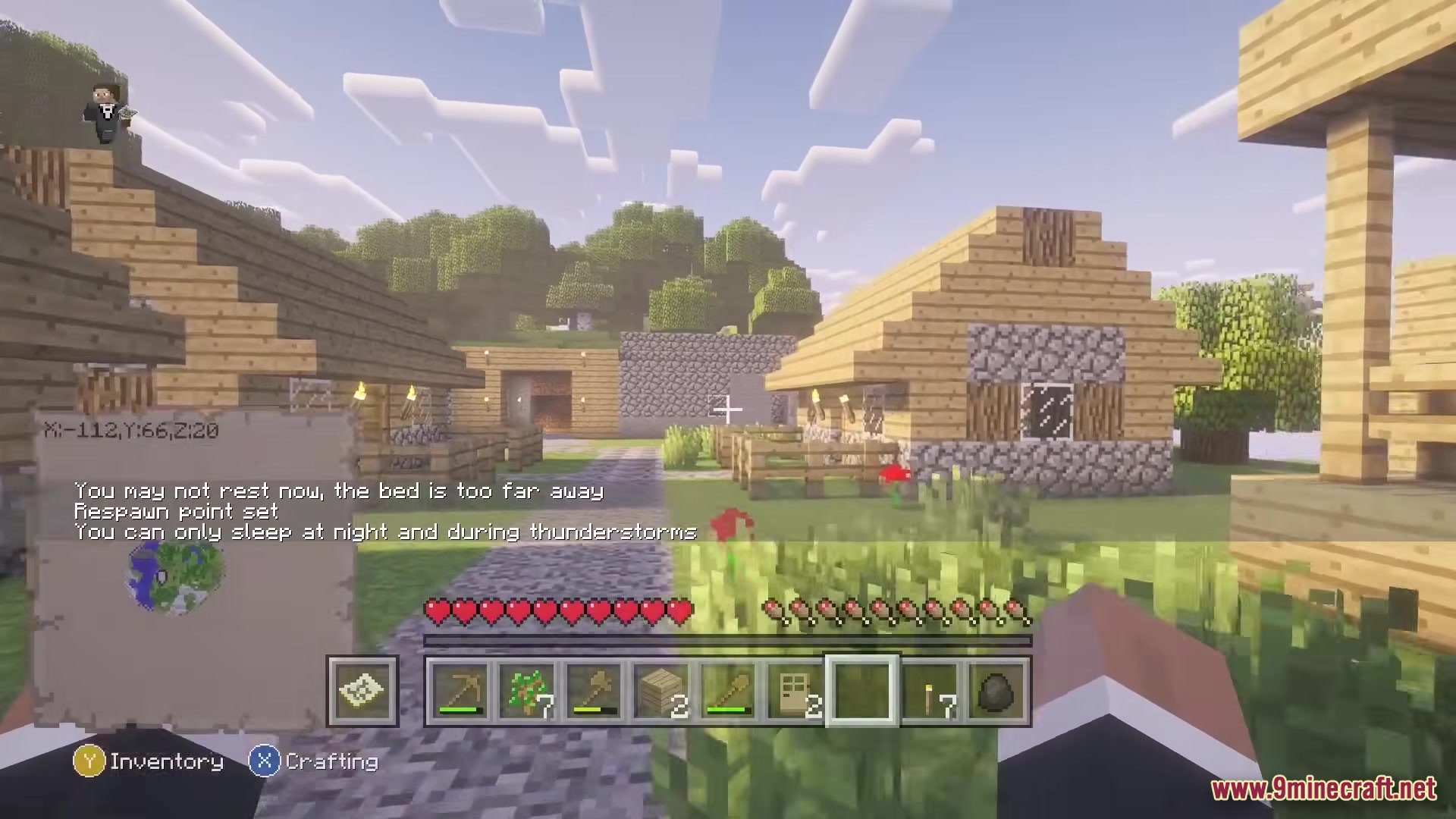
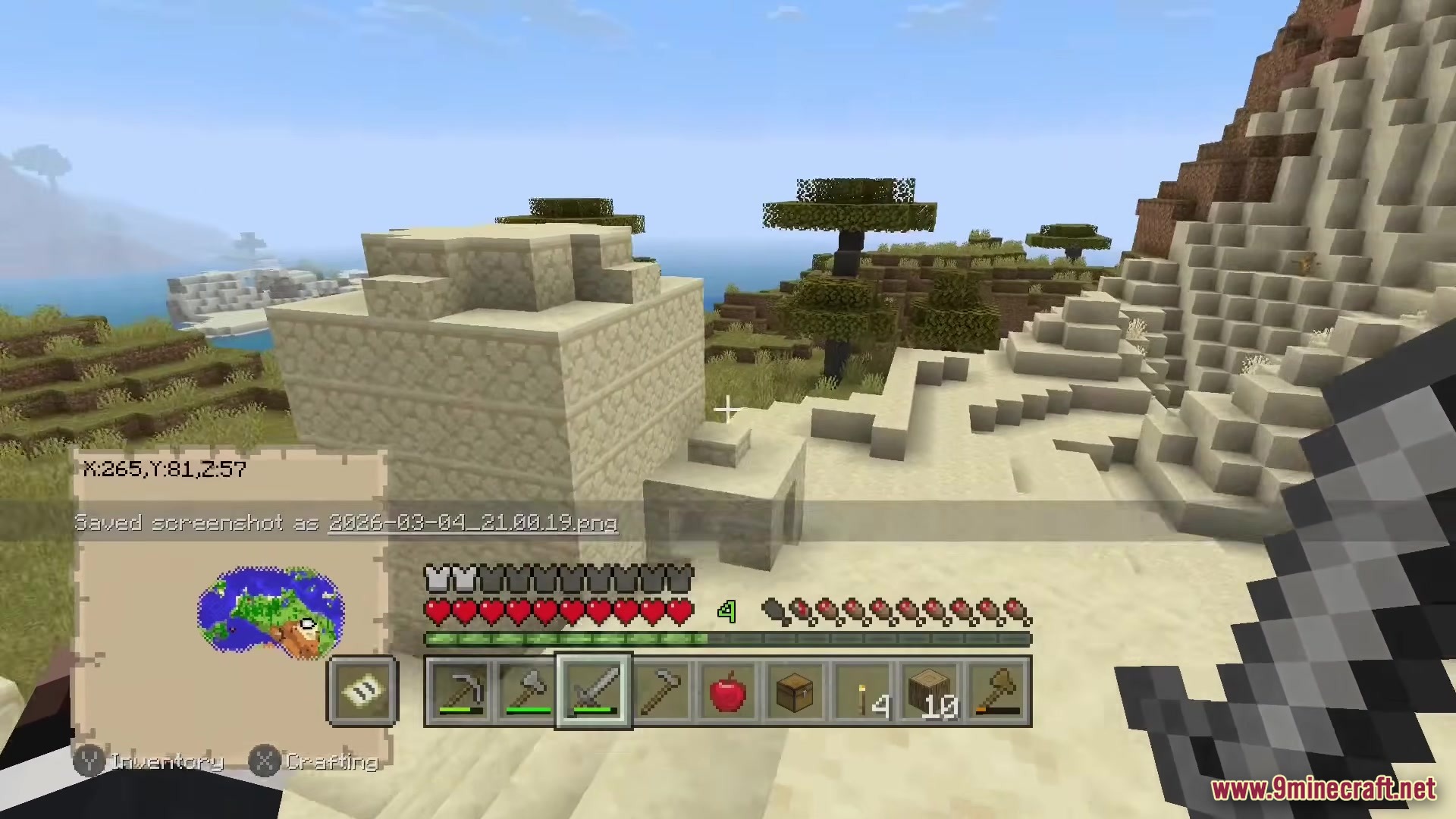
How to Install:
New to Minecraft? Follow our step-by-step guide to install Modpacks on your PC.View Guide
Re-Console Modpack Download Links
For Minecraft 26.2
For Minecraft 26.1.2
For Minecraft 1.21.10
For Minecraft 1.21.8
For Minecraft 1.21.5
For Minecraft 1.21.4
For Minecraft 1.21.1
For Minecraft 1.20.1
Click to rate this post!
[Total: 1 Average: 5]
QUICK MINECRAFT SURVEY · ONE TAP
Mods & Modpacks
How often do you play pre-made modpacks instead of making your own?
42 responses · See the full results →
You May Also Like
Picked for this page
 OptiFabric Modpack (26.3, 1.20.1) – OptiFine Features But More Optimized
 Boosted FPS Modpack (26.2, 1.20.1) – Making Your Game Run Better and Faster
 Simply Optimized Modpack (1.21.11, 1.20.1) – Better Than Fabulously Optimized
 Remarkably Optimized Modpack (26.2, 1.20.1) – Get Insane FPS in Minecraft
 Immersed With Shaders Modpack (26.3, 1.20.1) – Quality of Life for Minecraft
 The Vanilla Experience Modpack (26.3, 1.20.1) – Ultimate Improvements
 OptiFine Modpack (26.2, 1.20.1) – Ultimate OptiFine Mod Alternative
 OptiFine Alternative Modpack (26.2, 1.20.1) – Experience High Performance
 Distant Horizons + Iris Shaders Modpack (26.2, 1.20.1) – Minecraft is Like The Real World
 Best Vanilla World 2 Modpack (26.1.2, 1.21.1) – Quest-Driven Vanilla
 Spunky Optimized Modpack (26.1.2, 1.20.1) – Boost Your FPS
 Restless Horizons Modpack (1.20.1) – Modern RLCraft
Most viewed in Modpacks over the last 7 days
 ZombieMania Modpack (1.20.1) – Brutal Cold Apocalypse Survival
 Action & Stuff On Java Modpack (1.21.11, 1.20.1) – Java Gets Animated
 NightfallCraft The Casket of Reveries Modpack (1.20.1) – Epic Fight Story RPG
 Linggango Modpack (1.20.1) – Terraria-inspired Boss-locked Progression
 Cobbleverse Modpack (1.21.1, 1.21) – Catch 1025 Pokemon & Battle Gyms
 DeceasedCraft Modpack (1.20.1, 1.18.2) – Modern Zombie Apocalypse
 Omnicraft Ben 10 Modpack (1.20.1) – Craft the Omnitrix and Turn Into Aliens
 Ascendra Modpack (1.20.1) – The Ultimate Endgame Adventure
 Beyond Depth Modpack (1.20.1, 1.20) – Tough Bosses & New Dimensions
 Aqua Jujutsu Kaisen Cursed Fate Modpack (1.20.1) – Master Cursed Sorcery And Dungeons
 RLCraft Modpack (1.12.2) – A New World That Immerses You
 Otherworld Modpack (1.20.1) – Fantasy RPG Story
More from Modpacks
 TNP Limitless 8 LL8 Modpack (1.21.1) – Huge Quests And Endless Adventures
 Project Infinity 0.1 Modpack (1.20.1) – Modern Skyblock Automation And Magic
 Epic Shaders All The Shaders Modpack (1.20.4) – Hundreds Of Gorgeous Visual Styles
 All Of Create Aeronautics Modpack (1.21.1) – Build And Fly Moving Machines
 Create Ultimate Selection Create Quests Create Addons Modpack (1.20.1) – Build Massive Automated Factories
 The Dark Fantasy Modpack (1.20.1) – Grim Medieval Action And Dungeons
 Changed Modpack (1.20.1) – Survive The Hostile Latex Infection
 Apocalypse Begins Modpack (1.20.1) – Survive The Infected City Ruins
 Impostor Syndrome Modpack (1.20.1) – Master Huge Tech And Magic
 Keo Vanilla Modpack (1.21.11) – Cleaner Visuals For Classic Gameplay
 I Heard It Too.JAR Modpack (1.20.1) – Survive Dangerous Stalkers In Darkness
 Hydrogen Modpack (26.3, 1.20.1) – Smoother Minecraft

This post has no comments yet. Be the first — your comment will appear here.