


Integrated Villages Configuration Data Pack (1.21.1, 1.20.1)
 0
0
 0
0


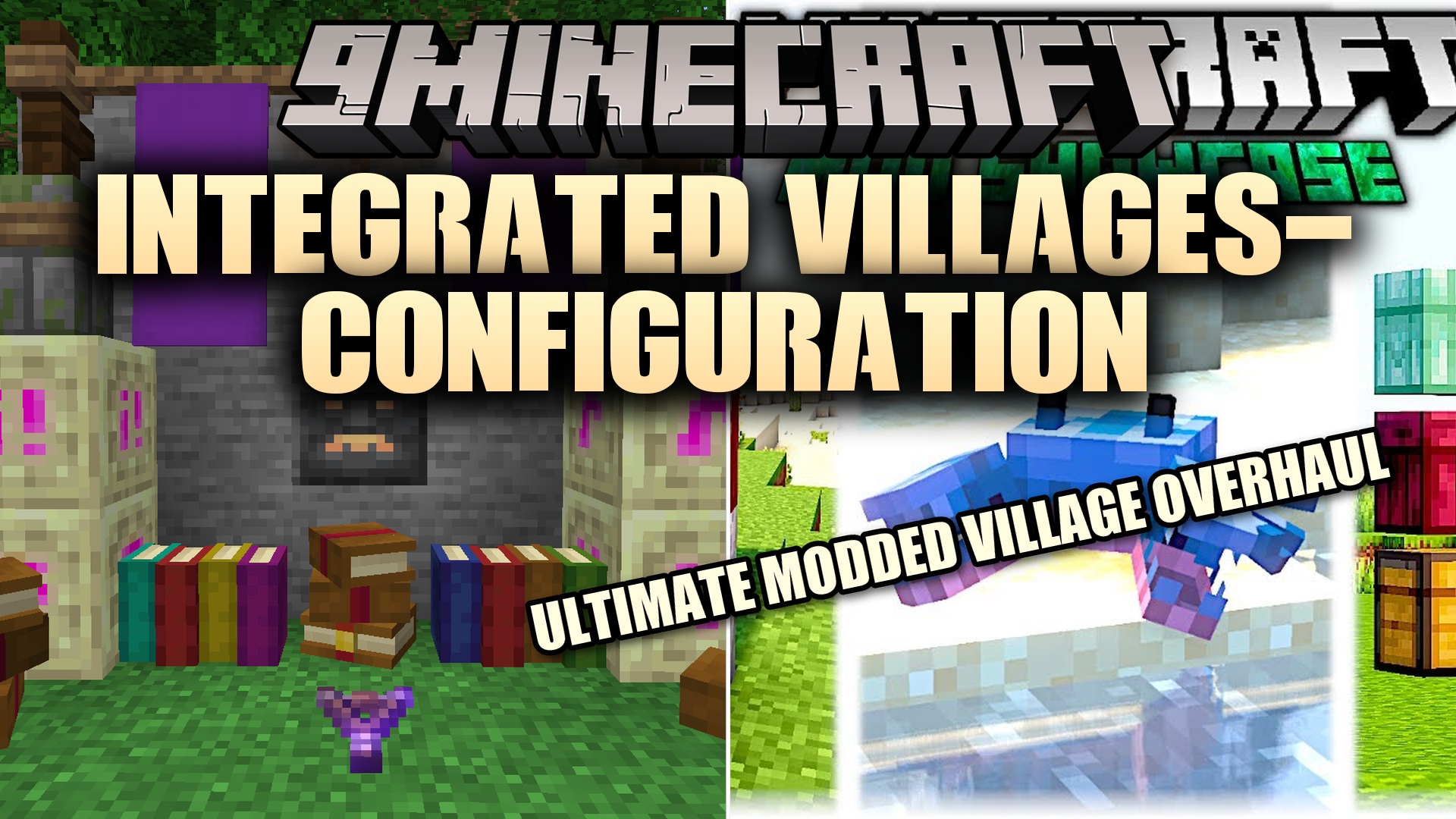
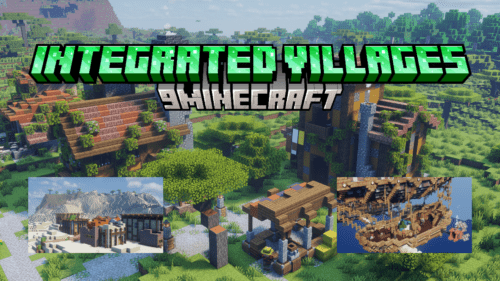
Integrated Villages Configuration Data Pack manages the settings for the main Integrated Villages mod. It gives you control over how those massive, detailed settlements appear in your world. The parent mod fills towns with traps, puzzles, and items from other add-ons. This pack simply lets you decide where those towns belong and how often you find them. You must have the original mod installed for this to do anything.
Features:
- Spawn Control: Lets you change how often the new towns appear in your world.
- Biome Choices: Allows you to pick exactly which biomes can grow these large settlements.
- Acts as a control panel for the main village overhaul mod.
- You can set the average distance between every town generation attempt.
- Stops towns from generating too close to each other by setting a minimum chunk limit.
Configuration:
spacing: Sets the average distance between two towns. Pick a number between 0 and 4096.separation: Sets the minimum distance in chunks between towns. This number must be smaller than the spacing value.tags/worldgen/biome/has_structure: Edit the files in this folder to choose which biomes allow the towns to spawn.
How to Use:
- Open the pack files and find the structures set file to change spawn rates.
- Change the spacing value to make towns appear more or less often.
- Adjust the separation value to keep towns from crowding each other.
- Open the biome tags folder to add or remove biomes from the spawn list.
- Save your text files before starting your game.
How to Install:
New to Minecraft? Follow our step-by-step guide to install Data Packs on your PC.View Guide
Requirements:
Integrated Villages Configuration Data Pack Download Links
For Minecraft 1.21.1, 1.21
For Minecraft 1.20.1, 1.20
Click to rate this post!
[Total: 0 Average: 0]
You May Also Like

This post has no comments yet. Be the first — your comment will appear here.