


Connected Textures 9minecraft Mod (26.2, 1.21.11) – Build Without Grid Lines
 386
386
 0
0


🌐 Good news — we've translated this article into other languages!
Or pick the one you like:
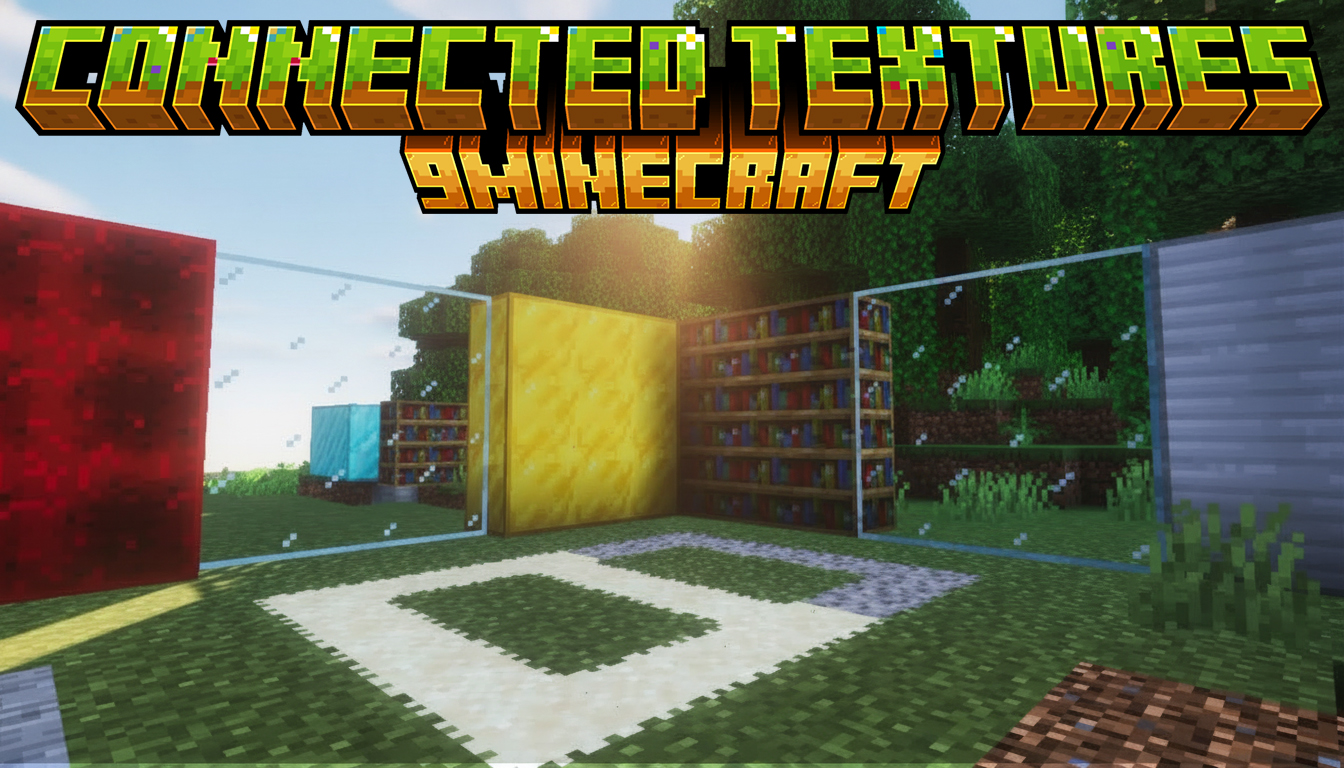
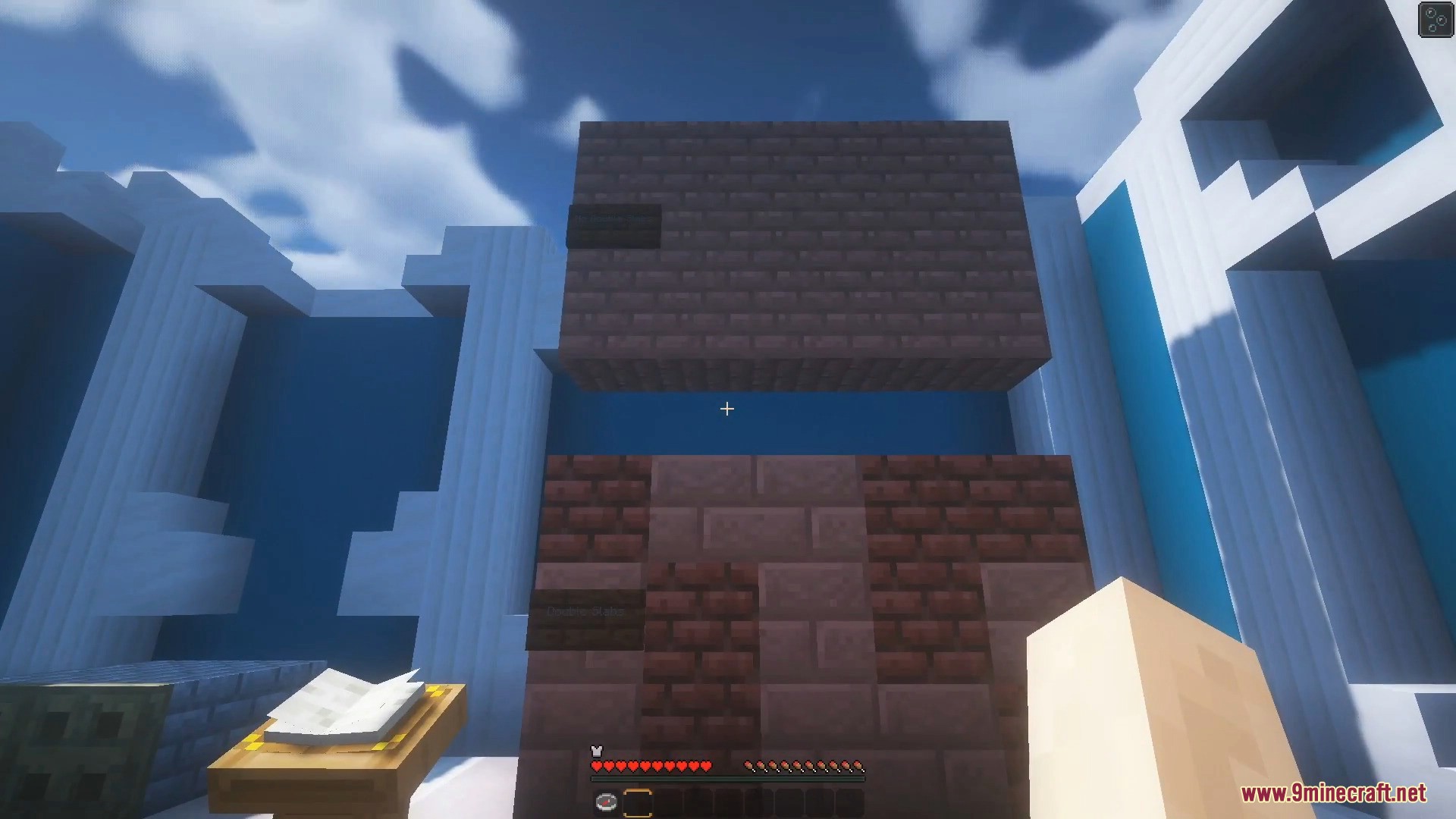
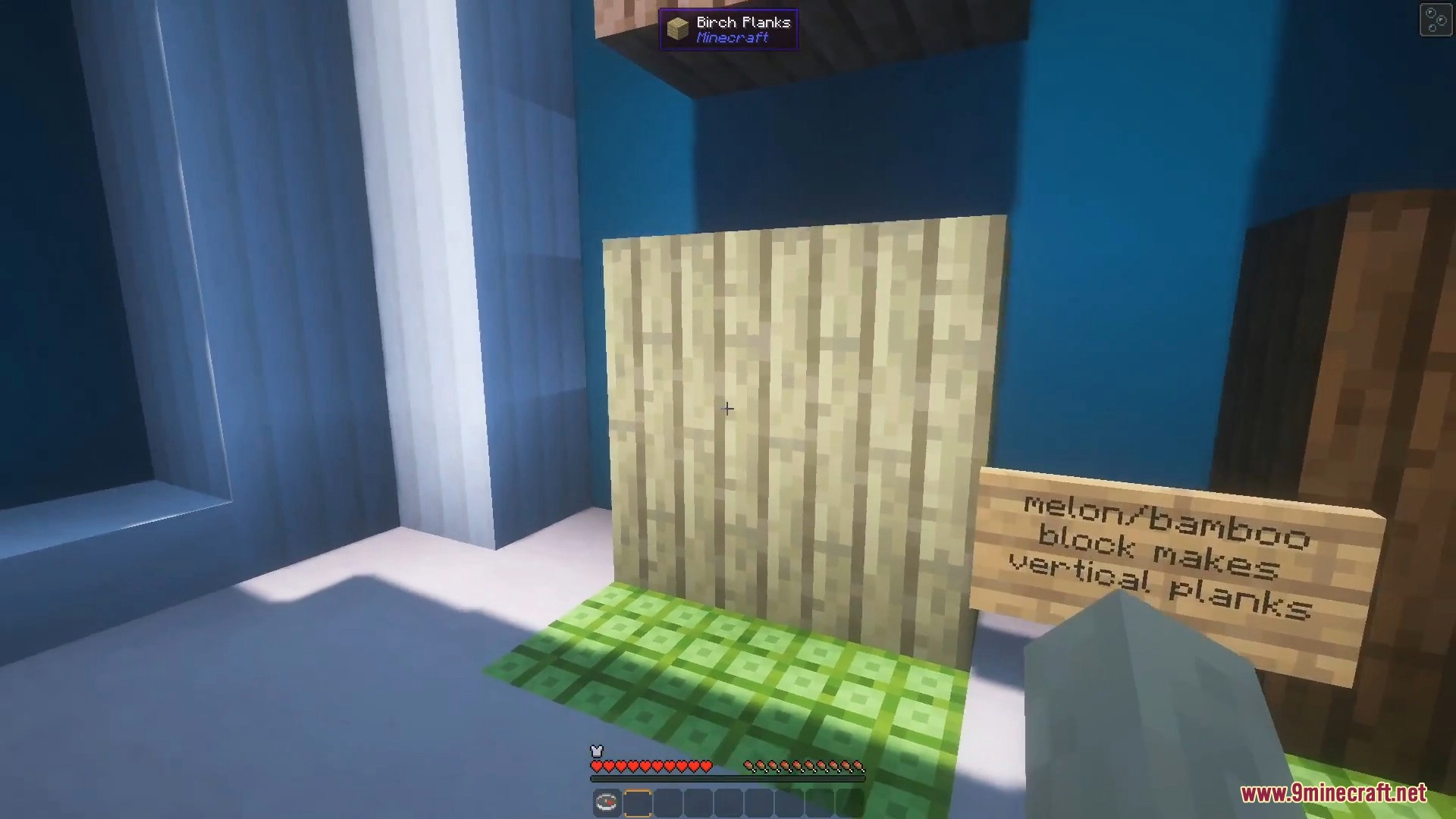
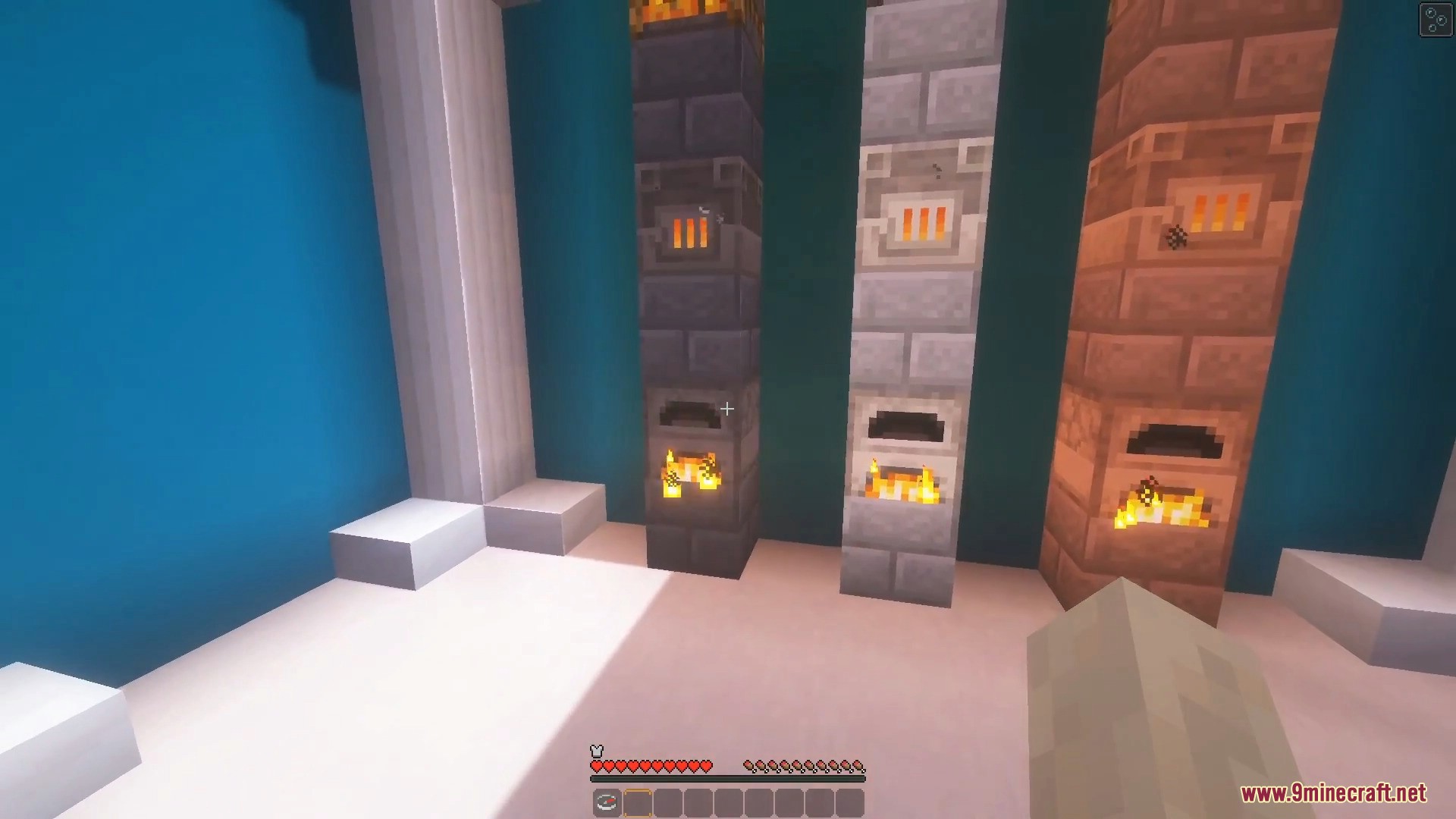
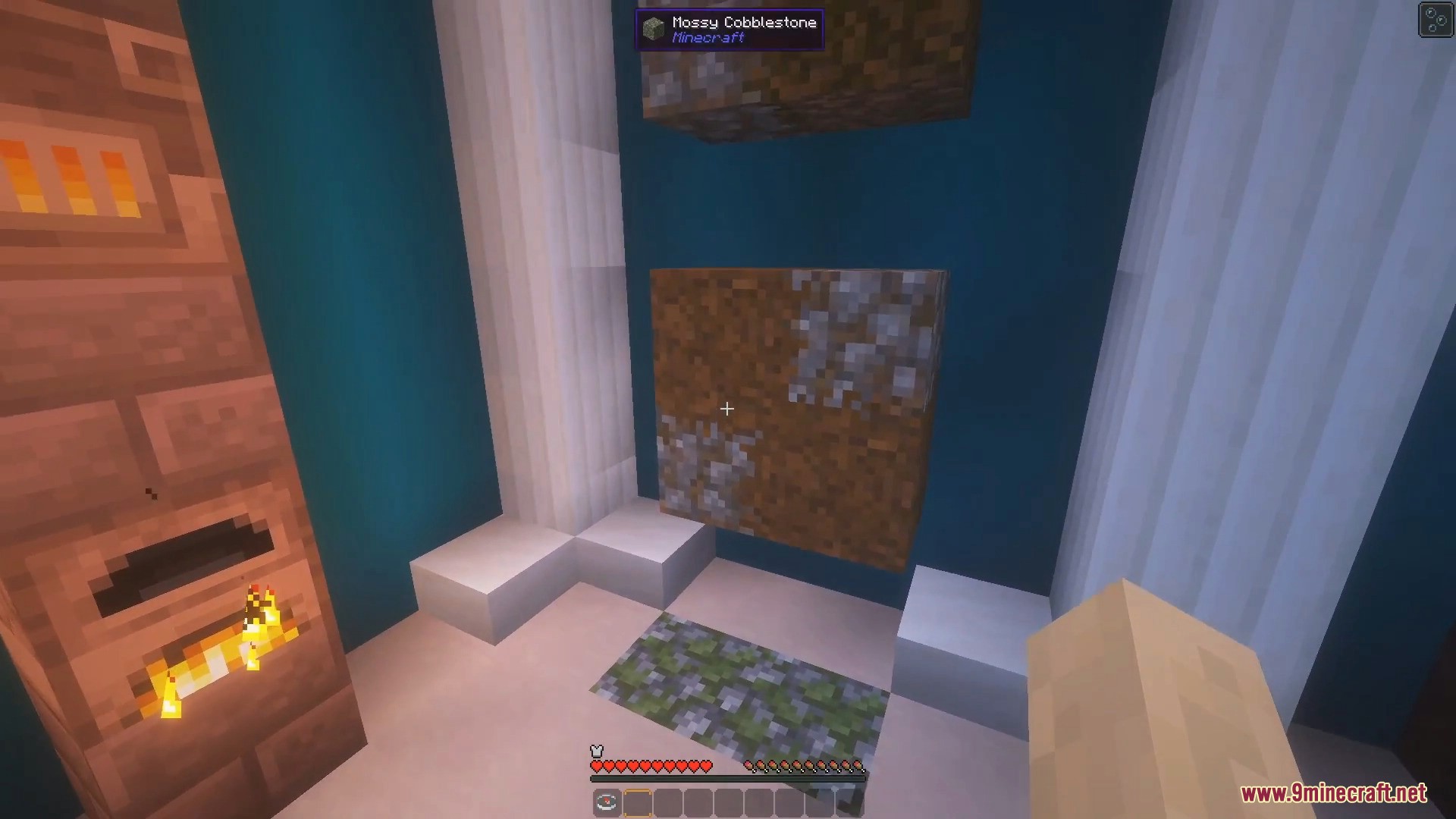
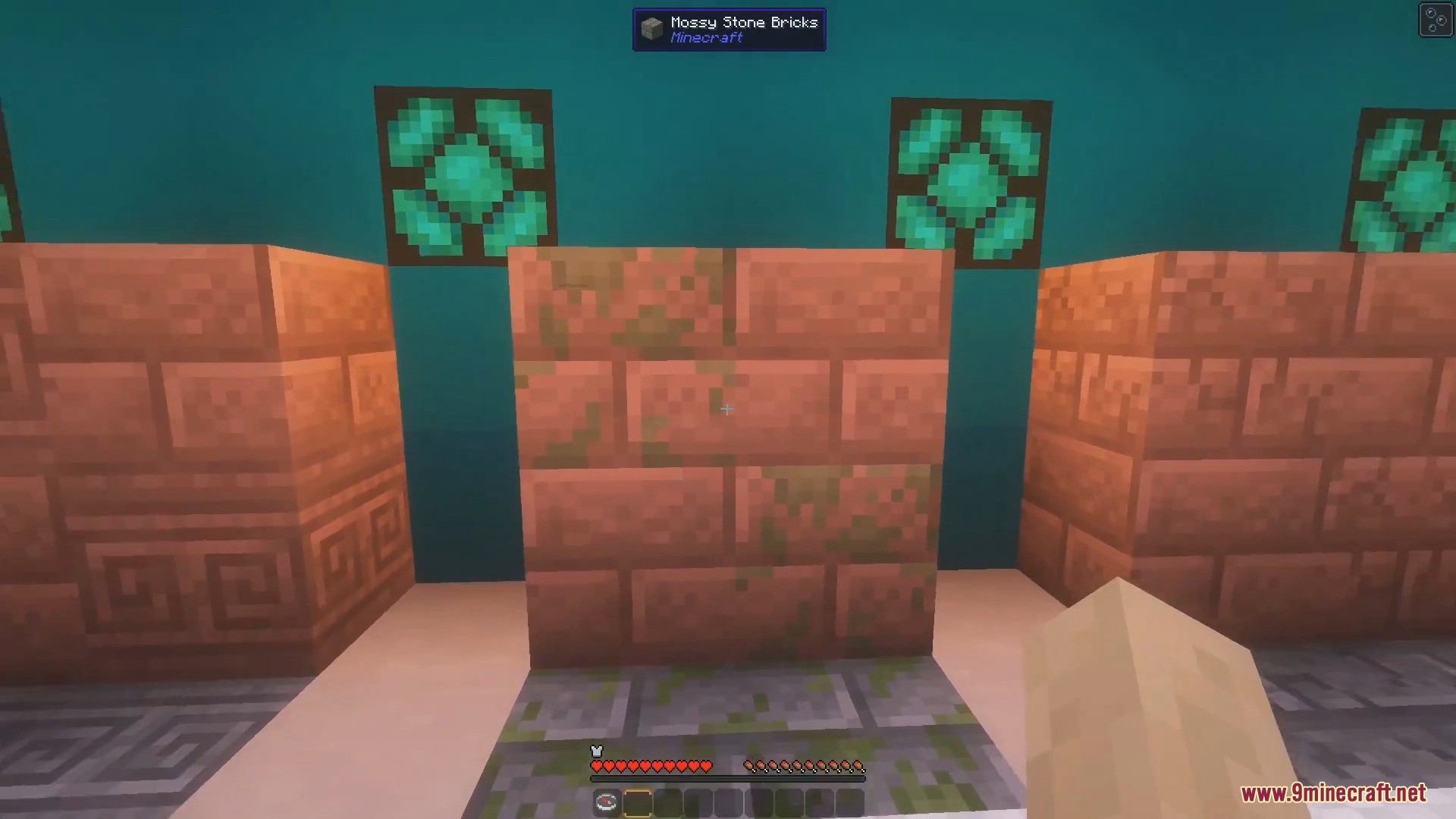
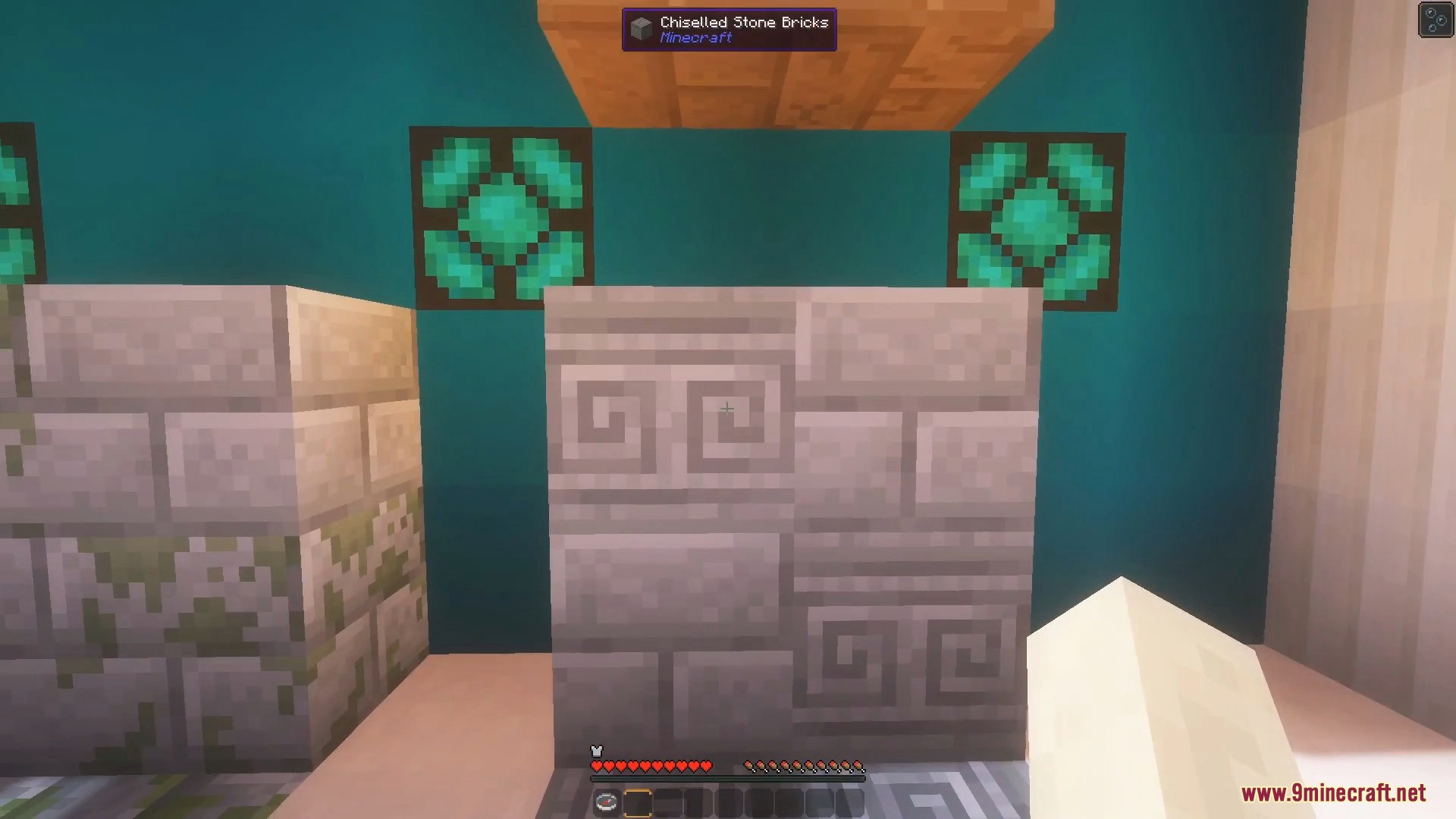
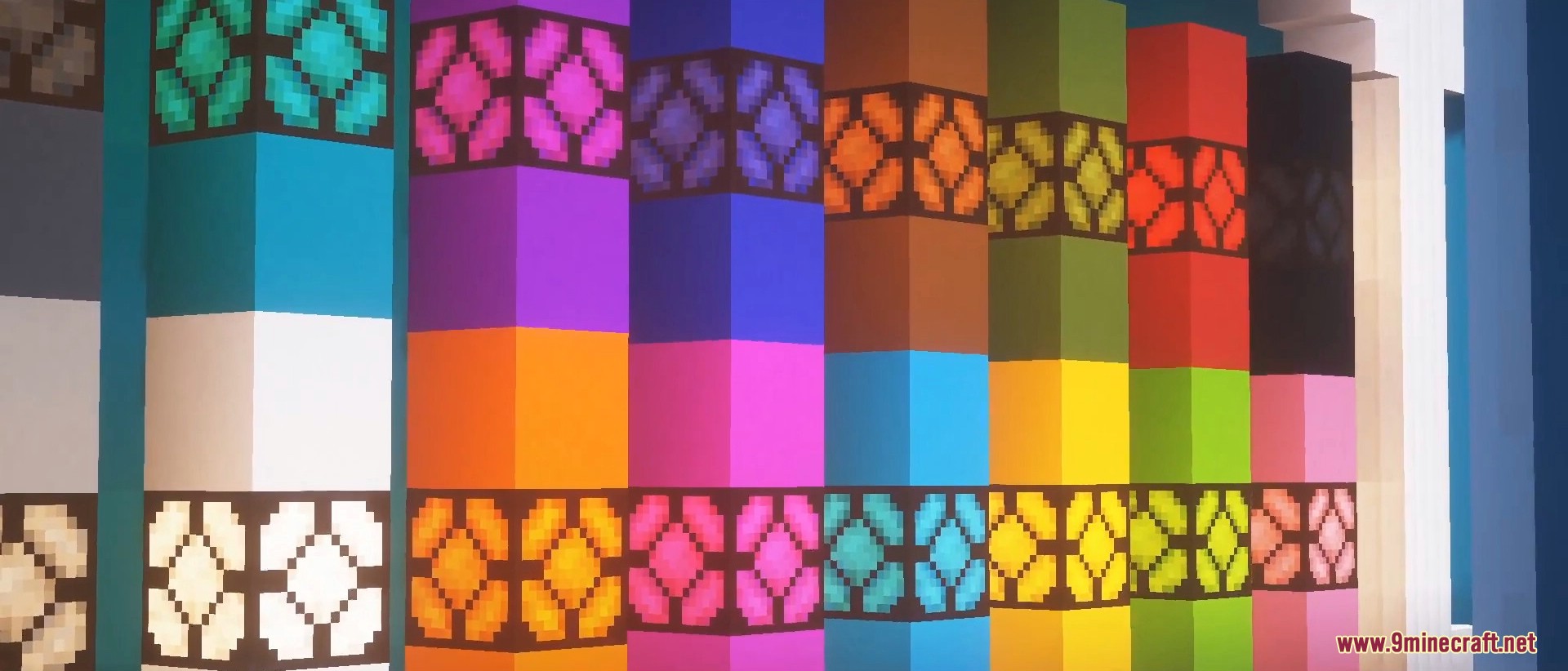
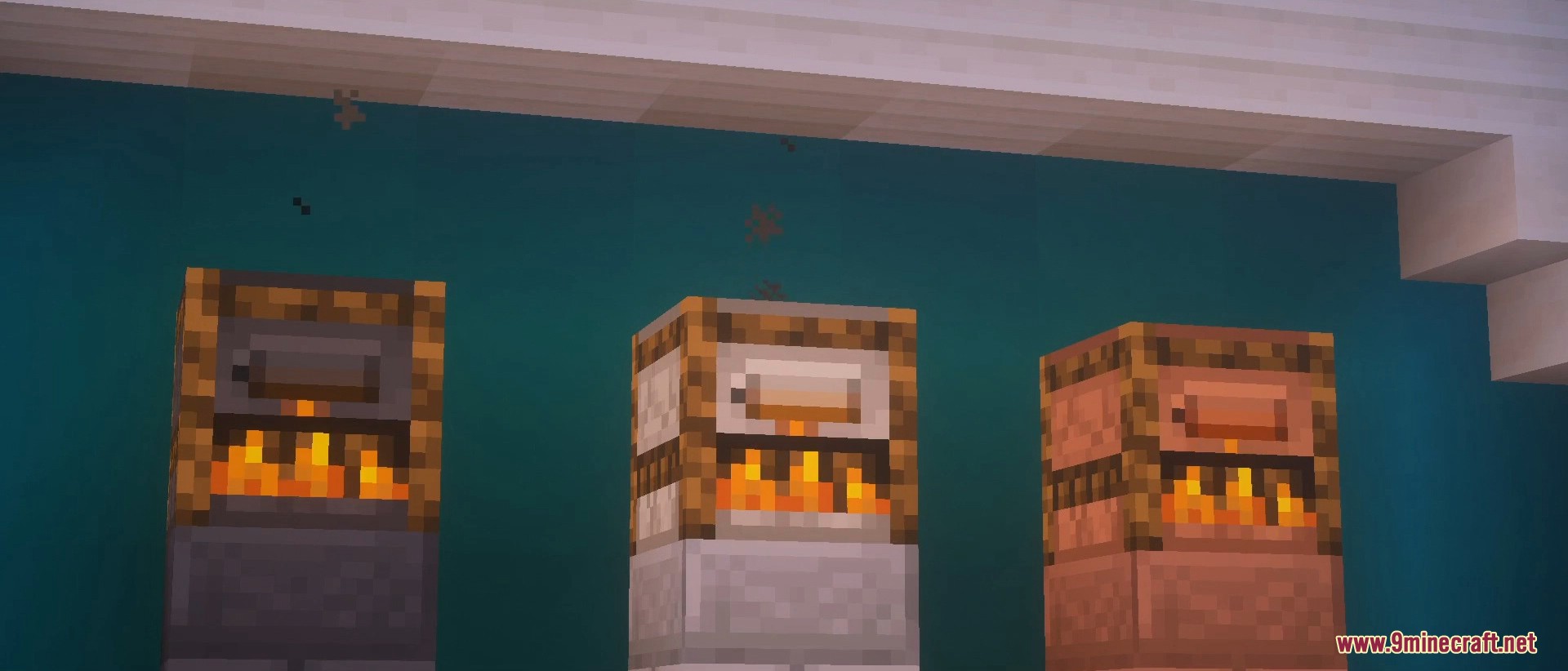
Connected Textures 9minecraft Mod cleans up the look of your building blocks. It makes items like glass, bookshelves, and sandstone blend together without those annoying grid lines in the middle. This mod changes only how things look on your screen, so you can play with it safely on normal multiplayer servers.
Features:
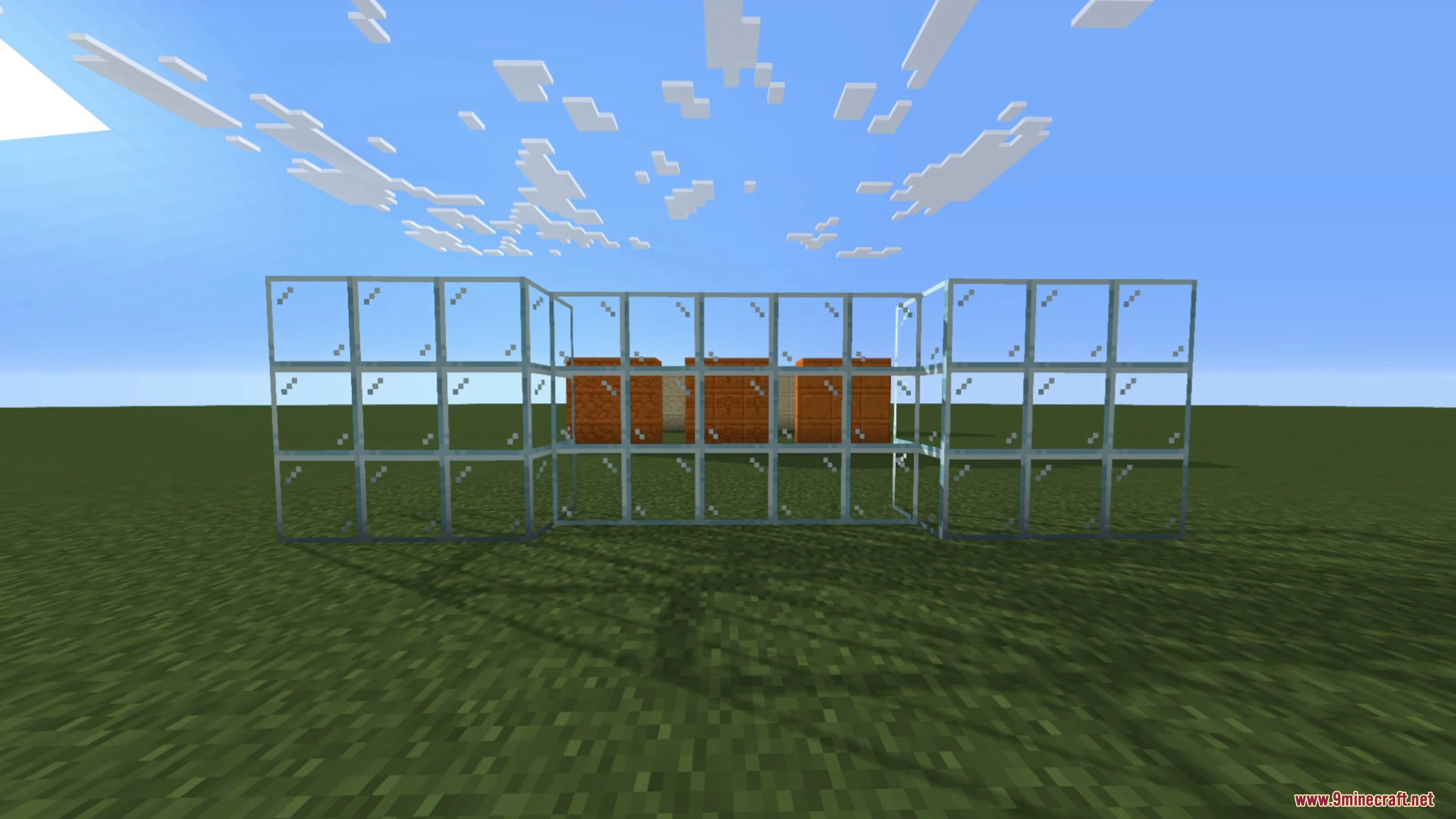
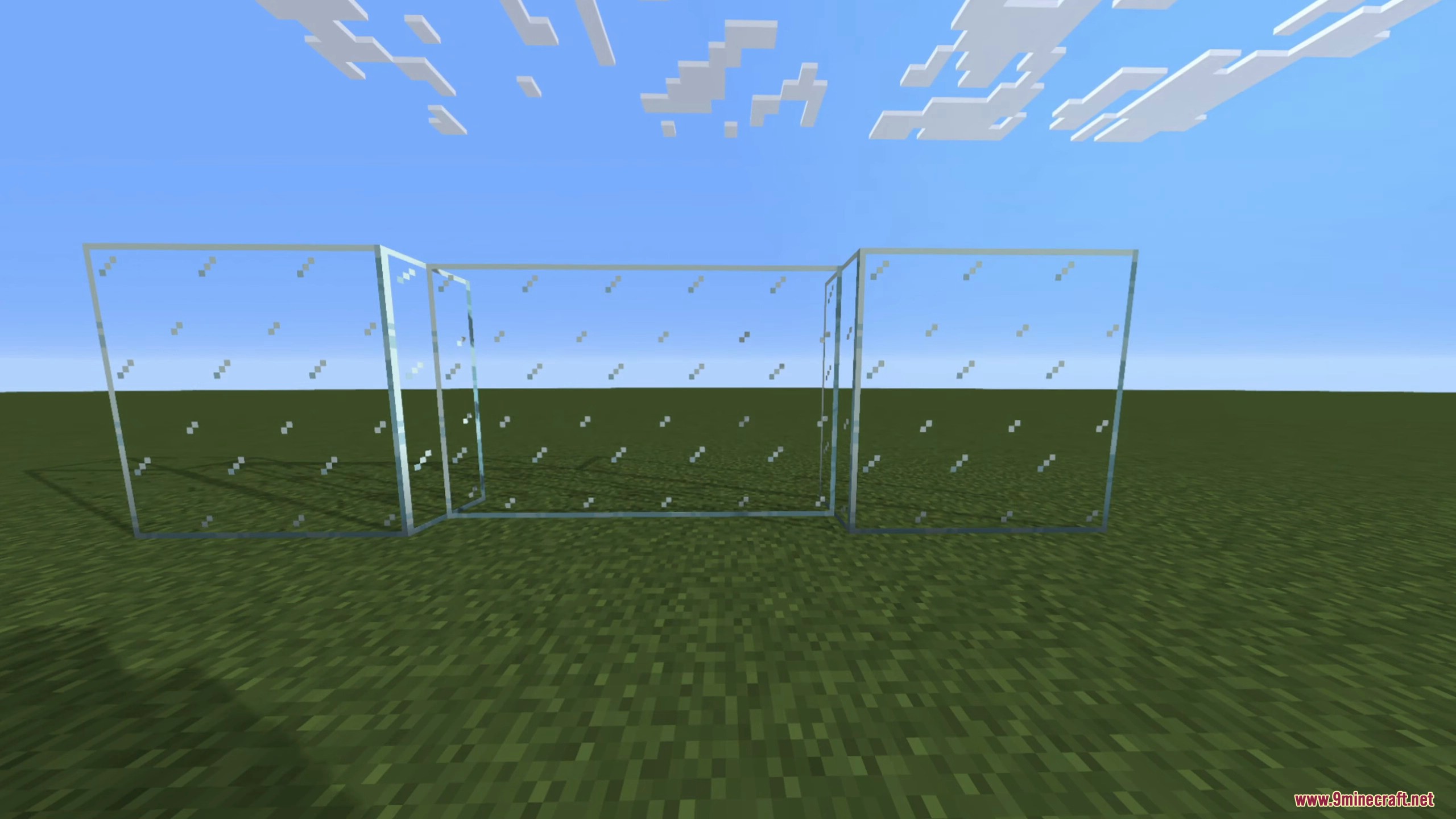
- No More Grids: Removes the borders between identical blocks so they look like one large piece.
- Works on servers because it only changes the graphics on your own screen.
- Reads special files from your resource packs to know exactly how blocks should connect.
- Includes different connection styles like horizontal, vertical, top, and edge borders.
- Lets you turn the effect on or off using a simple in-game menu.
- Adds an option to control how inside corners connect to each other.
How to Use:
- Add a resource pack that has connected textures built in.
- Place blocks like glass or sandstone next to each other to see them blend.
- Open the in-game menu to find the mod settings.
- Turn the effect off or change the inside corner settings right from the menu.
Screenshots:
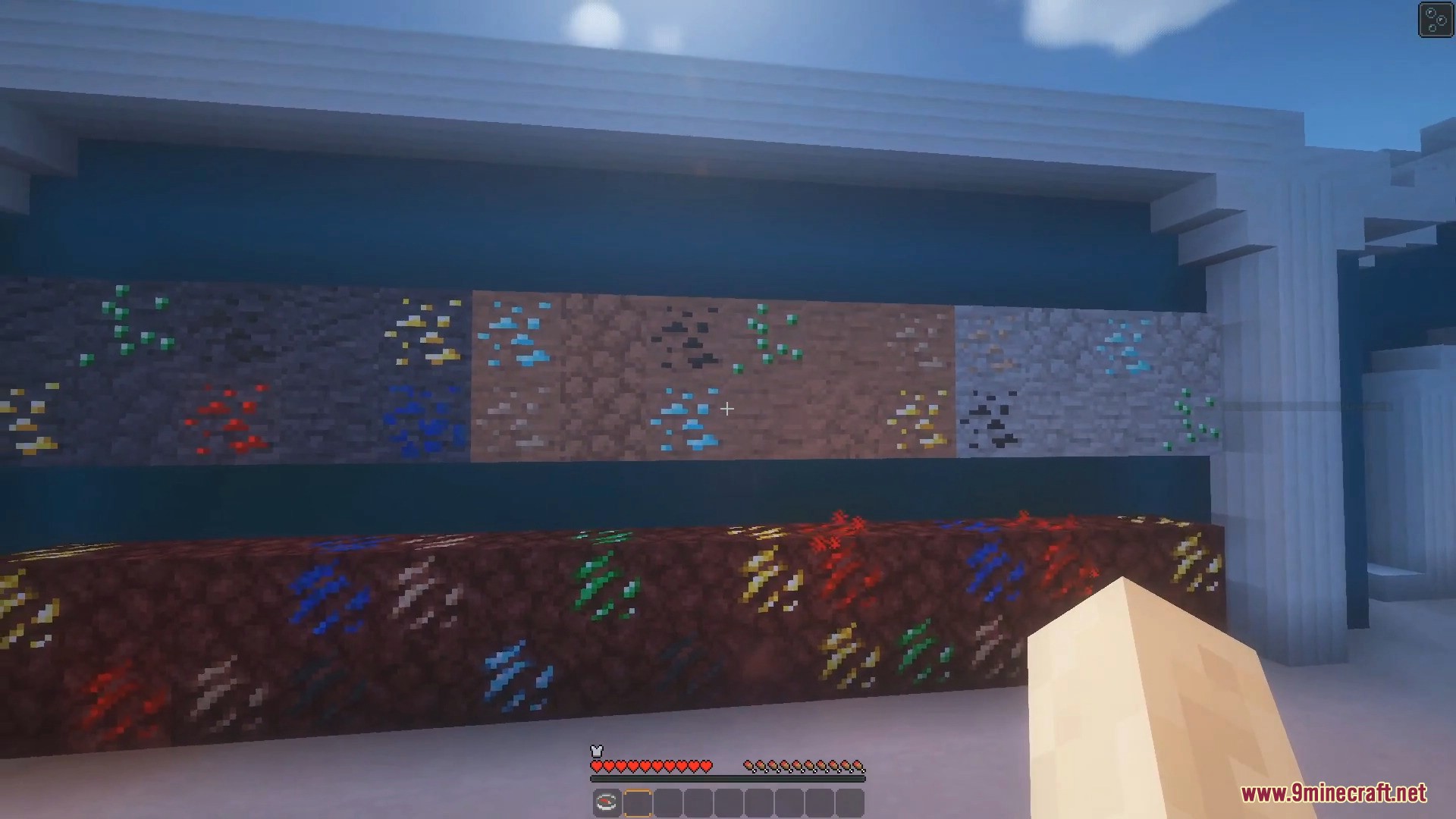
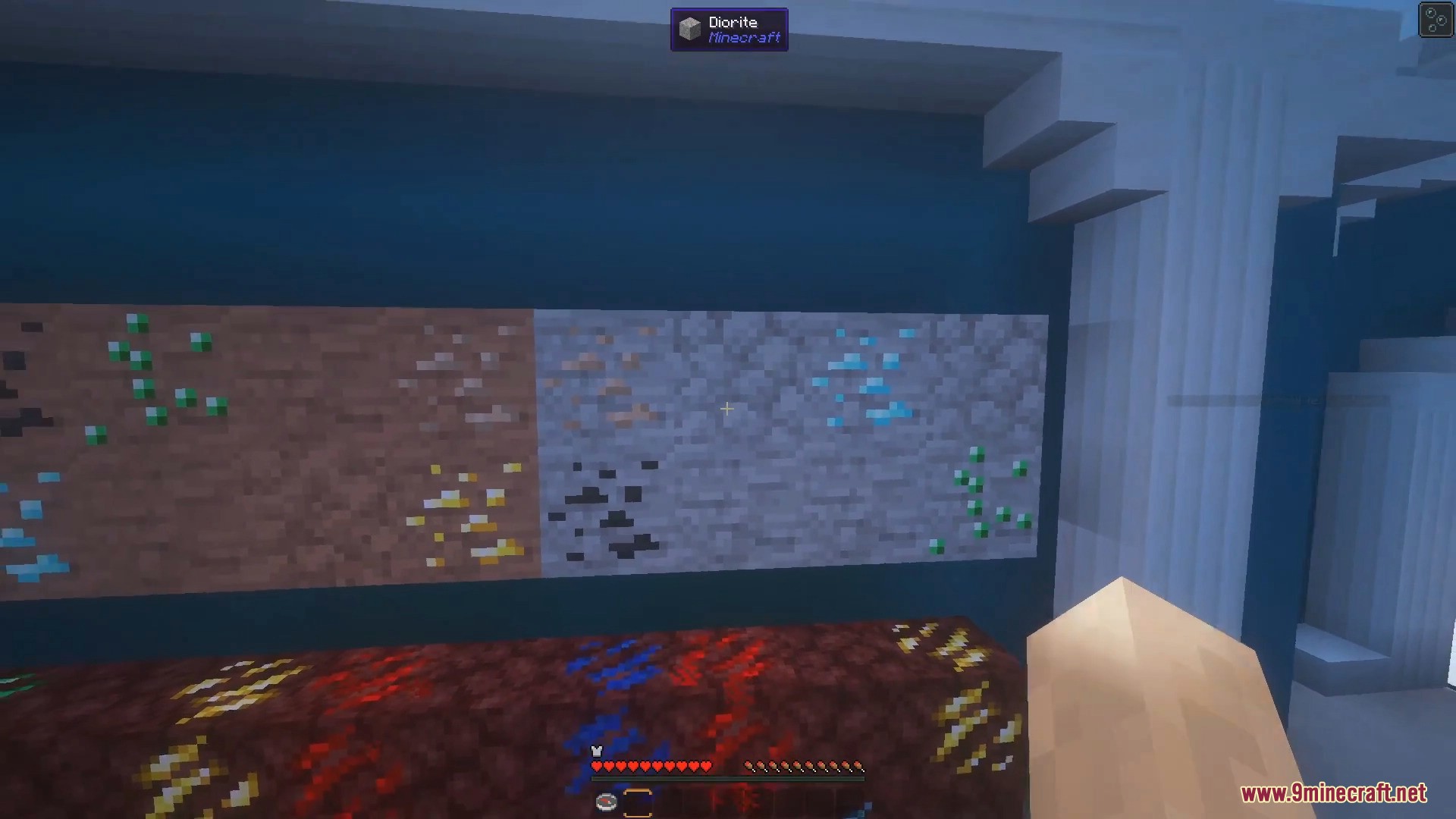
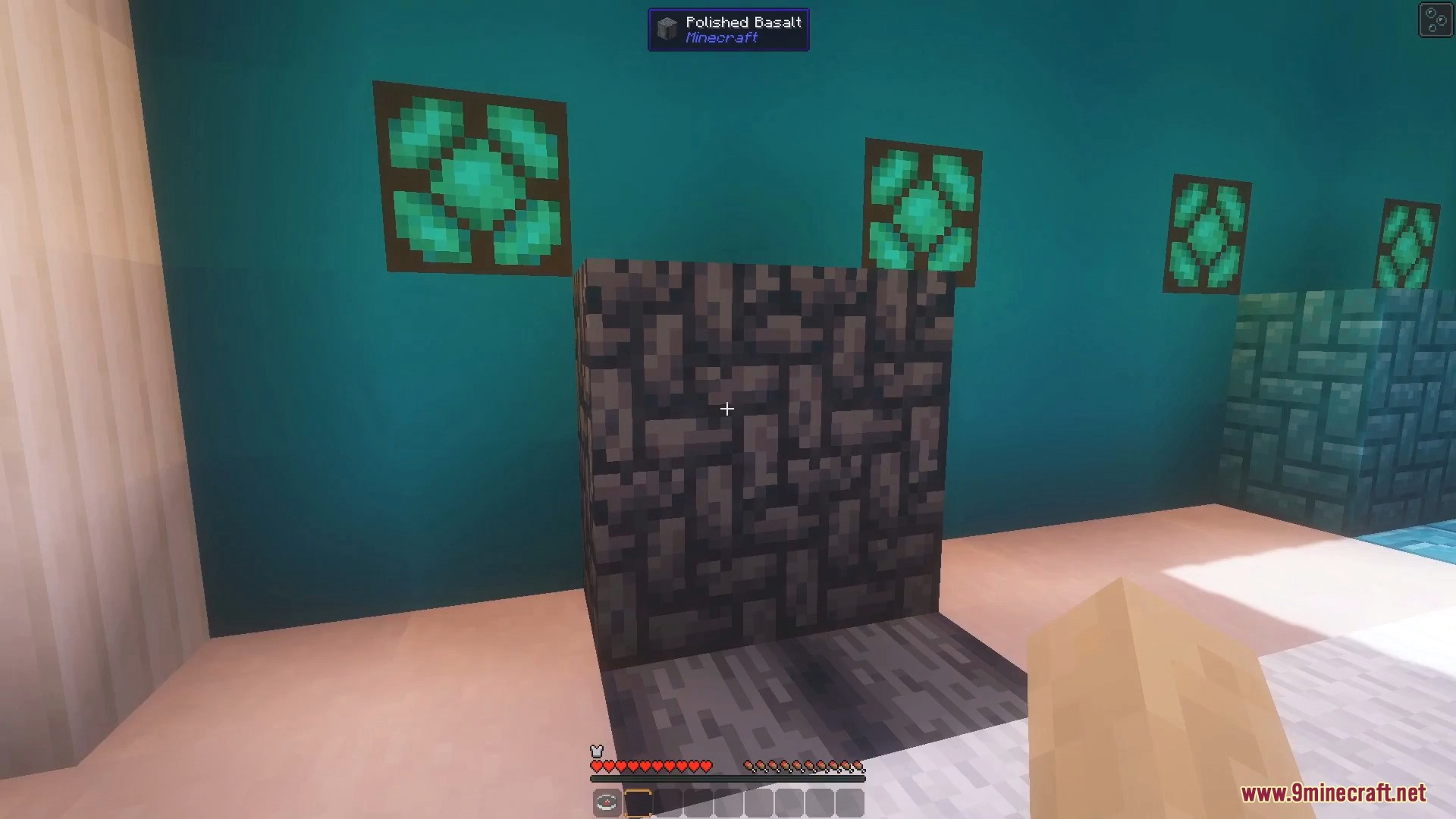
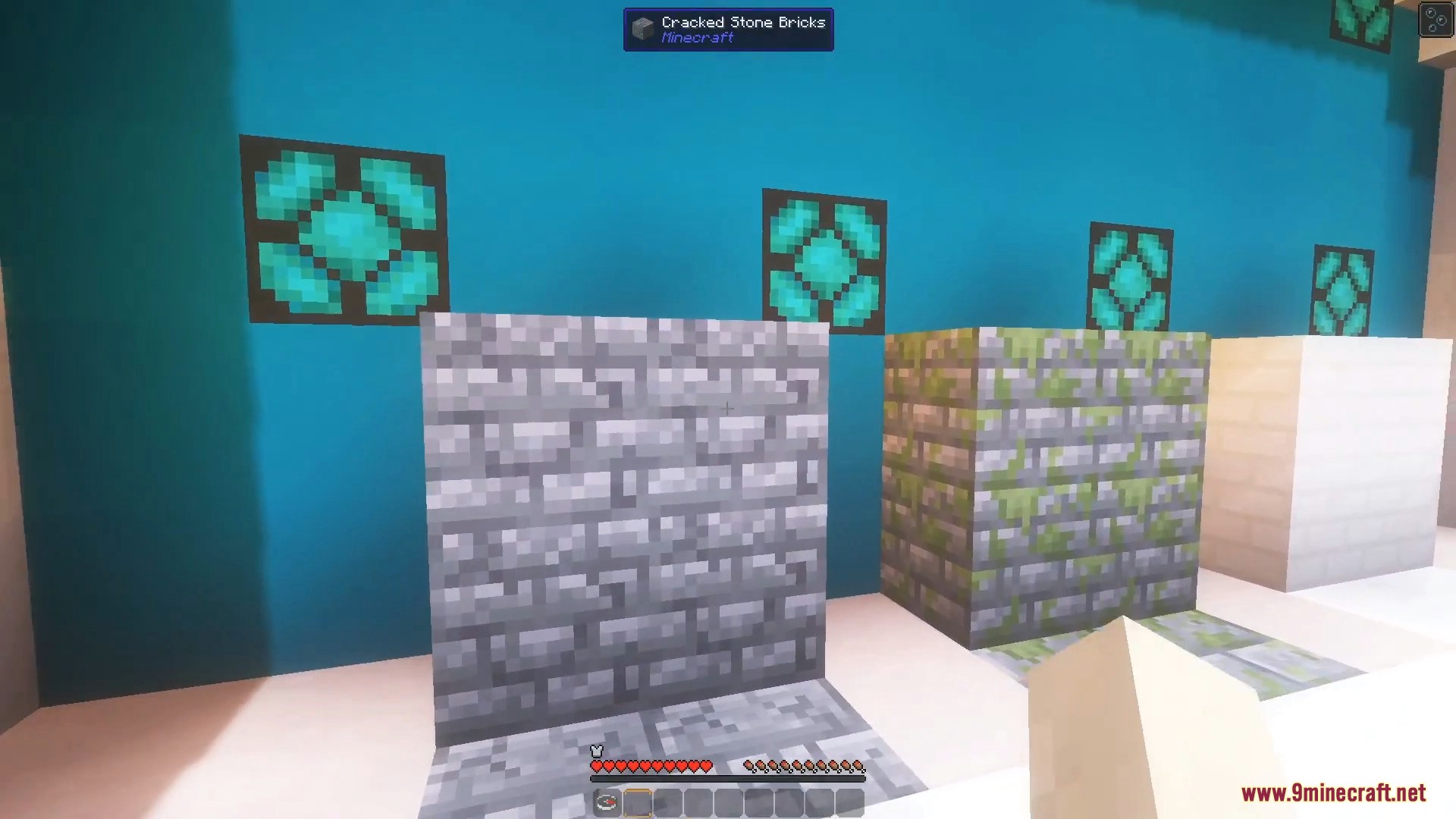
How to Install:
New to Minecraft? Follow our step-by-step guide to install Mods on your PC.View Guide



Connected Textures 9minecraft Mod Download Links
For Minecraft 26.2
For Minecraft 26.1.2
For Minecraft 1.21.11
Click to rate this post!
[Total: 1 Average: 5]
You May Also Like

This post has no comments yet. Be the first — your comment will appear here.