


Rick Sanchez’s Spaceship Schematic (1.21.x) – Flyable Rick Sanchez Spaceship Build

 0
0 

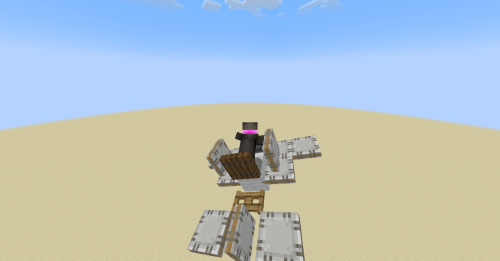
Rick Sanchez’s Spaceship Schematic brings the iconic flying cruiser from the cartoon series directly into Minecraft. This build uses flight machinery and thrusters to move across the sky in real time. It features a compact cockpit with pilot controls, a glass canopy, and side thrusters. You can steer the vehicle smoothly across your world using simple keyboard controls.
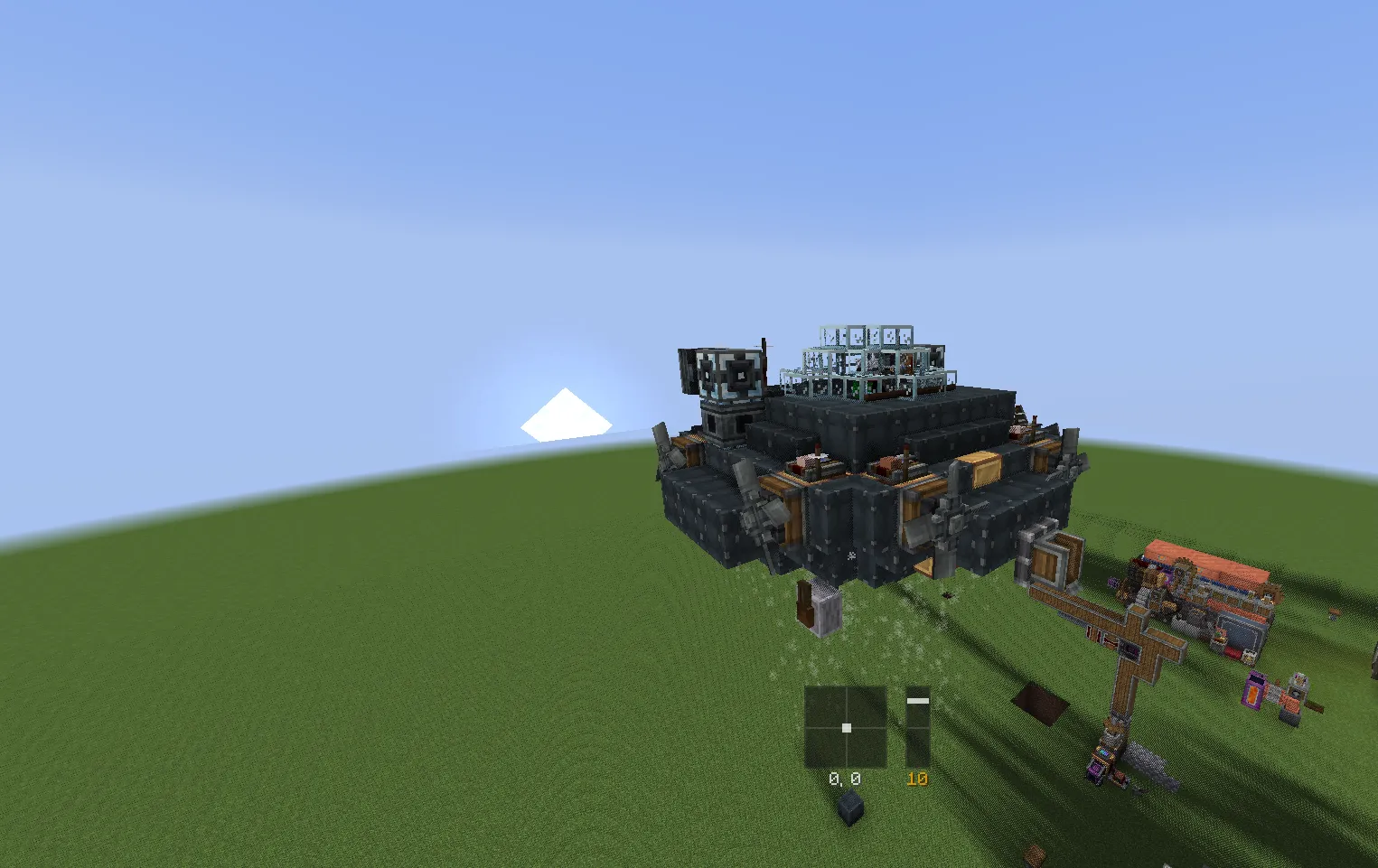
3D Preview:
Features:
- Recreates the signature sci-fi flying cruiser with accurate details and thrusters.
- Features functional directional flight controls powered by aeronautics machinery.
- Occupies a compact footprint measuring 14 blocks wide, 7 blocks tall, and 12 blocks long.
- Uses 198 total blocks for quick placement in creative and survival builds.
- Includes a detailed cockpit setup with pilot seating and steering components.
Schematic Specs:


 Top Blocks Used
Gray Envelope 48Copycat Slab 39Copycat Step 17Andesite Propeller 16Redstone Link 13
How to Use:
- Paste the schematic into your world with the required mods loaded.
- Sit inside the cockpit at the main steering seat.
- Press W to fly forward or S to reverse.
- Press A to steer left or D to steer right.
- Press E to increase engine power for faster travel.
- Press Q to decrease engine power.
Requirements:
 Create Mod Required
simulated Required
createpropulsion Required
interiors Required
aeroworks Required
aeronautics Required
copycats Required
Rick Sanchez's Spaceship Schematic Download Links
For Minecraft 1.21.x
Click to rate this post!
[Total: 0 Average: 0]
You May Also Like

This post has no comments yet. Be the first — your comment will appear here.