


Better Ping Display 9minecraft Mod (26.2) – Track Exact Player Ping on Any Server

 0
0 

🌐 Good news — we've translated this article into other languages!
Or pick the one you like:
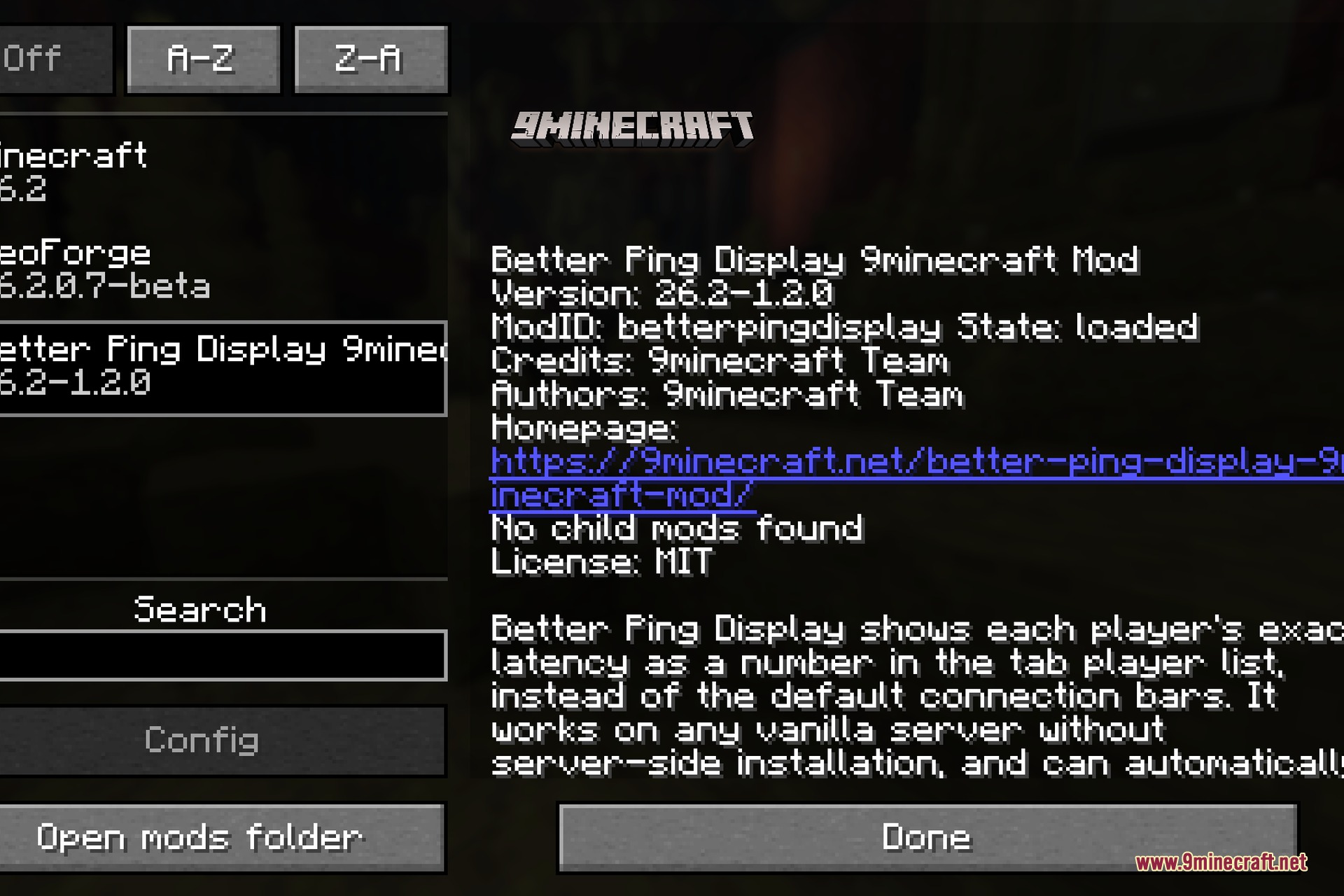
Better Ping Display 9minecraft Mod changes the multiplayer player list to show exact ping numbers. It replaces the classic green bars with real millisecond numbers so you know exactly who has a fast or slow connection. This mod runs entirely on your side, meaning it works on any normal server right away without server installation.
Features:
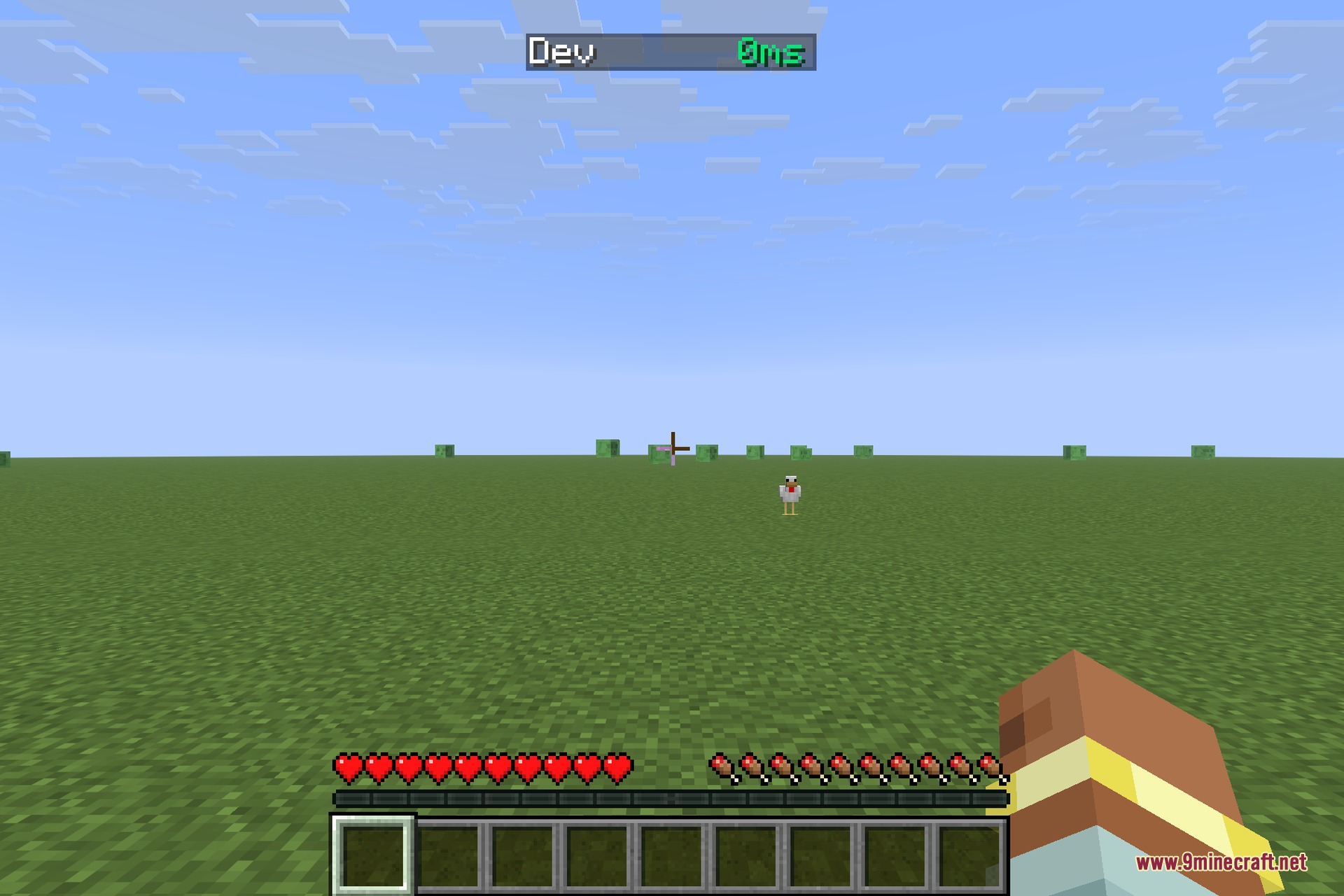
- Shows exact connection latency as a number in milliseconds instead of the default five-bar icon.
- Changes the color of the numbers automatically from green to red based on connection speed.
- Works on any vanilla server since everything runs on your client side.
- Lets you change the number format and text color in the settings.
- Gives you the option to keep the original ping bars next to the new numbers.
How to Use:
- Join any multiplayer server.
- Press the TAB key to open the player list.
- Look at the numbers next to player names to check their exact ping.
- Open the mod settings to change colors or turn the original bars back on if you want both.
Screenshots:
How to Install:
New to Minecraft? Follow our step-by-step guide to install Mods on your PC.View Guide
Requirements:

Better Ping Display 9minecraft Mod Download Links
For Minecraft 26.2
Click to rate this post!
[Total: 0 Average: 0]
You May Also Like


















This post has no comments yet. Be the first — your comment will appear here.