
Rebind Narrator 9minecraft Mod (26.3, 26.2) – Never Trigger the Narrator By Mistake
 166
 0


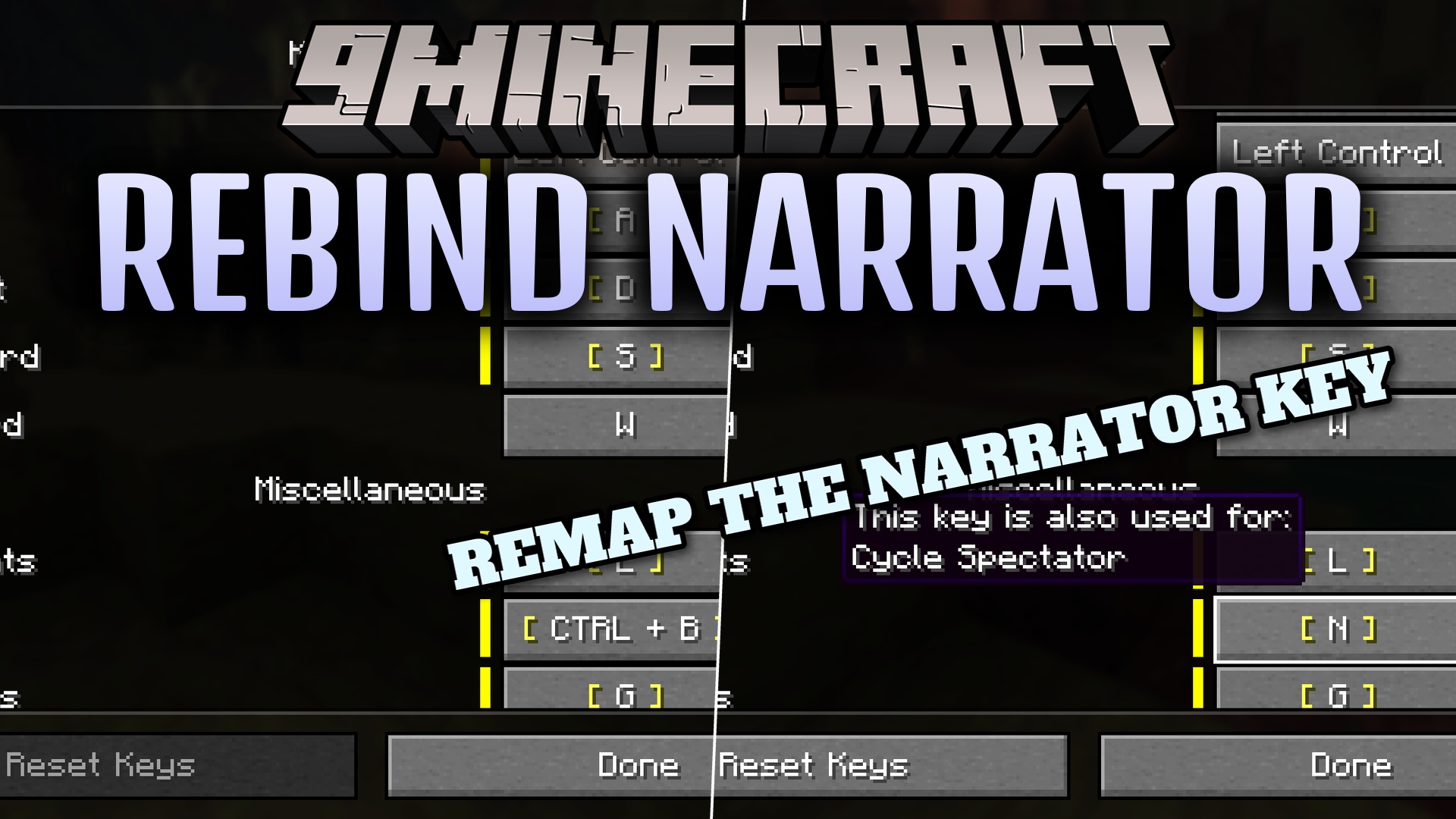
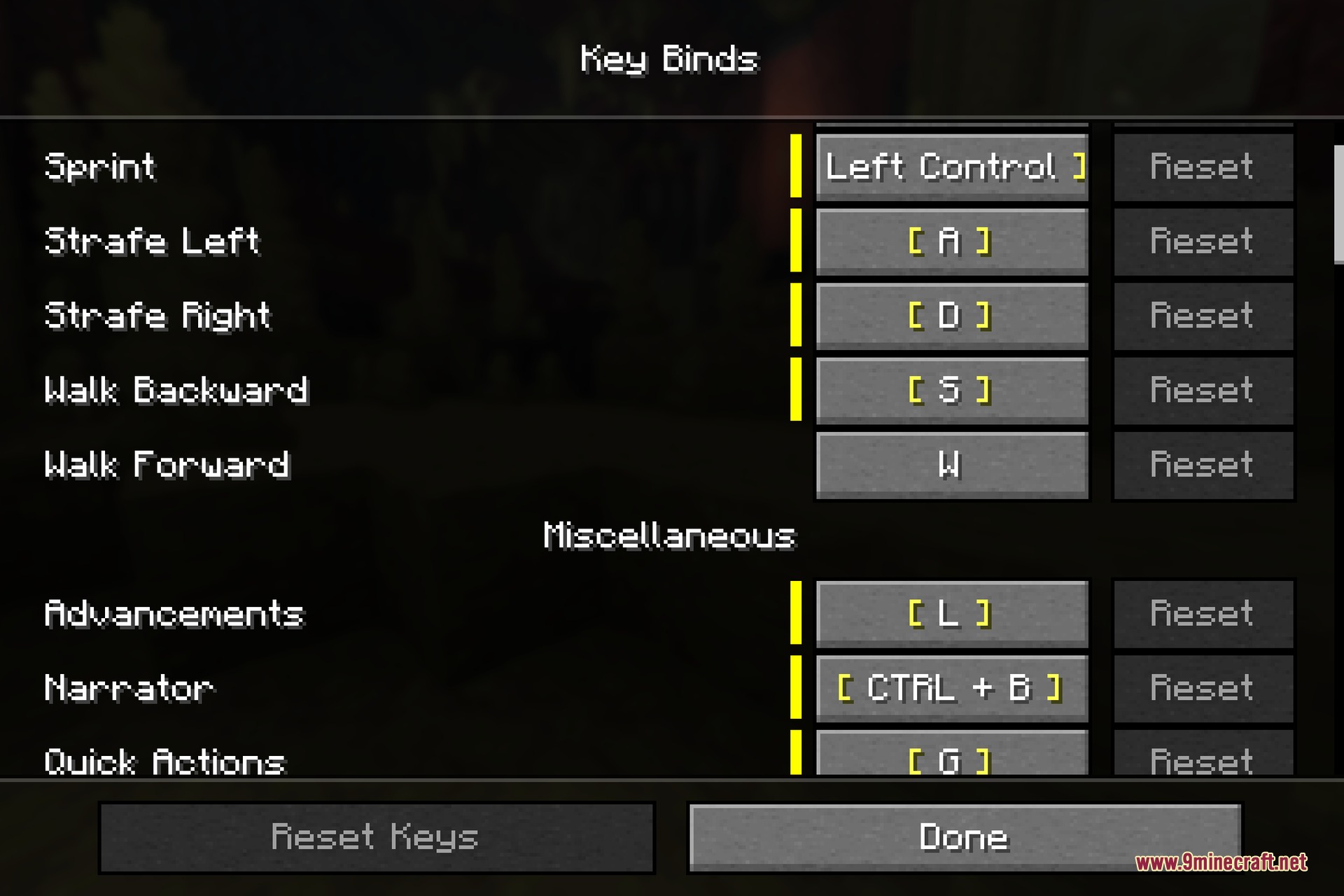
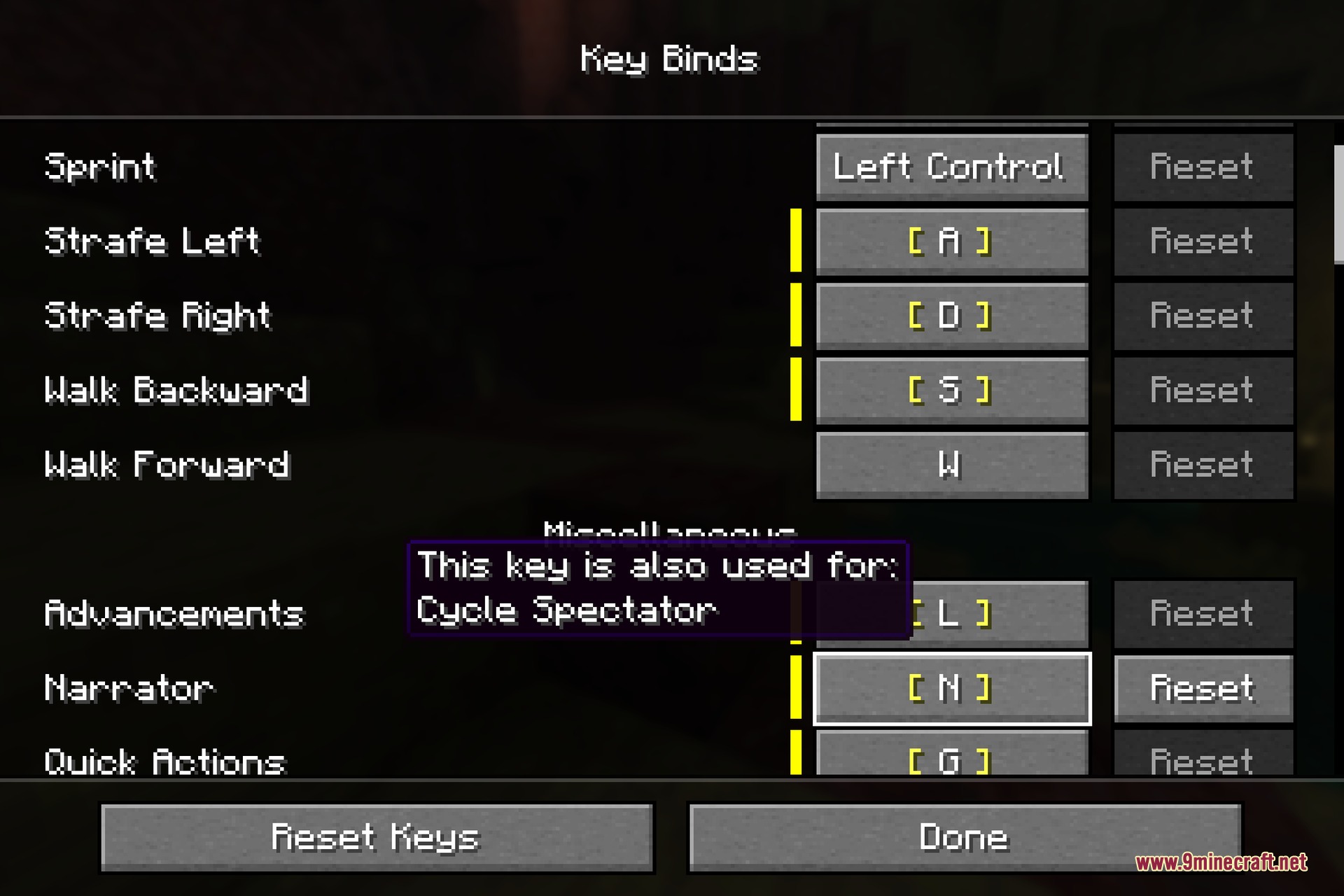
Rebind Narrator 9minecraft Mod lets you change the shortcut key for the game’s voice reader. In the regular game, pressing Ctrl and B at the same time turns on this voice, and you cannot change this shortcut. This causes players to turn it on by mistake and struggle to turn it off. This mod adds a new setting to your controls menu so you can pick a different key. It works on your side only, meaning you can join any server without the server needing the mod.
Features:
- Adds a new “Toggle Narrator” option right in your standard controls menu.
- Lets you pick any single key on your keyboard instead of holding two keys at once.
- Stops the annoyance of accidentally pressing Ctrl and B while playing.
- Runs completely on the client side so it works on multiplayer servers.
How to Use:
- Open the game menu and click on Options.
- Go into the Controls section and find Key Binds.
- Scroll down to find the new Toggle Narrator setting.
- Click it and press the new key you want to use.
Screenshots:
How to Install:
New to Minecraft? Follow our step-by-step guide to install Mods on your PC.View Guide
Requirements:

Rebind Narrator 9minecraft Mod Download Links
Sign in to unlock this download
Inside: 26.3 26.2 1.21.11
Choose one way to sign in
Free · takes a few seconds · you come straight back to this page
What graphic style do you prefer for your modded game?
11 responses · See the full results →
You May Also Like
Picked for this page
 Just Another Structure Pack Mod (26.2, 1.20.1) – More Structures
 Fancy Menu Mod (26.3, 1.20.1) – Create Your Own Main Menu
 Just Enough Breeding Mod (26.3, 1.20.1) – Breed Mobs Without the Wiki
 Charm of Undying 9minecraft Mod (26.3, 26.2) – Keep Your Offhand Free
 Construction Wand 9minecraft Mod (26.3, 26.2) – Build Entire Walls in Seconds
 Disable Custom Worlds Advice 9minecraft Mod (26.3) – Load Custom Saves Without Prompts
 Tips 9minecraft Mod (26.3, 26.2) – Master Hidden Mechanics While Your World Loads
 Cumulus 9minecraft Mod (26.3, 26.2) – Switch Between Custom Main Menu Screens
 Infinite Music 9minecraft Mod (26.3) – Enjoy Nonstop Background Music Everywhere
 Morph-o-Tool 9minecraft Mod (26.3) – Carry Every Mod Wrench in a Single Slot
 Draggable Lists 9minecraft Mod (26.3) – Sort Packs and Servers with Drag and Drop
 Void Totem 9minecraft Mod (26.3) – Never Lose Your Gear to Void Falls Again
Most viewed in Mods over the last 7 days
 Ala Industrial Mod (26.3) – Run Electric Power Grids and Automated Factories
 PleasureCraft Mod (26.3, 1.21.1) – Jenny Mod Remake for Fabric
 Jennycraft Mod (26.3, 1.20.1) – Virtual Girlfriend in Minecraft
 Fapcraft Mod (26.3, 1.12.2) – Comprehensive and Detailed Content
 Jenny Mod (Fapcraft) Official Complete Guide – How to use, Tutorial
 BangCraft Mod (1.20.1) – Jenny, Ellie and Elliot
 Fabric Loader (26.3, 1.20.1) – Fabric Installer for All Minecraft Versions
 The Shooting Star Demo Mod (26.3, 1.20.1) – Vaporize Terrain From Orbit
 Meteor Client Mod (26.3, 1.20.1) – Xray, HUD, Fly
 OptiFine HD (26.3, 1.20.1) – Run Faster, FPS Boost, Shaders Support
 Aristois Client Mod (1.21.4, 1.20.1) – World Class Minecraft Utility
 Prestige Client Mod (1.21.11, 1.21.4) – Powerful Ghost Features for Crystal & Sword PvP
More from Mods
 Ore Excavation 9minecraft Mod (26.3) – Mine Ores and Chop Trees in a Single Swing
 Dirigo Mod (26.1.2, 1.21.1) – Walk Across Nether Lava Seas and Automate Animal
 HandLib Mod (26.3, 1.21.1) – Keep Your Multiplayer World Stable
 Happy Ghasts Boost Mod (26.1.2, 1.20.1) – Fly Across Vast Distances at Top Speed
 LiquidBounce Client Mod (26.3, 1.20.1) – LiquidLauncher, A Free Client
 Create Hand Made Mod (1.21.1) – Craft Create Recipes By Hand in Your Workshop
 Seed Map for Xaero Mod (26.1) – See Rare Biomes and Dungeons Before You Travel
 MCPersist Mod (26.3) – Keep Your World Online for Friends Even After Logging Off
 Minecraft Java MCP Server Mod (1.21.11) – Command Your World Through External AI Tools
 Arcanism Mod (26.2) – Build Magic Factories and Program Custom Spells
 Archangel Client Mod (1.21.11) – Master Every PvP Duel with Clean Screen Stats
 Block Front Survival Patch Mod (1.21.1) – Wage Tactical Warfare in Survival

This post has no comments yet. Be the first — your comment will appear here.