


Bare Bones 9minecraft Resource Pack (26.3) – Official Cinematic Trailer Look
 812
812
 0
0

Bare Bones 9minecraft Resource Pack is a simple, colourful 16x texture pack that strips Minecraft back to its “bare bones” while keeping the bright, punchy look of the official Minecraft trailers and artwork. This build is fully updated for Minecraft 26.2.
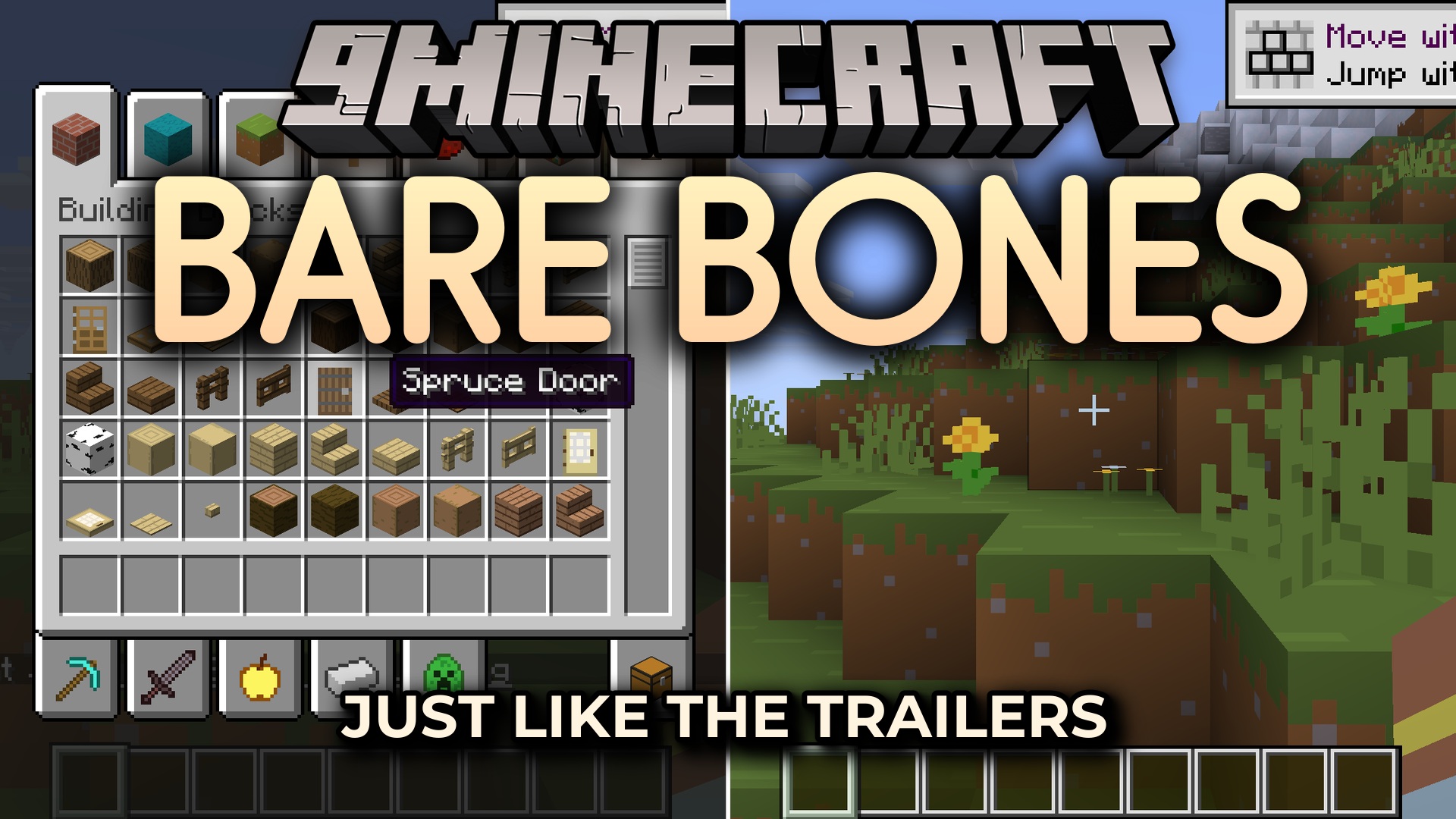
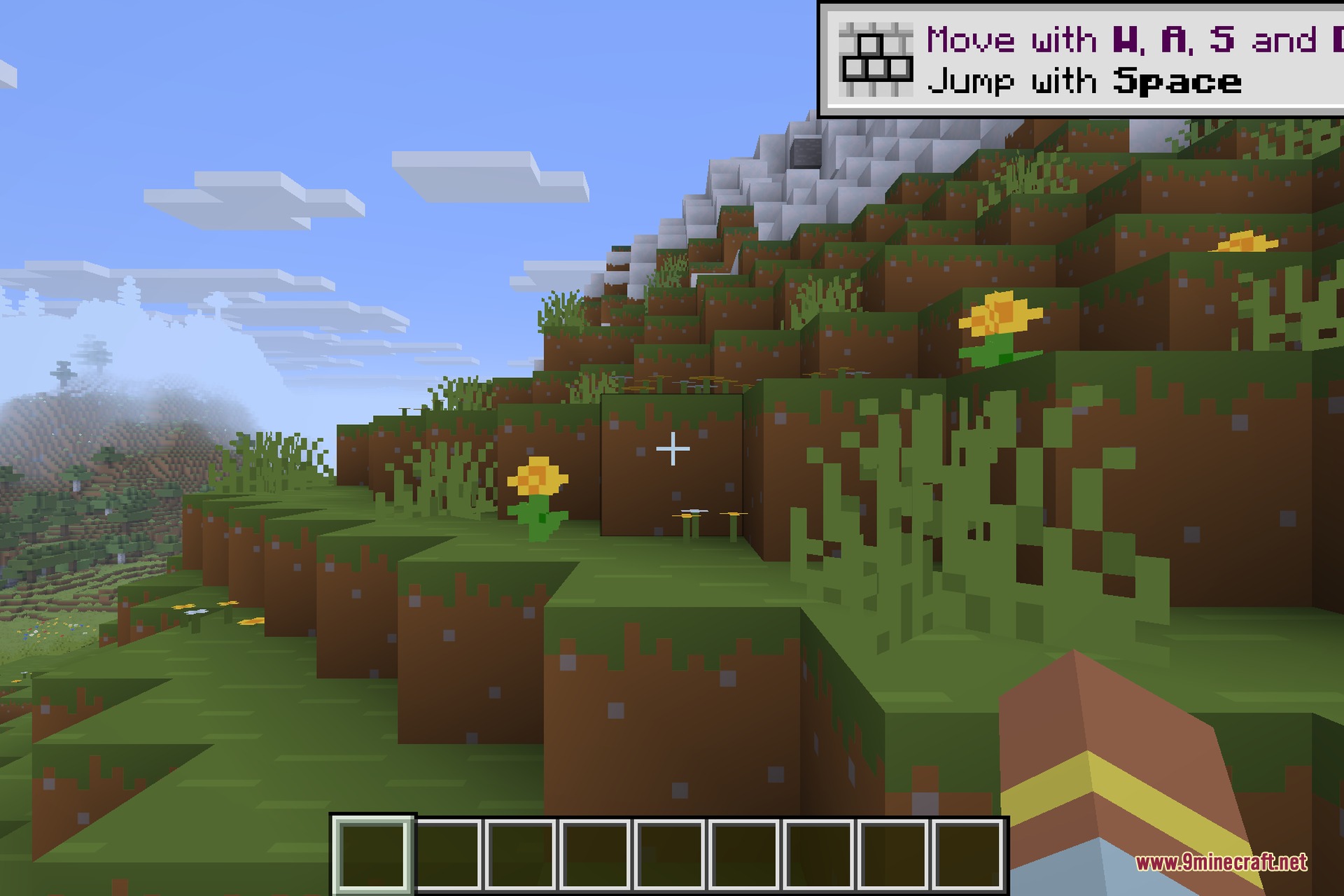
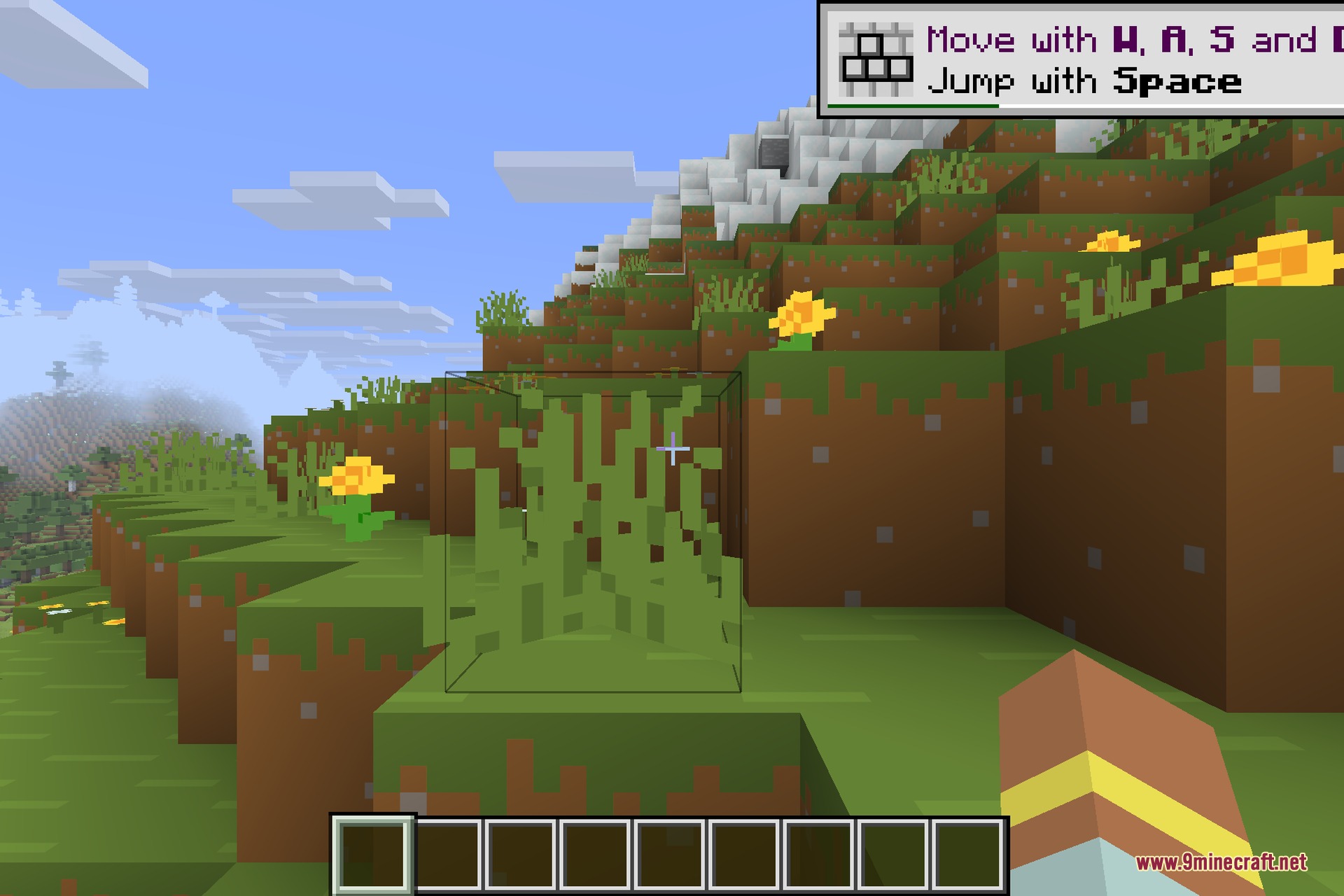
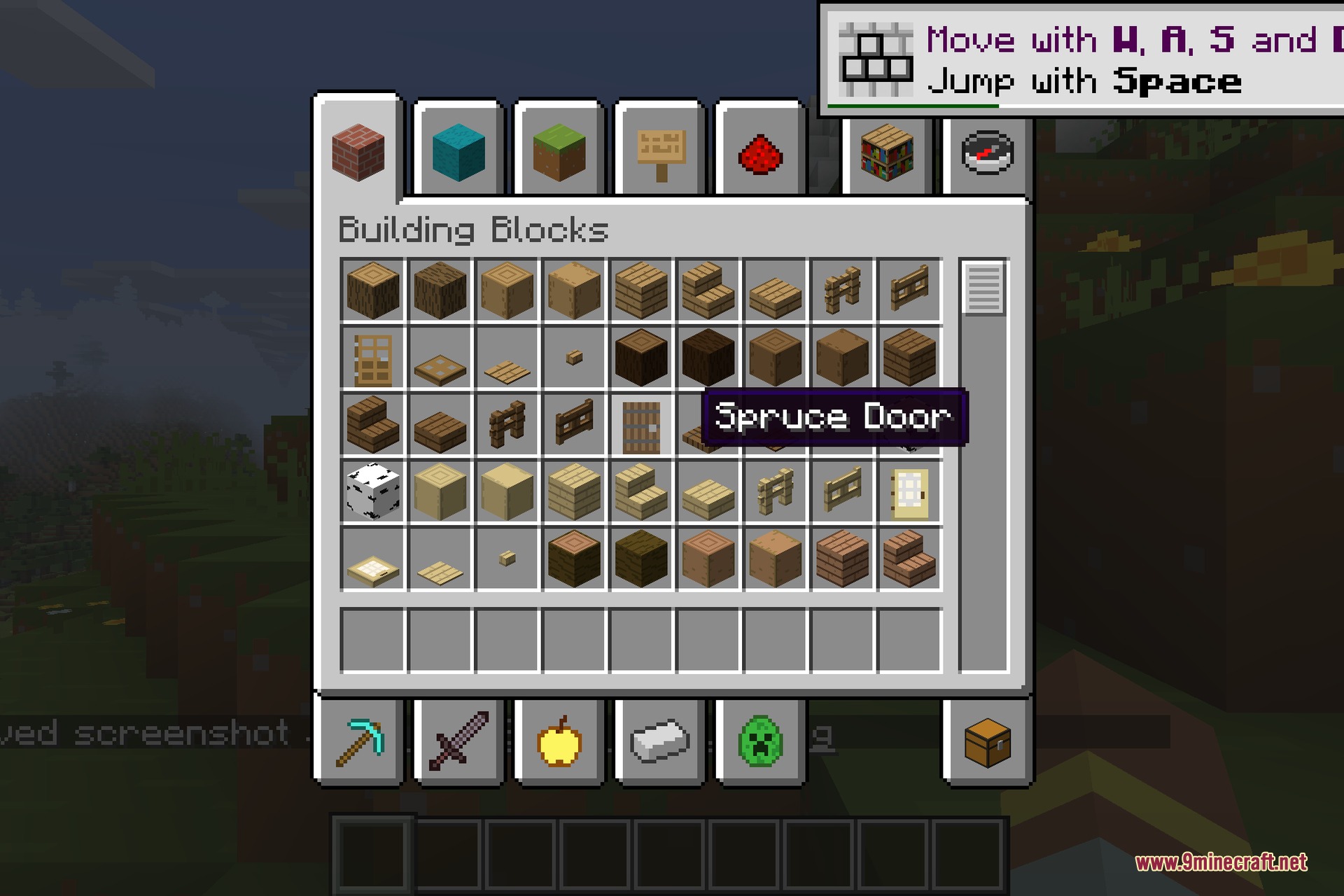
Bare Bones replaces the default textures with flatter, cleaner versions that use bold, saturated colours and very little surface noise. Grass, dirt, stone and wood become smooth and easy to read, flowers and ores pop with vivid colour, and the whole world takes on the friendly, stylised feel seen in Mojang’s cinematic trailers. Nothing is over-detailed, so builds stay crisp and the game keeps a light, cartoon-like charm at the standard 16x resolution.
This 26.2 update keeps the pack compatible with the newest version of Minecraft, so blocks, items, mobs, GUIs and inventories all display in the Bare Bones style without falling back to a mismatched default texture. It is a pure vanilla resource pack: there is nothing to install besides the pack itself, no mods or loaders are required, and it makes no gameplay changes at all.
Features:
- Clean, simplified 16x textures inspired by the official Minecraft trailers.
- Bold, vibrant colours with very little surface noise for an easy-to-read world.
- Flat, stylised grass, dirt, stone, wood and ores that keep builds looking crisp.
- Updated for Minecraft 26.2 so blocks, items, mobs and GUIs all match the style.
- Lightweight 16x resolution that runs well on any setup.
- Works everywhere: blocks, items, GUIs, inventories and item frames.
- Vanilla-friendly and self-contained: textures only, no mods needed, no gameplay changes.
How to Use:
- Download the pack .zip file below.
- Drop the .zip into your
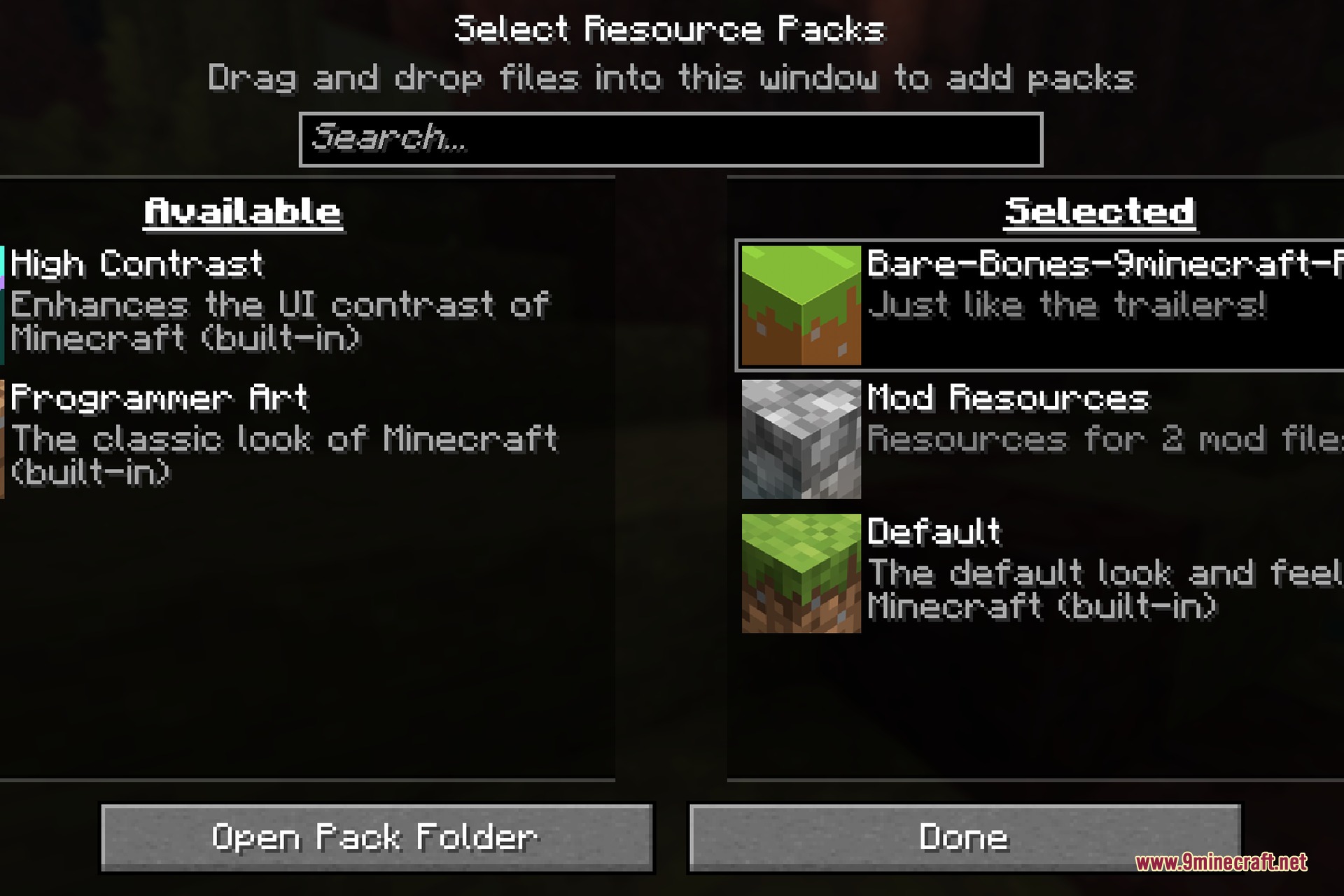
.minecraft/resourcepacksfolder. - In game, open Options → Resource Packs and move Bare Bones to the active list.
- Click Done. The whole game now uses the bright, simplified Bare Bones textures.
Screenshots:
How to Install:
New to Minecraft? Follow our step-by-step guide to install Resource Packs on your PC.View Guide
Bare Bones 9minecraft Resource Pack Download Links
Sign in to unlock this download
Inside: 26.2 26.3
Choose one way to sign in
Free · takes a few seconds · you come straight back to this page
You May Also Like

This post has no comments yet. Be the first — your comment will appear here.