


Chess Data Pack (1.19.3, 1.18.2) – Play Chess In Minecraft!

 0
0  August 19, 2022
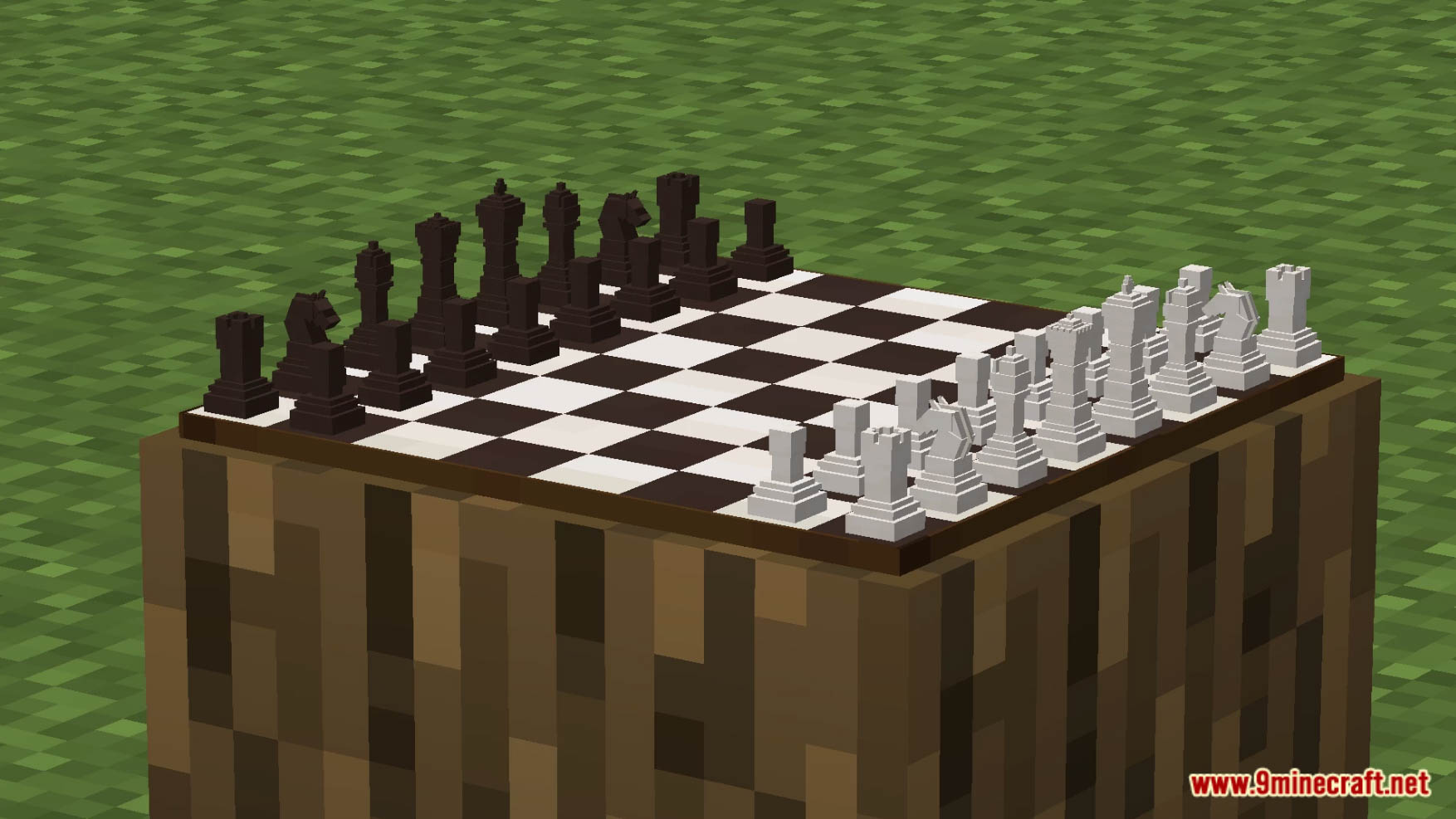
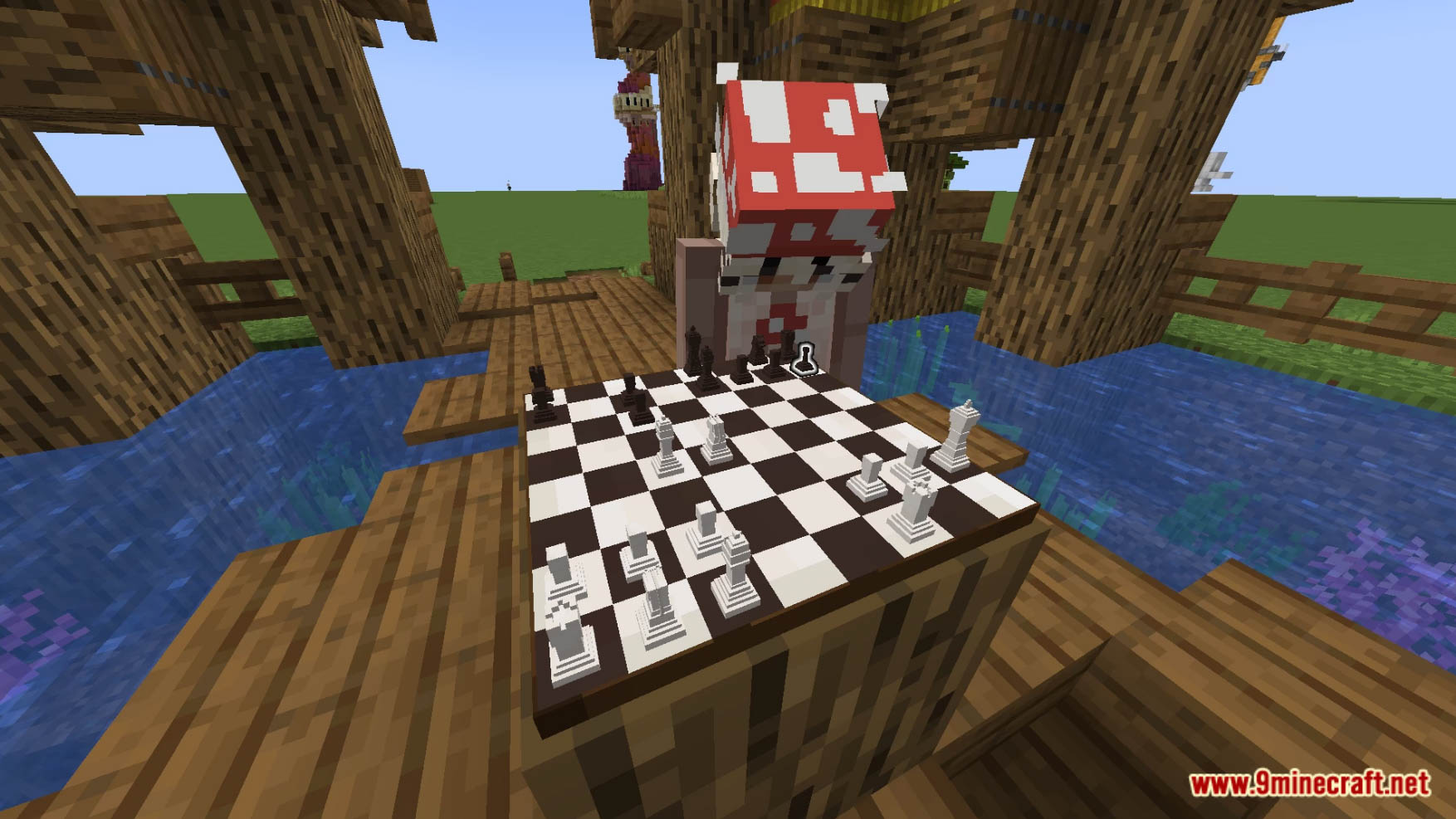
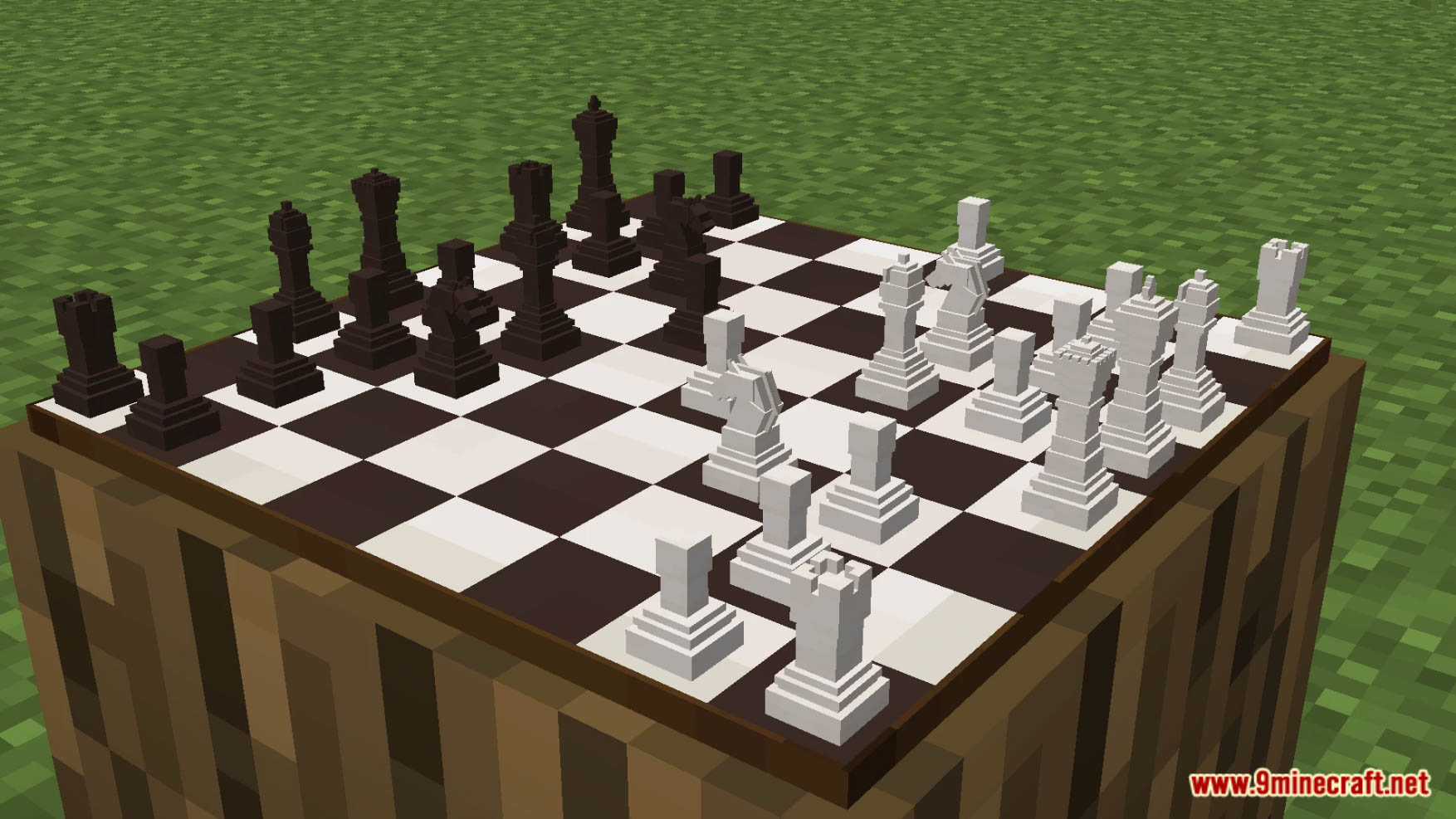
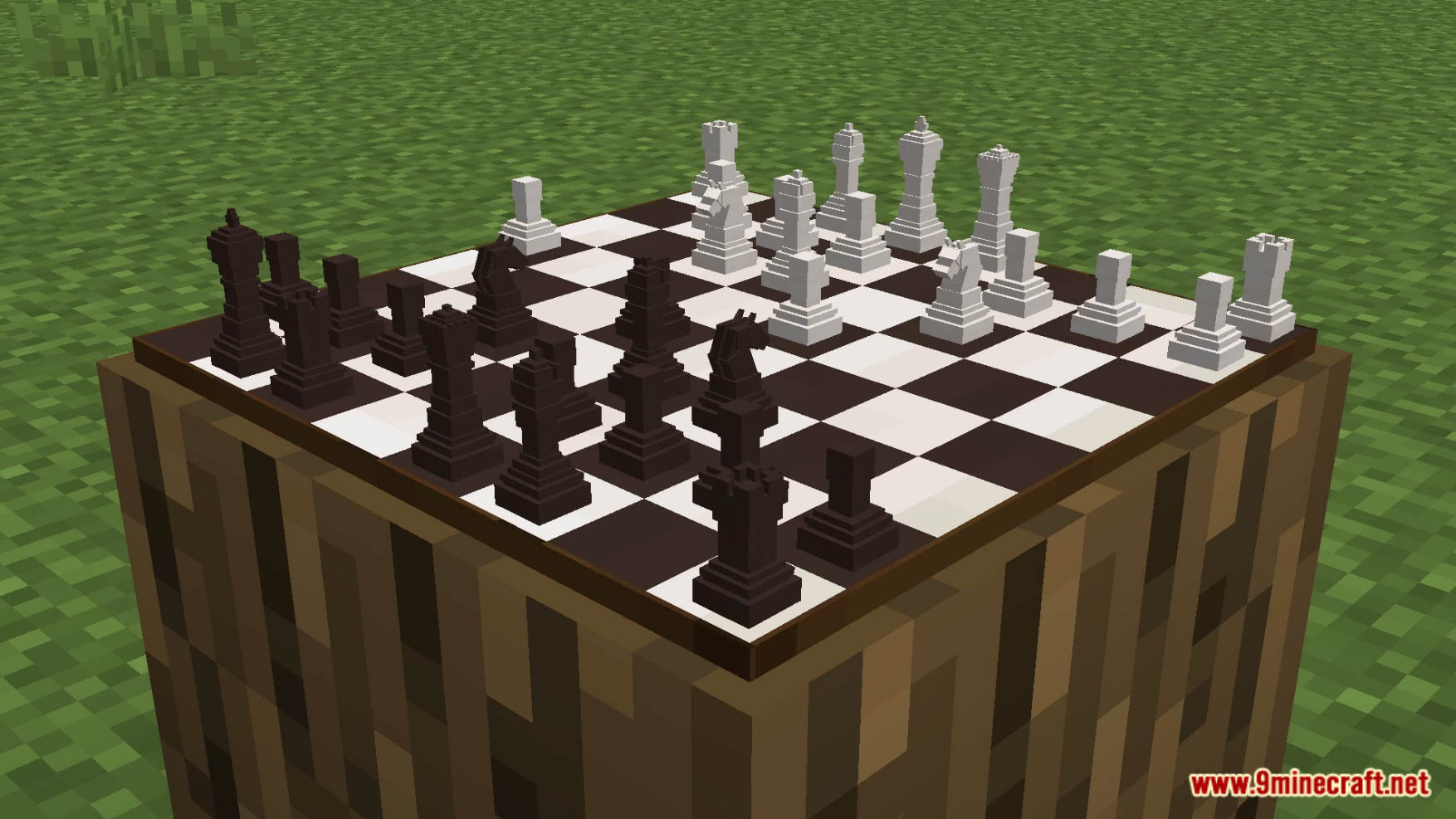
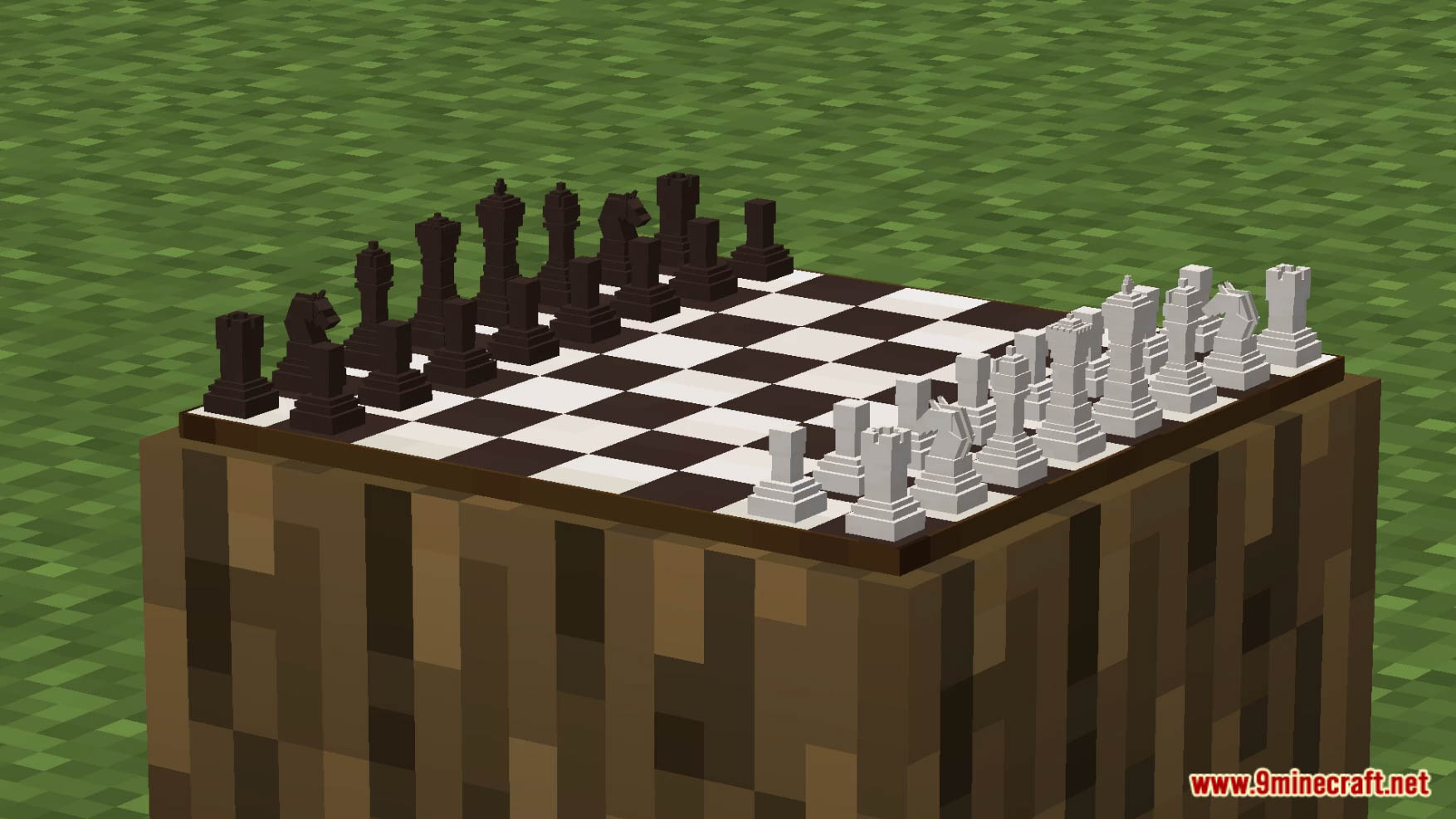
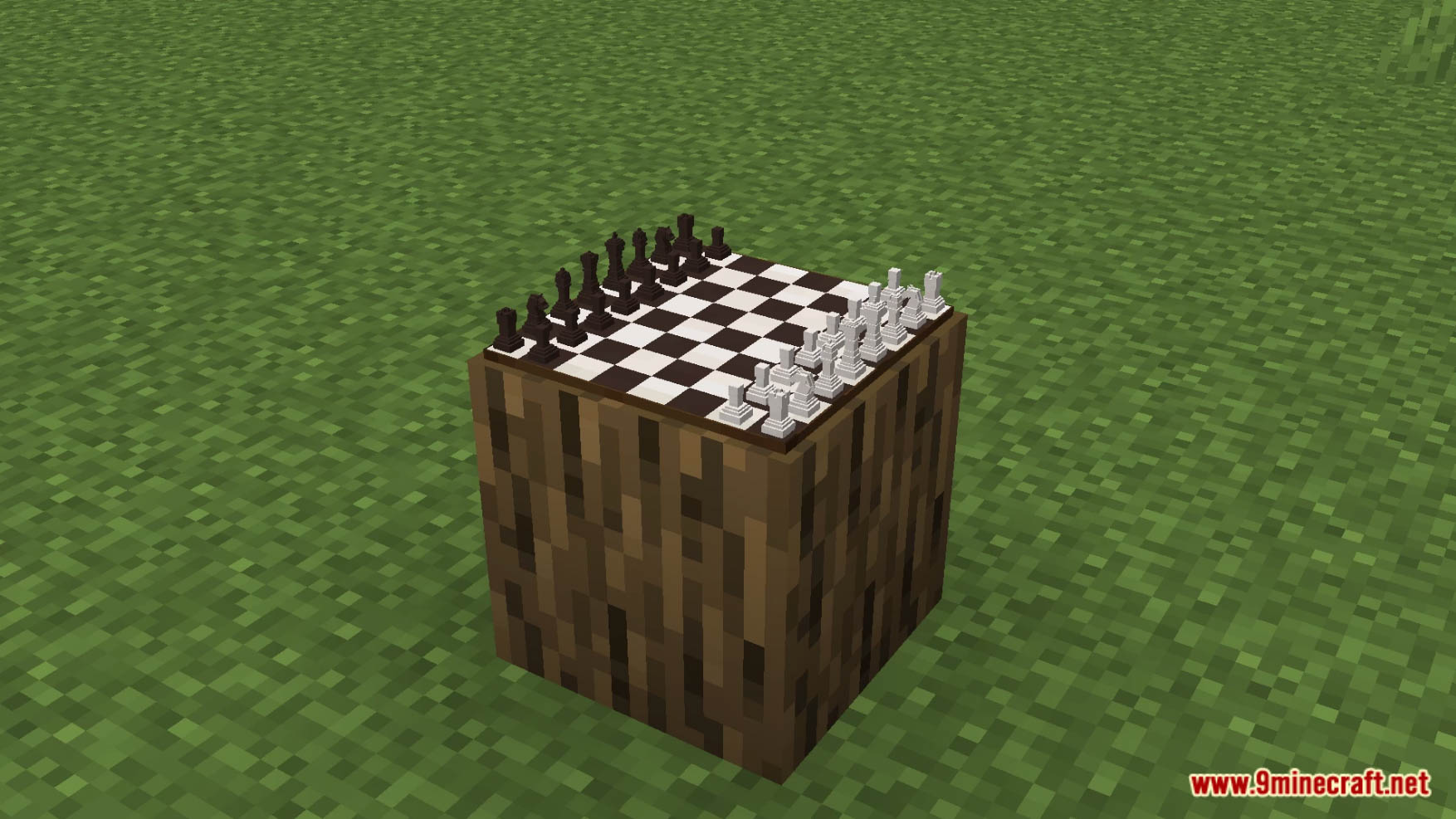
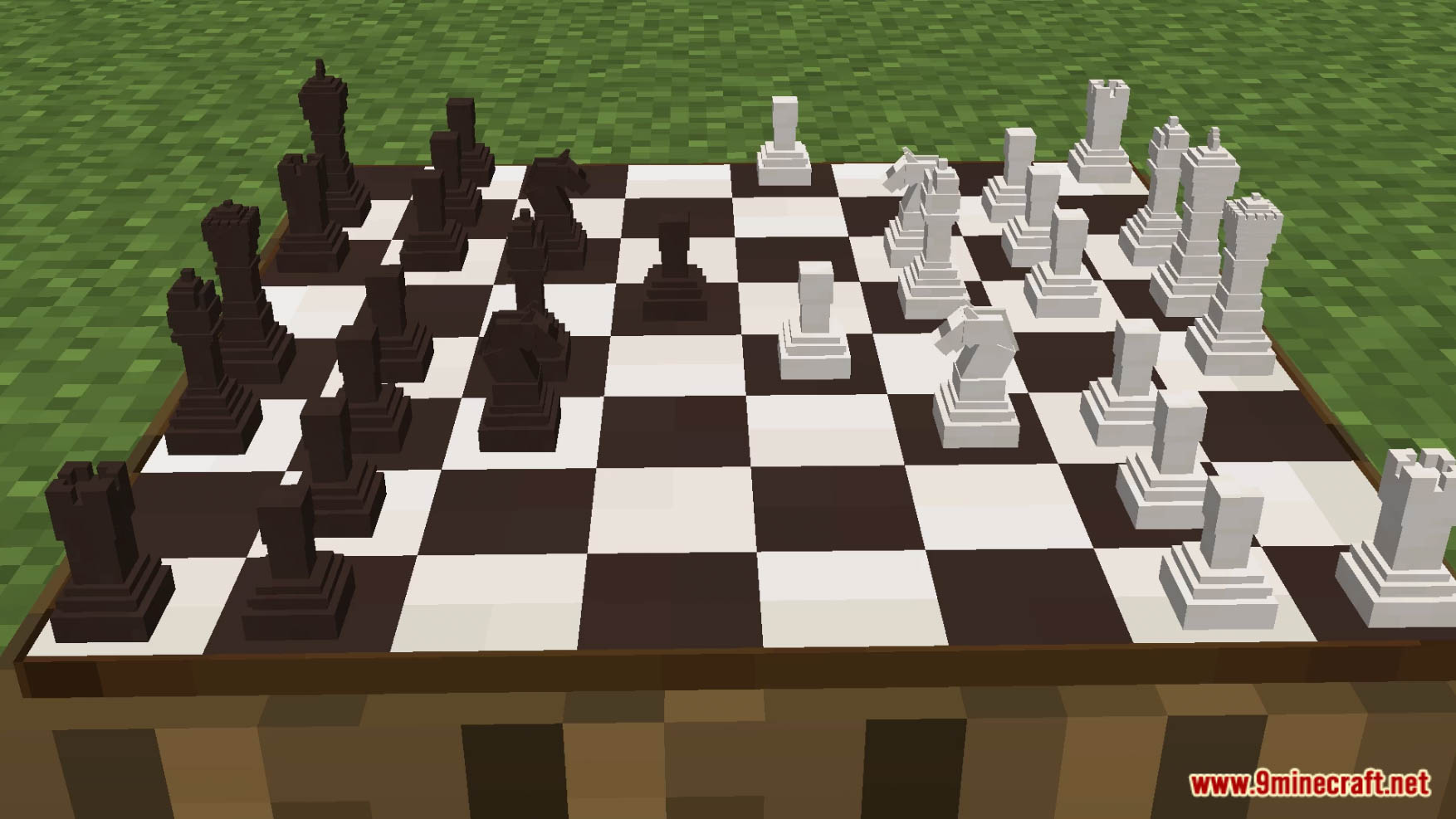
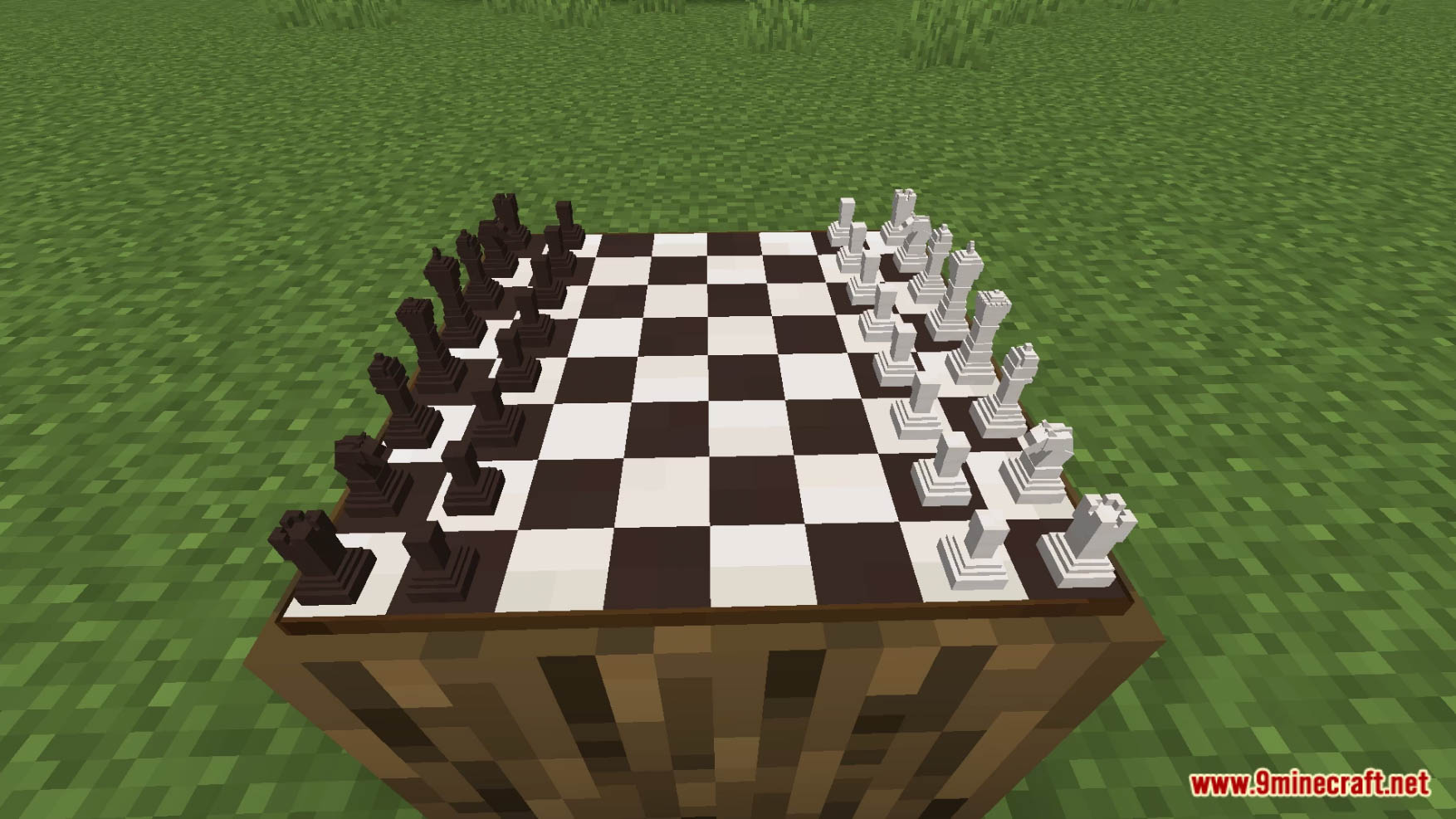
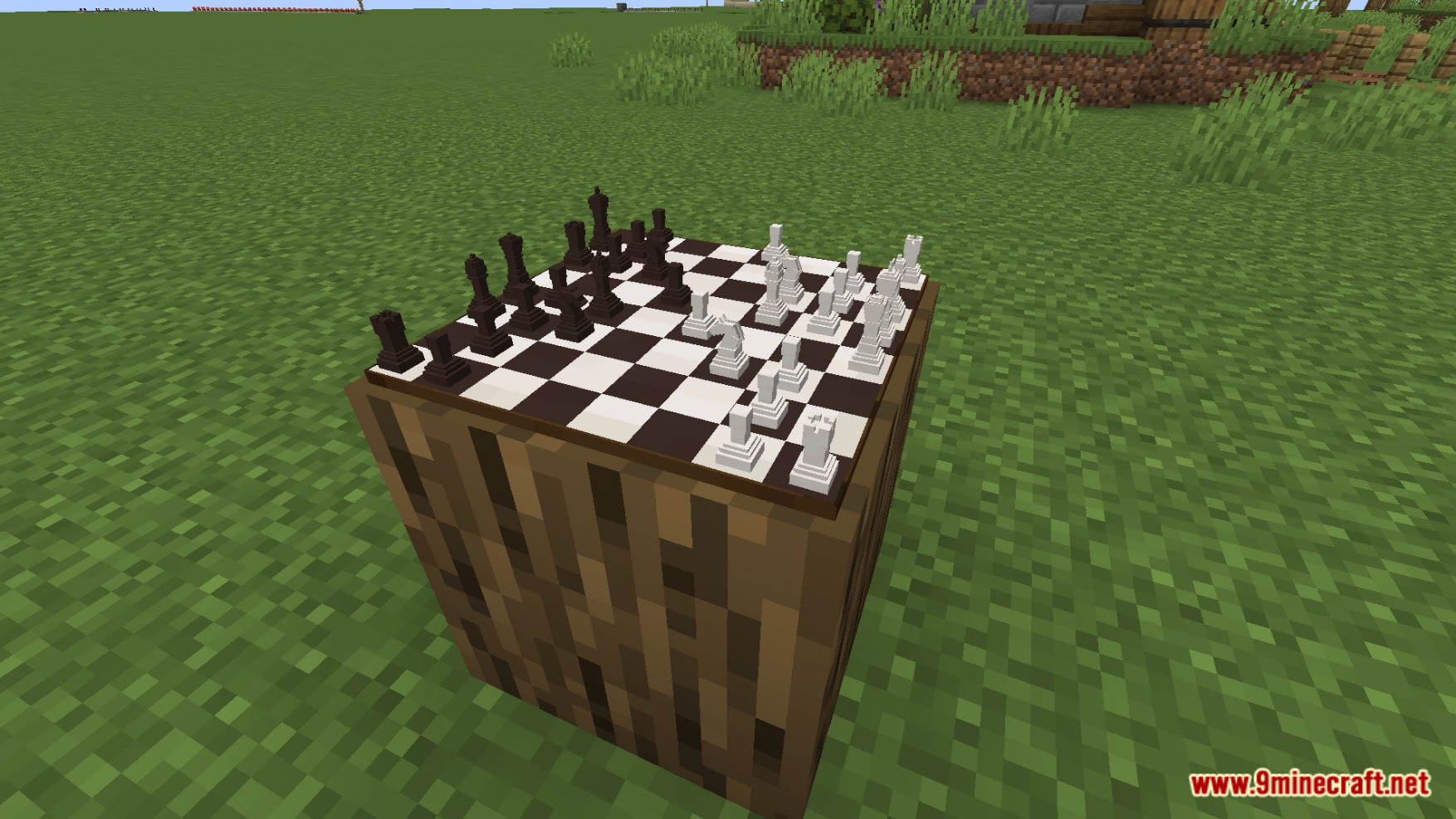
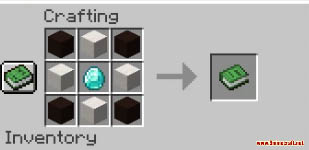
Chess Data Pack adds working chess into vanilla Minecraft! To craft a chessboard, put 4 black terracotta in the corner of the crafting table, 4 quartz blocks on the edges, and a diamond in the center. Or refer to the final image of the upload. To use a chessboard, simply right-click on the piece you would like to move. Your selected piece will glow for a second, you will receive a little sound effect, and you will be prompted with a message on where you want to move your piece. All you need to do is click the message on the right square! Please note: There is no chess engine; you can move any piece wherever you want. It is up to you and the other player to understand the game. To destroy a chessboard, either break the block underneath it or throw a dirt block on top of it. Enjoy playing this data pack!
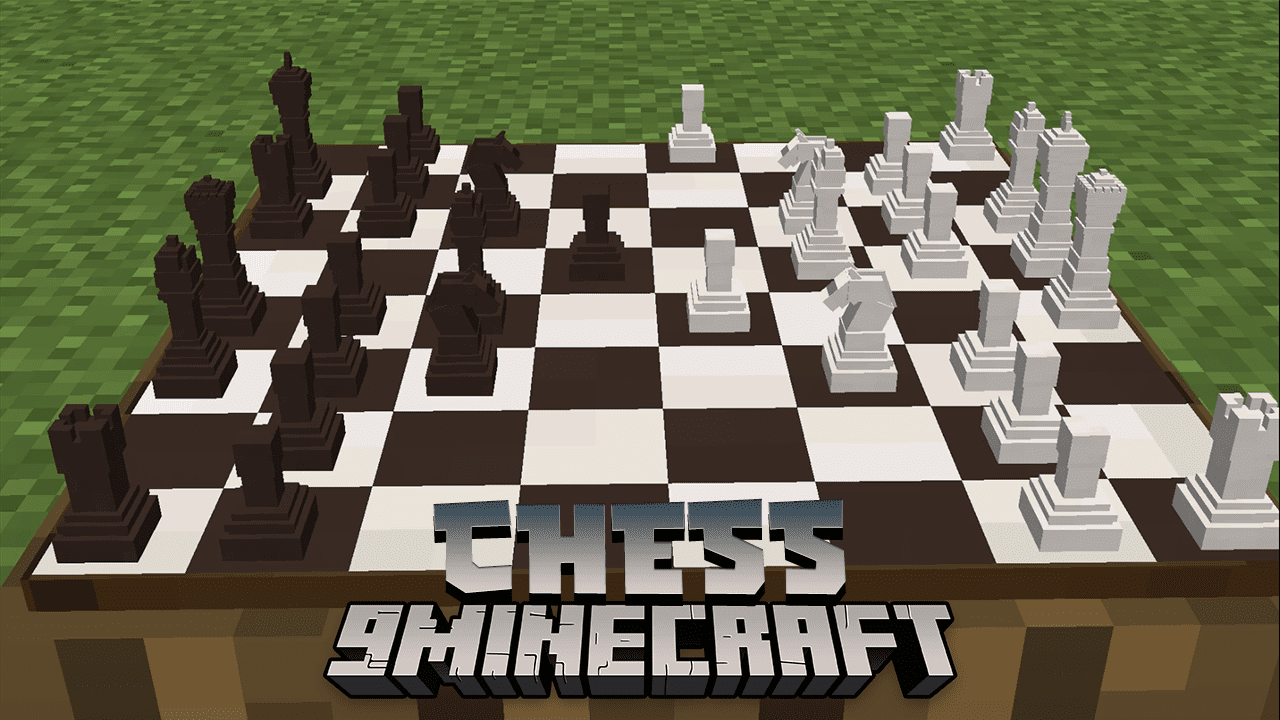
Features:
- Added Chess to Minecraft!
Screenshots:
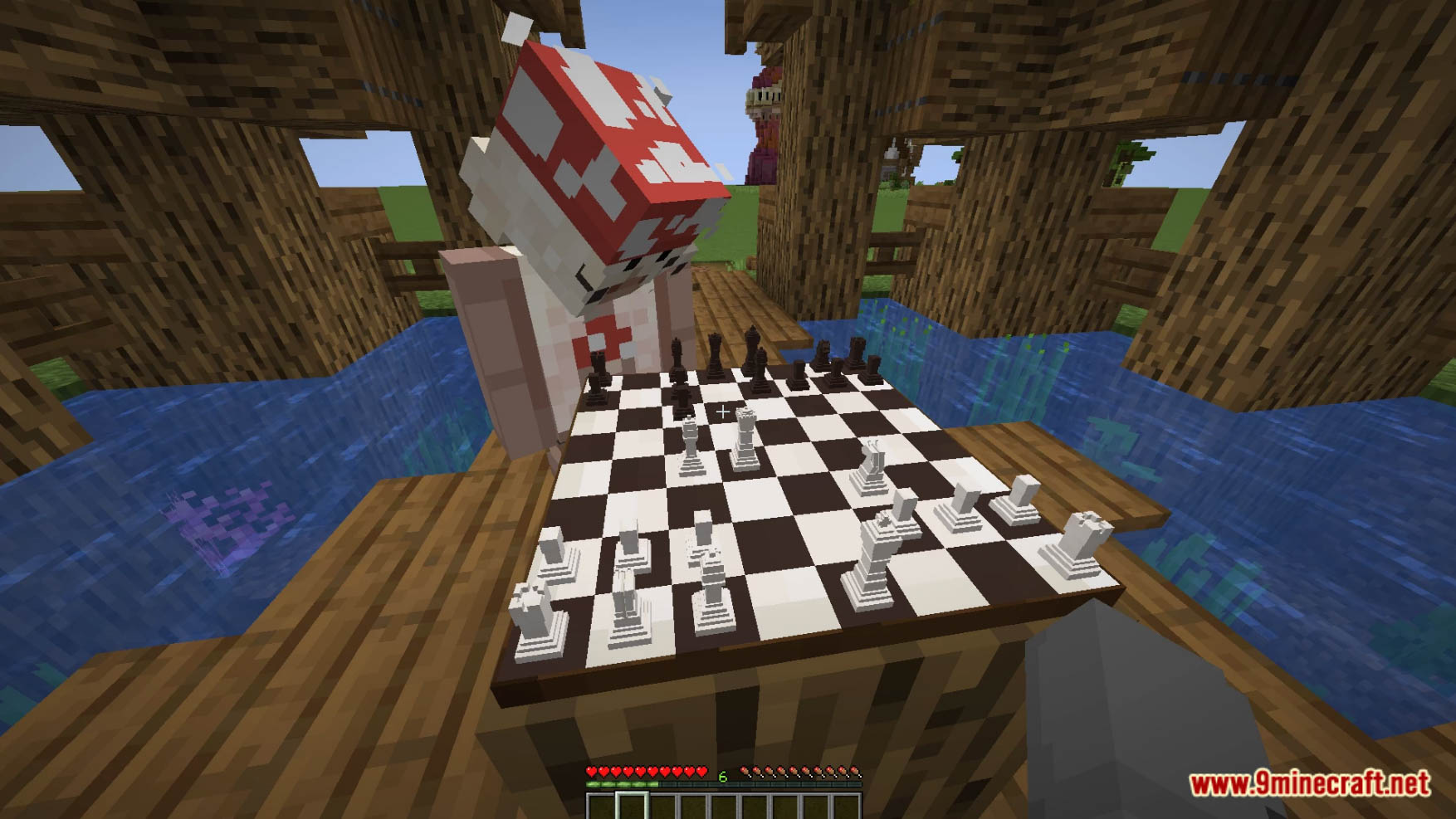
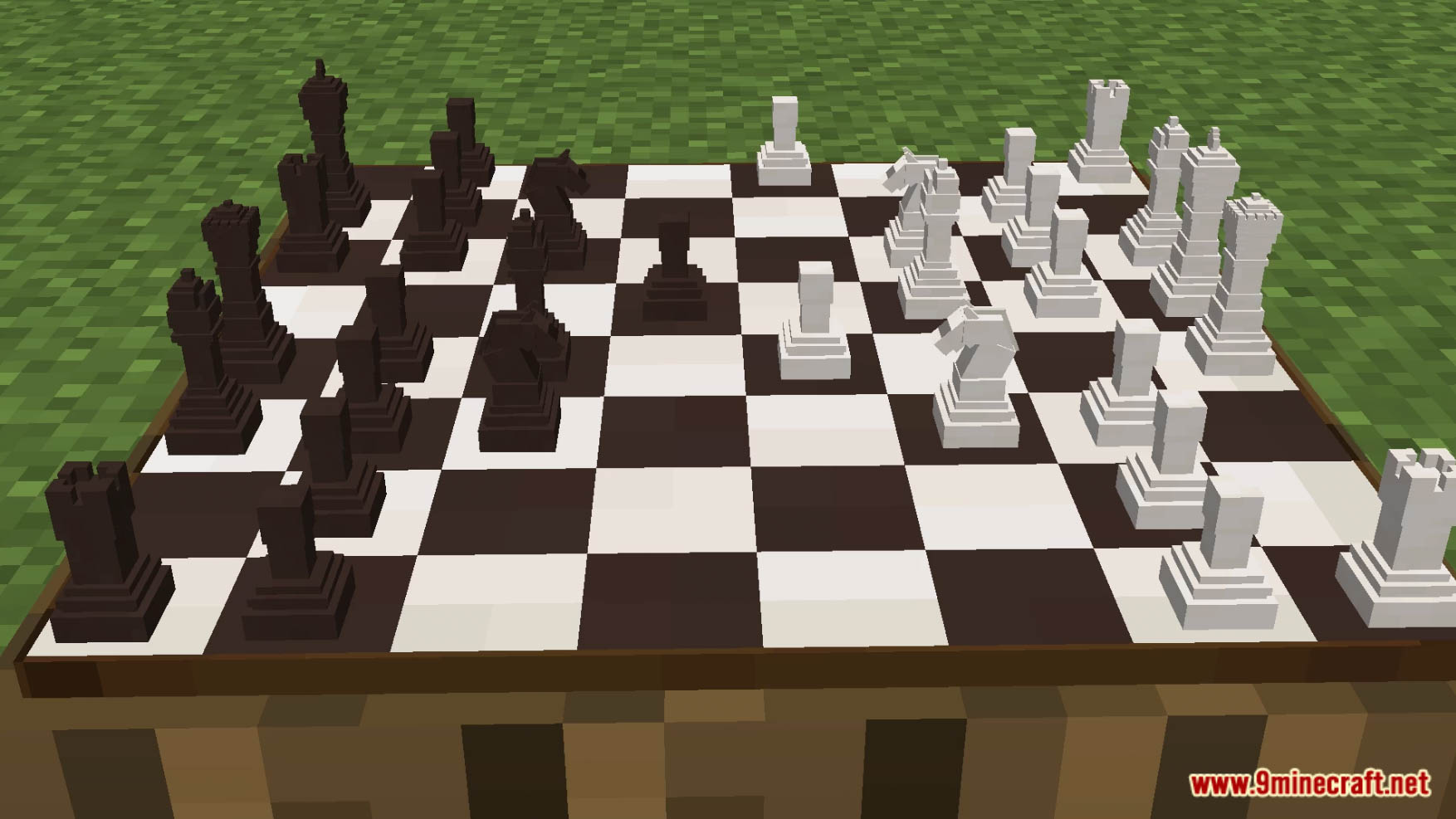
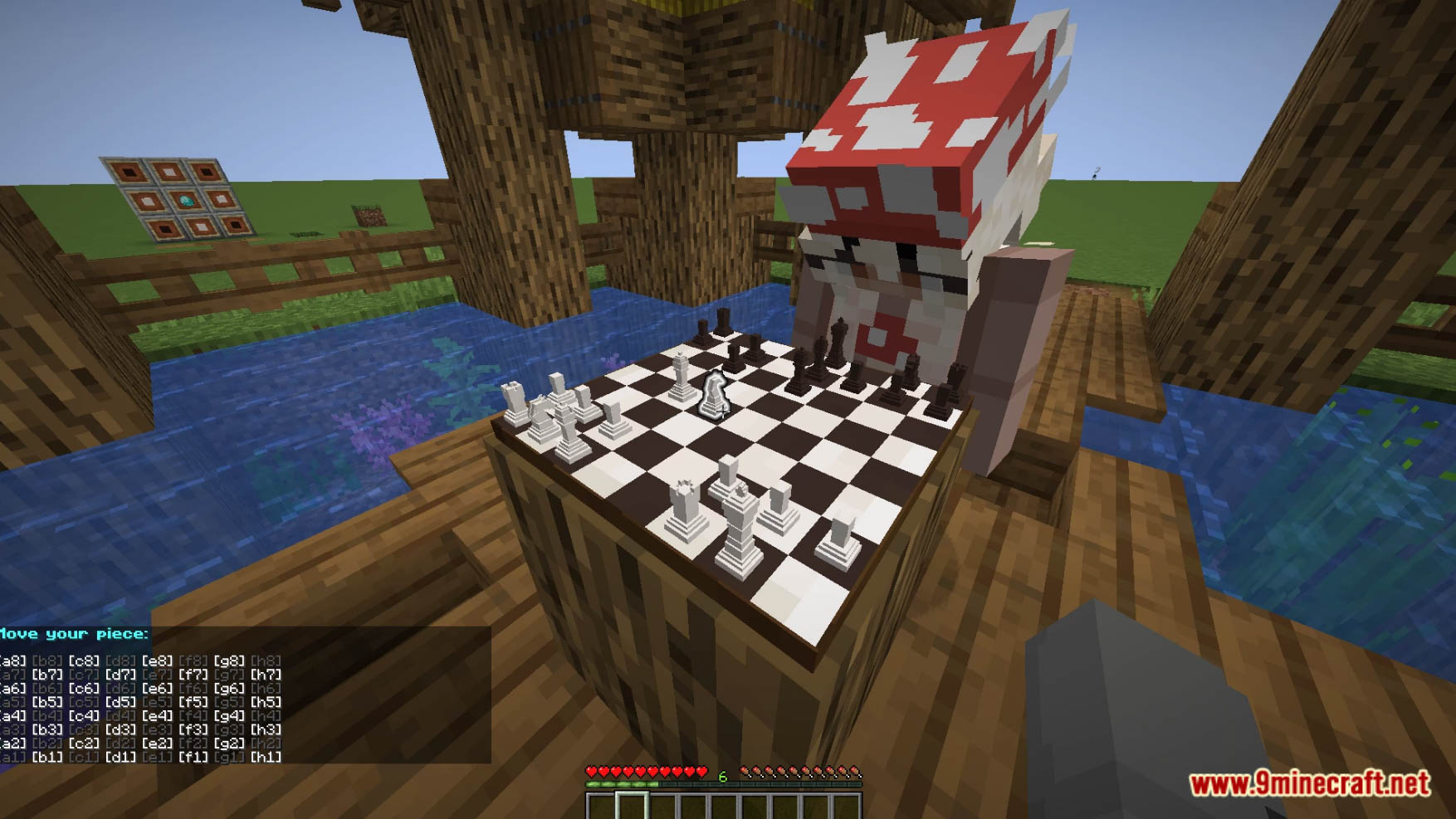
Crafting Recipes:
How to Install:
New to Minecraft? Follow our step-by-step guide to install Data Packs on your PC.View Guide
Chess Data Pack Download Links
For Minecraft 1.19.3, 1.19.2, 1.19
Data Pack: Download from Server 1
Resource Pack: Download from Server 1
For Minecraft 1.18.2, 1.18.1
Data Pack: Download from Server 1
Resource Pack: Download from Server 1
You May Also Like


This post has no comments yet. Be the first — your comment will appear here.