


Subtitle Highlight Mod (1.20.1, 1.19.4) – Überhöre nie wieder das Zischen eines Creepers

 0
0 

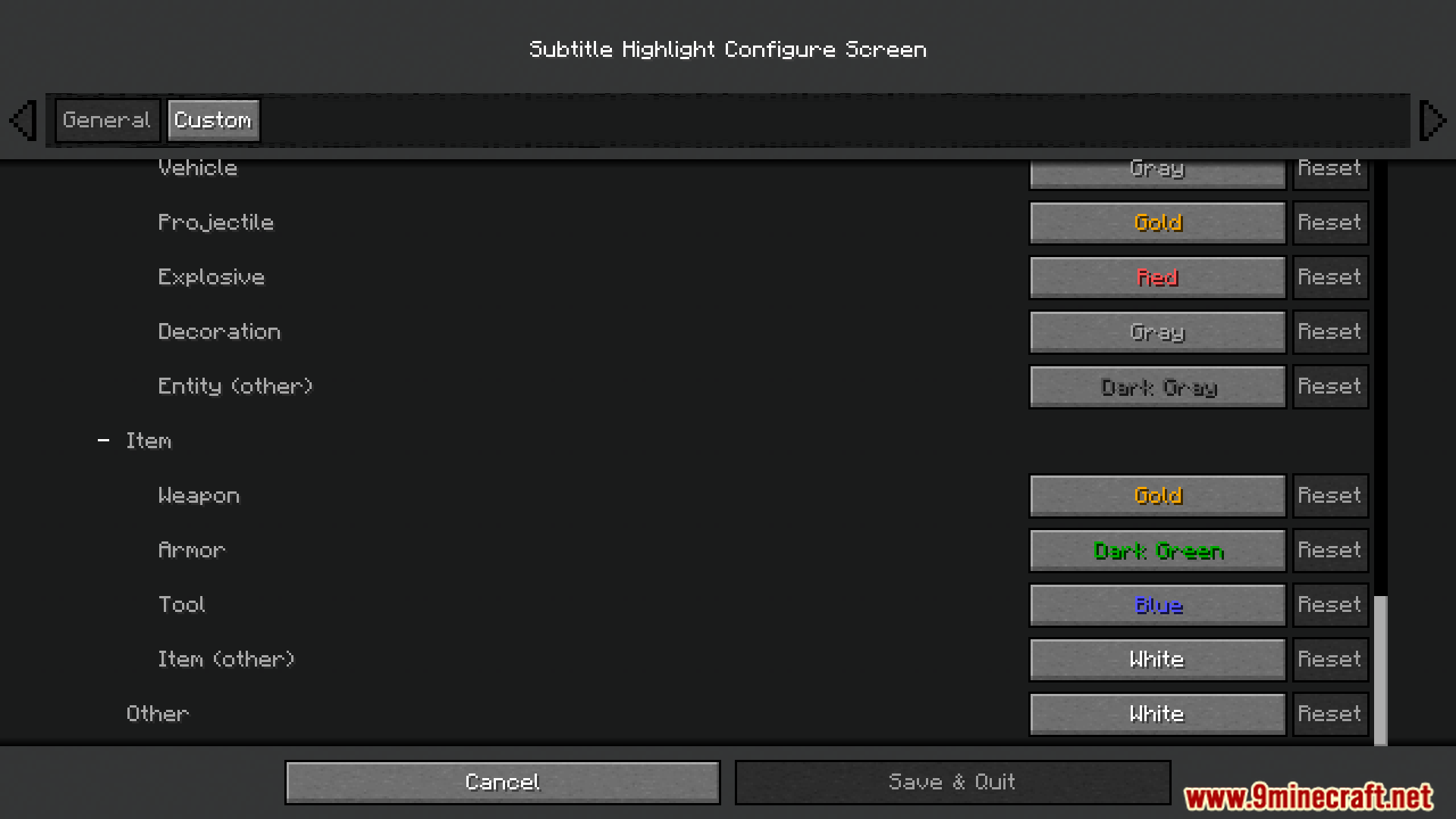
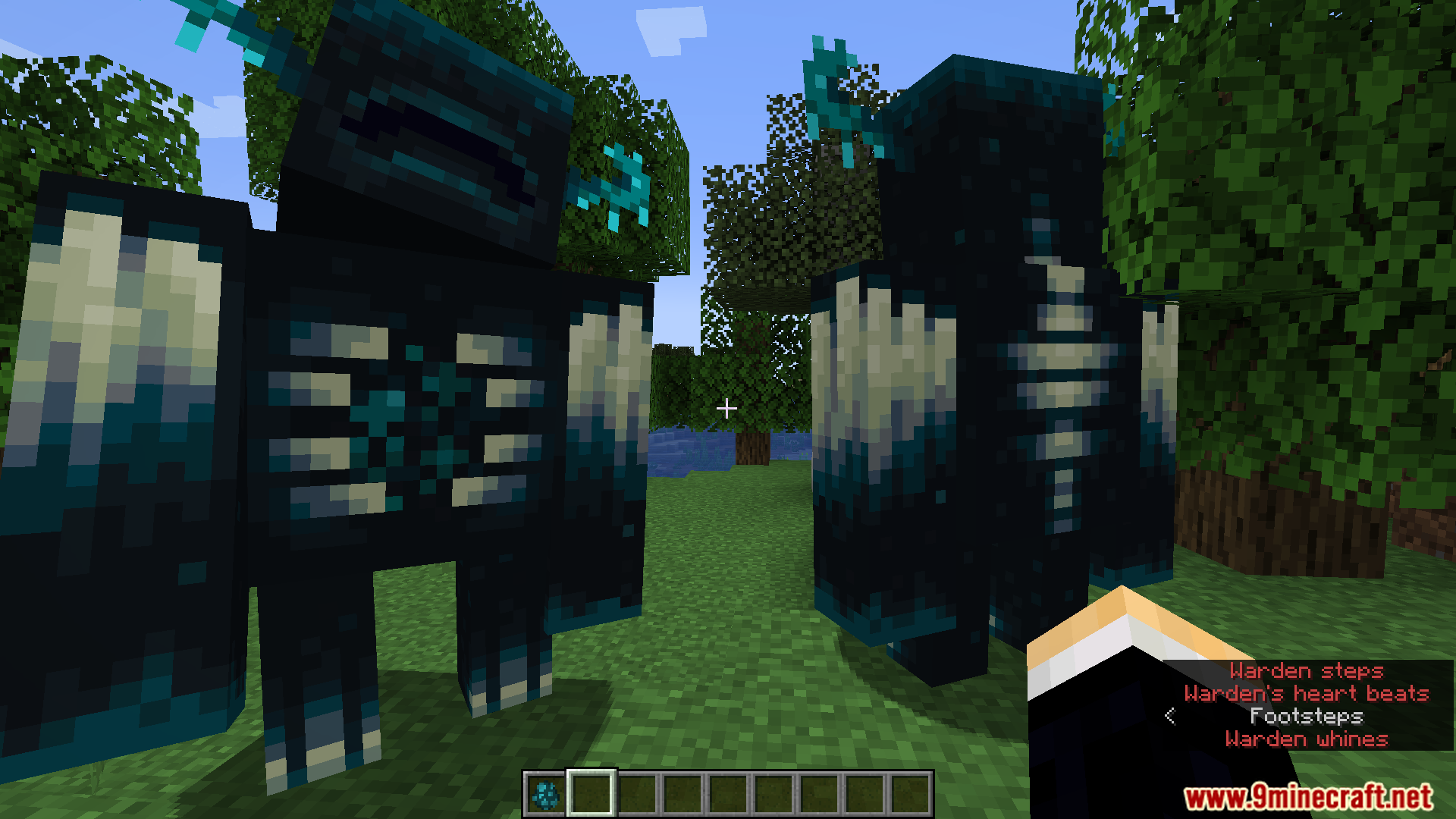
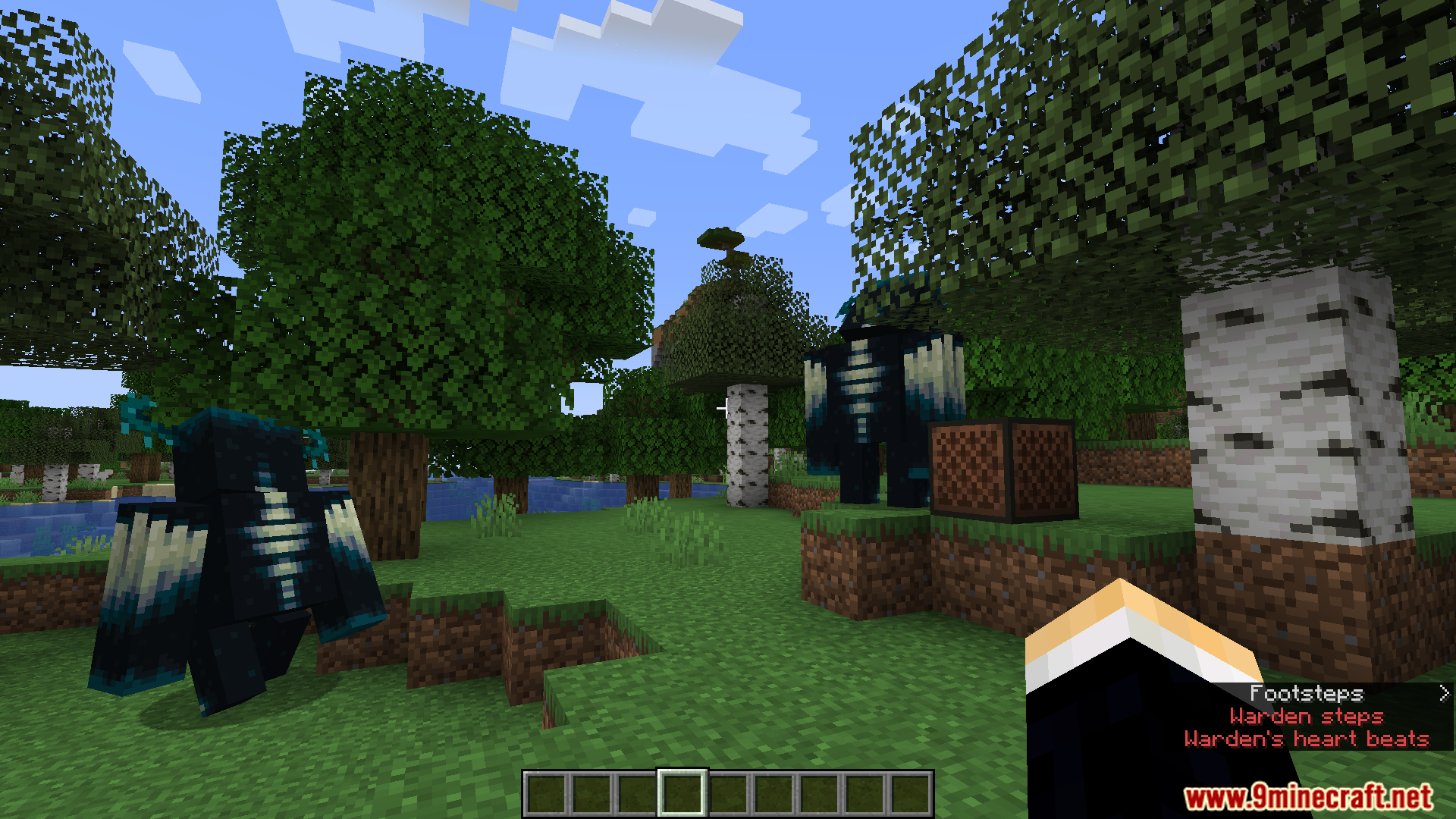
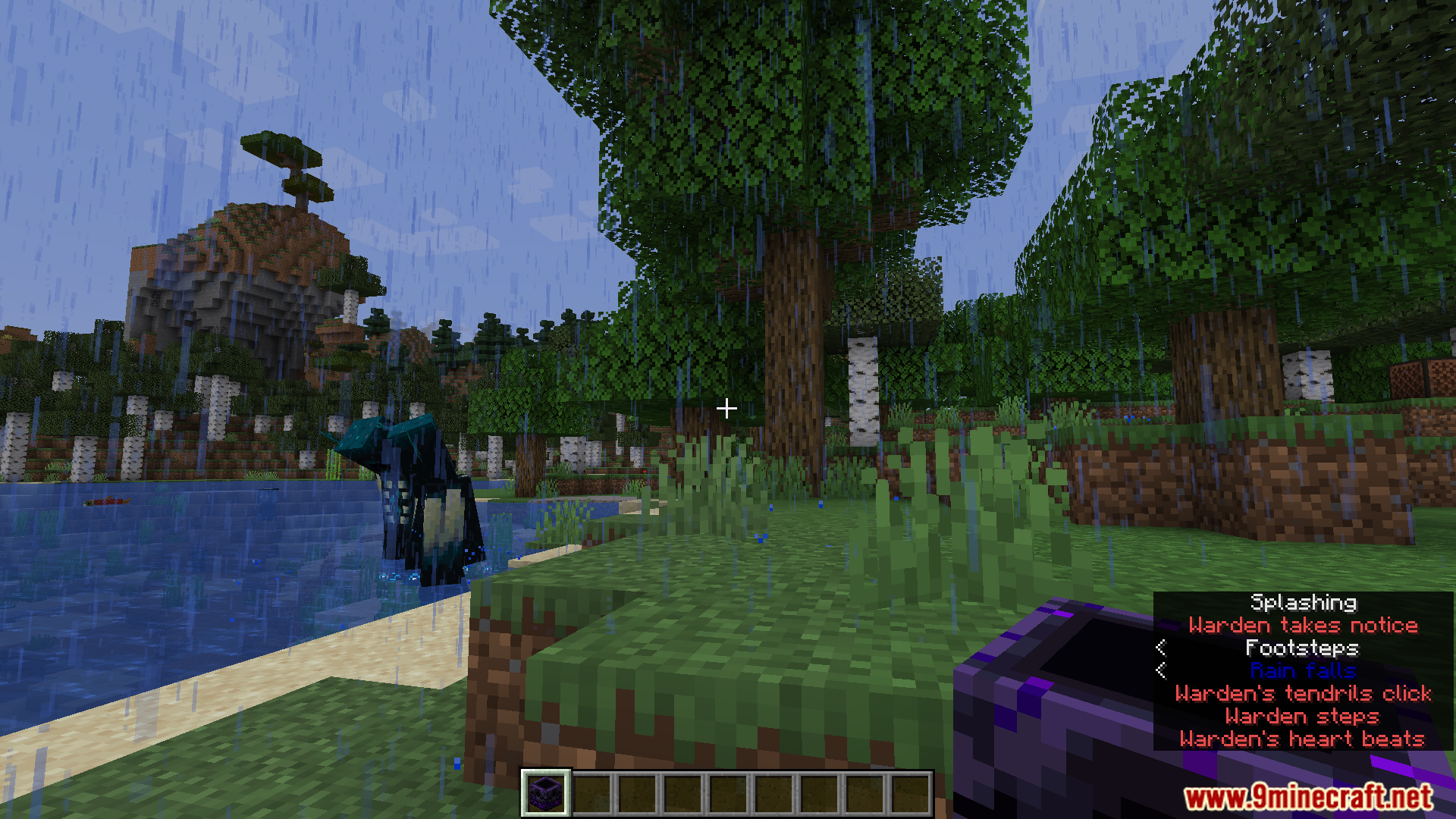
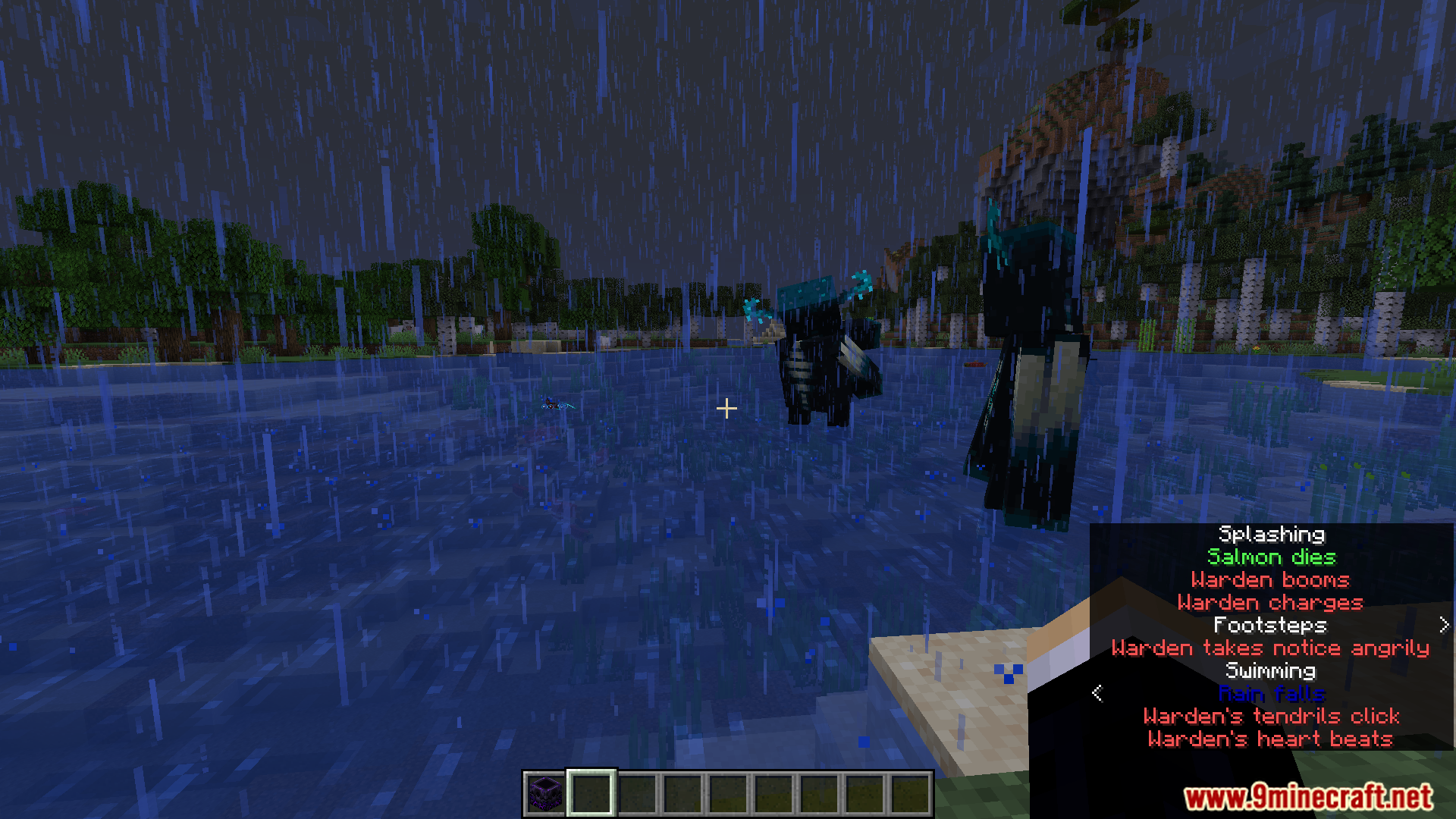
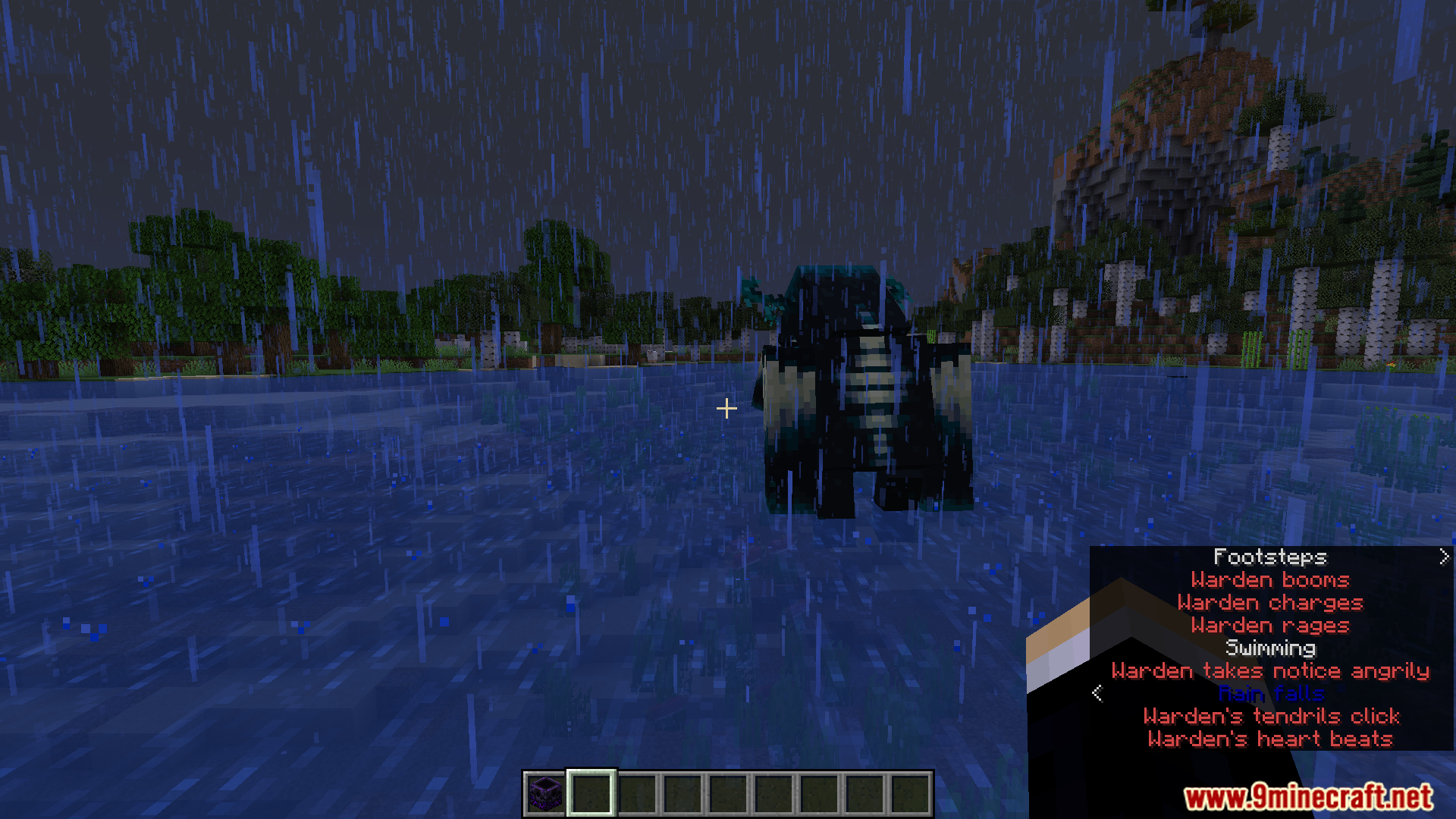
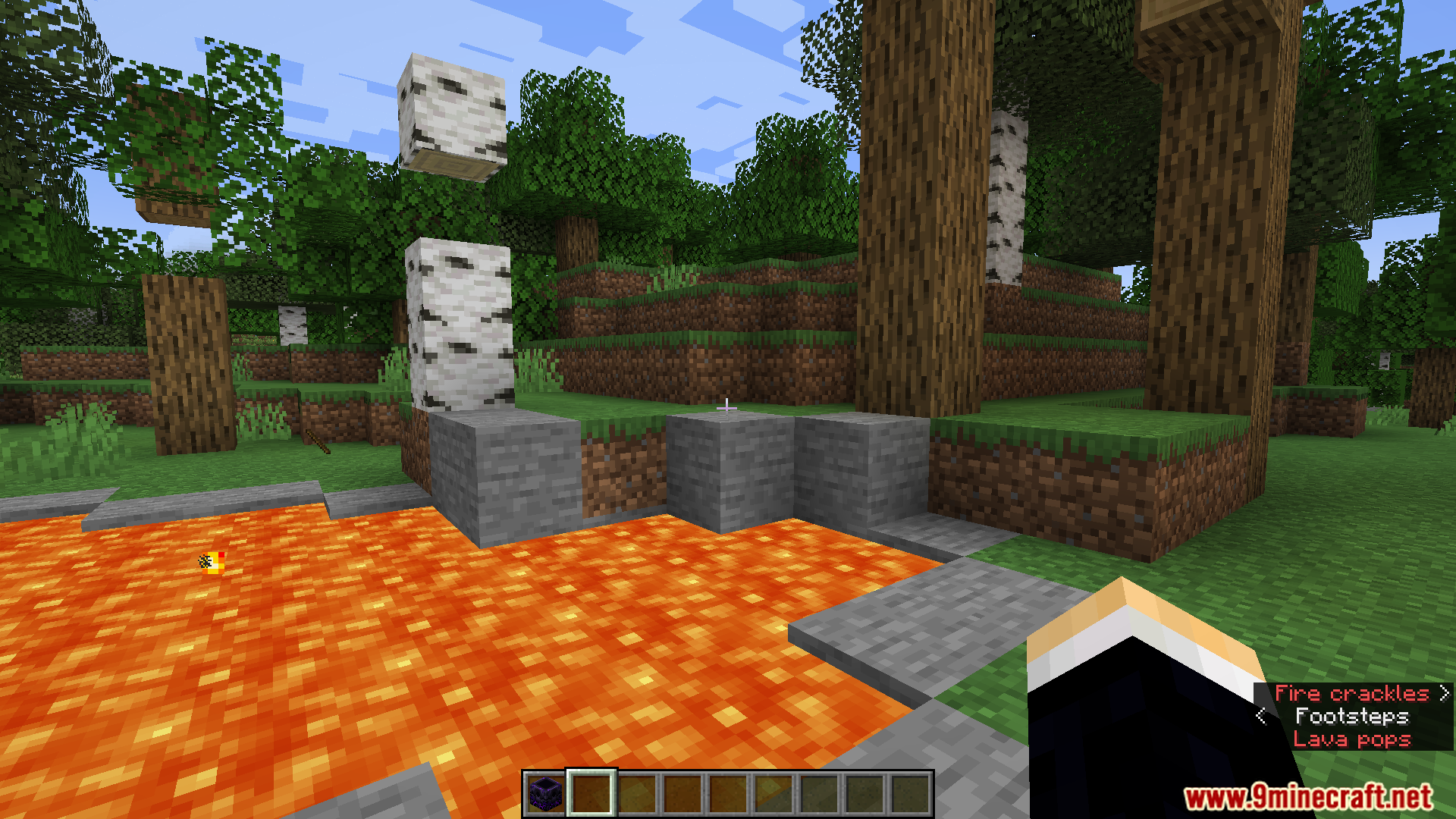
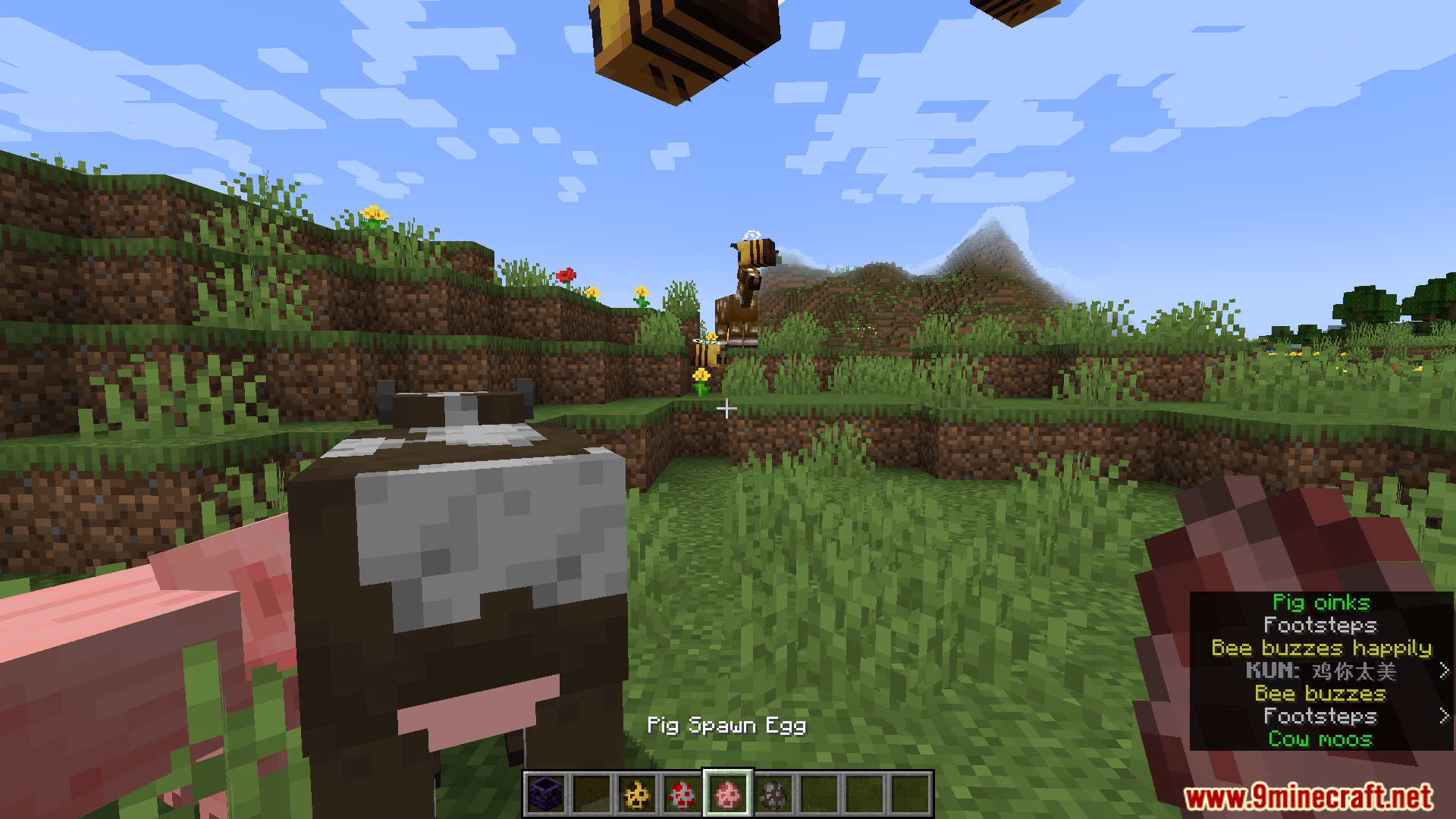
Der Subtitle Highlight Mod fügt den Untertiteln in Minecraft benutzerdefinierte Farben hinzu. Das hilft dir dabei, verschiedene Geräusche sofort voneinander zu unterscheiden. Du kannst zum Beispiel das Brüllen eines Wardens in rotem Text anzeigen lassen, während die Geräusche friedlicher Tiere in Grün erscheinen. Der Mod bietet dir ein komplettes Menü, um die Farben für jedes einzelne Geräusch im Spiel selbst festzulegen.
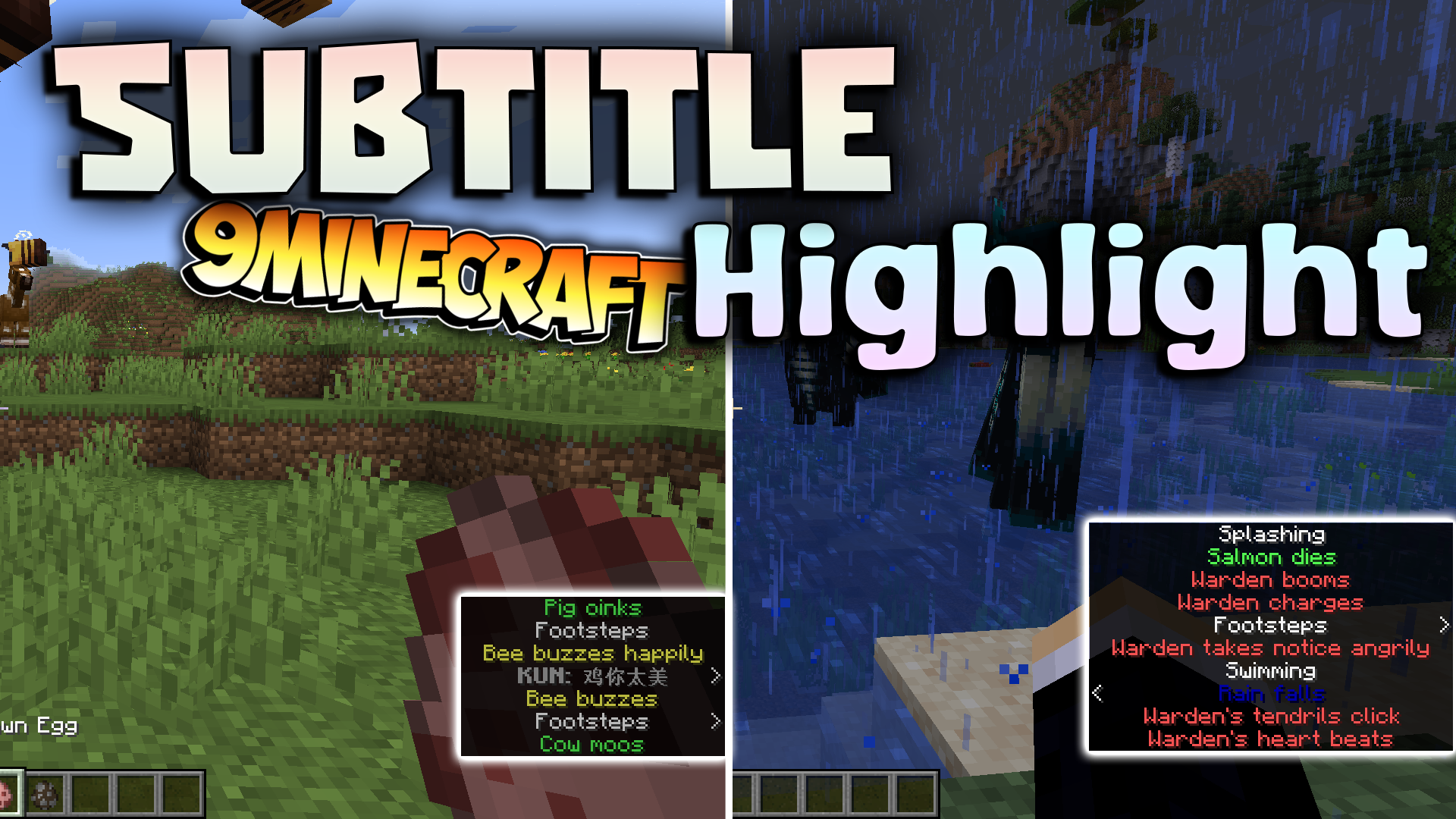
Features:
- Erleichtert die Unterscheidung von Untertiteln durch verschiedene Stile und Farben.
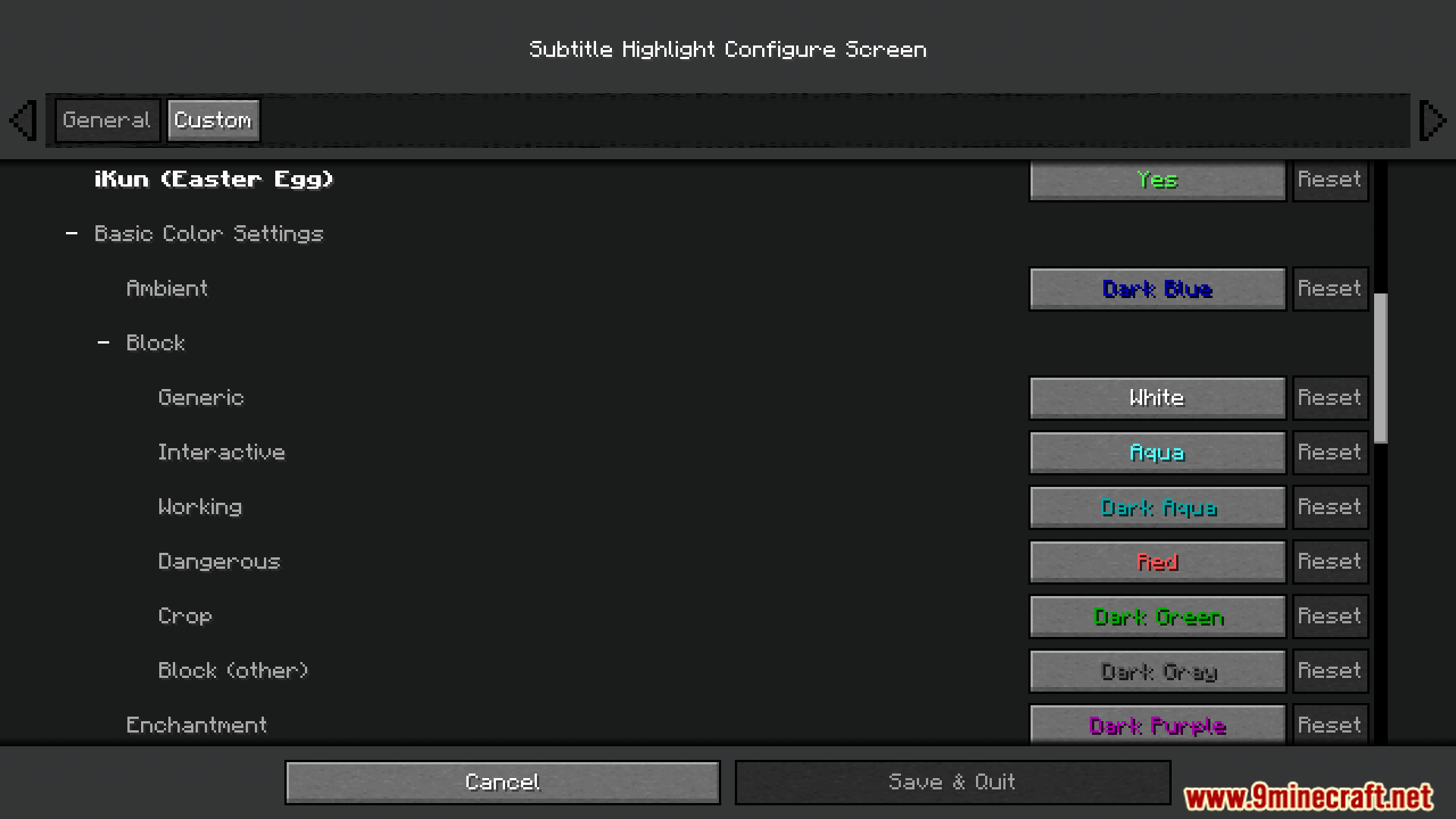
- Ermöglicht die Auswahl einer speziellen Farbe und Formatierung für jedes einzelne Geräusch im Spiel.
- Speichert alle deine benutzerdefinierten Einstellungen in einer Datei namens
subtitle_highlight.json. - Enthält ein lustiges kleines Easter Egg, das du einfach im Einstellungsmenü ausschalten kannst.
Konfiguration:
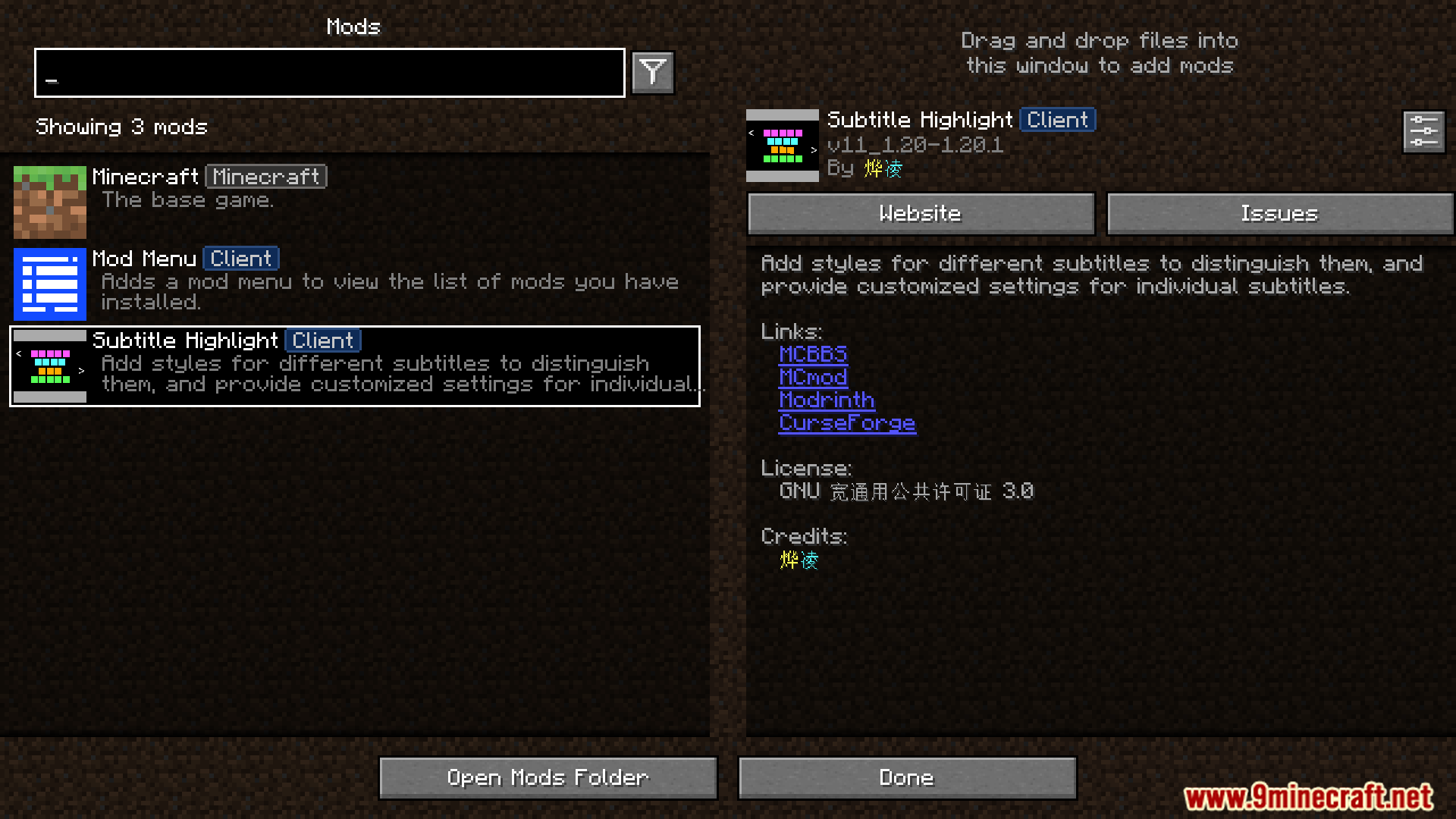
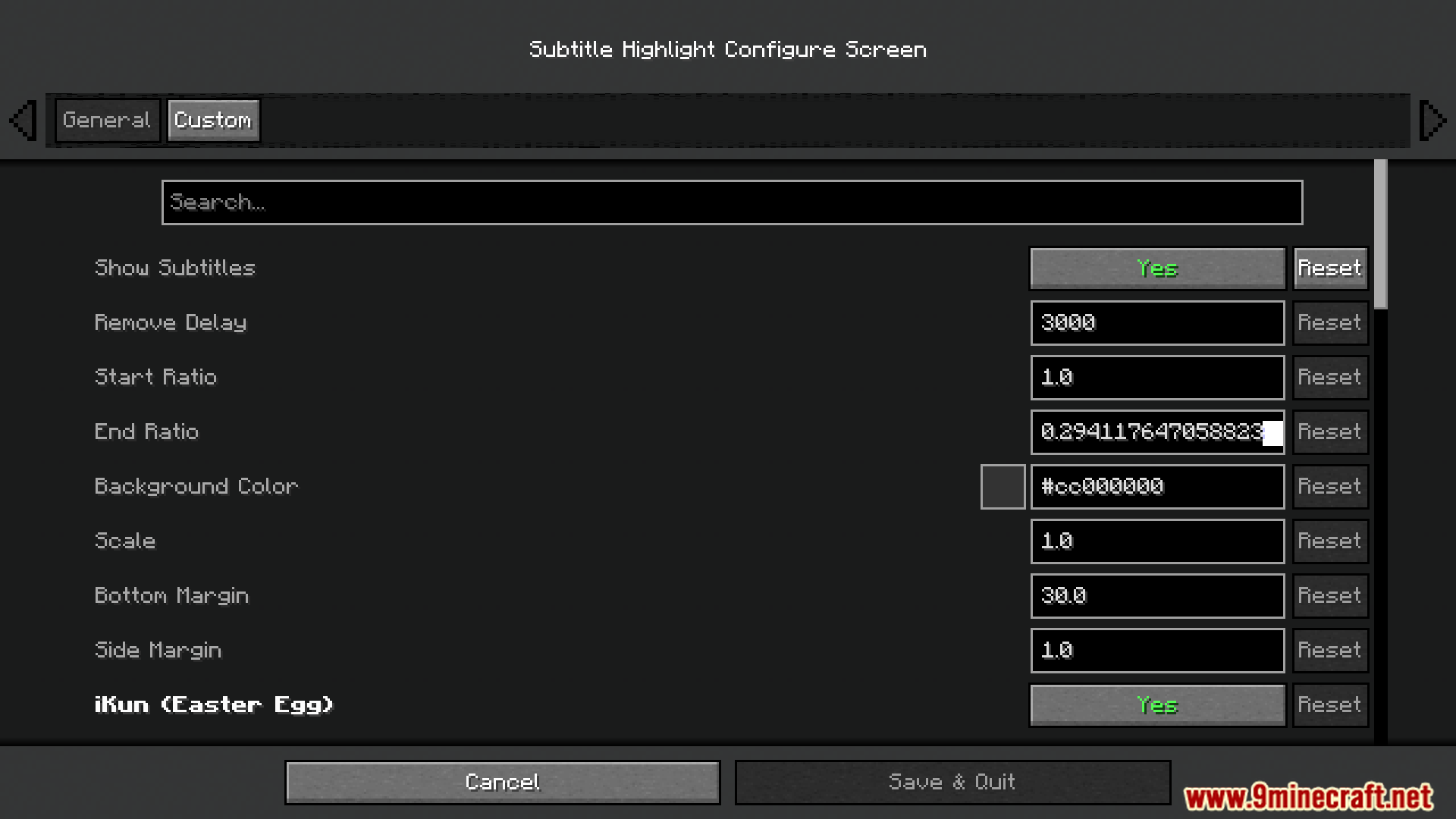
- Du kannst die Einstellungen des Mods über das In-Game-Mod-Menü ändern.
- Alle Einstellungen werden in der Datei
/config/subtitle_highlight.jsonin deinem Minecraft-Ordner gespeichert.
Screenshots:

Installationsanleitung:
Voraussetzungen:

Subtitle Highlight Mod Download Links
Für Minecraft 1.20.1, 1.20
Fabric/Quilt Version: Download von Server 1 – Download von Server 2
Für Minecraft 1.19.4
Fabric/Quilt Version: Download von Server 1 – Download von Server 2
Für Minecraft 1.19.3
Fabric/Quilt Version: Download von Server 1 – Download von Server 2
Für Minecraft 1.19.2, 1.19.1, 1.19
Fabric/Quilt Version: Download von Server 1 – Download von Server 2
Für Minecraft 1.18.2
Fabric/Quilt Version: Download von Server 1 – Download von Server 2
Für Minecraft 1.17.1
Fabric/Quilt Version: Download von Server 1 – Download von Server 2
Für Minecraft 1.16.5
Fabric/Quilt Version: Download von Server 1 – Download von Server 2
Das könnte dir auch gefallen









Dieser Beitrag hat noch keine Kommentare. Sei der Erste – dein Kommentar erscheint hier.