


EMI Professions 9minecraft Mod (26.2) – Find Every Villager Workstation Instantly

 0
0 

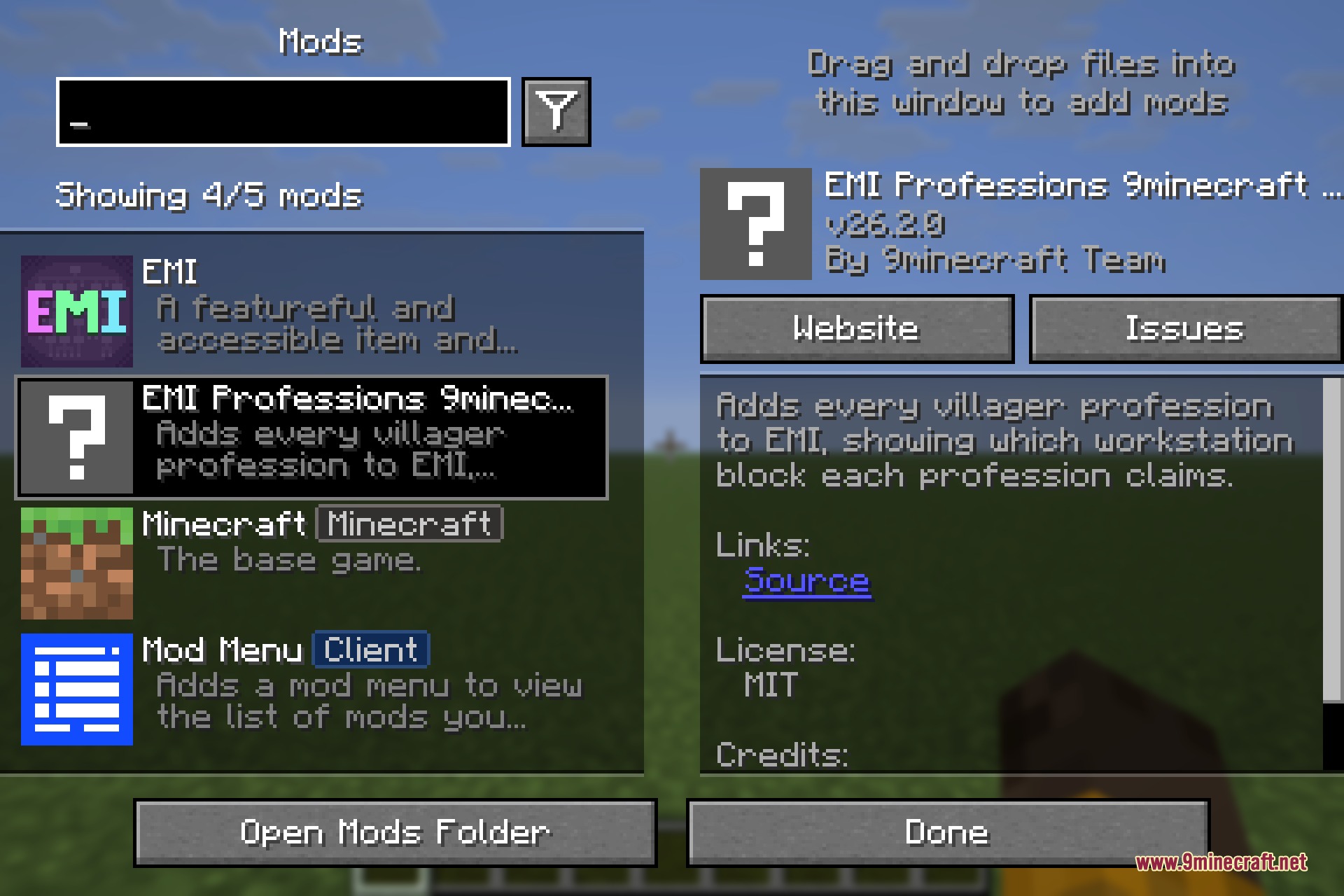
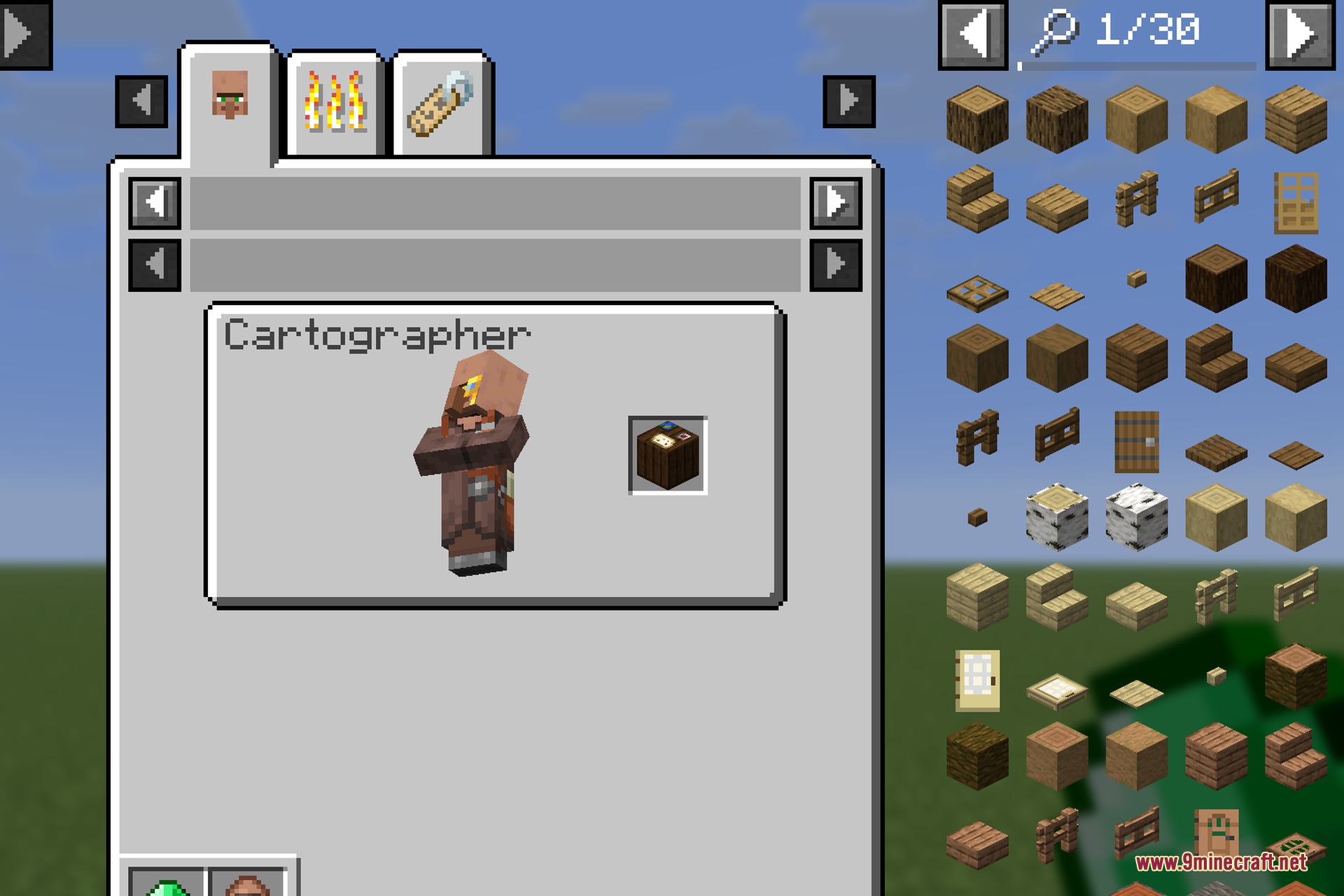
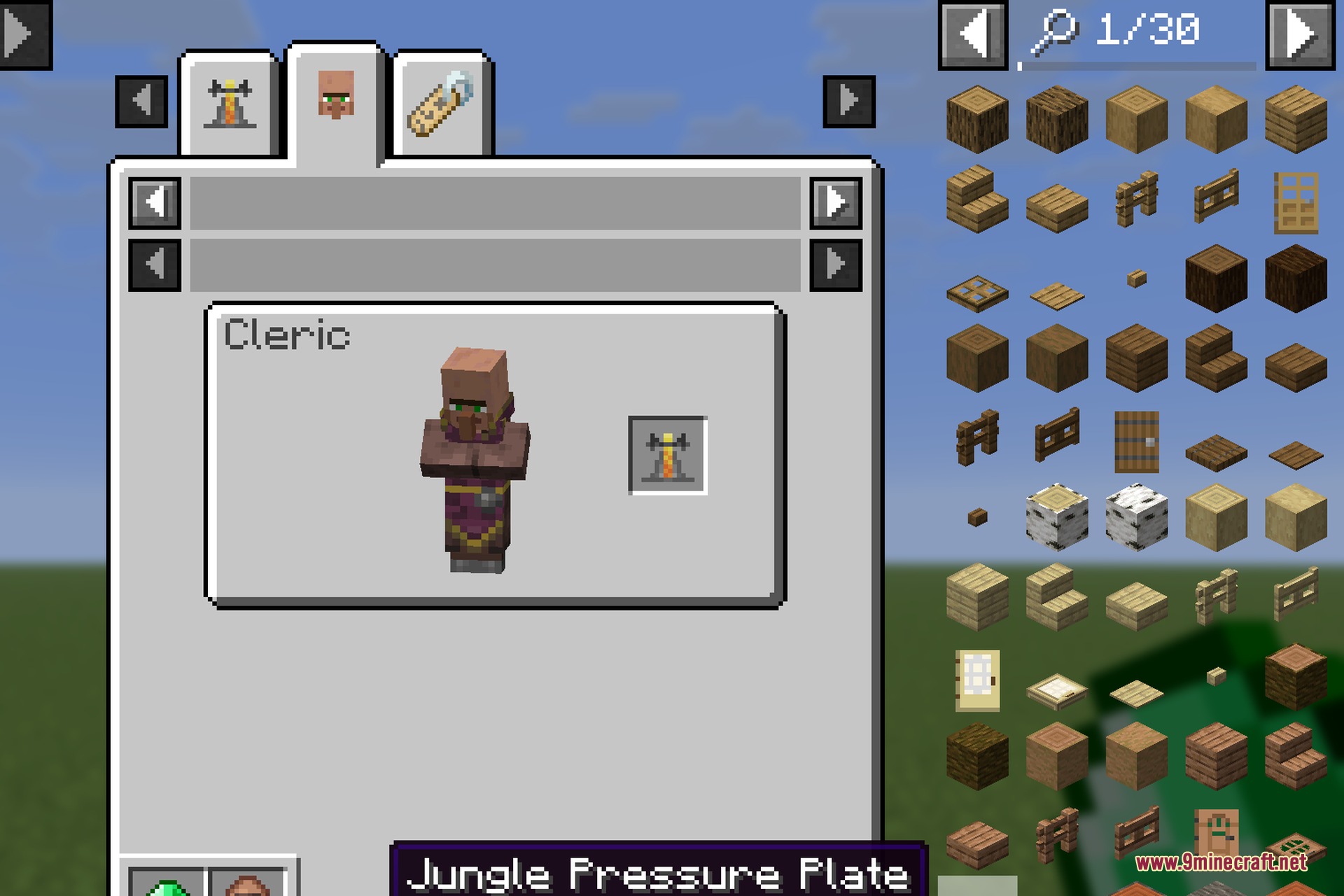
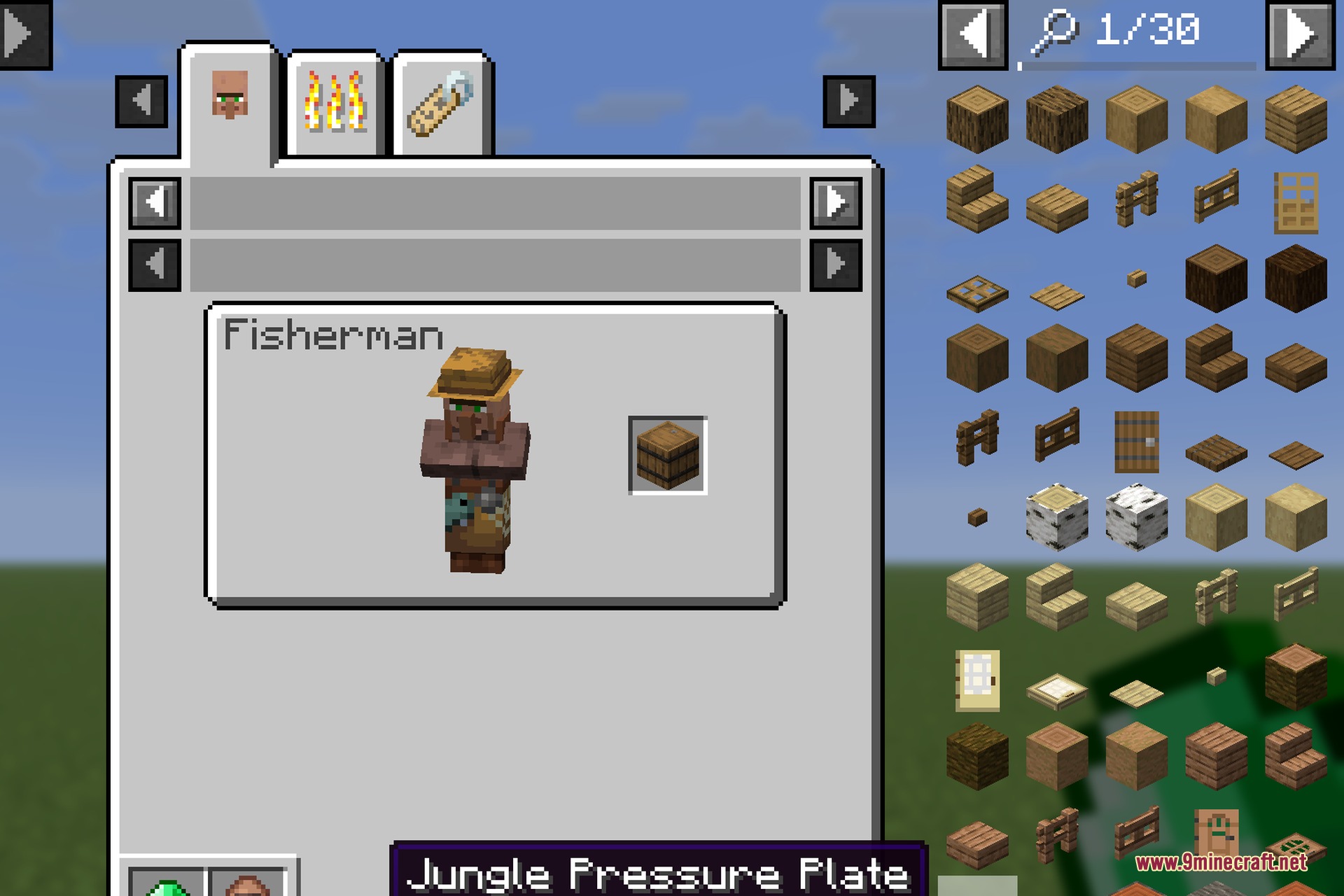
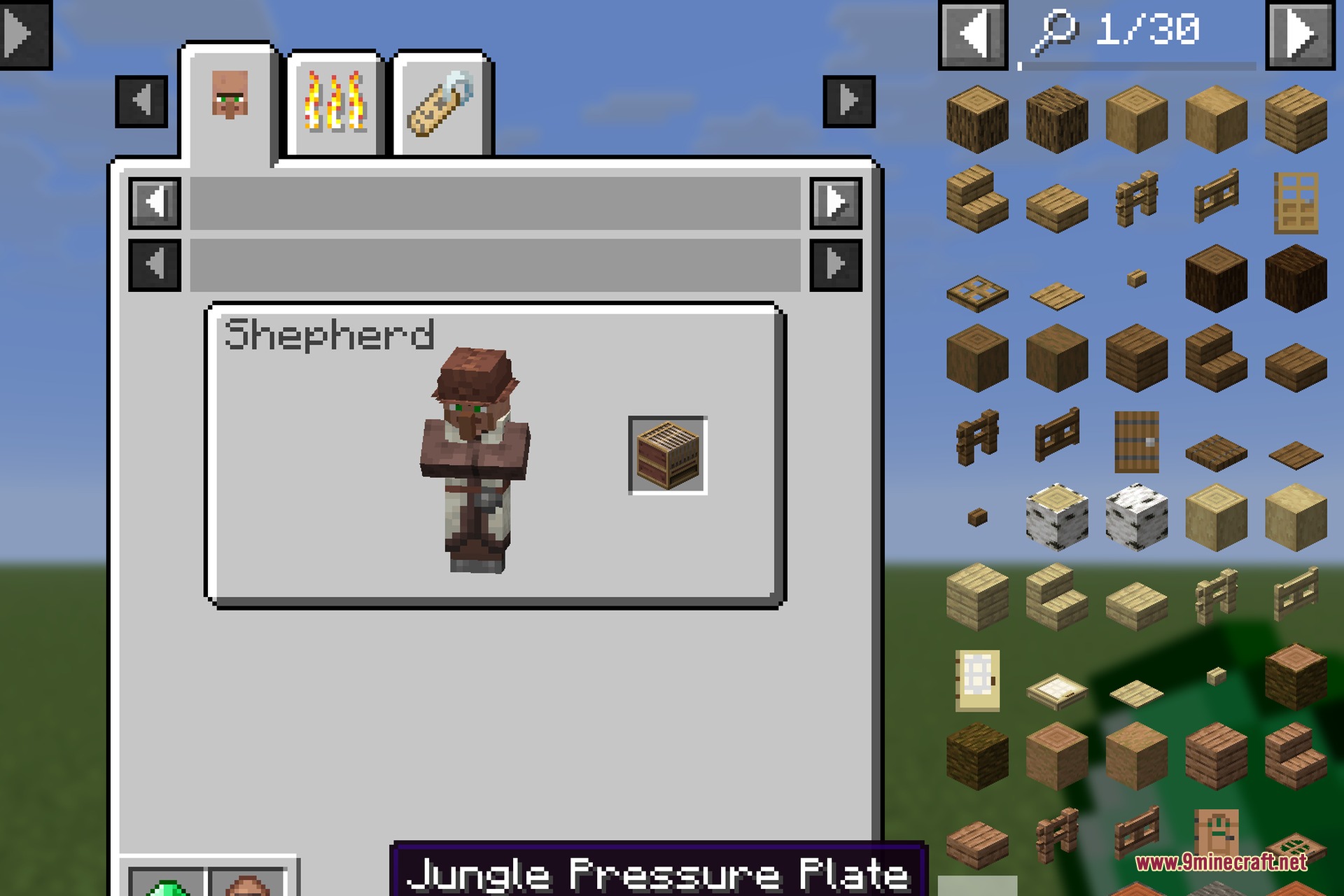
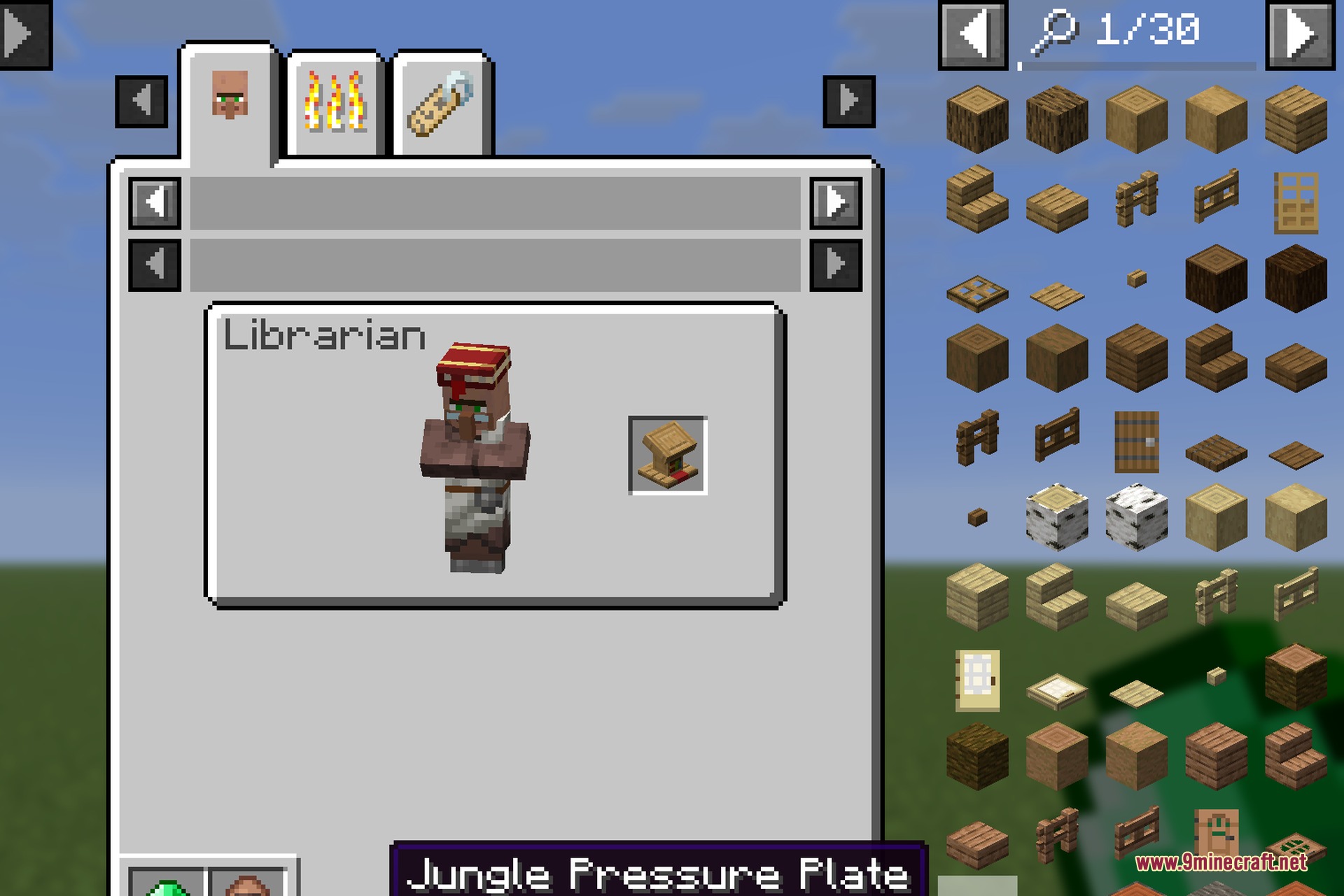
EMI Professions 9minecraft Mod extends EMI with villager profession lookups. It shows you the exact workstation block needed for every villager trader in the game. You can check outfits, job titles, and workstation blocks directly inside the EMI interface. The mod runs on your client and works right away with vanilla jobs as well as custom professions from other mods.

Features:
- Displays a full list of villager professions and their matching workstation blocks inside EMI.
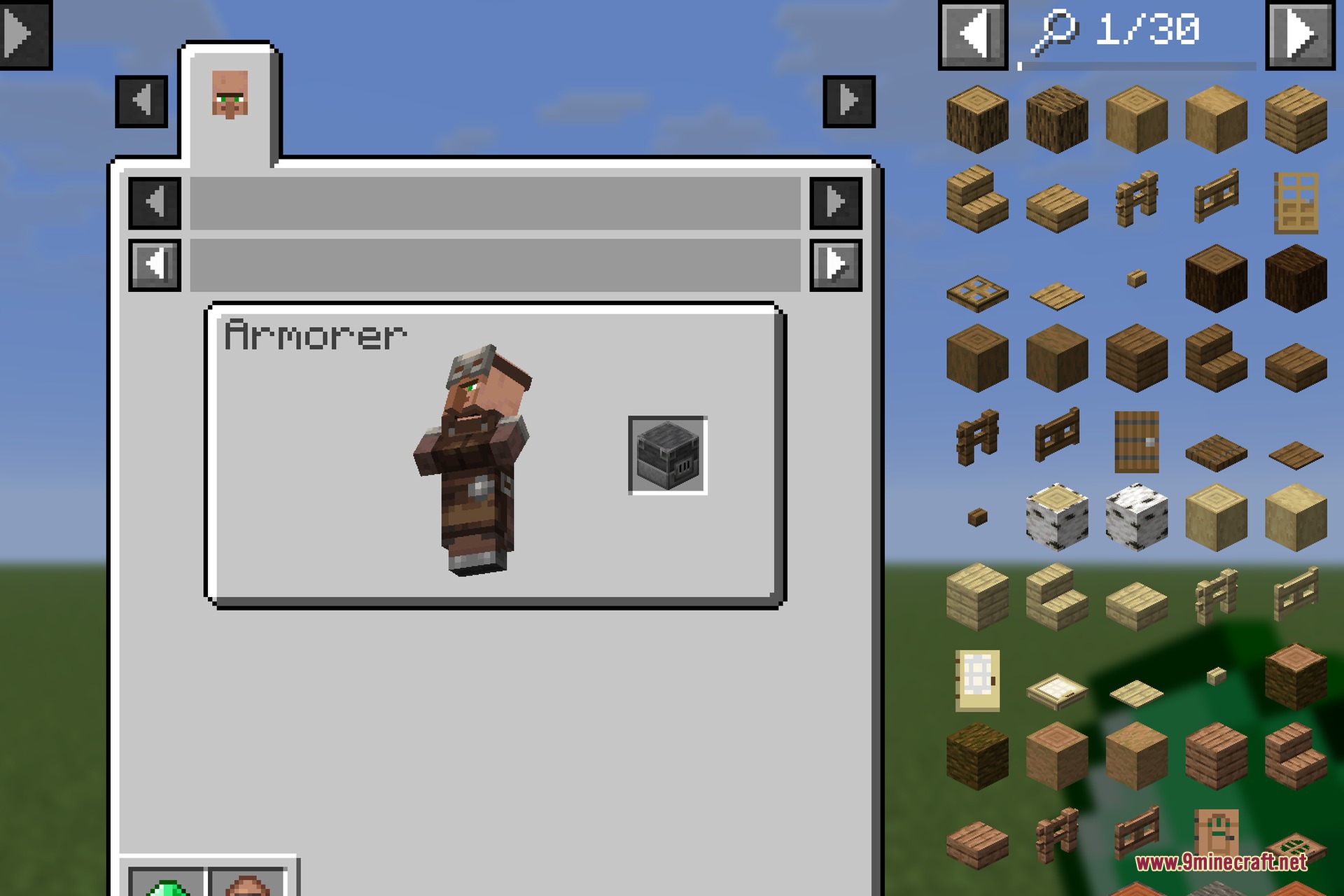
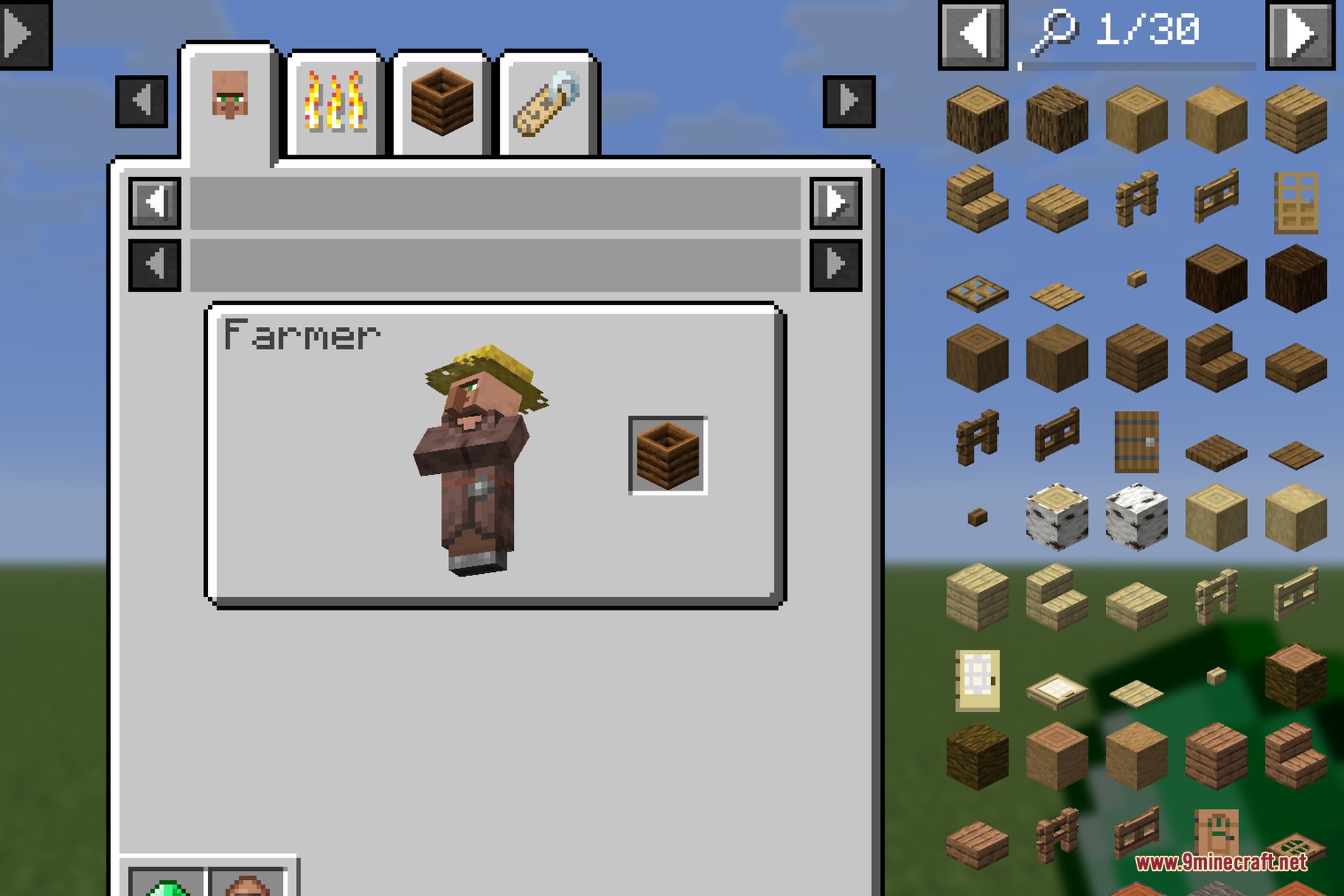
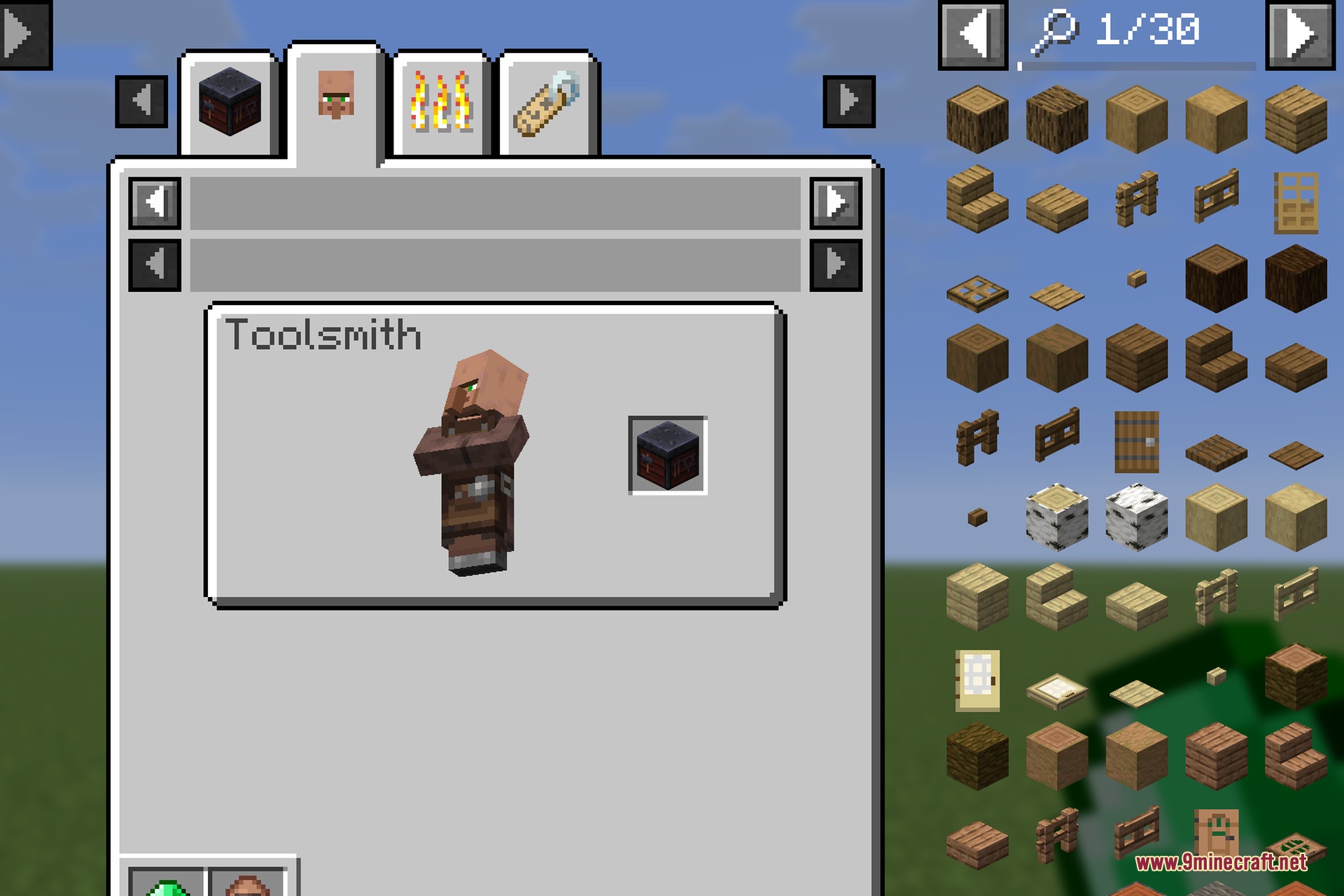
- Shows a preview of each villager wearing their job outfit alongside their work block.
- Lets you view assigned professions by checking the uses of any workstation block.
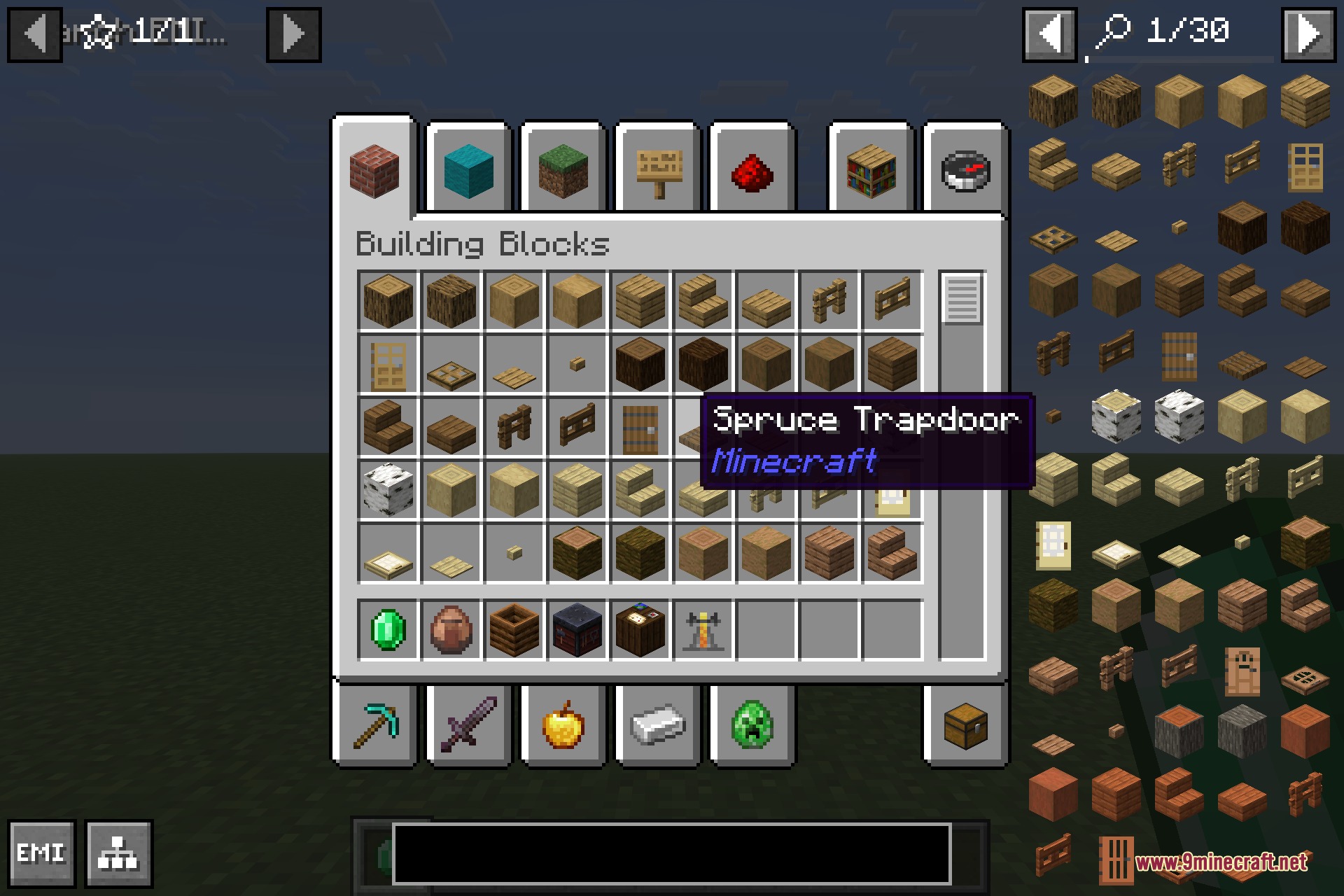
- Shows all jobs when you check the uses of an emerald or a villager spawn egg.
- Holding Shift reveals the internal registry ID for custom modpack setups.
- Picks up custom villager professions added by other mods automatically.
- Runs entirely on the client side without adding new items or blocks to the world.
How to Use:
- Hover your cursor over an emerald or a villager spawn egg in EMI.
- Press the Uses keybind to open the Professions tab.
- Hover over any workstation block, like a lectern or composter, and press Uses to see its job.
- Hold Shift while viewing a profession to view its technical registry ID.
Screenshots:
How to Install:
New to Minecraft? Follow our step-by-step guide to install Mods on your PC.View Guide



EMI Professions 9minecraft Mod Download Links
For Minecraft 26.2
Click to rate this post!
[Total: 0 Average: 0]
You May Also Like









This post has no comments yet. Be the first — your comment will appear here.