


Multiverse Portals Plugin (26.1.2, 1.20.1) – Create Custom Teleportation Portals
 87
87
 0
0
 April 21, 2026
 benwoo1110, dumptruckman, nicegamer7, wben1110, zax71
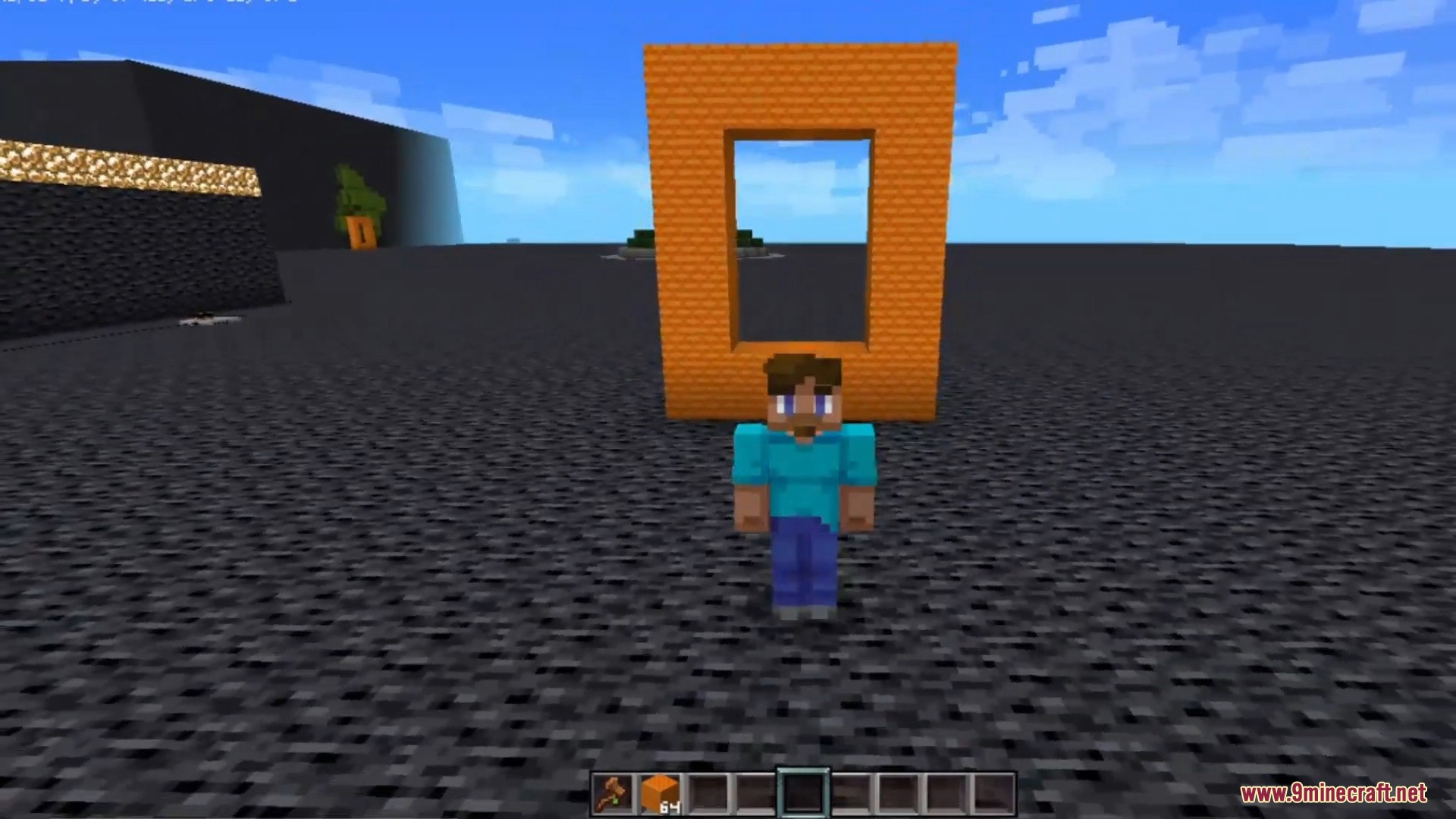
Multiverse Portals Plugin lets you build custom portals to send players anywhere on your server. You can make these portals out of any block, not just obsidian. It helps you link different worlds, exact map coordinates, or specific saved spots. You can even set up portals to run server commands when a player walks into them.
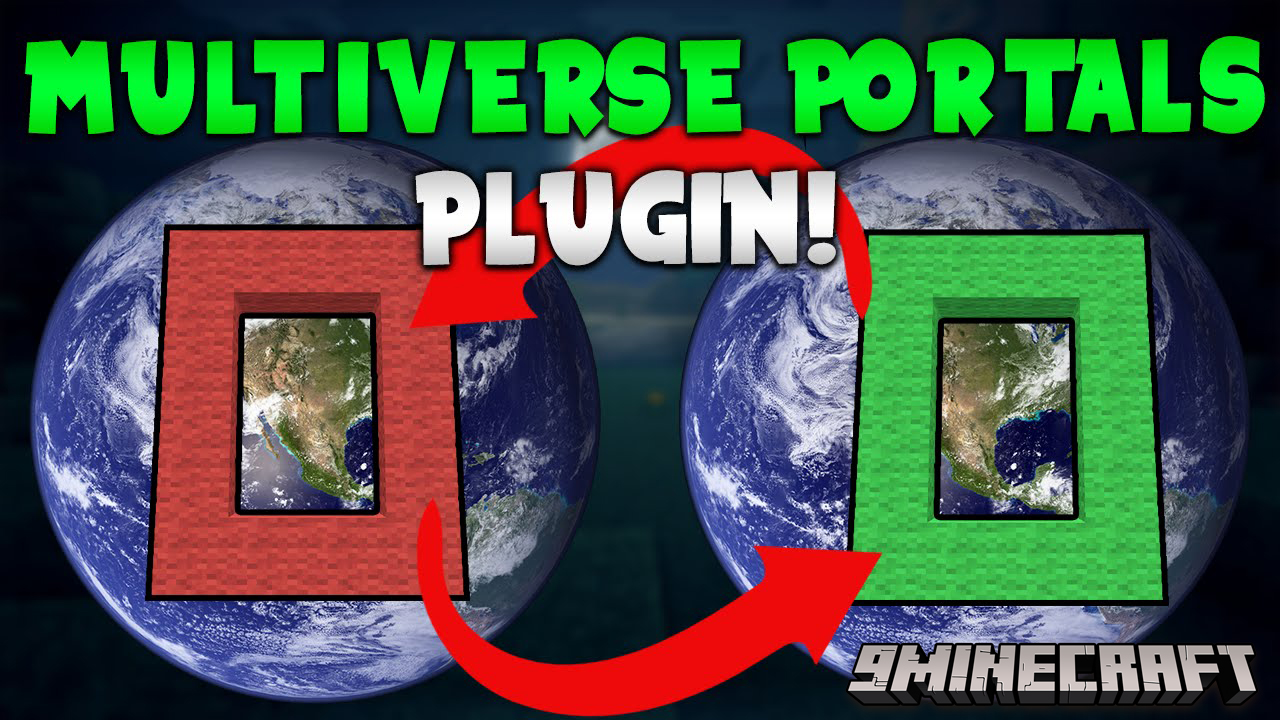
Features:
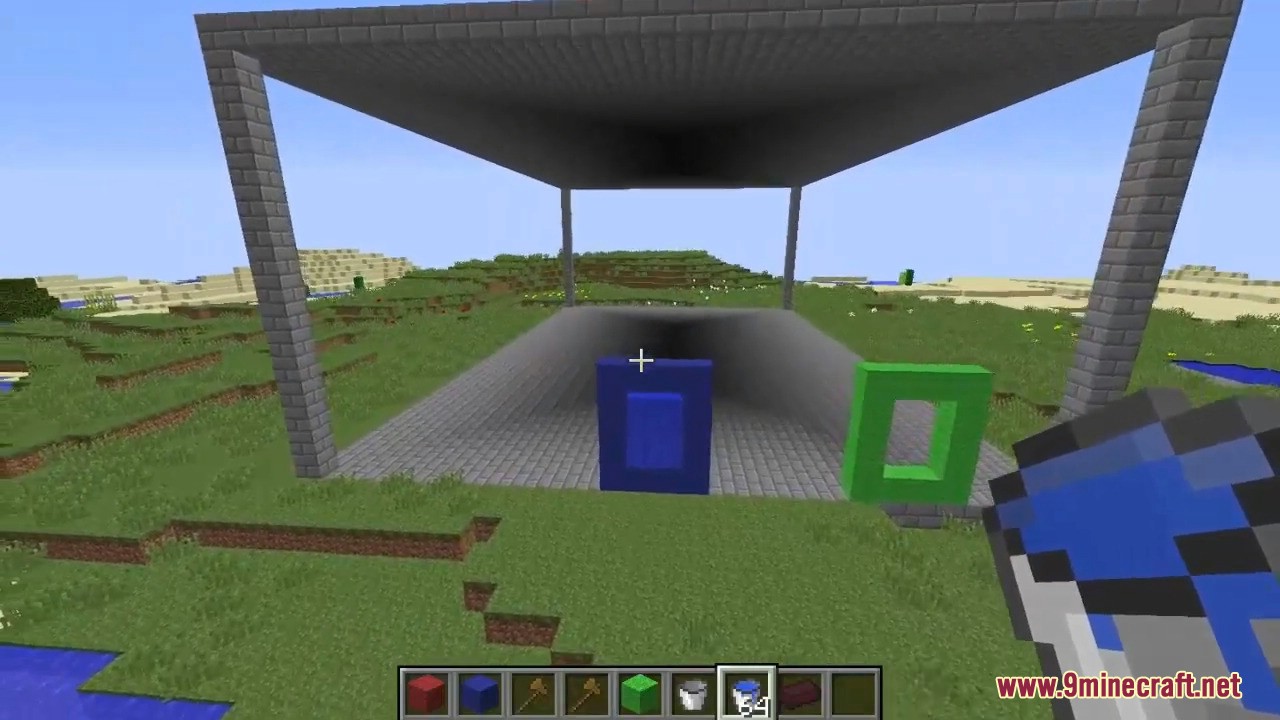
- Custom Portal Shapes: Build portals in any shape or size you want, using any blocks.
- Multiple Destinations: Send players to different worlds, exact map coordinates, or other portals.
- Set rules on who can enter specific portals.
- Charge players a fee to travel through a portal.
- Let some players use portals for free without paying the fee.
- Shoot players up into the air when they step inside.
- Ride boats and minecarts straight through the portals.
- Add cooldown timers so players cannot use the portal too fast.
Commands:
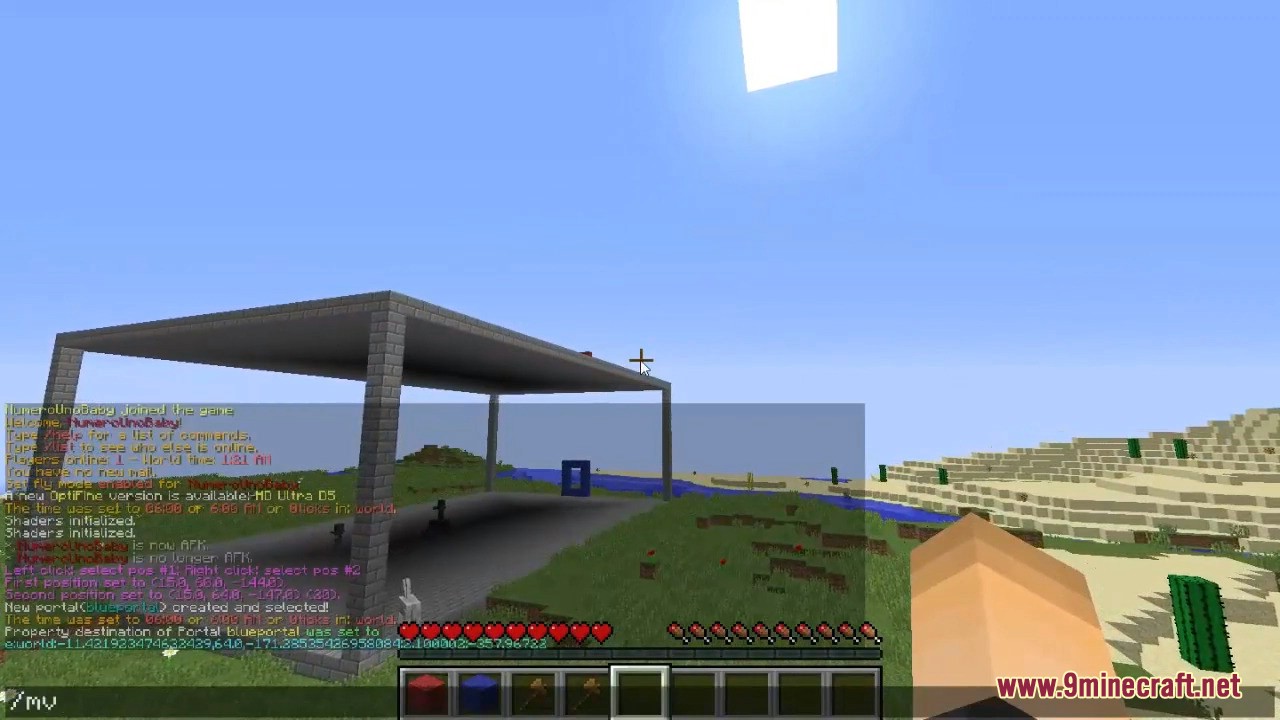
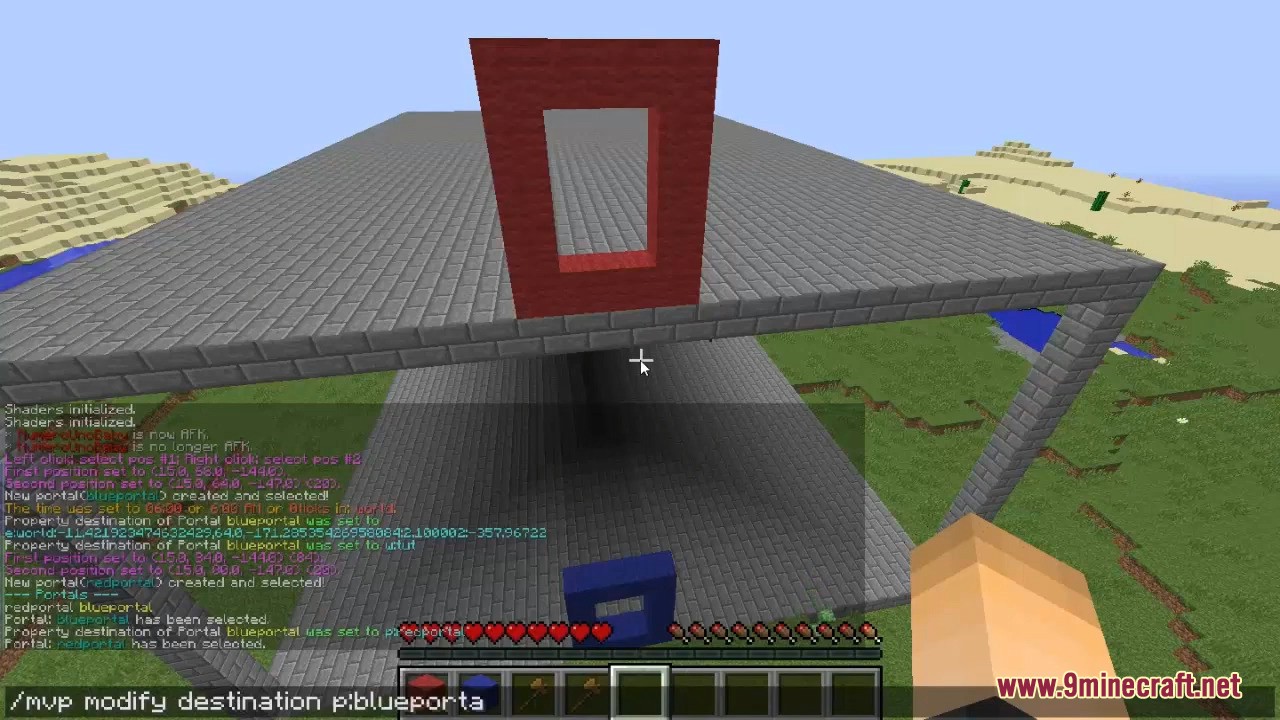
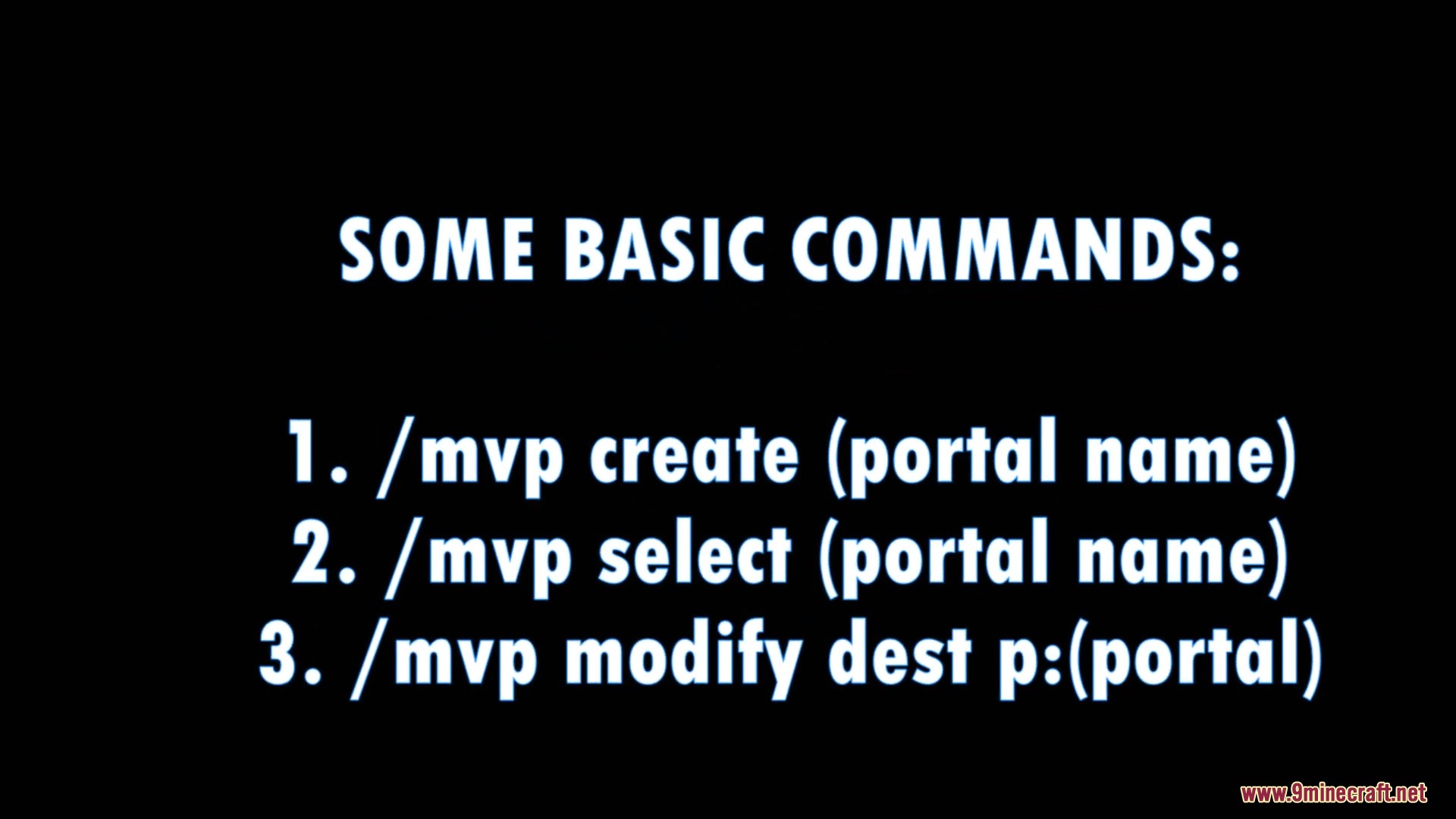
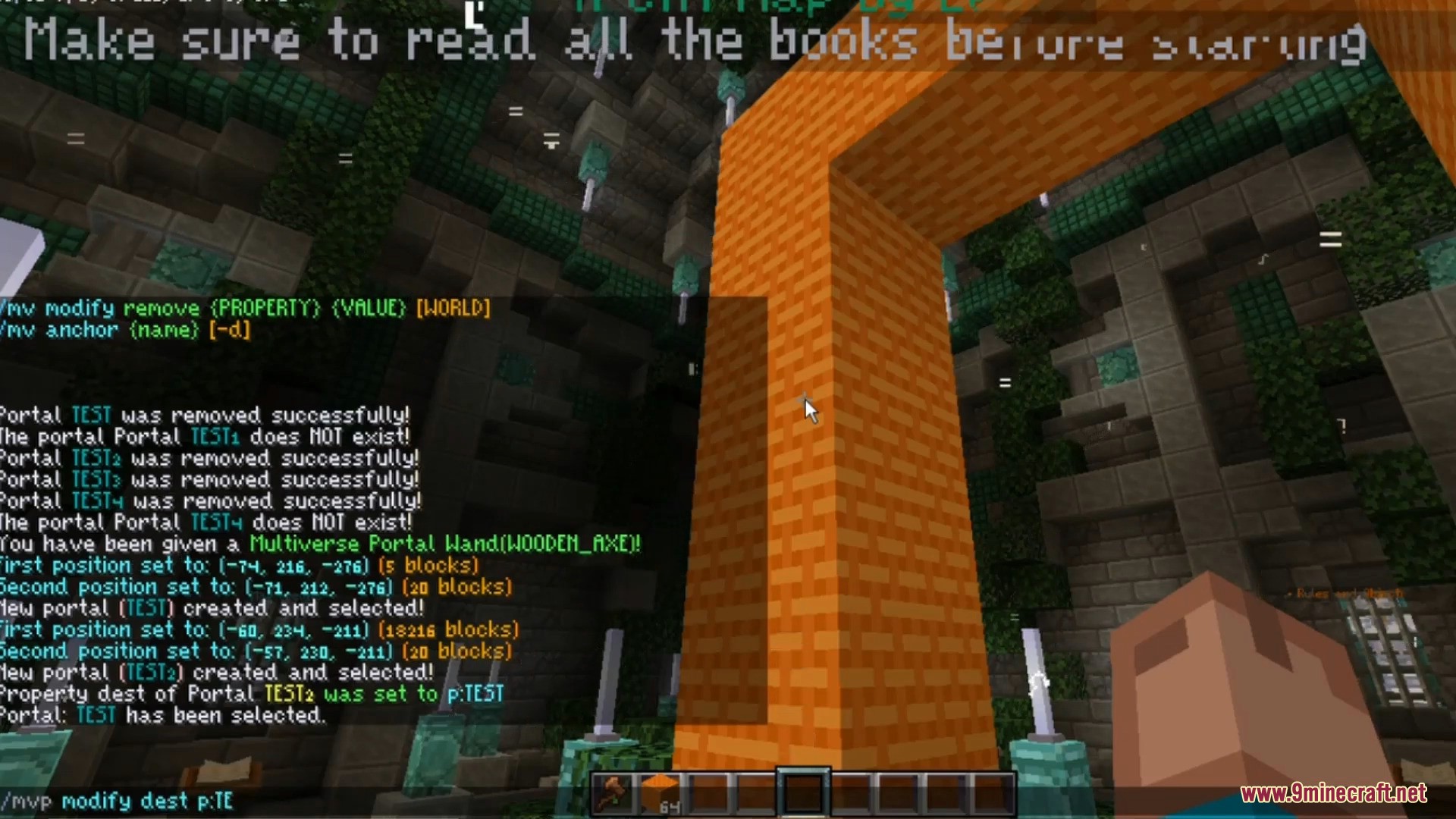
/mvp create [name]: Makes a new portal in your selected area./mvp modify dest [destination]: Tells the portal where to send players./mvp delete [name]: Removes a portal./mvp list: Shows all the portals on the server.
How to Use:
- Select an area with two points using WorldEdit.
- Type the create command to make the portal in that area.
- Type the modify command to set where the portal goes.
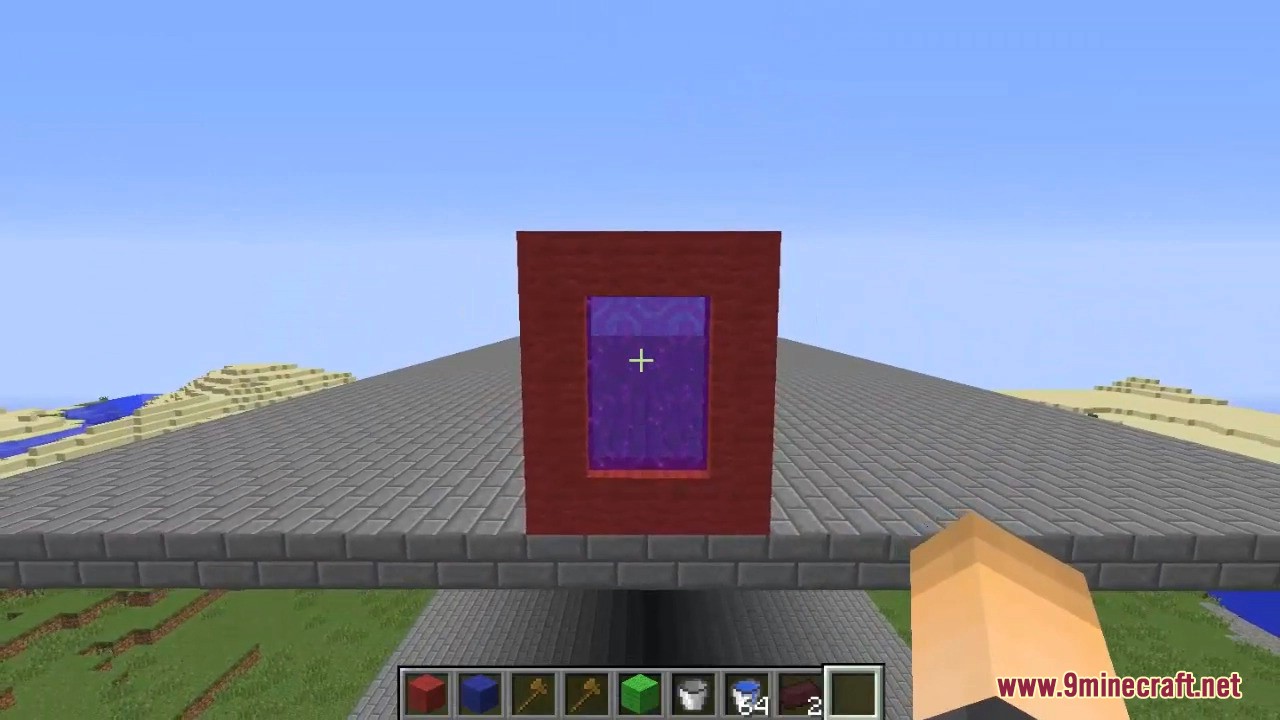
- Walk into the area to teleport.
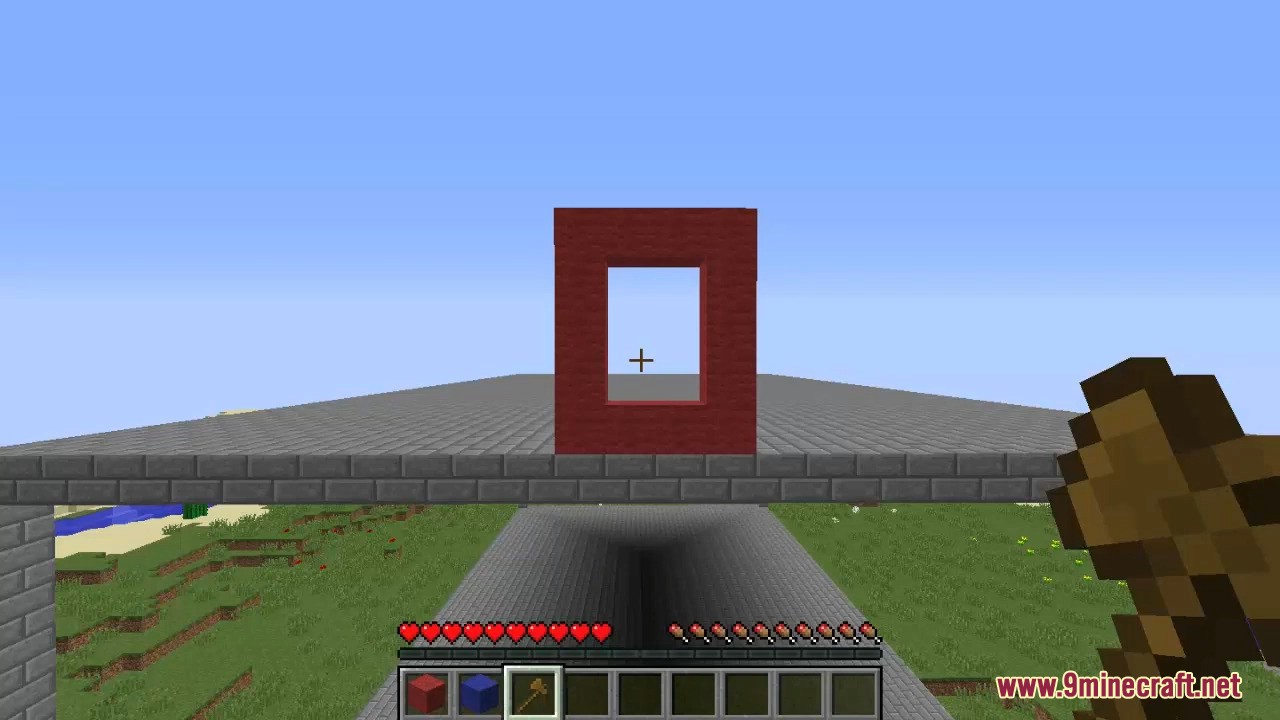
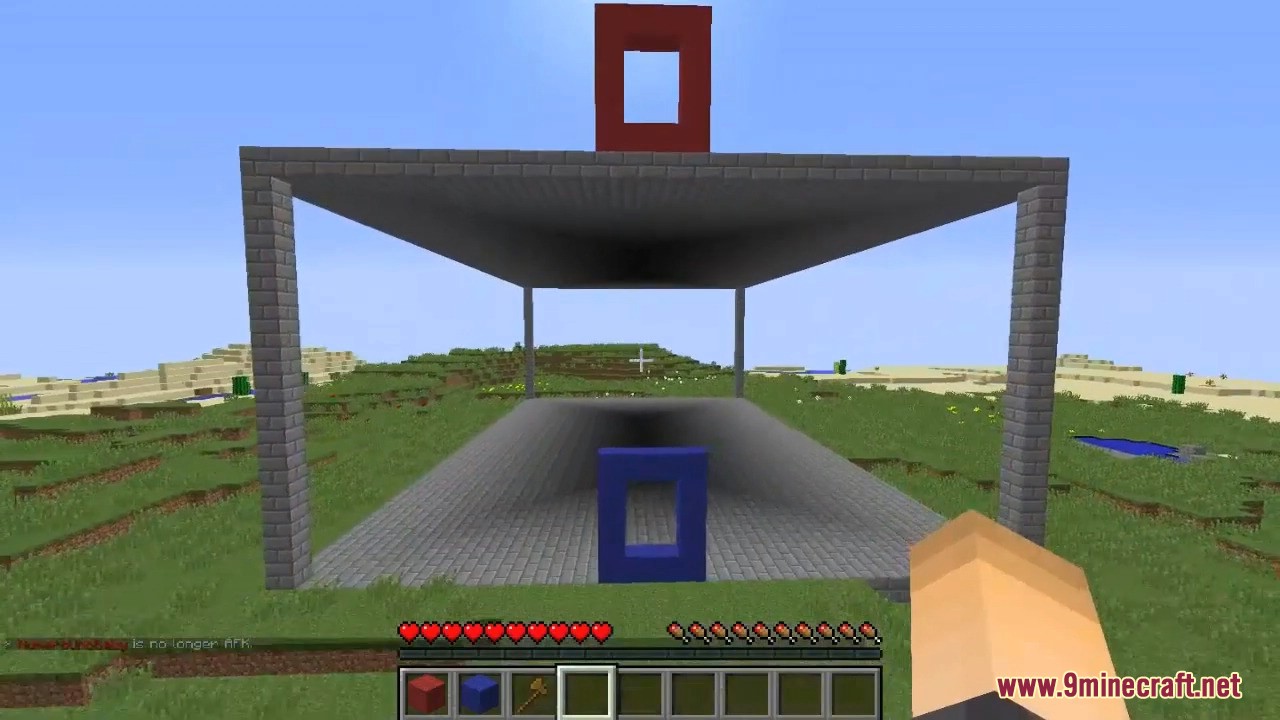
Screenshots:
How to Install:
New to Minecraft? Follow our step-by-step guide to install Plugins on your PC.View Guide
Requirements:
 Multiverse-Core Plugin Required
Multiverse Core Required
Multiverse Portals Plugin Download Links
For Minecraft
26.1.2,
26.1.1,
26.1
All Versions Covered
26.1.2
26.1.1
26.1
1.21.11
1.21.10
1.21.9
1.21.8
1.21.7
1.21.6
1.21.5
1.21.4
1.21.3
1.21.2
1.21.1
1.21
1.20.6
1.20.5
1.20.4
1.20.3
1.20.2
1.20.1
1.20
1.19.4
1.19.3
1.19.2
1.19.1
1.19
1.18.2
All Versions Covered
26.1.2
26.1.1
26.1
1.21.11
1.21.10
1.21.9
1.21.8
1.21.7
1.21.6
1.21.5
1.21.4
1.21.3
1.21.2
1.21.1
1.21
1.20.6
1.20.5
1.20.4
1.20.3
1.20.2
1.20.1
1.20
1.19.4
1.19.3
1.19.2
1.19.1
1.19
1.18.2
For Minecraft
1.21.11,
1.21.10,
1.21.9
All Versions Covered
1.21.11
1.21.10
1.21.9
1.21.8
1.21.7
1.21.6
1.21.5
1.21.4
1.21.3
1.21.2
1.21.1
1.21
1.20.6
1.20.5
1.20.4
1.20.3
1.20.2
1.20.1
1.20
1.19.4
1.19.3
1.19.2
1.19.1
1.19
1.18.2
All Versions Covered
1.21.11
1.21.10
1.21.9
1.21.8
1.21.7
1.21.6
1.21.5
1.21.4
1.21.3
1.21.2
1.21.1
1.21
1.20.6
1.20.5
1.20.4
1.20.3
1.20.2
1.20.1
1.20
1.19.4
1.19.3
1.19.2
1.19.1
1.19
1.18.2
For Minecraft
1.21.4,
1.21.3,
1.21.2
All Versions Covered
1.21.4
1.21.3
1.21.2
1.21.1
1.21
1.20.6
1.20.5
1.20.4
1.20.3
1.20.2
1.20.1
1.20
1.19.4
1.19.3
1.19.2
1.19.1
1.19
1.18.2
1.18.1
1.18
1.17.1
1.17
1.16.5
1.16
1.15.2
1.15.1
1.15
1.14.4
1.14.3
1.14.2
1.14.1
1.14
1.13.2
1.13.1
1.13
All Versions Covered
1.21.4
1.21.3
1.21.2
1.21.1
1.21
1.20.6
1.20.5
1.20.4
1.20.3
1.20.2
1.20.1
1.20
1.19.4
1.19.3
1.19.2
1.19.1
1.19
1.18.2
1.18.1
1.18
1.17.1
1.17
1.16.5
1.16
1.15.2
1.15.1
1.15
1.14.4
1.14.3
1.14.2
1.14.1
1.14
1.13.2
1.13.1
1.13
For Minecraft 1.19.2, 1.19
For Minecraft 1.16.5, 1.16
For Minecraft 1.12.2, 1.12
Click to rate this post!
[Total: 0 Average: 0]
You May Also Like







This post has no comments yet. Be the first — your comment will appear here.