


How to Install Plugins for Minecraft Java Edition on PC: A Beginner Guide
 694
694
 0
0


🌐 Good news — we've translated this article into other languages!
Or pick the one you like:
Plugins are server-side modifications that add features like permissions, economy, minigames, anti-cheat, and admin tools to your Minecraft server. Unlike mods, plugins run on the server only – players do not need to install anything. Below is a simple, step-by-step guide.
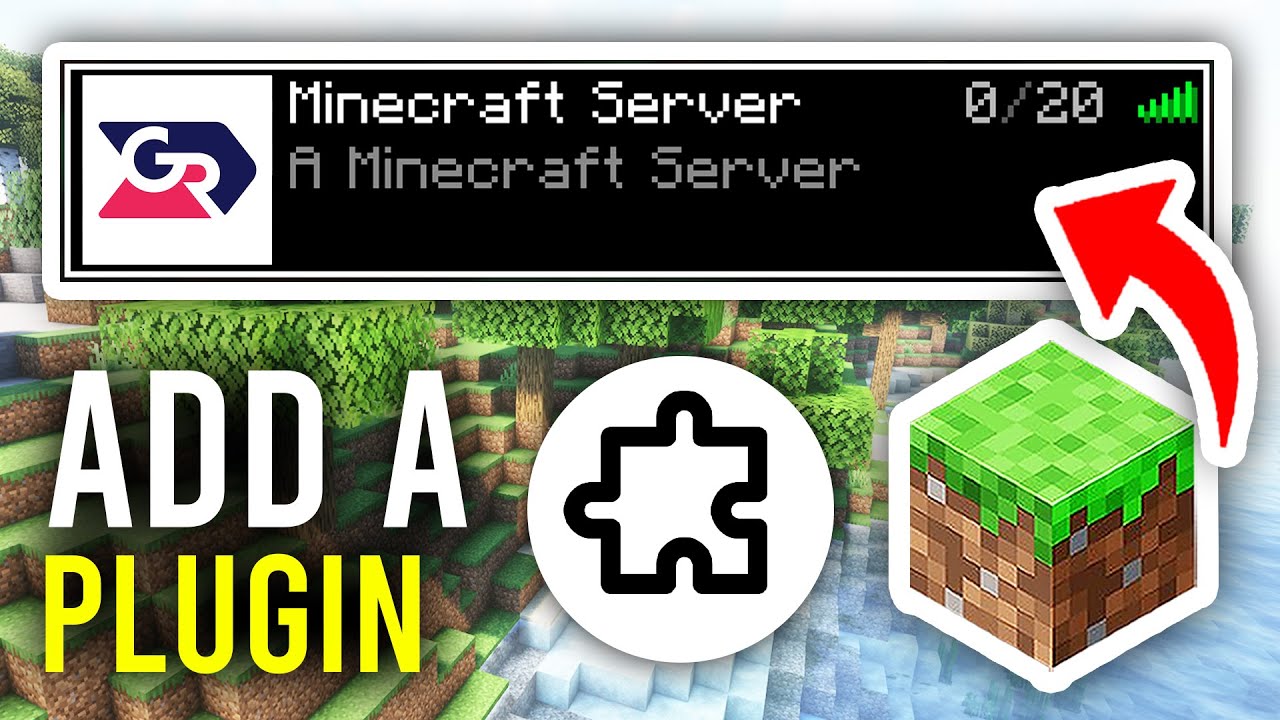
1. Understanding Plugins vs Mods
- Plugins: Run on the server side only. Players connect with a vanilla Minecraft client. Used for server management, gameplay rules, and multiplayer features.
- Mods: Run on both server and client. Players must install the same mods. Used for adding new blocks, items, and mechanics.
- Important: Plugins require a plugin-compatible server software – the default Minecraft server (vanilla) does not support plugins.
2. Choose and Set Up a Server Software
To run plugins, you need a server software that supports them. The most popular options:
Popular Server Software
- Paper: The most recommended choice. Fast, stable, and supports all Bukkit/Spigot plugins. Best for most servers.
- Spigot: A well-known option with wide plugin compatibility. Download: https://www.9minecraft.net/spigot/
- Purpur: Based on Paper with extra configuration options. Great for advanced users. Download: https://www.9minecraft.net/purpur/
How to Set Up a Paper Server
- Download Paper: Get the
.jarfile for your Minecraft version. - Create a Server Folder: Make a new folder on your PC (e.g.,
C:\MinecraftServer). Place the downloaded.jarfile inside. - Create a Start Script: Create a new text file named
start.batwith this content:
java -Xmx4G -Xmx4G -jar paper.jar nogui
(Replacepaper.jarwith the actual file name.-Xmx4Gallocates 4GB RAM.) - Run the Server: Double-click
start.bat. The server will generate files and stop. - Accept EULA: Open
eula.txtand changeeula=falsetoeula=true. Save the file. - Run Again: Double-click
start.batagain. The server will fully start. You will see apluginsfolder created automatically.
3. Download and Install Plugins
- Find Plugins:
- Browse at: https://www.9minecraft.net/tag/bukkit-plugins/
- Popular plugins for beginners: EssentialsX (basic commands), LuckPerms (permissions), WorldEdit (building tool), Vault (economy API).
- Ensure the plugin supports your server software (Bukkit/Spigot/Paper) and Minecraft version.
- Download: Download the plugin file (a
.jarfile). Do not extract it. - Install the Plugin:
- Open your server folder.
- Copy the plugin
.jarfile into thepluginsfolder.
- Restart the Server:
- Type
stopin the server console and press Enter. - Run
start.batagain. - The plugin will load automatically. You will see a confirmation message in the console.
- Type
4. Configure Plugins
- Config Files: After the first run, each plugin creates its own folder inside
plugins/(e.g.,plugins/EssentialsX/). Openconfig.ymlwith a text editor like Notepad++ or VS Code to customize settings. - Reload Without Restart: Some plugins support
/reloador their own reload command (e.g.,/essentials reload). However, a full server restart is always safer. - Permissions: Most plugins require a permission manager like LuckPerms to control who can use which commands.
5. Important Notes
- Check Compatibility: Always verify that the plugin supports your server software and Minecraft version. A plugin built for 1.20.x may not work on 1.21.x.
- Do Not Use Too Many Plugins: Each plugin uses server resources. Start with essential plugins only and add more gradually. Monitor server performance with
/tpscommand. - Keep Plugins Updated: Outdated plugins can cause security vulnerabilities, crashes, or conflicts. Update regularly.
- Troubleshooting:
- If the server crashes, check the console log for error messages – it usually tells you which plugin caused the problem.
- Remove plugins one by one from the
pluginsfolder to identify the issue. - Make sure all dependency plugins are installed (e.g., Vault is required by many economy plugins).
- Security: Only download plugins from trusted sources. Malicious plugins can steal data, destroy worlds, or give attackers access to your server.
Click to rate this post!
[Total: 3 Average: 3.7]
You May Also Like








This post has no comments yet. Be the first — your comment will appear here.