


Subtitle Highlight Mod (1.20.1, 1.19.4) – ‘Di Mo Na Malalampasan ang Hiss ng Creeper

 0
0 

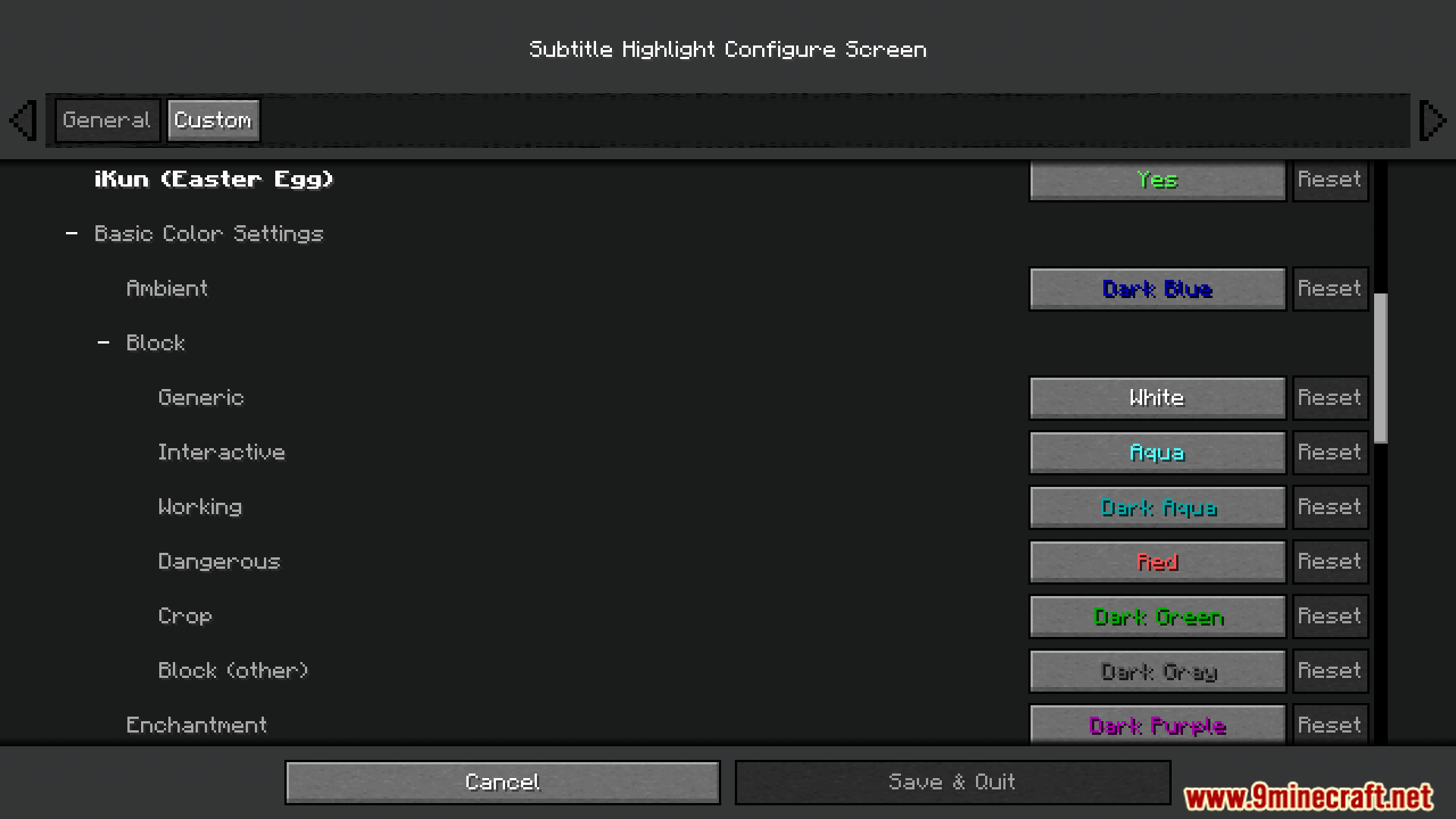
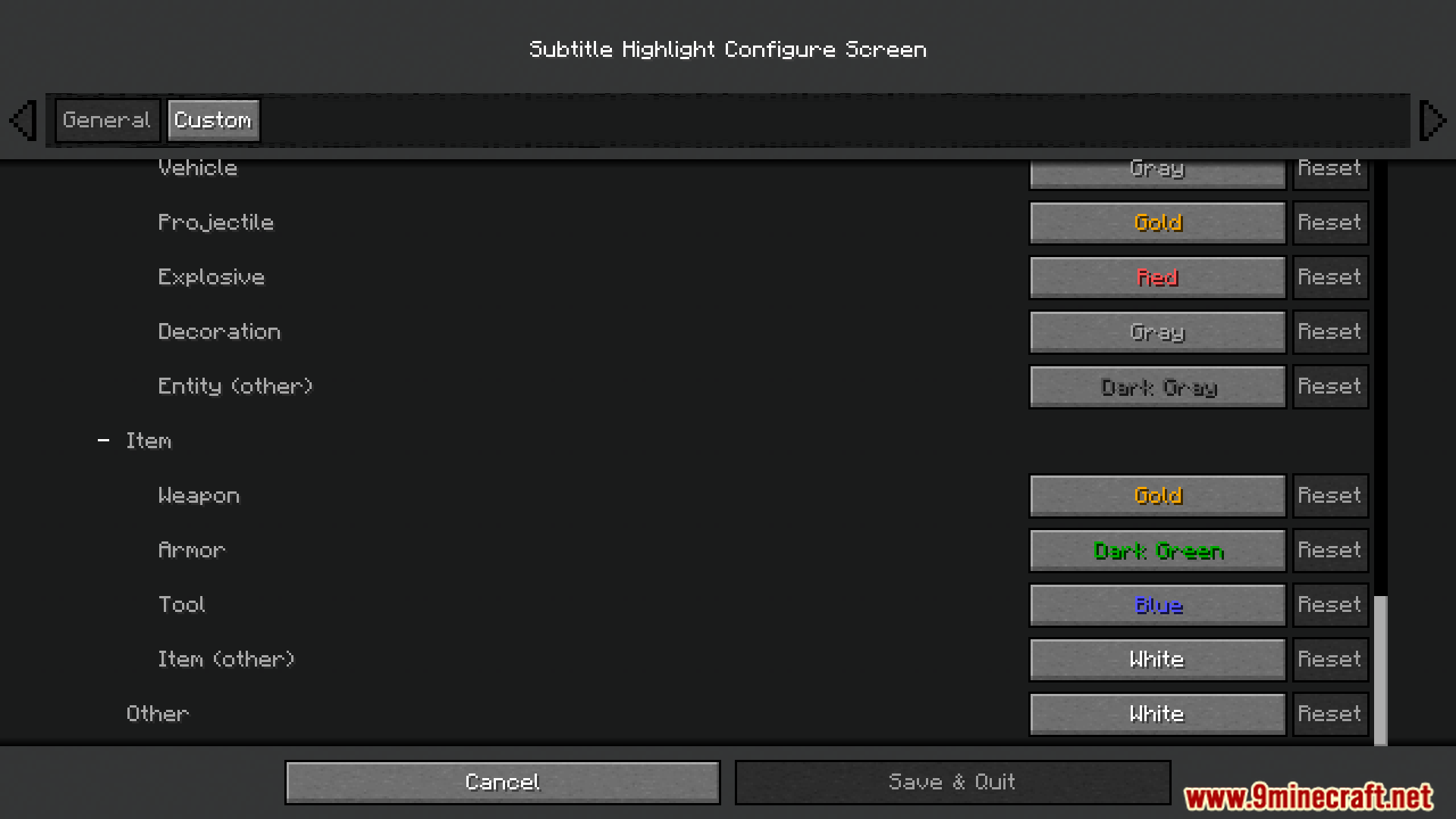
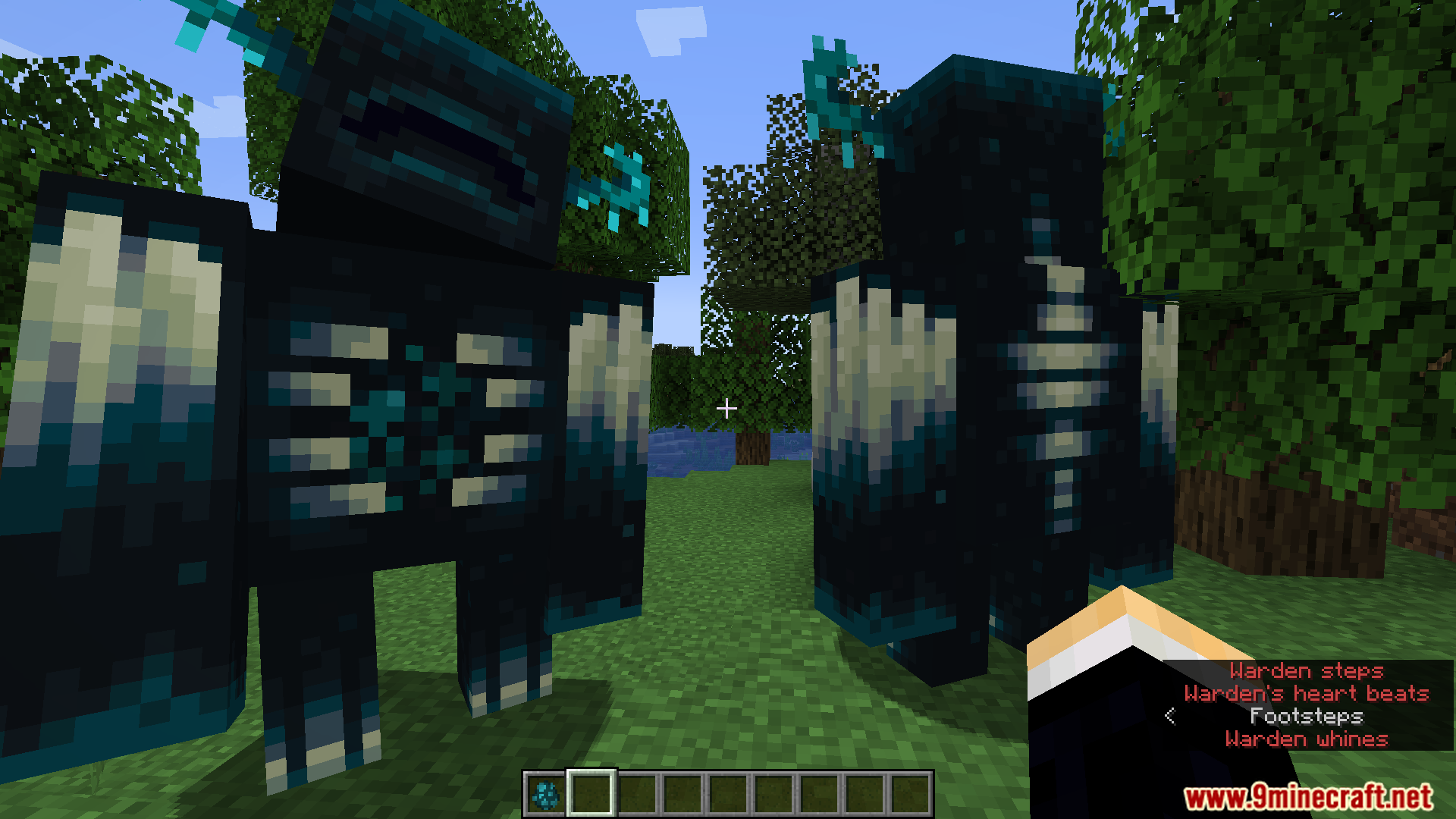
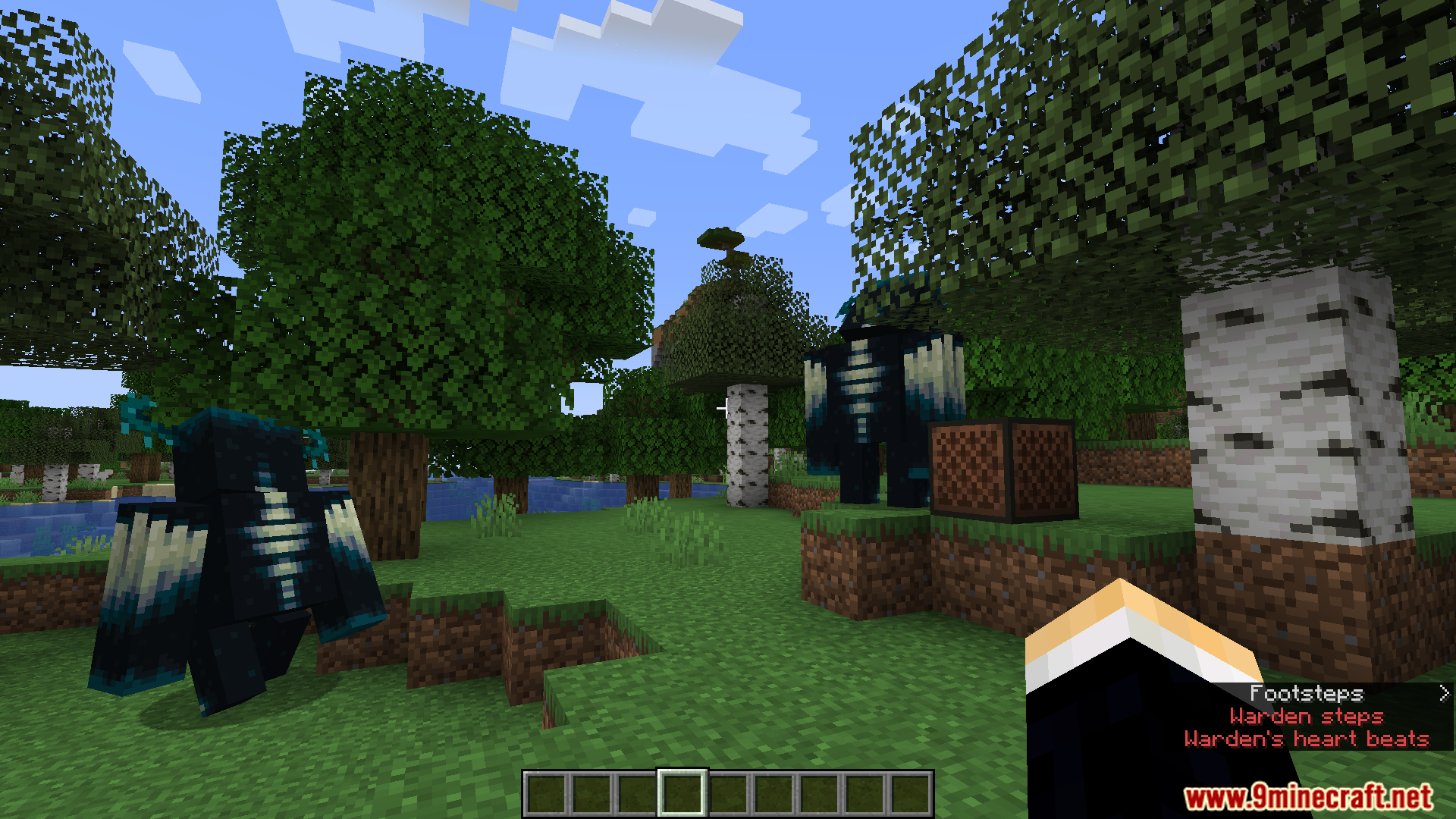
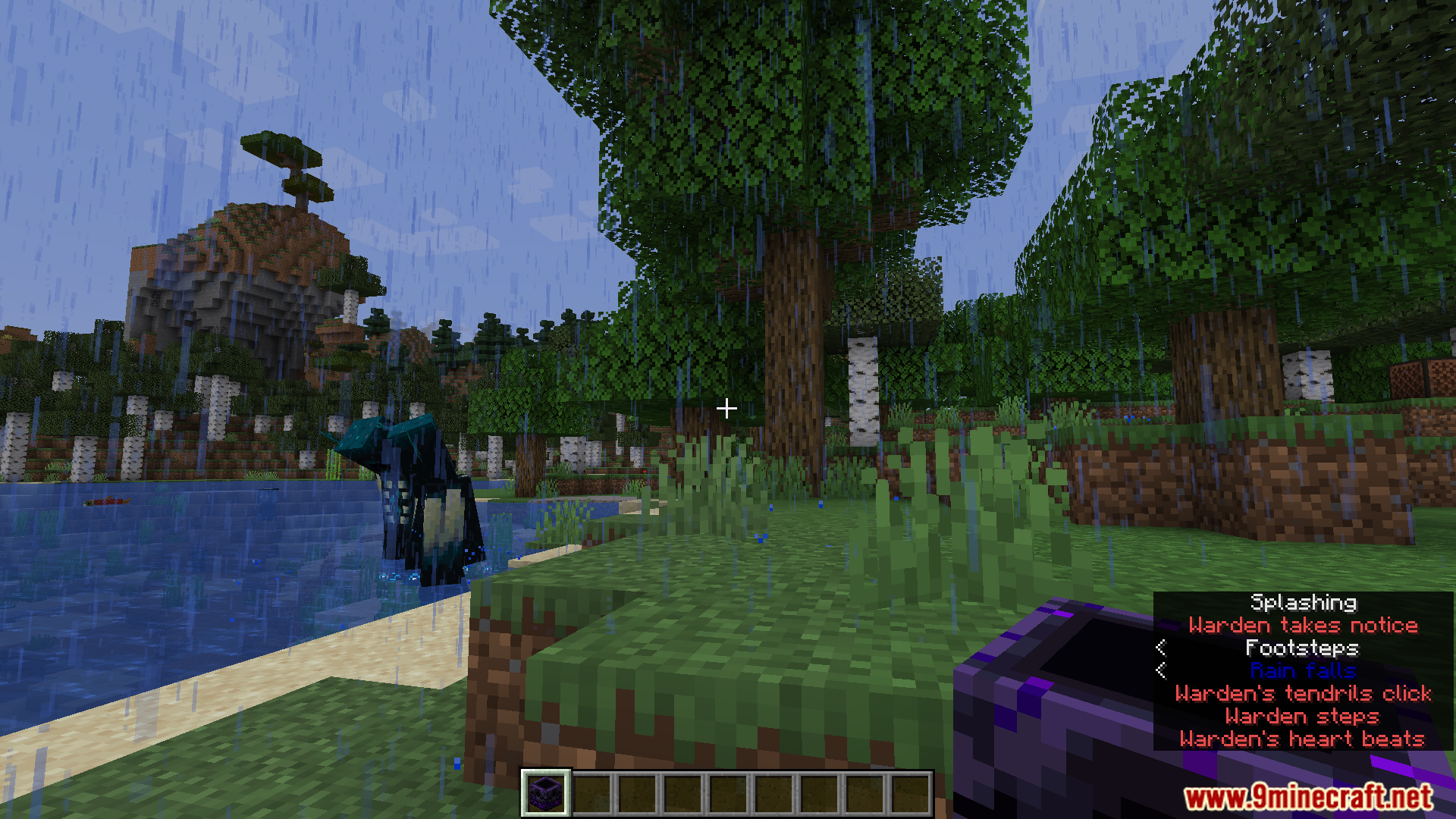
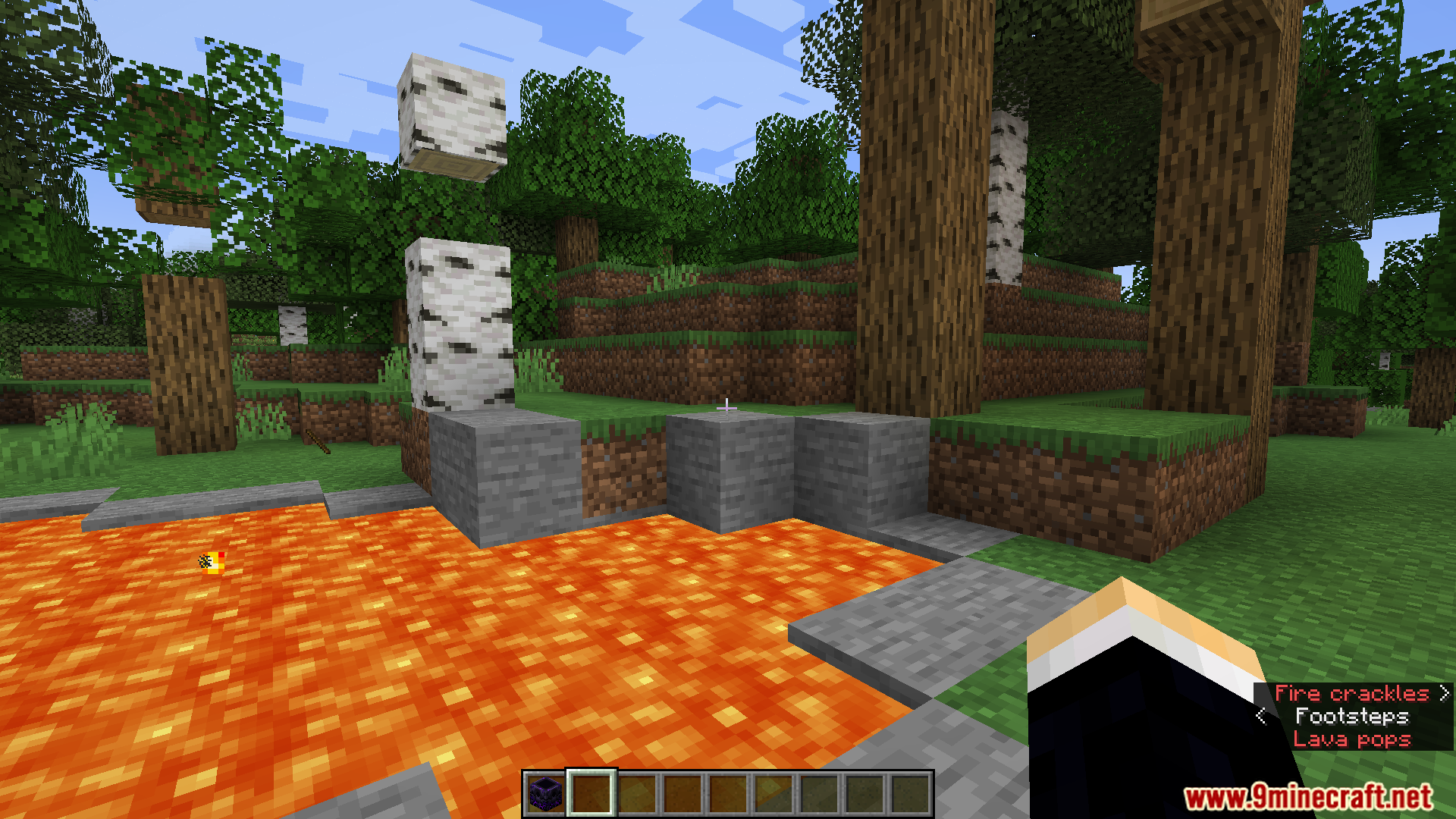
Ang Subtitle Highlight Mod ay nagdadagdag ng mga custom na kulay sa subtitles ng Minecraft. Makakatulong ito para mabilis mong mapag-iba ang mga tunog. Halimbawa, pwede mong gawing kulay pula ang roar ng Warden, habang ang tunog naman ng mga friendly animals ay kulay green. Binibigyan ka ng mod na ito ng full menu para makapili ng kulay para sa bawat tunog sa laro.
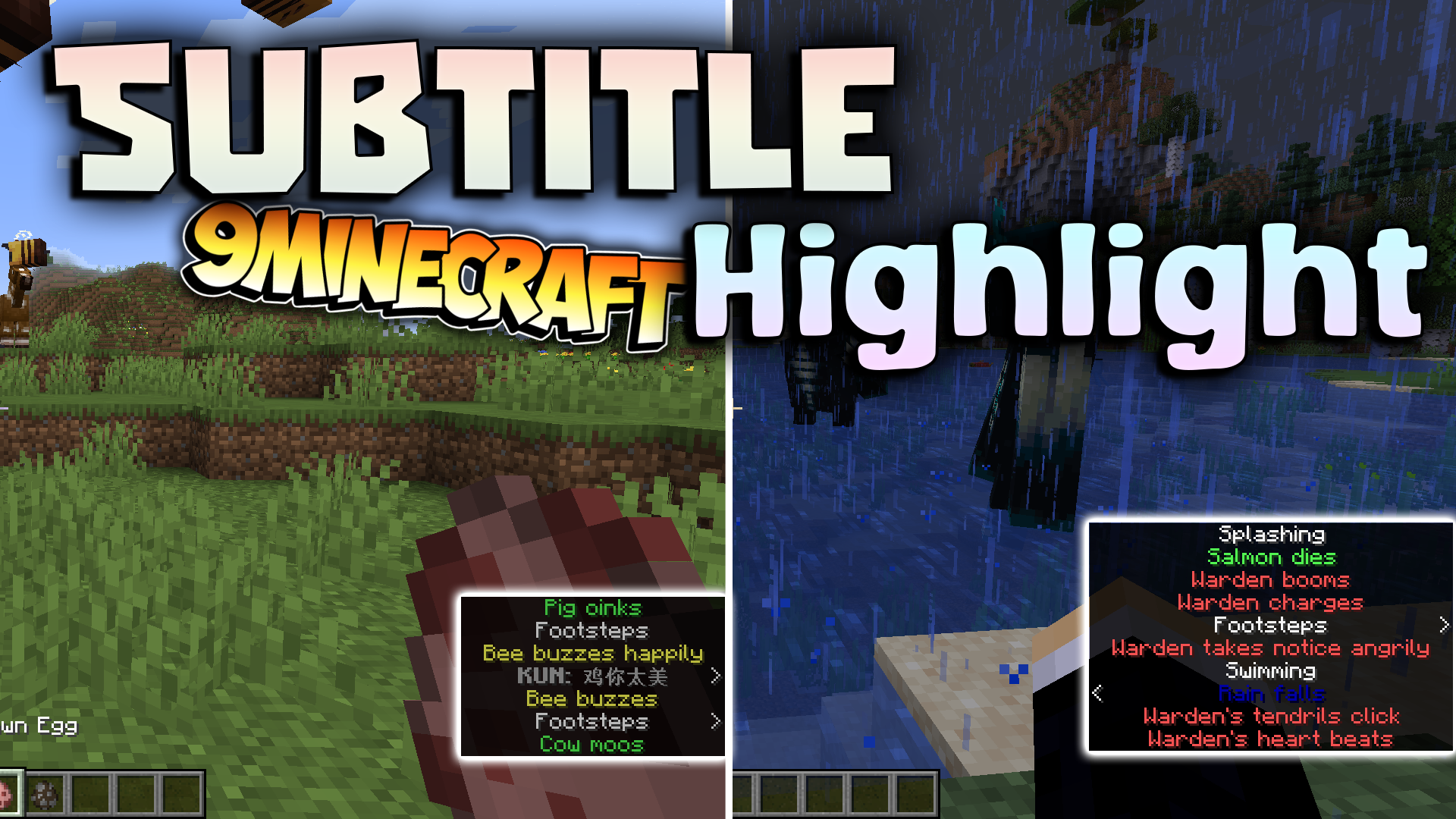
Features:
- Mas pinapadali ang pagkilala sa subtitles sa pamamagitan ng pagbibigay ng iba’t ibang styles at kulay.
- Hinahayaan kang pumili ng special color at format para sa bawat tunog sa laro.
- Sini-save ang lahat ng iyong custom settings sa file na
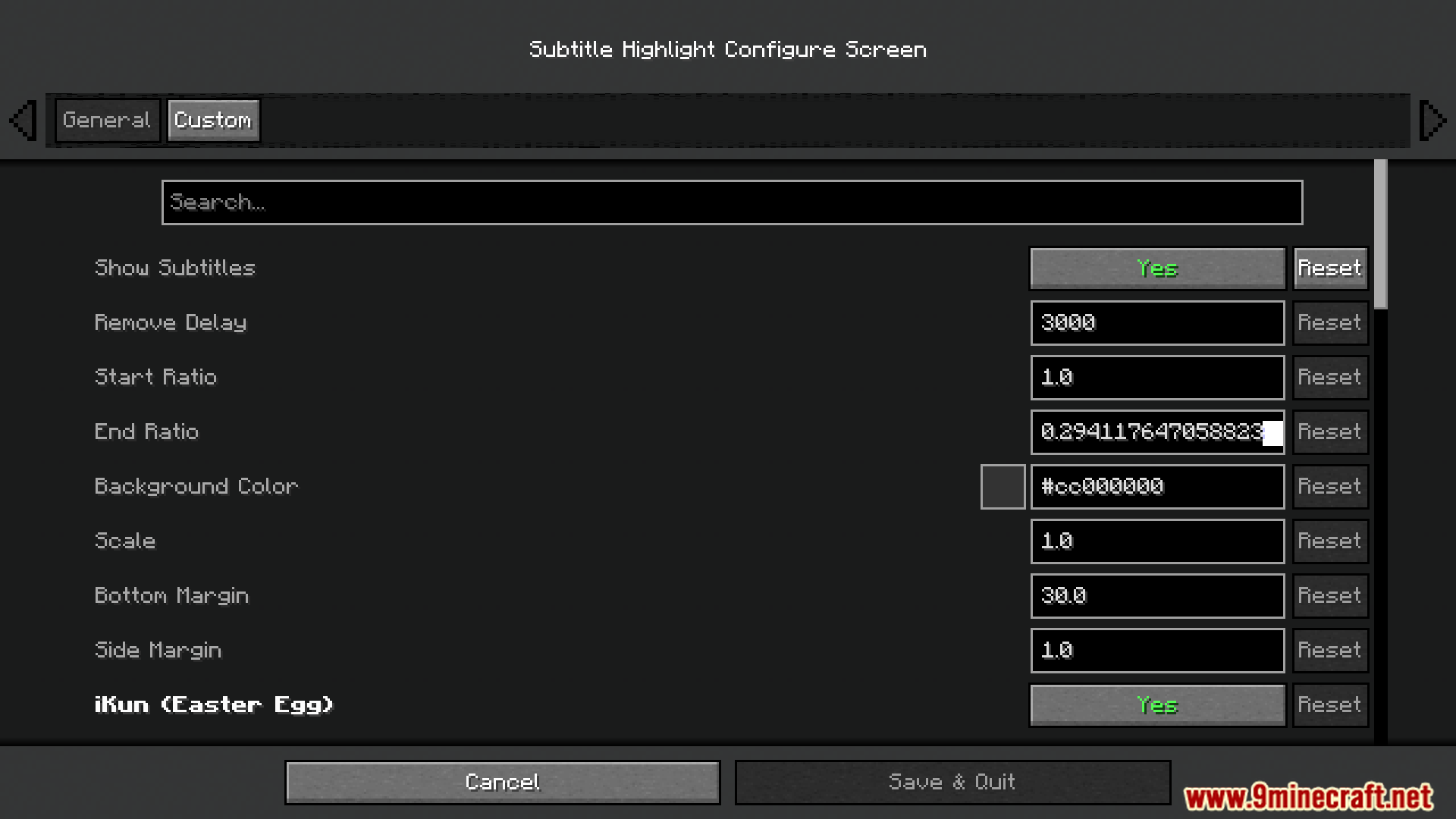
subtitle_highlight.json. - May kasamang nakatagong Easter egg na pwede mong i-off sa settings menu.
Configuration:
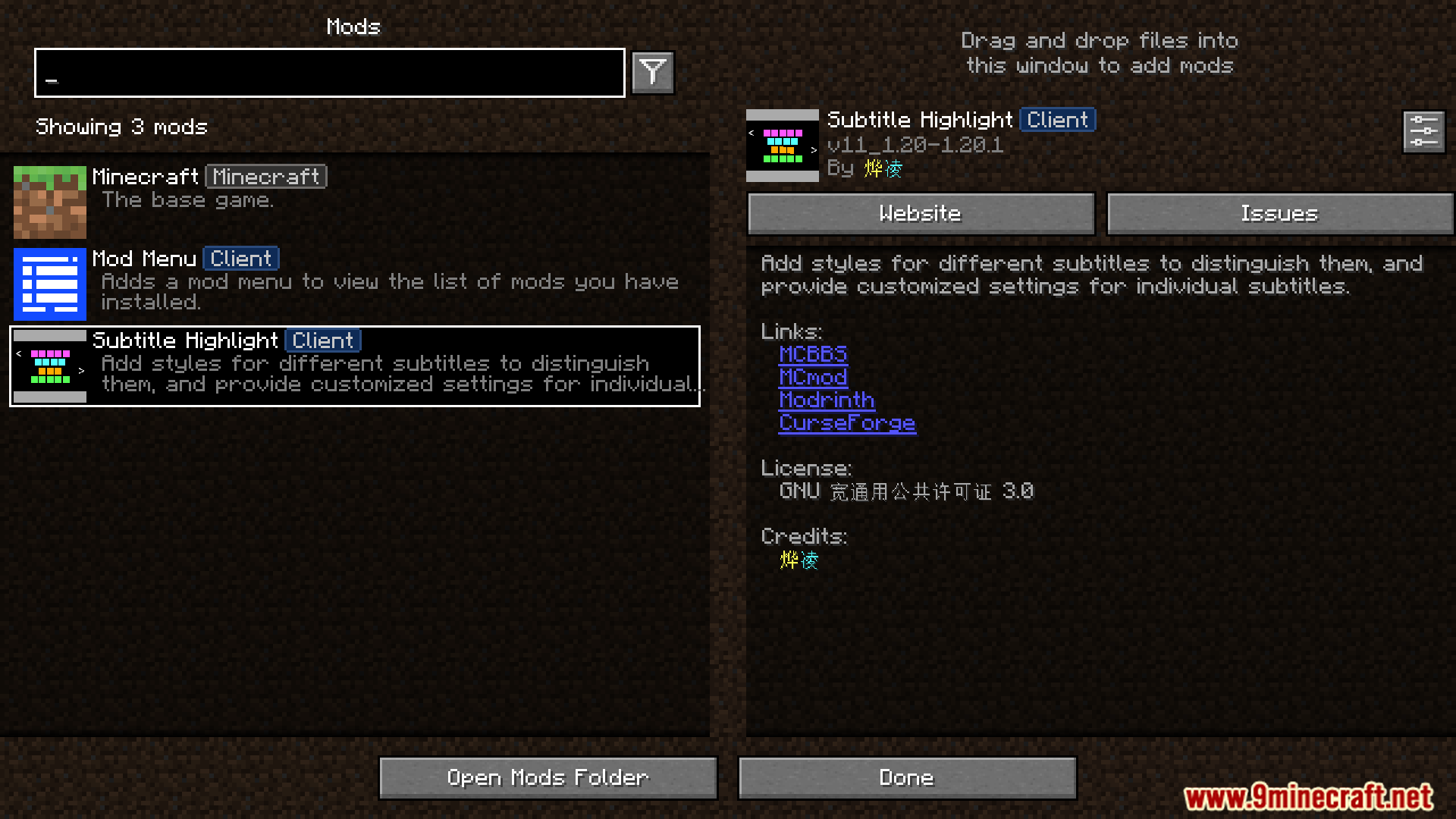
- Pwede mong baguhin ang settings ng mod sa pamamagitan ng in-game mods menu.
- Lahat ng settings ay naka-save sa
/config/subtitle_highlight.jsonfile sa iyong Minecraft folder.
Screenshots:




Paano I-install:
Mga Kailangan:

Subtitle Highlight Mod Download Links
Para sa Minecraft 1.20.1, 1.20
Fabric/Quilt version: Download mula sa Server 1 – Download mula sa Server 2
Para sa Minecraft 1.19.4
Fabric/Quilt version: Download mula sa Server 1 – Download mula sa Server 2
Para sa Minecraft 1.19.3
Fabric/Quilt version: Download mula sa Server 1 – Download mula sa Server 2
Para sa Minecraft 1.19.2, 1.19.1, 1.19
Fabric/Quilt version: Download mula sa Server 1 – Download mula sa Server 2
Para sa Minecraft 1.18.2
Fabric/Quilt version: Download mula sa Server 1 – Download mula sa Server 2
Para sa Minecraft 1.17.1
Fabric/Quilt version: Download mula sa Server 1 – Download mula sa Server 2
Para sa Minecraft 1.16.5
Fabric/Quilt version: Download mula sa Server 1 – Download mula sa Server 2
Baka Magustuhan Mo Rin









Wala pang komento ang post na ito. Maging una — lalabas dito ang iyong komento.