


Flash Parkour Map (26.2, 1.20.1) for Minecraft
 307
307
 2
2

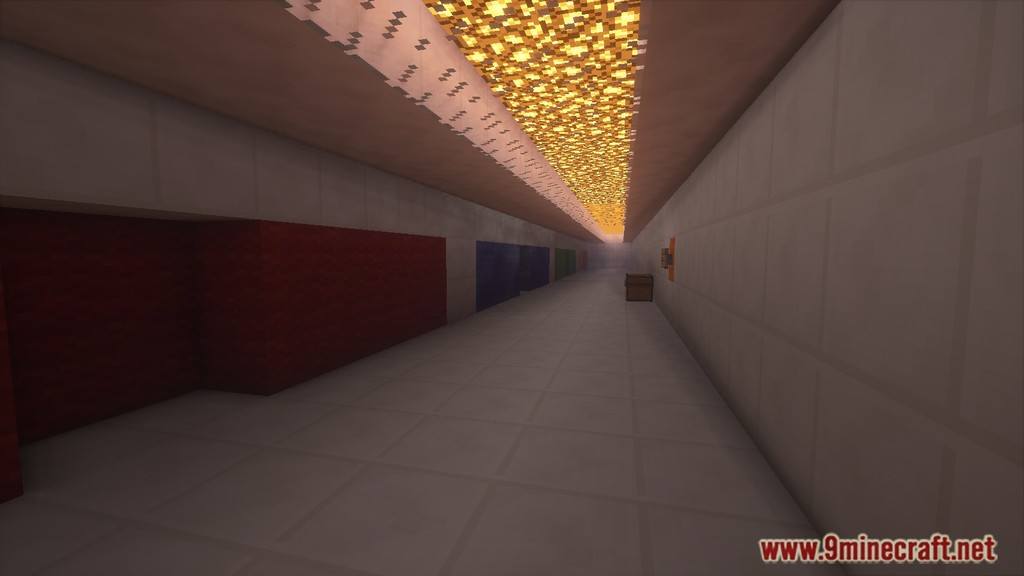
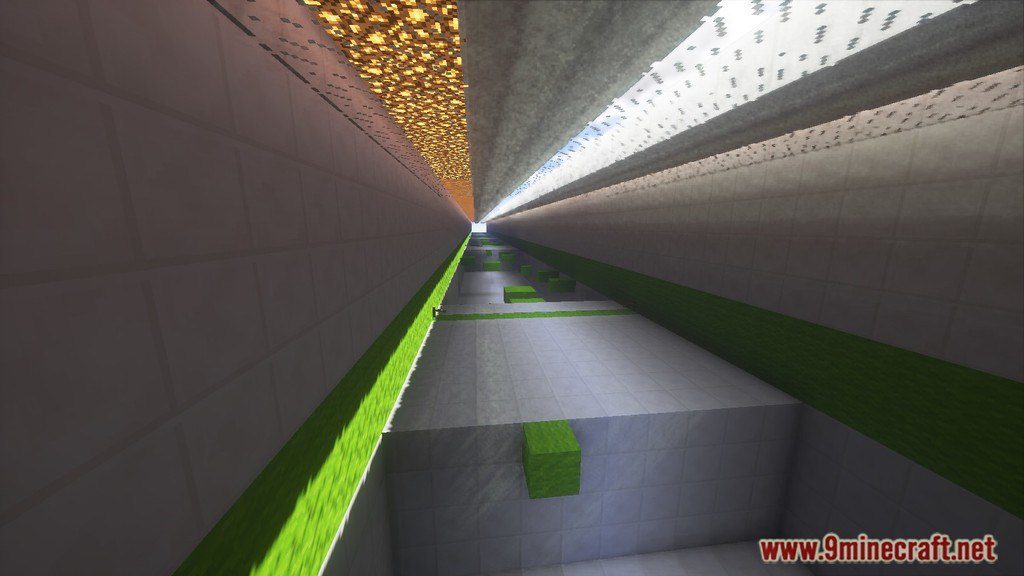
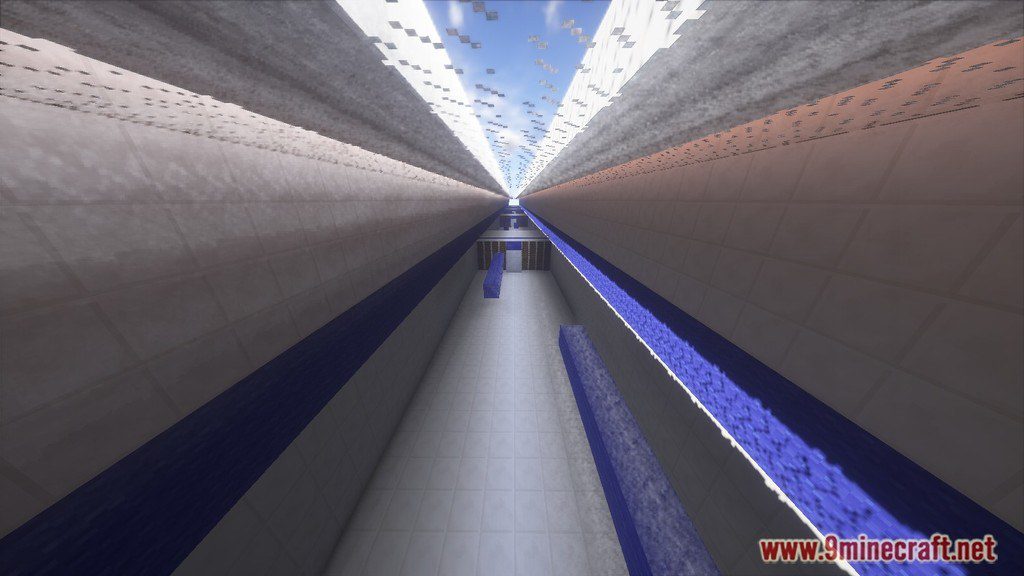
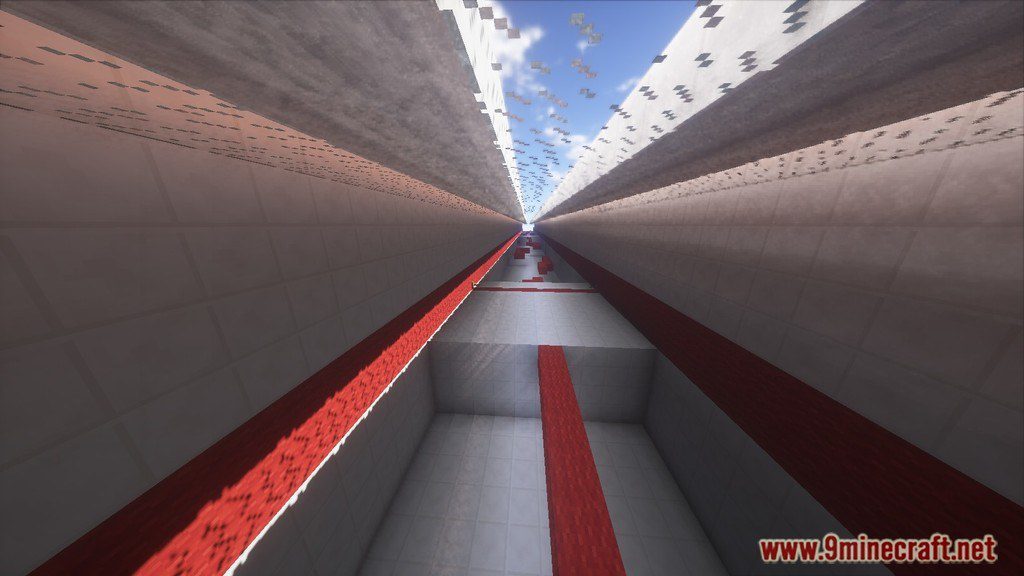
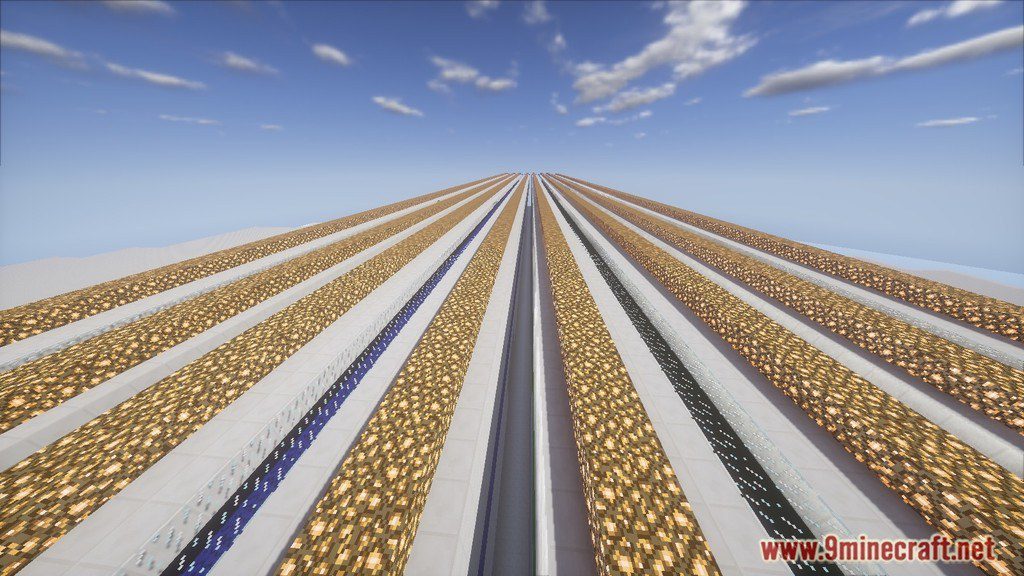
Flash Parkour Map for Minecraft is a parkour map created by pg5. Could you run faster than Flash? Prove it yourself by downloading the map from the link below and play it.
Screenshots:
Video Review:
Notes:
- Please do not play on any other version or it may not work!
- Do not cheat.
- You should set Render Distance to 8.
- Recommend Resource Pack: PG5 – The Professional Redstoner
How to Install:
New to Minecraft? Follow our step-by-step guide to install Maps on your PC.View Guide
Flash Parkour Map Download Links
Download from External Server – Download from Server 1 – Download from Server 2
Click to rate this post!
[Total: 1 Average: 5]
You May Also Like

This post has no comments yet. Be the first — your comment will appear here.