


Tense Ambience Mod (1.21.8, 1.20.1) – अंधेरे में एक्सप्लोर करना अब होगा और भी डरावना
 289
289
 0
0


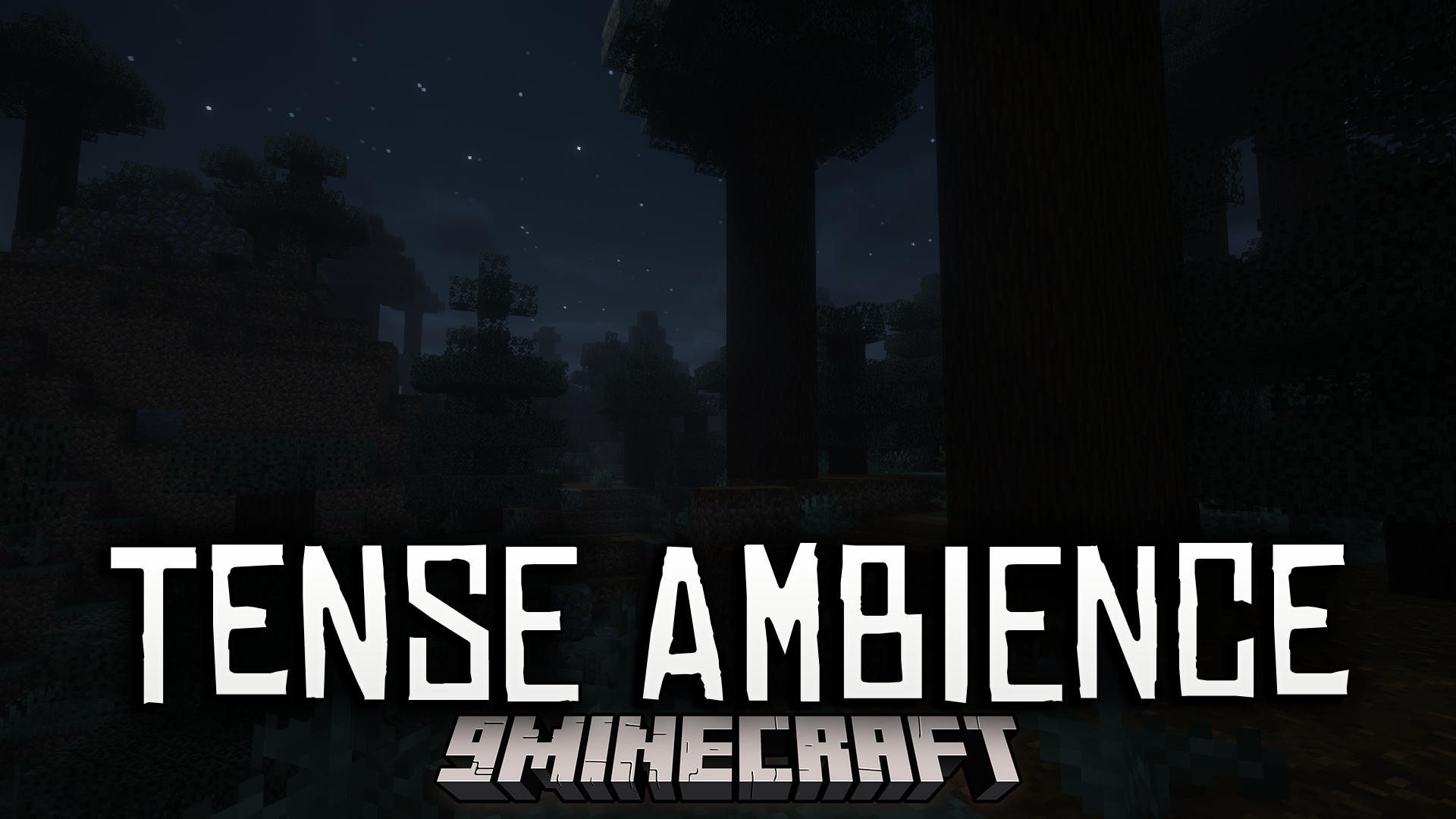
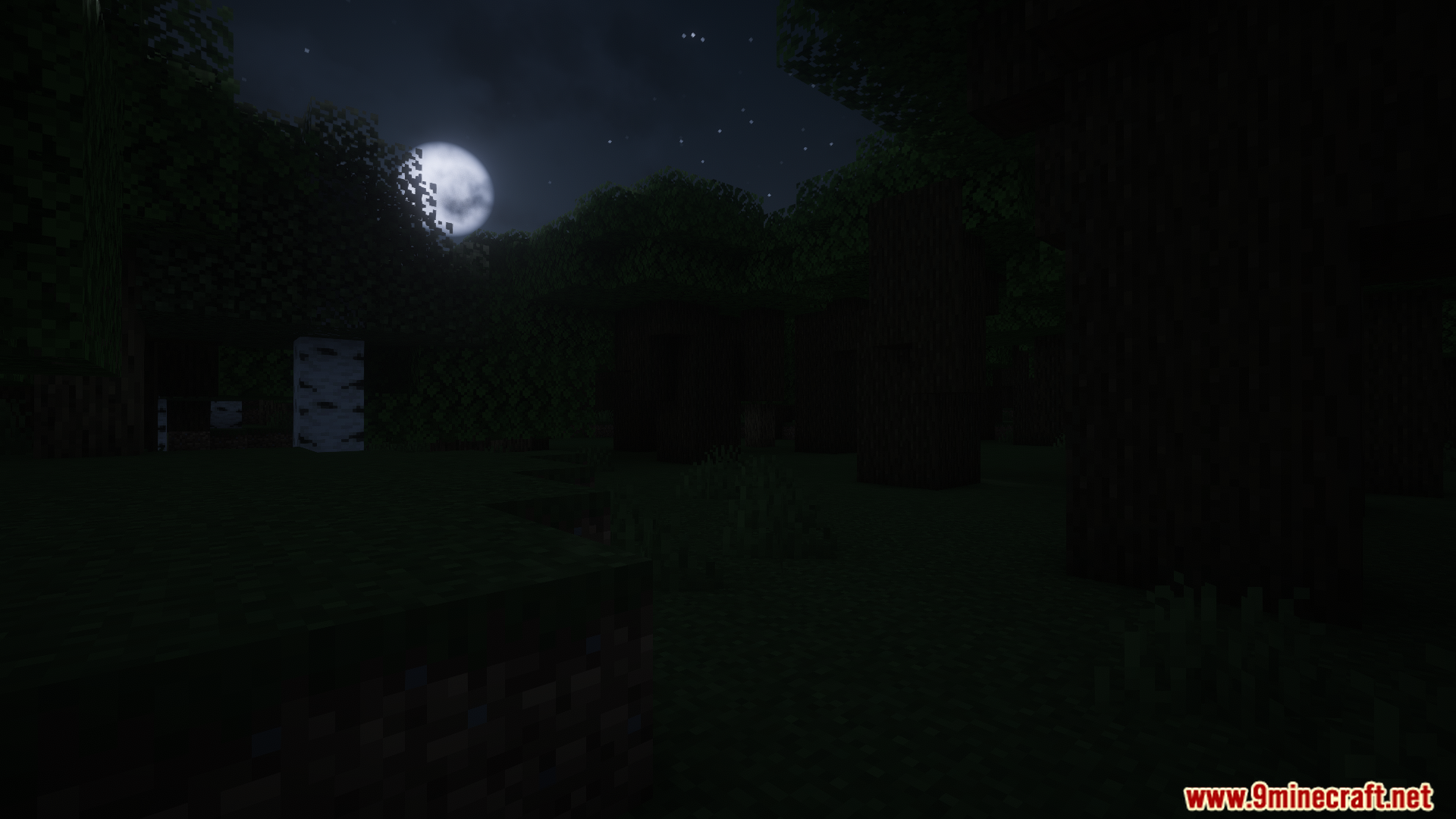
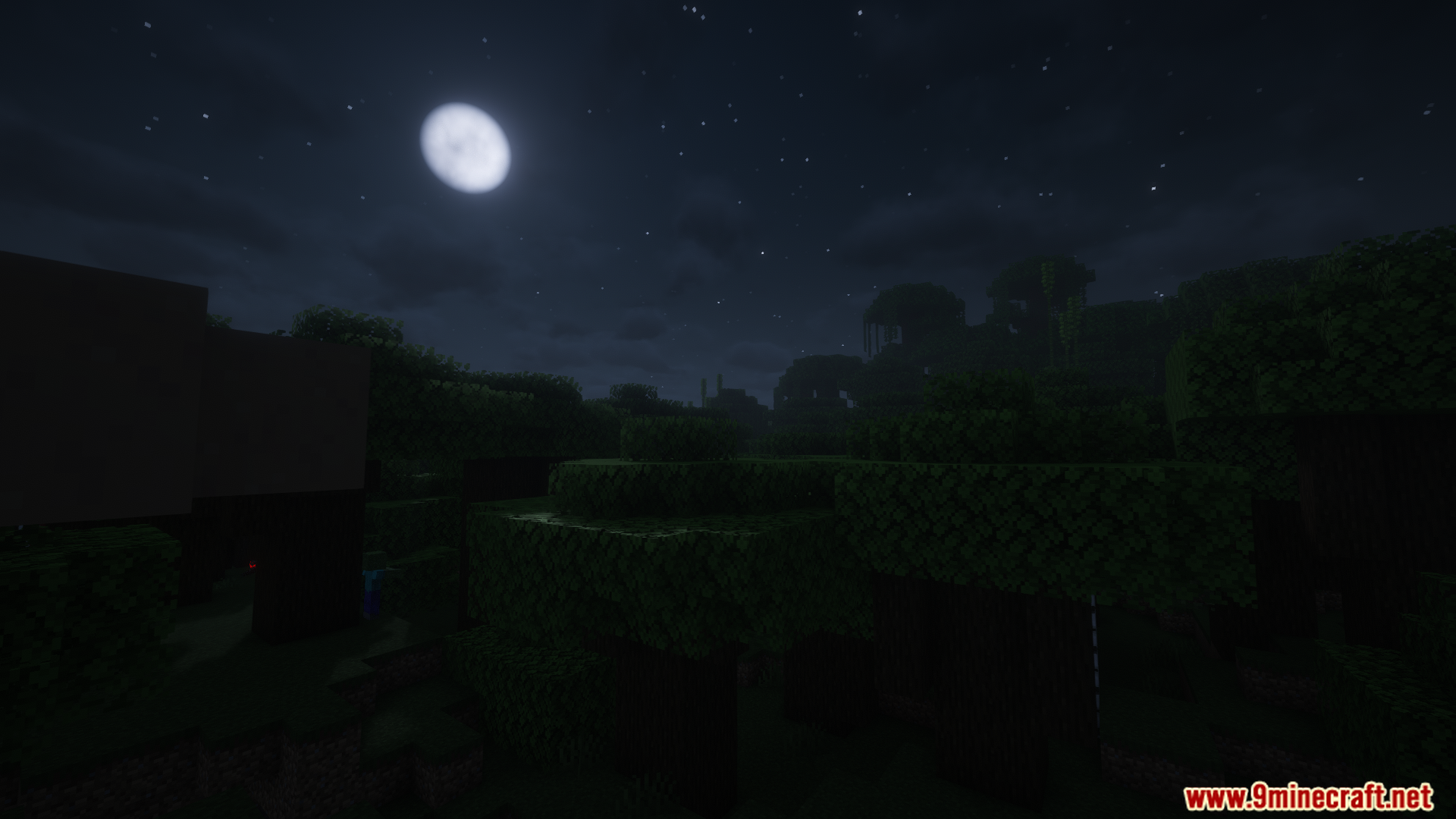
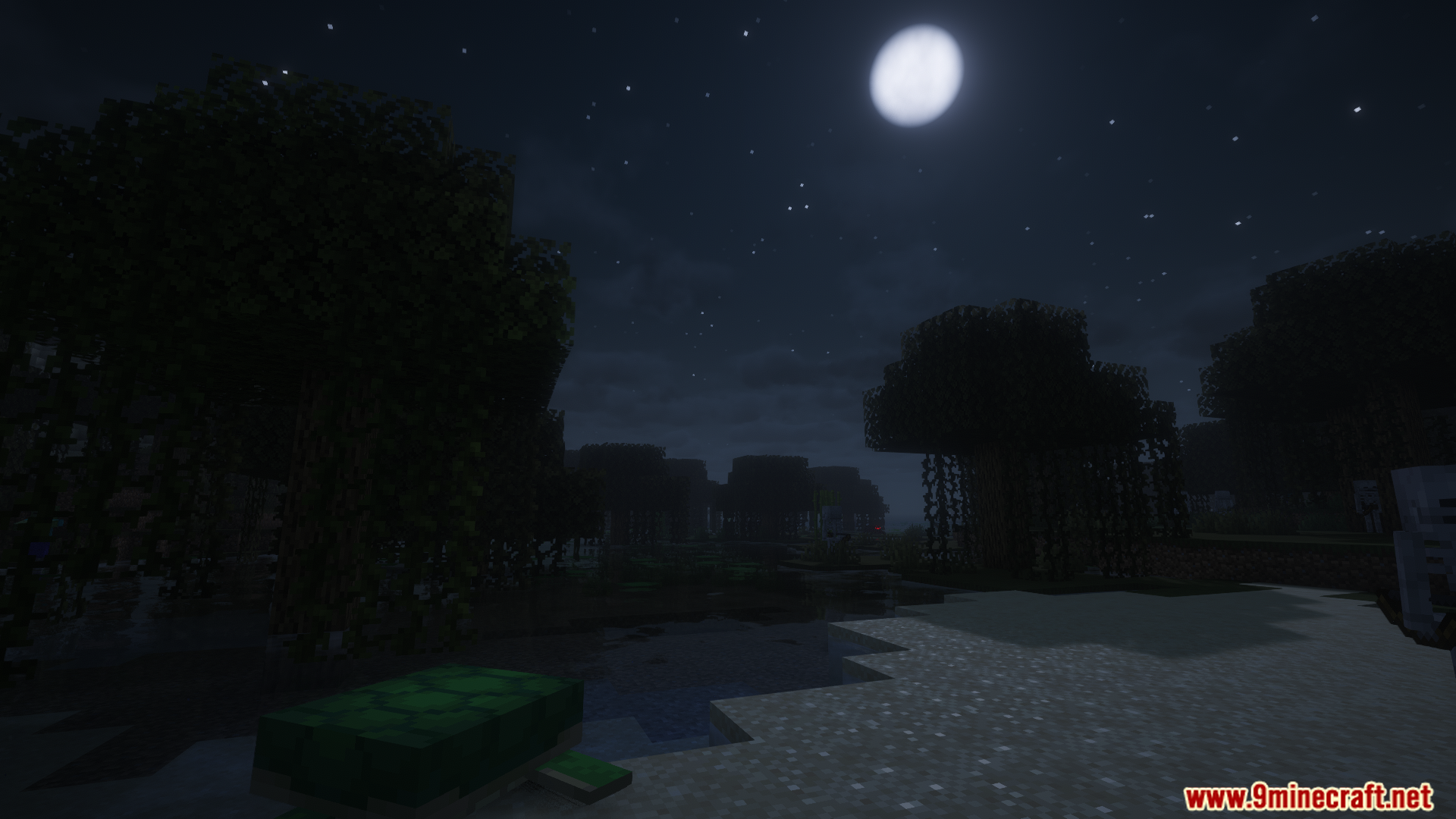
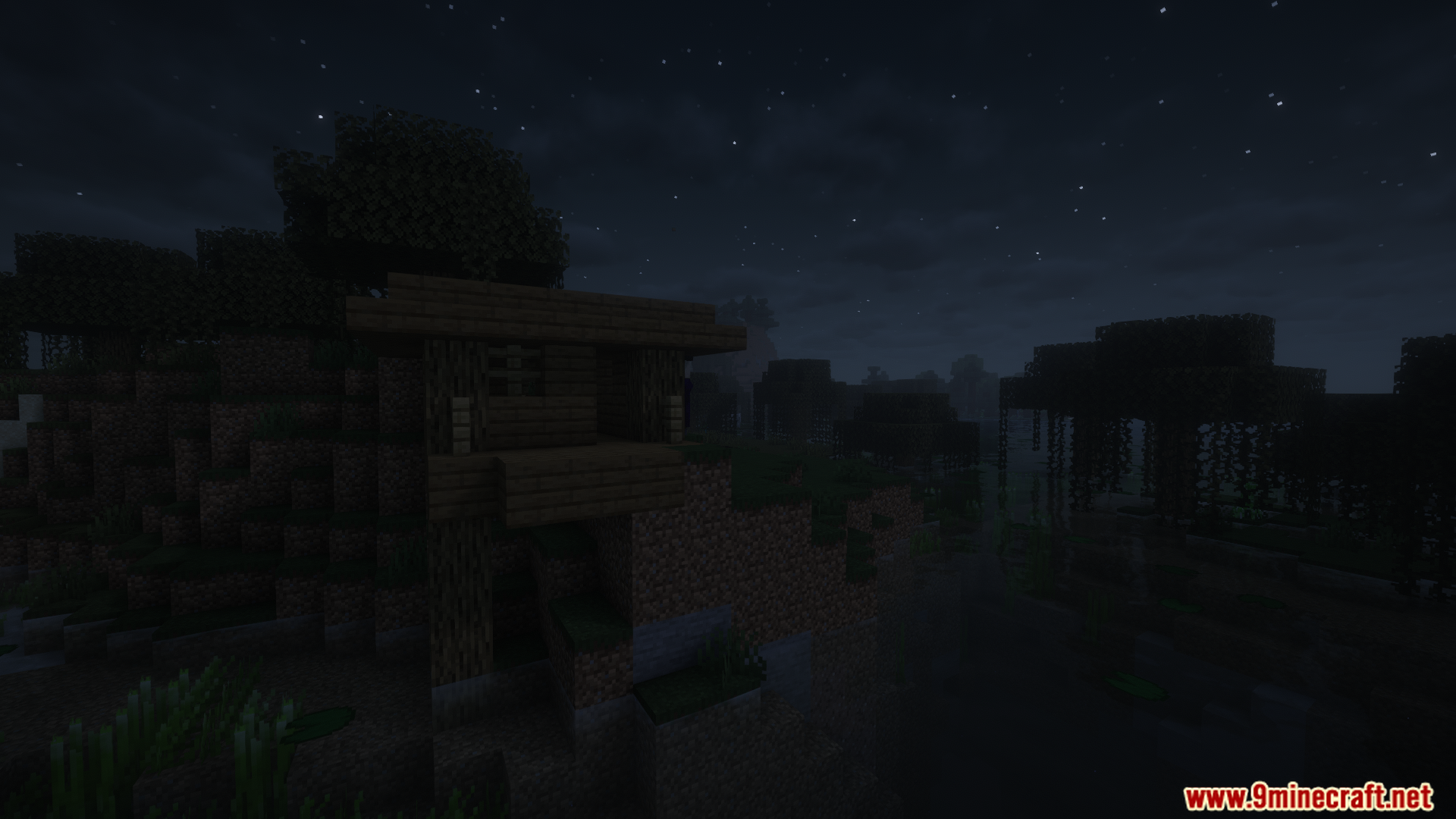
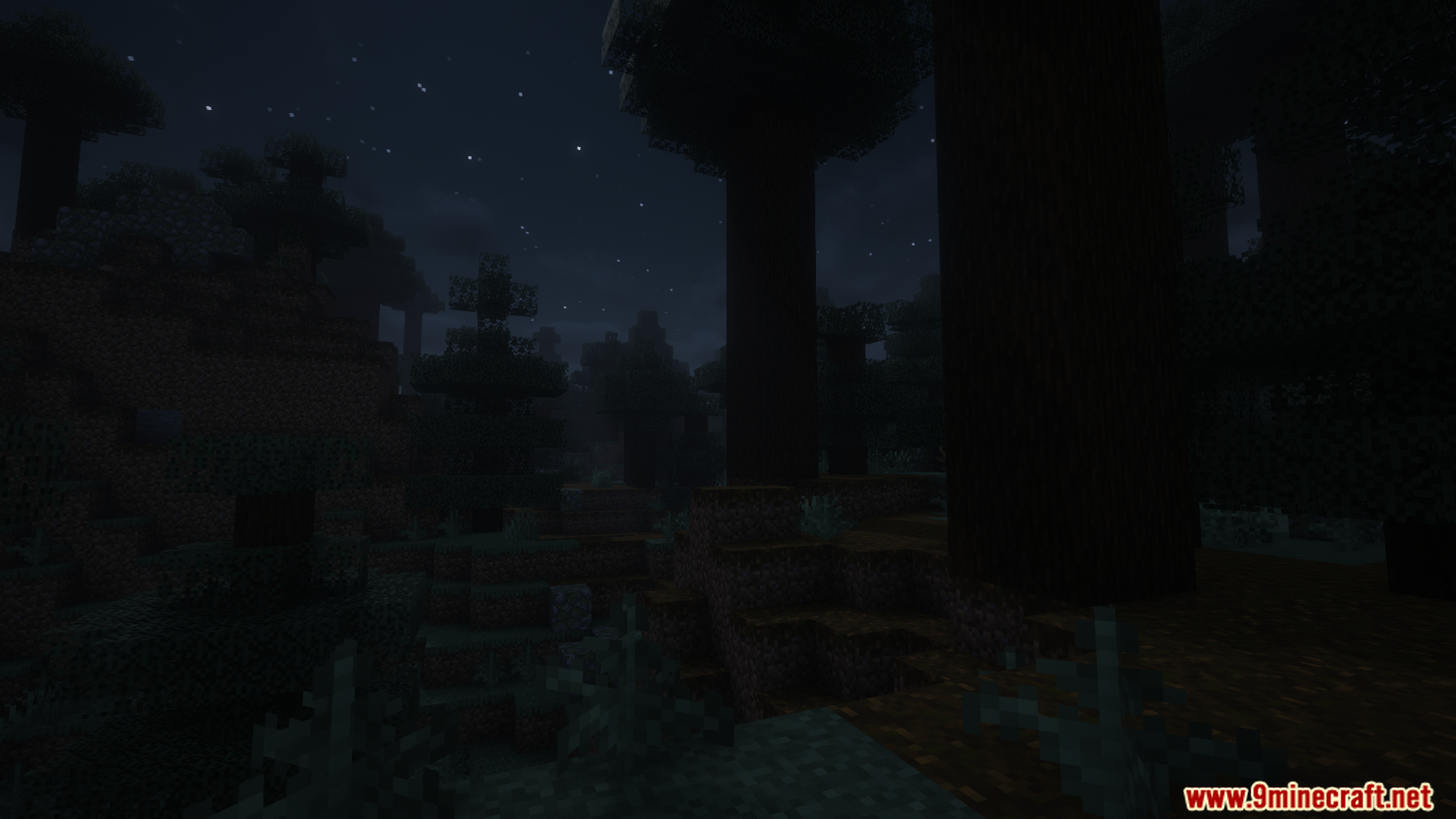
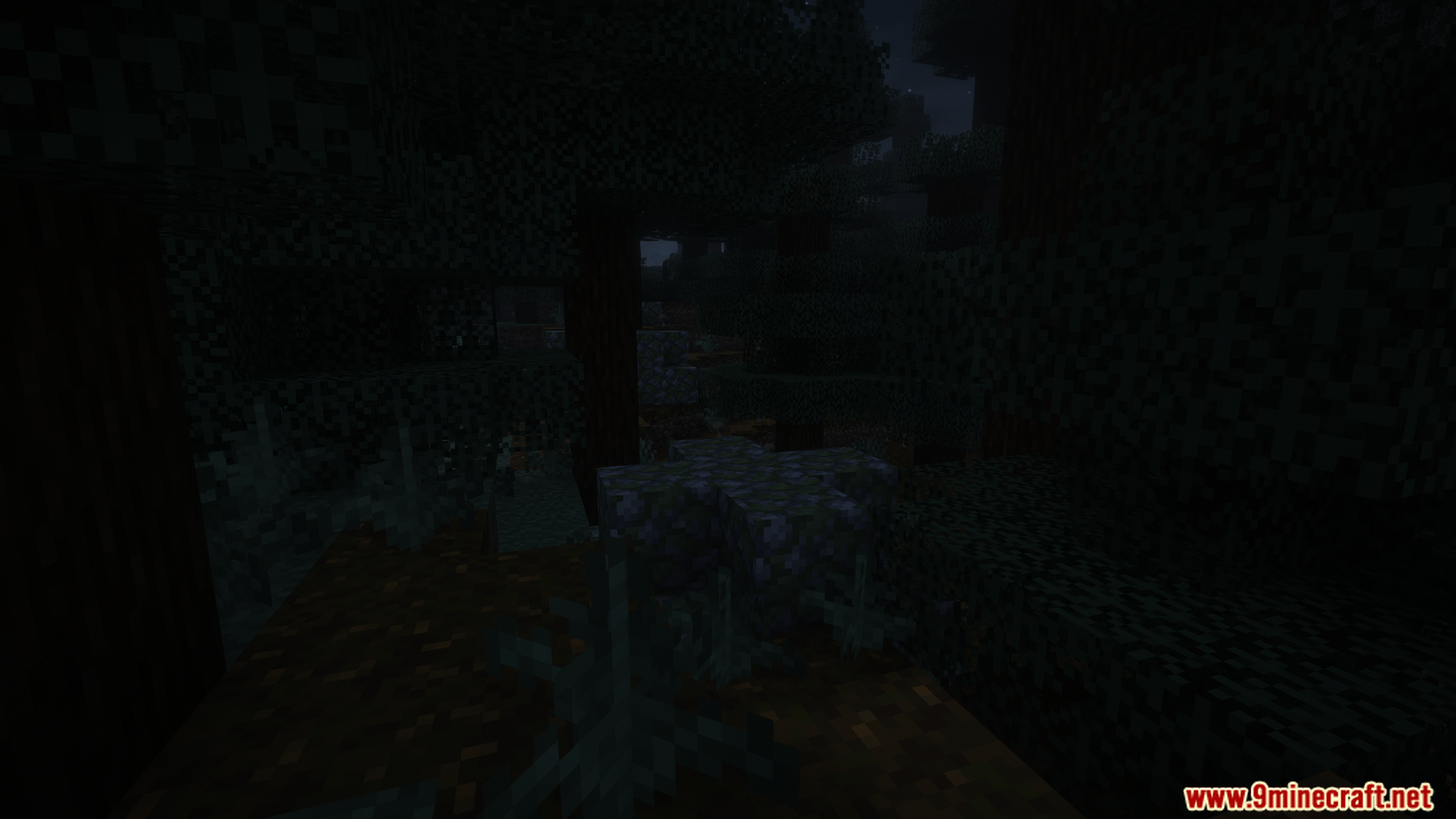
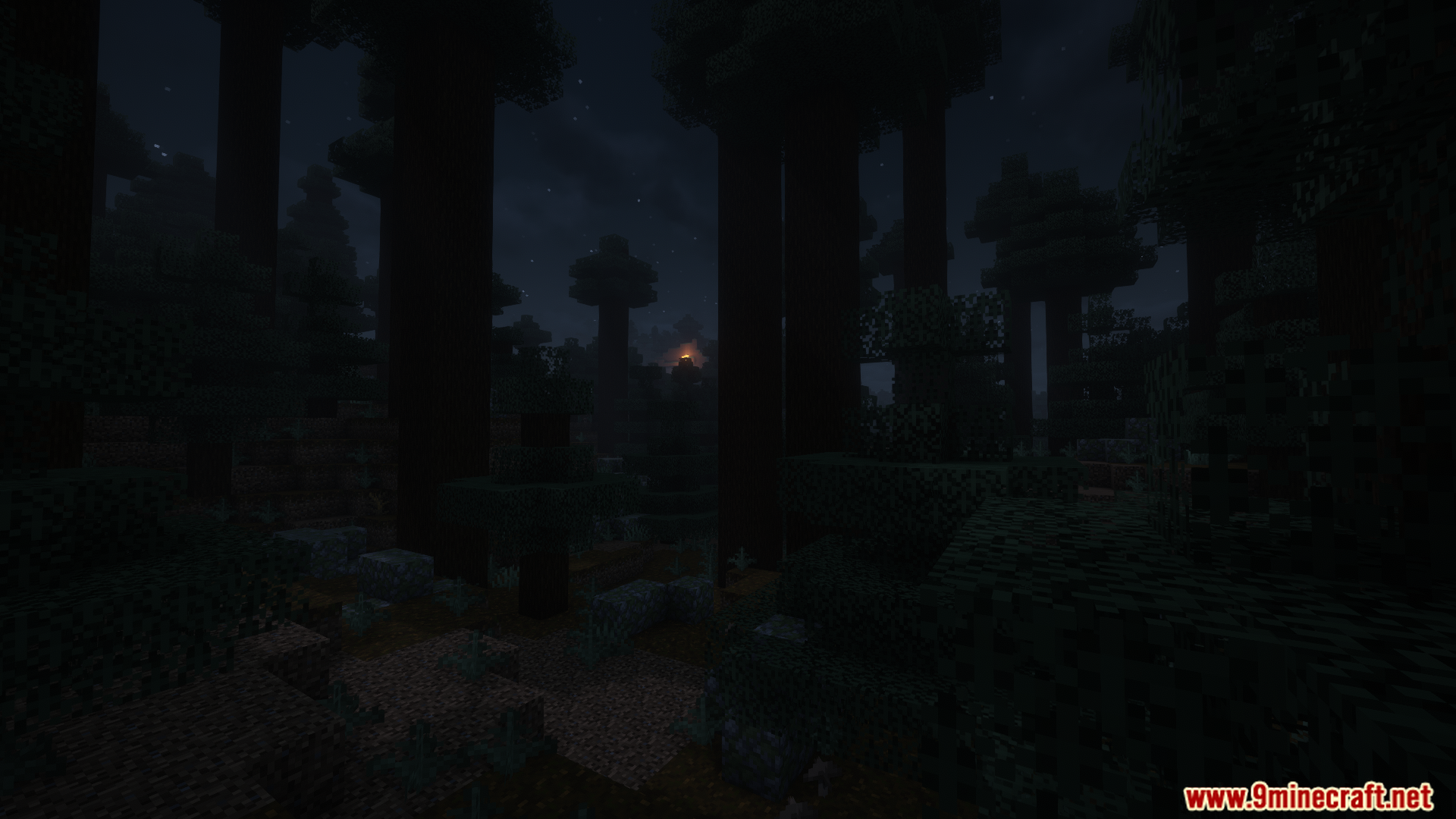
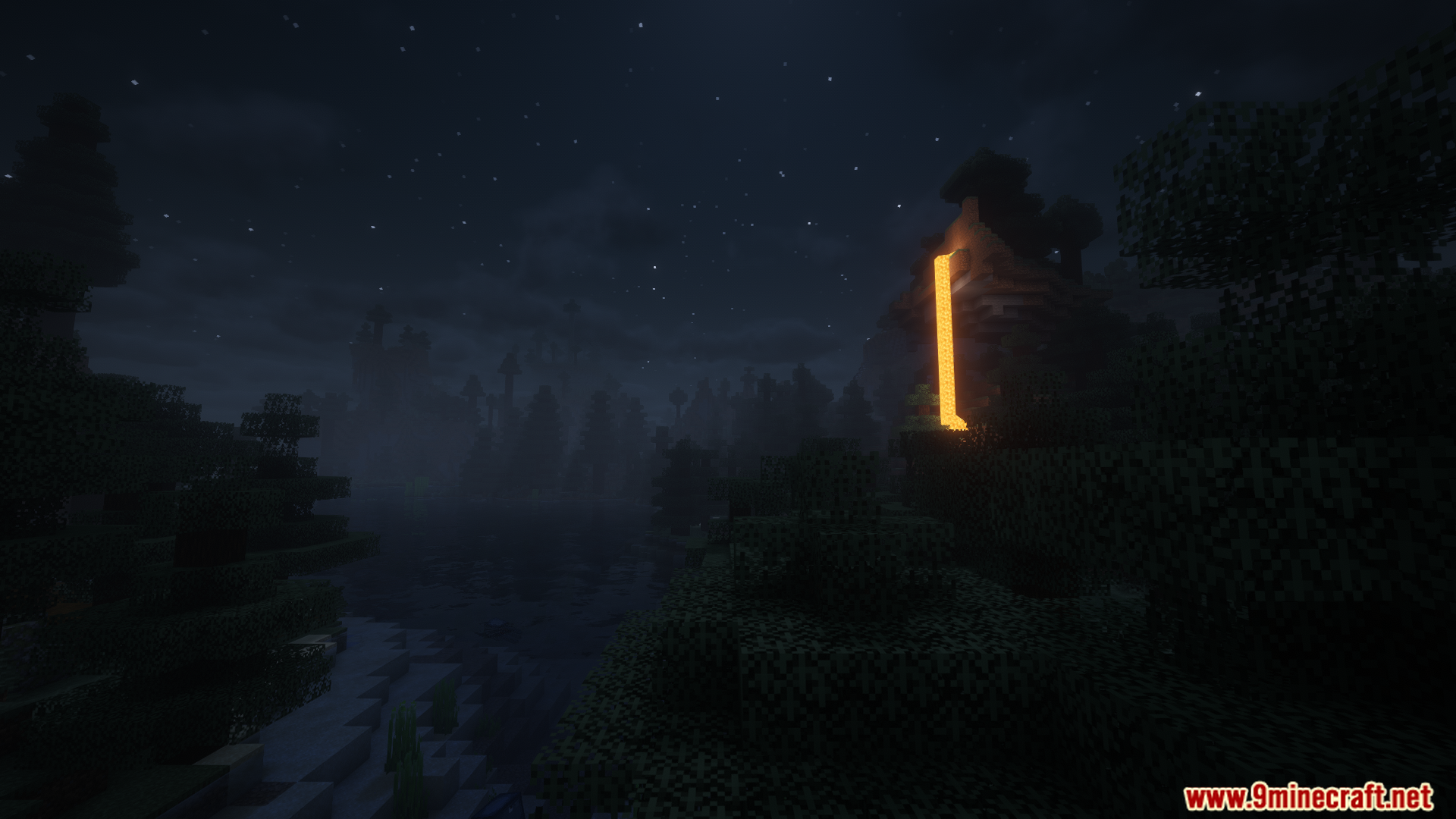
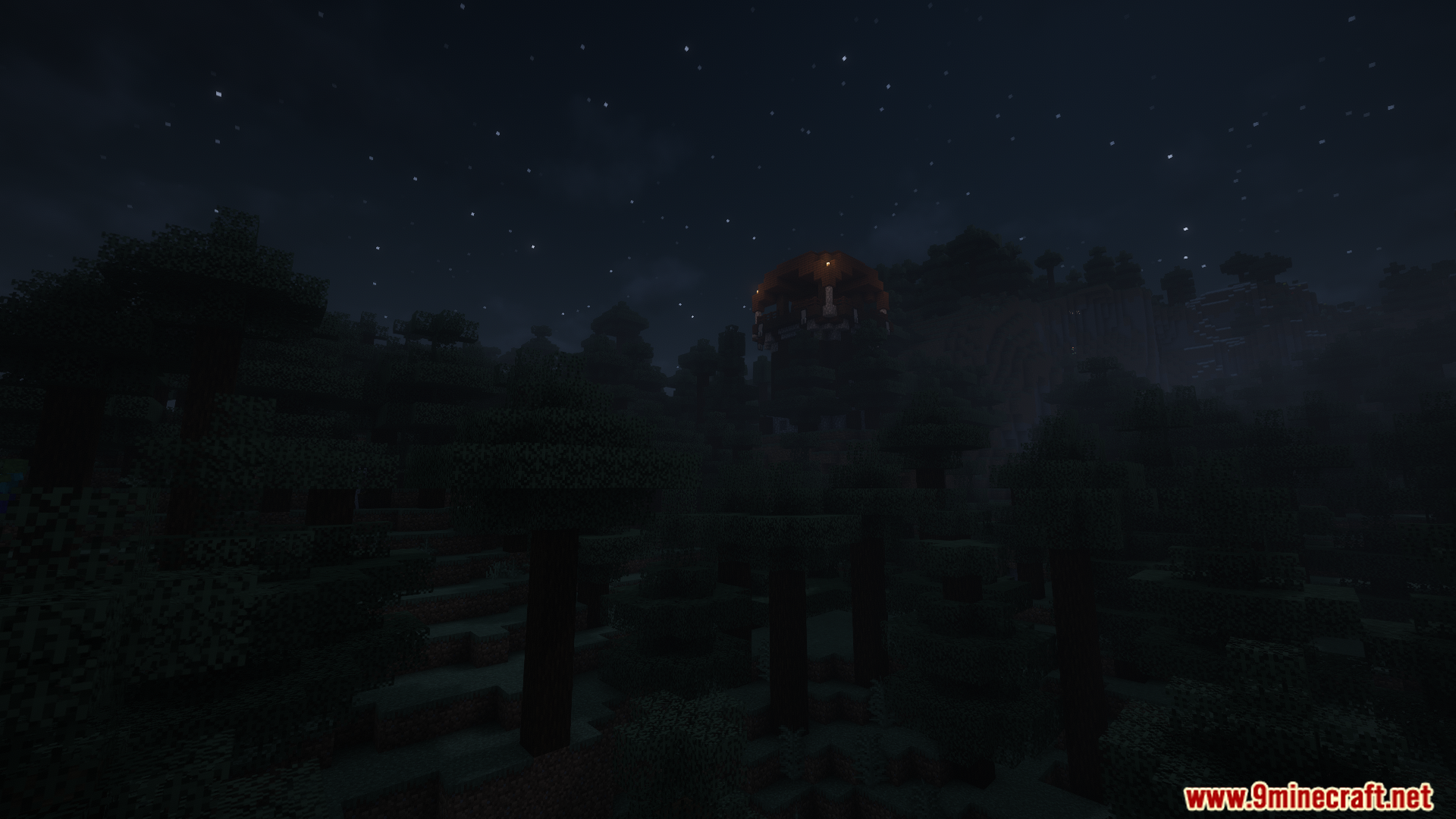
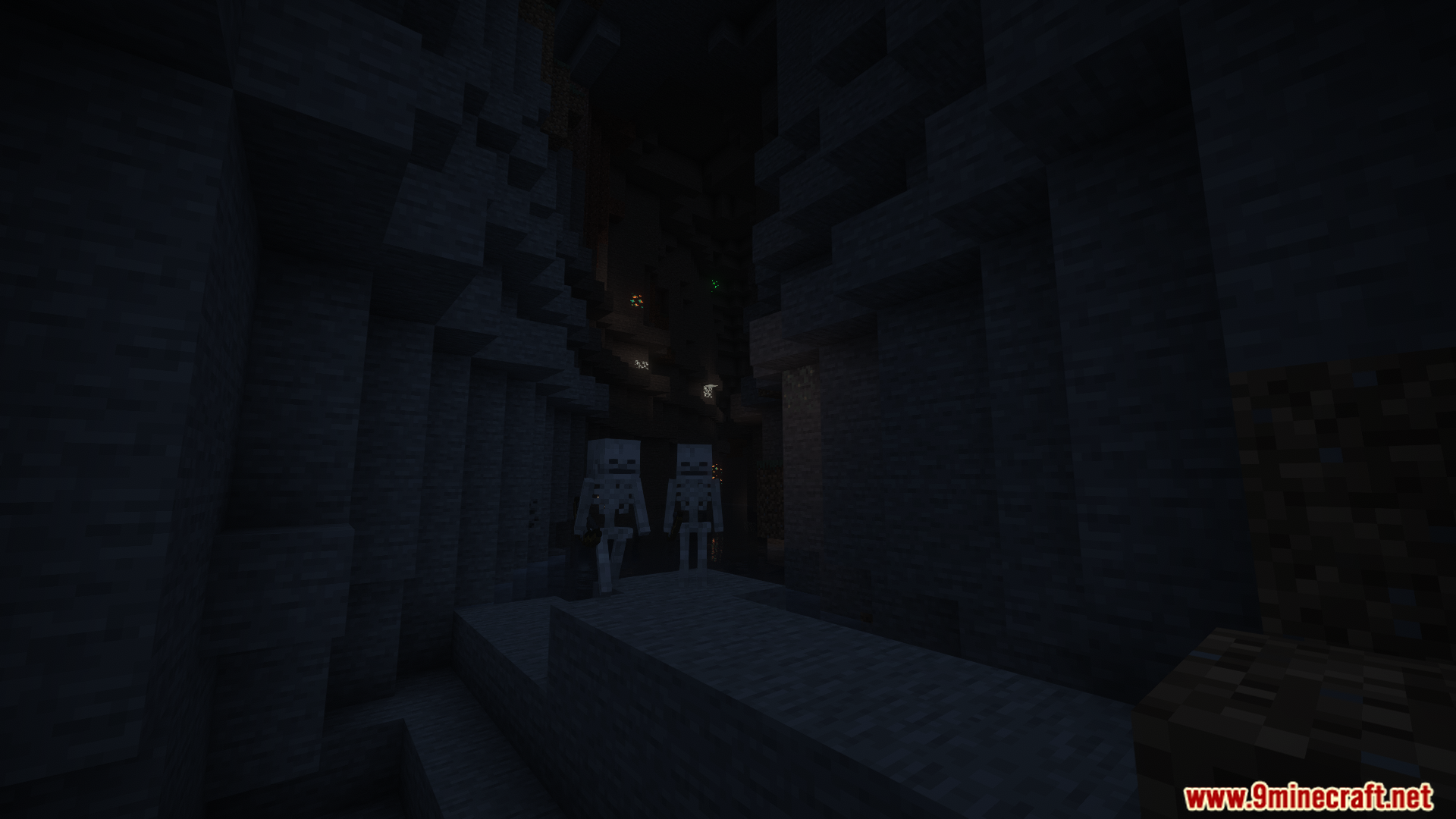
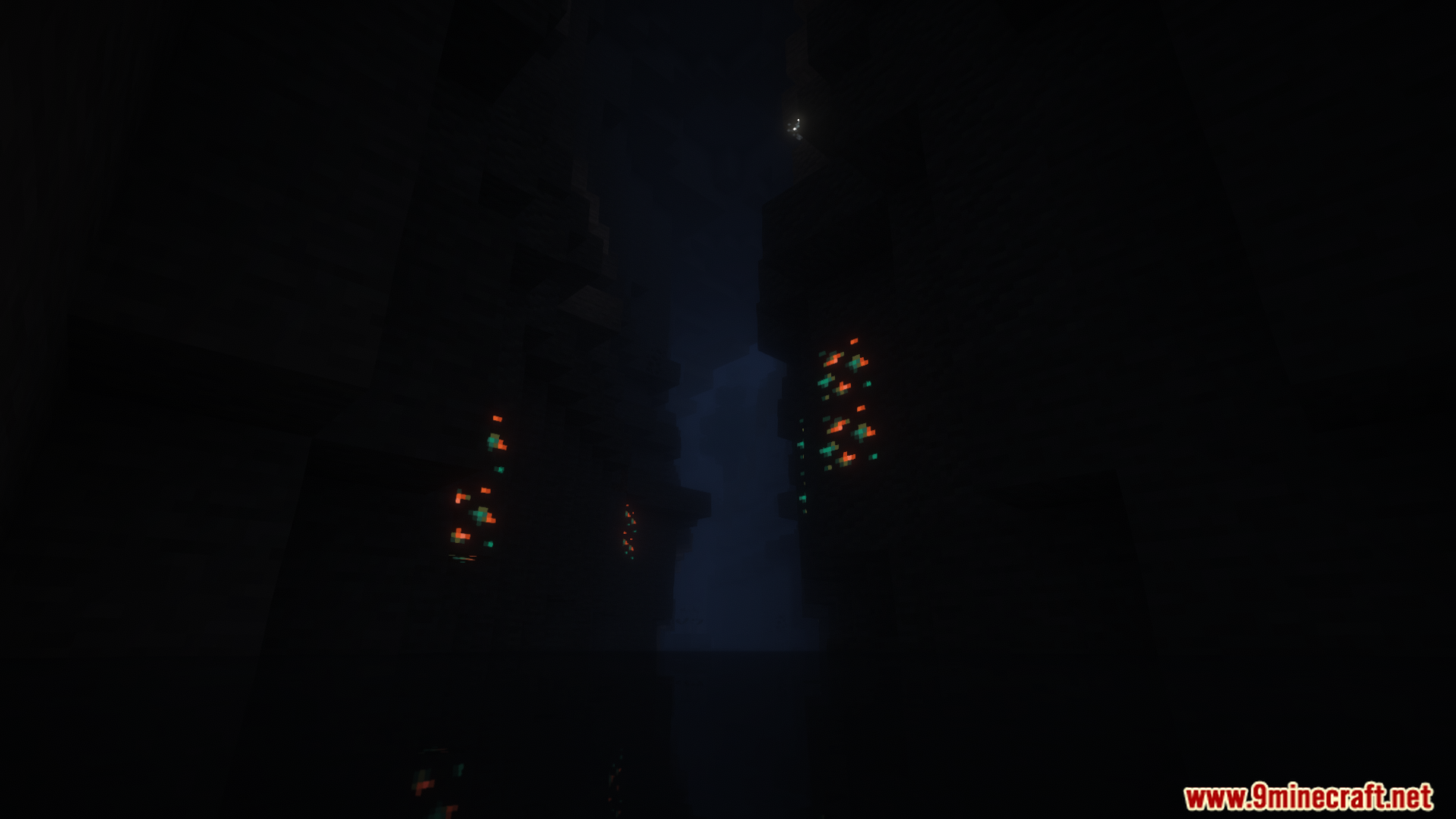
Tense Ambience Mod आपकी दुनिया को ऐसी बैकग्राउंड आवाजों से भर देता है जो एक डरावना (spooky) अहसास पैदा करती हैं। जैसे-जैसे आप अंधेरे जंगलों या गहरी गुफाओं जैसी अलग-अलग जगहों को एक्सप्लोर करेंगे, आवाजें बदलती जाएंगी। यह हर बायोम (biome) को अपना एक अनोखा और तनावपूर्ण माहौल देता है, खासकर रात के समय।
Features:
- कई अलग-अलग बायोम में नई और डरावनी बैकग्राउंड आवाजें जोड़ता है।
- रात में एक्सप्लोर करने के अनुभव को और भी डरावना और रोमांचक बनाता है।
- खेलते समय आपको चौकन्ना रखने के लिए रैंडम डरावने साउंड इफेक्ट्स बजाता है।
- जब आप एक इलाके से दूसरे इलाके में जाते हैं, जैसे जंगल से गुफा में, तो आवाजें स्मूथली बदलती हैं।
- तीनों मुख्य डायमेंशन में काम करता है: Overworld, Nether, और End।
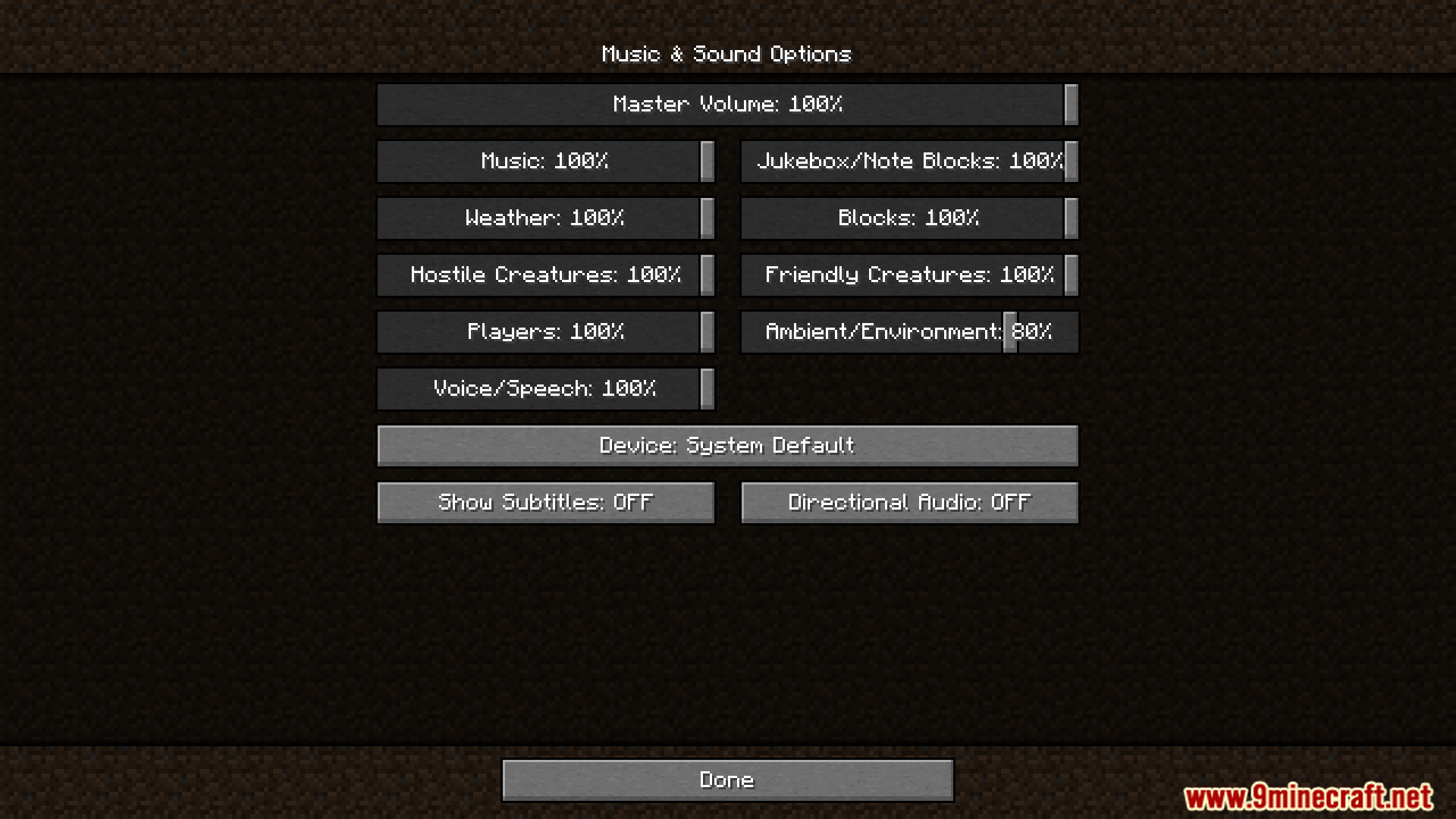
- सेटिंग्स में जाकर आप किसी खास बायोम के लिए आवाजें बंद कर सकते हैं।
- आप MP3 फाइलों का उपयोग करके अपनी खुद की कस्टम आवाजें भी जोड़ सकते हैं।
Configuration:
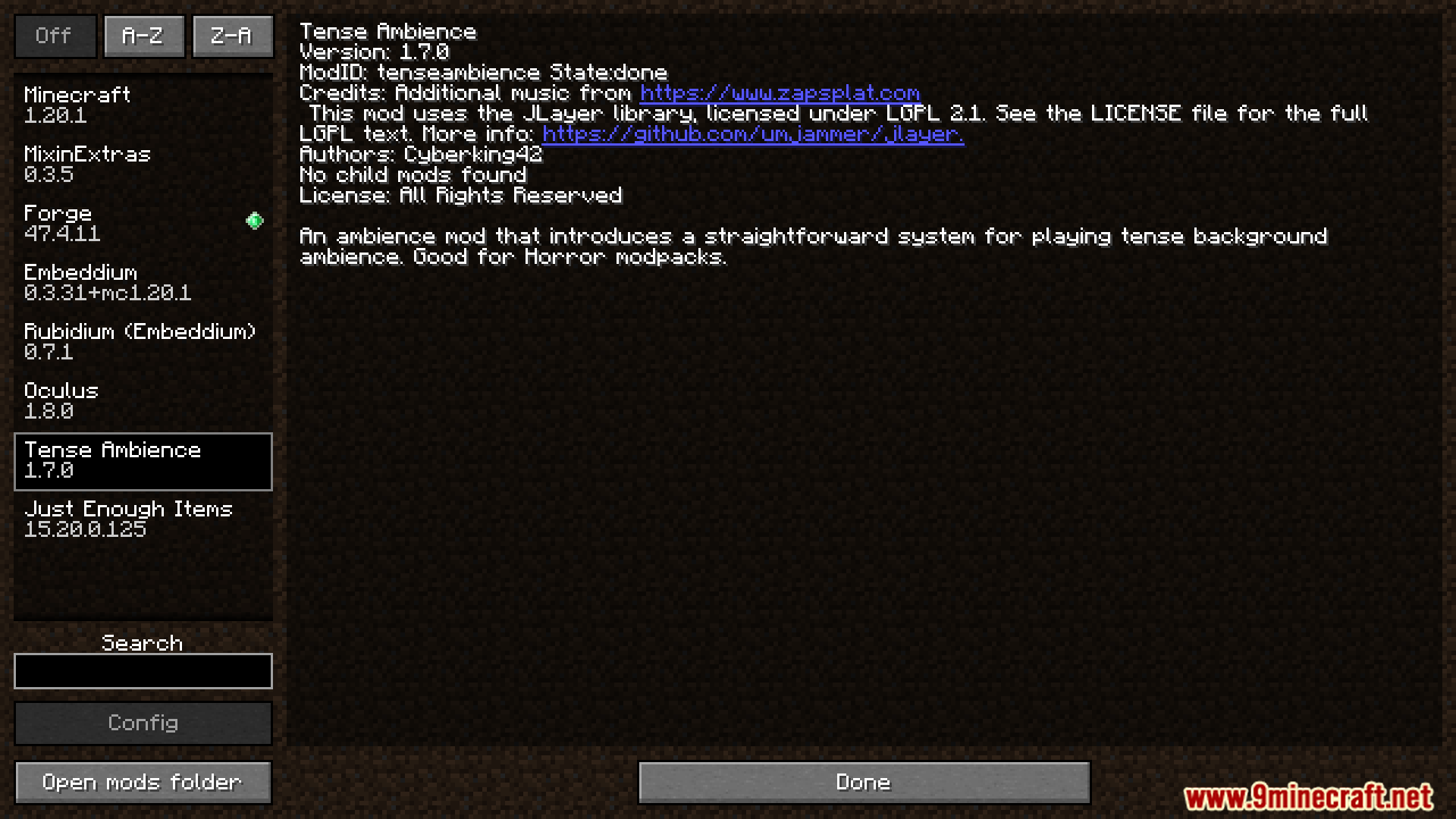
यह मोड सेटिंग्स बदलने के लिए एक कॉन्फ़िगरेशन फ़ाइल जोड़ता है। फ़ाइल का नाम tenseambience-client है और यह आपके मुख्य .minecraft/config फ़ोल्डर में स्थित है।
जरूरी बात: जब आप मोड को नए वर्जन में अपडेट करते हैं, तो आपको पुरानी कॉन्फ़िगरेशन फ़ाइल को डिलीट करना होगा।
आप कई विकल्पों को एडजस्ट कर सकते हैं:
- Ambience at Day: तय करें कि क्या डरावनी आवाजें दिन के दौरान भी बजनी चाहिए।
- Transition Fade Duration: कंट्रोल करें कि नए बायोम में प्रवेश करने पर आवाजों को बदलने में कितना समय लगे।
- Shader Support: अगर आप शेडर्स का उपयोग करते हैं तो इसे ऑन करें। यह टॉर्च पकड़ने पर साउंड वॉल्यूम को बदल देता है।
- Disable Ambience: मोड की सभी आवाजों को बंद करने के लिए एक स्विच।
- Biome Options: आप खास बायोम के लिए भी आवाजें बंद कर सकते हैं।
कॉन्फ़िगरेशन फ़ाइल में सेटिंग्स का एक उदाहरण यहाँ दिया गया है:
["Config for Tense Ambience Mod"]
	#Play the ambience also during the day?
	"Ambience at Day" = false
	#How long should the transition fade between biomes take (in seconds)?
	#Range: 0.1 ~ 60.0
	"Transition Fade Duration" = 13.0
	#Should enable shader support? (For changing the ambience volume when holding a torch)
	"Shader Support" = false
	#Completely disable all ambient sounds and updates (performance stabilization)
	"Disable Ambience" = false
Screenshots:


इंस्टॉल कैसे करें:
Tense Ambience Mod Download Links
For Minecraft 1.21.8
Forge version: Download from Server 1 – Download from Server 2
Fabric version: Download from Server 1 – Download from Server 2
For Minecraft 1.21.1, 1.21, 1.20.6
Forge version: Download from Server 1 – Download from Server 2
Fabric version: Download from Server 1 – Download from Server 2
For All Versions from Minecraft 1.18 to Minecraft 1.20.4
Forge version: Download from Server 1 – Download from Server 2
Fabric version: Download from Server 1 – Download from Server 2
ये भी पसंद आ सकते हैं








इस पोस्ट पर अभी कोई टिप्पणी नहीं है। सबसे पहले बनें — आपकी टिप्पणी यहाँ दिखाई देगी।