


Panorama Screenshot Mod (26.1.2, 1.20.1) – Jadikan Duniamu Sebagai Main Menu
 216
216
 0
0


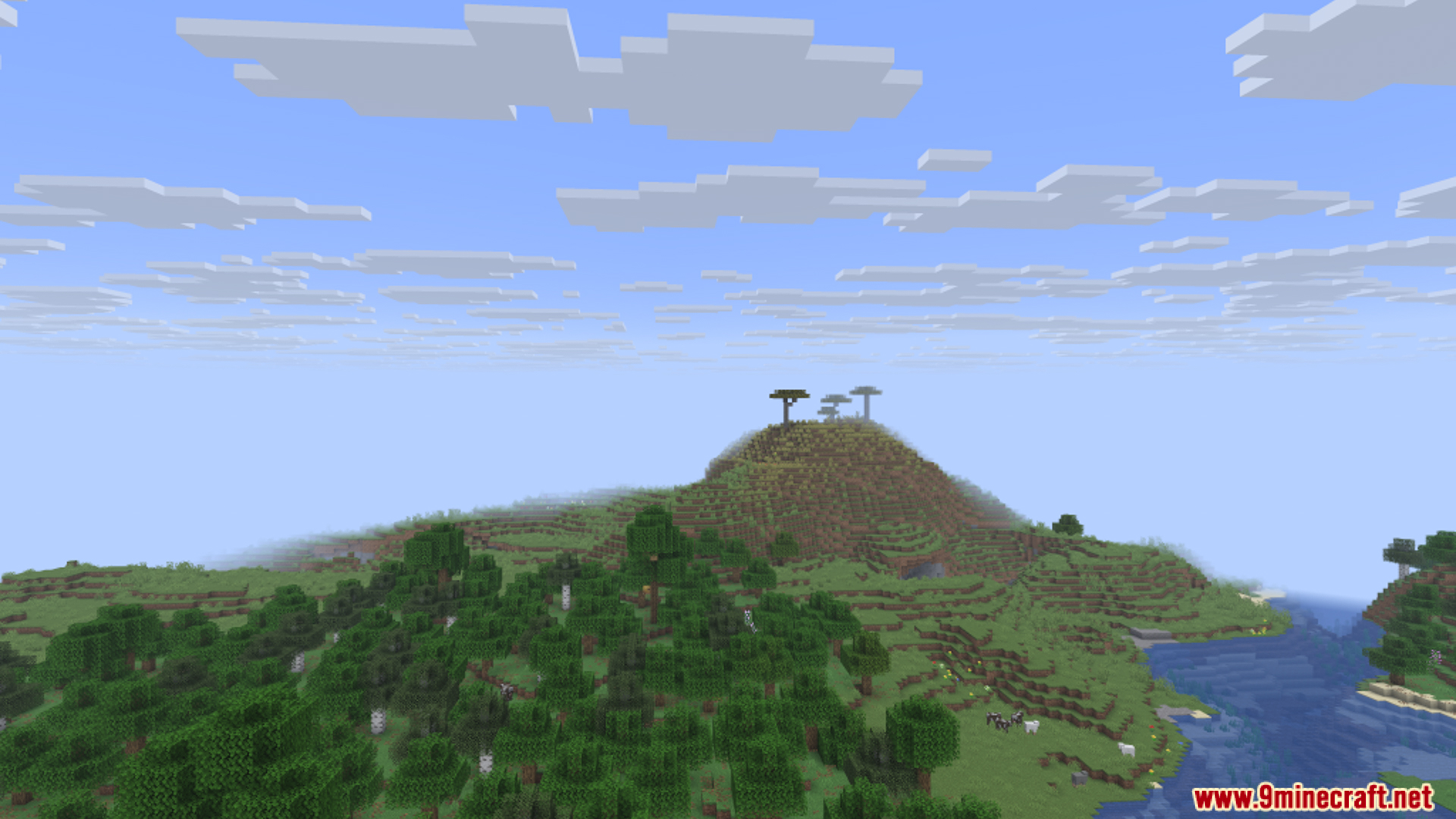
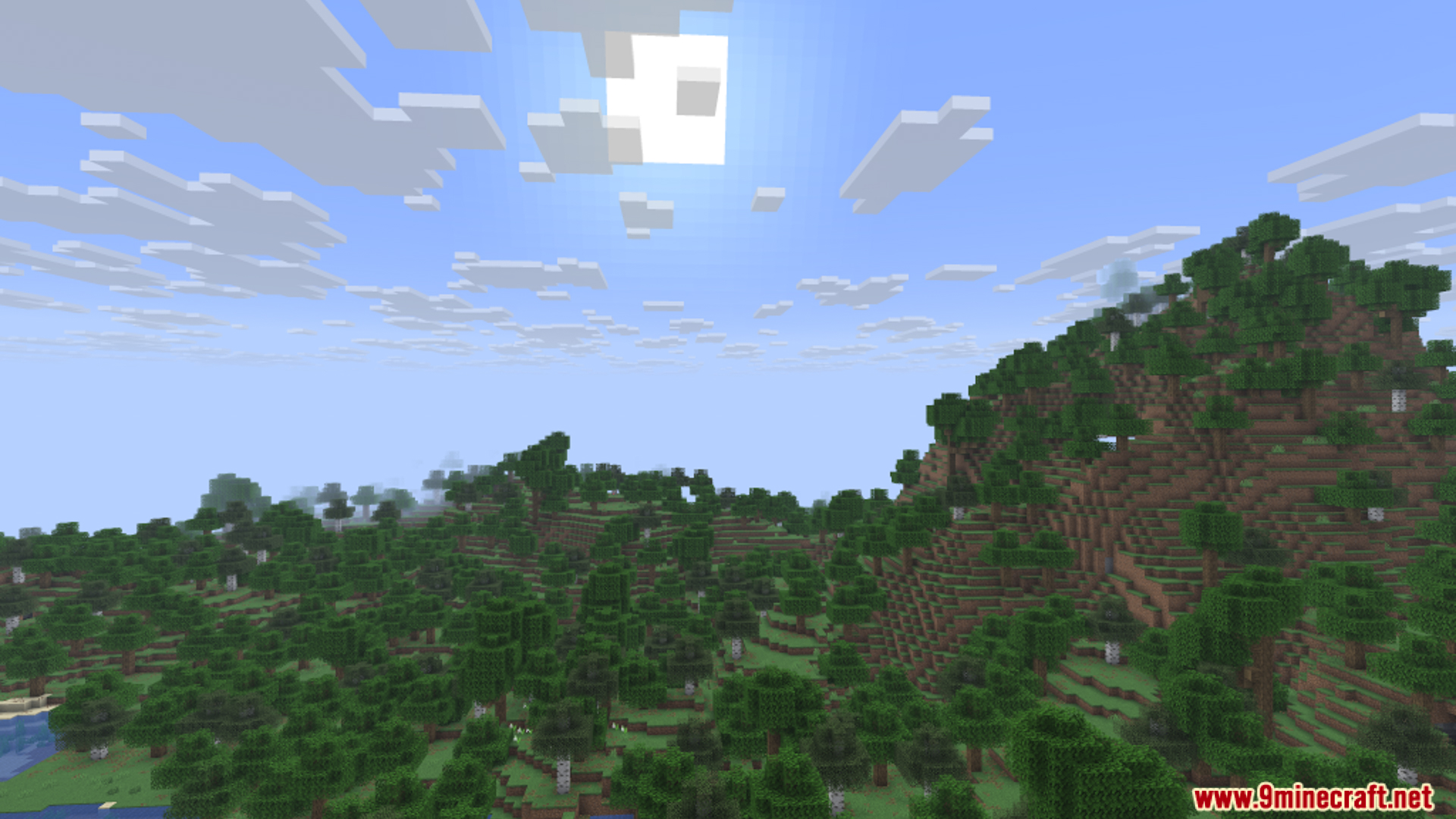
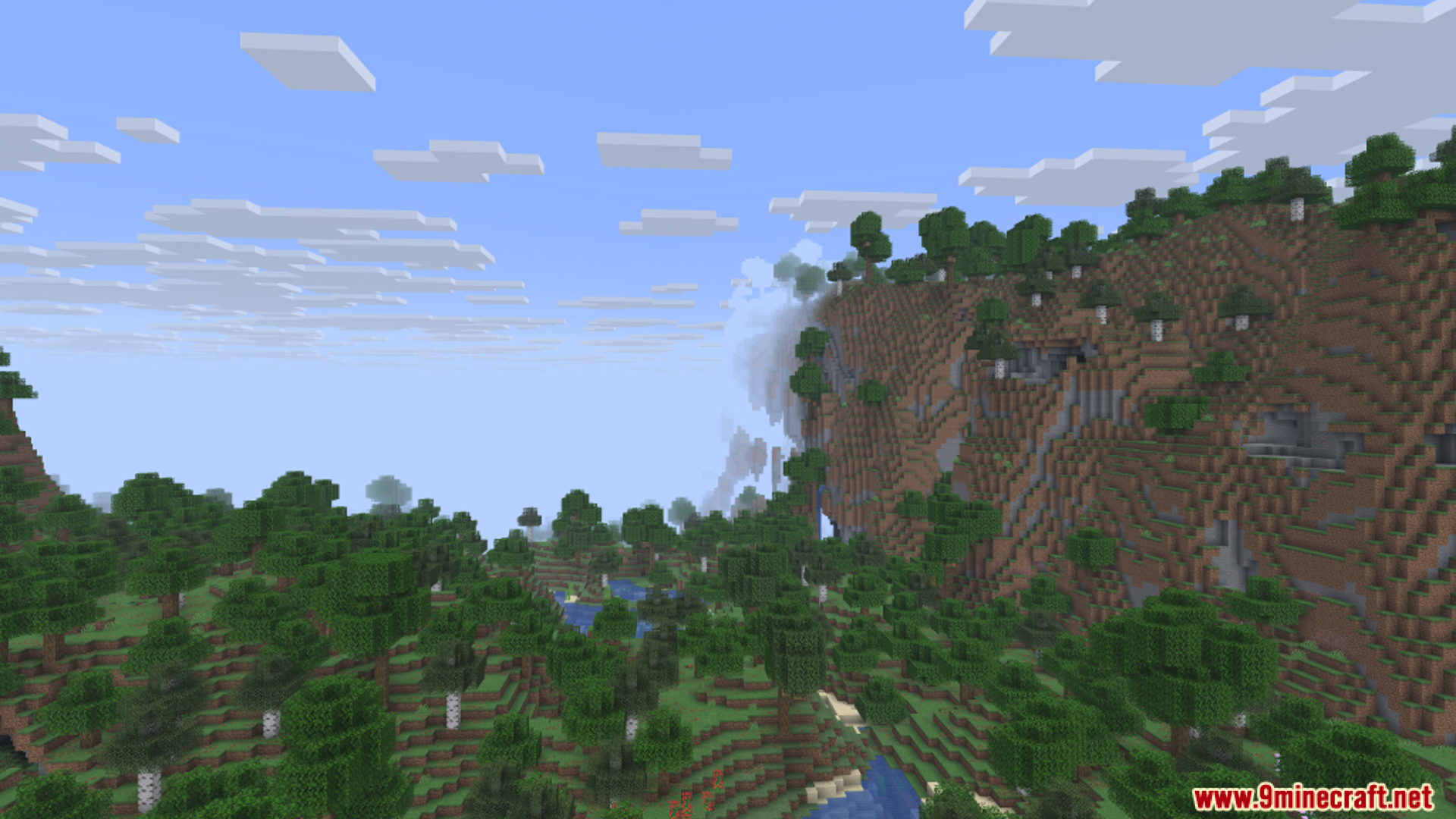
Panorama Screenshot Mod membuka fitur tersembunyi di Minecraft untuk mengambil gambar panorama yang luas. Kamu bisa mengabadikan pemandangan indah persis seperti yang ada di layar menu utama game. Seluruh prosesnya otomatis. Kamu cukup menekan satu tombol, dan mod ini akan menangani segalanya untuk menciptakan jepretan yang sempurna.
Fitur:
- Panorama Otomatis: Cukup tekan satu tombol (default-nya F4) untuk mengambil screenshot panorama luas dari duniamu.
- Seluruh proses berjalan otomatis. Kamu tidak perlu mengubah FOV game atau mengatur ulang ukuran jendela (window).
- Memungkinkan kamu mengatur tombol kustom di menu kontrol jika tidak ingin menggunakan F4.
- Menyimpan hasil gambar akhir di folder screenshot reguler kamu.
- Dapat membuat folder baru dengan timestamp untuk setiap panorama agar koleksi fotomu tetap rapi.
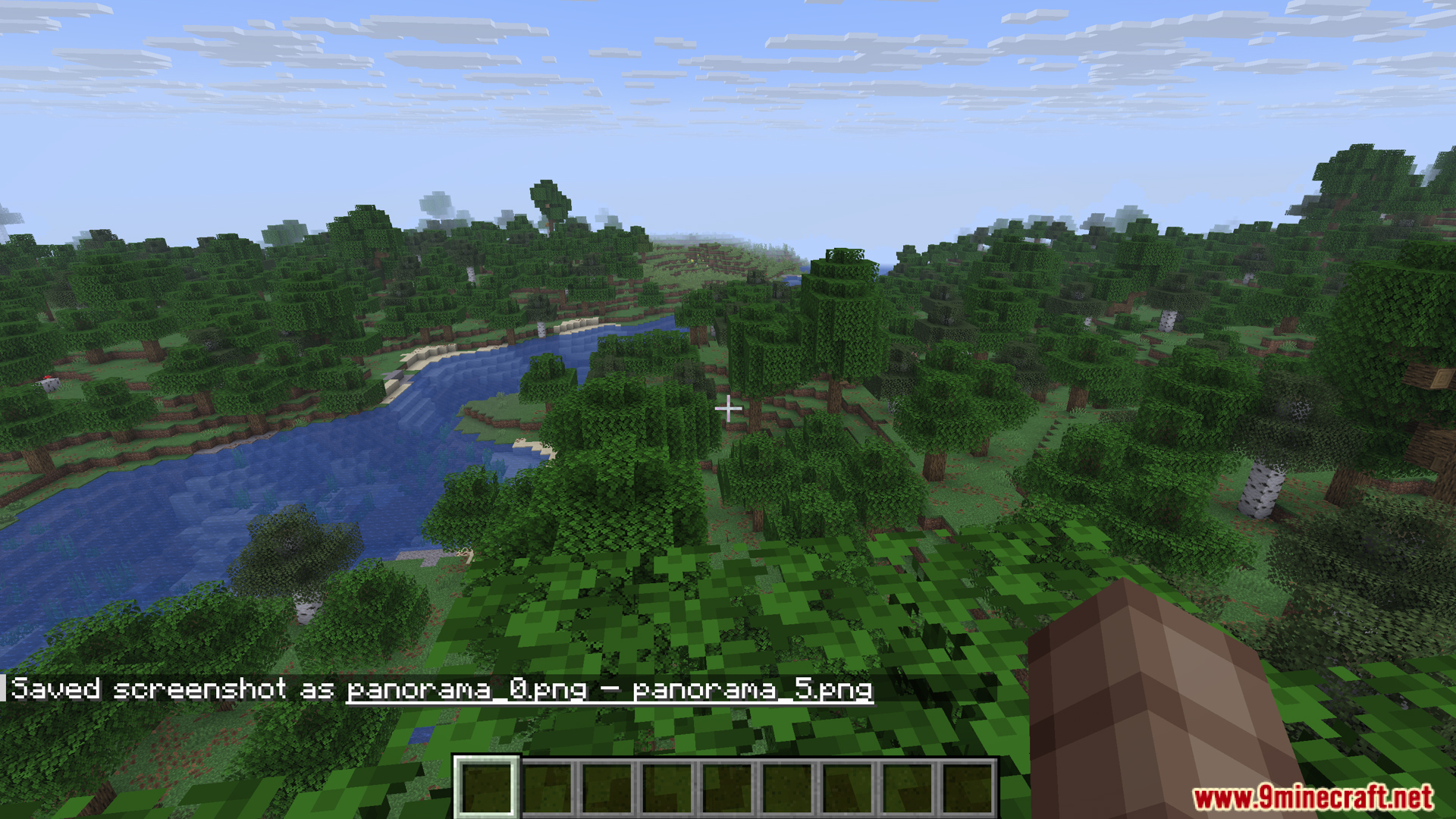
- Pesan akan muncul di chat untuk mengonfirmasi bahwa screenshot telah berhasil disimpan.
Cara Penggunaan:
- Cukup tekan tombol F4 untuk mulai mengambil screenshot panorama. Tombol ini bisa diganti di menu kontrol.
- Seluruh proses otomatis. Kamu tidak perlu menyesuaikan ukuran jendela atau mengubah Field of View (FOV).
- Setelah selesai, pesan akan muncul di chat, dan gambar akan disimpan di folder screenshots kamu.
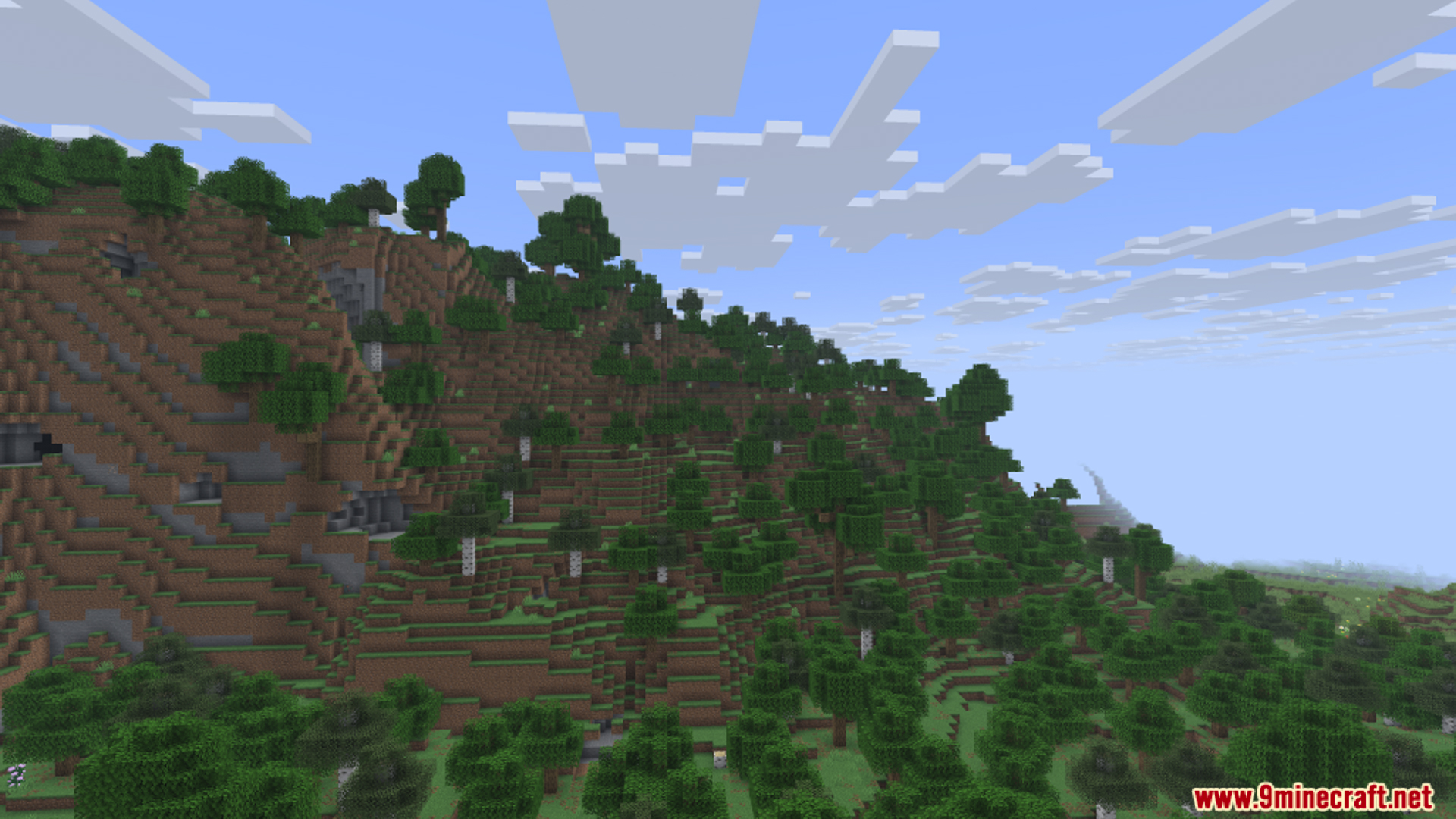
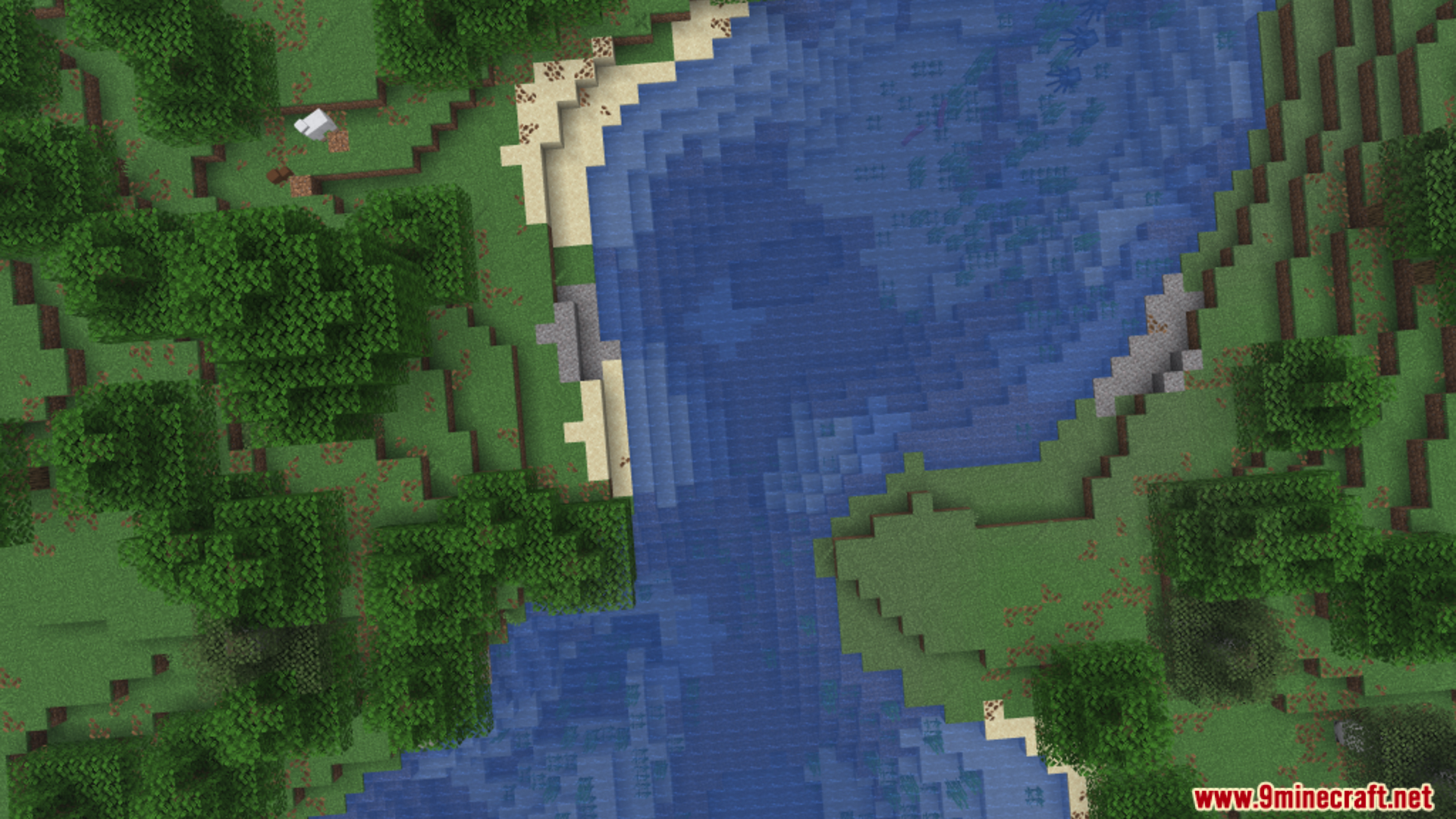
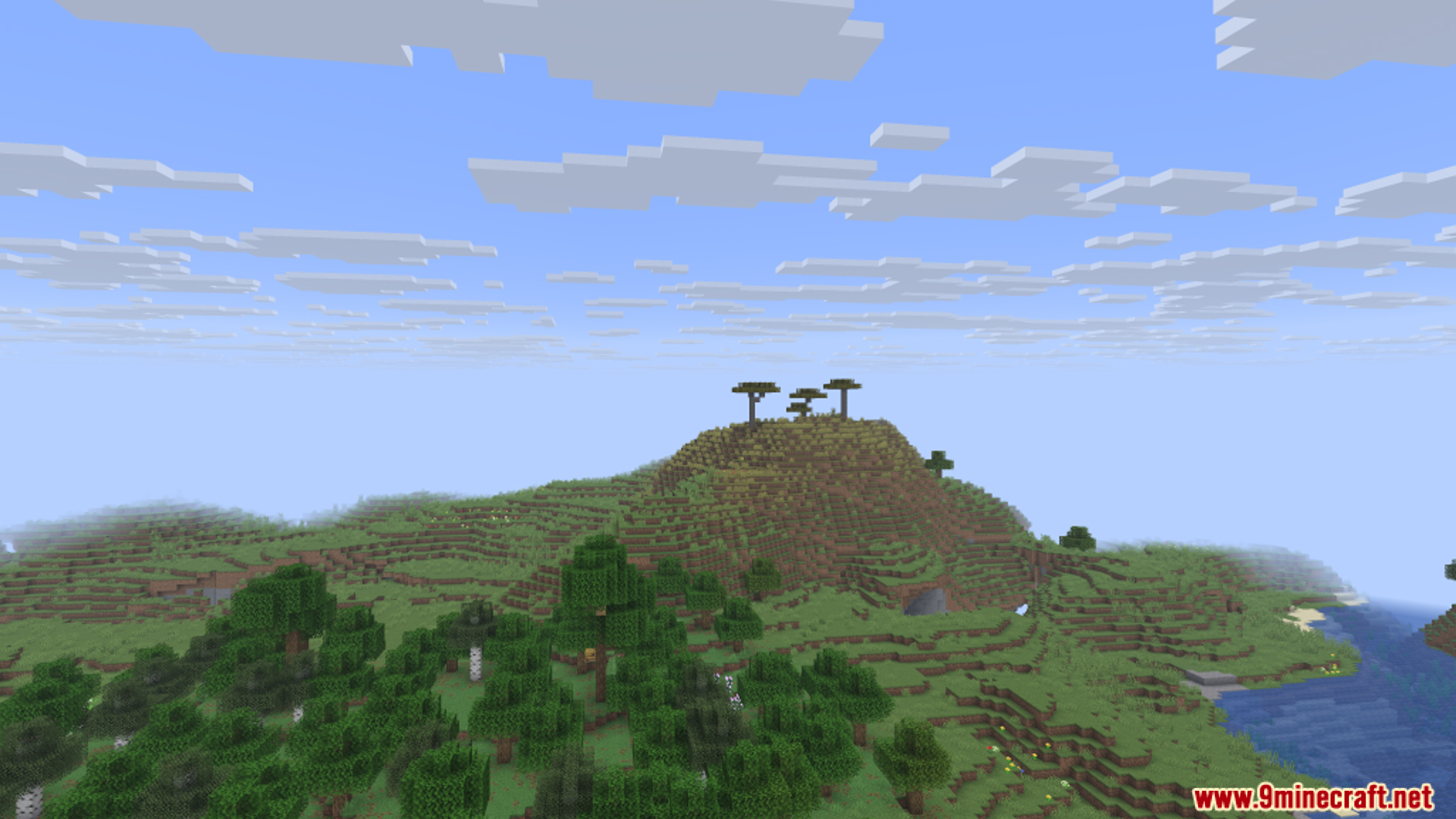
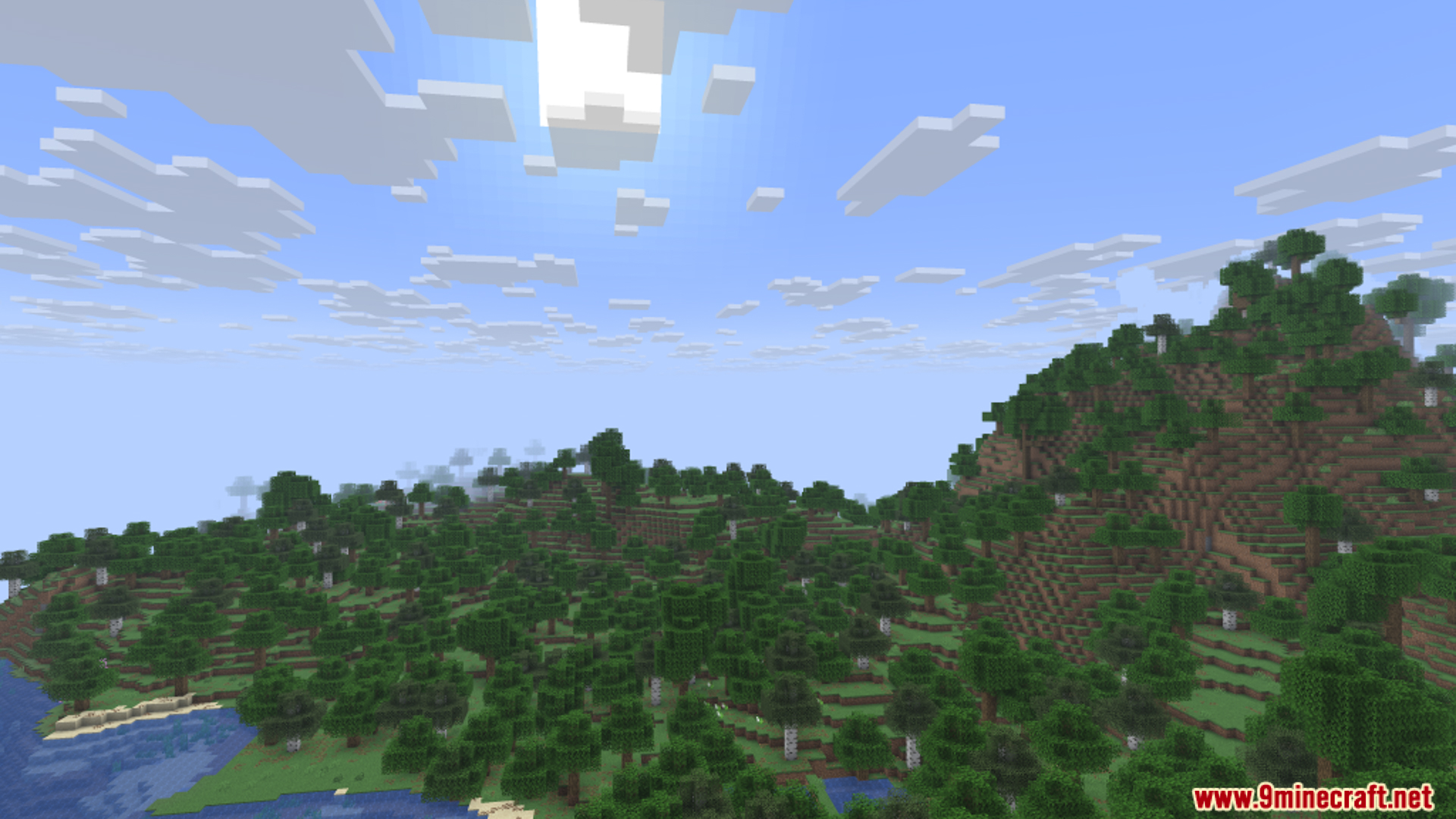
Screenshots:
Cara Instal:
Persyaratan:


Panorama Screenshot Mod Download Links
For Minecraft 1.21.10
Fabric/Quilt version: Download from Server 1 – Download from Server 2
For Minecraft 1.21.8
Fabric/Quilt version: Download from Server 1 – Download from Server 2
For Minecraft 1.21.4
Fabric/Quilt version: Download from Server 1 – Download from Server 2
For Minecraft 1.21.1, 1.21
Fabric/Quilt version: Download from Server 1 – Download from Server 2
For Minecraft 1.20.6
Fabric/Quilt version: Download from Server 1 – Download from Server 2
For Minecraft 1.20.4
Fabric/Quilt version: Download from Server 1 – Download from Server 2
For Minecraft 1.20.1, 1.20
Fabric/Quilt version: Download from Server 1 – Download from Server 2
Untuk Minecraft 26.1.2, 26.1.1, 26.1
Untuk Minecraft 1.21.11
Untuk Minecraft 1.21.10, 1.21.9
Untuk Minecraft 1.21.8, 1.21.7, 1.21.6
Untuk Minecraft 1.21.4
Untuk Minecraft 1.21.1, 1.21
Untuk Minecraft 1.20.6
Untuk Minecraft 1.20.4
Untuk Minecraft 1.20.1, 1.20
Anda Mungkin Juga Suka

Postingan ini belum memiliki komentar. Jadilah yang pertama — komentar Anda akan muncul di sini.