
Disable Custom Worlds Advice 9minecraft Mod (26.3) – Load Custom Saves Without Prompts
 240
 0


Disable Custom Worlds Advice 9minecraft Mod removes the experimental world warning screen whenever you load custom saves. It stops the game from interrupting your launch with confirmation boxes for data packs and custom world settings. You get straight into your world without having to click through extra prompt screens every single time.

Features:
- Bypasses Warning Screens: Skips the experimental confirmation prompt directly upon opening a world.
- Loads saves faster by cutting out extra confirmation clicks.
- Works with custom world generation, data packs, and experimental game toggles.
- Operates purely as a client-side tweak without altering world save data.
- Lets you add or remove the mod at any time without risking your worlds.
Disable Custom Worlds Advice 9minecraft Mod – Video Showcase
How to Use:
- Open your Minecraft world selection screen.
- Select and launch any save with custom data packs or experimental settings.
- Enter the game directly without seeing the advice popup window.
Screenshots:
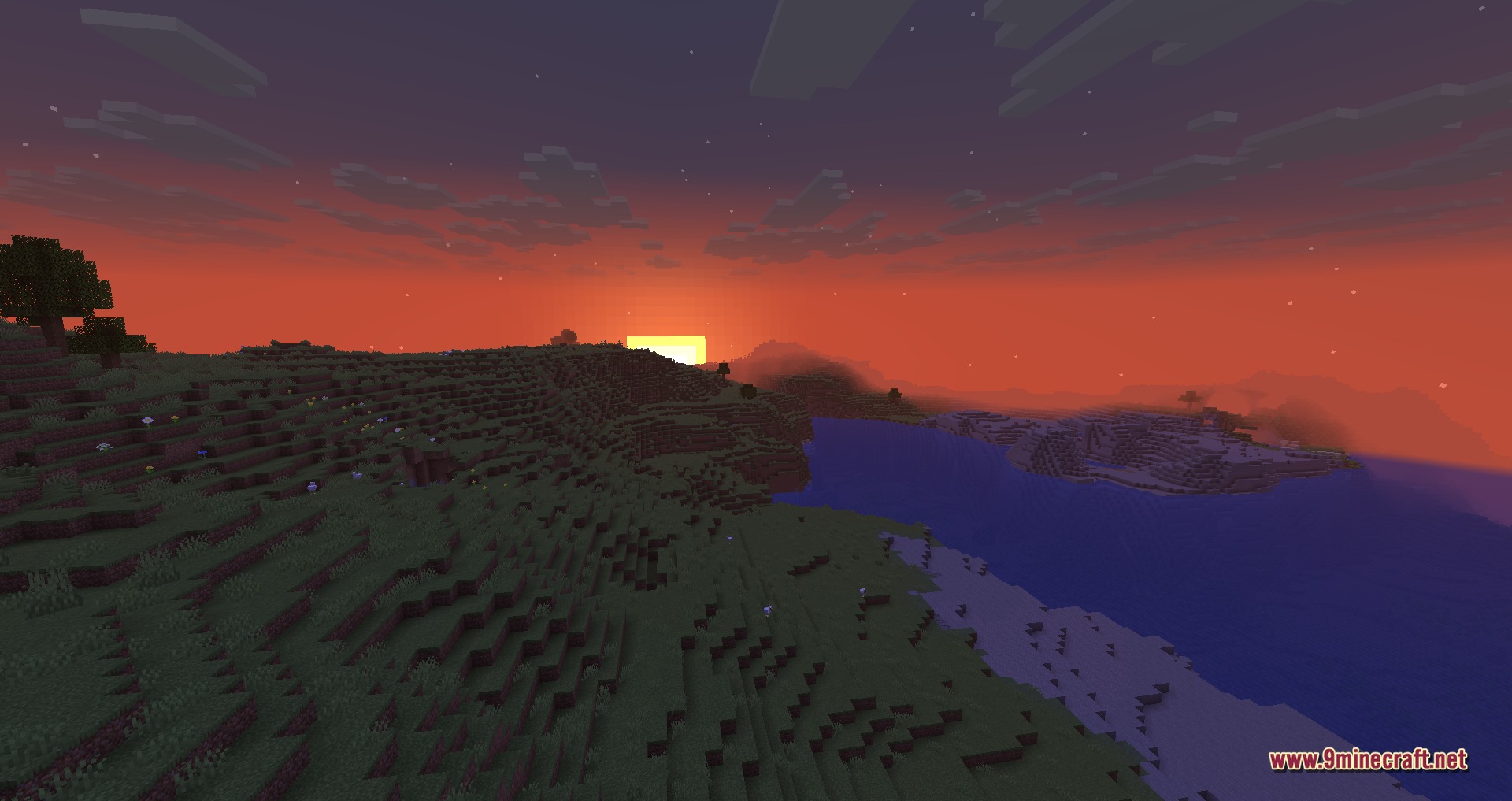
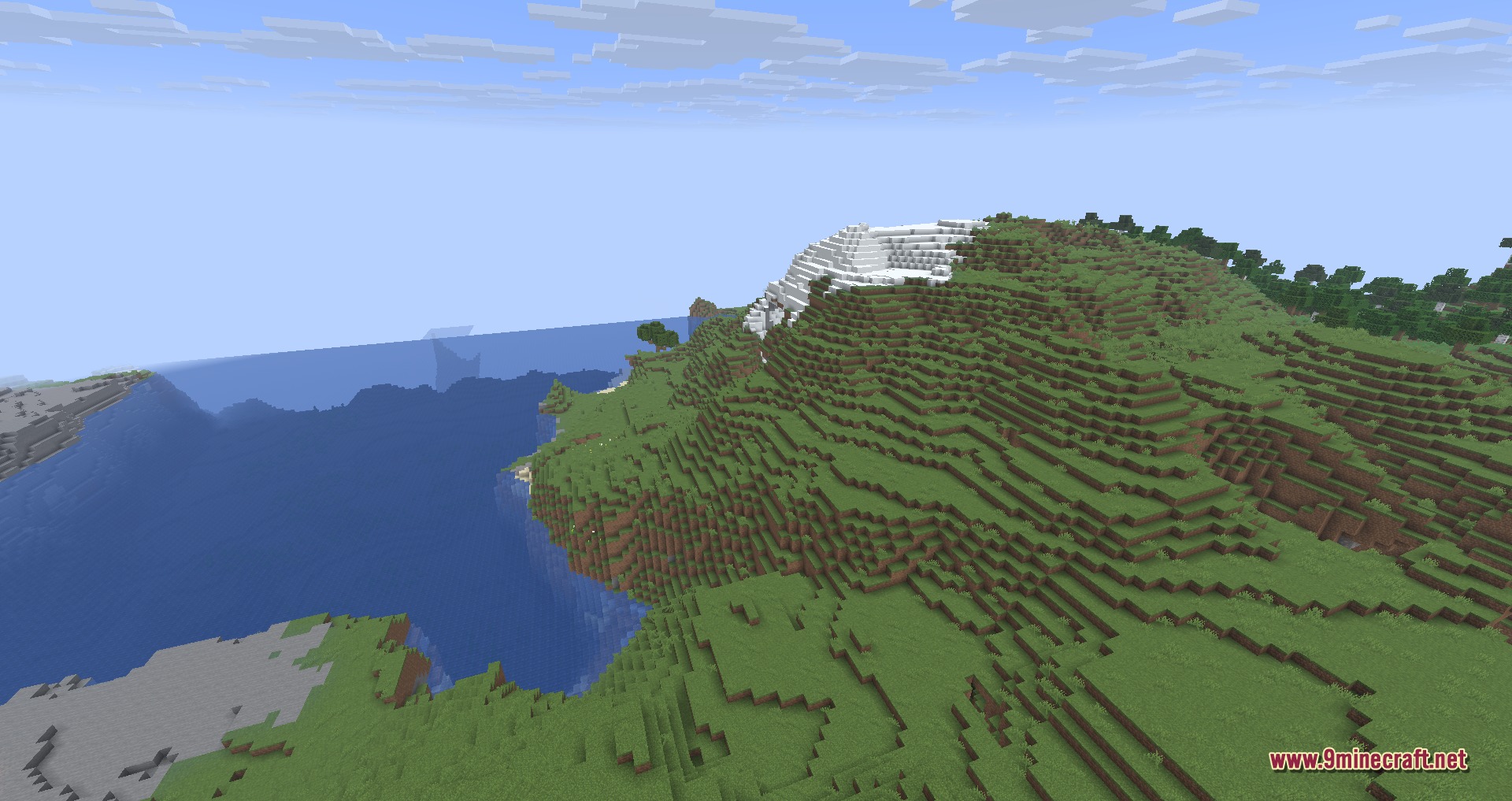
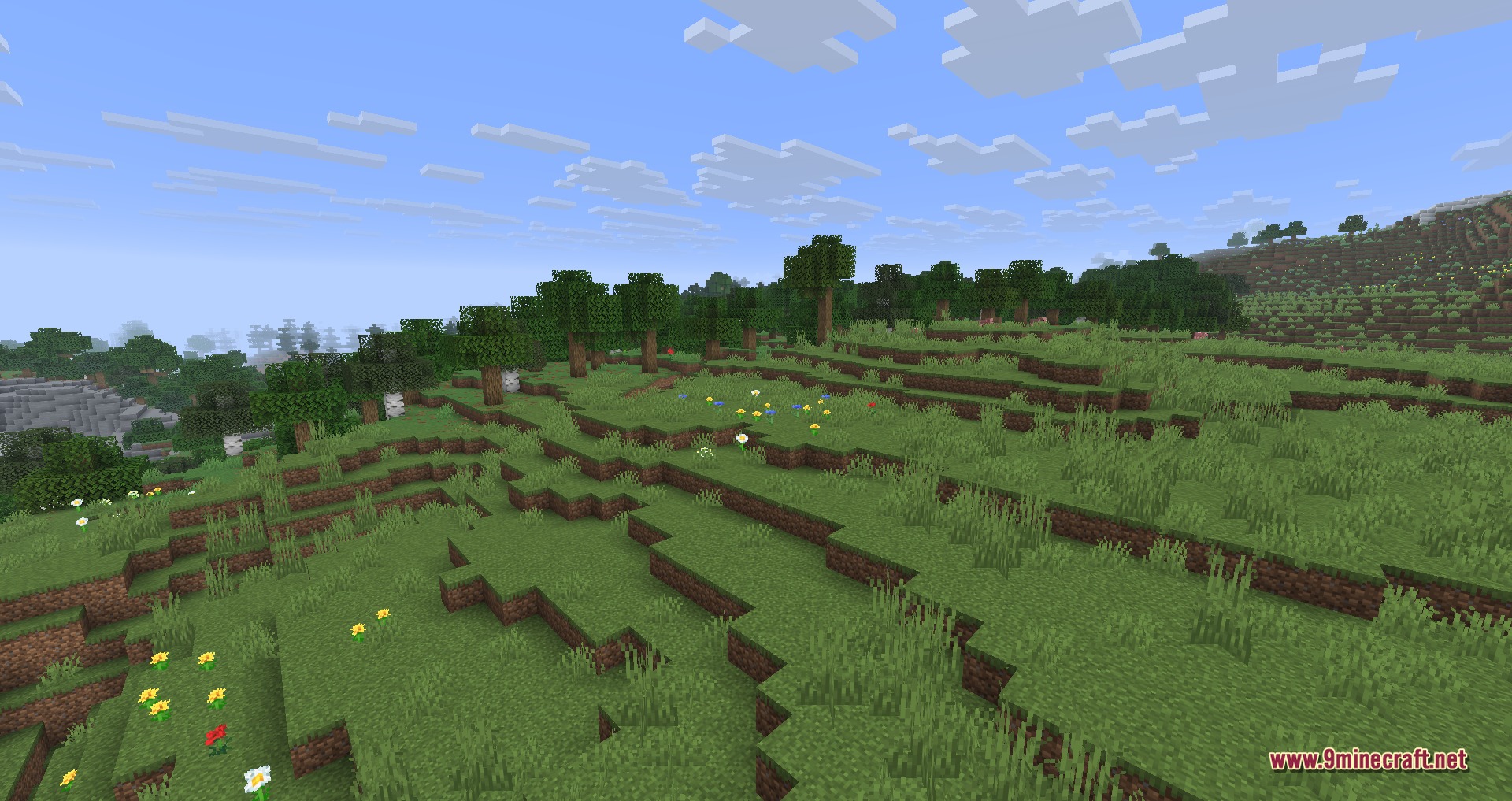
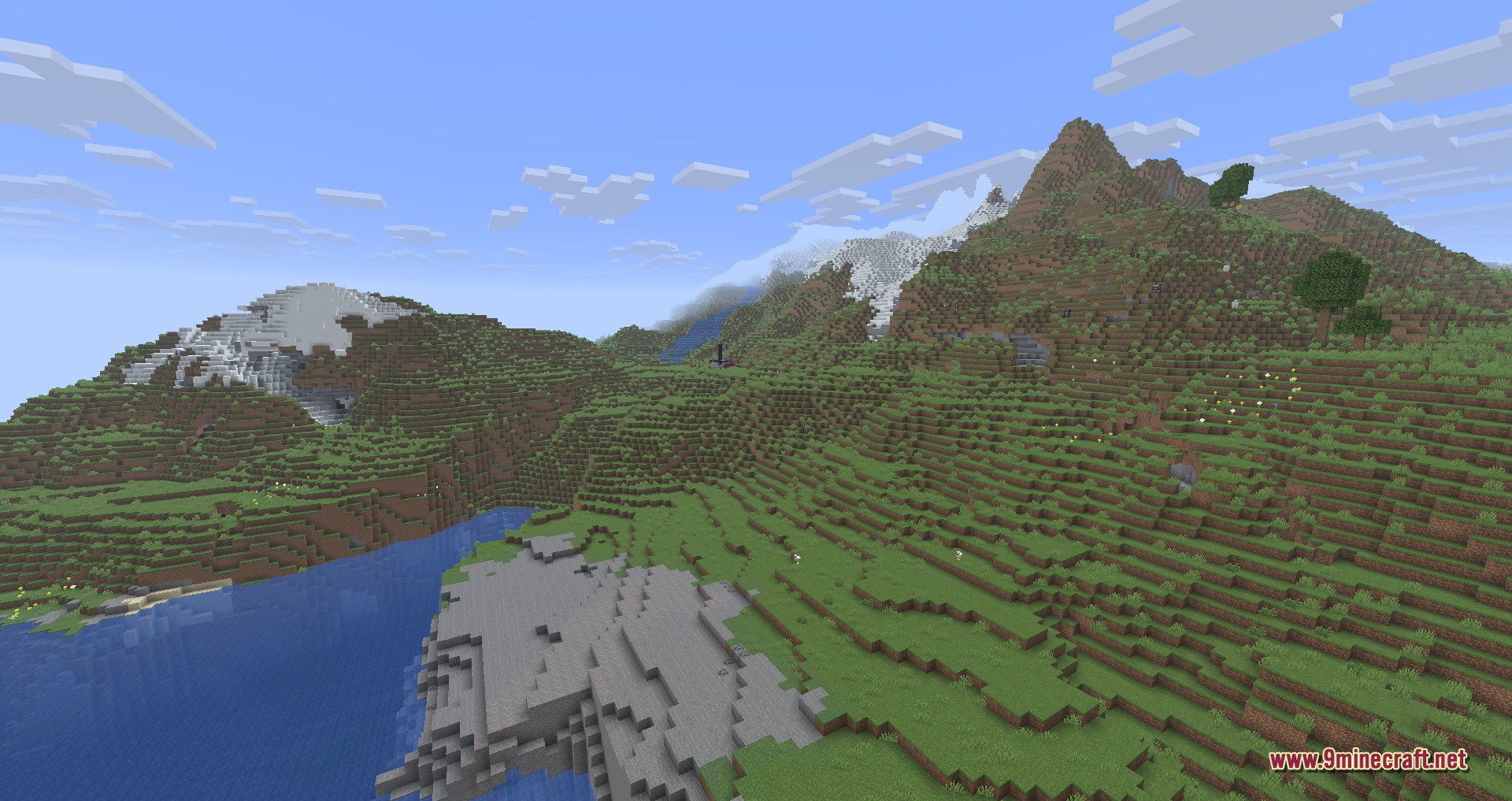
How to Install:
New to Minecraft? Follow our step-by-step guide to install Mods on your PC.View Guide


Disable Custom Worlds Advice 9minecraft Mod Download Links
Sign in to unlock this download
Inside: 26.3 26.2 1.21.11
Choose one way to sign in
Free · takes a few seconds · you come straight back to this page
Who do you usually play modded Minecraft with?
43 responses · See the full results →
You May Also Like
Picked for this page
 Nameless Trinkets Mod (26.1.2, 1.20.1) – More Powerful Trinkets
 ItemPhysic Lite Mod (26.3, 1.20.1) – Enhanced Item Animation
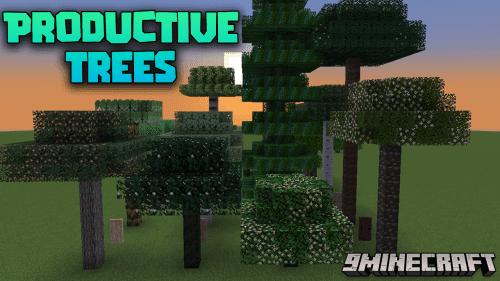 Productive Trees Mod (26.1.2, 1.20.1) – Forestry Inspired Tree Breeding
 Particle Core Mod (26.3, 1.20.1) – Optimizing Particles Effects
 Death Swap Mod (26.3, 1.20.1) – Randomly Swaps Players
 Animal Info Mod (26.3, 1.21.11) – Quick Stats For Your Animals
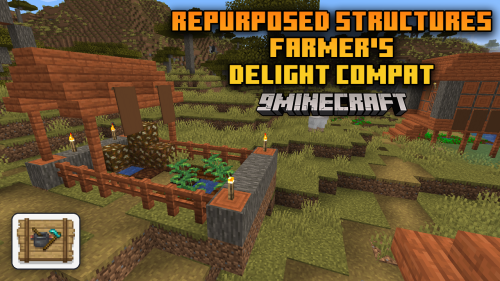 Repurposed Structures Farmer’s Delight Compat Mod (26.2, 1.21.1) – Village Farms Just Got Better
 Just Sit Mod (26.3, 1.20.1) – Keybind To Make Te Player Sit
 Dracolotl Mod (1.21.1, 1.20.1) – Hatch a Battle Pet From the Dragon Egg
 Refined Storage JEI Integration Mod (26.1.2, 1.21.1) – Craft Complex Items
 Kambrik 9minecraft Mod (26.3) – Run Kotlin Mods Without Game Lag
 Whispering Thicket Details Mod (26.3, 1.20.1) – Find Mini Structures
Most viewed in Mods over the last 7 days
 Ala Industrial Mod (26.3) – Run Electric Power Grids and Automated Factories
 PleasureCraft Mod (26.3, 1.21.1) – Jenny Mod Remake for Fabric
 Jennycraft Mod (26.3, 1.20.1) – Virtual Girlfriend in Minecraft
 Fapcraft Mod (26.3, 1.12.2) – Comprehensive and Detailed Content
 Jenny Mod (Fapcraft) Official Complete Guide – How to use, Tutorial
 BangCraft Mod (1.20.1) – Jenny, Ellie and Elliot
 Fabric Loader (26.3, 1.20.1) – Fabric Installer for All Minecraft Versions
 Meteor Client Mod (26.3, 1.20.1) – Xray, HUD, Fly
 The Shooting Star Demo Mod (26.3, 1.20.1) – Vaporize Terrain From Orbit
 OptiFine HD (26.3, 1.20.1) – Run Faster, FPS Boost, Shaders Support
 Aristois Client Mod (1.21.4, 1.20.1) – World Class Minecraft Utility
 Prestige Client Mod (1.21.11, 1.21.4) – Powerful Ghost Features for Crystal & Sword PvP
More from Mods
 Cherry Villages Mot’s Structures Mod (26.3, 1.21.11) – Find Fresh Settlements
 XinexLib Mod (1.21.1) – Keep Your Ultreon Studios Mods Running
 Libvulpes – Fixed Mod (1.12.2) – Launch Rockets with Fewer Bugs
 Freelook Perspective Mod (26.3, 1.21.1) – Watch Your Back While Sprinting
 FAUNA Engine Mod (1.21.1, 1.20.1) – Powering Legendary Dragons
 Avali Nexus Mod (26.3) – Settle Frozen Frontiers with High-Tech Bird Tribes
 Orient’s Hotpot Chronicles Mod (1.20.1) – Boil Fresh Hotpot Meals Over Open Flames
 Far Lands Traveler Mod (26.1.2) – Survive the Long Trek to the Edge of the World
 Beli’s SkyLyrics Mod (1.21.11) – Sing Along to Desktop Tracks Projected in the Night Sky
 Explainstone and Songmelyn Mod (1.21.1) – Broadcast Custom Music Across Your Base
 Rockstar Shaders Mod (26.3) – Cast Ray-Traced Light Across Vast Distant Horizons
 ERYDON Mod (1.20.1) – Design Grand Courtyards with Carved Marble Pillars

This post has no comments yet. Be the first — your comment will appear here.