Overview#
Little Logistics is a comprehensive logistics mod for Minecraft Forge that introduces efficient, affordable, and long-distance transport systems. The mod focuses on two primary modes of transportation: Maritime (Water) and Railway (Land). Unlike complex tech mods, Little Logistics is designed to be intuitive and scalable, allowing players to build automated networks using tugboats, barges, and modular trains.
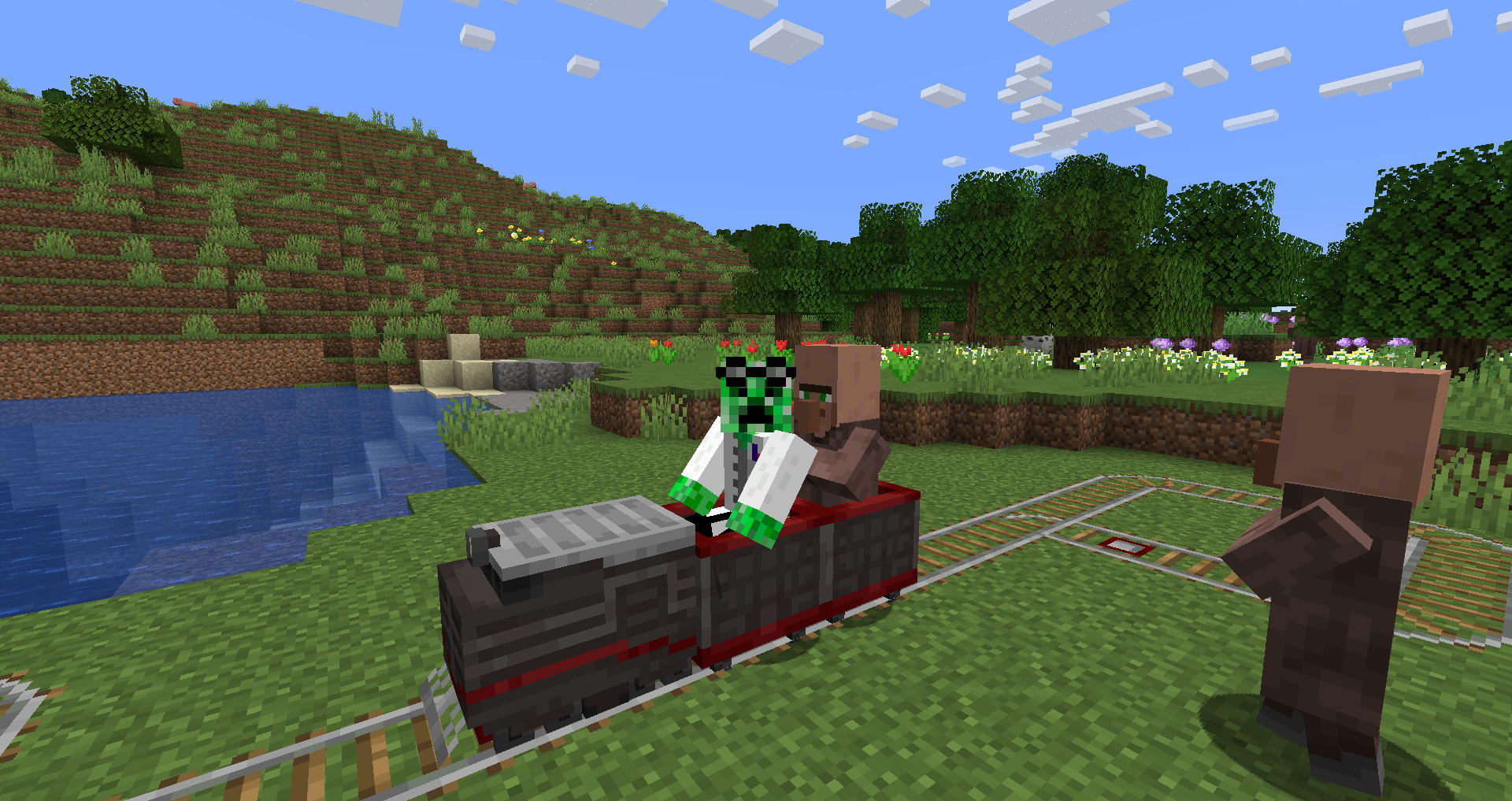
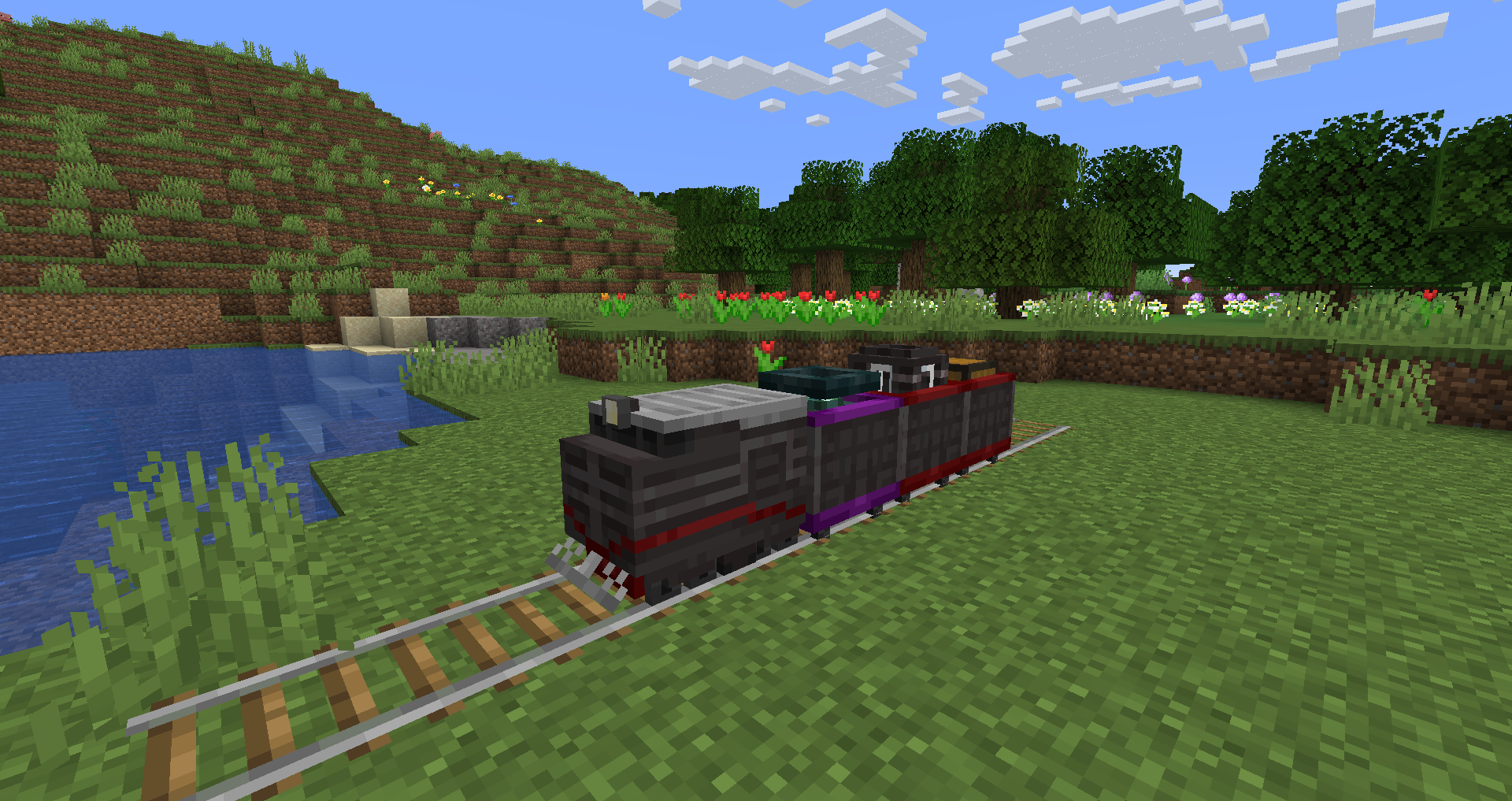
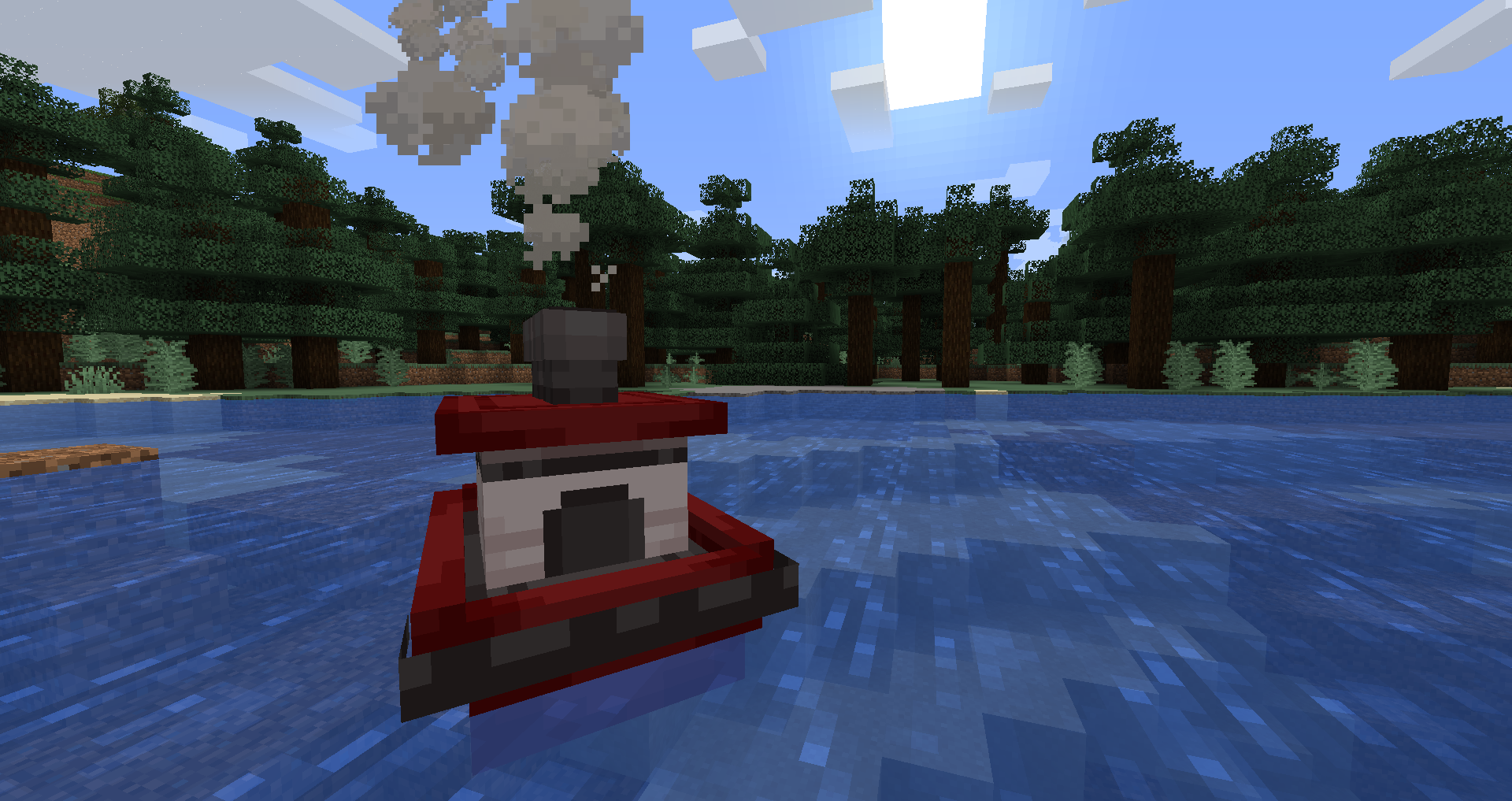
Key features include:
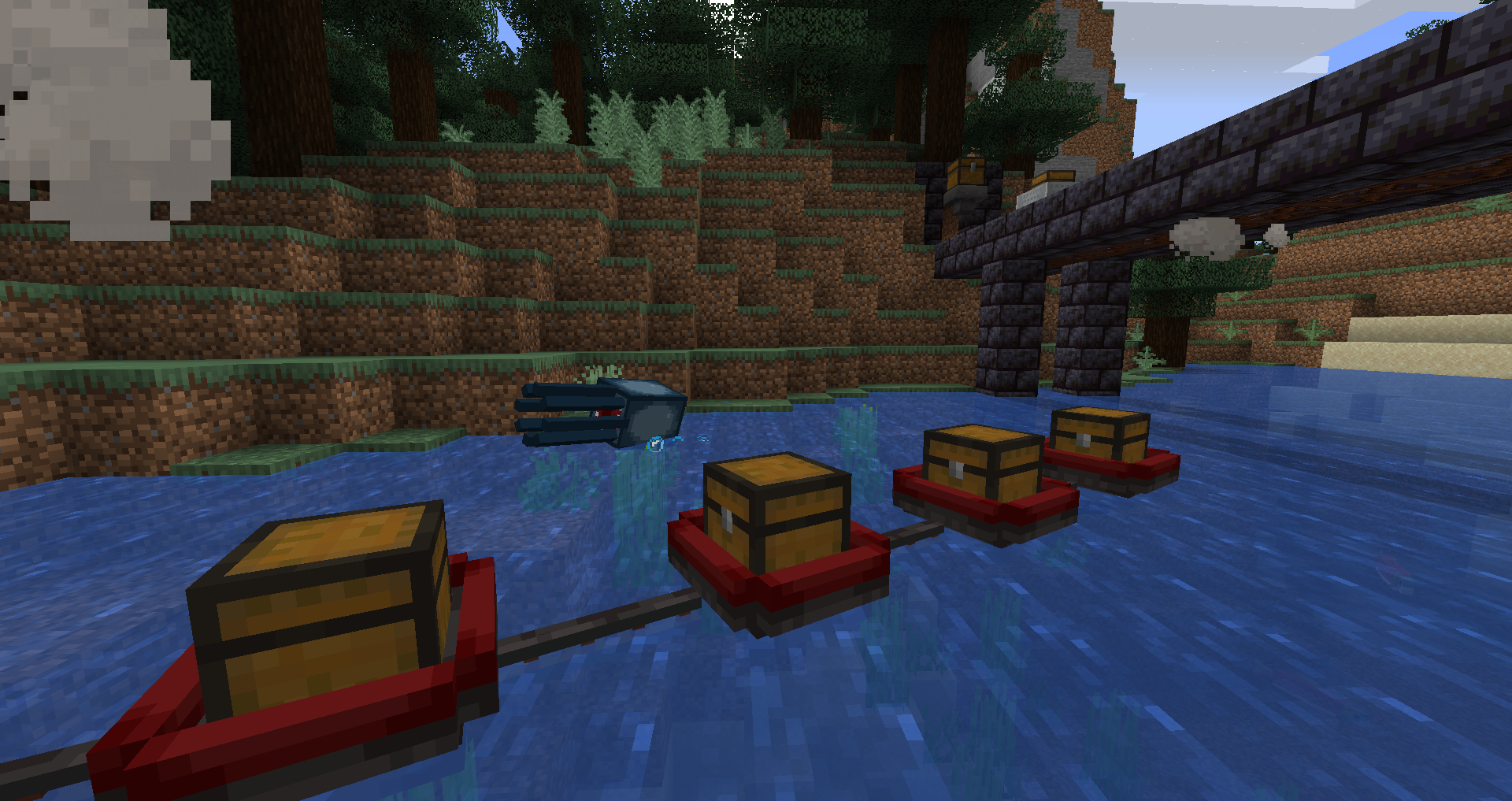
- Automated Waterways: Tugs pull chains of specialized barges for items, fluids, and fishing.
- Modular Trains: Locomotives with advanced pathfinding and collision avoidance.
- Smart Docking: Automated loading and unloading systems for both water and rail.
- Server-Friendly: Optimized chunk-loading mechanics and collision AI to minimize lag.
Vessels (Water Transport)#
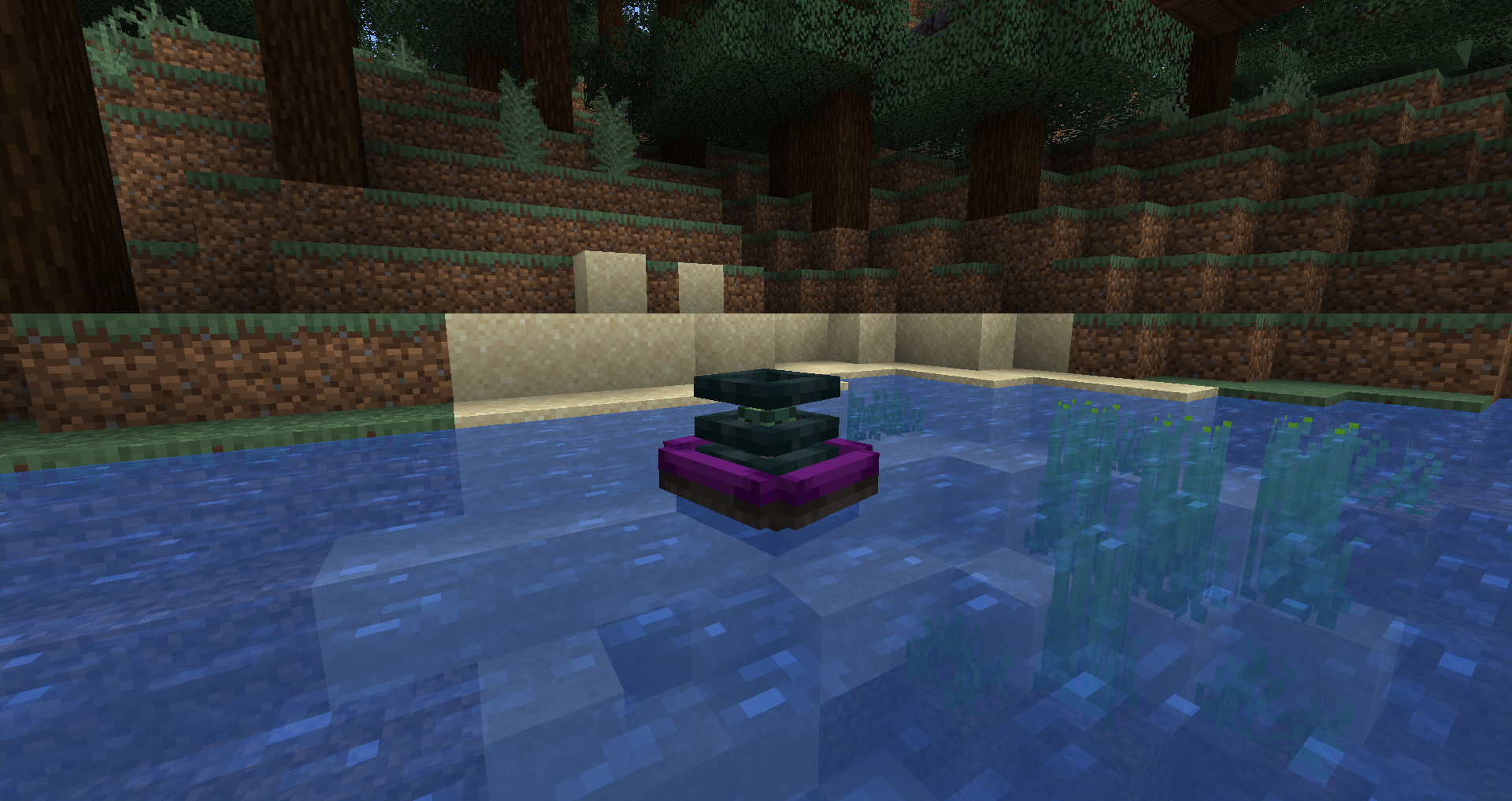
Vessels are the core of the mod's maritime system. They consist of Tugs, which provide the power, and Barges, which carry out specific tasks. Vessels can be moved manually using leads or fishing rods if they become stuck.
Tugs
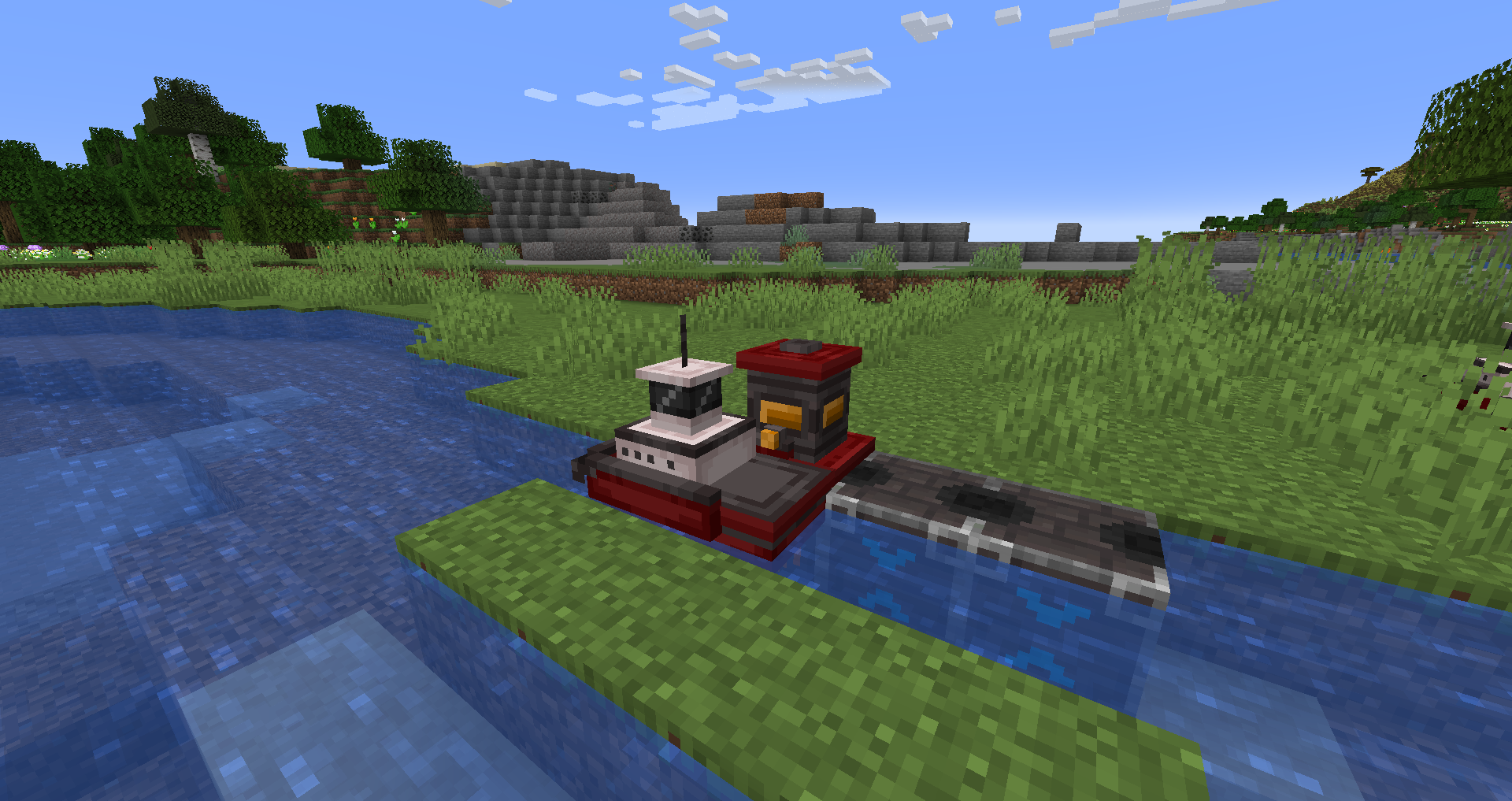
- Steam Tug: Powered by any furnace fuel (coal, wood, etc.). It is the entry-level vessel for early-game logistics.
- Energy Tug: Powered by Forge Energy (FE). It features a slot for a capacitor to extend its range and can be recharged at a Vehicle Charger.
Barges
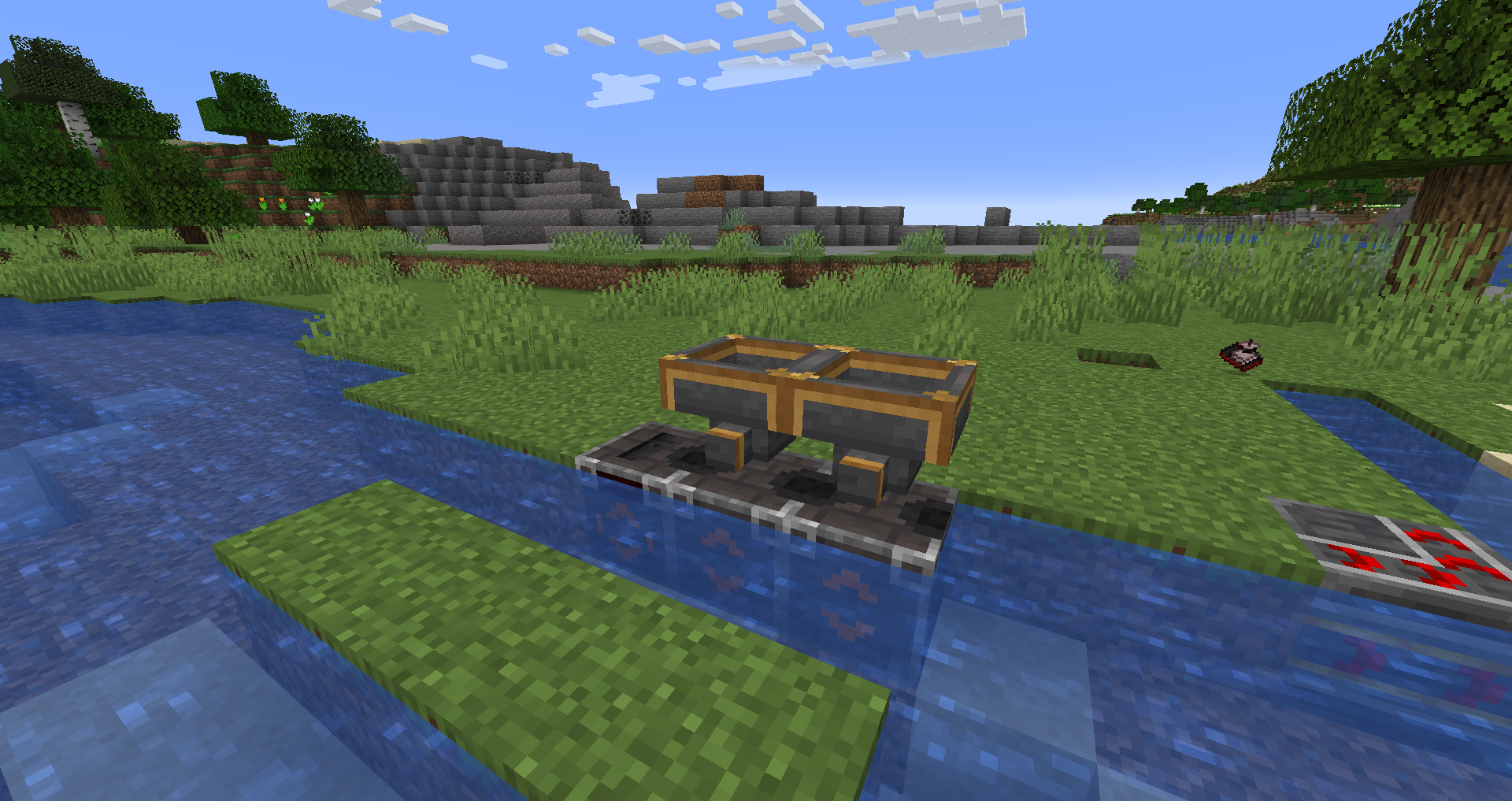
- Chest Barge: A standard storage barge for items, functioning like a floating chest minecart.
- Barrel Barge (1.20.1+): Similar to the chest barge but utilizes barrels for storage.
- Fluid Tank Barge: Used for transporting large quantities of liquids. Requires a Fluid Hopper for loading/unloading.
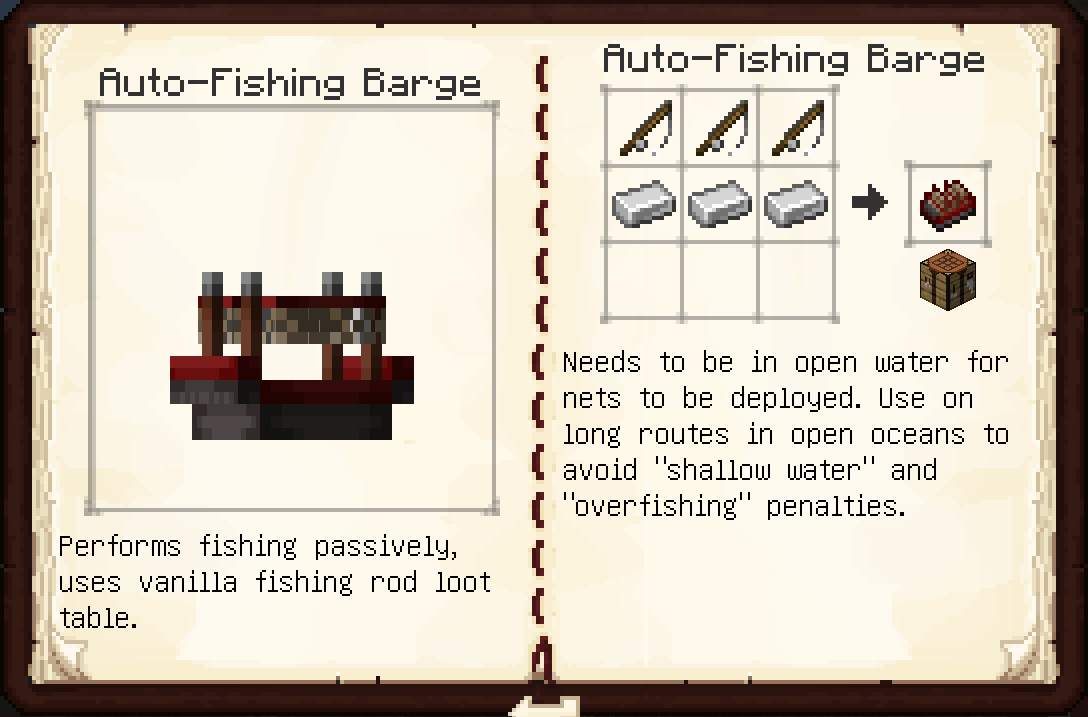
- Auto-Fishing Barge: Passively fishes using the vanilla loot table. For maximum efficiency, it requires water at least 20 blocks deep. It suffers from "overfishing" penalties if kept in a small area; a route of 200+ blocks is recommended.
- Item Collection Barge (1.20.1+): Automatically picks up floating items in the water and deposits them into adjacent Chest or Barrel barges.
- Seater Barge: Allows a player or mob to ride along the transport chain.
- Chunk Loader Barge: Keeps a 3x3 chunk area centered on the barge loaded. Note: In 1.19+, this is largely replaced by the vehicle registration system.
Trains (Rail Transport)#
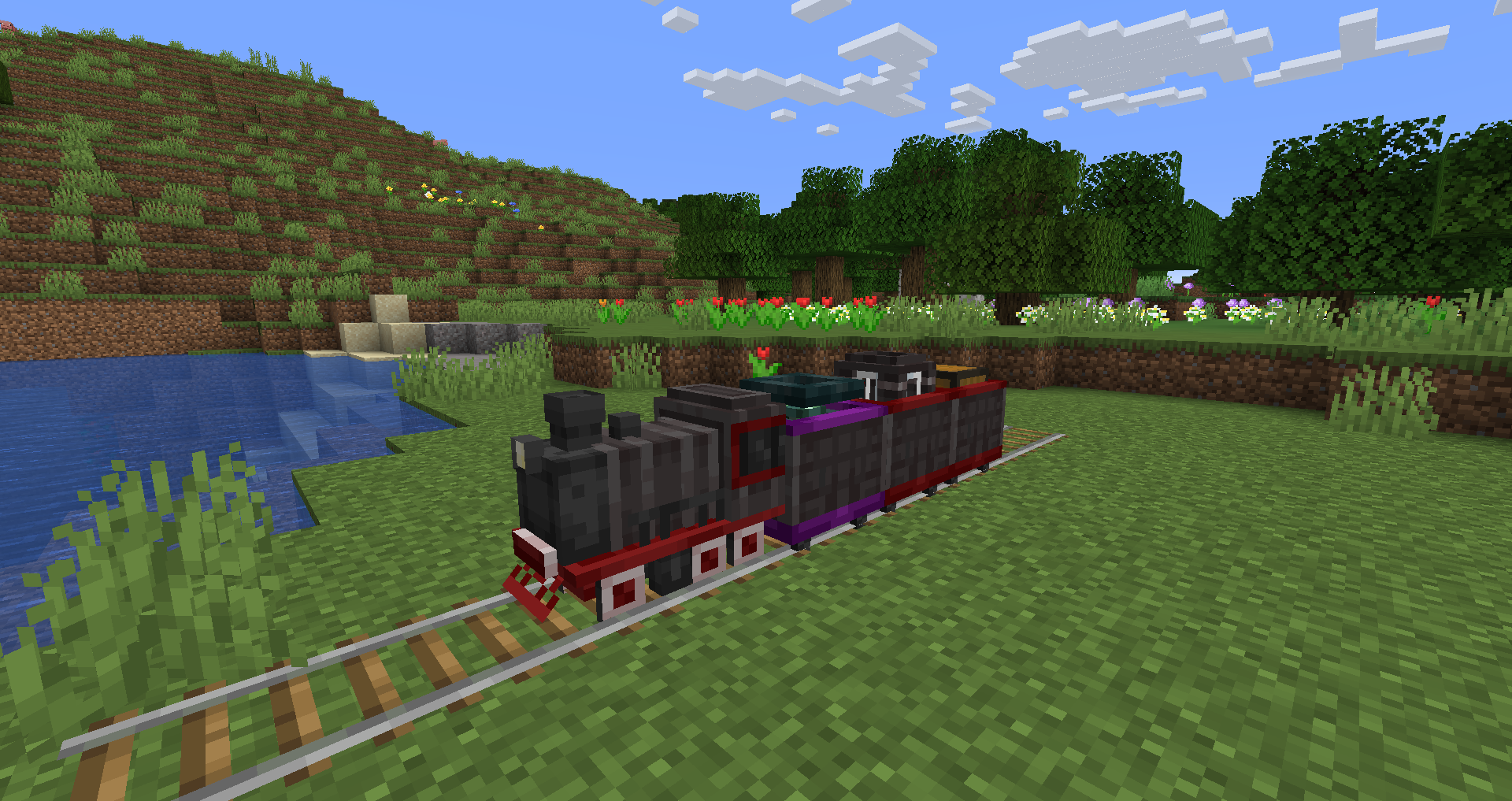
Introduced in version 1.2, the rail system uses custom train entities that operate on vanilla Minecraft rails but offer superior automation compared to standard minecarts.
Locomotives
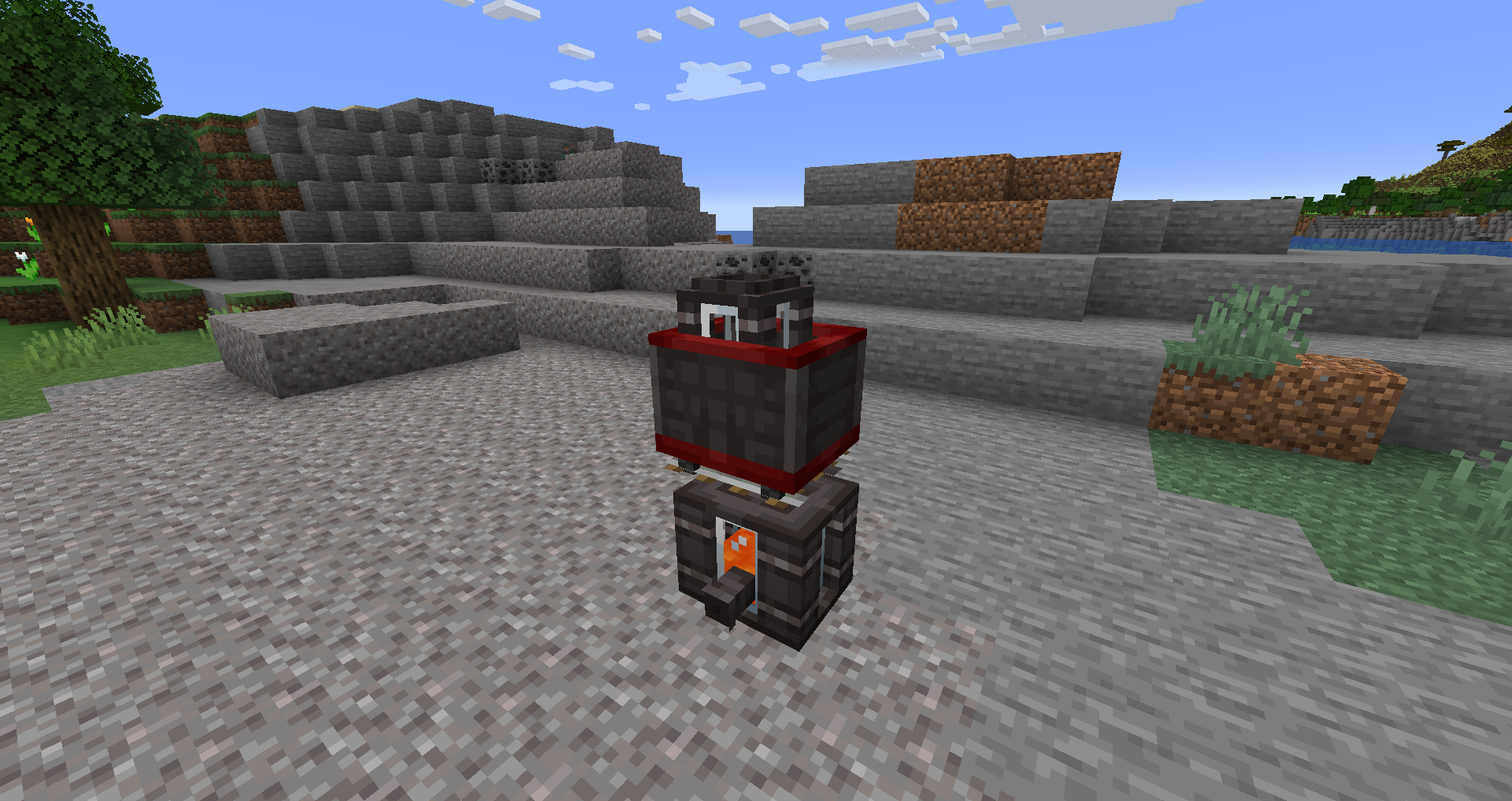
- Steam Locomotive: Uses furnace fuel. It features built-in AI for speed control, slowing down for corners and docks.
- Energy Locomotive: Powered by FE. Requires a Vehicle Charger at a docking station to refuel.
Train Cars
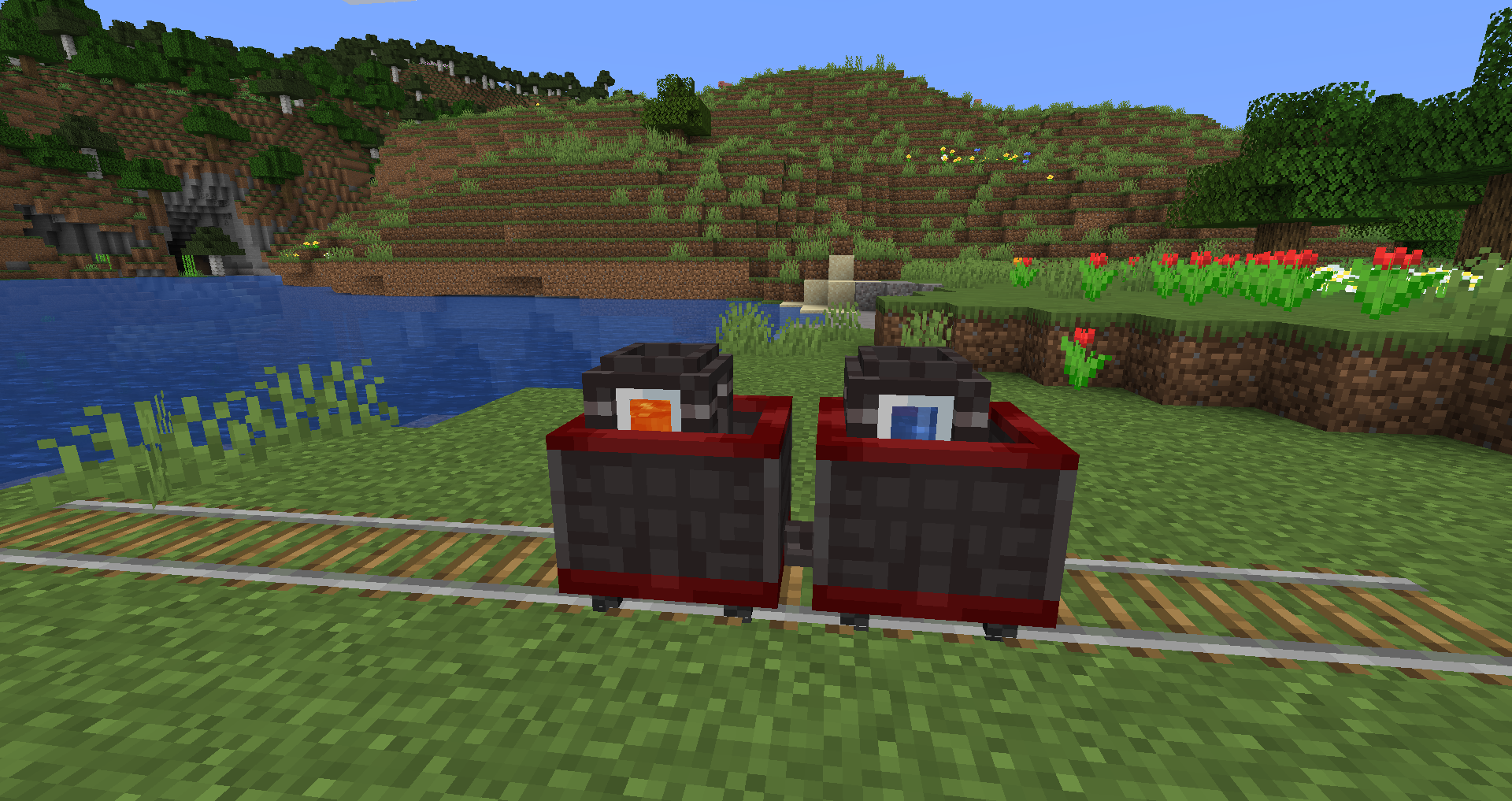
- Chest Train Car: High-capacity item transport.
- Barrel Train Car (1.20.1+): Alternative item storage using barrels.
- Fluid Tank Train Car: Dedicated to liquid logistics.
- Standard Train Car: Seats players or mobs.
- Chunk Loader Train Car: Keeps the surrounding 3x3 chunks loaded during transit.
Logistics & Automation Blocks#
To automate your networks, the mod provides specialized blocks for docking and interfacing with vehicles.
Docking Blocks
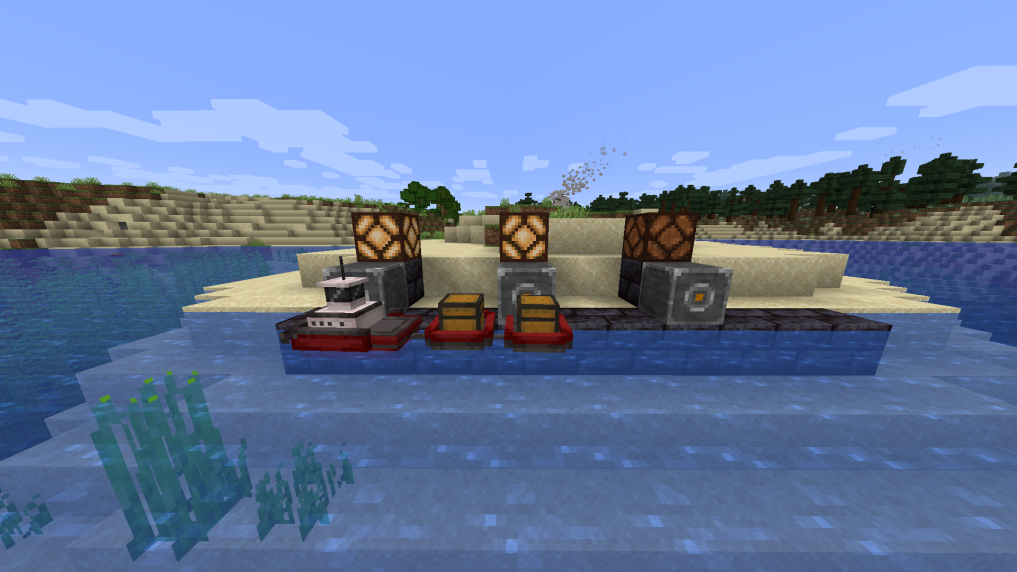
- Tug Dock: The master block for water docking. It must be aligned with the waterway and serves as the anchor for barge docks.
- Barge Dock: Placed in a straight line from the Tug Dock. It has two modes: Input (Blue) to extract from barges and Output (Orange) to insert into barges. Shift-right-click to toggle.
- Locomotive Docking Rail: Used to stop and refuel locomotives.
- Train Car Docking Rail: Used to load or unload train cars. Like barge docks, these feature Blue (Unload) and Orange (Load) modes.
Interfacing Blocks
- Rapid Hopper: Operates 8 times faster than a vanilla hopper. Essential for high-throughput docking stations.
- Fluid Hopper: A specialized hopper for liquids. It imports from the top and exports from the sides. Can be used to load/unload Fluid Tank Barges/Cars.
- Vehicle Charger: Connects to FE power sources to charge Energy Tugs and Locomotives when they are docked.
- Vehicle Detector: Emits a redstone signal when a vehicle is within its range. Right-click to display the detection area.
Mechanics: Chaining & Docking#
Chaining Vessels and Trains
To create a transport chain, use a Vehicle Chain. Right-click the lead vehicle (Tug or Locomotive) and then right-click the following barges or train cars in sequence.
- A chain can only have one powered vehicle (Tug/Locomotive).
- Chains cannot form loops.
- Train orientation updates automatically when linked.
Docking Logic
- Alignment: The Tug Dock must be placed at water level, facing the canal.
- Connection: Barge Docks must be placed adjacent to the Tug Dock in a continuous line. Black pins on the side of the blocks indicate a successful connection.
- Extraction: To extract items from a barge, place a hopper below the water block next to a Blue-mode Barge Dock.
- Insertion: To insert items, place a hopper or pipe into the Barge Dock itself while in Orange-mode.
Crafting Recipes#
| Item | Recipe Components |
|---|---|
| Steam Tug | 4 Iron Ingots, 1 Furnace, 2 Pistons |
| Energy Tug | 4 Iron Ingots, 2 Pistons, 1 Vehicle Charger |
| Chest Barge | 3 Iron Ingots, 1 Chest, 1 Boat |
| Auto-Fishing Barge | 3 Iron Ingots, 3 Fishing Rods, 2 Safety Nets |
| Steam Locomotive | 3 Iron Ingots, 2 Pistons, 1 Furnace, 1 Train Trolley |
| Tug Dock | 4 Stone, 2 Vehicle Chains, 3 Iron Ingots |
| Barge Dock | 5 Stone, 1 Vehicle Chain, 3 Iron Ingots |
| Vehicle Chain | 3 String, 3 Iron Nuggets |
| Rapid Hopper | 1 Hopper, 1 Gold Ingot |
| Fluid Hopper | 1 Hopper, 3 Glass Blocks |
| Tug/Loco Route | 1 Paper, 1 Compass, 1 Redstone Dust |
| Conductor's Wrench | 2 Iron Ingots, 1 Gold Ingot |
Configuration#
The mod can be customized via littlelogistics-server.toml and littlelogistics-common.toml files.
- Vehicle Registration: In 1.19+, players can register vehicles using the Conductor's Wrench. Registered vehicles stay loaded and active even when the player is offline (if configured).
- Speed Multipliers: Server owners can adjust the base speed of tugs and locomotives.
- Fishing Yield: The frequency and quality of loot from Auto-Fishing Barges can be tuned.
- Energy Capacity: The FE storage of Energy Tugs and Locomotives is configurable (Default: 10,000 - 30,000 FE).
Gallery#