


Minecraft Consoles Launcher – Play the Legacy Console Edition on PC

 0
0 

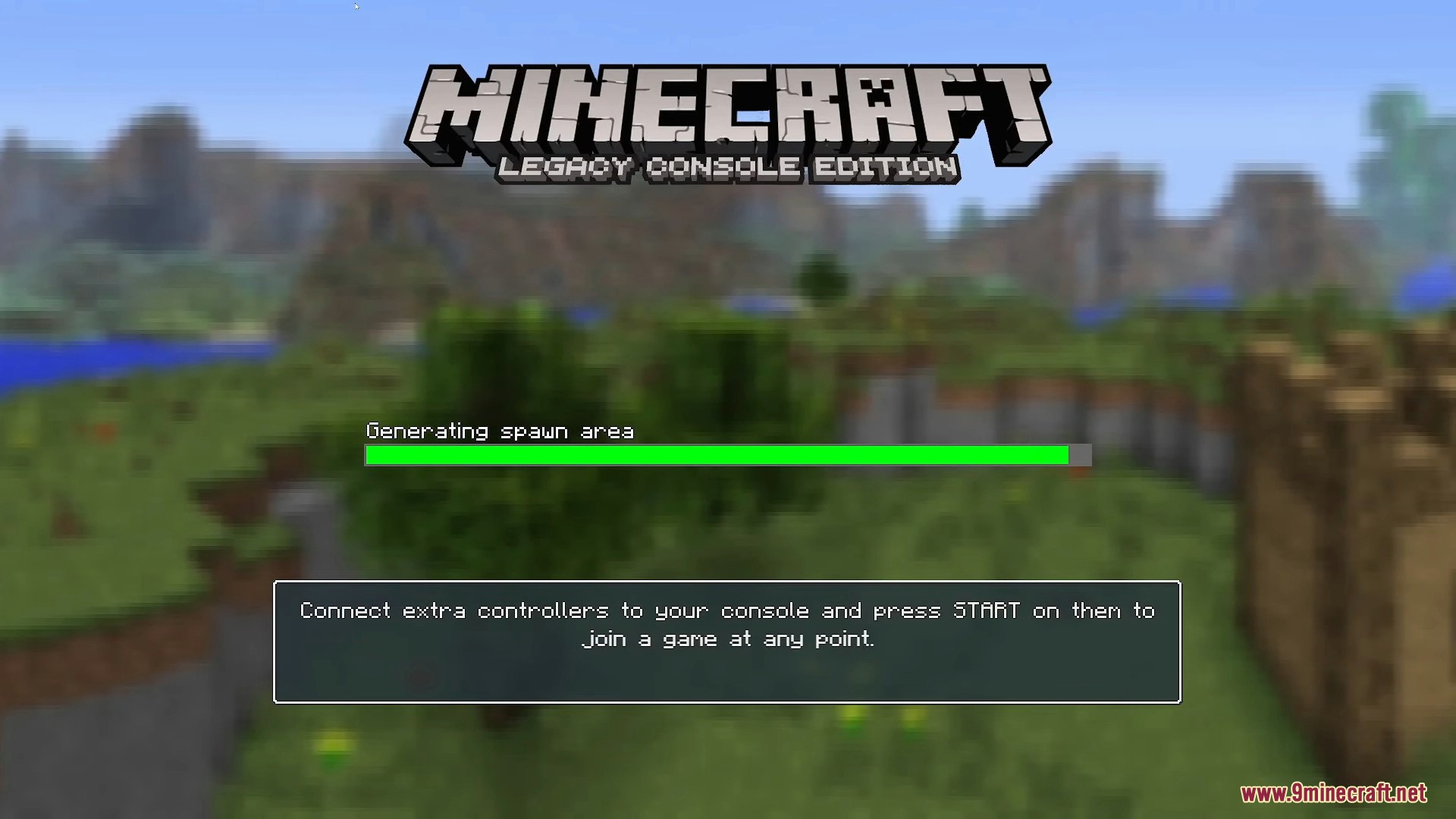
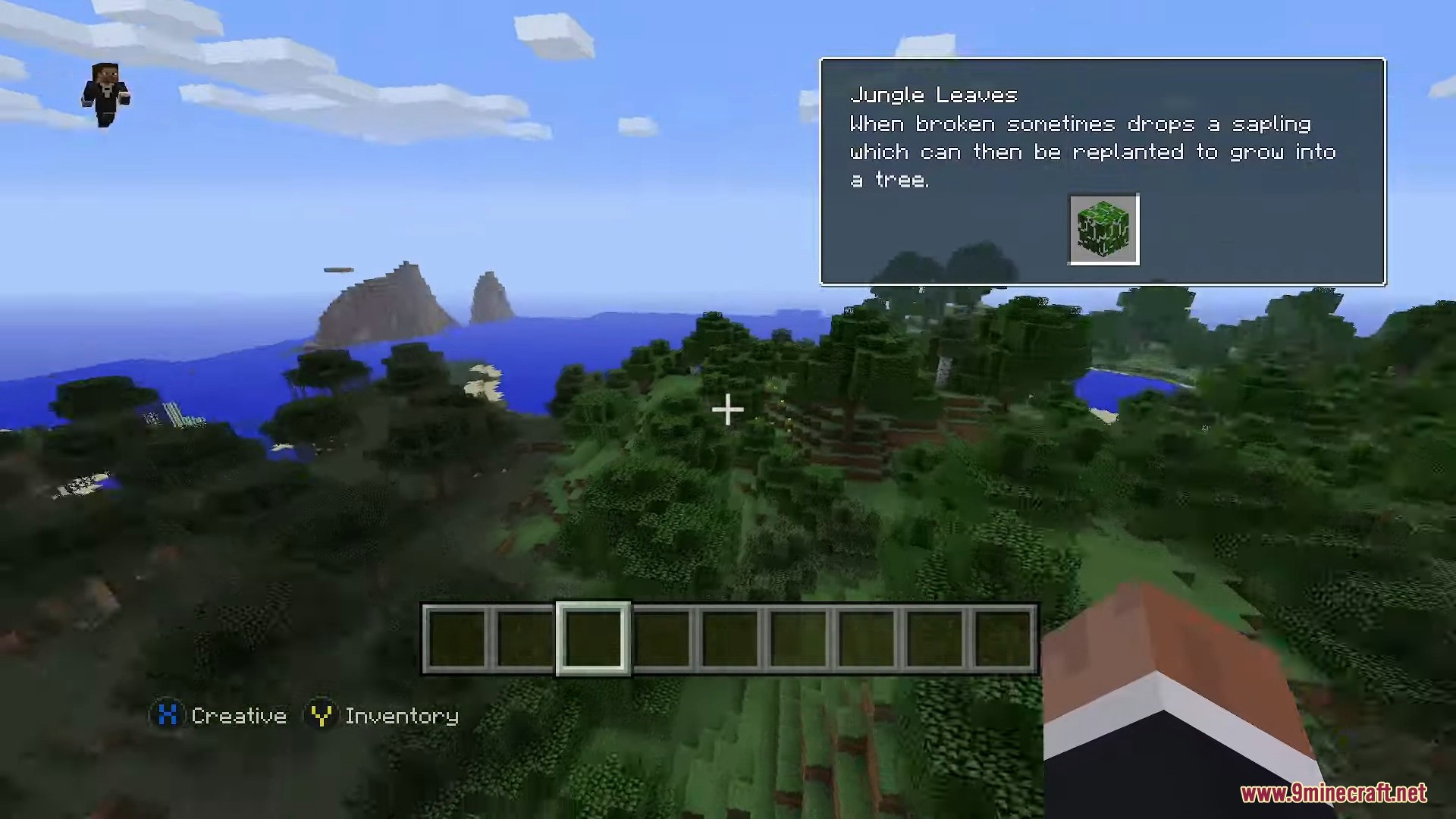
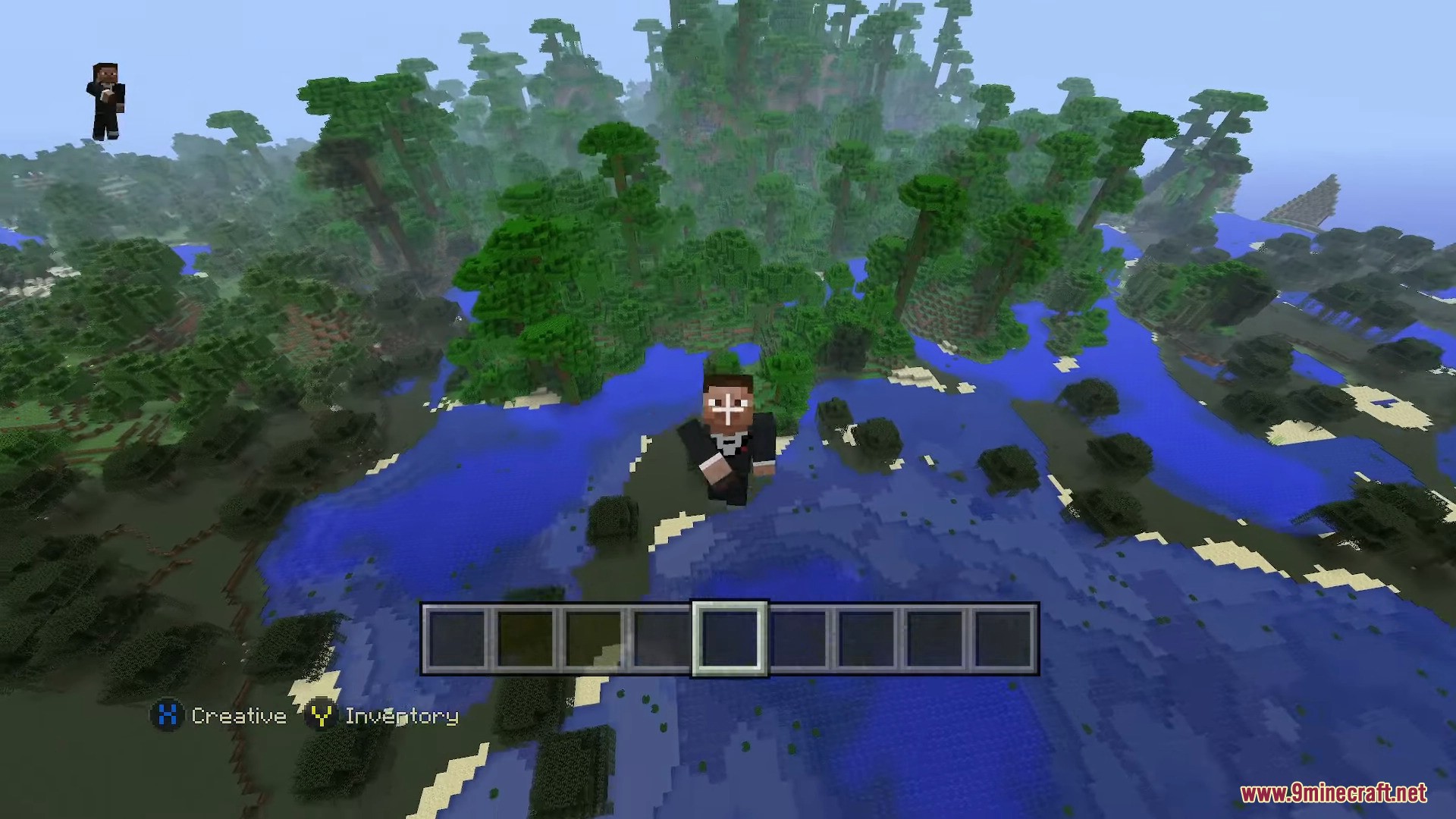
Minecraft Consoles Launcher brings the classic Legacy Console Edition to your computer. It lets you play the older console version on your PC using a keyboard and mouse or a gamepad. You get the exact look of the original console release without needing an old TV or console device. The launcher includes built-in multiplayer features so you can join your friends easily.
Features:
- Lets you play the Legacy Console Edition on a modern Windows computer.
- Adds full keyboard and mouse controls for players who do not want to use a gamepad.
- Includes a dedicated server tool so you can host worlds for your friends.
- Lets you play local split-screen multiplayer right on your computer monitor.
- Changes the game resolution to match your screen automatically.
- Removes old bugs from the original console code to make the game run better.
- Gives you an in-game server menu to add and save custom server addresses.
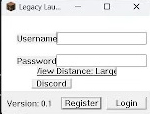
- Lets you change your username easily by editing a simple text file.
Keyboard Controls:
- Use W, A, S, D to move around the world.
- Press Space to jump or fly up.
- Hold Shift to sneak or fly down.
- Press E to open your inventory.
- Press C to open the crafting menu.
- Press F11 to toggle full screen mode.
- Press F5 to change your camera view.
- Press TAB to see the player list and host options.
Configuration:
- Add
-name [YourName]to the launch arguments to change your in-game username. - Add
-fullscreento the launch arguments to start the game taking up the whole screen. - Use the
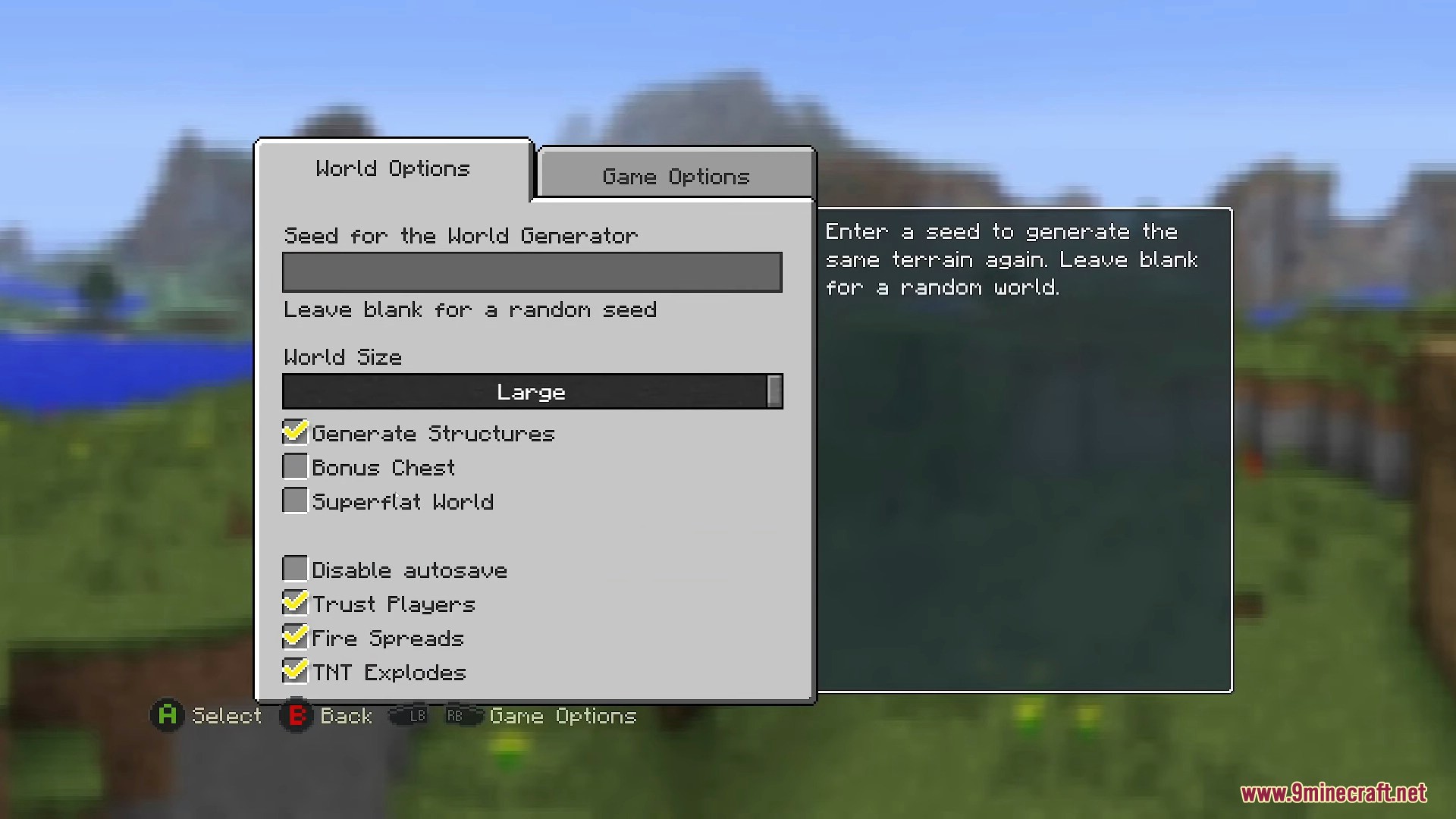
server.propertiesfile to change server settings like the port, max players, and world size.
How to Use:
- Download the zip file and extract it to an empty folder on your computer.
- Create a file named
username.txtin that folder and type your name inside it. - Open the client executable file to start the game.
- Host a world to automatically show it to other players on your local network.
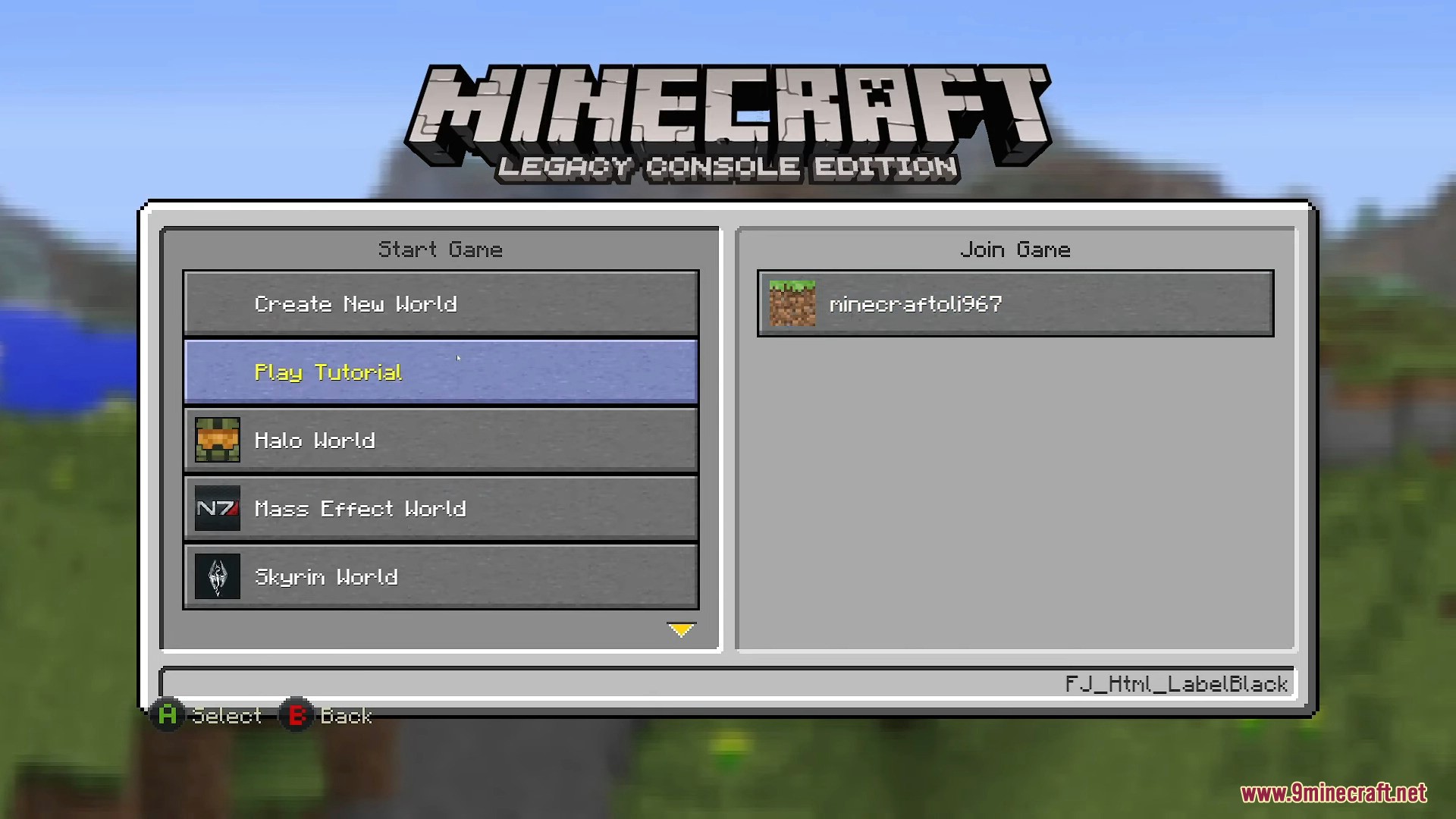
- Click the Join Game menu to find and connect to your friends on the same network.
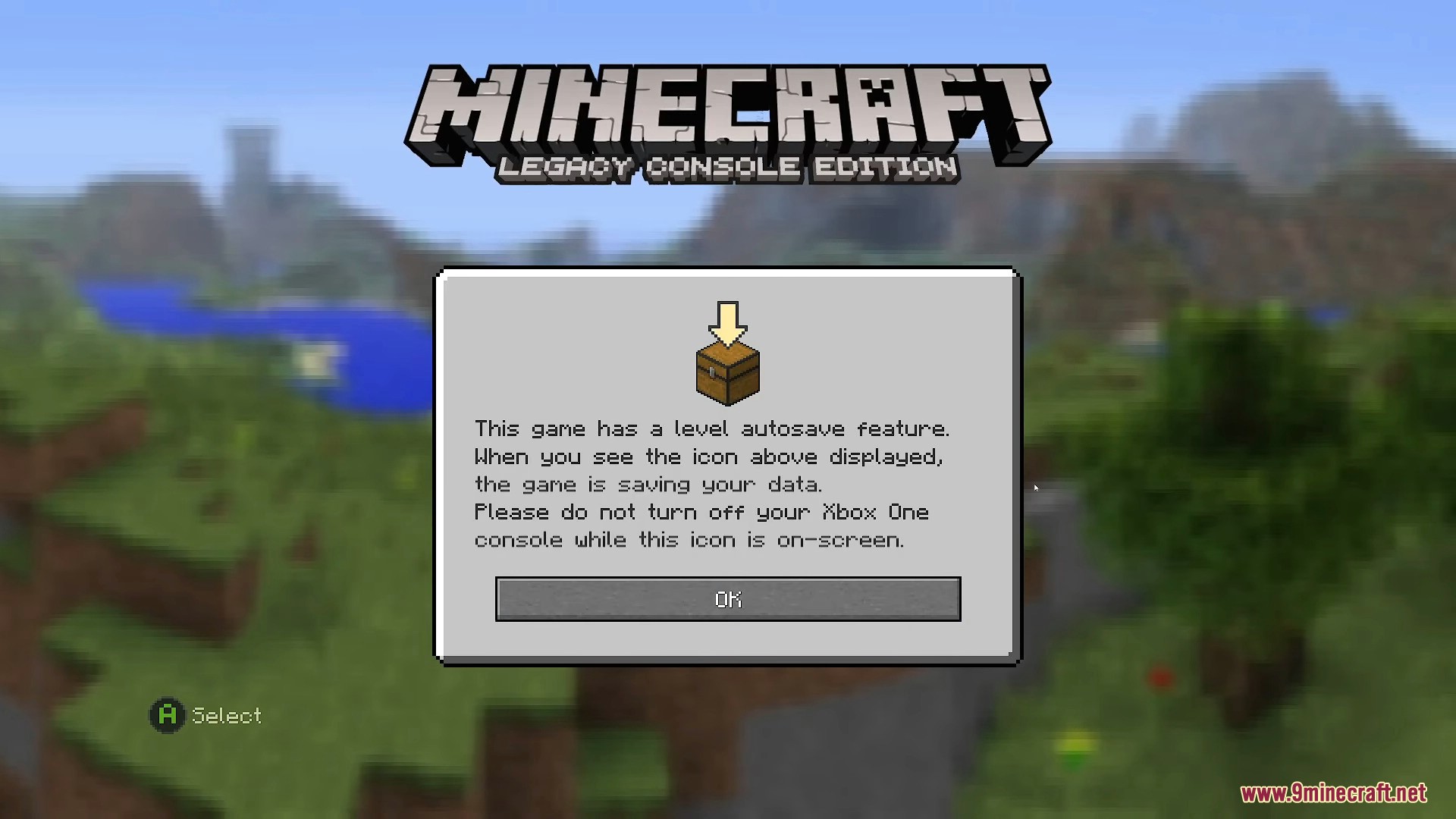
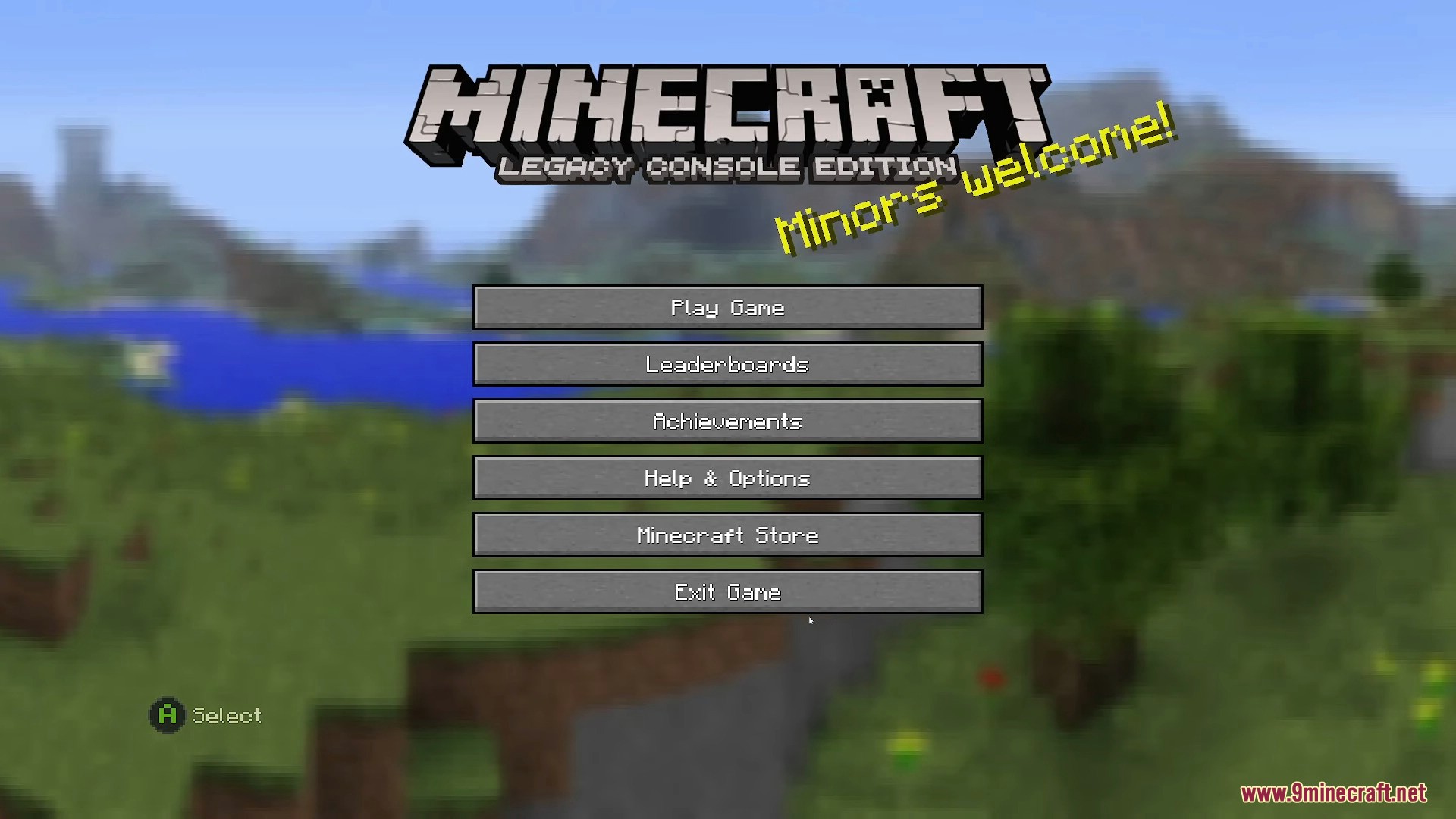
Screenshots:
Minecraft Consoles Launcher Download Links
Click to rate this post!
[Total: 2 Average: 5]
You May Also Like


This post has no comments yet. Be the first — your comment will appear here.