


Subtitle Highlight Mod (1.20.1, 1.19.4) – Już nigdy nie przegapisz syczenia Creepera

 0
0 

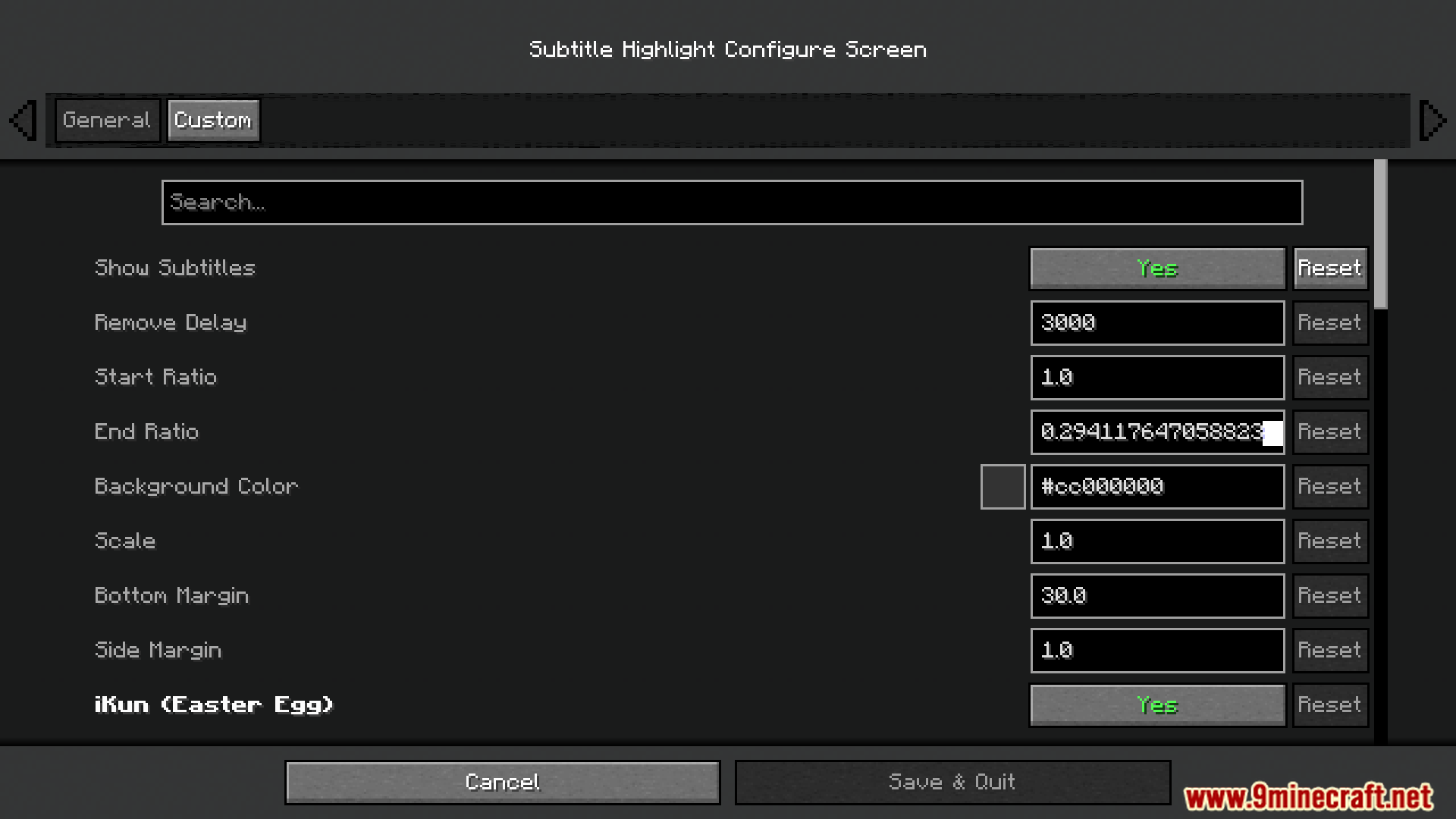
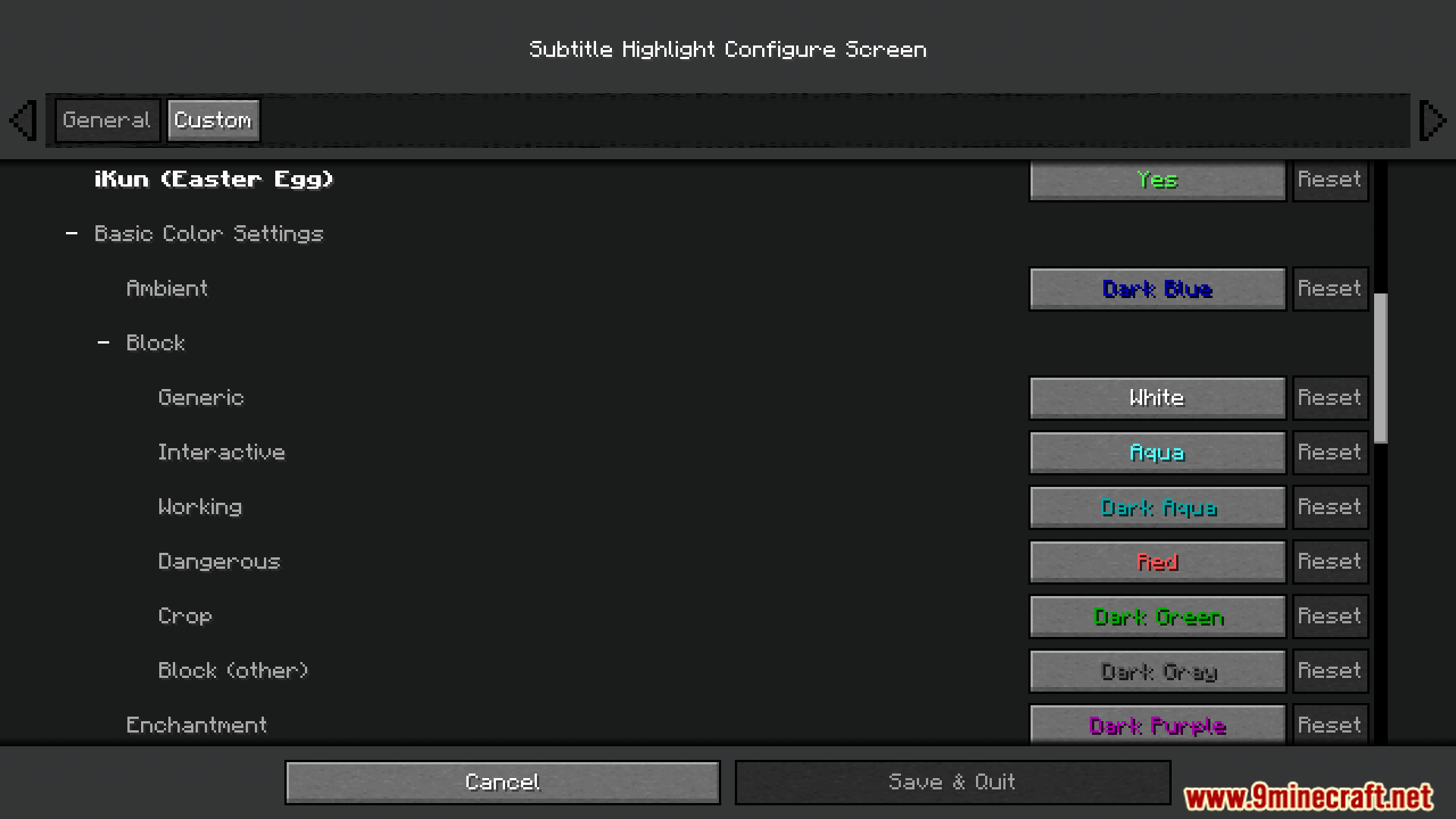
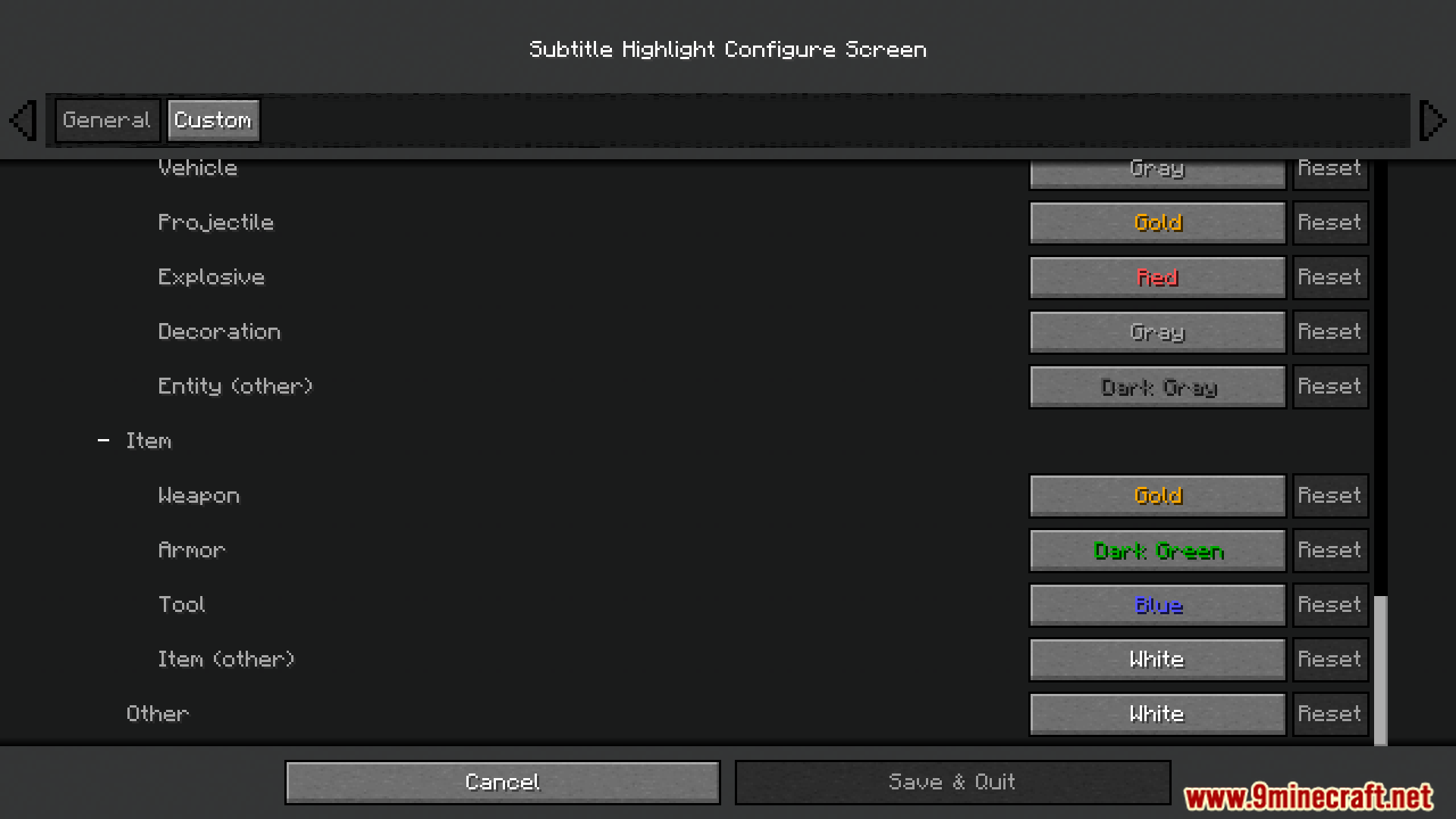
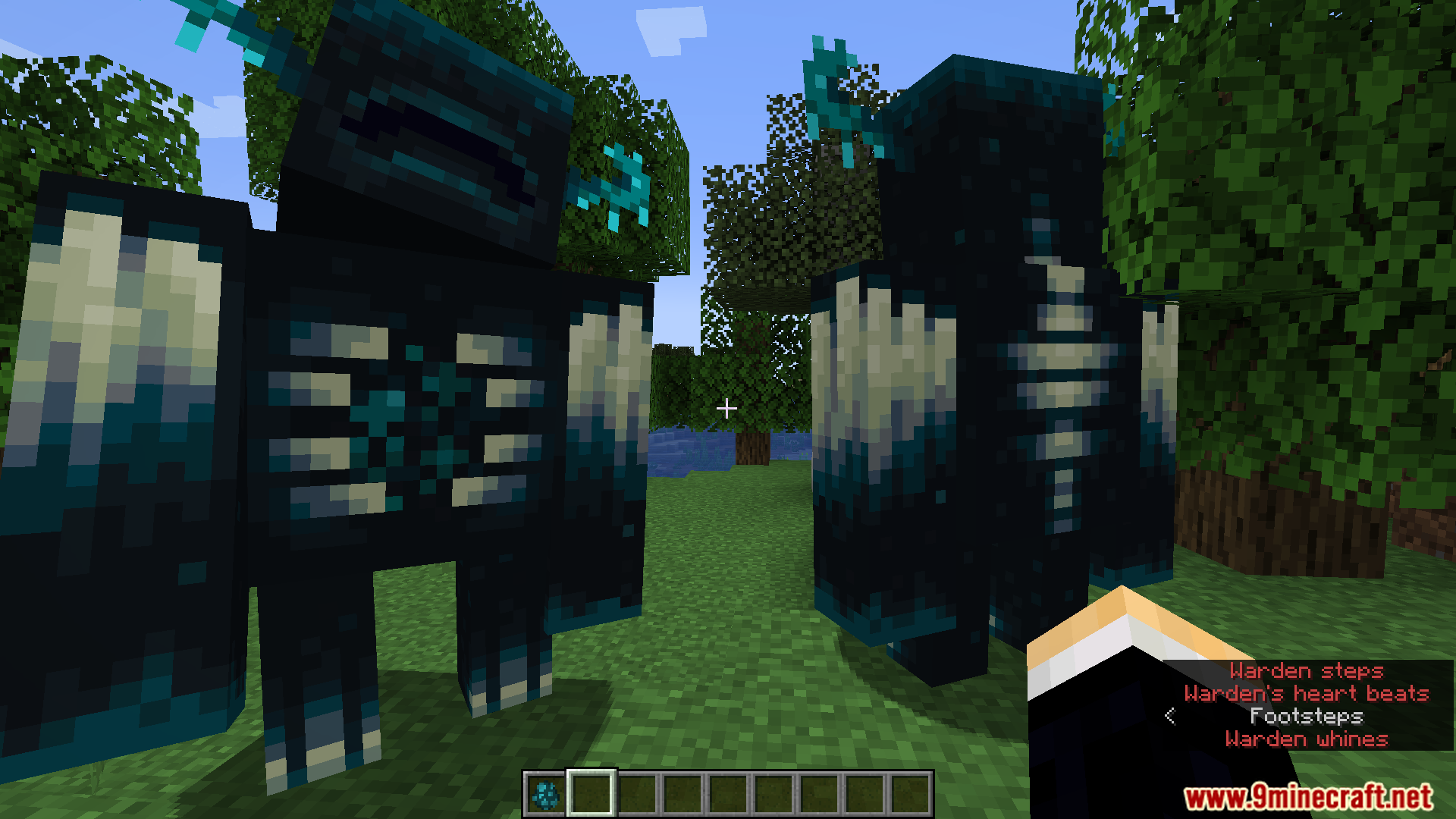
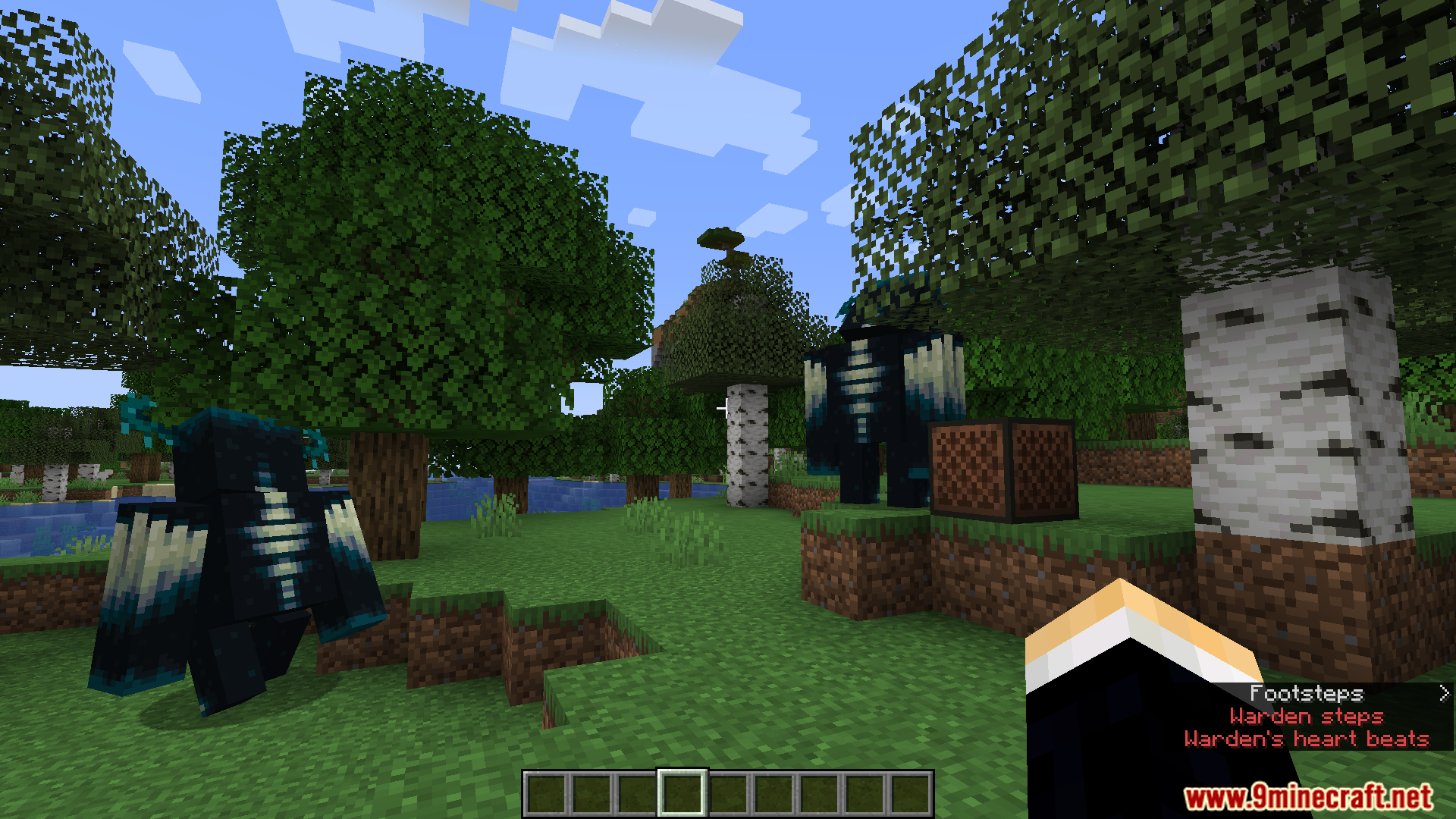
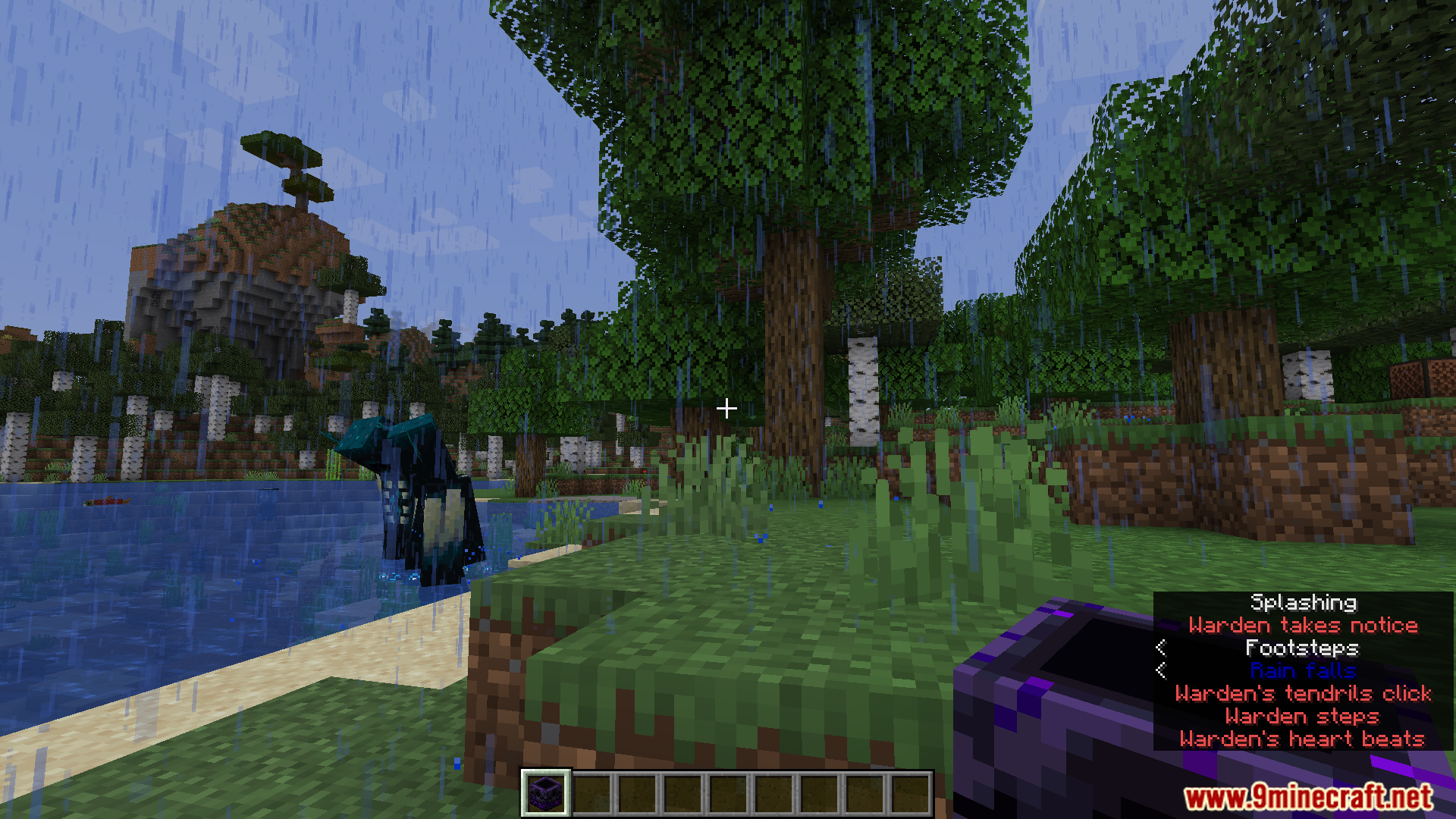
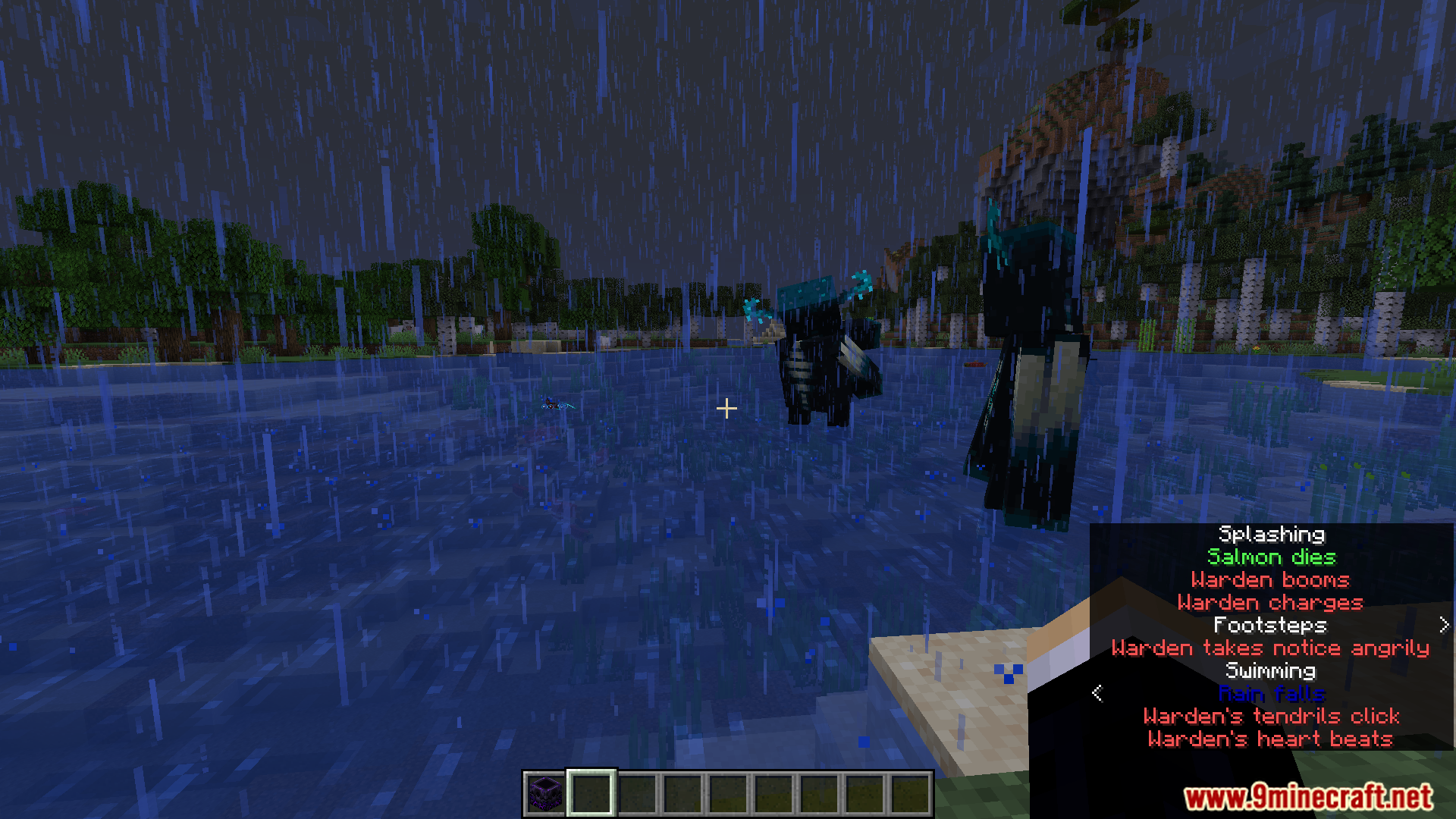
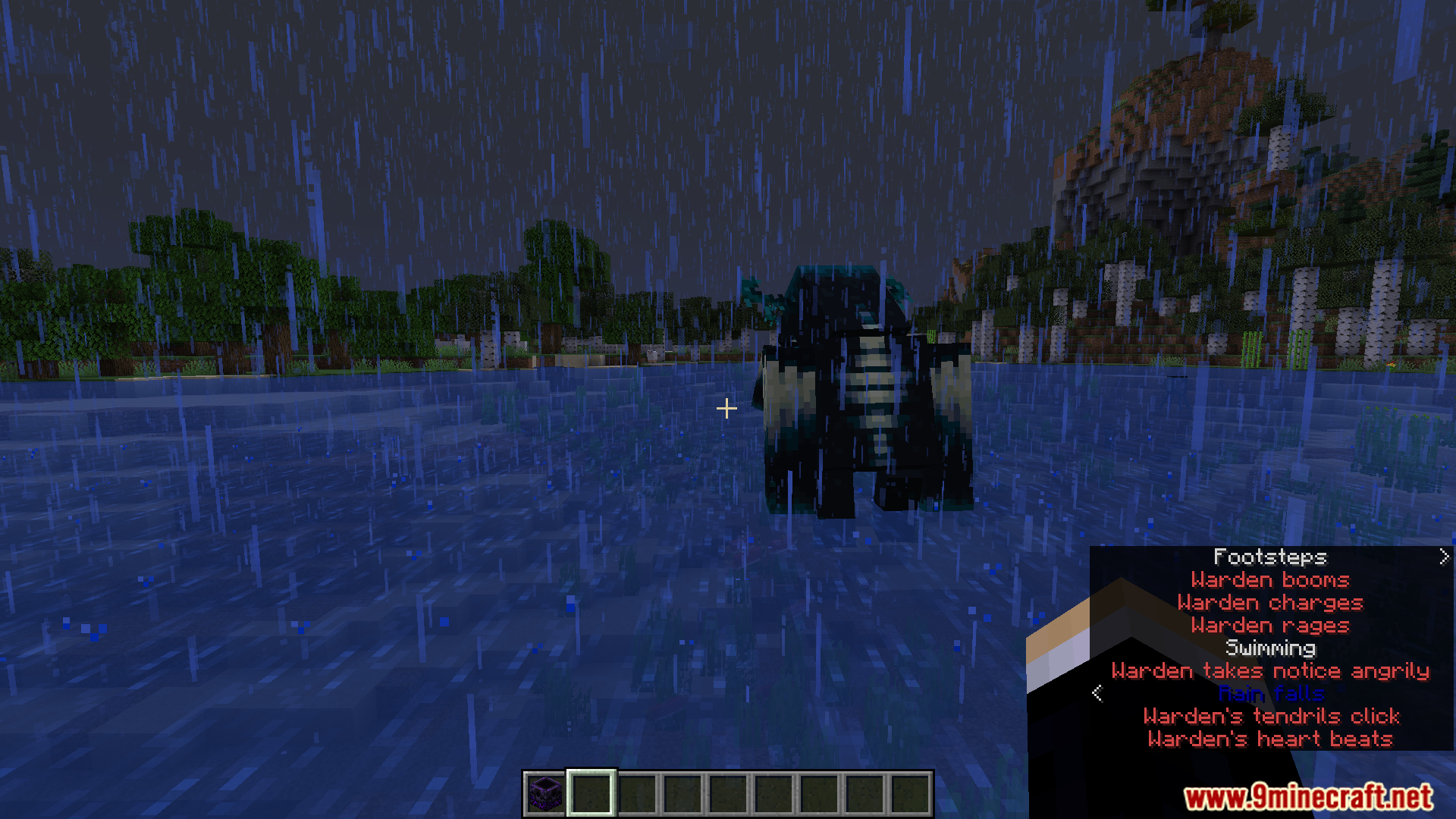
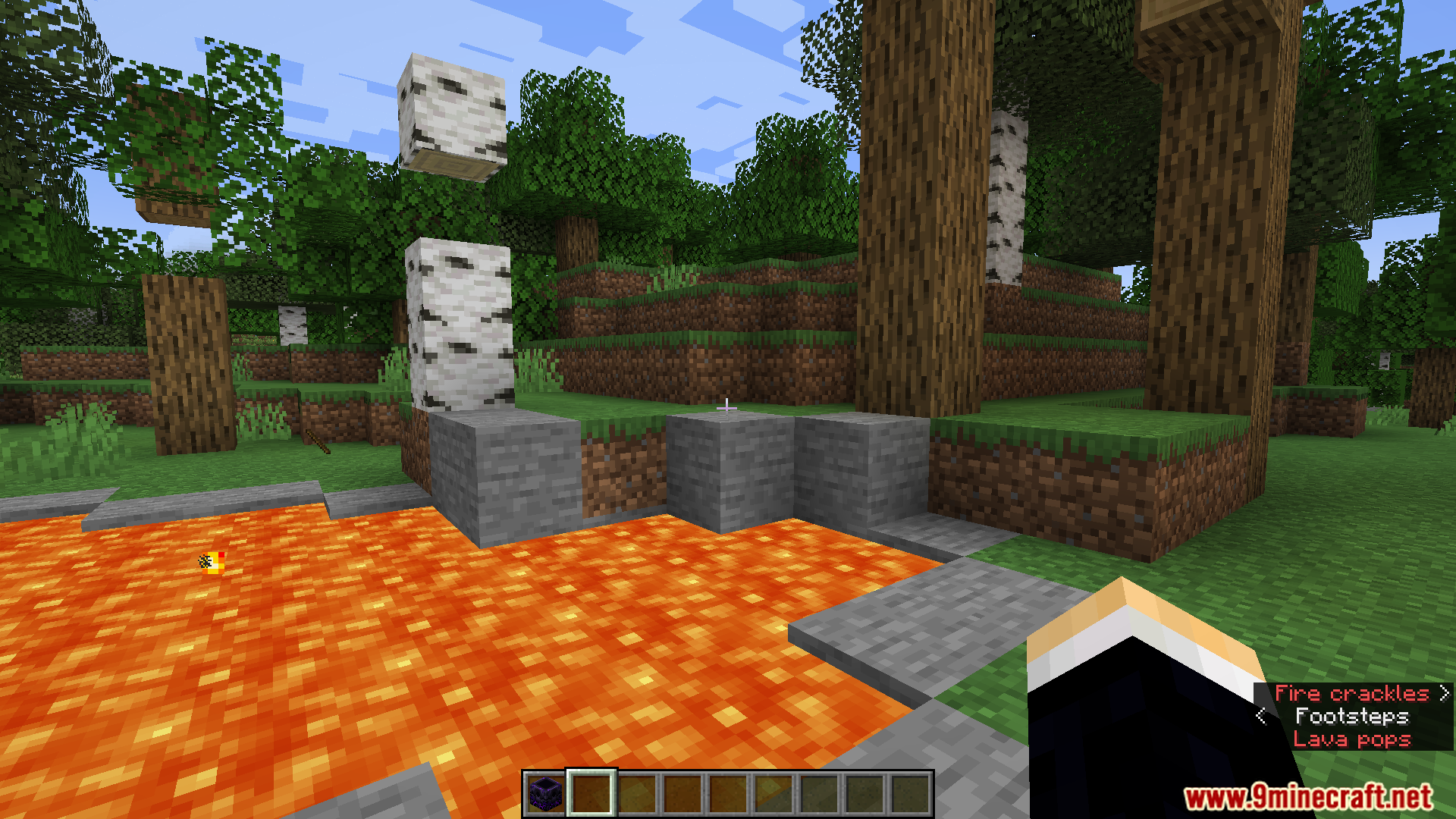
Subtitle Highlight Mod dodaje własne kolory do napisów w Minecraft. Pomaga to szybko odróżnić od siebie różne dźwięki. Na przykład, możesz ustawić ryk Wardena na czerwono, podczas gdy dźwięki przyjaznych zwierząt będą wyświetlane na zielono. Mod oferuje pełne menu, w którym wybierzesz kolory dla każdego dźwięku w grze.

Funkcje:
- Ułatwia rozróżnianie napisów dzięki nadawaniu im różnych stylów i kolorów.
- Pozwala wybrać specjalny kolor i format dla każdego pojedynczego dźwięku w grze.
- Zapisuje wszystkie Twoje ustawienia w pliku o nazwie
subtitle_highlight.json. - Zawiera zabawny mały Easter egg, który możesz łatwo wyłączyć w menu ustawień.
Konfiguracja:
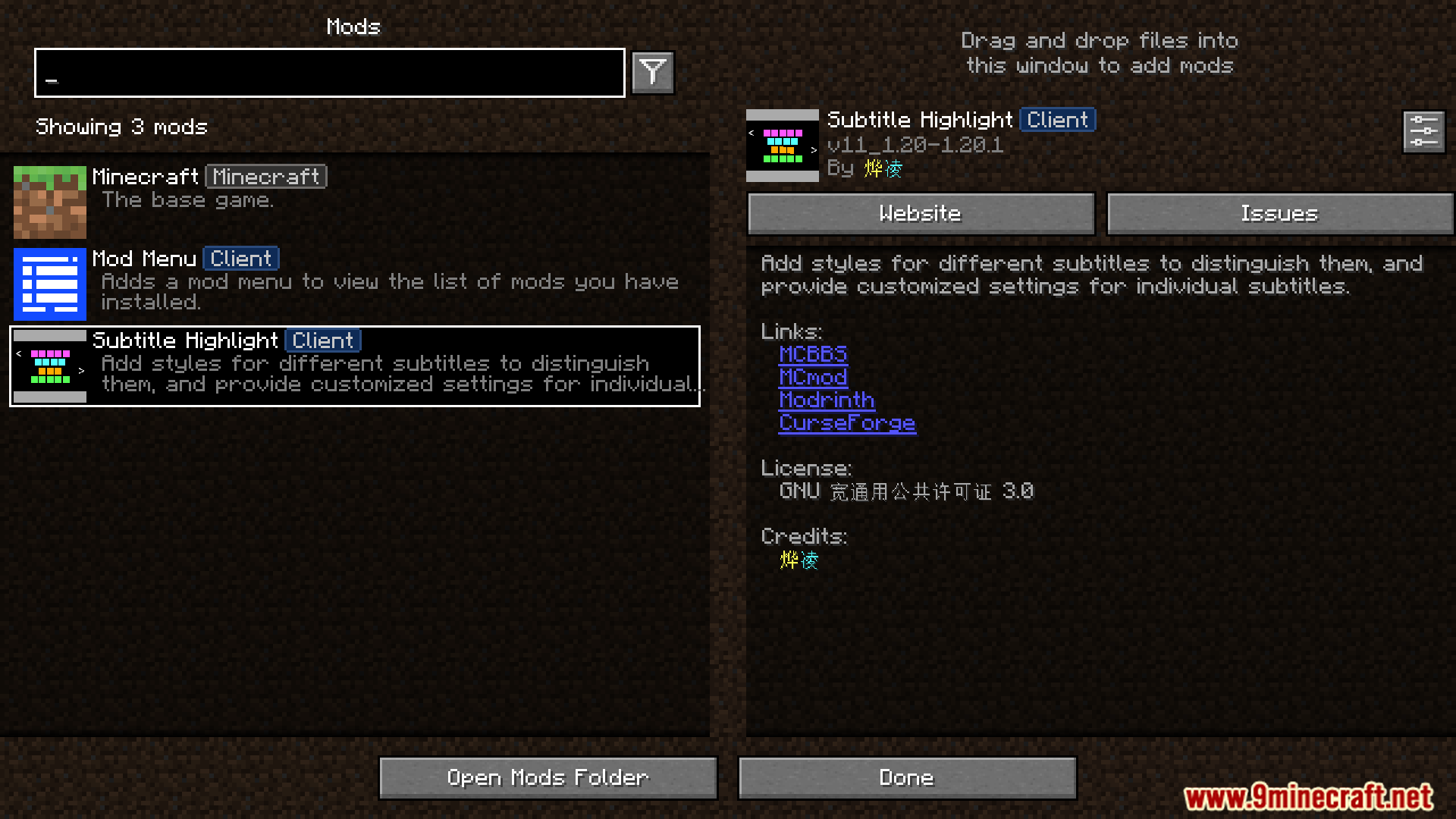
- Możesz zmieniać ustawienia moda poprzez menu modów w grze.
- Wszystkie ustawienia są zapisywane w pliku
/config/subtitle_highlight.jsonw folderze Minecrafta.
Zrzuty ekranu:


Jak zainstalować:
Wymagania:

Subtitle Highlight Mod Linki do pobrania
Dla Minecraft 1.20.1, 1.20
Wersja Fabric/Quilt: Pobierz z serwera 1 – Pobierz z serwera 2
Dla Minecraft 1.19.4
Wersja Fabric/Quilt: Pobierz z serwera 1 – Pobierz z serwera 2
Dla Minecraft 1.19.3
Wersja Fabric/Quilt: Pobierz z serwera 1 – Pobierz z serwera 2
Dla Minecraft 1.19.2, 1.19.1, 1.19
Wersja Fabric/Quilt: Pobierz z serwera 1 – Pobierz z serwera 2
Dla Minecraft 1.18.2
Wersja Fabric/Quilt: Pobierz z serwera 1 – Pobierz z serwera 2
Dla Minecraft 1.17.1
Wersja Fabric/Quilt: Pobierz z serwera 1 – Pobierz z serwera 2
Dla Minecraft 1.16.5
Wersja Fabric/Quilt: Pobierz z serwera 1 – Pobierz z serwera 2
Może Ci się też spodobać









Ten wpis nie ma jeszcze komentarzy. Bądź pierwszy — Twój komentarz pojawi się tutaj.