Overview#
Traveler's Backpack is an expansive adventure-focused mod that provides a highly functional, upgradeable, and customizable backpack system. Unlike standard storage mods, these backpacks offer integrated fluid tanks, a built-in crafting table, tool slots, and a deployable sleeping bag.
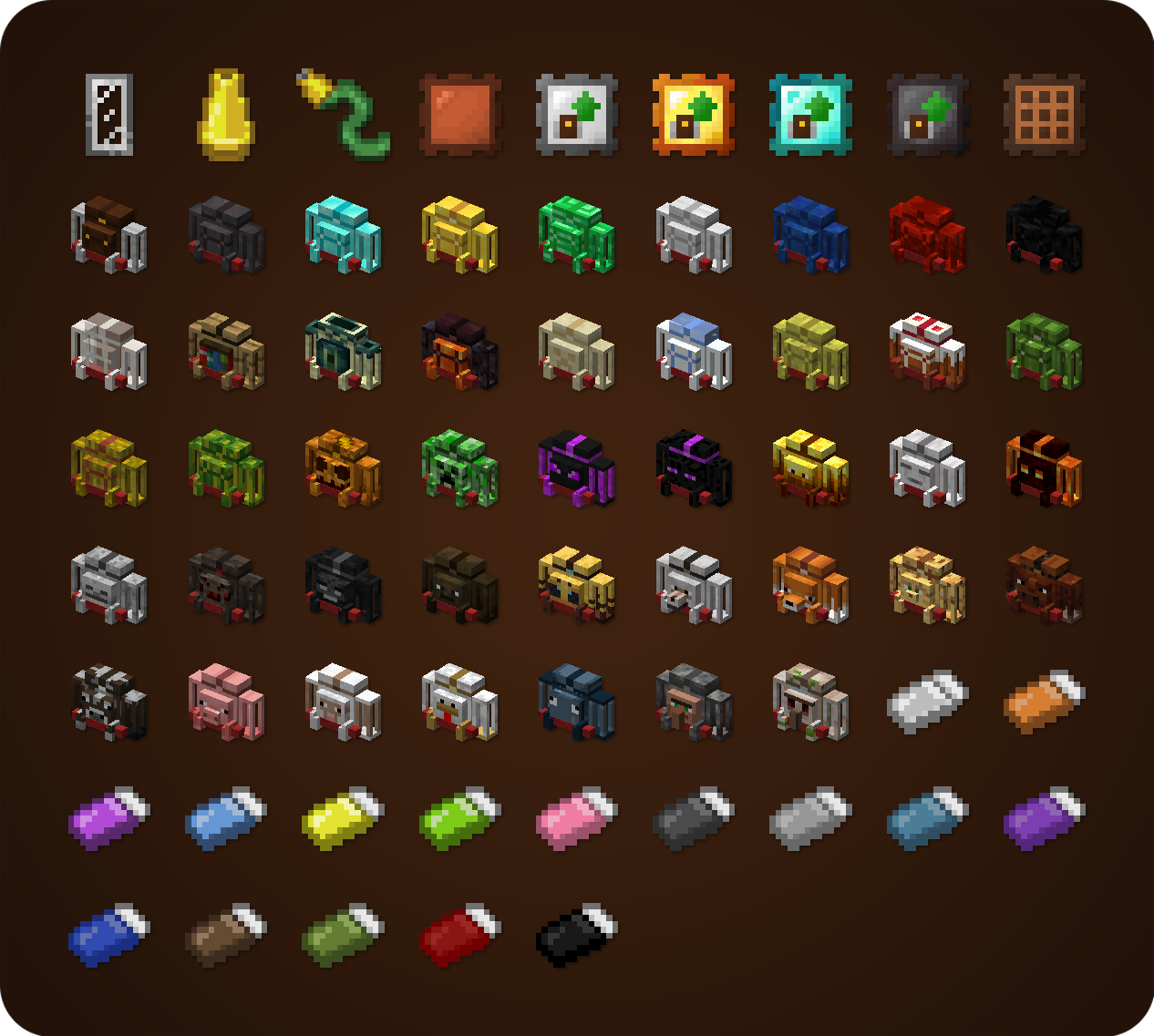
In version 1.20.1, the mod introduces a tiered progression system using the Smithing Table, allowing players to expand their storage capacity from a basic leather pack to a massive Netherite-grade vault. Additionally, over 75 themed backpacks based on Minecraft mobs and blocks provide unique passive and active abilities to aid in exploration.
Getting Started#
To begin your journey, you must craft the Standard Traveler's Backpack and its essential components.
Essential Components
| Item | Recipe Components |
|---|---|
| Backpack Tank | 7 Glass Blocks + 2 Iron Ingots (Top/Bottom) |
| Sleeping Bag | 2 Colored Wool + 1 White Wool (Pillow) |
| Standard Backpack | 4 Leather + 1 Gold Ingot + 1 Chest + 1 Sleeping Bag + 2 Backpack Tanks |
Equipping and Accessing
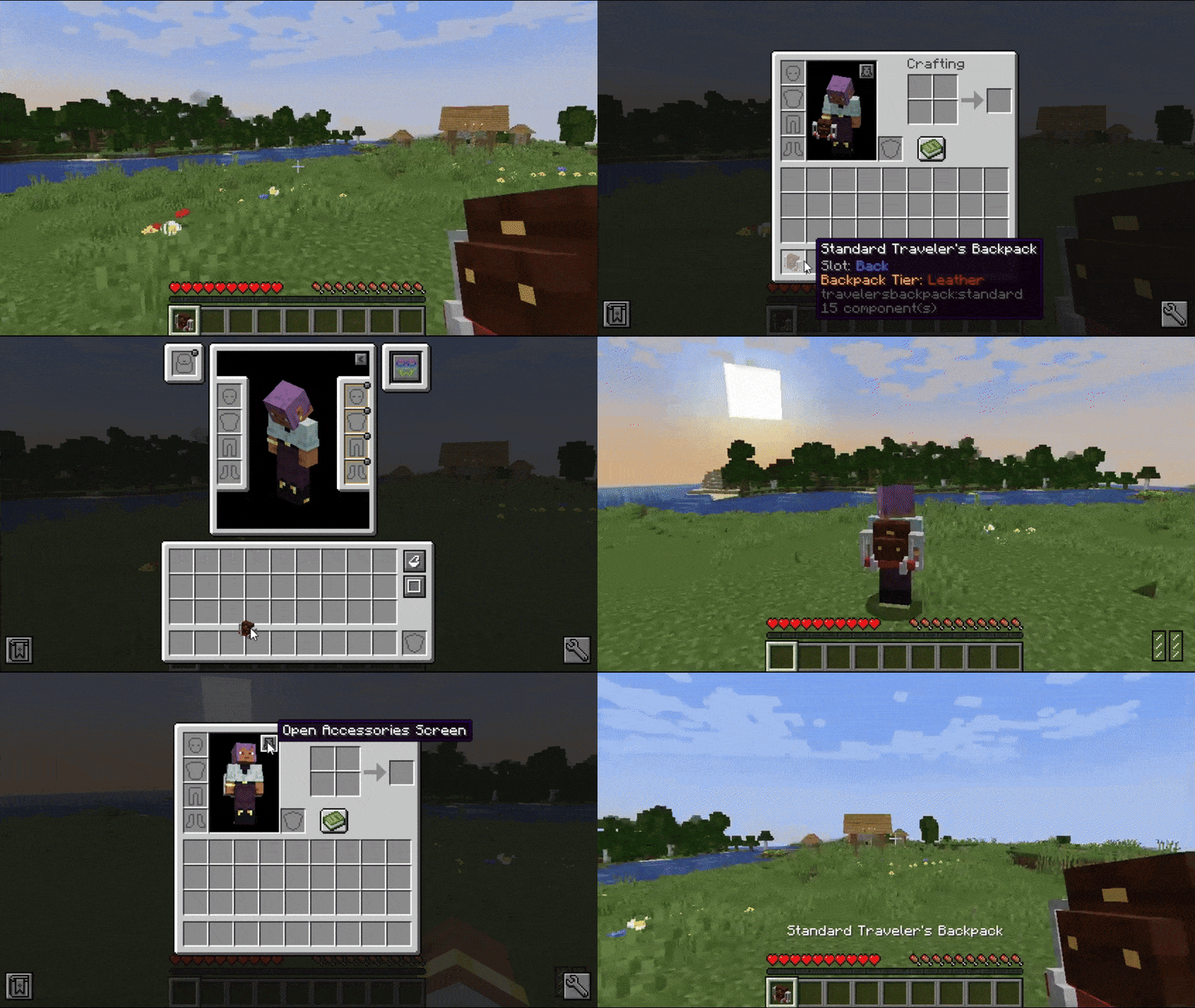
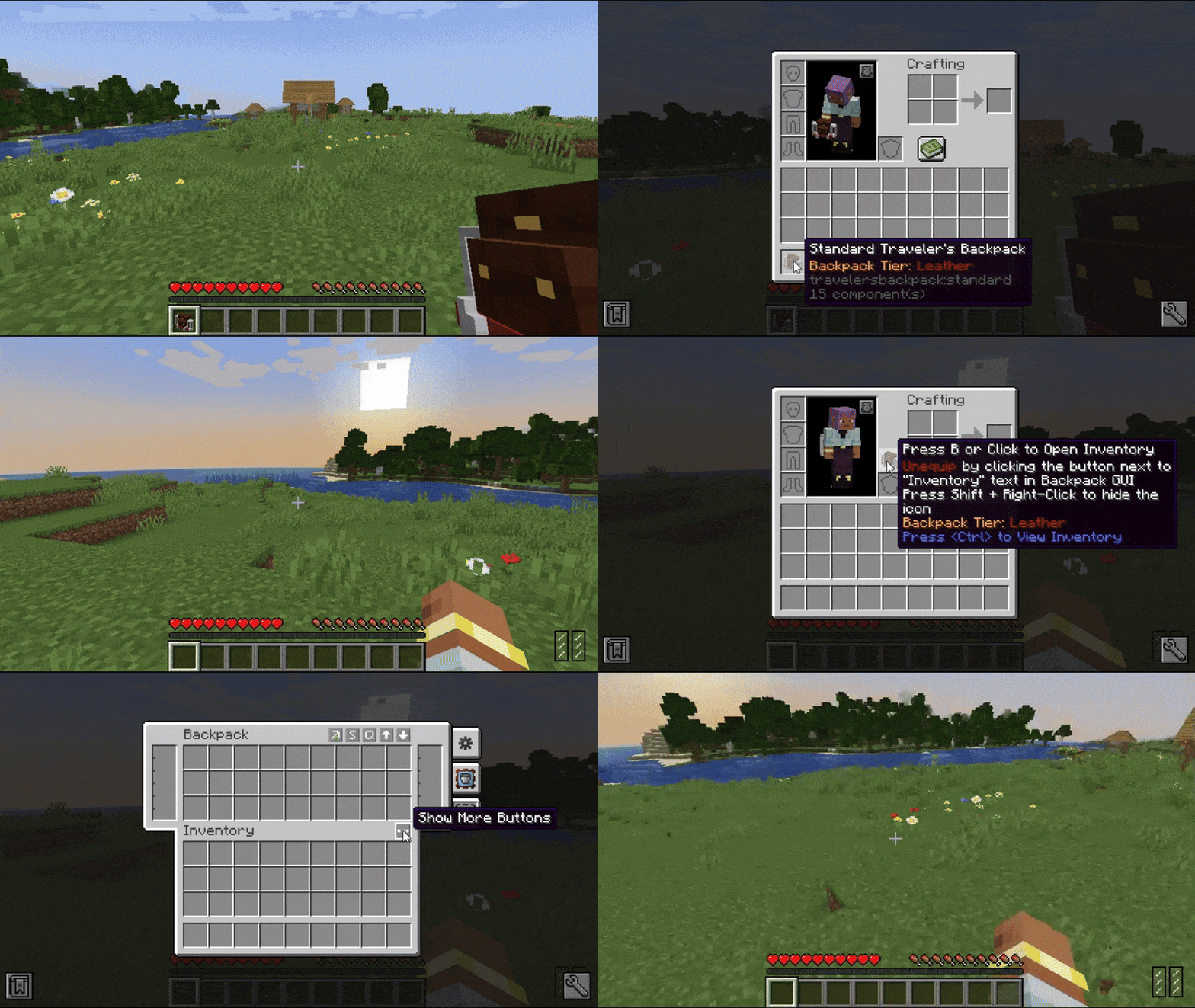
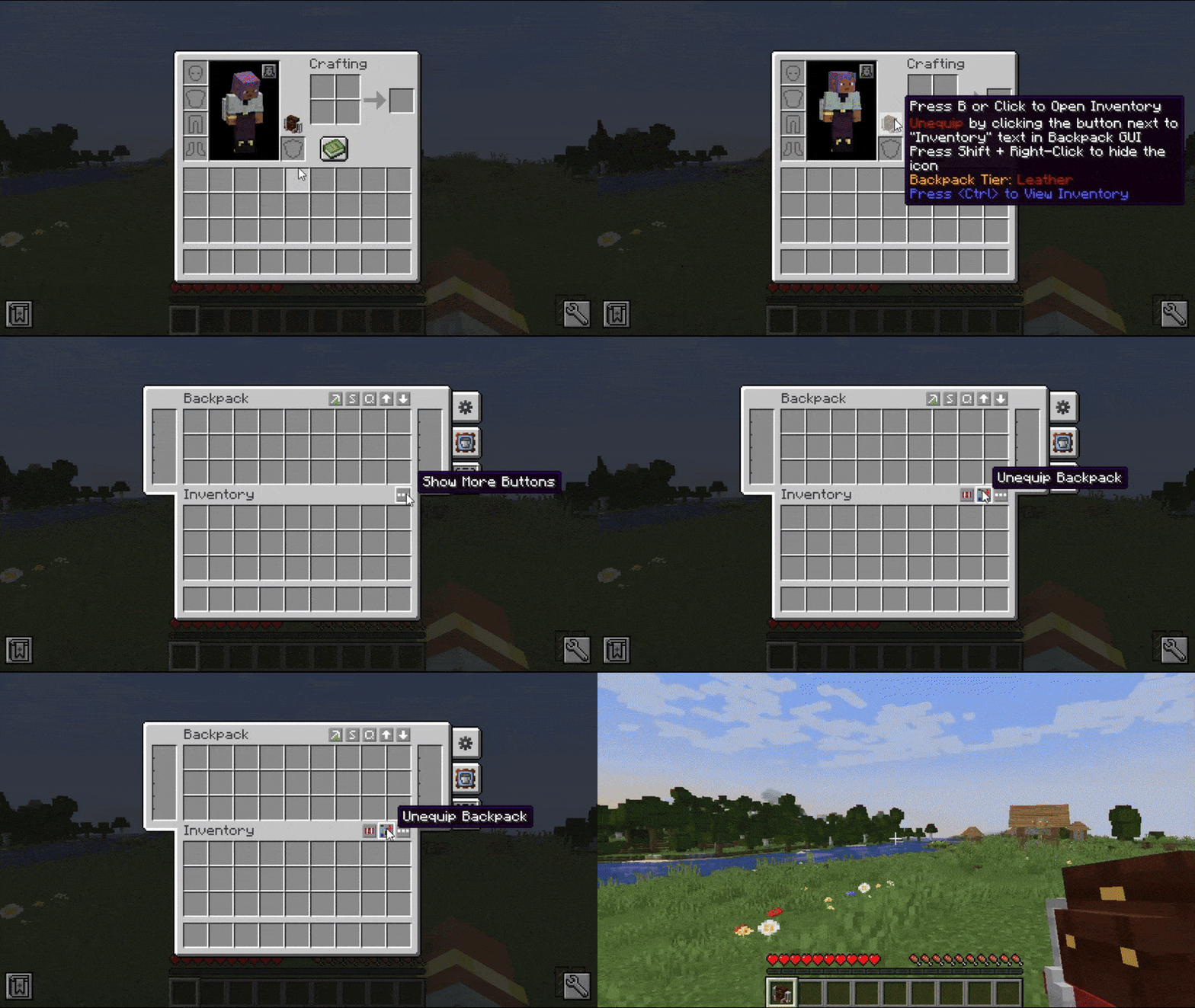
- Equip: Hold the backpack in your hand and click the Equip Button (Steve icon) in the GUI, or Shift + Right-Click a placed backpack on the ground.
- Open: Press the B key (default) while equipped, or Right-Click while holding it in your hand.
- Place: Shift + Right-Click on the ground with the backpack in your hand to place it as a block. This allows access to the sleeping bag and tank interactions.
Backpack Tiers & Storage#
Backpacks in 1.20.1 use a tiered system. Each tier increases the number of inventory slots, tool slots, and upgrade capacity. Upgrading is performed at a Smithing Table using Leather as the Smithing Template.
| Tier | Slots | Tool Slots | Tank Capacity | Upgrade Slots |
|---|---|---|---|---|
| Leather (Base) | 27 | 2 | 4,000 mB | 1 |
| Iron | 36 | 3 | 6,000 mB | 2 |
| Gold | 45 | 4 | 8,000 mB | 3 |
| Diamond | 54 | 5 | 10,000 mB | 4 |
| Netherite | 63 | 6 | 12,000 mB | 5 |
Note: To upgrade, you must craft a Blank Upgrade (6 Leather, 1 Chest, 2 Tanks) and then combine it with the tier material (Iron Ingot, Gold Ingot, etc.) to create a Tier Upgrade item. Use this item in the Smithing Table with your backpack and a piece of leather.
Functionality Upgrades#
Upgrades are special modules that can be slotted into the backpack to provide automated features.
- Crafting Upgrade: Adds a 3x3 crafting grid to the backpack GUI.
- Tank Upgrade: Adds two additional fluid tanks for extra storage.
- Feeding Upgrade: Automatically feeds the player using food stored in the backpack.
- Magnet Upgrade: Pulls nearby items directly into the backpack inventory.
- Pickup Upgrade: Automatically places items picked up from the ground into the backpack.
- Void Upgrade: Deletes specific filtered items automatically.
- Refill Upgrade: Automatically refills items (like blocks or torches) from the backpack into the player's hotbar.
- Furnace/Smoker/Blast Furnace: Allows smelting items directly inside the backpack.
- Jukebox Upgrade: Allows playing music discs while traveling.
- Lantern Upgrade: Provides light around the player (requires LambDynamicLights mod).
Themed Backpacks & Abilities#
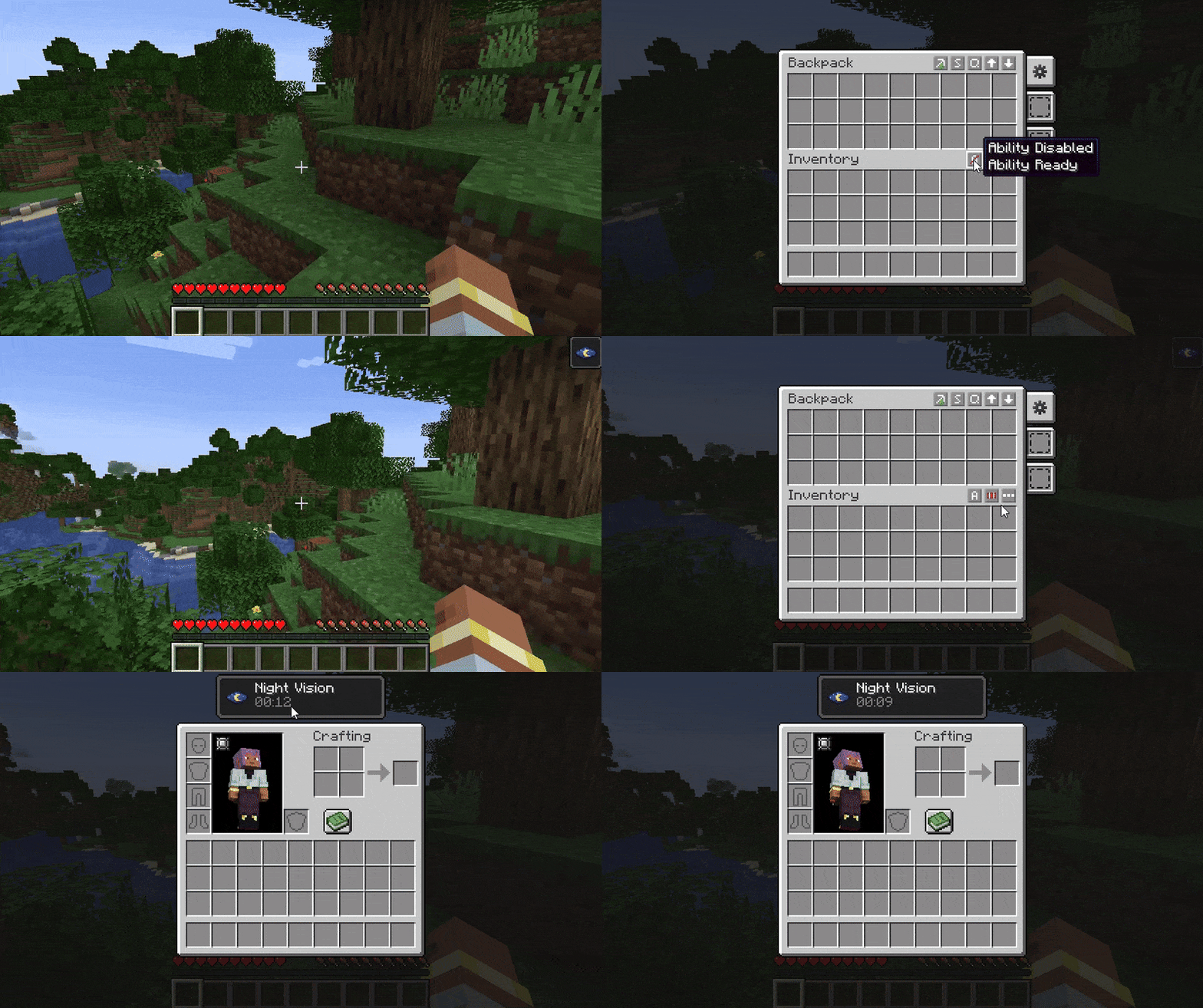
Many backpacks have special abilities that trigger when equipped. These can be toggled via the Ability Slider in the GUI.
| Backpack | Ability Description |
|---|---|
| Bat | Provides permanent Night Vision. |
| Creeper | On fatal damage, creates an explosion that damages enemies and grants the player Absorption and Fire Resistance. |
| Enderman | Provides immunity to water damage and allows short-range teleportation. |
| Squid | Grants Water Breathing and Night Vision (if crafted with Glow Ink). |
| Wither | Grants immunity to the Wither effect. |
| Dragon | Grants Strength and Regeneration; the ultimate end-game pack. |
| Pig | Increases player movement speed. |
| Ocelot | Scares away Creepers. |
| Chicken | Periodically lays eggs into the backpack inventory. |
| Bookshelf | Acts as a bookshelf for Enchanting Tables when placed nearby. |
| Cactus | Fills tanks with water when it rains. |
| Sponge | Soaks up nearby water blocks into the tanks. |
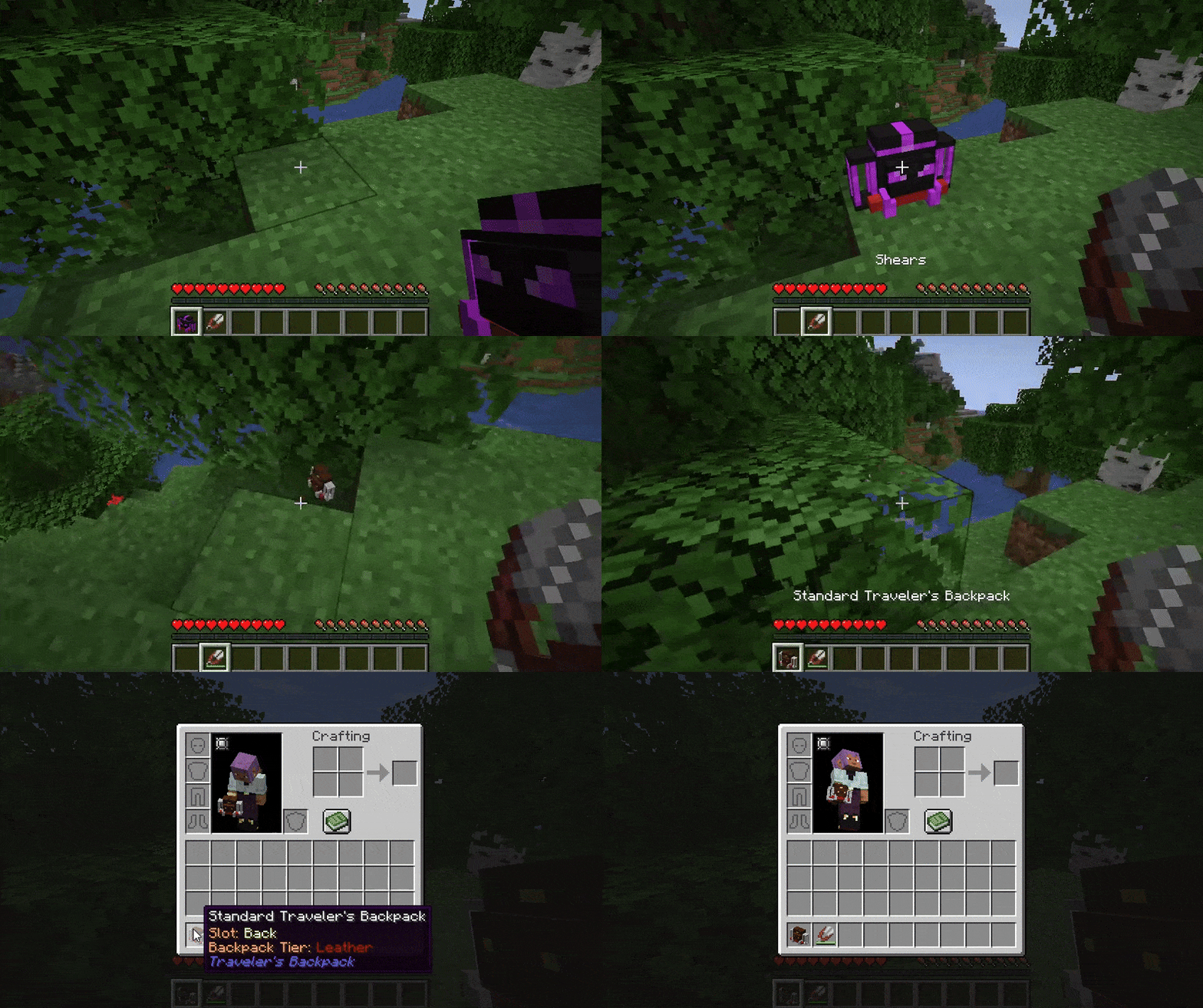
Customization: You can dye the Standard Backpack any color using standard Minecraft dyes. To revert a themed backpack to a standard one, place it in a crafting grid with Shears.
Fluid Tanks & The Hose#
Each backpack features two internal tanks (Left and Right). These can store any fluid, including Water, Lava, Milk, and Potions.
The Hose
The Hose is a specialized tool used to interact with fluids without opening the GUI.
- Suck Mode: Right-click a fluid source to fill the backpack tanks.
- Spill Mode: Right-click to place the fluid from the tank into the world.
- Drink Mode: Right-click to consume the fluid. Drinking Lava provides Fire Resistance but also sets the player on fire; drinking Potions applies their effects.
Controls:
- Z + Mouse Wheel: Cycle Hose modes.
- N: Toggle which tank (Left/Right) the Hose is currently using.
Mechanics & Controls#
Tool Slots
Located on the left side of the GUI, these slots are reserved for tools (Pickaxes, Axes, Shovels, etc.). Tools in these slots do not take up main inventory space and can be quickly swapped or accessed.
Sleeping Bag
When the backpack is placed on the ground, click the Sleeping Bag icon to deploy it. This allows you to sleep and skip the night without resetting your world spawn point. To change the color, Shift + Right-Click the placed backpack with a different colored sleeping bag.
Inventory Management
The GUI includes four utility buttons:
- Sort: Automatically organizes items.
- Quick Stack: Moves items from your player inventory into existing stacks in the backpack.
- Transfer to Backpack: Moves all valid items into the pack.
- Transfer to Player: Empties the pack into your inventory.
Commands & Recovery#
If you die while wearing a backpack, it will drop as a block at your death location. If the backpack is lost (e.g., in the void or due to a glitch), server administrators can use the restore command.
- Restore Command:
/travelersbackpack restore <player> <uuid>- Every time a player dies, a unique backup file is created in the world's
backpacksfolder. The UUID is printed to the server console upon death.
- Every time a player dies, a unique backup file is created in the world's
- Other Commands:
/travelersbackpack unpack <player>: Forces the backpack to drop its contents./travelersbackpack clear <player>: Deletes the equipped backpack.
Configuration#
The mod is highly configurable via the travelersbackpack-server.toml and travelersbackpack-client.toml files. Key options include:
- Slot Counts: Adjust the base and tiered inventory sizes.
- Abilities: Enable or disable specific backpack effects.
- Curios Integration: Toggle whether the backpack requires a Curios/Trinkets slot or uses the mod's internal system.
- Loot Tables: Control whether backpacks and upgrades appear in dungeon chests or as mob drops.
Note: If you change slot counts in the config and your existing backpack doesn't update, you must unequip and re-equip the pack, or use a Blank Upgrade to reset the pack's metadata.
Gallery#