


Amber 9minecraft Client Mod (26.2, 1.21.11) – Gain Godlike Survival Powers
 38
38
 0
0


🌐 Good news — we've translated this article into other languages!
Or pick the one you like:
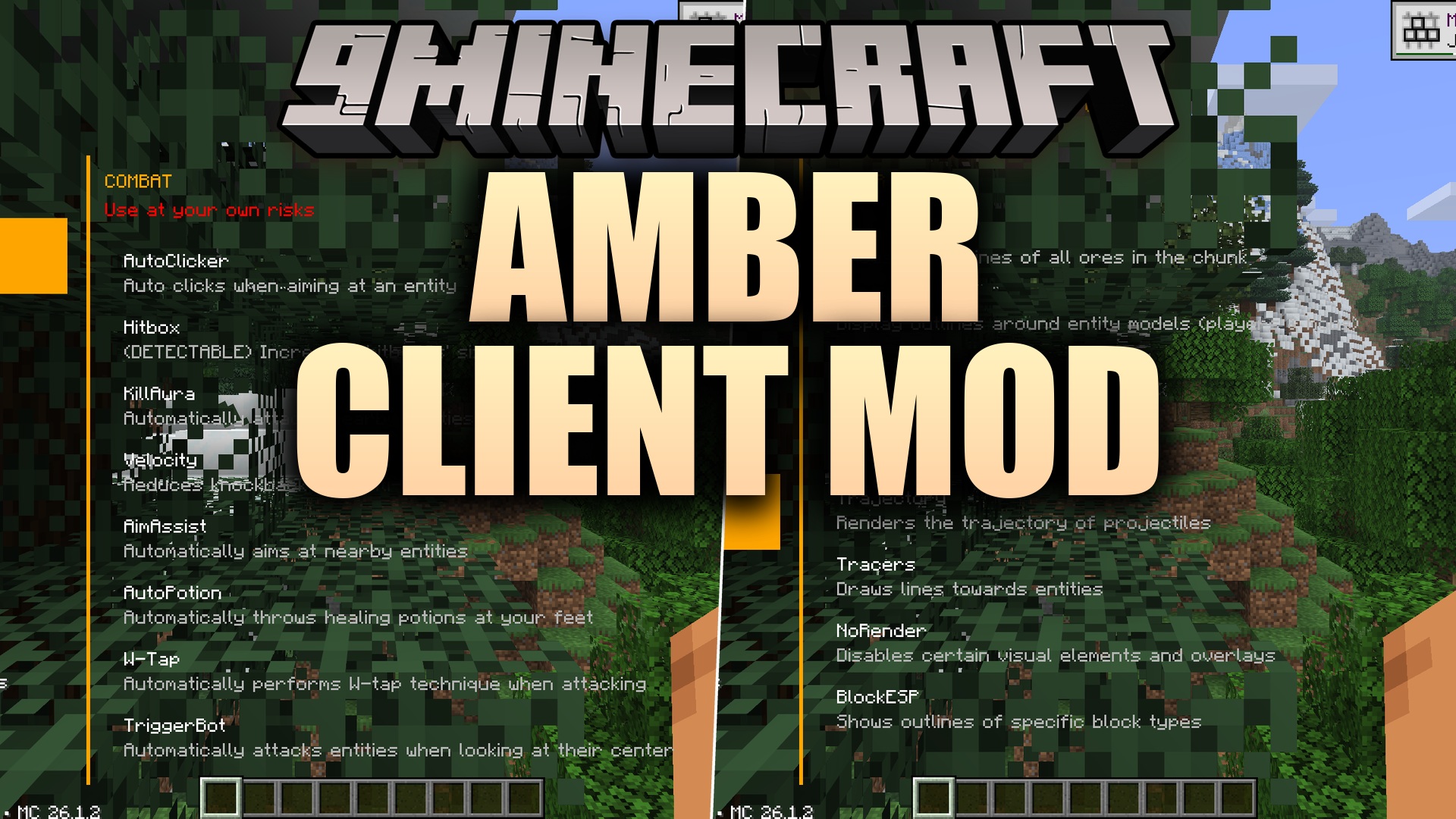
Amber 9minecraft Client Mod packs in dozens of helpful utility features that give you a huge advantage in the game. This mod gives you a clean menu where you can turn on tools for combat, movement, and building. You can bind any feature to a custom key and change settings on the fly to match your playstyle.
Features:
- Clean Interface: Opens an orange-accented menu when you press a single button.
- Custom Shortcuts: Lets you set custom keys for any tool so you can turn them on quickly.
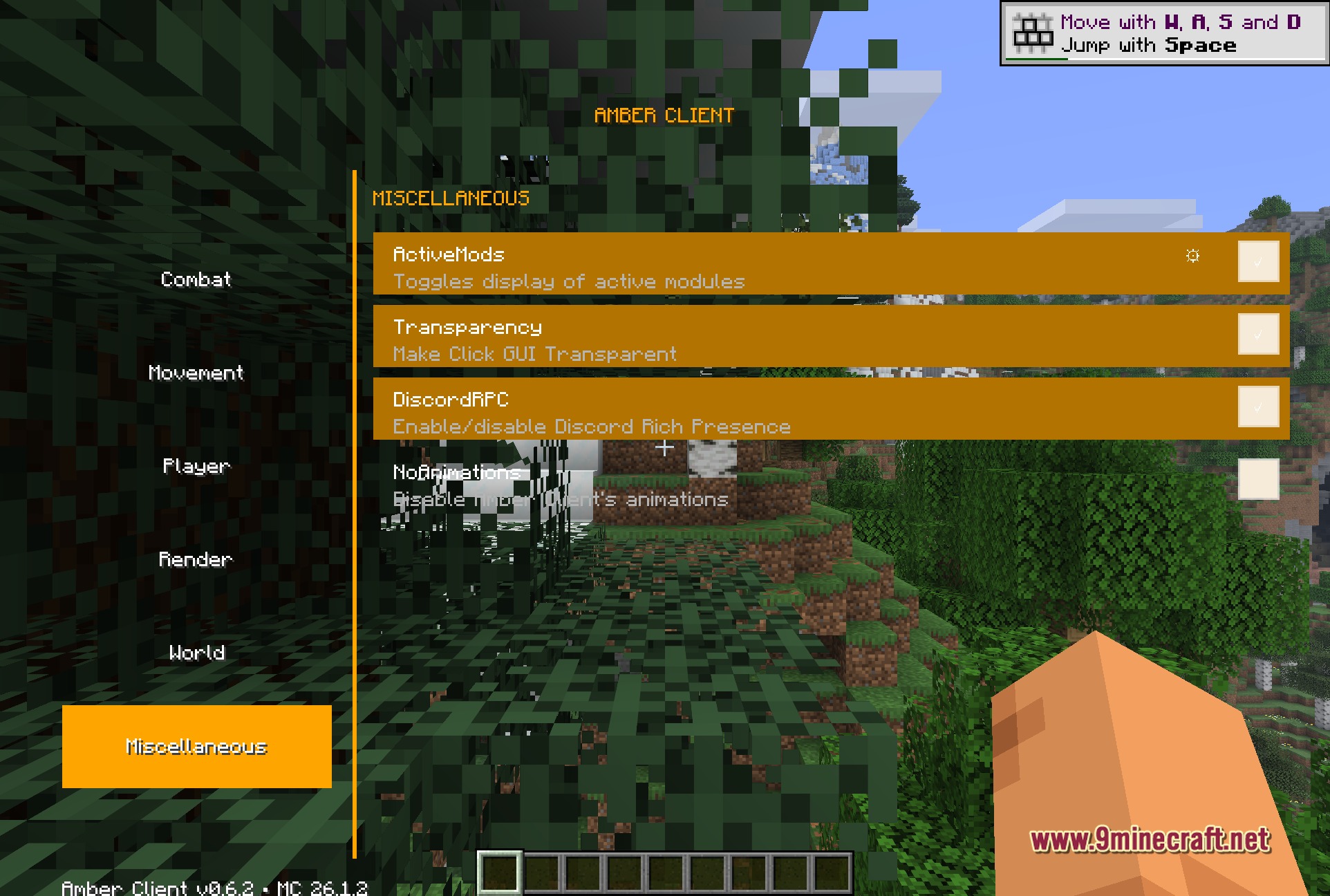
- Shows a list of your active tools directly on your screen.
- Connects with Discord to show your status while playing.
- Records and plays back specific actions to save you time.
Combat Tools:
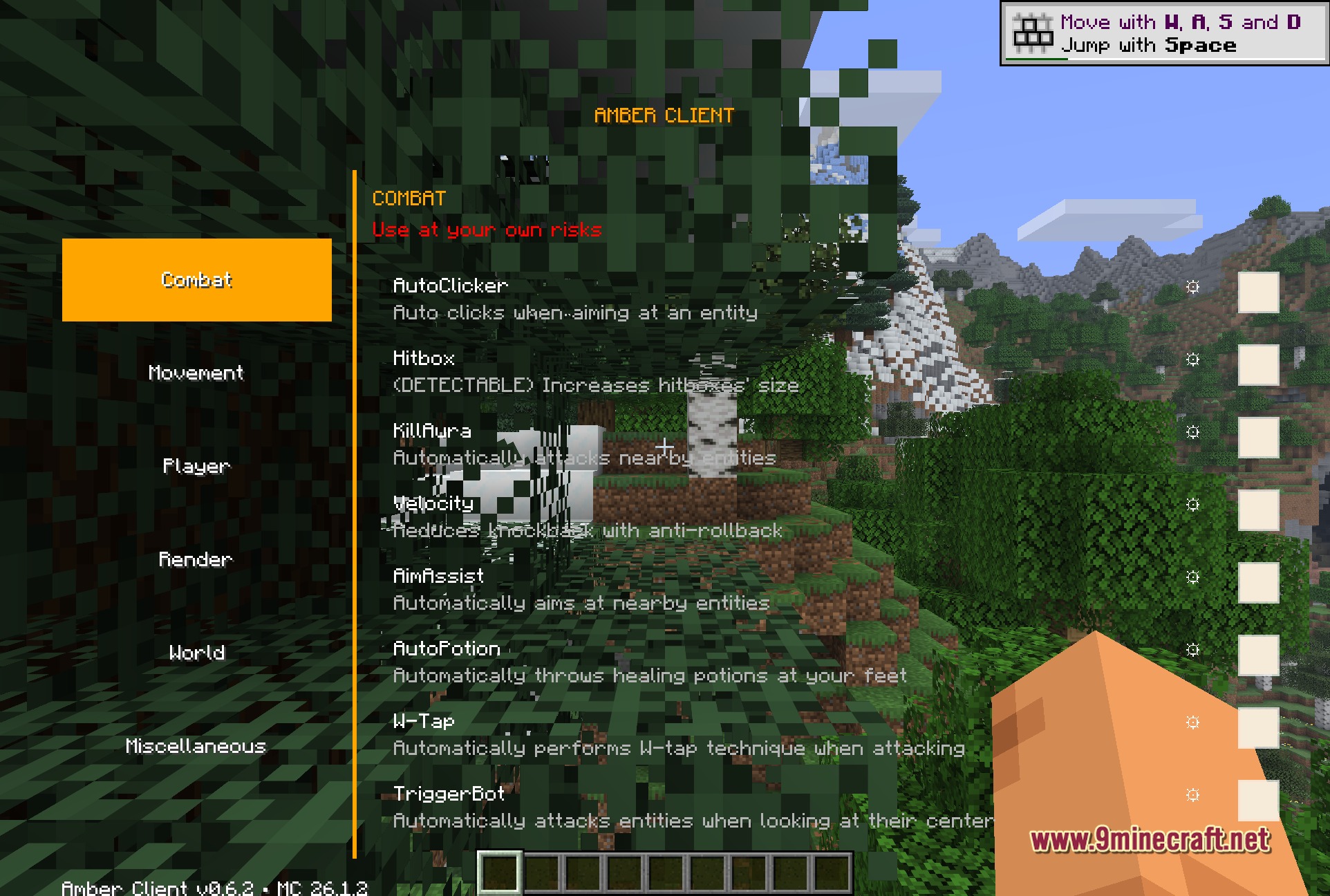
- Automatically attacks nearby enemies to help you in fights.
- Reduces the knockback you take when getting hit by mobs or players.
- Throws healing potions at your feet automatically during battles.
- Increases the hitboxes of targets so they are easier to strike.
Movement Upgrades:
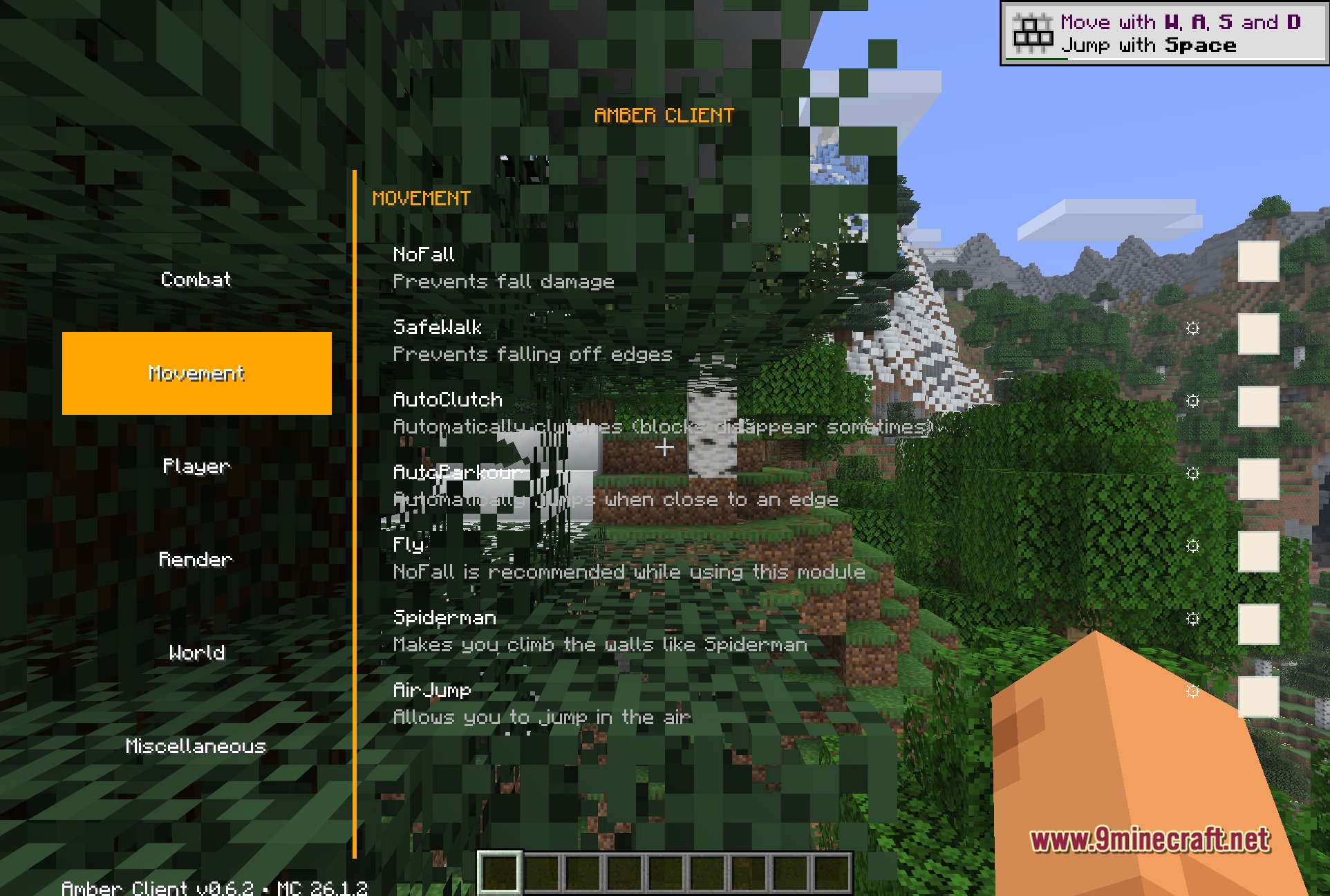
- Lets you fly freely through the air to travel faster.
- Prevents you from taking damage when you fall from high places.
- Stops you from walking off edges while building high up.
- Allows you to climb up walls and jump while in mid-air.
Player and Building Helpers:
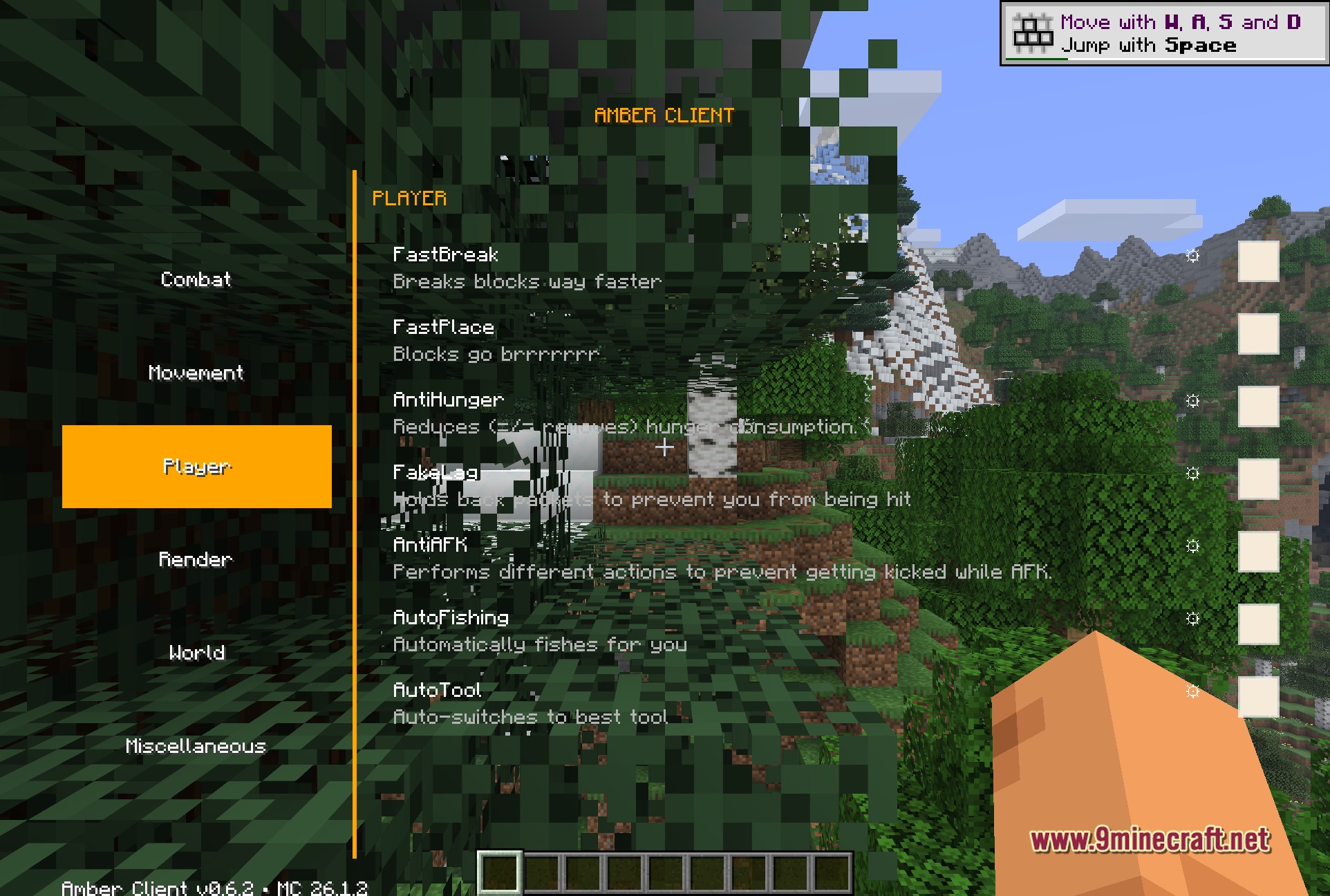
- Breaks and places blocks much faster than normal.
- Automatically switches to the best tool for the block you are looking at.
- Catches fish for you automatically so you can gather food without clicking.
- Reduces how fast your hunger bar goes down while running.
Visual and Render Options:
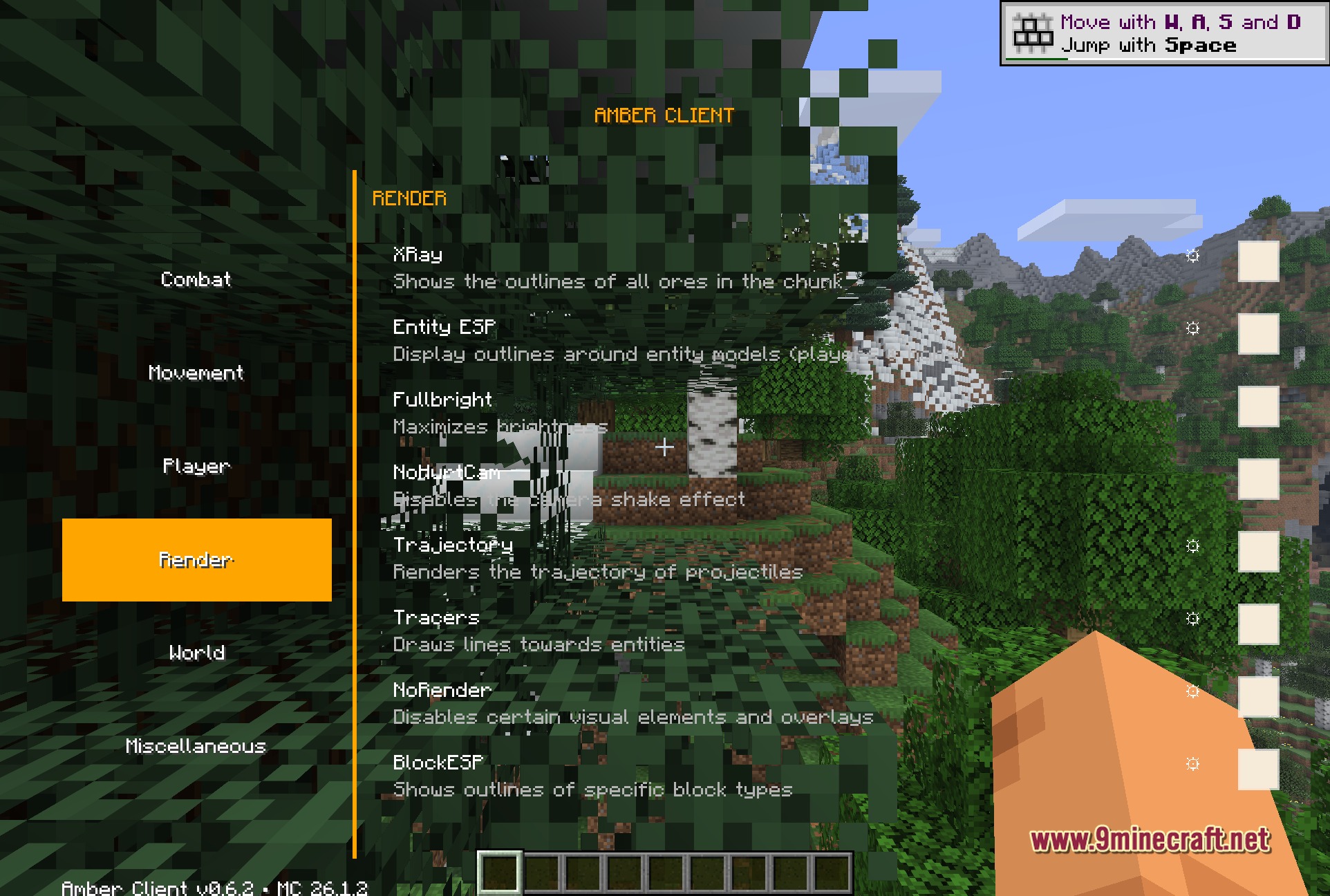
- Draws bright outlines around specific blocks, players, and mobs.
- Shows the locations of all hidden ores in the ground around you.
- Maximizes your screen brightness so you can see perfectly in dark caves.
- Displays the exact landing spot of arrows and snowballs before you throw them.
- Disables the red camera shake effect when you take damage.
How to Use:
- Press the Right Shift key while in the game to open the main menu.
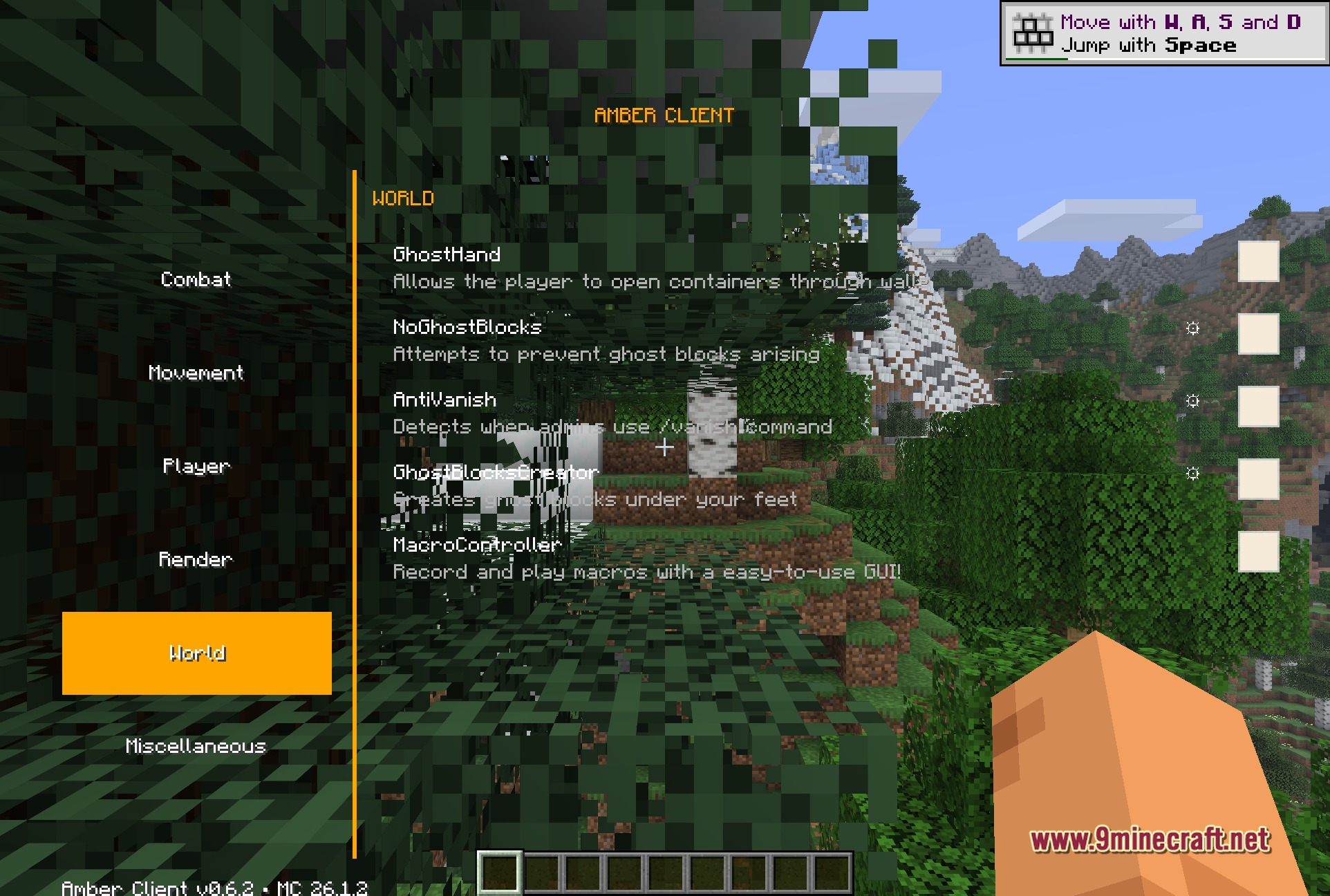
- Pick a category on the left side of the screen to see the available tools.
- Click on any tool name to turn it on or off.
- Click the gear icon next to a tool to open its specific settings.
- Assign a custom key in the menu to trigger any tool without opening the screen.
Screenshots:
How to Install:
New to Minecraft? Follow our step-by-step guide to install Mods on your PC.View Guide
Requirements:


Amber 9minecraft Client Mod Download Links
For Minecraft 26.2
For Minecraft 26.1.2
For Minecraft 1.21.11
Click to rate this post!
[Total: 0 Average: 0]
You May Also Like









This post has no comments yet. Be the first — your comment will appear here.