


Ultimate Colored Tooltips Model – Adds Sixteen Vanilla Colored Tooltips
 12
12
 0
0

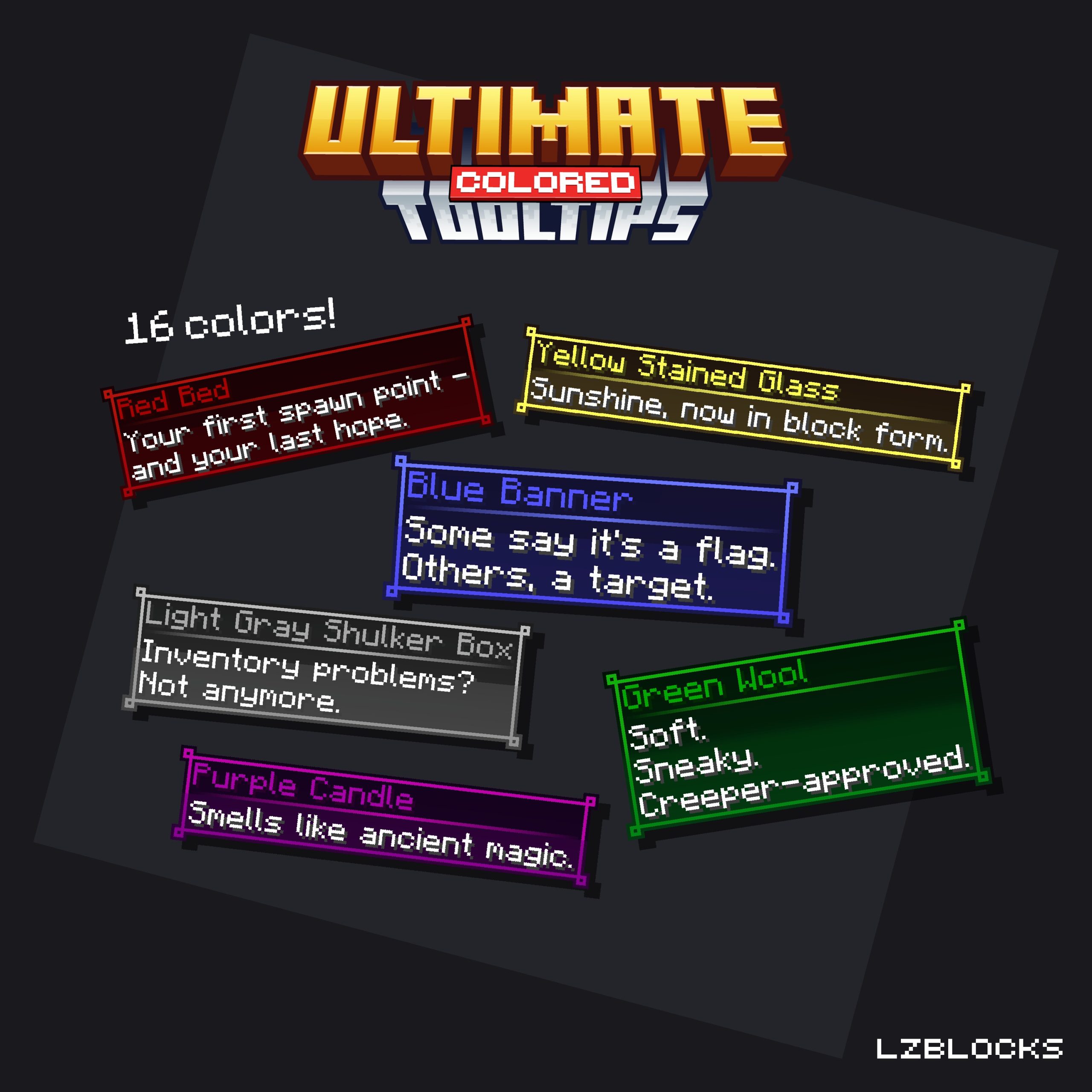
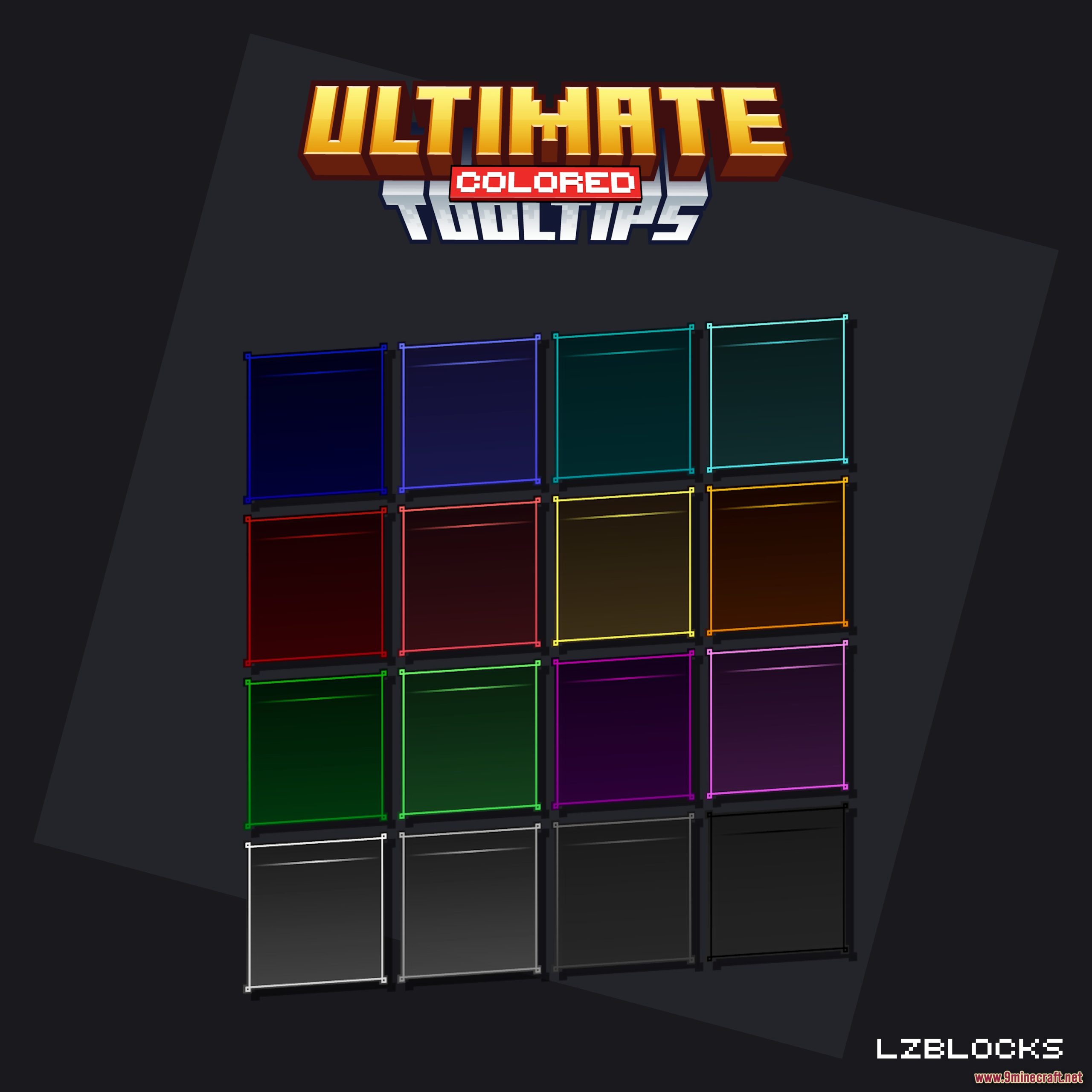
Ultimate Colored Tooltips Model transforms your Minecraft server by adding 16 unique custom tooltips, each matching a vanilla chat color. This model brings vibrant flair to your items, making them stand out. Setting up this Ultimate Colored Tooltips Model is incredibly easy, thanks to its ready-to-use configurations.
Features:
- Adds 16 distinct custom tooltips, each showcasing a unique vanilla chat color.
- Includes specific tooltips like Dark Blue, Aqua, Gold, Green, and Purple.
- Provides ready-to-use configurations for both Nexo and ItemsAdder.
- Offers several example items to demonstrate the custom tooltips in action.
- Comes with an installation guide for easy setup, perfect for beginners.
- Features a detailed tutorial on setting up example item tooltips.
- Includes all necessary raw files (.png) for further customization.
How to Use:
- Download the model files and extract the contents to your server’s plugin folder.
- Place the Nexo or ItemsAdder configuration files into their respective plugin folders.
- Run the appropriate command, such as /iazip for ItemsAdder, to load the new tooltips.
- Follow the included tutorial to set up example items with the new colored tooltips.
- Ensure your Minecraft server is running version 1.21.3 or higher for full compatibility.
Screenshots:
Ultimate Colored Tooltips Model Download Links
Click to rate this post!
[Total: 0 Average: 0]
You May Also Like





This post has no comments yet. Be the first — your comment will appear here.