🌐 You are reading the 中文 translation of this article
Available languages for this article:

Subtitle Highlight Mod 为 Minecraft 的字幕添加了自定义颜色功能。这能帮你快速区分不同的声音。例如,你可以将监守者(Warden)的咆哮设置为红色文本,而将友好生物的声音显示为绿色。该模组提供了一个完整的菜单,让你能为游戏中的每一种声音挑选颜色。

主要功能:

  • 通过赋予不同的样式和颜色,让字幕更容易区分。
  • 允许你为游戏中的每一个声音选择特定的颜色和格式。
  • 将你的所有自定义设置保存在名为 subtitle_highlight.json 的文件中。
  • 包含一个有趣的小彩蛋,你可以在设置菜单中轻松将其关闭。

配置方法:

  • 你可以通过游戏内的模组菜单(Mods Menu)更改模组设置。
  • 所有设置都保存在 Minecraft 根目录下的 /config/subtitle_highlight.json 文件中。

模组截图:

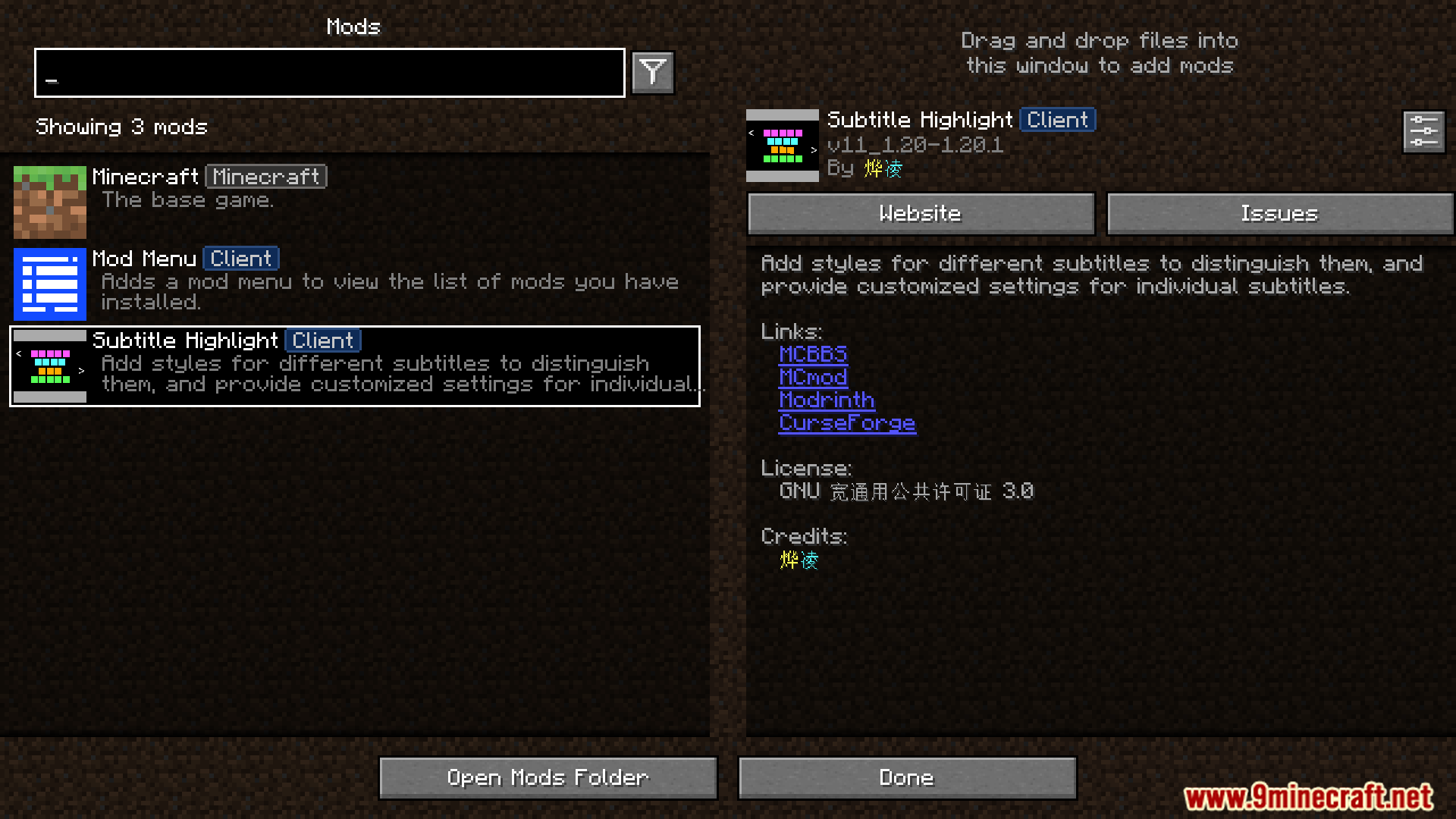
The Subtitle Highlight mod appears in the main mods list menu.
Subtitle Highlight 模组显示在主模组列表菜单中。
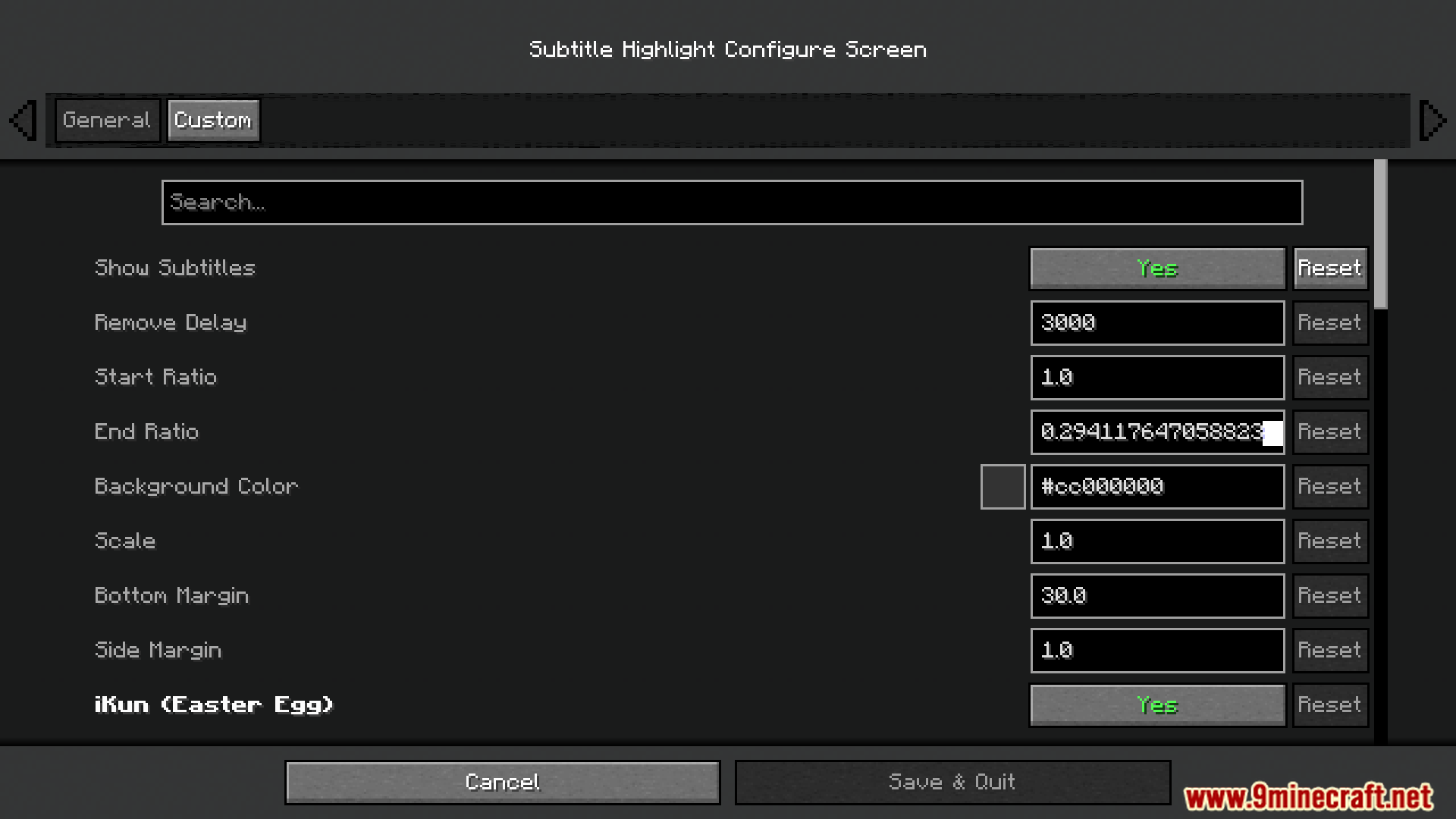
Configuring the general settings for how subtitles will be displayed.
配置字幕显示的常规设置。
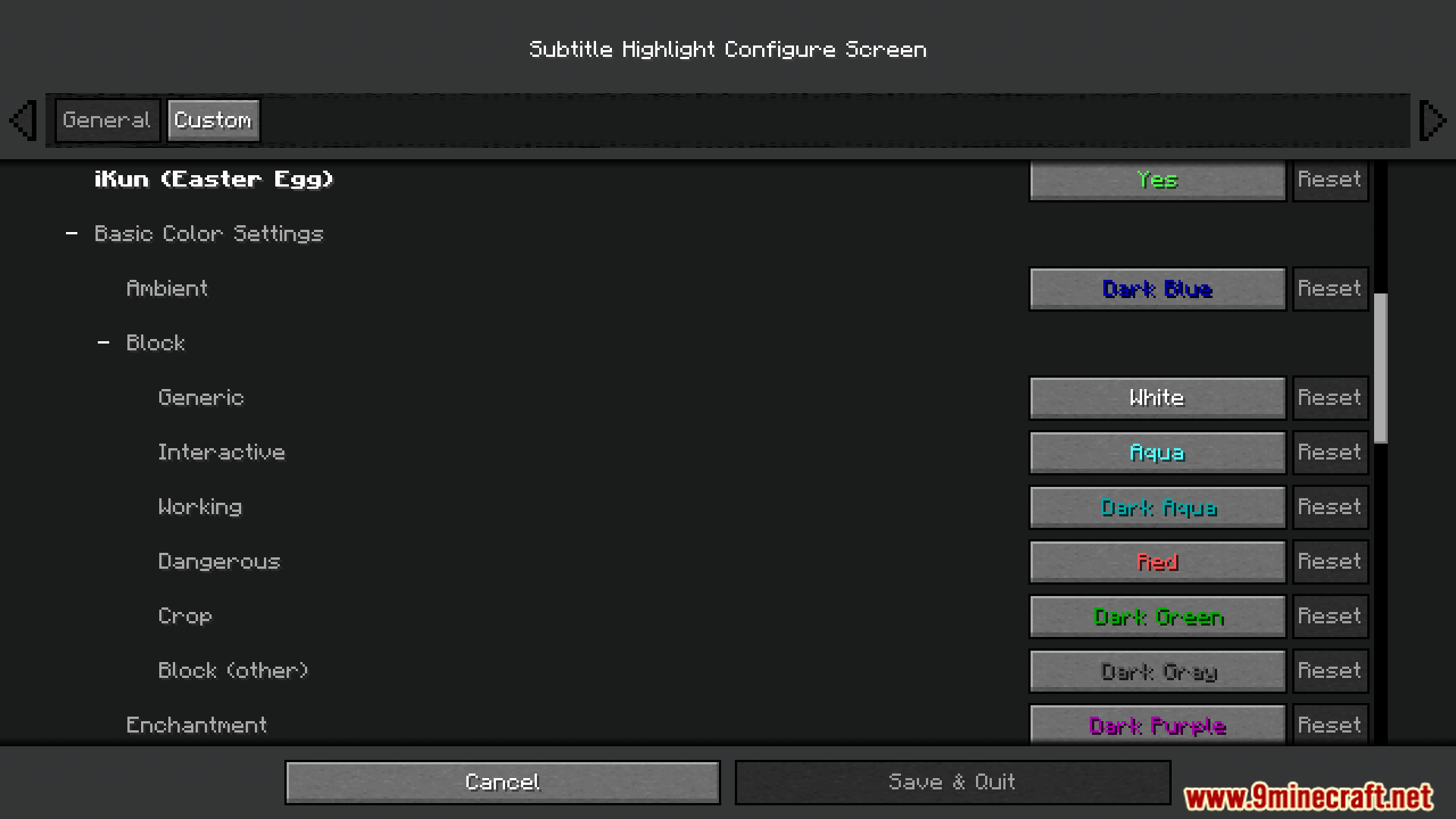
Choosing custom colors for different sound categories in the mod's menu.
在模组菜单中为不同的声音类别选择自定义颜色。
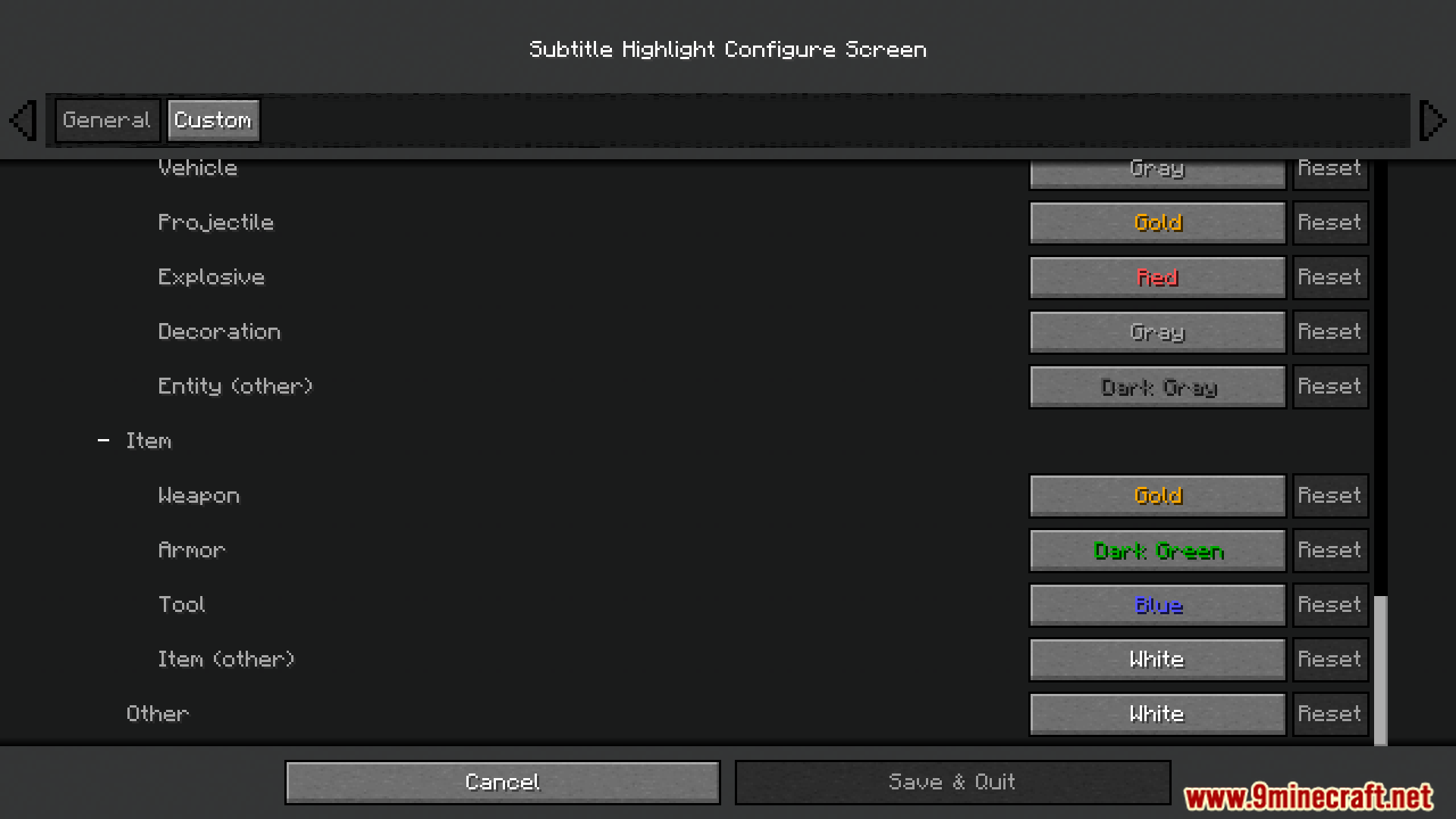
The detailed color configuration screen for customizing every subtitle's look.
用于自定义每个字幕外观的详细颜色配置界面。
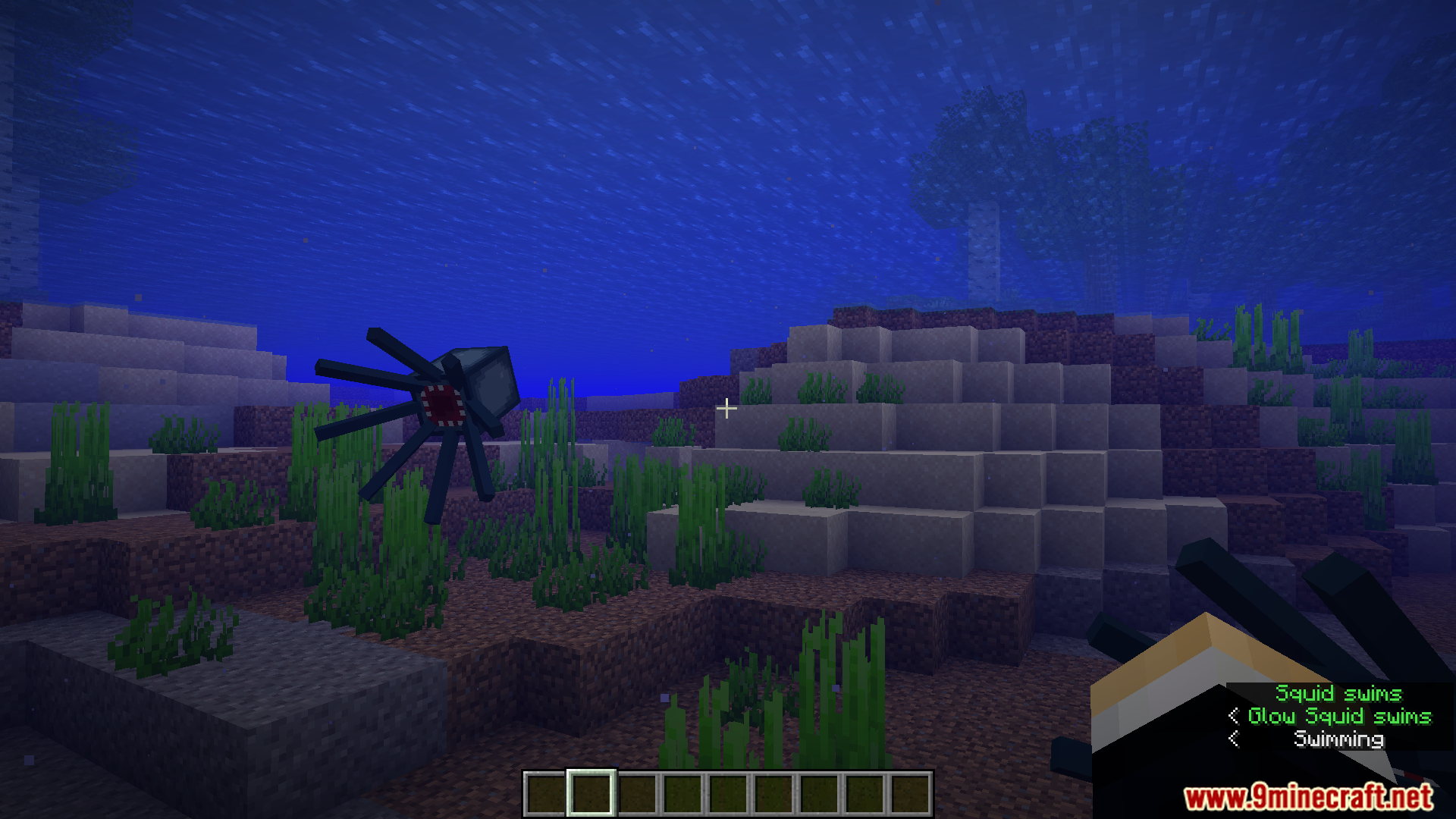
Underwater squid sounds are highlighted with a custom blue color.
水下鱿鱼的声音以自定义蓝色高亮显示。
Warden's powerful sound cues appear in a distinct custom color.
监守者强大的声音提示以独特的自定义颜色显示。
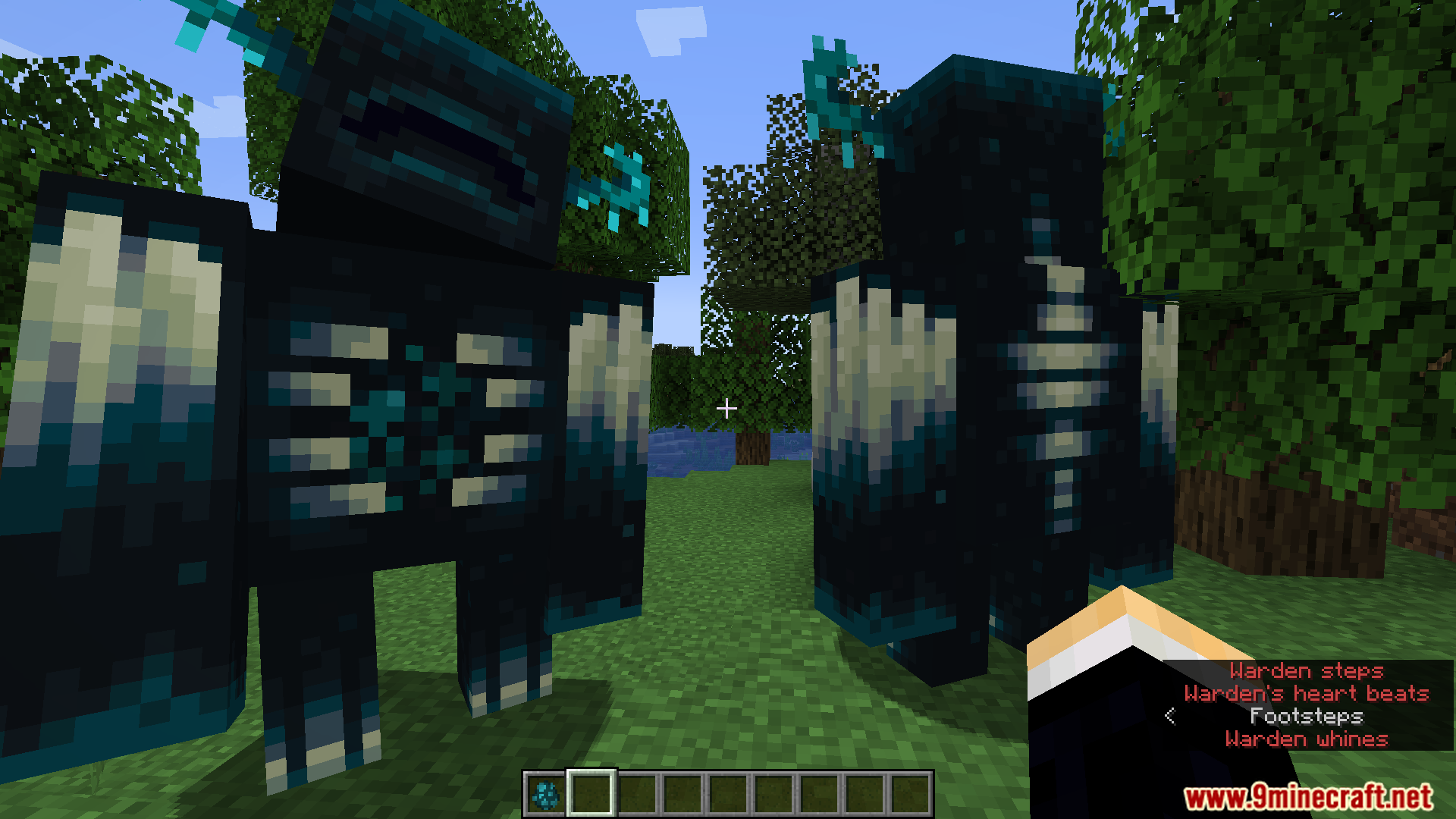
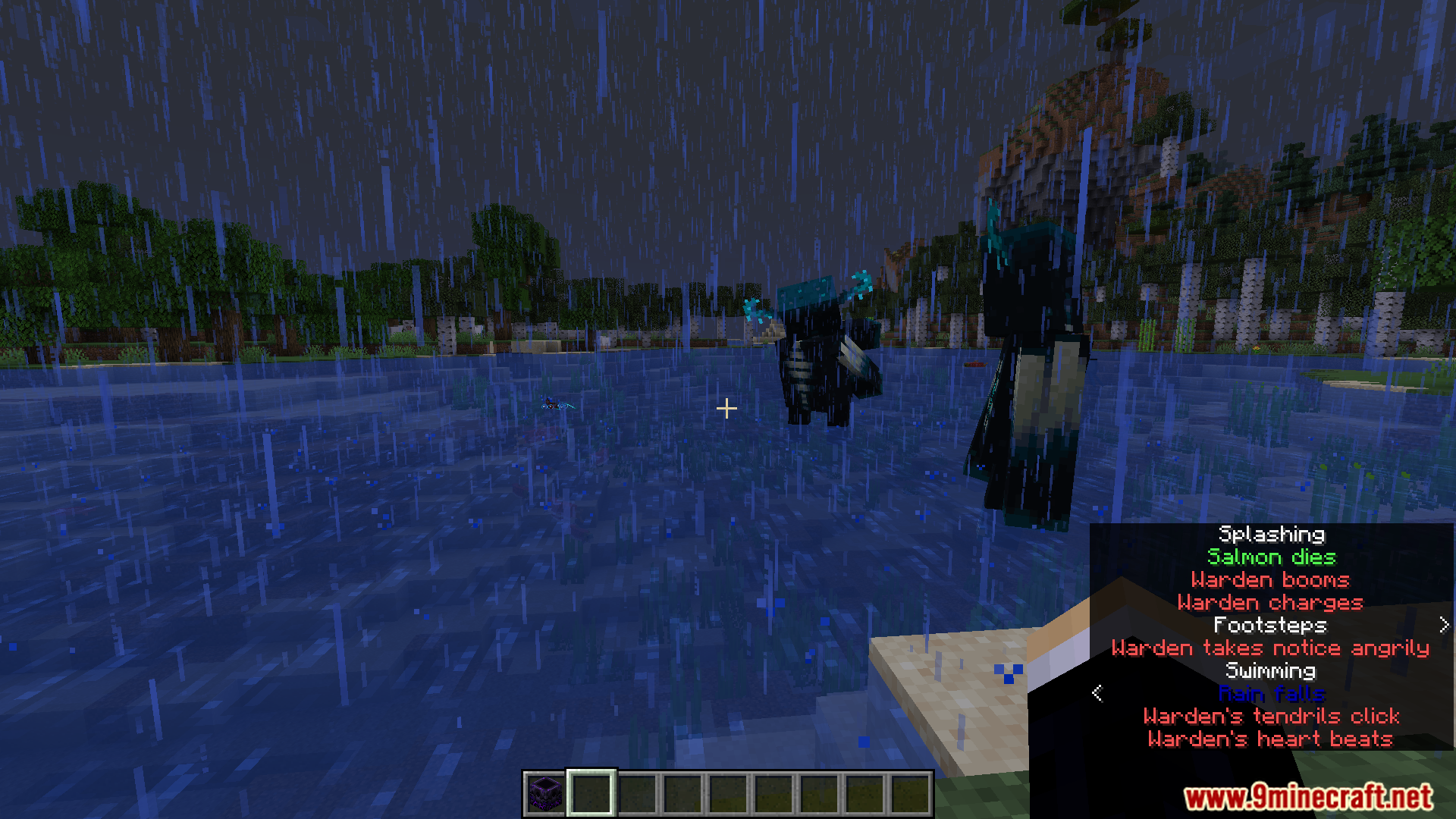
Customized subtitles clearly show sounds from two different Wardens nearby.
自定义字幕清晰地显示了附近两只不同监守者的声音。
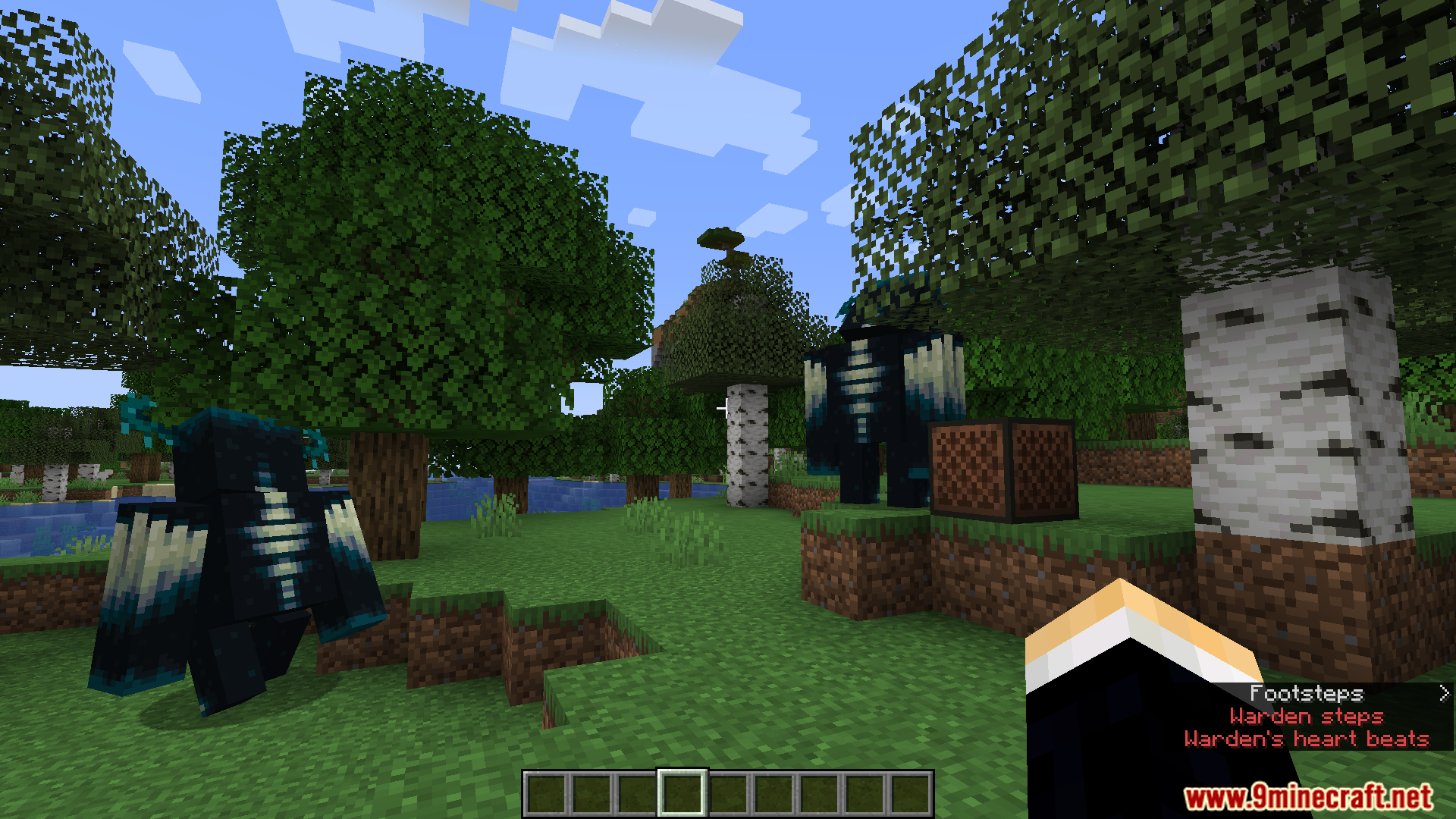
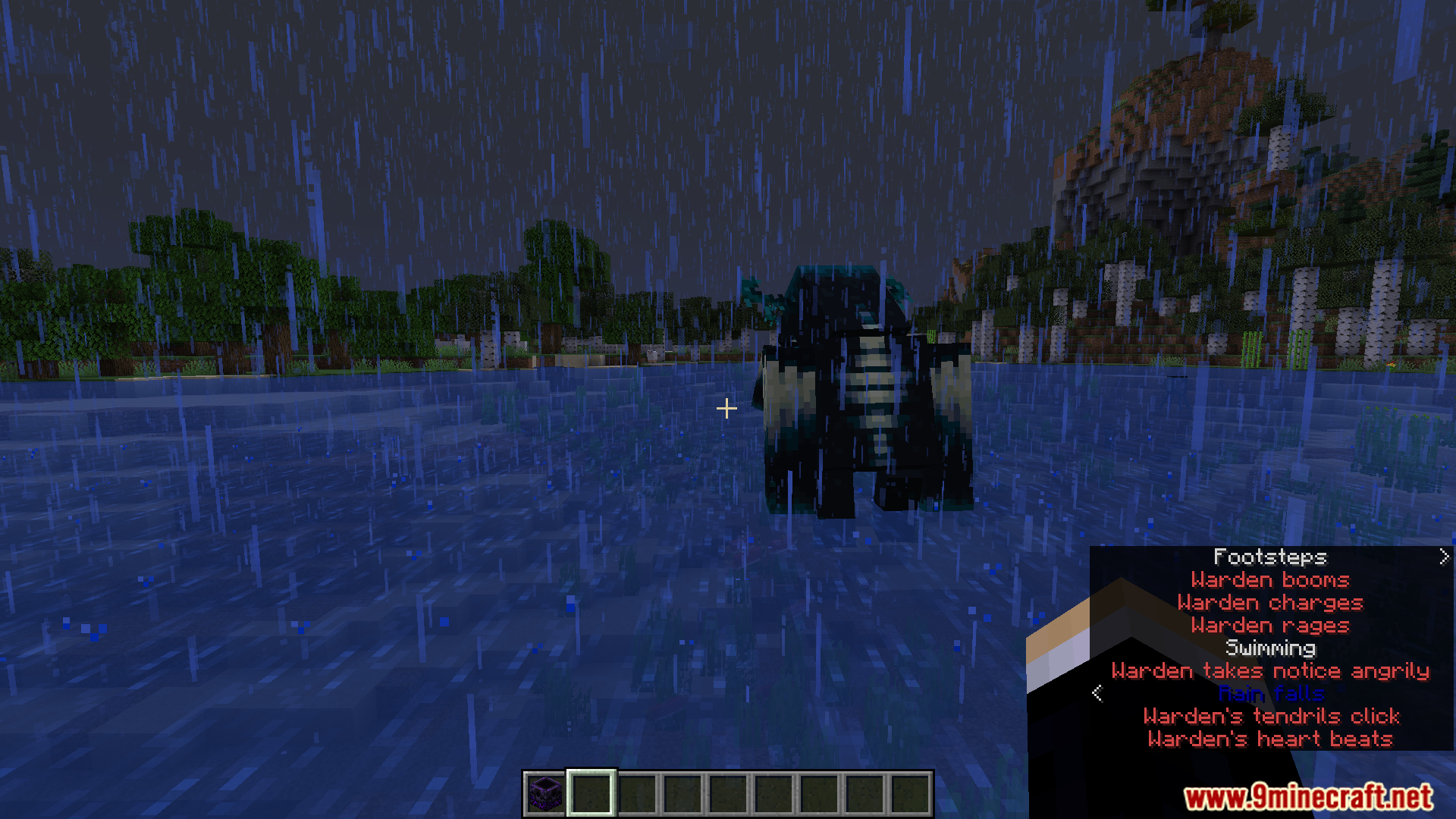
A Warden's roars and steps are shown with colorful subtitles.
监守者的咆哮和脚步声以彩色字幕显示。
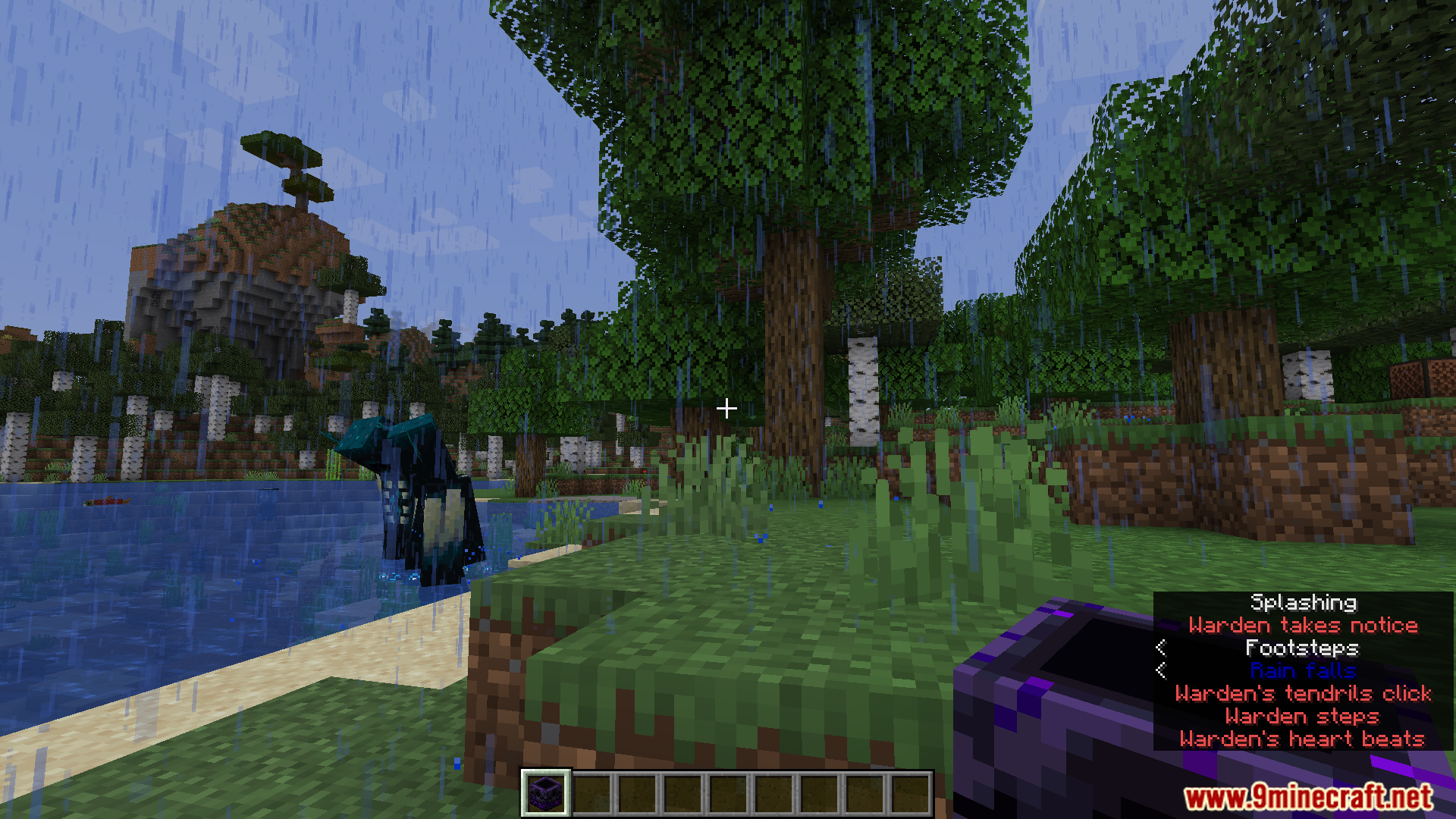
Multiple Warden sounds appear as different colored subtitles near water.
水边出现的多个监守者声音显示为不同颜色的字幕。
This mod highlights the Warden's sounds with bright, custom colors.
该模组用鲜艳的自定义颜色高亮显示监守者的声音。
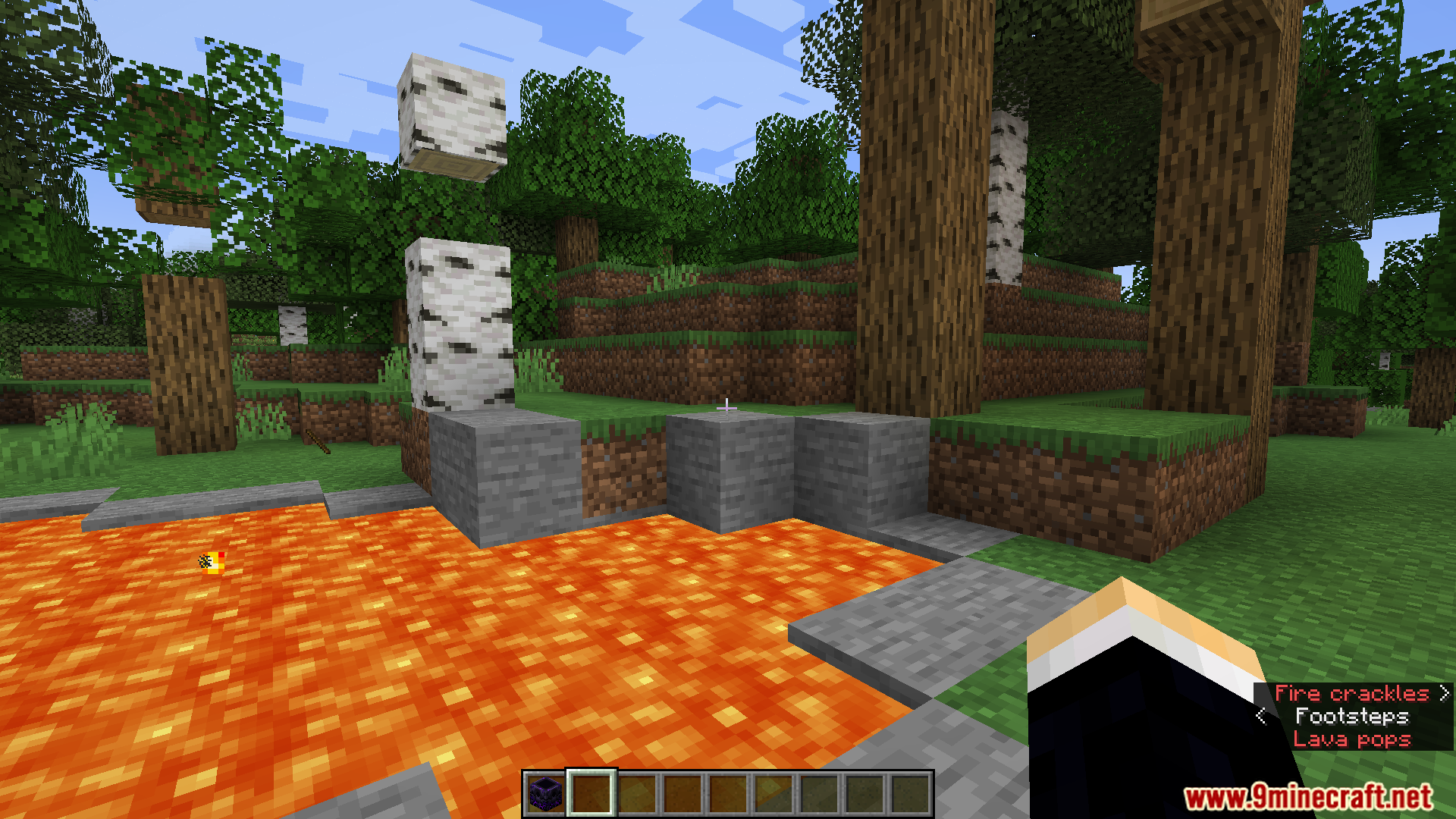
Environmental sounds like lava popping get their own custom subtitle color.
岩浆爆裂等环境音拥有了专属的自定义字幕颜色。
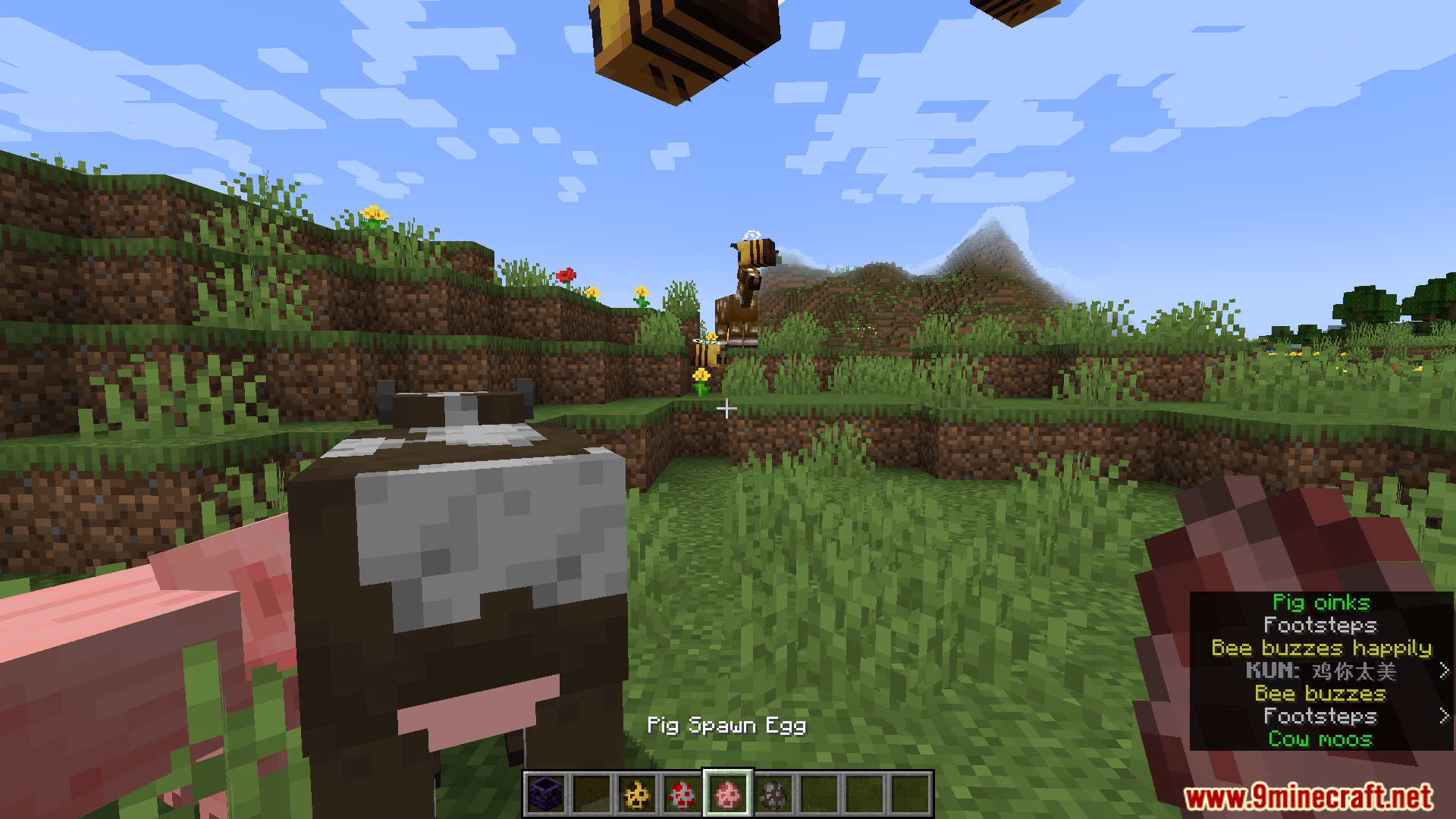
Various animal sounds from cows and sheep have unique colors.
牛和羊等各种动物的声音拥有独特的颜色。

Subtitle Highlight Mod 下载链接

Minecraft 1.20.1, 1.20

Fabric/Quilt 版本:从服务器 1 下载从服务器 2 下载

Minecraft 1.19.4

Fabric/Quilt 版本:从服务器 1 下载从服务器 2 下载

Minecraft 1.19.3

Fabric/Quilt 版本:从服务器 1 下载从服务器 2 下载

Minecraft 1.19.2, 1.19.1, 1.19

Fabric/Quilt 版本:从服务器 1 下载从服务器 2 下载

Minecraft 1.18.2

Fabric/Quilt 版本:从服务器 1 下载从服务器 2 下载

Minecraft 1.17.1

Fabric/Quilt 版本:从服务器 1 下载从服务器 2 下载

Minecraft 1.16.5

Fabric/Quilt 版本:从服务器 1 下载从服务器 2 下载

Click to rate this post!
[Total: 2 Average: 5]