Tails Mod (1.12.2, 1.11.2) – Express Your Unique Style
 5,841
5,841
 0
0
 July 9, 2019
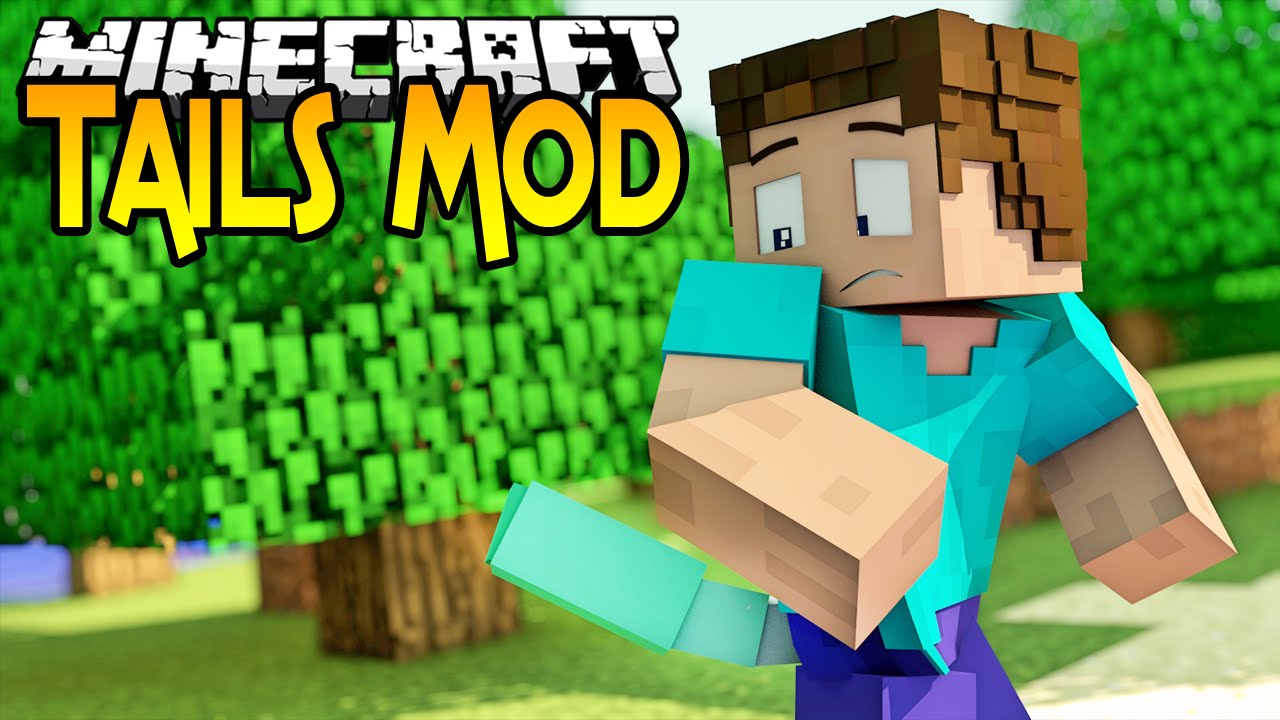
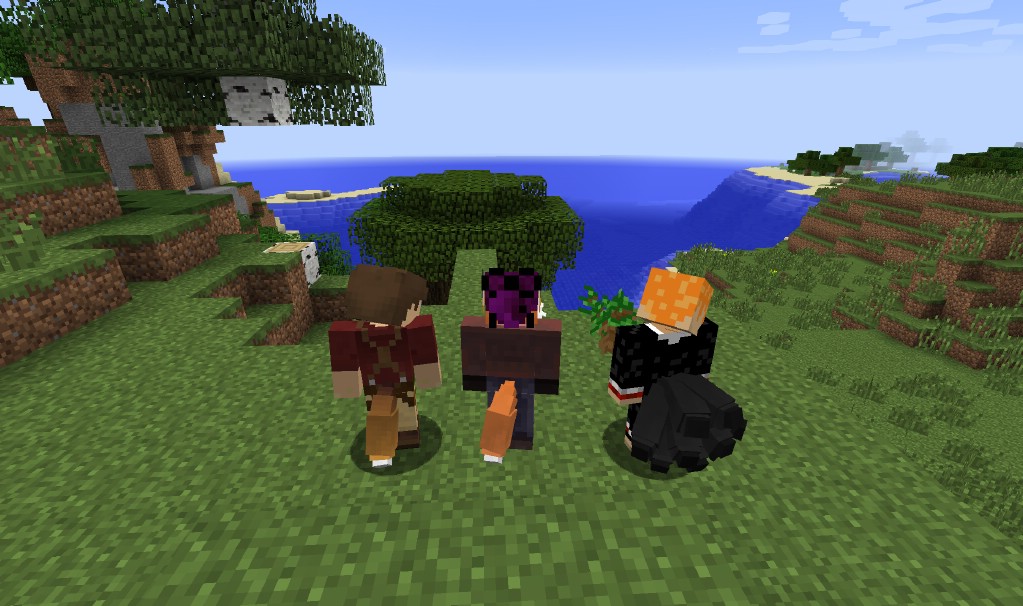
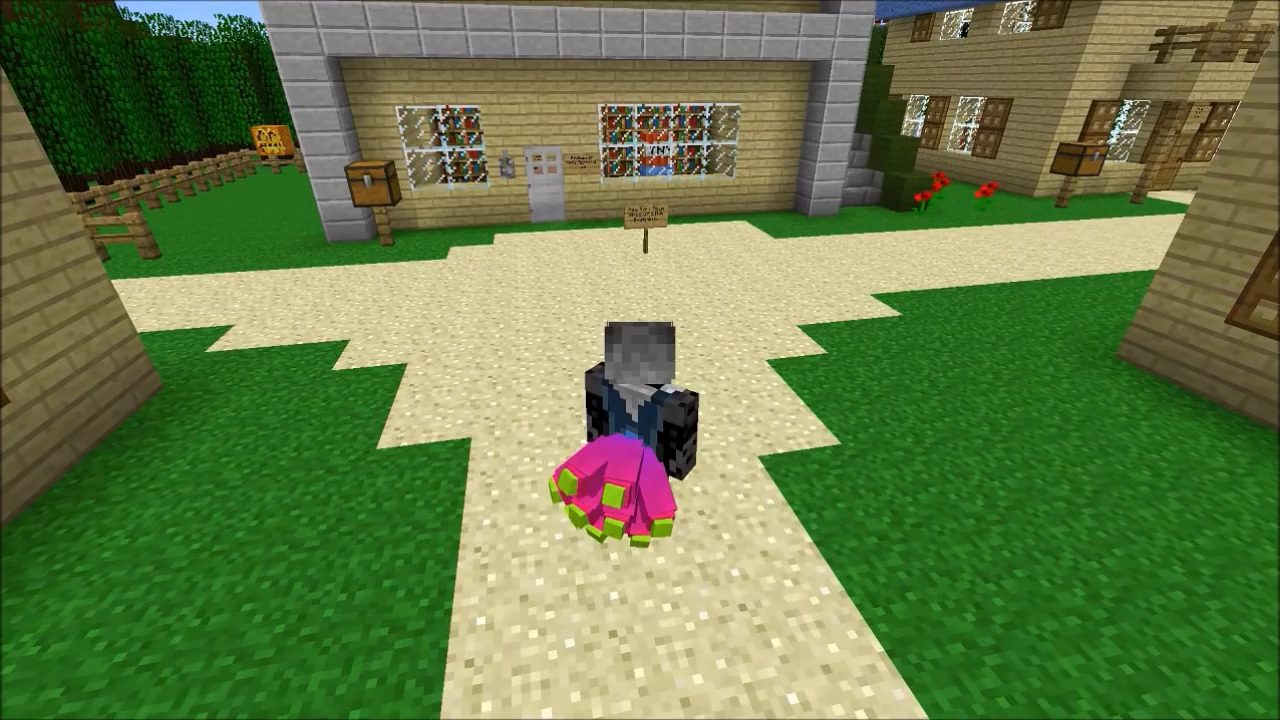
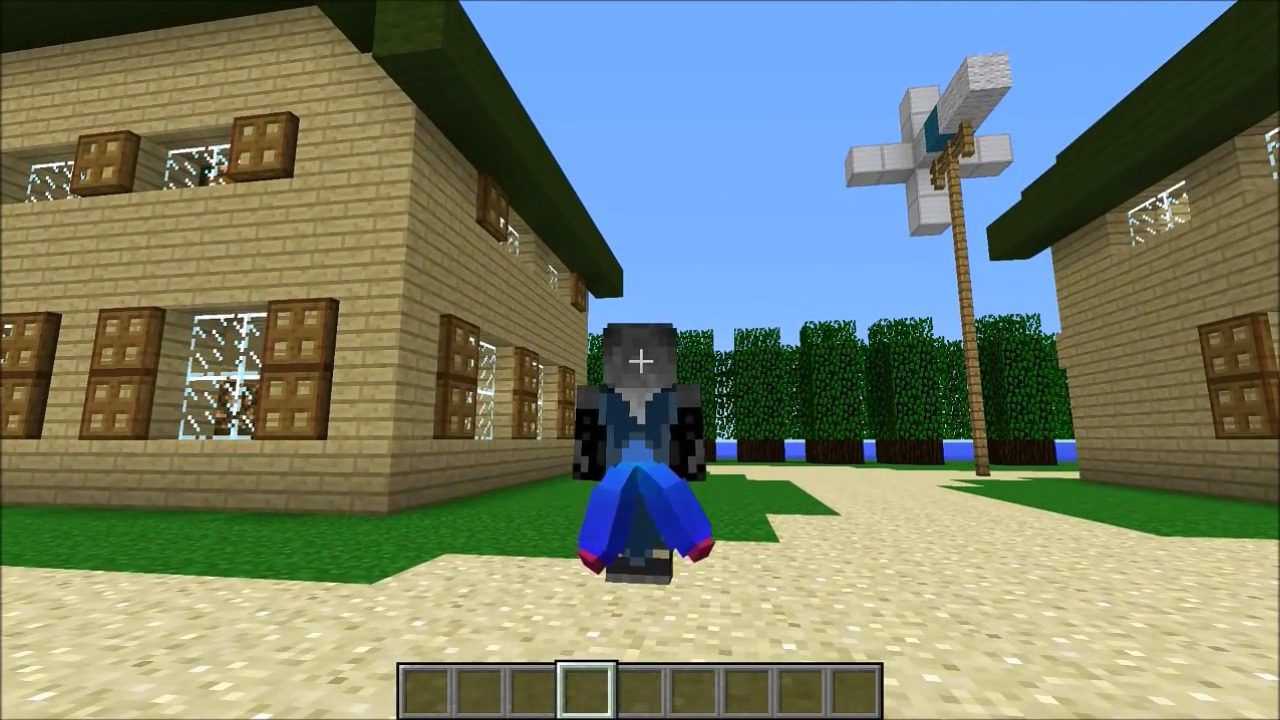
Tails Mod adds a variety of wearable tails, ears, and wings to your Minecraft character. You can customize these new parts with different colors to create a unique look. The mod provides many fun options to personalize your appearance in the game.
Features:
- Adds a collection of different tails, ears, and wings for your character model.
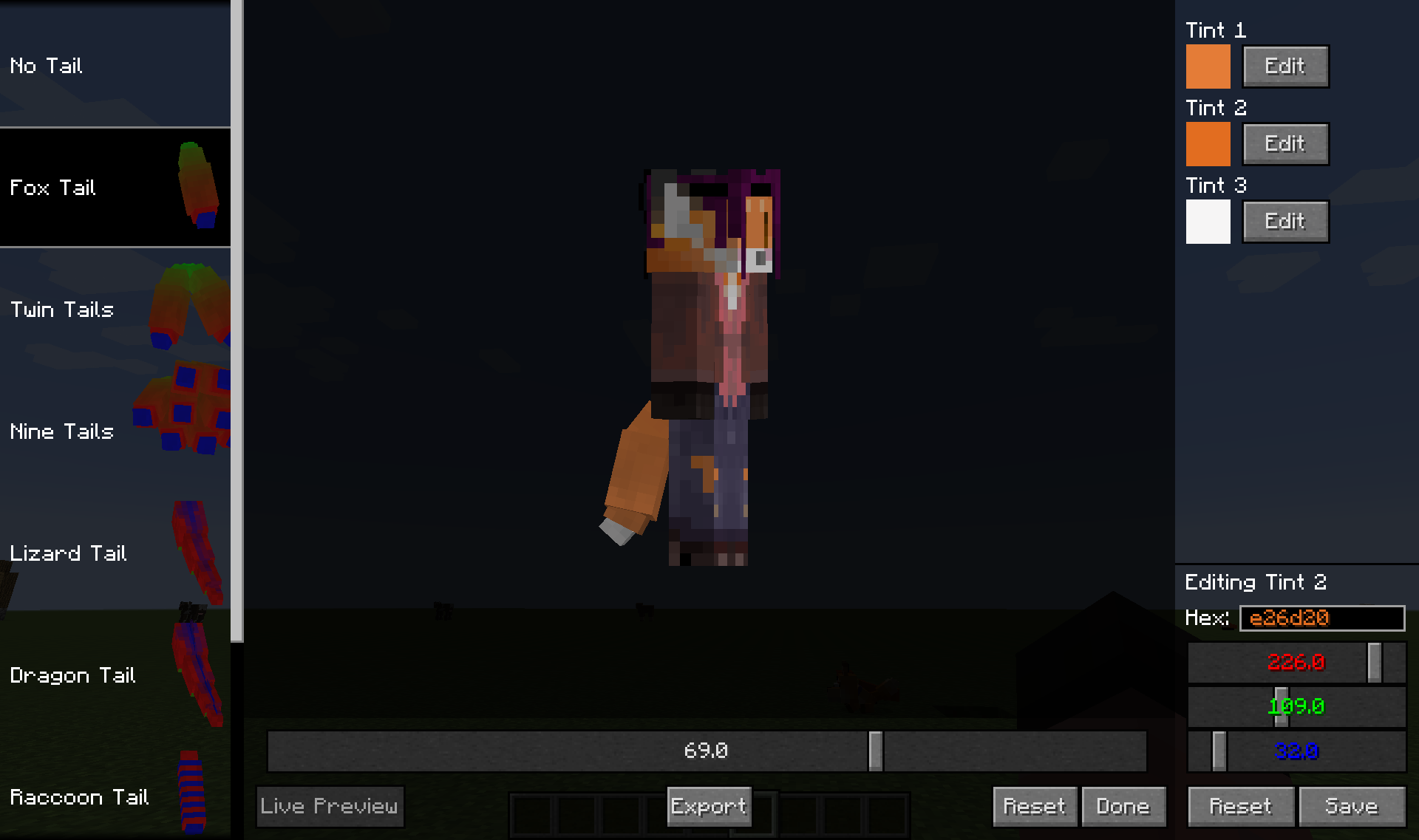
- Customize each part with up to three different color tints, chosen from the full RGB spectrum.
- Some parts include subtypes, which are small variations on the main design.
- Each part has its own custom animations to make it feel alive and natural.
- Other players with the mod can see your custom parts, even if the mod is not installed on the server.
- Access an in-game editor to change your look at any time.
How to Use:
- Press the ‘Esc’ key to open the in-game menu.
- Click the “Tails Editor” button, found in the lower middle of the screen, to open the customization menu.
Screenshots:
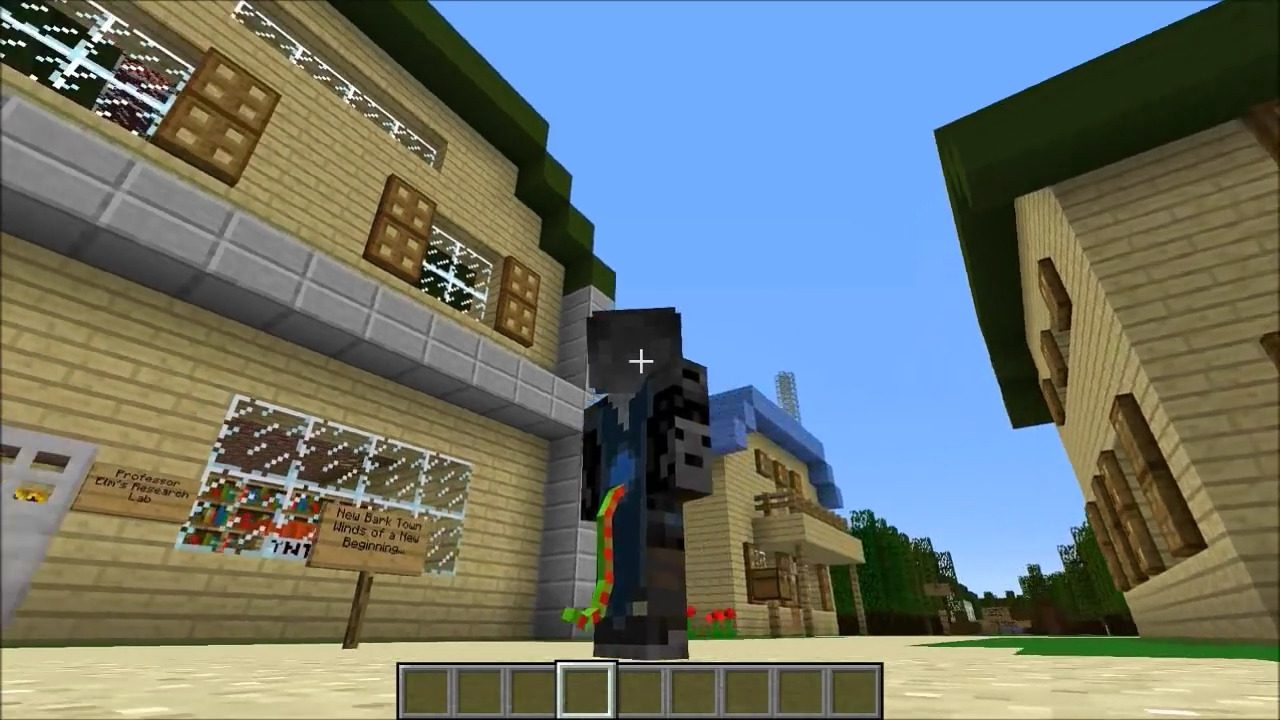
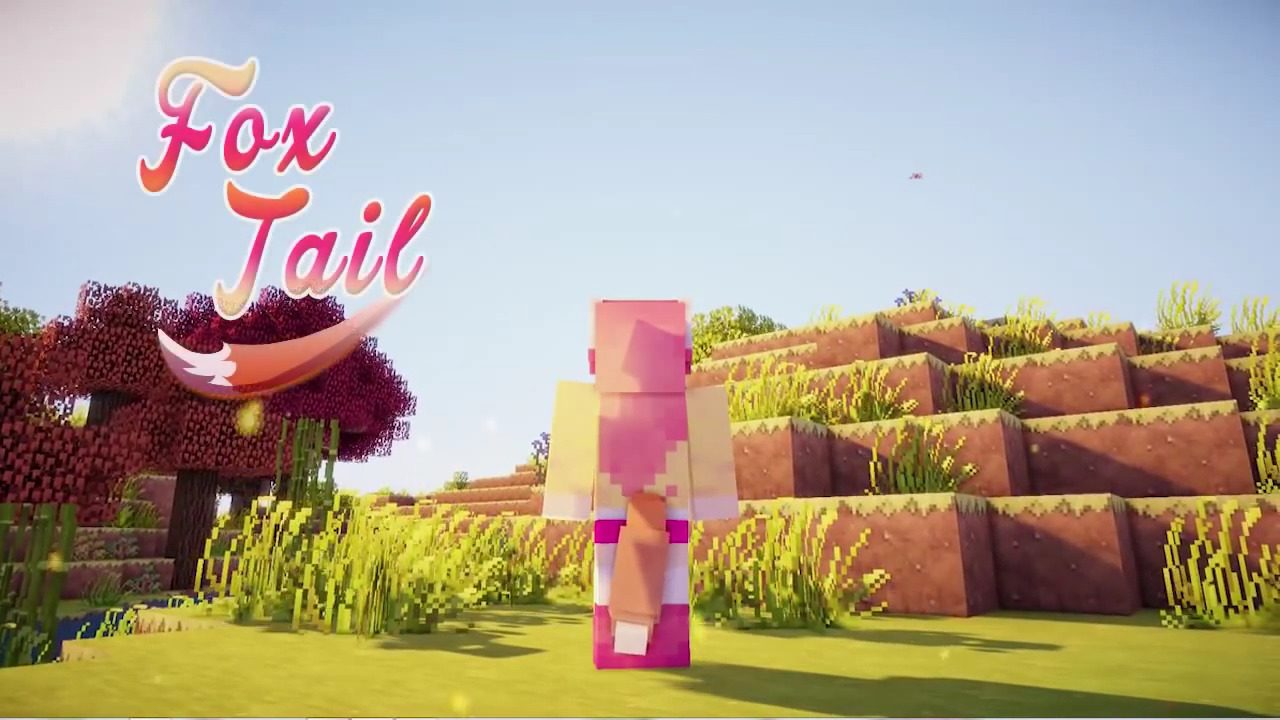

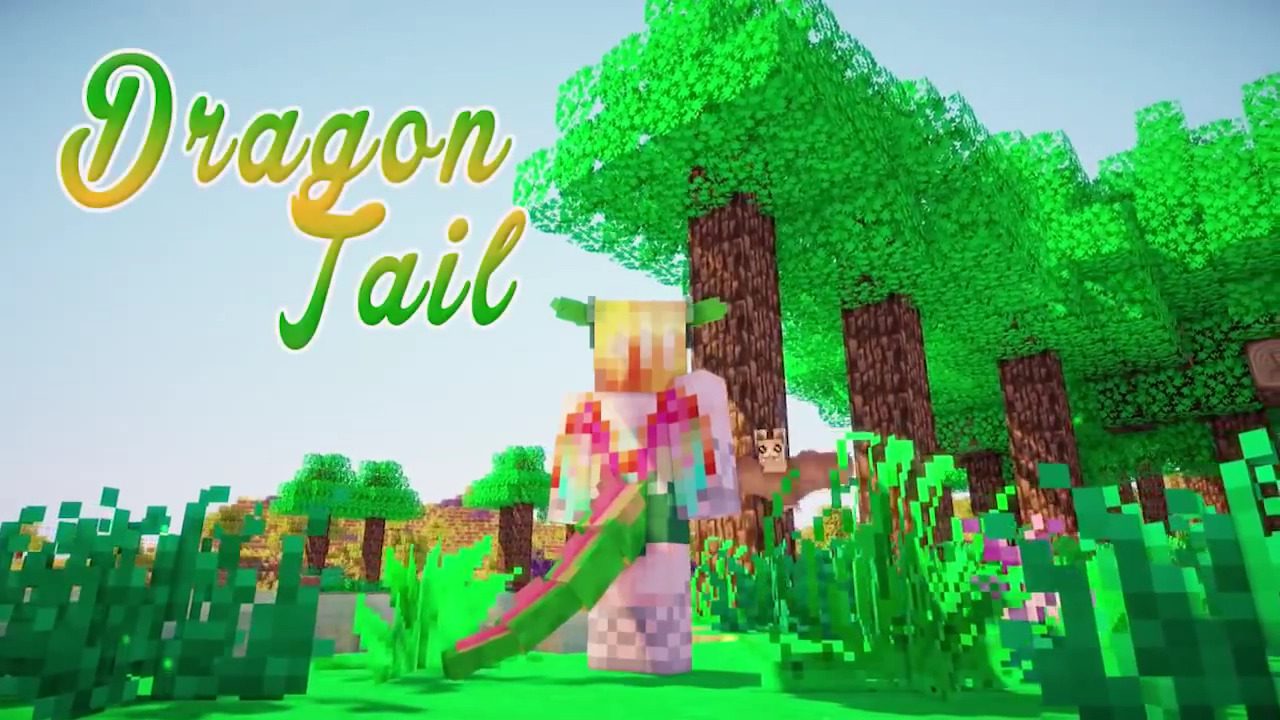
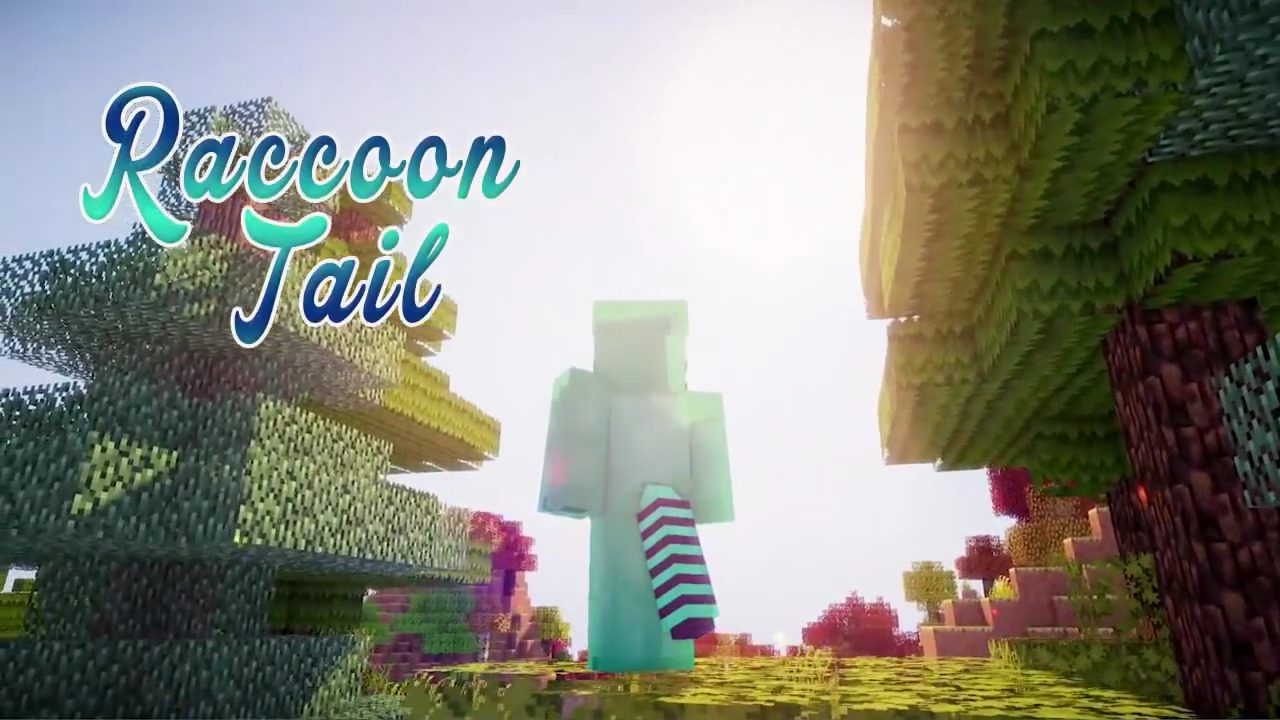
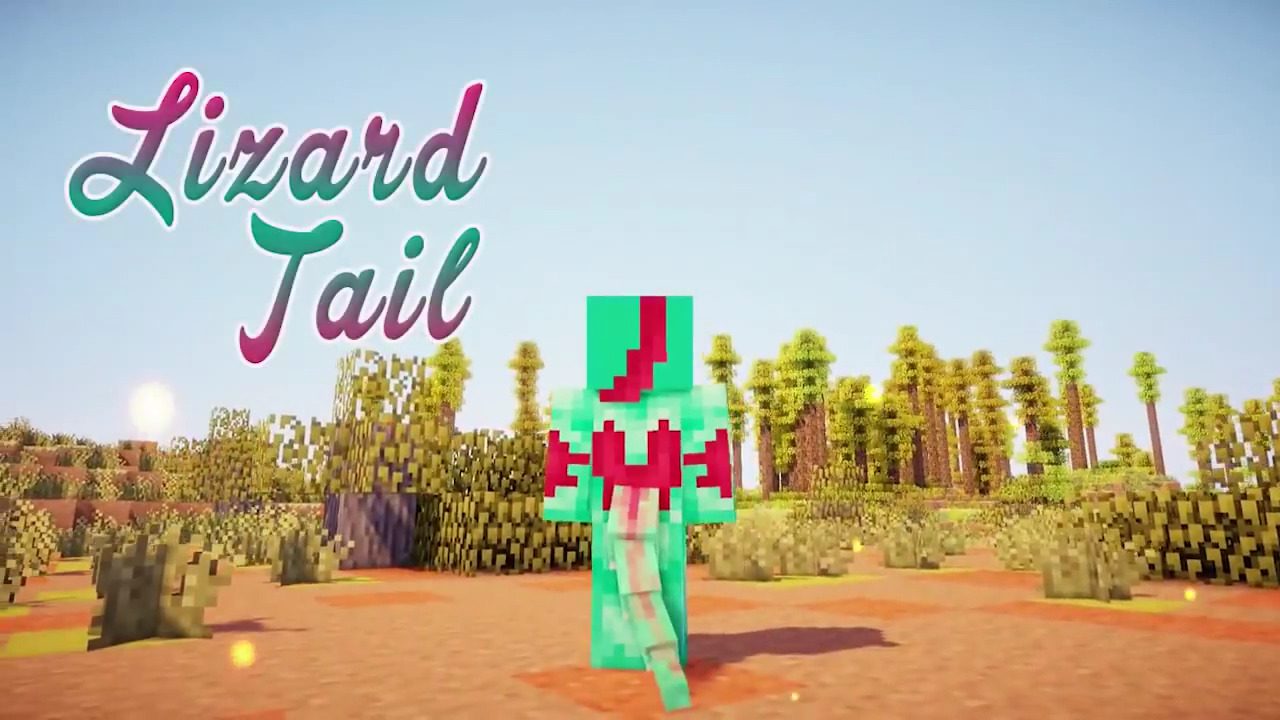

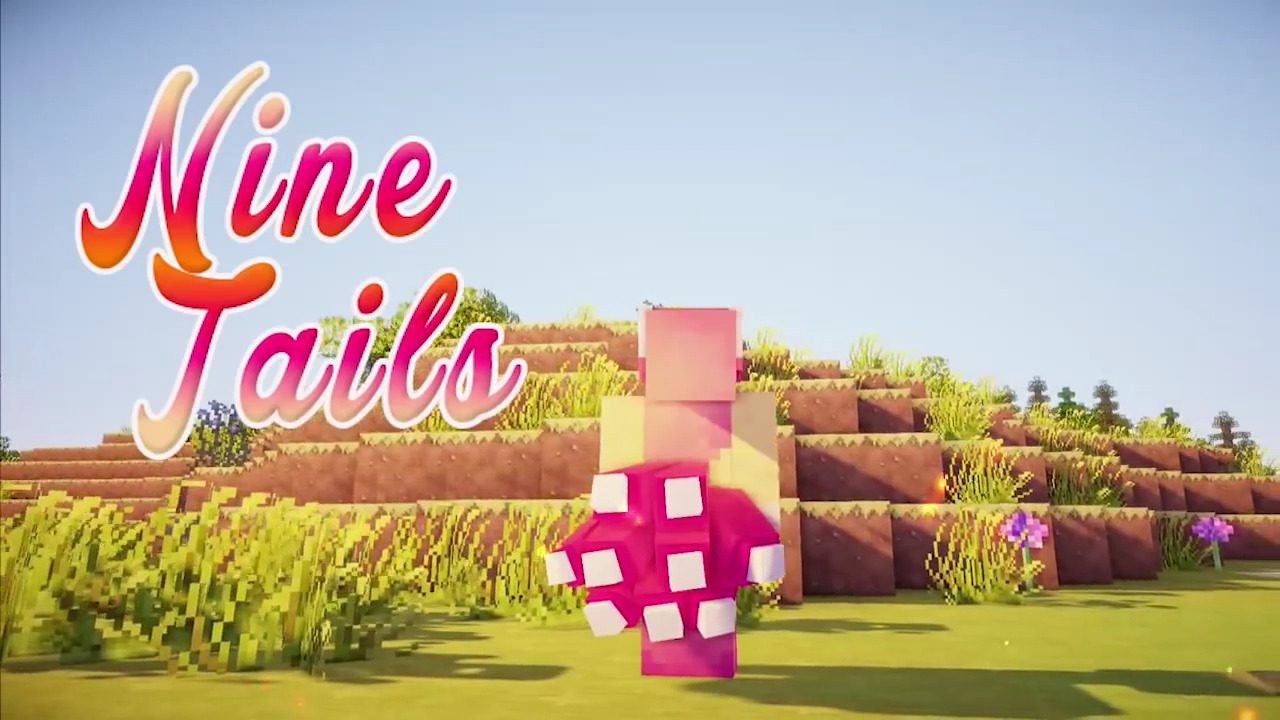
How to Install:
New to Minecraft? Follow our step-by-step guide to install Mods on your PC.View Guide
Requirements:

Tails Mod Download Links
For Minecraft 1.7.10
Tails Mod: Download from Server 1 – Download from Server 2
For Minecraft 1.8.9
Tails Mod: Download from Server 1 – Download from Server 2
For Minecraft 1.9.4
Tails Mod: Download from Server 1
For Minecraft 1.10.2
For Minecraft 1.11.2
For Minecraft 1.12.2, 1.12.1, 1.12
Click to rate this post!
[Total: 2 Average: 3]
You May Also Like