


Light-Sabers Data Pack (1.19.3, 1.18.2) – Star Wars Weapons

 0
0 

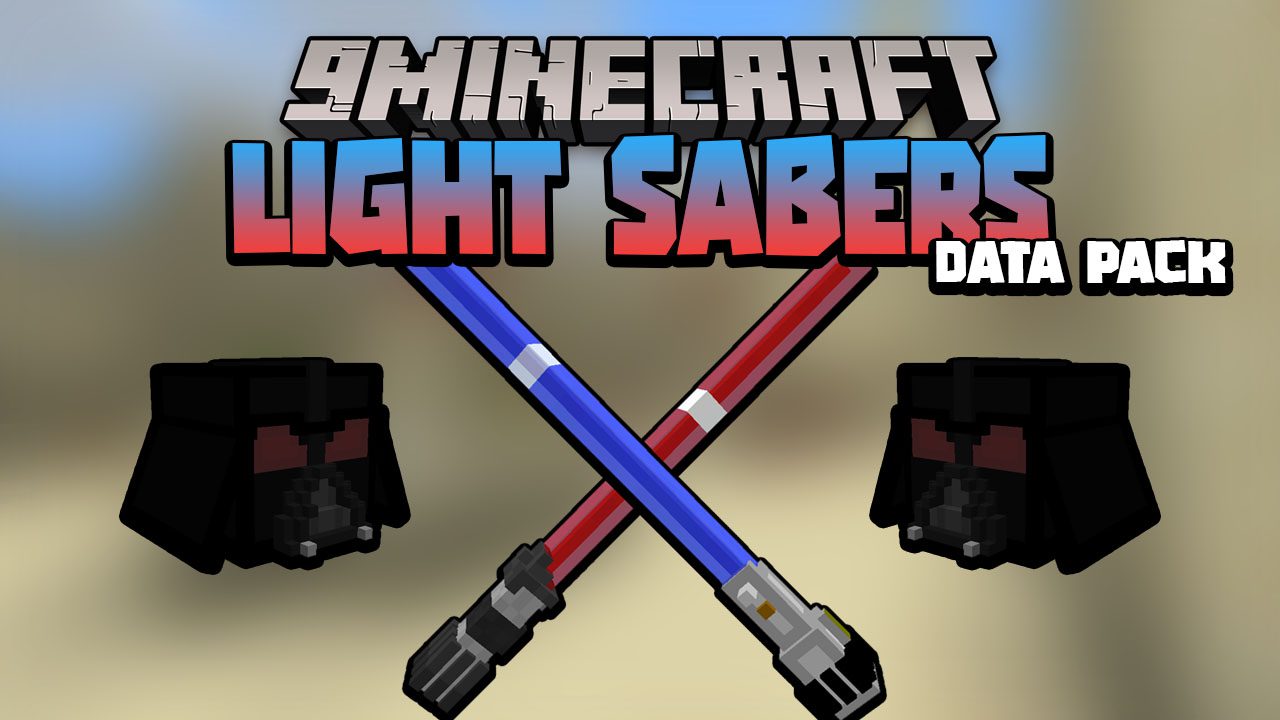
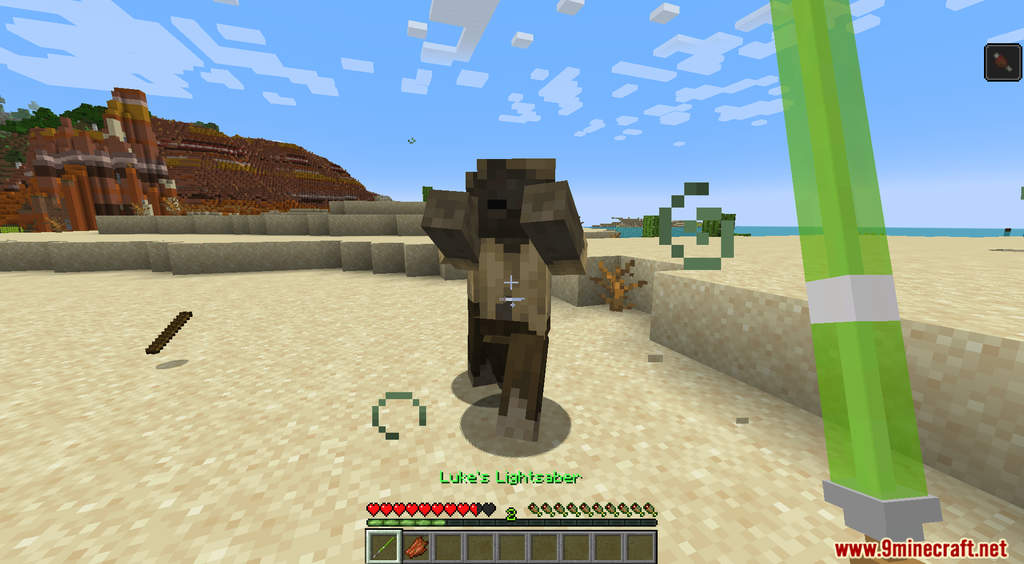
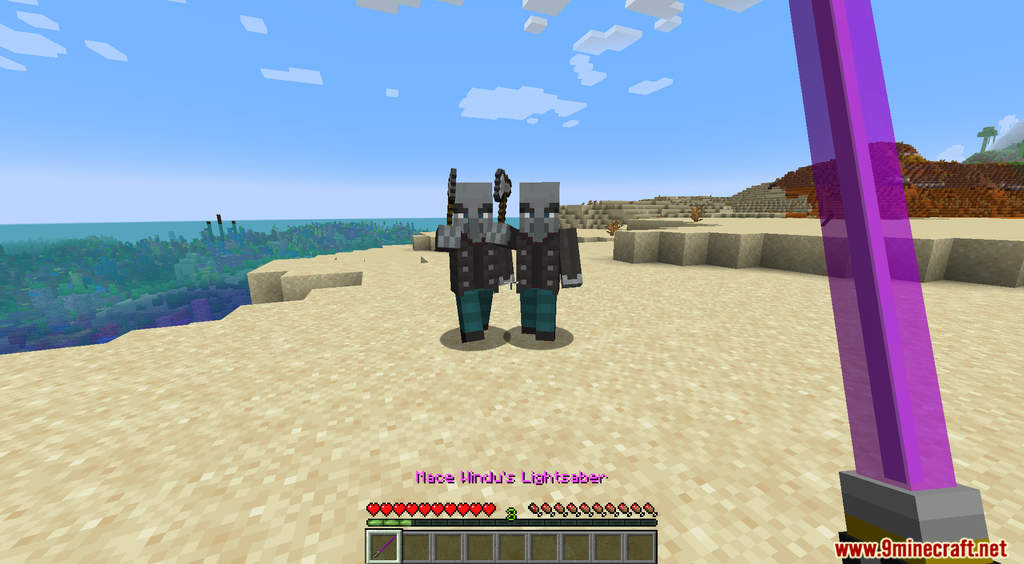
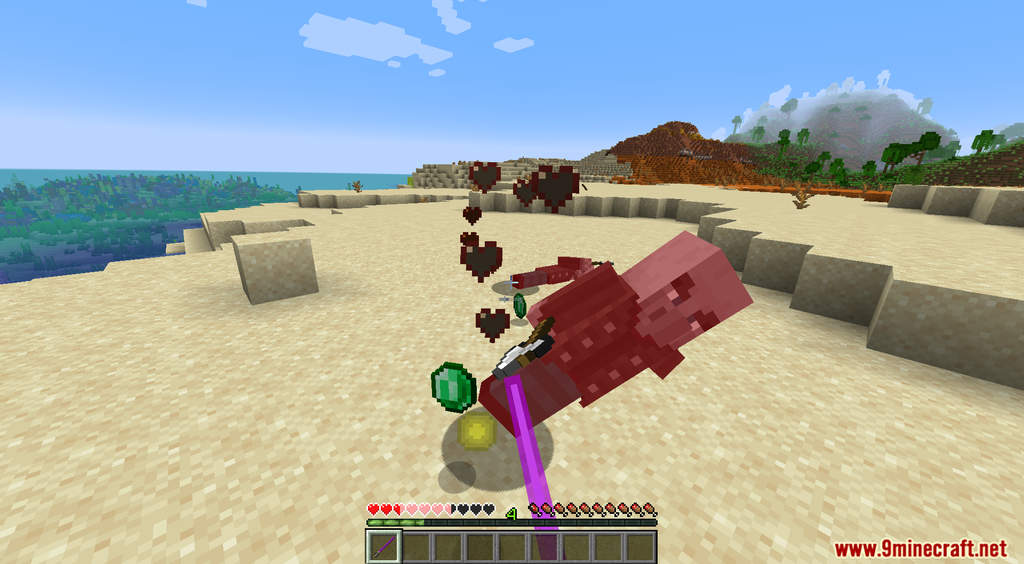
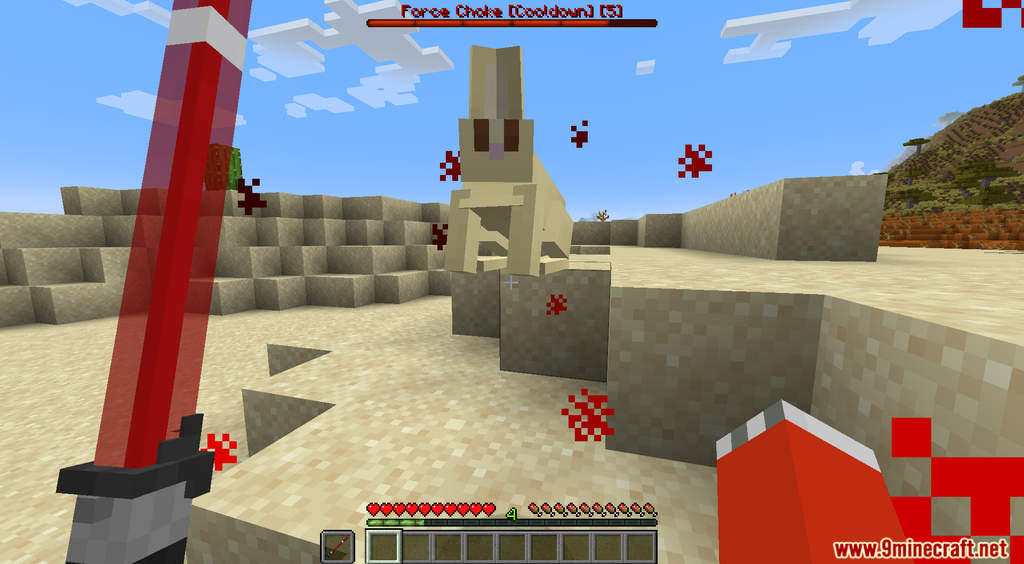
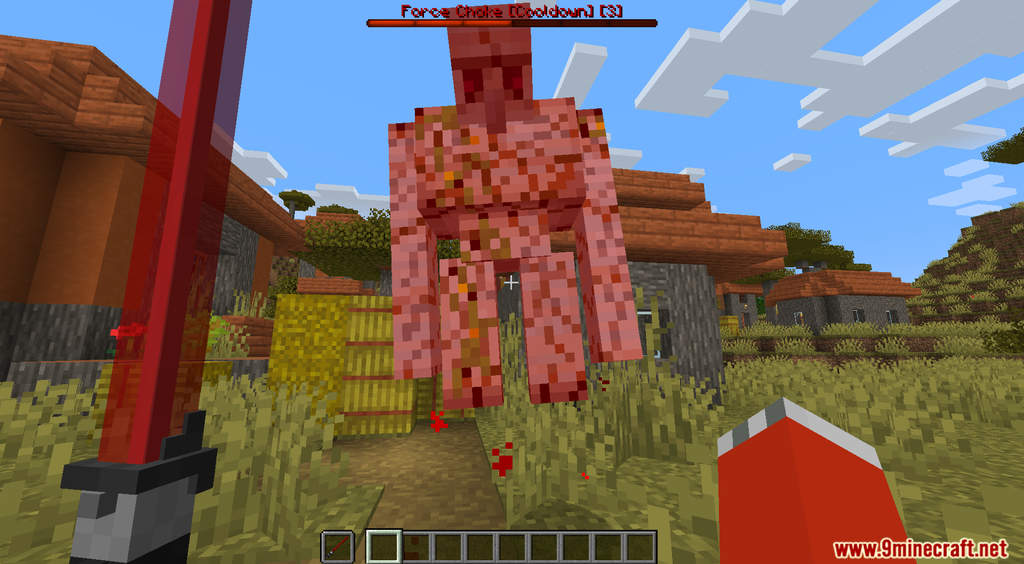
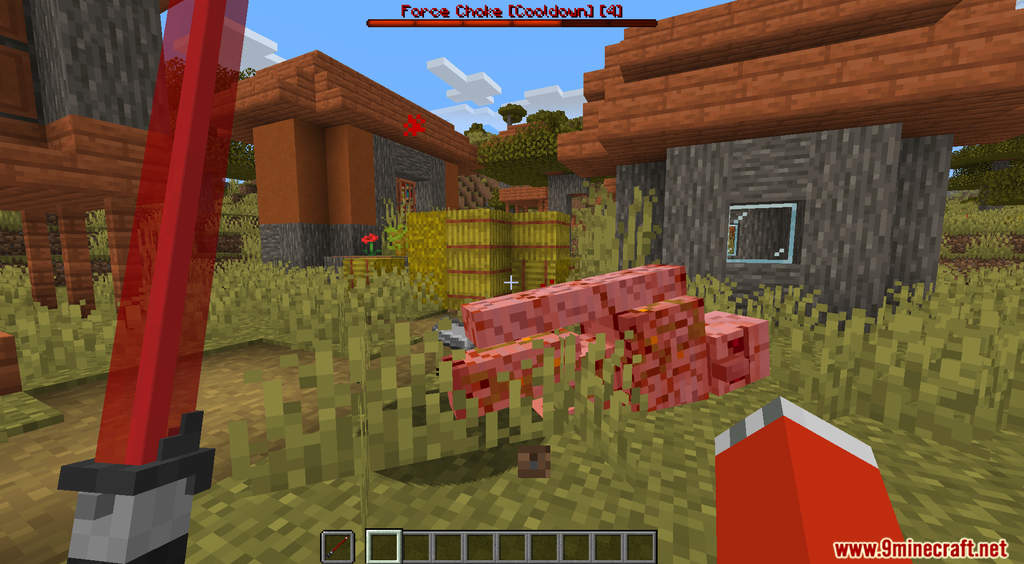
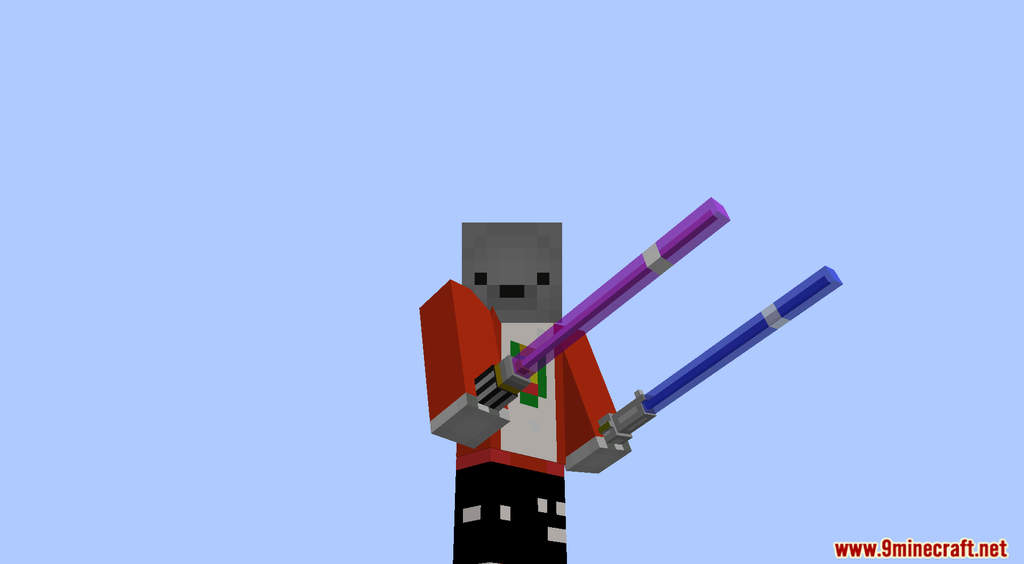
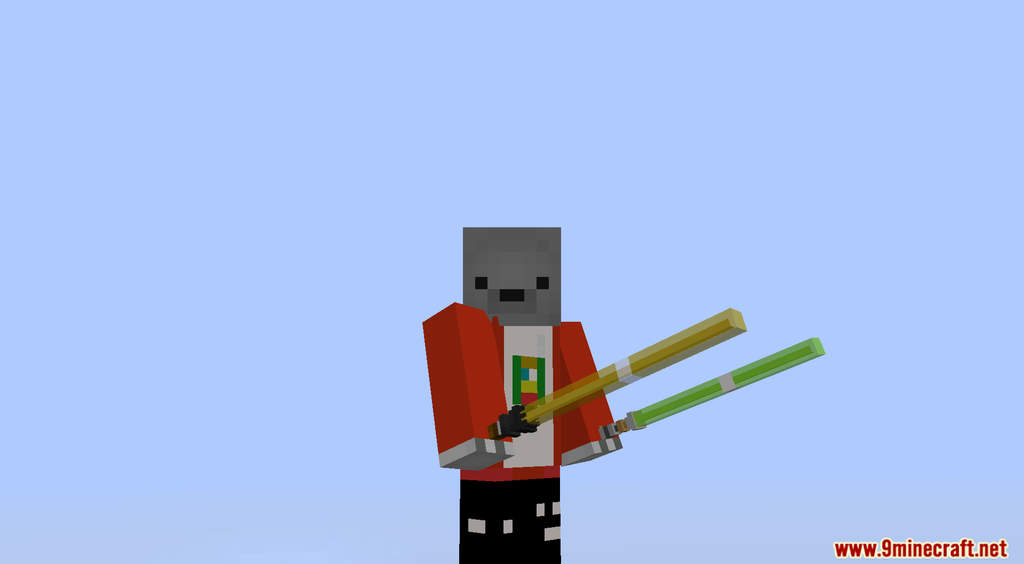
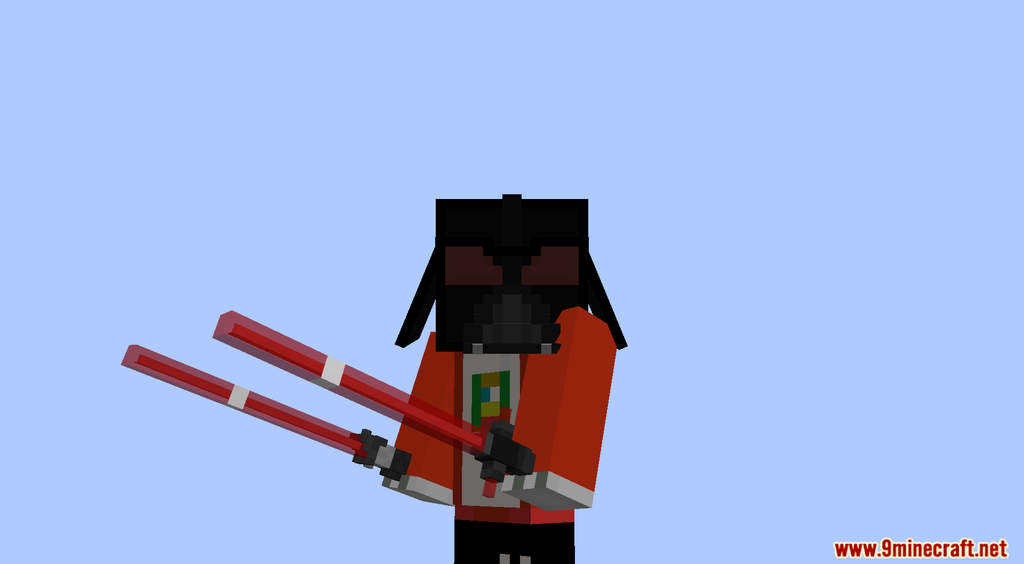
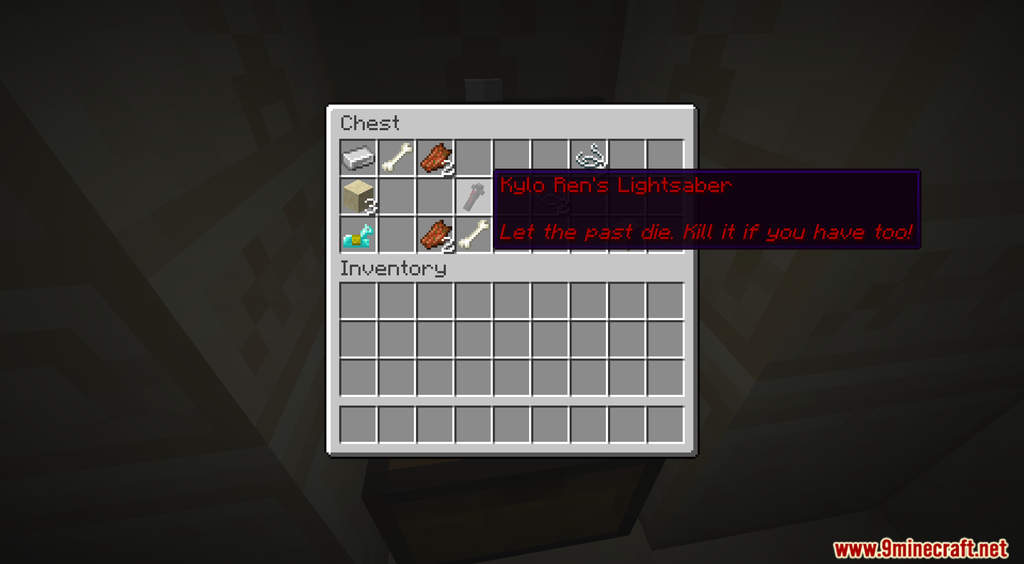
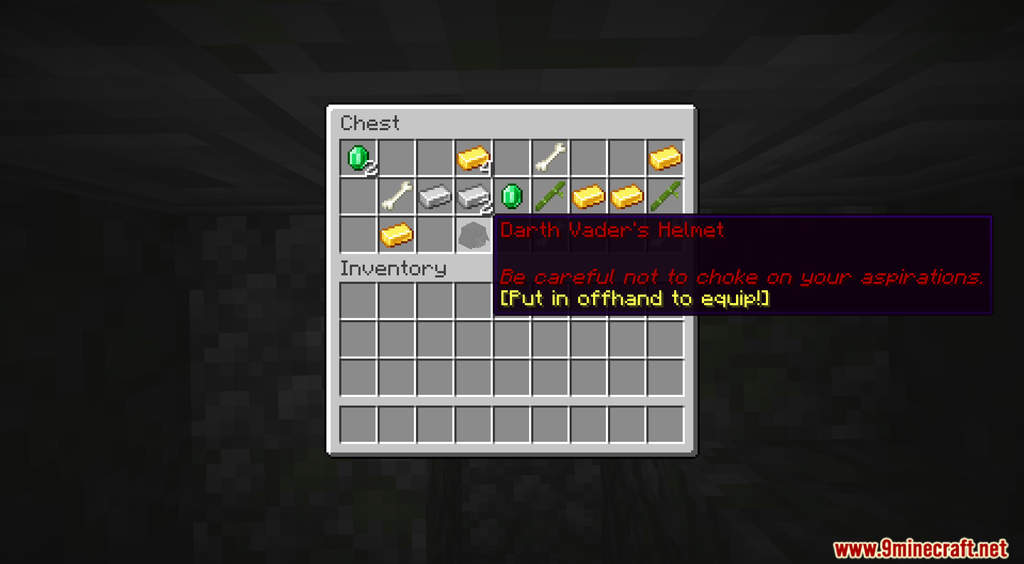
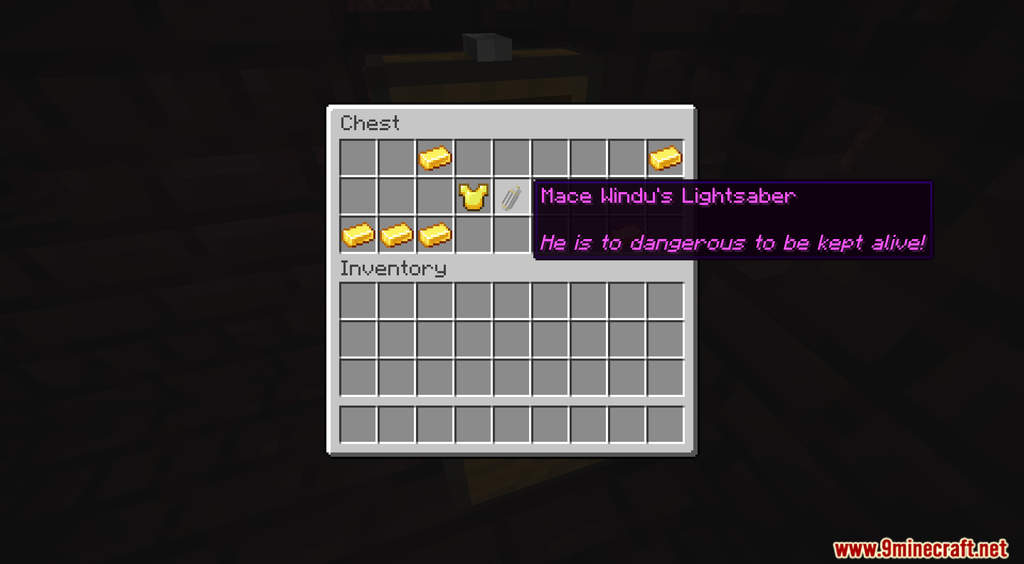
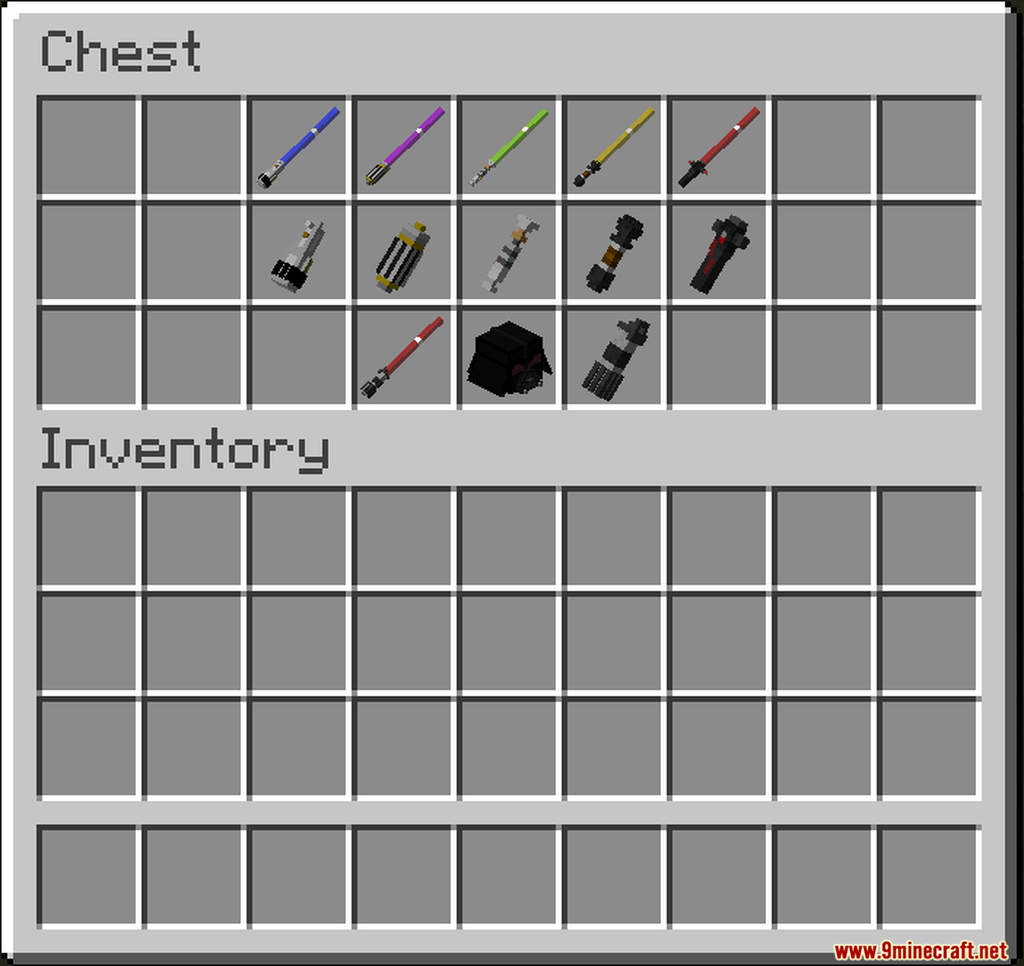
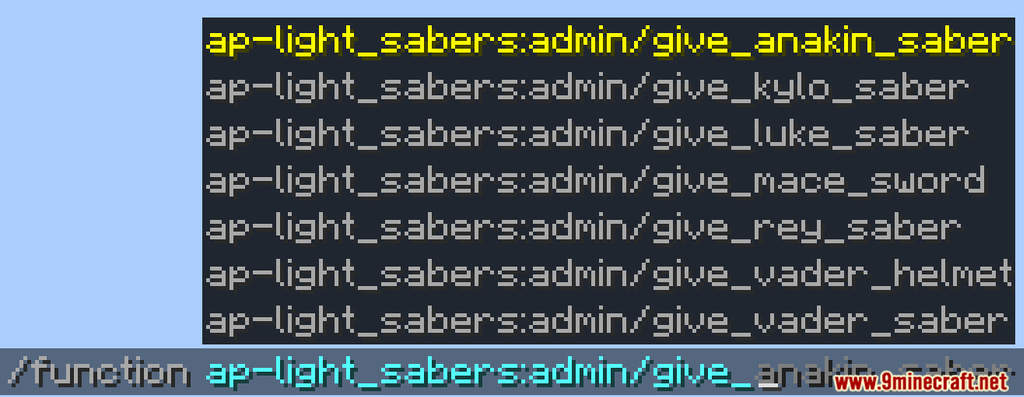
Light-Sabers Data Pack introduces the fictional energy sword Lightsaber from the popular series Star Wars into Minecraft. These Lightsabers are hidden in chests throughout your world. You can find them in loot chests from various dungeons such as Desert Temple, Jungle Temple, Nether Fortress, etc. For their raw stats alone, the Lightsabers are already good enough as a melee weapon. However, with a Lightsaber in hand, you will also have control over the Force. There are many different Lightsabers in this data pack, you can even put on the Darth Vader’s helmet and do a Force Choke to kill your opponents.
Features:
- Lightsabers and Force power.
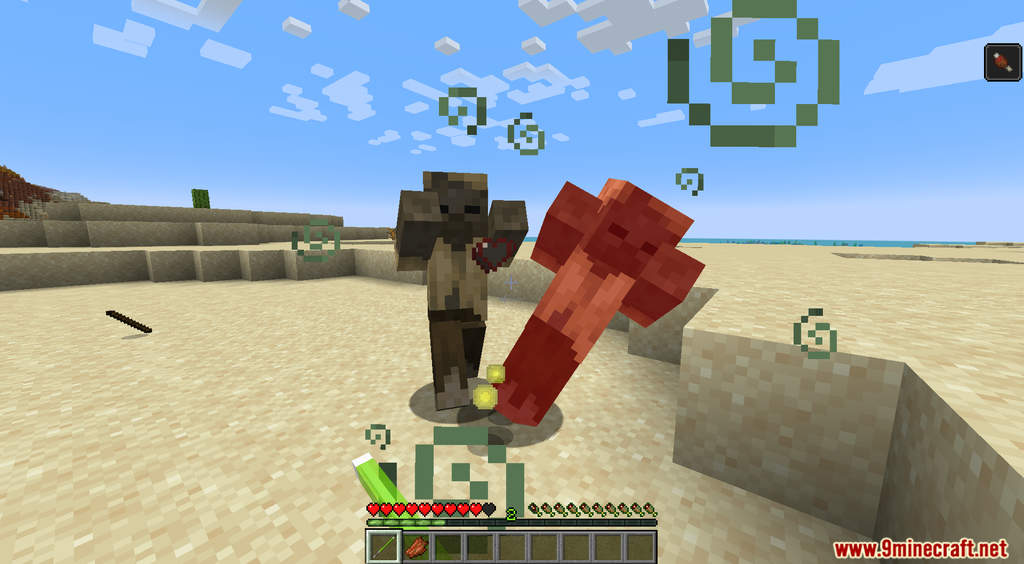
- Put in Lightsaber in your off-hand and hold right-click to use Force Move.
- Put on the Darth Vader’s helmet with a red Lightsaber in your off-hand, then press shift + right-click to perform Force Choke.
Screenshots:
How to Install:
New to Minecraft? Follow our step-by-step guide to install Data Packs on your PC.View Guide
Light-Sabers Data Pack Download Links
For Minecraft 1.19.3, 1.19.2, 1.19.1, 1.19
Data Pack: Download from Server 1
Resource Pack: Download from Server 1
For Minecraft 1.18.2
Data Pack: Download from Server 1
Resource Pack: Download from Server 1
For Minecraft 1.18.1, 1.17.1
Data Pack: Download from Server 1 – Download from Server 2
Resource Pack: Download from Server 1 – Download from Server 2
You May Also Like





This post has no comments yet. Be the first — your comment will appear here.