


Dynamic Third Person Camera Addon (26.30+, 1.20) – MCPE/Bedrock Mod

 0
0 

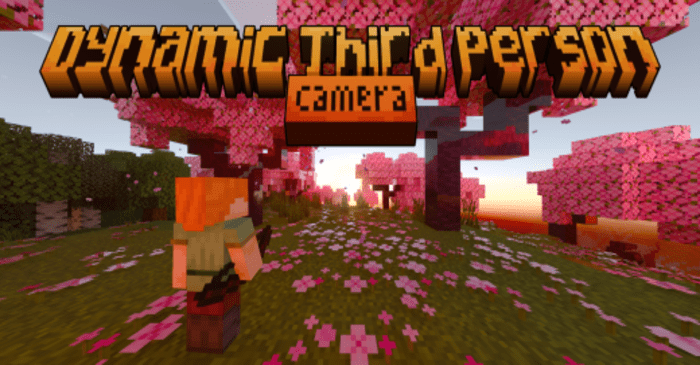
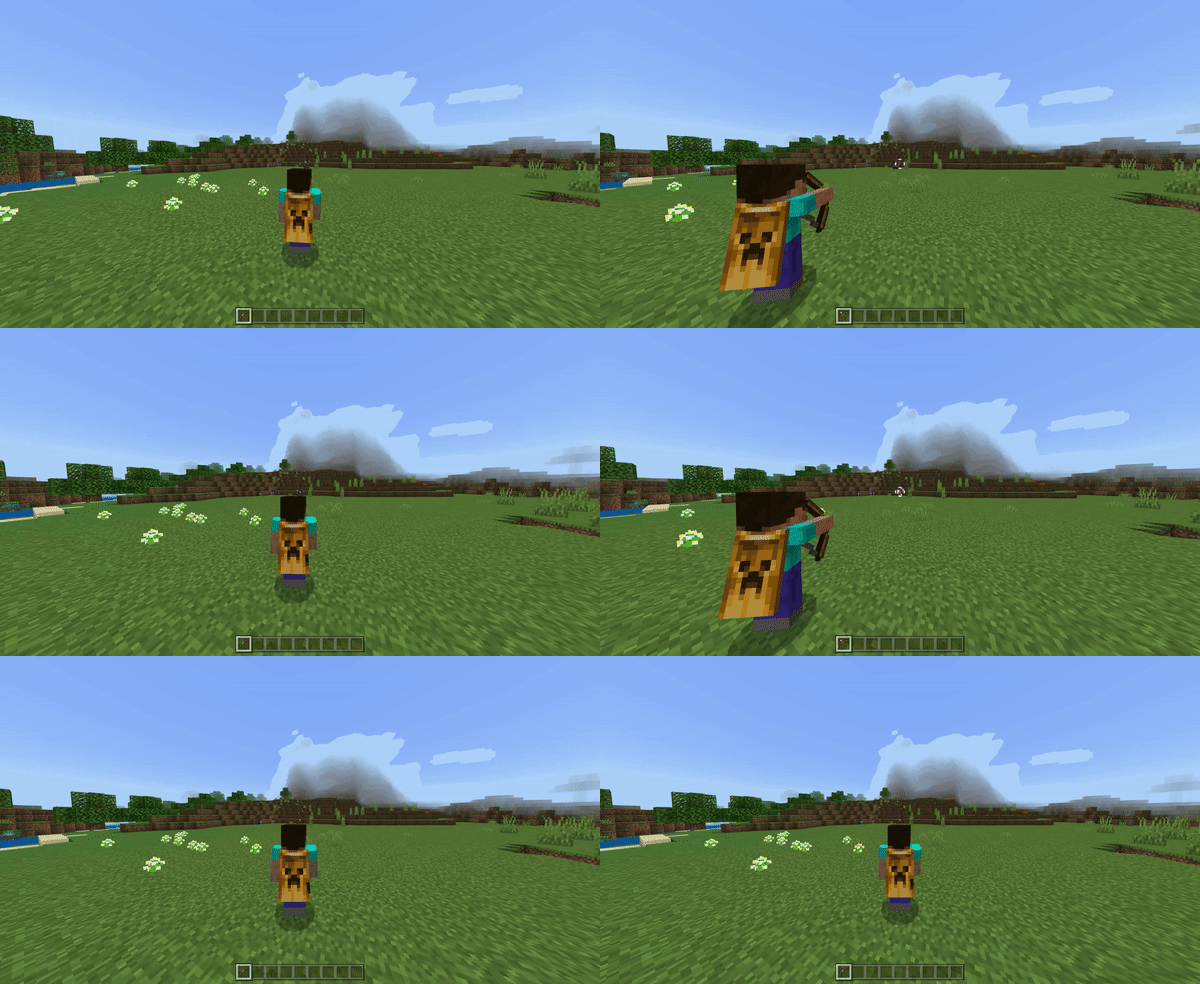
Dynamic Third Person Camera Addon enhances the player’s perspective with a dynamic algorithm, creating a more immersive and magnificent gaming experience. This addon is designed to provide a more customizable third-person camera with a variety of features. One of the standout features of this addon is the dynamic first-person camera, which changes perspective based on specific conditions, such as when the player is underground. This feature, along with the vertical smooth transition and speed, makes the camera more fluid when jumping and adjusts the speed of the transition, adding a layer of realism to the gameplay.
Features:
- Dynamic first-person camera
- Aim mode perspective
- Leaning perspective when sneaking
- Free look character
- Custom dynamic crosshair
- Specific First person perspective item
- Costumizebale camera position
Configuration:
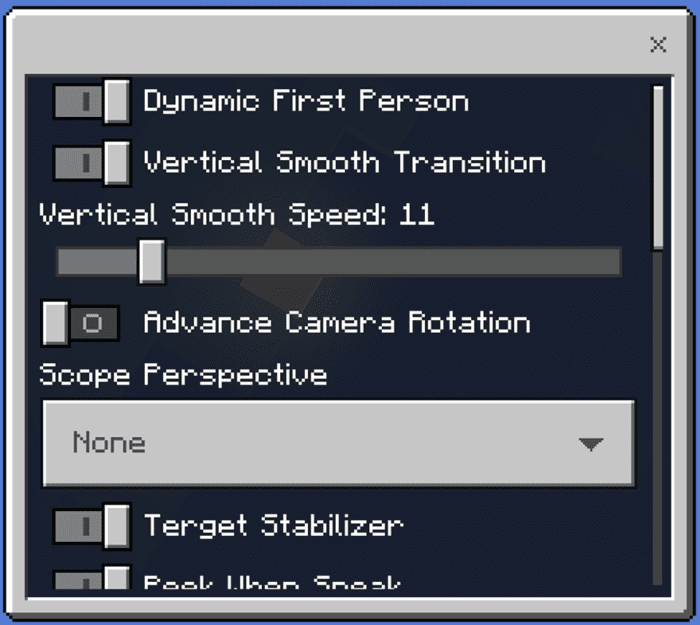
- Dynamic First Person:
- Vertical Smooth Transition & Speed:
- Advance Camera Rotation:
- Scope Perspective:
- Target Stabilizer:
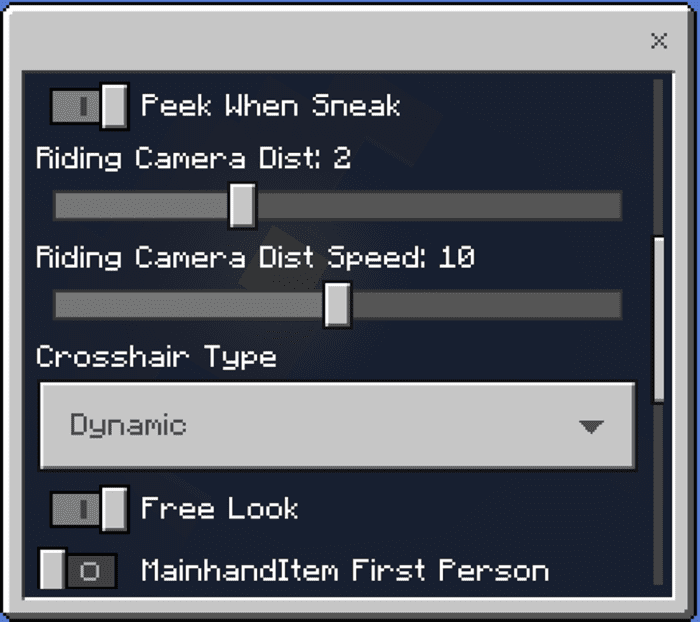
- Peek When Sneak:
- Riding Camera Dist & Speed:
- Crosshair Type:
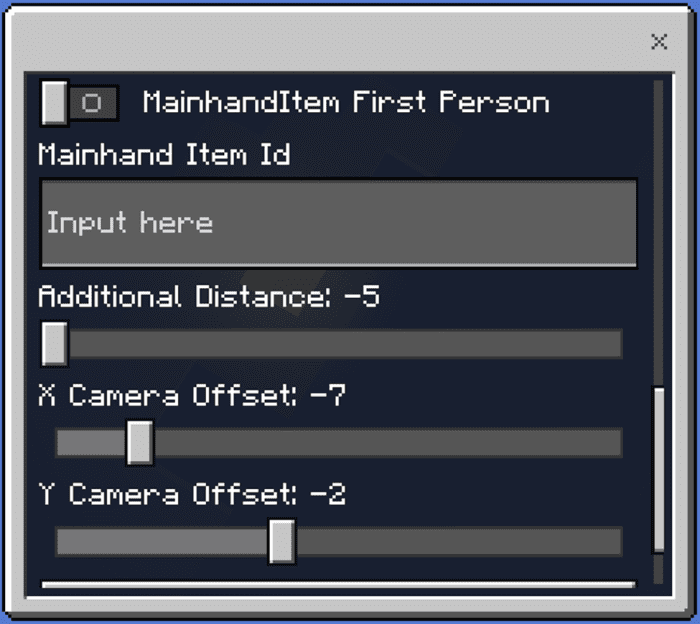
- Main hand Item First Person & Id:
- Additional Distance & Camera Offset:
Installation Note:
- This addon is server side so it may have delayed when you play in multiplayer and make it unplayable.
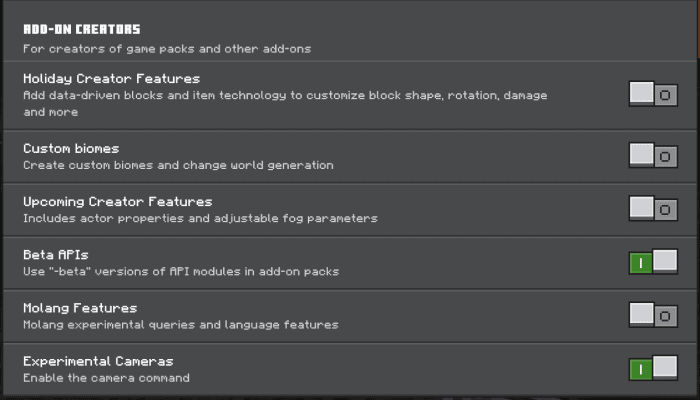
- You need to activate Beta APIs and Experimental Cameras:
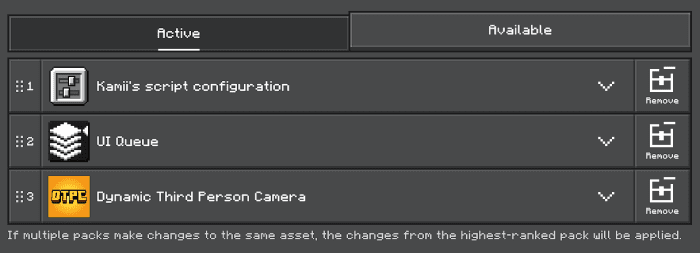
- This Pack requires UI Queue and Kamii’s script configuration:
- If these packs still can’t run properly, try to remove these packs from the device and world. then reinstall this pack using the newest version.
Dynamic Third Person Camera Addon Download Links
For Minecraft PE/Bedrock 1.20
Kamii’s UI Queue Addon Kamii’s Script Configuration Addon Dynamic Third Person Camera (Behavior): Download from server 1 – Download from server 2 Dynamic Third Person Camera (Resource): Download from server 1 – Download from server 2
Generate Your Dynamic Third Person Camera Activation Key
Tap the button to generate an activation key. Tap the key to copy, then paste it into the “Activation Required” screen in-game and Submit to unlock.
Your activation key (tap to copy):
Copied!
Tap the button again for a different code if needed.
For MCPE/Bedrock 26.30+
Click to rate this post!
[Total: 30 Average: 3.9]
You May Also Like




This post has no comments yet. Be the first — your comment will appear here.