


Waxed Icons Mod (26.2, 1.20.1) – Icon Indicator For Waxed Items

 0
0 

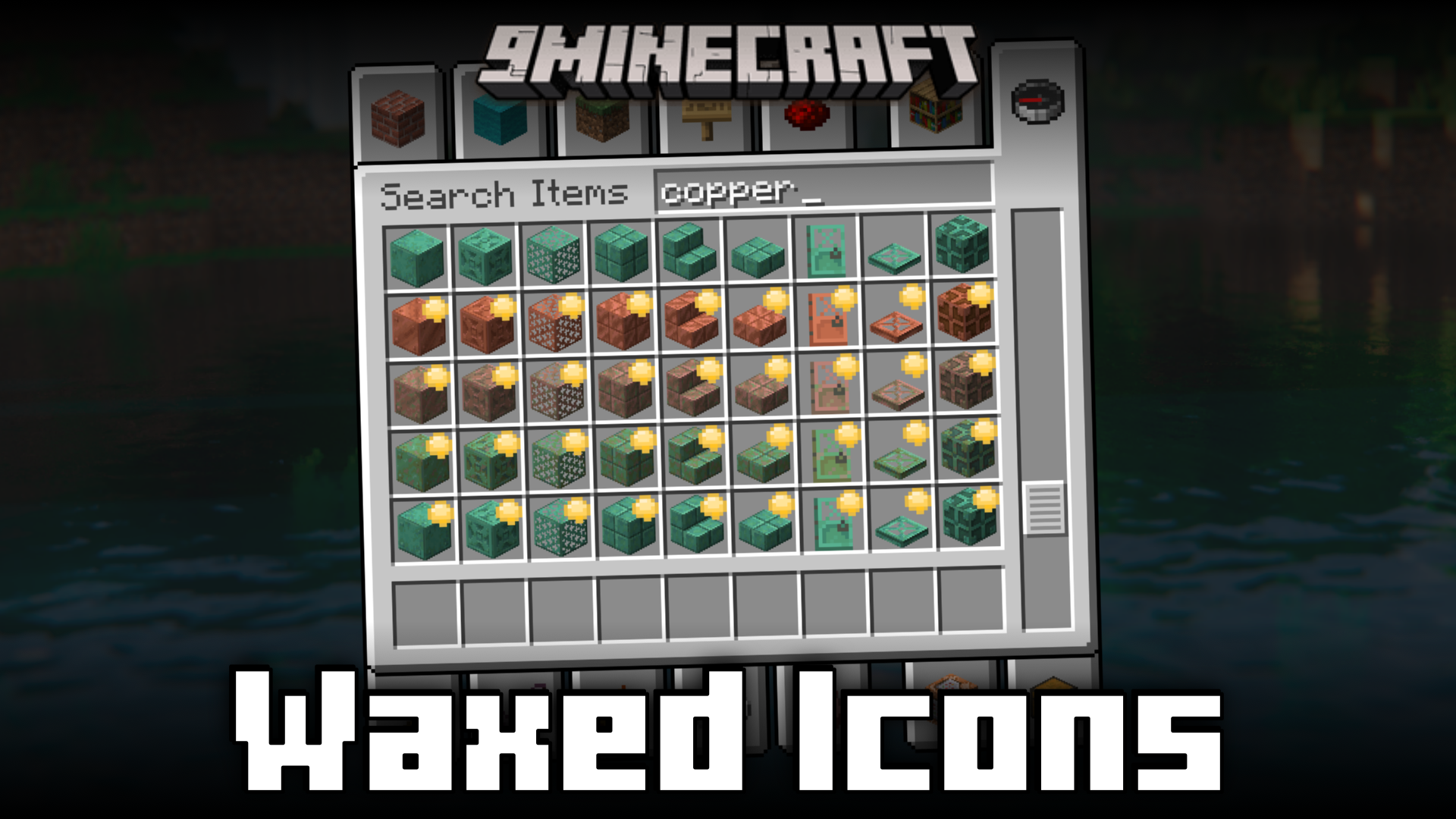
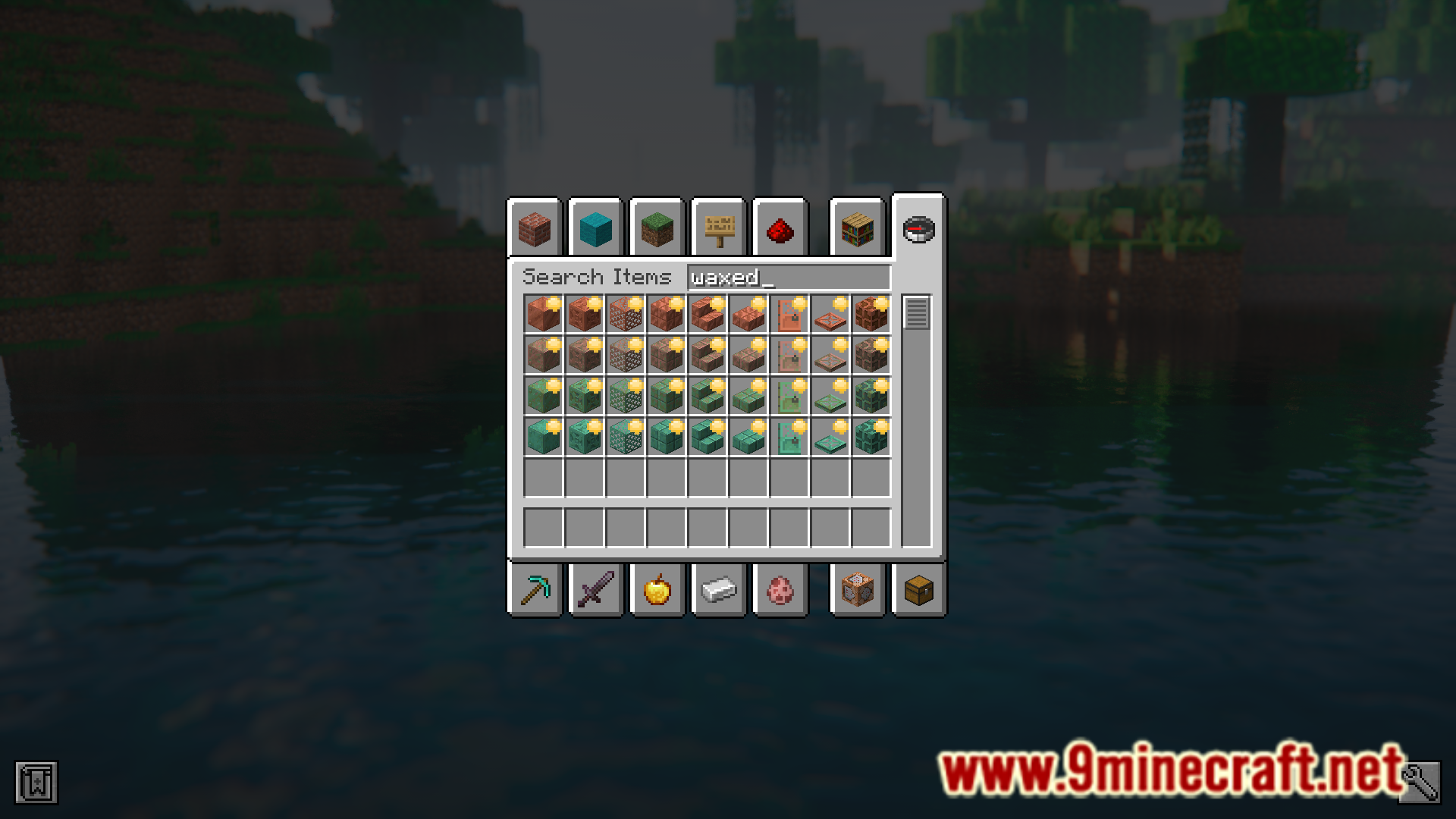
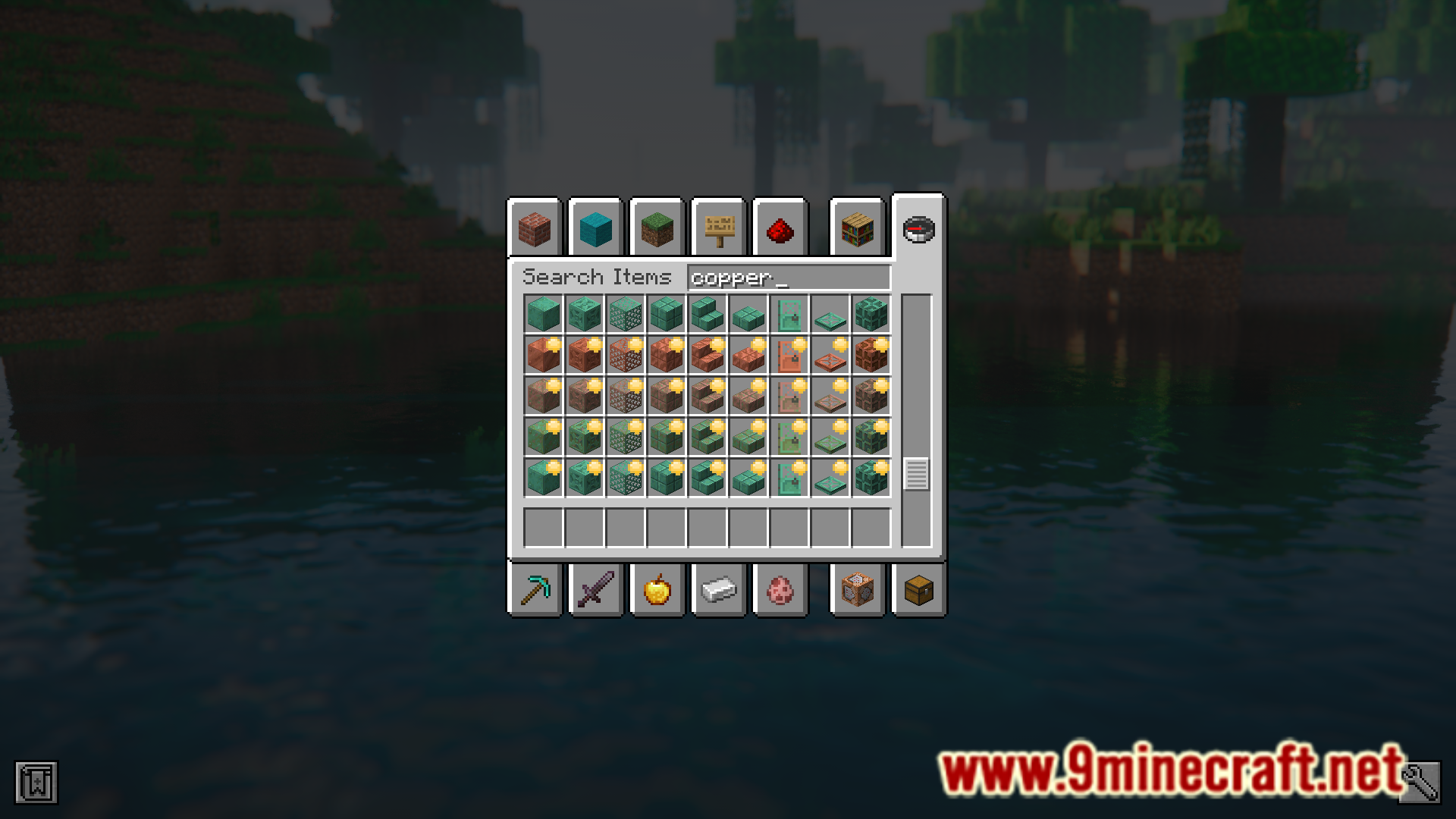
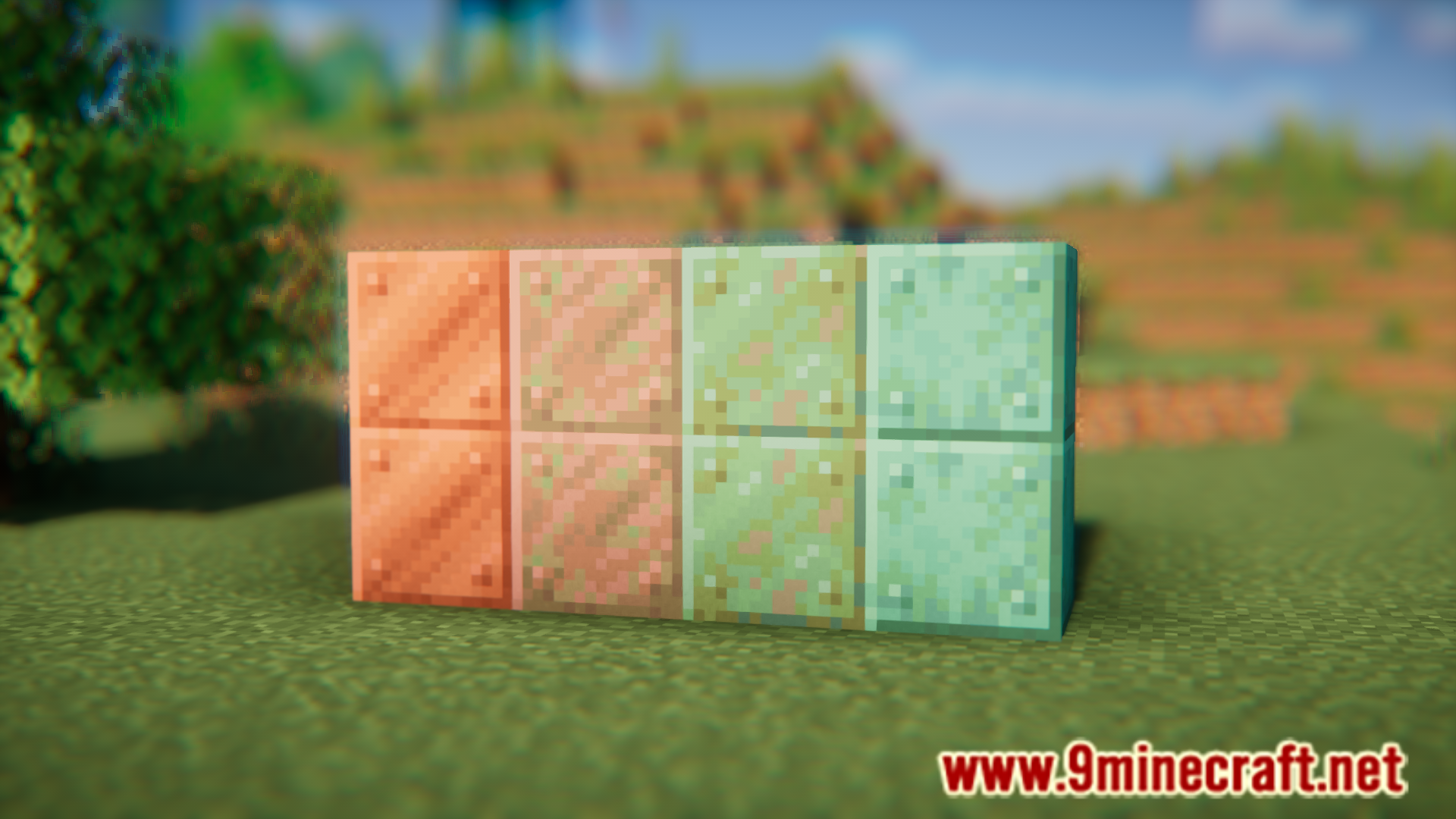
In Minecraft, copper blocks have the ability to oxidize over time. There are four levels of oxidation and the level of oxidation can be noted from the color of the block. You can wax copper blocks in any stage of oxidation using honey blocks to prevent further oxidation. But the regular copper blocks and waxed blocks have the same icon when inside an inventory slot. Waxed Icons Mod simply adds a small yellow honey dot to the icons of waxed blocks, so that you can identify them with ease.
Features:
- Helps differentiate between waxed and unwaxed copper blocks in inventory slots.
- Waxed blocks are given a tiny yellow dot.
Screenshots:


How to Install:
New to Minecraft? Follow our step-by-step guide to install Mods on your PC.View Guide
Requirements:





Waxed Icons Mod Download Links
For Minecraft 26.2
For Minecraft 26.1.2, 26.1.1, 26.1
For Minecraft
1.21.11,
1.21.10,
1.21.9
All Versions Covered
1.21.11
1.21.10
1.21.9
1.21.8
1.21.7
1.21.6
1.21.5
1.21.4
1.21.1
1.21
All Versions Covered
1.21.11
1.21.10
1.21.9
1.21.8
1.21.7
1.21.6
1.21.5
1.21.4
1.21.1
1.21
For Minecraft 1.21.10, 1.21.9
For Minecraft 1.21.8, 1.21.7, 1.21.6
For Minecraft 1.21.5
For Minecraft 1.21.4, 1.21.3, 1.21.2
For Minecraft 1.21.1, 1.21
Click to rate this post!
[Total: 1 Average: 5]
You May Also Like














This post has no comments yet. Be the first — your comment will appear here.