


Model Gap Fix 9minecraft Mod (26.2) – Remove Glitchy Seams From Items
 128
128
 0
0

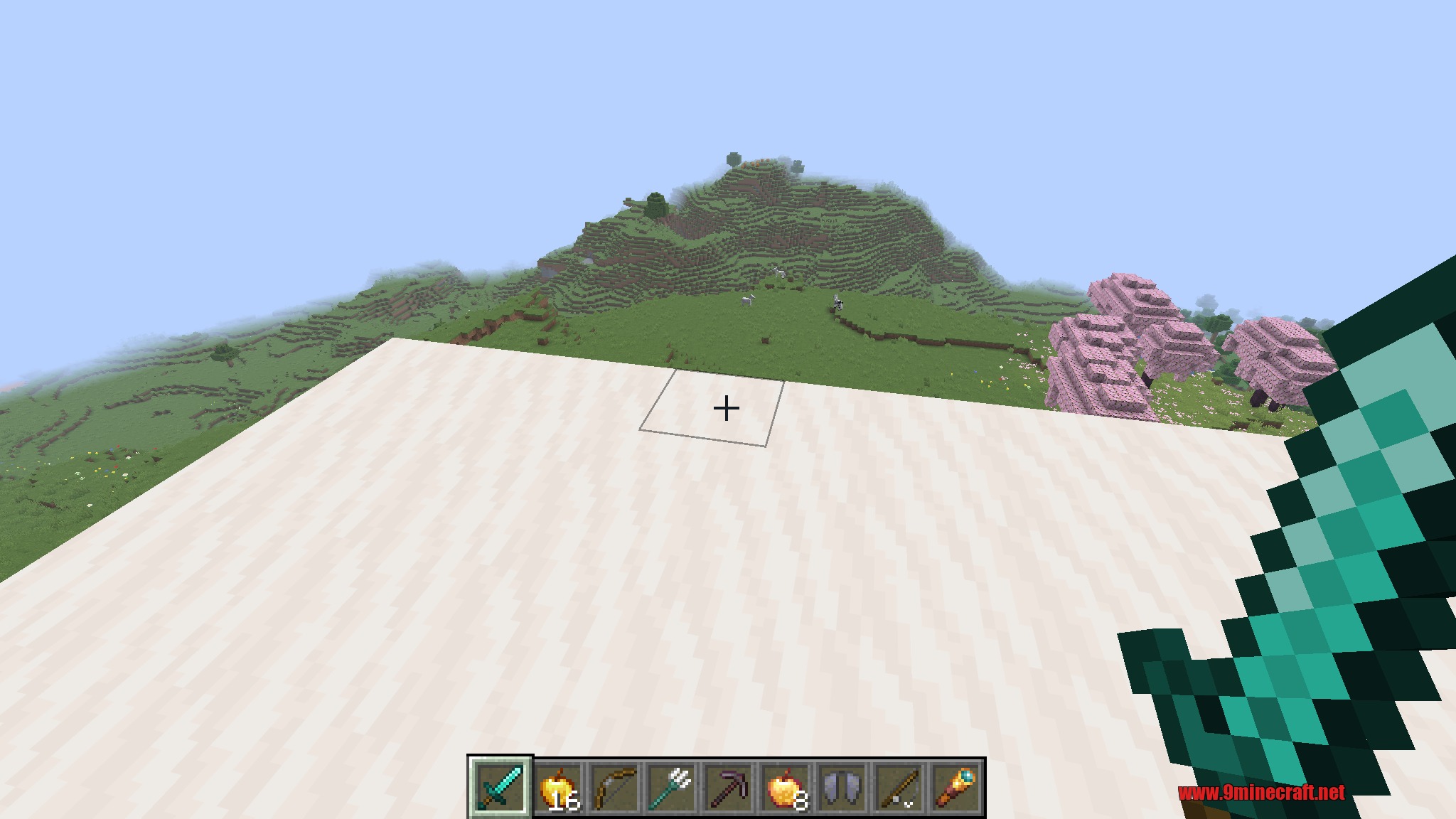
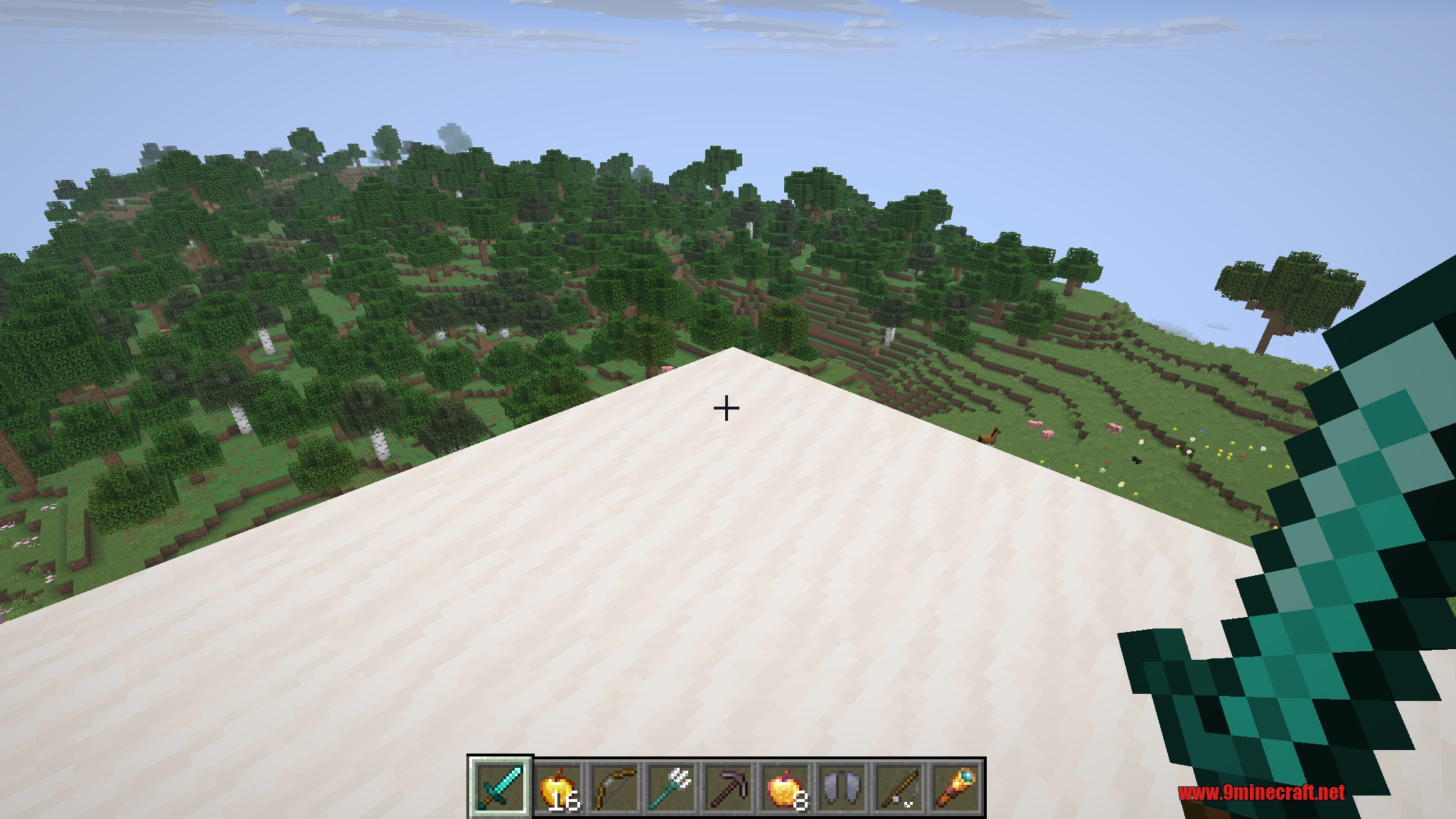
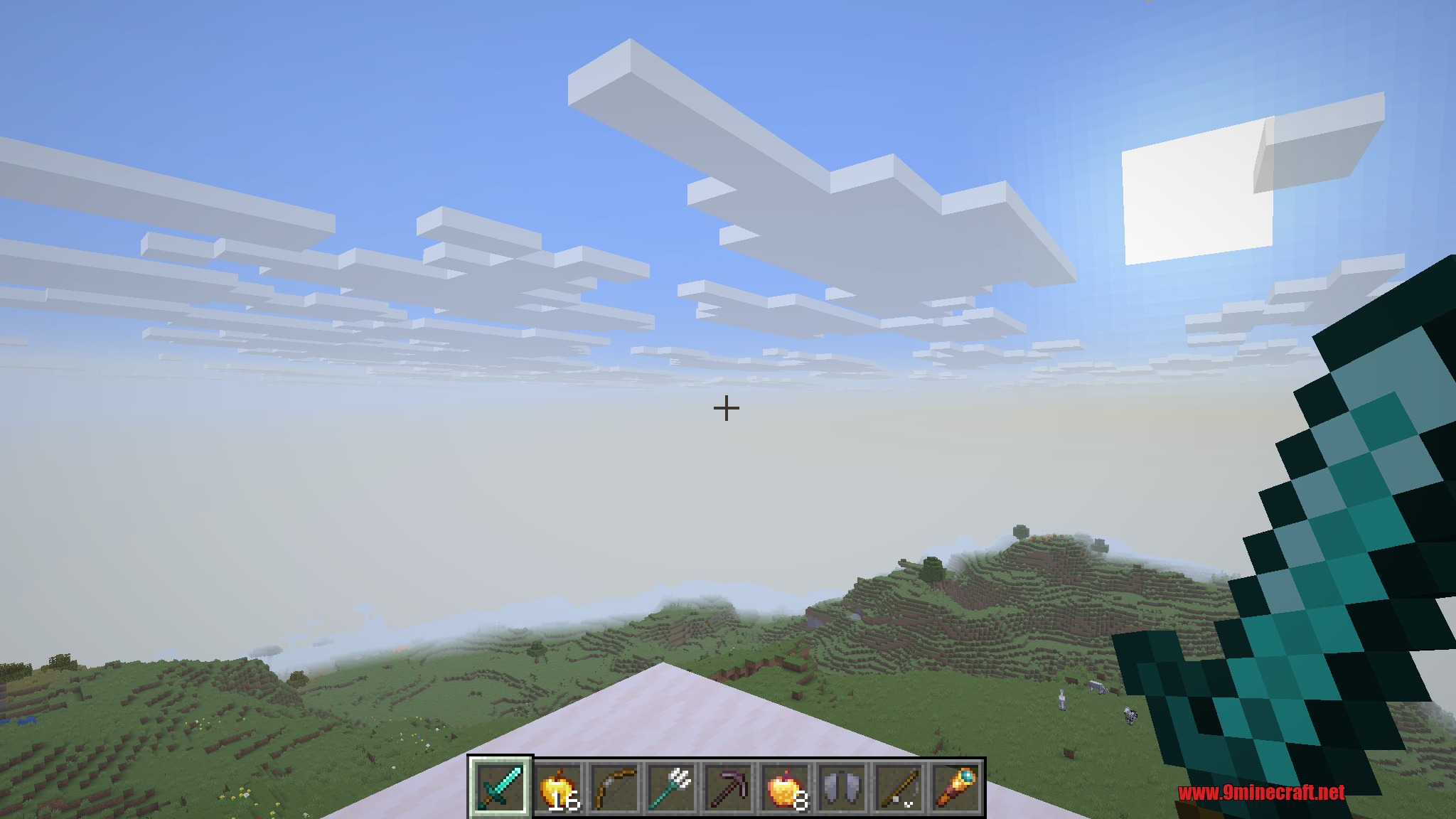
Model Gap Fix 9minecraft Mod is a lightweight, client-side visual enhancement that removes the tiny gaps, seams, and see-through slivers that can appear around the edges of item models. If you have ever noticed thin transparent lines running along the outline of a sword, tool, or any flat item as it is rendered in 3D, this mod cleans them up so every item looks crisp and solid from any angle.
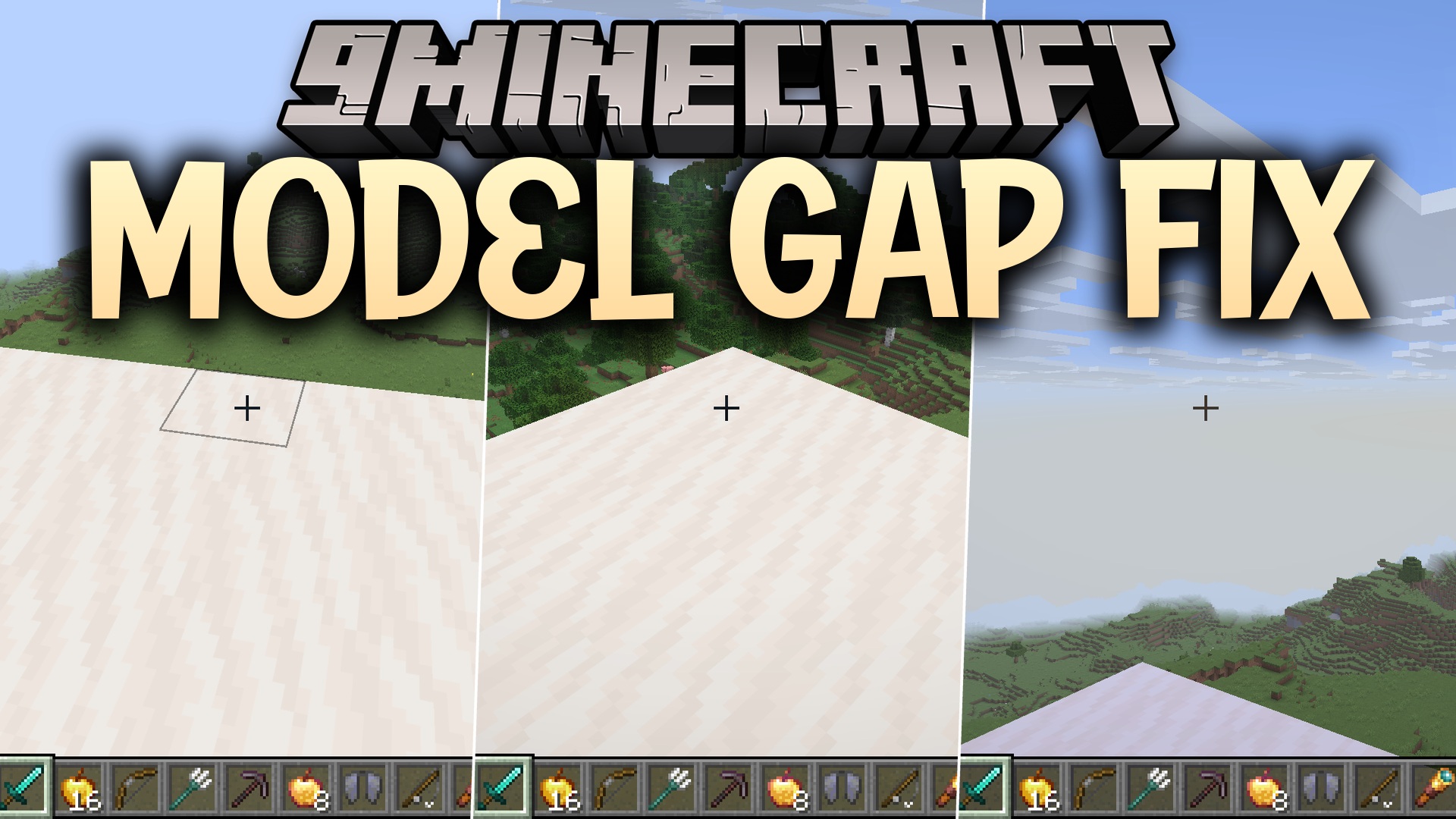
The mod works by subtly adjusting how the outer side faces of generated item models are built, extending them just enough to close the seams without changing an item’s shape, size, or texture. The effect is completely automatic and applies to every item in the game – vanilla and modded alike – so you get gap-free item rendering everywhere with zero configuration and no noticeable impact on performance.
Because it only touches client-side model generation, it stays fully compatible with resource packs, shaders, and other content, and it is safe to add to or remove from any existing world at any time.
Features:
- Removes thin gaps and see-through seams along the edges of item models.
- Makes held, dropped, and inventory items look crisp and solid from every angle.
- Applies automatically to all vanilla and modded items – no setup required.
- Purely visual and client-side, with no effect on gameplay balance.
- Stays compatible with resource packs and shaders; safe to add or remove anytime.
How to Use:
- Install the mod and launch the game – the fix is applied automatically.
- Look at any item in your hand, dropped on the ground, or in your inventory to see clean, gap-free edges.
- There is nothing to configure; it simply works quietly in the background.
How to Install:
New to Minecraft? Follow our step-by-step guide to install Mods on your PC.View Guide



Model Gap Fix 9minecraft Mod Download Links
For Minecraft 26.2
You May Also Like











This post has no comments yet. Be the first — your comment will appear here.